

Charting the Path to Customer Loyalty: Essential Journey Mapping
Understanding your customer's journey is crucial for business success. A well-defined customer journey map helps anticipate customer needs, personalize interactions, and optimize touchpoints for conversions. This curated list of 11 customer journey template tools empowers you to transform complex interactions into actionable insights. Stop guessing and start understanding how your customers interact with your business, from initial awareness to long-term loyalty.
This listicle provides practical solutions for:
- Small business owners: Discover cost-effective ways to improve customer engagement and boost sales.
- Digital marketing agencies: Compare and integrate new tools to streamline client campaigns.
- E-commerce managers: Optimize the online shopping experience for higher conversions.
- Content creators: Understand your audience journey and create targeted content that resonates.
- Marketing professionals: Explore AI-driven tools for automation and analytics.
We'll dive deep into each customer journey template tool, covering:
- Key features and functionalities
- Real-world use cases and examples
- Honest assessments of limitations
- Practical implementation guidance
Whether you're mapping a simple sales funnel or a complex multi-channel experience, this list will help you find the perfect customer journey template tool. Let's explore these powerful platforms and start building exceptional customer experiences.
1. UXPressia
UXPressia stands out as a powerful customer journey mapping platform suitable for both beginners and experienced users. It offers a comprehensive suite of tools, allowing you to visualize the entire customer experience from initial awareness to post-purchase engagement. This makes it ideal for businesses wanting to identify pain points and optimise key touchpoints. Its extensive template library of over 100 customizable options significantly reduces the setup time, making it quicker to get started with mapping. Small businesses especially benefit from this feature as it provides readily available structures for various industries and use cases. Want to delve deeper into digital marketing strategies incorporating customer journey mapping? Learn more about UXPressia and its applications.
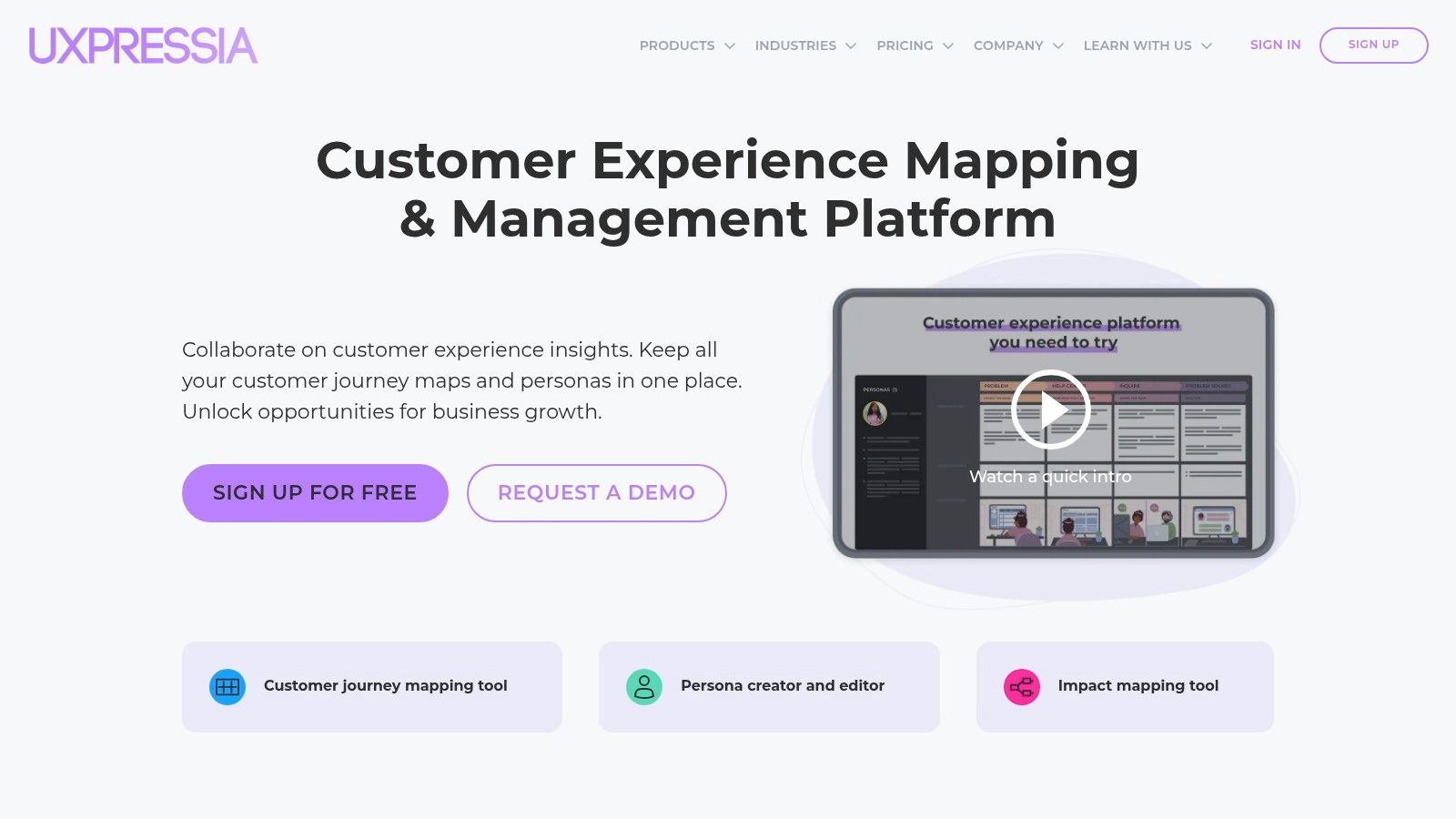
While UXPressia offers a user-friendly interface, its more advanced features like impact mapping and the AI-powered persona creator may require a learning curve. However, the platform’s real-time collaboration capabilities facilitate seamless teamwork, allowing multiple users to work on the same customer journey map simultaneously. This fosters efficient communication and speeds up the mapping process, especially valuable for agencies working with multiple clients or large teams. UXPressia integrates with various web analytics and project management tools, further streamlining the workflow.
One limitation is its restricted offline functionality, making internet access a necessity. This could pose a challenge for users who frequently work remotely or in locations with limited connectivity. Despite this drawback, the platform's intuitive design, extensive template library, and real-time collaboration features make UXPressia a valuable tool for any business investing in improving customer experience.
2. Smaply
Smaply shines as a user-friendly web-based tool specifically designed for crafting customer journey maps, personas, and stakeholder maps. Its intuitive interface makes it easy to visualize the customer experience and identify areas for improvement. This makes it a practical choice for businesses seeking a straightforward solution for understanding their customer's journey. Smaply's unique Smartly Capture feature allows users to digitize hand-drawn maps, bridging the gap between offline brainstorming and digital documentation. This is particularly useful for workshops and collaborative sessions. Small businesses and marketing agencies will appreciate the ability to quickly translate visual ideas into actionable online maps.
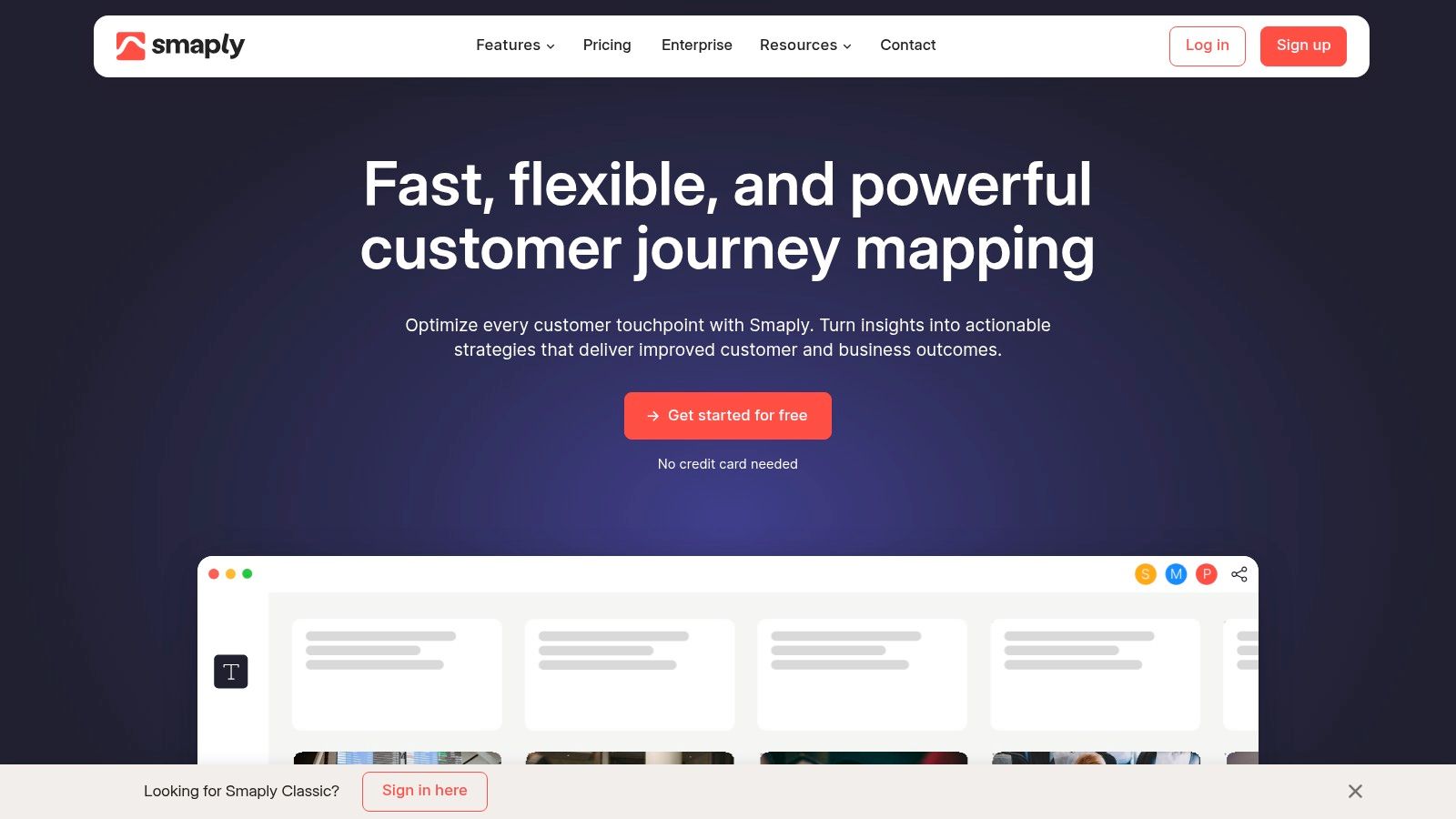
While Smaply excels in its ease of use and collaborative features, allowing multiple users to work on the same customer journey map in real time, it does have some limitations. The lack of a shared team library for components can hinder efficient workflow, especially for larger teams. Also, the absence of undo/redo functionality can be frustrating when making edits. Furthermore, managing document ownership and transferring files can be cumbersome due to the lack of dedicated features.
Despite these drawbacks, Smaply’s intuitive design, coupled with its unique features like Smartly Capture and the ability to import journeys from platforms like Miro and Mural, makes it a valuable tool. The platform's support for multiple export formats provides flexibility in sharing and presenting customer journey maps. Smaply’s real-time collaboration capabilities are a significant advantage for teams working on customer journey templates together, promoting efficient communication and streamlined workflow. This is particularly useful for creating and refining customer journey templates collaboratively.
3. Lucidchart
Lucidchart excels as a versatile, cloud-based diagramming tool ideal for crafting clear and comprehensive customer journey maps. Its intuitive drag-and-drop interface simplifies the process of visualizing customer interactions, from initial touchpoints to post-purchase experiences. This user-friendly design makes Lucidchart a suitable choice for businesses of all sizes, particularly those seeking a collaborative approach to customer journey mapping. The extensive template library provides a strong foundation for various scenarios, allowing users to quickly adapt and customize maps to their specific needs. This streamlines the mapping process, making it efficient and accessible even for users with limited design experience.
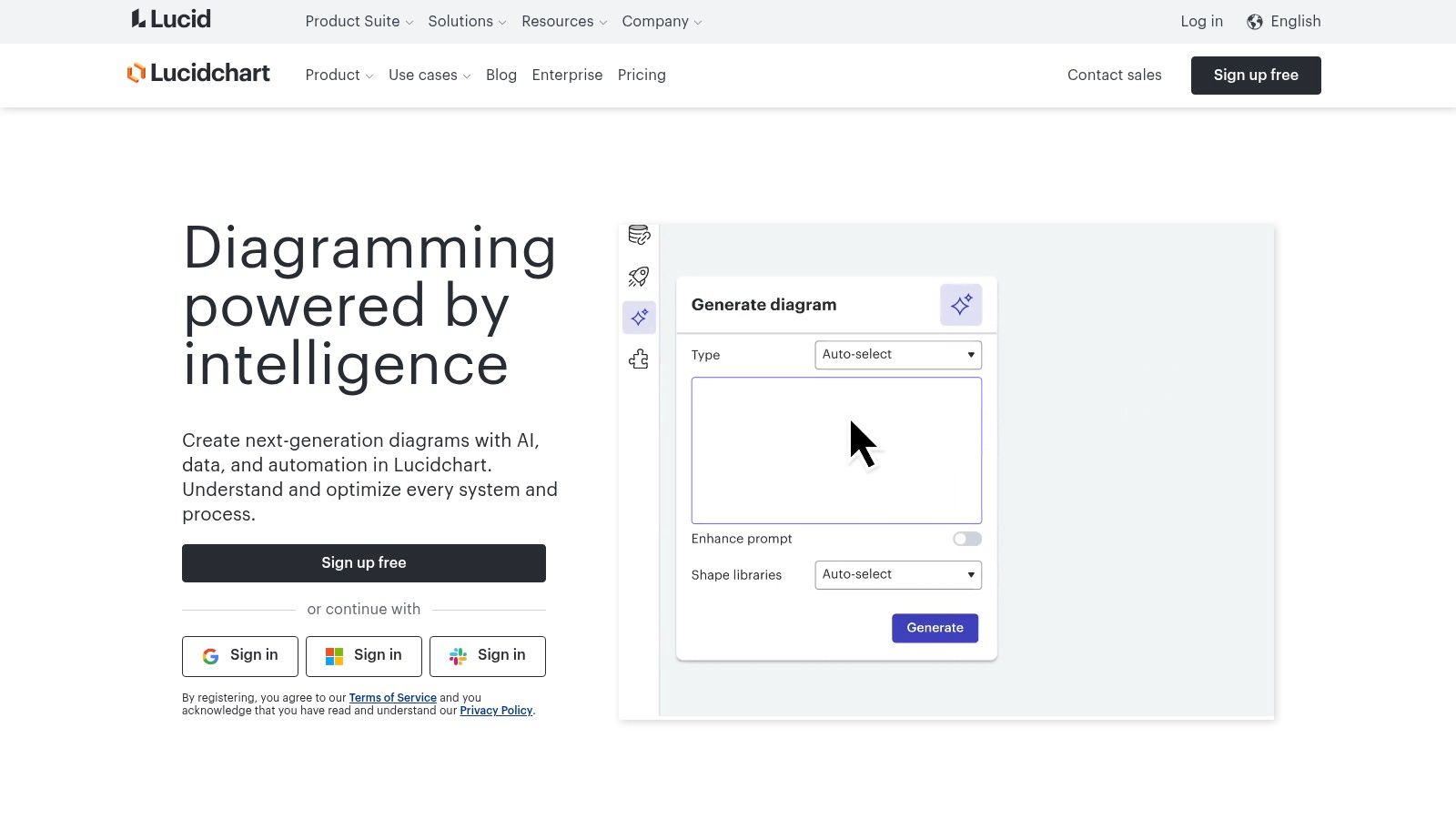
Real-time collaboration features within Lucidchart empower teams to work together seamlessly on customer journey maps. This collaborative environment fosters efficient communication and ensures everyone stays aligned throughout the mapping process. Integration with popular platforms like Google Workspace, Microsoft Teams, and Slack further enhances workflow efficiency. Lucidchart's extensive shape libraries and data linking capabilities allow users to create highly detailed and dynamic customer journey maps, visualizing complex processes and data-driven insights.
While the drag-and-drop interface is generally user-friendly, mastering some of the advanced features might require a learning curve. The subscription costs could also be a barrier for smaller teams or individual users. Additionally, sharing options for non-account users are somewhat limited, which can hinder collaboration with external stakeholders. Despite these limitations, Lucidchart remains a valuable tool for businesses looking to create and share professional customer journey maps, benefiting from its seamless integrations and collaborative features.
4. Miro
Miro is a versatile online collaborative whiteboard platform that excels at facilitating customer journey mapping. Its real-time collaboration features make it particularly useful for teams working remotely or across different locations. The extensive template library offers a solid starting point, allowing you to quickly visualise the customer experience and tailor it to specific business needs. This platform is ideal for those seeking a visual and interactive way to map customer journeys, fostering team engagement and alignment throughout the process. Want to explore more virtual marketing tools and strategies? Learn more about Miro.
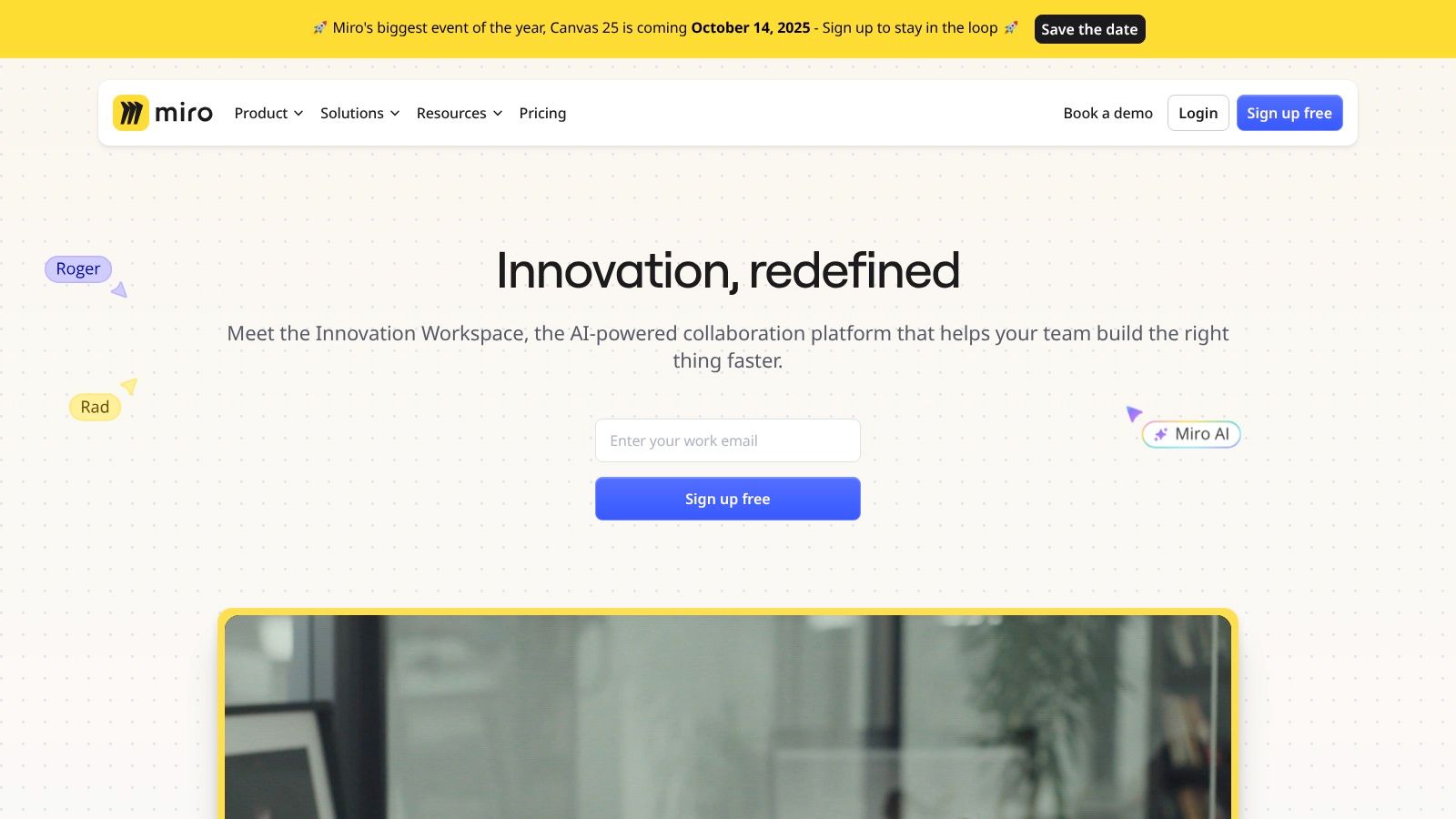
Miro’s intuitive interface makes onboarding straightforward, even for users unfamiliar with customer journey mapping. The availability of community templates further simplifies the process, providing ready-to-use frameworks for various scenarios. Sharing boards is effortless, even with external stakeholders who don't have a Miro account, facilitating seamless collaboration. This is particularly beneficial for agencies presenting customer journey maps to clients.
While Miro offers a range of benefits, there are some limitations to consider. Customizing shapes and patterns within the platform can be somewhat restrictive. Additionally, the options for exporting content could be more comprehensive. Despite these drawbacks, Miro's collaborative features, ease of use, and extensive template library make it a valuable asset for businesses seeking to understand and improve their customer journeys. This platform can be a powerful tool for creating effective customer journey templates for businesses in the UK market.
5. Figma
Figma shines as a versatile design and prototyping tool, extending its capabilities to customer journey mapping. Its collaborative environment, real-time editing, and commenting features make it a strong contender for teams working on customer experience projects. This accessibility simplifies the process of iterating and refining customer journey maps, particularly for agencies managing multiple client projects. Small businesses will also appreciate the ease of use and sharing capabilities, fostering seamless collaboration even with external stakeholders.
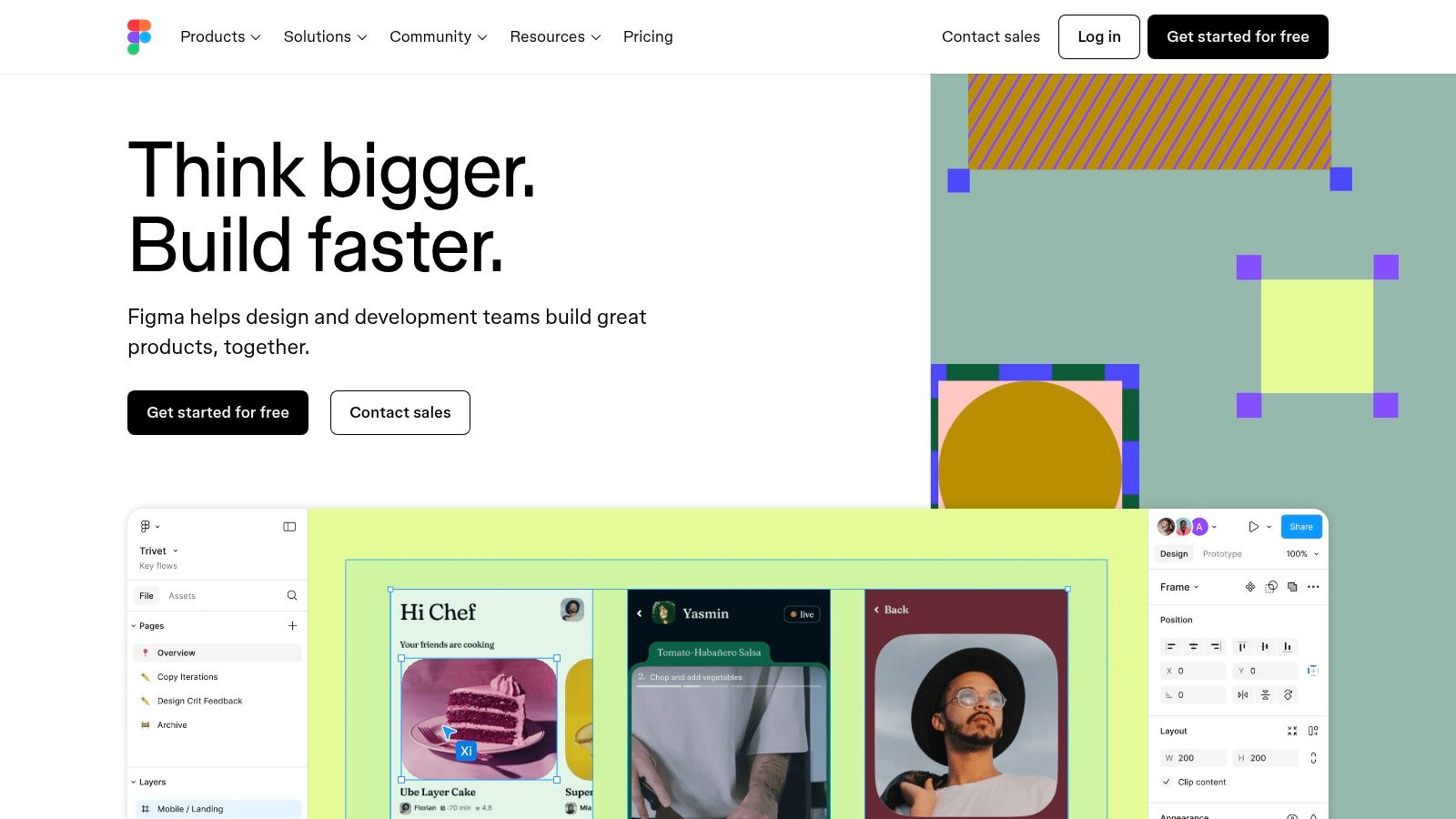
Figma's extensive community-contributed templates provide a jumping-off point for creating customer journey maps. These templates, readily available and often free, cater to various industries and scenarios, saving valuable time. The browser-based accessibility eliminates the need for software downloads, making it easy to get started quickly. The robust plugin ecosystem further expands Figma's functionality, offering specialized tools that can enrich customer journey mapping.
One area where Figma could improve is its limited native support for custom shapes and patterns. This can restrict the level of visual detail in more complex customer journey maps. The export options are also somewhat restricted compared to dedicated customer journey mapping tools. However, Figma's intuitive interface and collaborative features, combined with the availability of free templates, make it a valuable tool for visualizing and refining the customer journey. Especially when considered against its cost-effectiveness, Figma offers a competitive solution for small businesses and agencies looking to improve customer experience.
6. Custellence
Custellence is a dedicated customer journey mapping tool specifically designed for CX professionals. Its drag-and-drop interface combined with real-time and asynchronous collaboration features makes it a strong contender for teams focused on customer experience optimization. This platform allows for the creation of complex journey maps with hierarchical structures, enabling a granular view of the customer experience. This is especially beneficial for larger organisations with intricate customer journeys spanning multiple touchpoints. Small businesses looking to elevate their CX game will also find the intuitive interface and pre-built templates a valuable starting point.
While Custellence offers a user-friendly interface, mastering its advanced features like map hierarchies and persona customization may require some initial effort. The platform shines in its collaborative capabilities. Both real-time and asynchronous collaboration options cater to diverse team workflows. This flexibility makes it ideal for agencies managing multiple client projects or distributed teams working across different time zones. Integration with other tools further streamlines the customer journey mapping process.
One potential drawback is the limited offline functionality. Consistent internet access is crucial for utilizing Custellence effectively. This might be a concern for users who frequently work remotely or travel to areas with unreliable connectivity. However, the platform's intuitive design, focus on collaboration, and ability to create detailed journey maps make it a valuable tool for businesses investing in customer experience. Its ability to manage complex journey maps with multiple touchpoints sets it apart, specifically addressing the needs of larger organisations and those seeking to meticulously document the customer journey.
7. TheyDo
TheyDo is a customer journey management platform designed to help teams map, manage, and improve customer experiences at scale. Its core features, including a structured journey framework, an opportunity matrix for identifying improvement areas, and impact tracking, make it a valuable tool for businesses seeking to optimize their customer journeys. This platform is particularly well-suited for larger organizations or those with complex customer interactions, enabling them to create a single source of truth for their customer understanding. Small businesses seeking a simple customer journey template might find its robust feature set overwhelming, while larger organizations will appreciate its comprehensive approach.
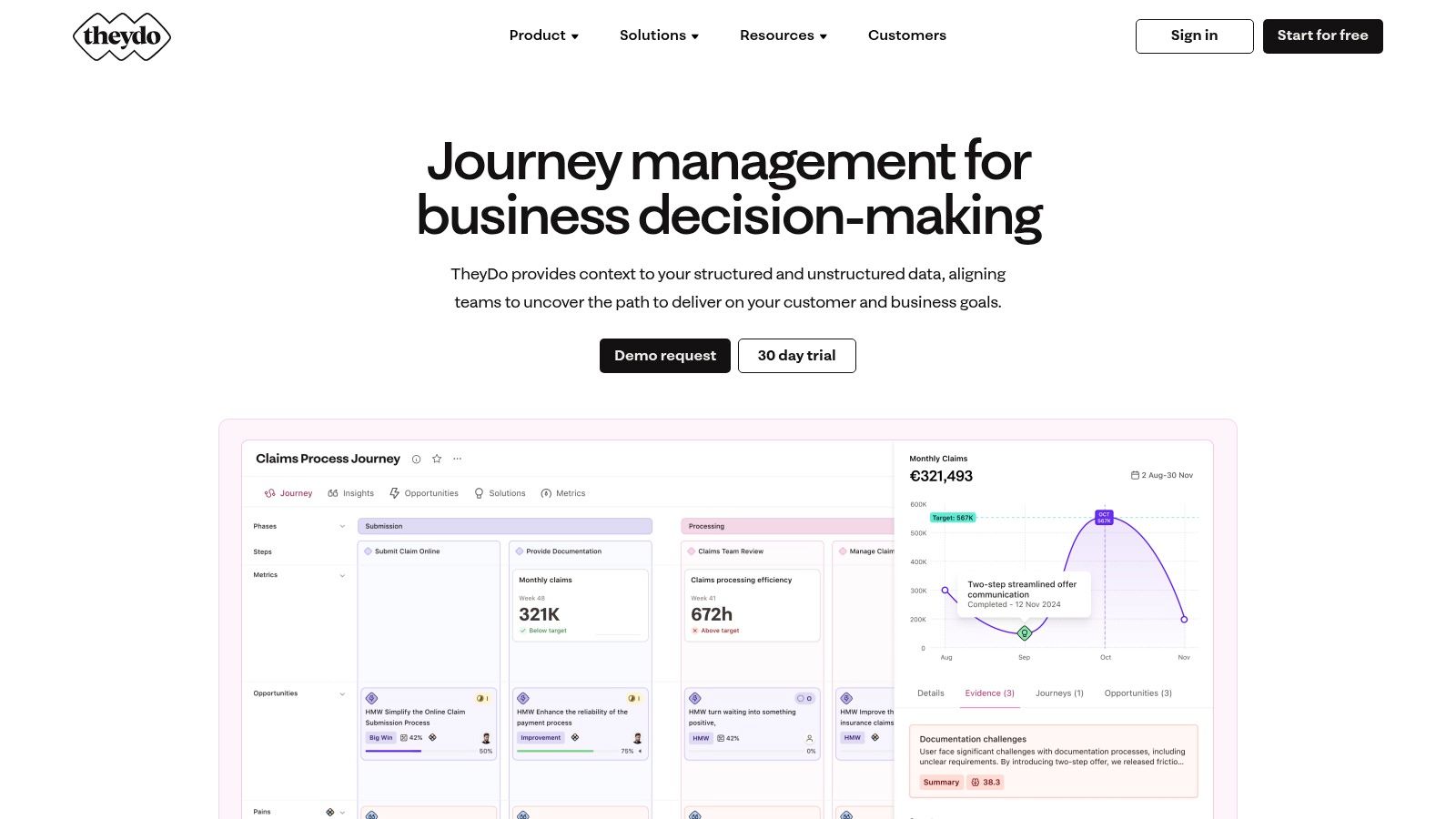
TheyDo's user-friendly interface promotes seamless team collaboration, allowing multiple users to contribute to and refine customer journey maps simultaneously. The platform's integration hub connects with various data sources, enabling teams to incorporate real customer data into their journey maps for a more accurate and actionable view. This real-time collaboration feature and data integration capability make TheyDo an excellent choice for agencies managing multiple client projects or businesses with distributed teams.
While the interface is generally intuitive, the sheer depth of features, like the opportunity matrix and impact tracking, can present a learning curve for new users. TheyDo primarily focuses on online collaboration, and offline functionality is limited. This can be a drawback for teams working remotely or needing access to their journey maps offline. Despite this, TheyDo's focus on collaborative journey management and its powerful features make it a worthwhile investment for businesses looking to improve customer experience and drive growth by leveraging the power of a customer journey template.
8. Gliffy
Gliffy is a user-friendly online diagramming tool ideal for creating customer journey maps directly in your browser. Its drag-and-drop interface simplifies the process of visualizing the customer experience, from initial touchpoints to post-purchase interactions. This makes it a practical choice for businesses seeking a straightforward way to map and analyze their customer journeys. The extensive template library offers a solid starting point, especially beneficial for small businesses or those new to journey mapping, enabling them to quickly adapt pre-built templates to their specific needs. Gliffy's seamless integration with Atlassian products is a significant advantage for teams already using this ecosystem.
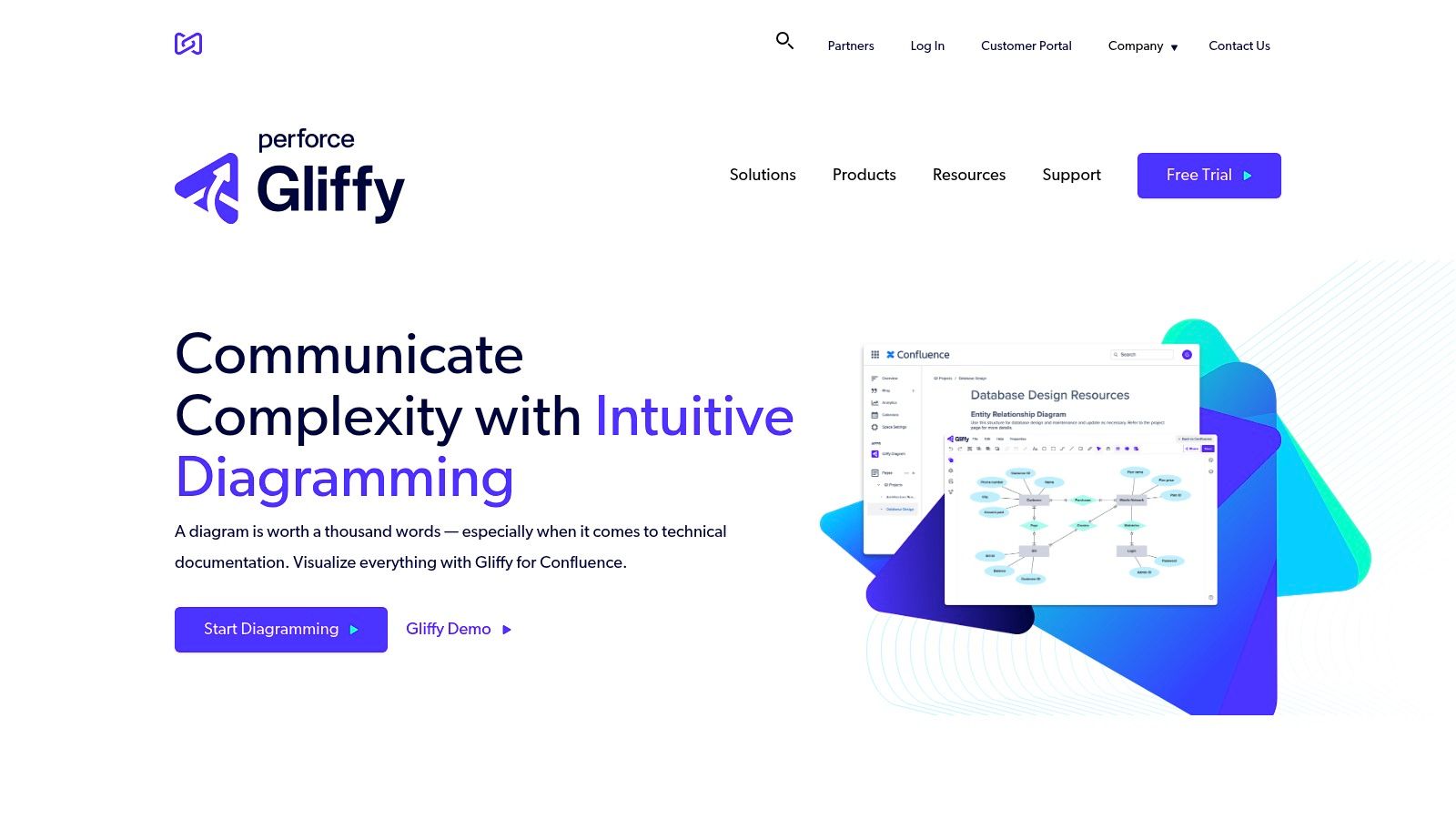
While Gliffy's interface is generally intuitive, some advanced features might require a bit of a learning curve. However, its collaborative editing features promote seamless teamwork, allowing multiple users to contribute to the same customer journey map simultaneously. This real-time collaboration is invaluable for agencies or larger teams working on complex customer journey projects. The ability to export in multiple formats provides flexibility in sharing and presenting your completed customer journey maps.
One potential drawback is Gliffy's limited offline functionality, requiring a stable internet connection for use. This can be a limitation for users who often work remotely or in areas with unreliable internet access. Despite this, Gliffy's ease of use, template library, and Atlassian integration make it a strong contender for businesses seeking an effective tool to create and manage customer journey templates. It effectively balances simplicity with collaborative features, making it a valuable asset for improving customer experience.
9. Microsoft Visio
Microsoft Visio is a robust diagramming tool within the Microsoft 365 ecosystem, well-suited for crafting detailed flowcharts, organizational charts, and, importantly, customer journey maps. Its strength lies in its ability to handle both simple and complex visualizations, aided by an extensive library of templates. This makes it a valuable asset for businesses aiming to visually represent and analyze their customer's journey. Visio's tight integration with other Microsoft 365 applications makes it particularly attractive to businesses already invested in that ecosystem.
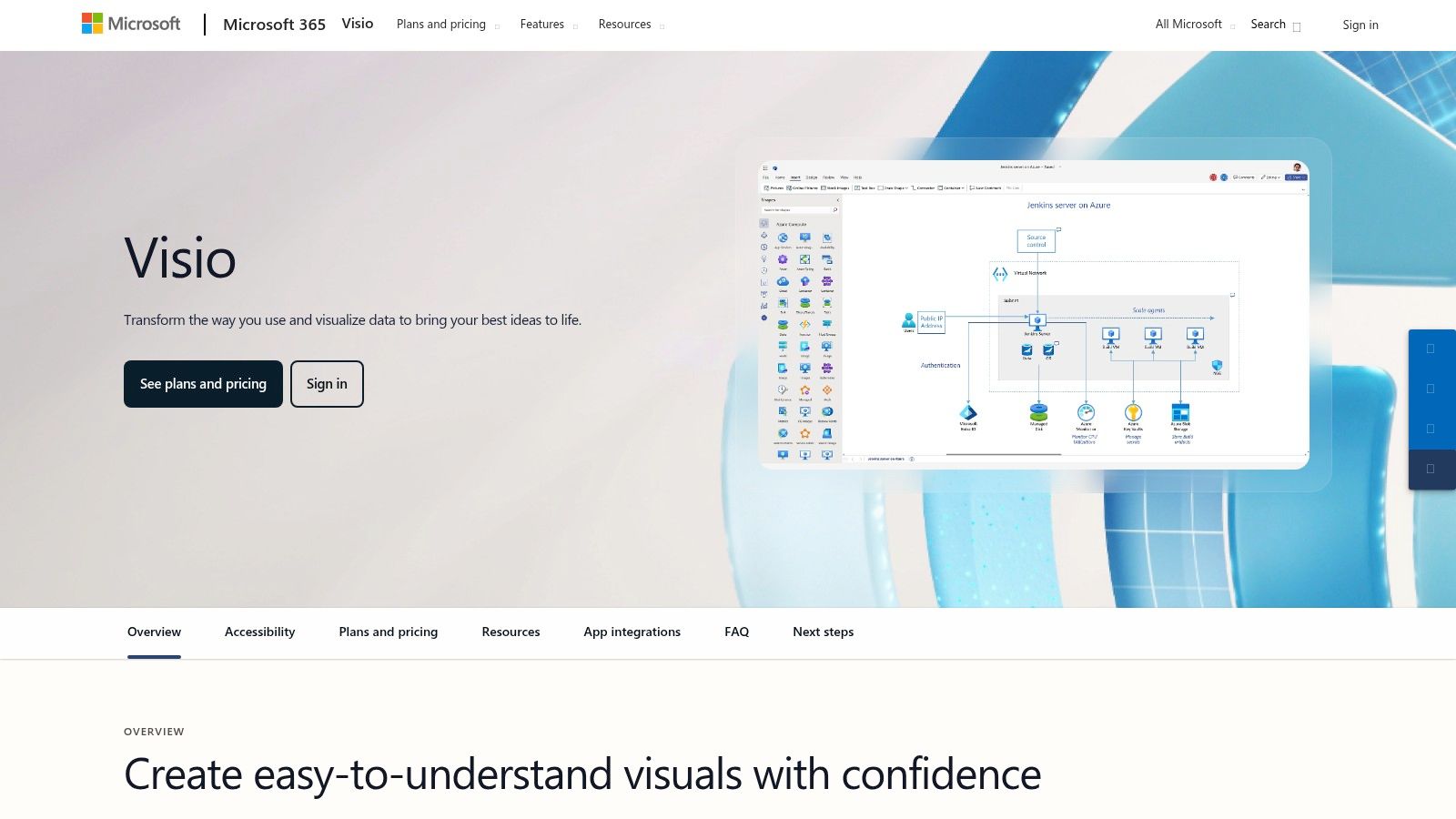
Visio offers a user-friendly interface, making it relatively easy to get started with creating customer journey maps. The comprehensive templates significantly reduce setup time, allowing users to quickly populate pre-built frameworks with their specific customer data. The seamless team collaboration features, typical of the Microsoft environment, facilitate real-time co-authoring and editing of journey maps. This streamlines workflows and improves team communication, especially beneficial for larger organizations or agencies working with multiple clients.
While Visio boasts a user-friendly interface for basic diagramming, its more advanced features might present a steeper learning curve for some users. Mastering the nuances of data visualization and leveraging its full potential for customer journey mapping may require dedicated exploration. Another potential limitation is its reliance on the Microsoft ecosystem. While integration with other Microsoft products is a strong point, it might not be the ideal solution for businesses heavily invested in other platforms. Despite these minor drawbacks, Visio's power, flexibility, and integration with familiar tools make it a compelling option for businesses seeking to map and optimize their customer journeys.
10. Adobe Experience Cloud
Adobe Experience Cloud stands out as a comprehensive digital experience platform. It includes Adobe Journey Optimizer, which automates customer journey mapping across online, mobile, and physical channels. This makes it ideal for businesses seeking a robust, integrated solution. Its AI-powered analytics and real-time data integration empower users to create truly personalized experiences. Small businesses aiming to enhance customer engagement and boost conversions, especially in e-commerce, will find this particularly valuable.
Adobe Experience Cloud’s strength lies in its comprehensive set of digital experience tools. It facilitates seamless team collaboration, allowing different departments to work together effectively. Pre-built customer journey templates, tailored for specific industries, significantly reduce setup time. This allows teams to focus on strategy rather than tedious manual mapping. Want to learn more about integrating customer journey mapping into your digital marketing efforts? Learn more about Adobe Experience Cloud.
While the platform's integrated nature is a strength, it also introduces complexity. Mastering its advanced features, like AI-powered personalization within Journey Optimizer, requires a learning curve. The comprehensive nature of the platform also means it can be a significant investment. Pricing varies based on specific needs and features. This can be a barrier for smaller businesses or those with limited budgets. Despite these challenges, the platform’s power and capabilities make it a strong contender for businesses investing in sophisticated customer experience management.
One limitation, like some other enterprise-level platforms, is its restricted offline functionality. Internet access is essential for full functionality. This might pose a challenge for users needing access on the go or in areas with limited connectivity. However, for businesses seeking a robust, integrated platform for managing the entire customer lifecycle, Adobe Experience Cloud offers a powerful solution.
11. Funnelytics
Funnelytics is a visual customer journey mapping tool specifically designed for marketers to map, track, and optimize their sales and marketing funnels. It provides a clear, visual representation of the customer journey, allowing businesses to pinpoint areas for improvement and increase conversions. This focus on funnel visualization makes it especially useful for e-commerce businesses and those with complex sales processes. Small businesses can benefit from visualizing their customer journey to understand drop-off points and optimize their marketing spend. Want to refine your marketing strategies? Learn more about Funnelytics for your small business.
Funnelytics’ strength lies in its user-friendly interface, making it easy to create and customize customer journey maps, even without prior experience. Features like drag-and-drop functionality, pre-built templates, and real-time data integration simplify the mapping process. Its analytics and tracking capabilities provide valuable insights into customer behavior at each stage of the funnel. This helps marketers understand where customers are dropping off and identify opportunities to improve engagement and conversions.
While Funnelytics is intuitive, its primary focus on sales and marketing funnels can be a limiting factor for businesses looking to map broader customer experiences beyond the purchase process. For example, mapping long-term customer relationships or service interactions might require a more versatile tool. However, for businesses prioritizing funnel optimization and revenue attribution, Funnelytics’ focused approach offers a streamlined and effective solution.
Customer Journey Template Tools Comparison
| Tool | Core Features / Highlights | User Experience ★ | Unique Selling Points ✨ | Target Audience 👥 | Pricing / Value 💰 |
|---|---|---|---|---|---|
| UXPressia | 100+ templates, AI persona creator, real-time collaboration | ★★★★☆ | AI-powered personas, impact mapping tools | Teams, agencies, beginners | Moderate |
| Smaply | Stakeholder maps, Smartly Capture, multi-format export | ★★★☆☆ | Digitize hand-drawn maps, journey imports | CX pros, teams | Moderate |
| Lucidchart | Drag-and-drop, data linking, platform integrations | ★★★★☆ | Cross-platform integration | Businesses, teams | Higher subscription cost |
| Miro | Collaborative whiteboard, interactive elements, templates | ★★★★☆ | Easy sharing, extensive community templates | Teams, remote workers | Freemium to paid plans |
| Figma | Design & prototyping, real-time editing, plugins | ★★★★☆ | Extensive design assets, plugin support | Designers, marketers | Freemium to paid plans |
| Custellence | Drag-and-drop, map hierarchies, async collaboration | ★★★★☆ | Asynchronous collaboration | CX professionals | Moderate |
| TheyDo | Journey framework, impact tracking, integration hub | ★★★★☆ | Opportunity matrix, scalable management | Teams, CX managers | Moderate |
| Gliffy | Drag-and-drop editor, Atlassian integration, export options | ★★★☆☆ | Seamless Atlassian suite integration | Agile teams, businesses | Moderate |
| Microsoft Visio | Extensive diagramming, MS365 integration, export options | ★★★★☆ | Deep Microsoft ecosystem compatibility | Enterprises, teams | Higher cost |
| Adobe Experience Cloud | Multi-channel mapping, AI analytics, real-time integration | ★★★★★ | AI-powered analytics, Adobe suite integration | Large enterprises, CX pros | Premium |
| Funnelytics | Visual funnel mapping, analytics, revenue attribution | ★★★☆☆ | Real-time funnel tracking | Marketers, small businesses | Affordable |
Empowering Your Business with Customer Journey Mastery
Choosing the right customer journey template tool is crucial for understanding and optimising your customer experience. This curated list provides a starting point for UK businesses seeking cost-effective yet powerful solutions in 2025 and beyond. From simple visualization tools like Gliffy to comprehensive suites like Adobe Experience Cloud, there's a fit for every need and budget.
Key Takeaways and Practical Applications
Remember, the most effective customer journey map is one that is actively used and iteratively improved. Start simple, focusing on a key persona and a specific touchpoint you want to improve. Don't get bogged down in creating the “perfect” map from the outset.
- For visual collaboration and brainstorming: Miro and Figma excel. They are ideal for collaborative workshops and rapid prototyping of customer journeys.
- For established UX professionals: UXPressia and Smaply provide advanced features for in-depth analysis and journey orchestration.
- For those seeking integration with existing Microsoft ecosystems: Microsoft Visio offers familiarity and compatibility.
- For budget-conscious beginners: Gliffy provides a user-friendly and accessible entry point.
Selecting the Right Tool for Your Needs
Consider these factors when making your decision:
- Budget: Tools range from free basic plans to premium enterprise subscriptions. Evaluate your needs and resources accordingly.
- Collaboration features: If you need a platform for team collaboration, ensure the tool supports real-time editing and feedback mechanisms.
- Integration capabilities: Seamless integration with existing CRM, analytics, and marketing automation tools can significantly enhance your workflow.
- Complexity and features: Choose a tool that aligns with your team's technical expertise and the depth of analysis you require.
Implementing Your Chosen Tool Effectively
Successful implementation goes beyond simply choosing a tool. Consider these points:
- Data integration: Connect your chosen platform to relevant data sources to enrich your customer journey maps with real customer insights.
- Cross-functional collaboration: Involve representatives from different departments to ensure a holistic view of the customer journey.
- Regular review and iteration: Customer journeys are not static. Regularly review and update your maps to reflect changing customer behaviour and business objectives.
By thoughtfully selecting and implementing a customer journey template tool, you can unlock valuable insights into your customer's experience, leading to improved satisfaction, increased loyalty, and ultimately, sustainable business growth. Start mapping your path to success today.
To further enhance your customer journey mapping and overall digital marketing strategy, explore The Digital Marketing Toolbox. This comprehensive platform offers a suite of resources and tools, including guides on customer segmentation, marketing automation, and analytics integration, to help you maximize the impact of your customer journey mapping efforts. Streamline your marketing processes and unlock your business's growth potential with the right tools at your fingertips.


