
Navigating the world of Search Engine Optimisation (SEO) can feel overwhelming for small business owners. With limited time and budgets, choosing the right tools is not just a matter of convenience, it’s a critical business decision. The wrong toolkit can lead to wasted resources and missed opportunities, while the right one can unlock significant growth, driving organic traffic and putting you ahead of your competitors. This guide is designed to cut through the noise and help you find the best SEO tools for your small business needs, whether you're a local shop, a growing e-commerce brand, or a service-based enterprise.
We've moved beyond generic marketing copy to provide a detailed, practical breakdown of the top platforms available. Instead of simply listing features, we offer an honest assessment of what each tool does best, its limitations, and who it's truly built for. This comprehensive resource list is organised to help you compare your options effectively and make a confident choice.
Inside, you will find a thorough analysis of 12 powerful SEO tools, including industry leaders like Ahrefs and SEMrush, alongside budget-friendly powerhouses like Ubersuggest and SE Ranking. We also cover essential free platforms like Google Search Console and specialised tools such as BrightLocal for local SEO. For each tool, we provide:
- Honest Pros & Cons: A balanced view to manage your expectations.
- Clear Pricing Information: Details on free trials and different subscription tiers.
- Practical Use-Case Scenarios: Real-world examples of how to apply the tool to your business.
- Screenshots & Direct Links: Visual aids and easy access to explore each option yourself.
Our goal is straightforward: to equip you with the information needed to select a cost-effective, powerful SEO toolkit that delivers tangible results for your small business. Let's get started.
1. Ahrefs
Ahrefs has established itself as an industry powerhouse, offering a comprehensive suite of tools that go far beyond basic SEO. For small businesses serious about dominating search results, it provides an unparalleled depth of data, particularly in backlink analysis and competitor research. Its reputation is built on having one of the largest and most accurate backlink indexes available, making it a go-to for understanding and replicating competitor success.
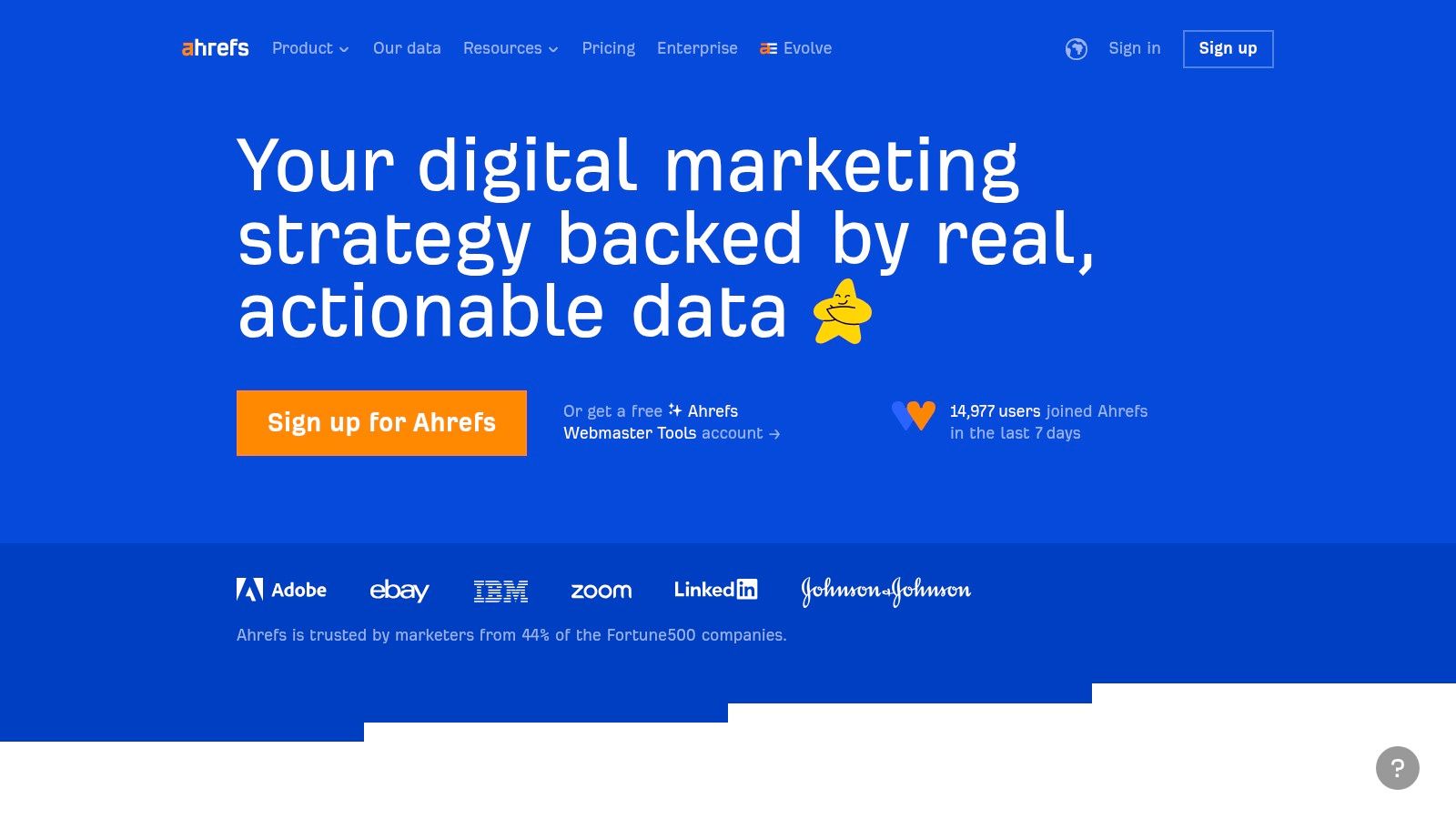
While it sits at a higher price point, the investment is often justified by the sheer scope of its features, which essentially bundle multiple tools into one seamless platform. This makes it one of the best SEO tools for small business owners who prefer an all-in-one solution rather than managing several subscriptions.
Key Features and Use Cases
- Site Explorer: Enter any competitor's URL to see their top organic keywords, backlink profile, and highest-traffic pages. This is invaluable for reverse-engineering successful strategies.
- Keywords Explorer: Provides incredibly detailed keyword data, including a reliable Keyword Difficulty (KD) score, search volume trends, and “clicks” data, which tells you how many people actually click on search results.
- Site Audit: A powerful technical SEO crawler that scans your website for hundreds of potential issues, from broken links to missing meta descriptions, and provides clear instructions on how to fix them.
- Content Explorer: Discover top-performing content in your niche. Use it to find content ideas that have already proven to generate social shares and backlinks.
Pricing and Access
Ahrefs operates on a tiered subscription model, starting with the “Lite” plan at approximately £79 per month. It's important to note that Ahrefs no longer offers a free trial, but they do provide a range of free tools with limited functionality, which can give you a taste of the platform's power.
| Pros | Cons |
|---|---|
| Enormous and accurate backlink database. | Higher price point can be a barrier. |
| User-friendly and intuitive interface. | No traditional free trial available. |
| Comprehensive, all-in-one toolset. | Can be overwhelming for absolute beginners. |
Website: https://ahrefs.com/
2. SEMrush
SEMrush is a true all-in-one marketing toolkit, positioning itself as a direct and powerful competitor to Ahrefs. It offers an incredibly broad array of features that cover not just SEO, but also PPC, content marketing, and social media. For small businesses that need a single platform to manage their entire digital marketing strategy, SEMrush is an exceptional choice due to its versatility and depth of data.
Its main strength lies in its comprehensive approach. You can move seamlessly from keyword research to competitor ad analysis, and then to a technical site audit, all within one unified dashboard. This integration makes it one of the best SEO tools for small business owners who want a holistic view of their online performance without juggling multiple tools. By understanding the full picture, you can create a more cohesive marketing strategy for your small business.
Key Features and Use Cases
- Keyword Magic Tool: An expansive keyword research feature that allows you to discover millions of keyword suggestions and group them by topic for efficient content planning.
- On-Page SEO Checker: Provides actionable recommendations for improving your pages' rankings based on an analysis of your top-ranking competitors.
- Competitor Analysis Suite: Uncover your rivals' SEO and PPC strategies. You can see their best keywords, top-performing content, and even their advertising copy.
- Position Tracking: Monitor your website's daily rankings for a custom set of target keywords, tracking performance across different locations and device types.
Pricing and Access
SEMrush offers several subscription tiers, with its “Pro” plan starting at approximately £105 per month. It provides a limited free trial, which allows new users to test its core functionalities before committing to a paid plan.
| Pros | Cons |
|---|---|
| Extremely comprehensive all-in-one toolset. | Higher price point may be a stretch for some. |
| Intuitive and user-friendly interface. | The sheer number of features can be overwhelming. |
| Excellent keyword and competitor research tools. | Learning curve can be steep for absolute beginners. |
Website: https://www.semrush.com/
3. Ubersuggest
Acquired and heavily developed by marketing guru Neil Patel, Ubersuggest has carved out a niche as an accessible and highly affordable entry point into the world of SEO. It aims to demystify complex data, presenting it in a clean, straightforward interface that is perfect for small business owners who may not have a deep technical background. Its main draw is providing a robust set of features, from keyword research to site audits, at a fraction of the cost of its premium competitors.
This focus on affordability and ease of use makes Ubersuggest one of the best SEO tools for small business owners and freelancers operating on a tight budget. While it may not offer the same depth of data as enterprise-level platforms, it provides more than enough actionable insights to build and execute a successful SEO strategy from the ground up.
Key Features and Use Cases
- Keyword Analyzer: Discover new keyword opportunities with reliable search volume, competition data, and cost-per-click information. It also provides historical data to help you spot seasonal trends.
- Content Ideas Generator: Enter a keyword and get a list of high-performing blog post titles and content ideas based on what's already popular on social media and in search results.
- SEO Audit: Crawls your website to identify technical SEO issues like slow-loading pages, broken links, and metadata problems, offering a prioritised list of fixes.
- Backlink Data: Analyse your own or a competitor's backlink profile to see who is linking to them. This is a great starting point for building your own link-building campaign.
Pricing and Access
Ubersuggest offers a very generous free version with limited daily searches, which is perfect for trying it out. Paid plans are extremely competitive, starting at around £29 per month for individuals. It also frequently offers a “lifetime” deal, providing access for a one-off payment, which is a rare and valuable offer in the SEO tool market.
| Pros | Cons |
|---|---|
| Extremely budget-friendly pricing. | Data may not be as extensive as premium tools. |
| Clean and user-friendly interface. | The free plan has significant daily search limits. |
| Provides valuable historical keyword data. | Can feel less powerful for in-depth competitor analysis. |
Website: https://neilpatel.com/ubersuggest/
4. SE Ranking
SE Ranking has carved out a strong position as an incredibly cost-effective, all-in-one SEO platform. It delivers a robust suite of features that rival more expensive competitors, making it an excellent choice for startups and small businesses managing a tight marketing budget. The platform is designed to be comprehensive, covering everything from rank tracking and keyword research to in-depth site audits and competitor analysis.
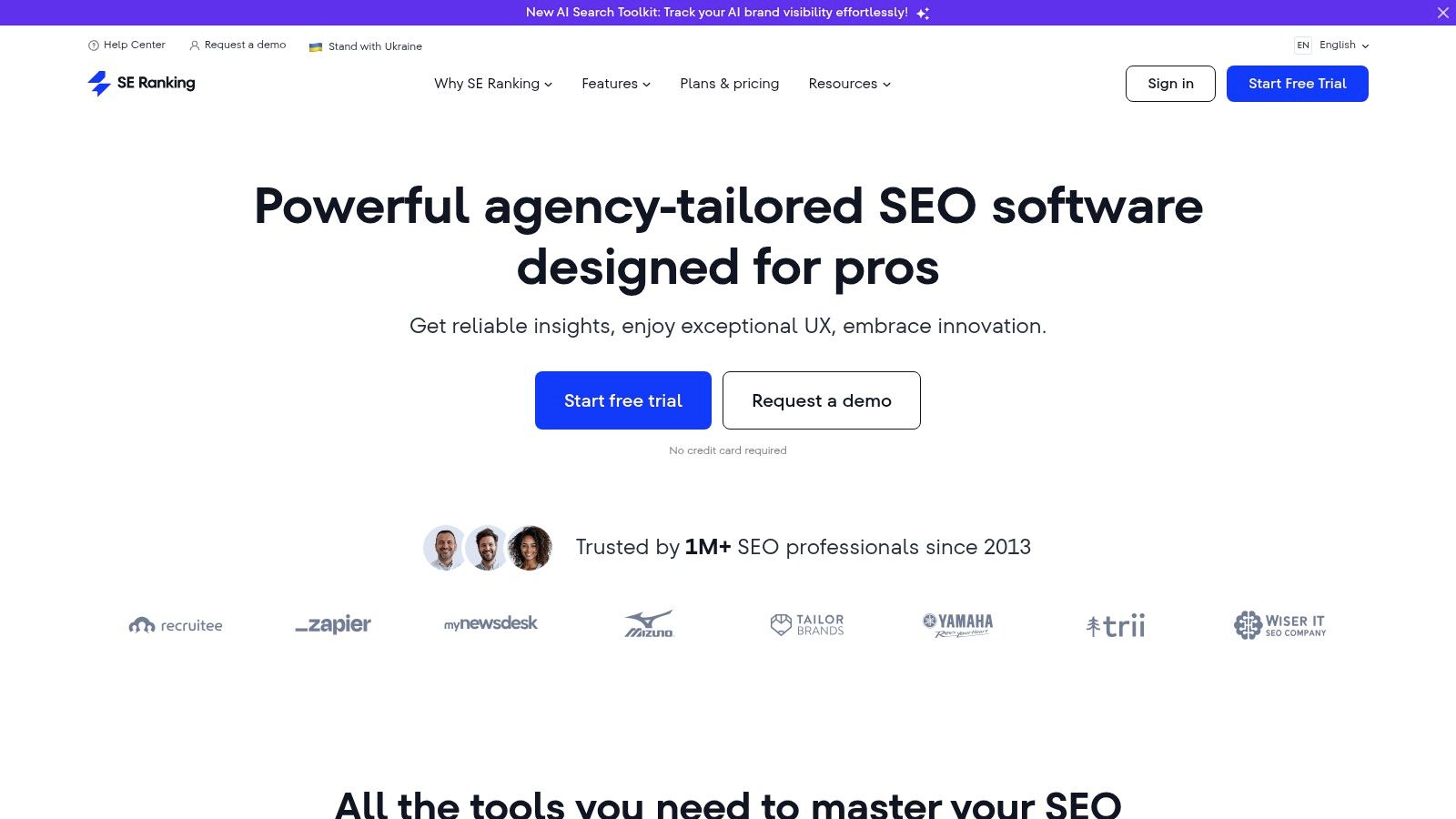
Its balance of powerful functionality and affordable pricing makes it one of the best SEO tools for small business owners who need a complete toolkit without the enterprise-level price tag. The platform is particularly noted for its accurate rank tracking and flexible reporting capabilities, which are invaluable for demonstrating SEO progress to clients or stakeholders.
Key Features and Use Cases
- Accurate Keyword Rank Tracker: Monitor your keyword positions across all major search engines, with options for tracking by specific location, device, and even Google Maps results.
- Detailed Site Audit: Crawls your entire website to identify technical SEO issues, categorising them by severity and providing clear, actionable recommendations for fixes.
- Competitor Analysis Tool: Analyse your competitors’ organic and paid search strategies. Discover their keywords, see their ad copy, and understand their traffic sources to find opportunities for your own business.
- On-Page SEO Checker: Evaluates individual pages against target keywords, offering a detailed report on how well the page is optimised and providing a checklist for improvements.
Pricing and Access
SE Ranking’s pricing is highly flexible and starts from approximately £44 per month for the “Essential” plan. The cost adjusts based on the frequency of rank checking (daily, every 3 days, or weekly) and the number of keywords tracked. A 14-day free trial is available, allowing you to test the full feature set before committing.
| Pros | Cons |
|---|---|
| Very cost-effective and flexible plans. | Essential plan lacks historical data access. |
| Comprehensive all-in-one feature set. | Can have a learning curve with advanced features. |
| User-friendly interface with great reporting. | Backlink index is smaller than top-tier rivals. |
Website: https://seranking.com/
5. Yoast SEO
For any small business running on WordPress, Yoast SEO is less of a tool and more of an essential component. This powerful plugin integrates directly into your WordPress dashboard, demystifying on-page SEO and making it accessible to everyone, regardless of technical expertise. It provides real-time feedback as you write, guiding you to optimise content for your target keywords before you even hit publish.
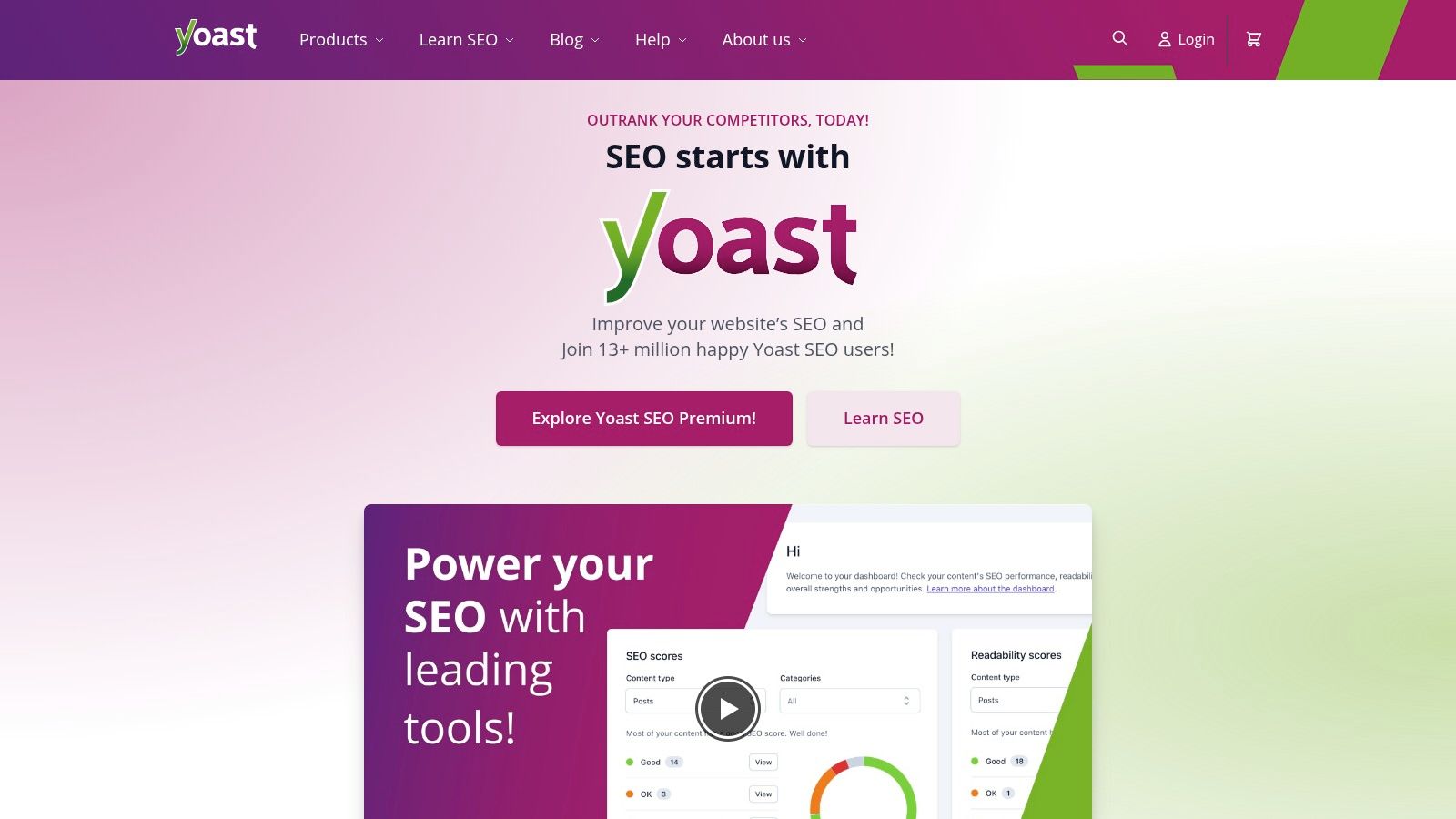
Its strength lies in its simplicity and direct implementation. Rather than analysing your site from an external platform, Yoast gives you the controls to fix issues on the spot. This makes it one of the best SEO tools for small business owners who need straightforward, actionable guidance built right into their content creation workflow, without the complexity of a separate, comprehensive suite.
Key Features and Use Cases
- On-Page SEO Analysis: Get instant analysis on your post or page for a focus keyphrase. Yoast provides a simple traffic light system (red, orange, green) with clear suggestions for improvement.
- Readability Analysis: The plugin scores your content's readability using the Flesch Reading Ease score and other metrics, helping you write content that is easy for both users and search engines to understand.
- XML Sitemap Management: Yoast automatically generates and updates your XML sitemap, ensuring search engines can efficiently find and index all your important pages.
- Schema Markup: It automatically adds structured data to your pages, which helps search engines understand your content better and can lead to rich results in SERPs.
Pricing and Access
Yoast SEO offers a robust free version that covers all the fundamental on-page SEO needs for a small business. For more advanced features like internal linking suggestions, redirect management, and multiple focus keywords, Yoast Premium is available for an annual fee, starting at approximately £99 per year for a single site.
| Pros | Cons |
|---|---|
| Extremely user-friendly for beginners. | Limited to WordPress-based websites. |
| Comprehensive and powerful free version. | Advanced features require a paid upgrade. |
| Seamless integration into WordPress workflow. | Focuses primarily on on-page SEO. |
Website: https://yoast.com/
6. BrightLocal
For small businesses that live and die by their local clientele, BrightLocal is an indispensable ally. It zeroes in on the specific challenges of local SEO, providing a specialised toolkit designed to boost visibility in a business's immediate geographical area. Unlike broader SEO platforms, its entire focus is on mastering local search signals, from Google Business Profile optimisation to managing online reviews and building local citations.
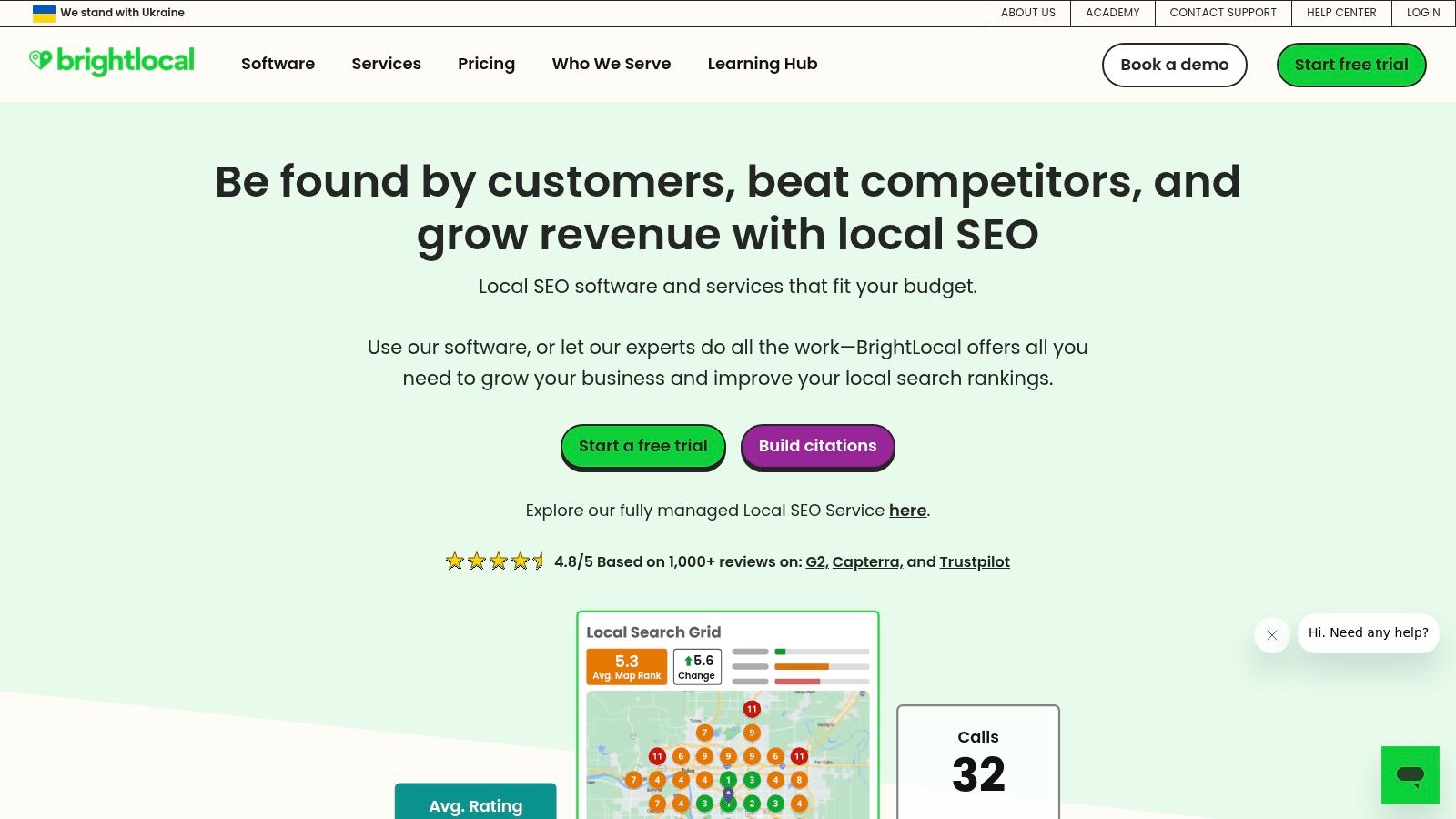
This sharp focus makes it one of the best SEO tools for small business owners like plumbers, restaurant owners, and retail shops who need to dominate local map packs and search results. The platform simplifies complex local SEO tasks, making it accessible even for those without deep technical expertise. It combines monitoring, reporting, and active campaign management in one place, offering a clear path to improving local search performance.
Key Features and Use Cases
- Local Search Rank Tracker: Accurately track your keyword rankings at a city or postcode level, giving you a true picture of your local search visibility.
- Citation Builder & Management: Find and build citations on hundreds of relevant local directories. It helps you clean up inconsistent Name, Address, and Phone (NAP) details, a critical local ranking factor.
- Reputation Management: Aggregate customer reviews from dozens of sites into one dashboard. You can monitor, respond to, and generate new reviews to build social proof. For more on customer engagement, you can explore the advantages of combining your marketing efforts.
- Local SEO Audit: Run comprehensive audits that check everything from on-site SEO and local listings to your Google Business Profile, providing a scannable report with actionable fixes.
Pricing and Access
BrightLocal offers several subscription tiers, with plans starting from just £29 per month, making it highly affordable. They provide a full-featured 14-day free trial, allowing businesses to explore the entire toolset without commitment. Note that some services, like the hands-on citation building, incur additional costs.
| Pros | Cons |
|---|---|
| Highly specialised for local SEO needs. | Feature complexity can require a learning curve. |
| Very affordable entry-level pricing. | Citation-building service has additional costs. |
| Excellent reputation and review management. | Primarily focused on local, less useful for national SEO. |
| Powerful and customisable reporting. | User interface can feel dense with data. |
Website: https://www.brightlocal.com/
7. SEOptimer
SEOptimer is specifically engineered for the small business owner or marketing professional who needs powerful SEO insights without a steep learning curve or high budget. It excels at providing clear, actionable website audits and a suite of easy-to-use tools that demystify the complexities of search engine optimisation. Its strength lies in its simplicity and focus on DIY SEO, making it an excellent starting point for businesses just beginning their SEO journey.
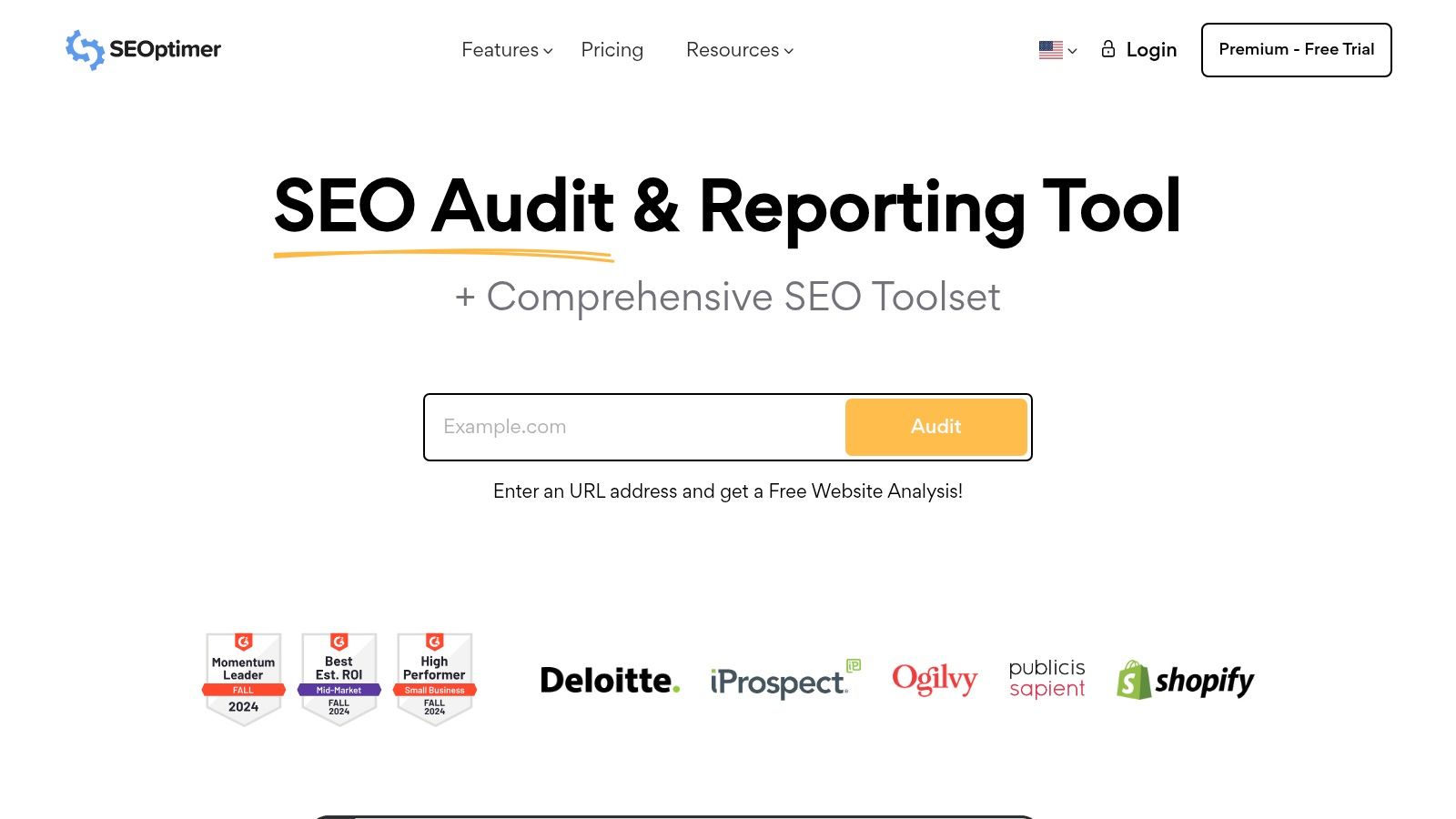
Unlike more complex platforms, SEOptimer presents data in a highly digestible format, often with clear scoring systems and prioritised task lists. This approach transforms a daunting technical audit into a manageable to-do list, which is why it’s considered one of the best SEO tools for small business users who need guidance and direction.
Key Features and Use Cases
- Website Audits: Generate a comprehensive report in seconds that analyses on-page SEO, usability, performance, and social media signals. This is perfect for a quick health check or for creating reports for clients.
- DIY SEO: This feature provides a step-by-step guide with weekly tasks to improve your SEO performance, ideal for users who need a structured plan to follow.
- Keyword Tracking Tool: Monitor your website's search engine rankings for key terms, helping you to measure the impact of your SEO efforts over time.
- Embeddable Audit Tool: Agencies and freelancers can embed a white-label version of the audit tool on their own site to generate leads, a standout feature at its price point.
Pricing and Access
SEOptimer offers several affordable plans, starting with the “DIY SEO” plan at approximately £15 per month. They also offer a 14-day free trial, allowing users to fully explore the platform's capabilities before committing to a subscription.
| Pros | Cons |
|---|---|
| Very affordable and budget-friendly. | Lacks the deep data of premium tools. |
| Extremely user-friendly and intuitive. | Not designed for large-scale enterprise SEO. |
| Actionable, task-based recommendations. | Backlink analysis is less comprehensive. |
Website: https://www.seoptimer.com/
8. Screaming Frog
Screaming Frog's SEO Spider is a desktop-based website crawler renowned for its technical SEO auditing capabilities. For small businesses, it offers a deep dive into the foundational health of a website, uncovering issues that can hinder search performance. Unlike cloud-based tools, it crawls a site from your computer, providing real-time data and complete control over the audit process.
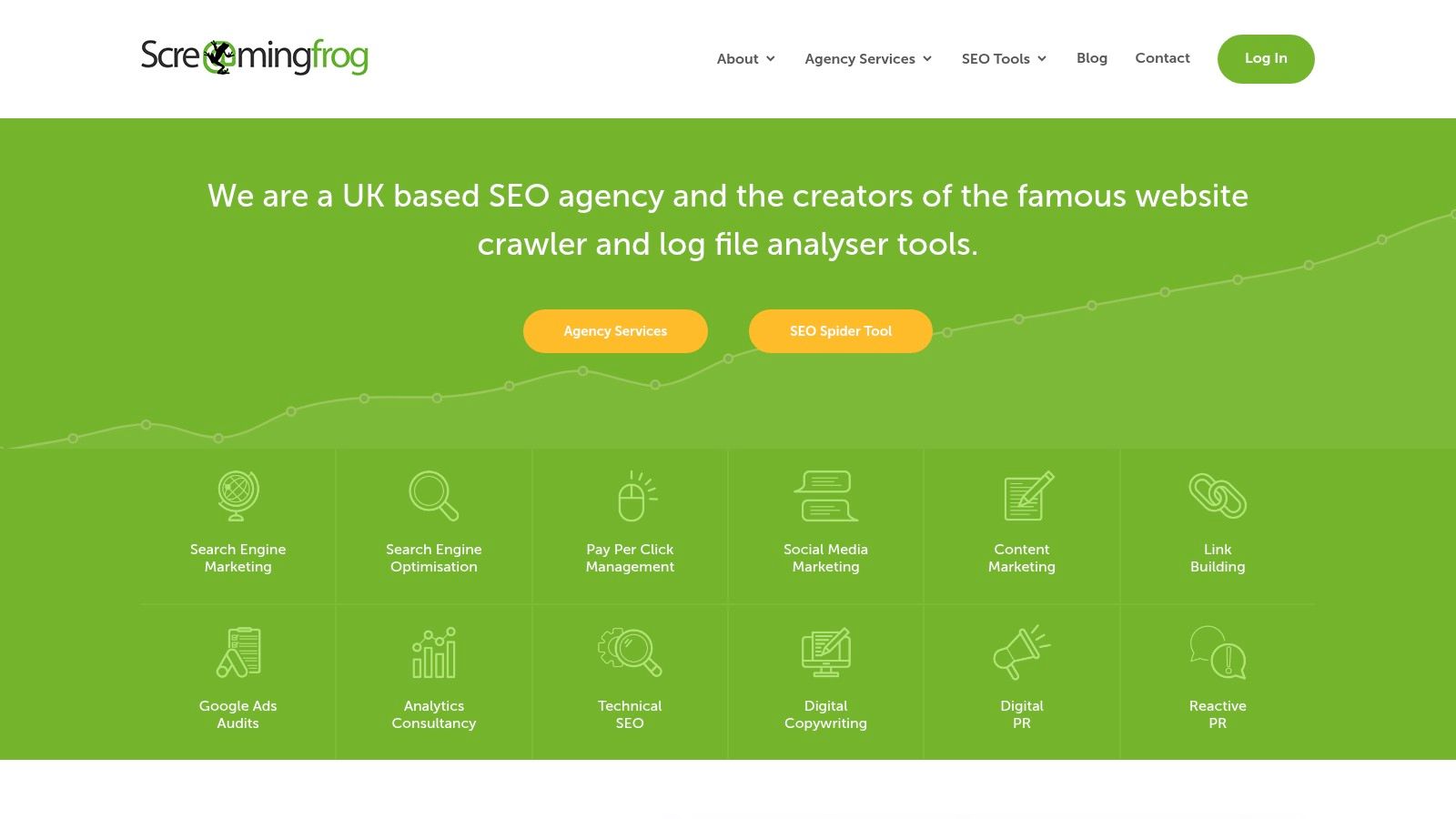
Its primary strength lies in its comprehensive analysis, making it one of the best SEO tools for small business owners who need to perform in-depth technical audits without a recurring monthly subscription. While the interface can seem complex at first, its power for diagnosing site structure and on-page problems is unmatched at its price point.
Key Features and Use Cases
- Find Broken Links & Server Errors: Quickly crawl your entire site to identify 404 errors and other server issues that harm user experience and SEO.
- Analyse Page Titles & Metadata: Export a full list of your site's page titles and meta descriptions to find missing, duplicate, or poorly optimised entries.
- Generate XML Sitemaps: Create an accurate XML sitemap for submission to search engines, ensuring they can find and index all your important pages.
- Audit Redirects: Discover temporary and permanent redirect chains that can dilute link equity and slow down your site.
- Discover Duplicate Content: Use the tool to find pages with duplicate or near-duplicate content, a common issue that can negatively impact rankings.
Pricing and Access
Screaming Frog offers a highly functional free version that allows you to crawl up to 500 URLs, which is often sufficient for smaller websites. For larger sites or access to advanced features, a paid licence is available for a one-off annual fee of £199.
| Pros | Cons |
|---|---|
| Comprehensive technical SEO analysis. | Interface can be complex for beginners. |
| Generous free version for smaller sites. | Free version is limited to 500 URLs. |
| Regular updates and feature additions. | Requires local installation on a computer. |
Website: https://www.screamingfrog.co.uk/
9. Moz Pro
Moz Pro is a long-standing and respected name in the SEO world, offering an all-in-one suite of tools that balances power with user-friendliness. It's particularly well-regarded for its educational resources and its proprietary metrics like Domain Authority (DA), which have become industry standards for gauging website strength. For small businesses, Moz Pro provides a robust framework for building and executing a solid SEO strategy from the ground up.
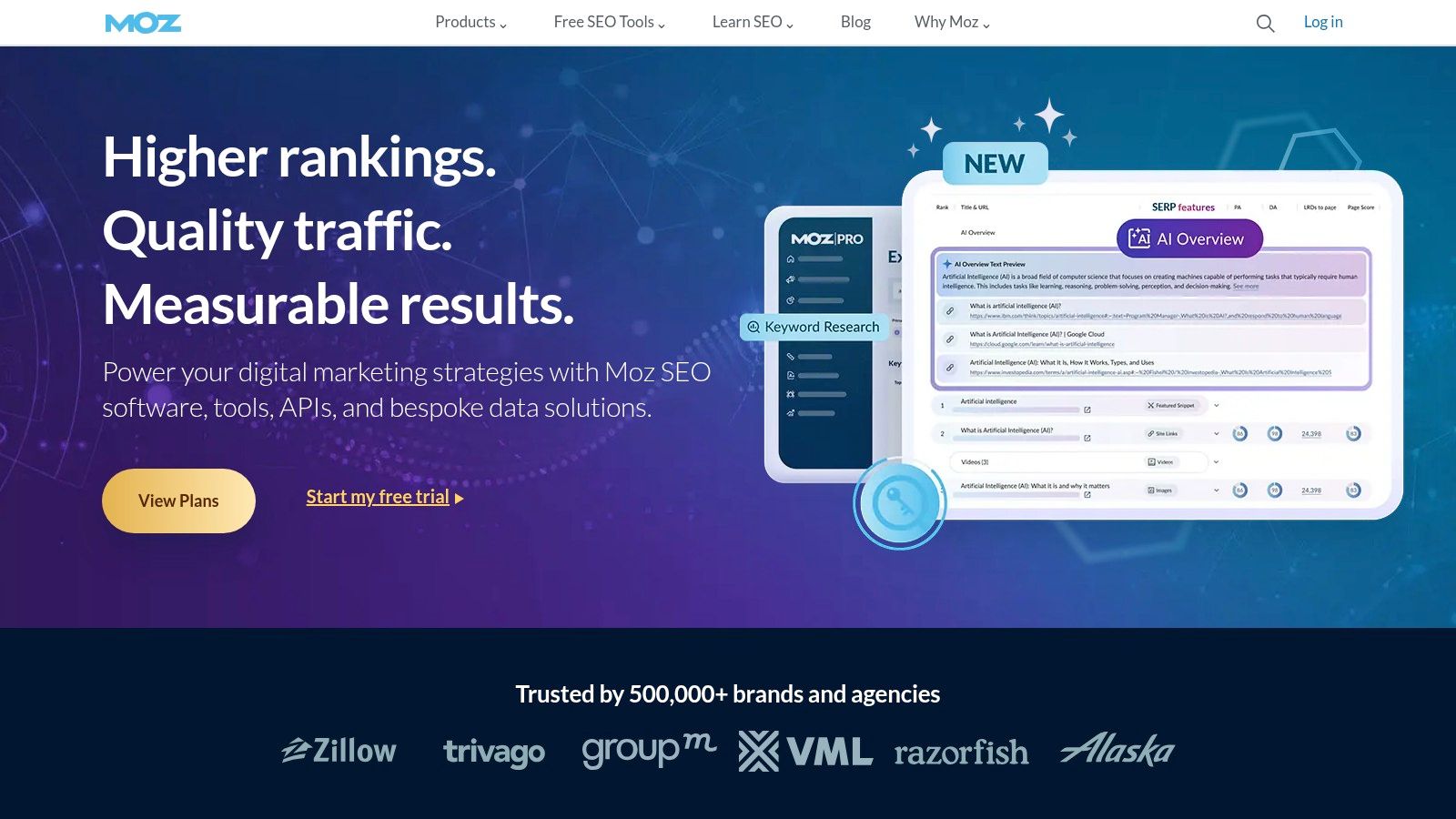
While it offers a comprehensive toolset similar to its main competitors, Moz Pro often stands out for its clear interface and supportive community. This makes it one of the best SEO tools for small business owners who may be newer to the technical side of search marketing but want a platform that can grow with them. The integration of its learning centre with its tools is a key differentiator.
Key Features and Use Cases
- Campaigns: Track your site's performance over time across key areas like rankings, site crawl health, and link metrics. This provides a holistic view of your SEO progress.
- Keyword Explorer: An excellent tool for discovering and prioritising keywords. It provides useful metrics like search volume, difficulty, and a “Priority” score to help you target the best opportunities.
- Link Explorer: Analyse your own backlink profile or that of a competitor. Use it to find new link-building opportunities and disavow potentially harmful links.
- On-Page Grader: Get specific, actionable recommendations for optimising individual pages for your target keywords, helping you improve your content's relevance.
Pricing and Access
Moz Pro offers several subscription tiers, with its “Standard” plan starting at approximately £79 per month when billed annually. A generous 30-day free trial is available, allowing small businesses to fully explore the platform's capabilities before committing to a subscription.
| Pros | Cons |
|---|---|
| Industry-standard metrics like Domain Authority. | Can be more expensive than some newer tools. |
| Excellent educational resources and support. | Certain features may have a learning curve. |
| Clean, user-friendly interface. | Link index may not be as large as Ahrefs. |
Website: https://moz.com/
10. Google Search Console
No list of essential SEO tools would be complete without Google Search Console (GSC). This free platform is non-negotiable for any website owner, offering direct, unfiltered data on how Google sees and ranks your site. It provides foundational insights into your search performance, technical health, and indexing status, straight from the source.
Unlike other tools that estimate data, GSC provides actual performance metrics, making it one of the best SEO tools for small business owners who need accurate, actionable information without a subscription fee. It’s the definitive starting point for understanding your organic search presence and diagnosing critical issues that could be holding you back.
Key Features and Use Cases
- Performance Report: Analyse which queries users search for to find your site. Track clicks, impressions, click-through rate (CTR), and average positions to understand your true search visibility.
- Index Coverage Report: See which pages are successfully indexed by Google and troubleshoot any pages that are not. This is vital for ensuring your content is eligible to appear in search results.
- URL Inspection Tool: Submit new pages for indexing or inspect an existing URL to see its current status, mobile usability, and any detected enhancements like schema markup.
- Sitemap Submission: Directly submit your XML sitemap to Google, helping it discover and crawl all your important pages more efficiently.
Pricing and Access
Google Search Console is completely free to use. All you need is a Google account and the ability to verify that you own the website, which can be done through several methods like uploading an HTML file, adding a DNS record, or using your Google Analytics tracking code.
| Pros | Cons |
|---|---|
| Completely free with no hidden costs. | Data is limited to Google's search engine. |
| Provides direct, authoritative data from Google. | Can have a learning curve for technical reports. |
| Essential for monitoring technical SEO health. | Lacks competitor analysis features. |
| Integrates with other Google tools like Analytics. | Interface can feel less intuitive than paid tools. |
Website: https://search.google.com/search-console/
11. Google Analytics
While not a traditional SEO tool for keyword research or link building, Google Analytics is an indispensable, free platform for understanding how users find and interact with your website. It provides the foundational data needed to measure the success of your SEO efforts, offering deep insights into traffic sources, user behaviour, and conversion performance. For any small business, it's the ultimate source of truth for website performance.
Its power lies in its direct integration with the Google ecosystem, especially Google Search Console. Connecting these two tools unlocks performance reports that show exactly which search queries are driving traffic to specific pages. This makes it one of the best SEO tools for small business owners who need to demonstrate the direct impact of their optimisation work on website traffic and business goals.
Key Features and Use Cases
- Traffic Acquisition Reports: Discover which channels (Organic Search, Social, Direct, Referral) are bringing visitors to your site. This helps you focus your SEO efforts on the most effective sources.
- Behaviour Flow: Visualise the path users take through your website, from their landing page to their exit. Use this to identify high-traffic pages and pages where users are dropping off.
- Conversion Tracking: Set up goals to track valuable actions, such as form submissions, newsletter sign-ups, or product purchases. This is crucial for measuring the ROI of your SEO campaigns.
- Audience Demographics: Gain insights into your visitors' age, gender, location, and interests to better tailor your content and SEO strategy to your target market.
Pricing and Access
Google Analytics is completely free to use. While there is a premium version, Google Analytics 360, it is designed for large enterprises and is unnecessary for the vast majority of small to medium-sized businesses. Setting it up involves adding a small tracking code to your website. If this sounds daunting, you can learn more about its role in our beginner's guide to digital marketing.
| Pros | Cons |
|---|---|
| Completely free to use. | Can be complex and overwhelming for beginners. |
| Provides comprehensive, accurate user data. | Requires time to set up and interpret correctly. |
| Integrates seamlessly with other Google tools. | Privacy concerns and data sampling in reports. |
Website: https://analytics.google.com/
12. AnswerThePublic
AnswerThePublic is a unique keyword research tool that visualises search queries and suggested autocomplete searches in a way that’s both insightful and easy to understand. It taps directly into the “People Also Ask” boxes and Google's autocomplete data to reveal the specific questions, prepositions, and comparisons your target audience is using. This makes it an invaluable resource for generating content ideas that directly address user intent.
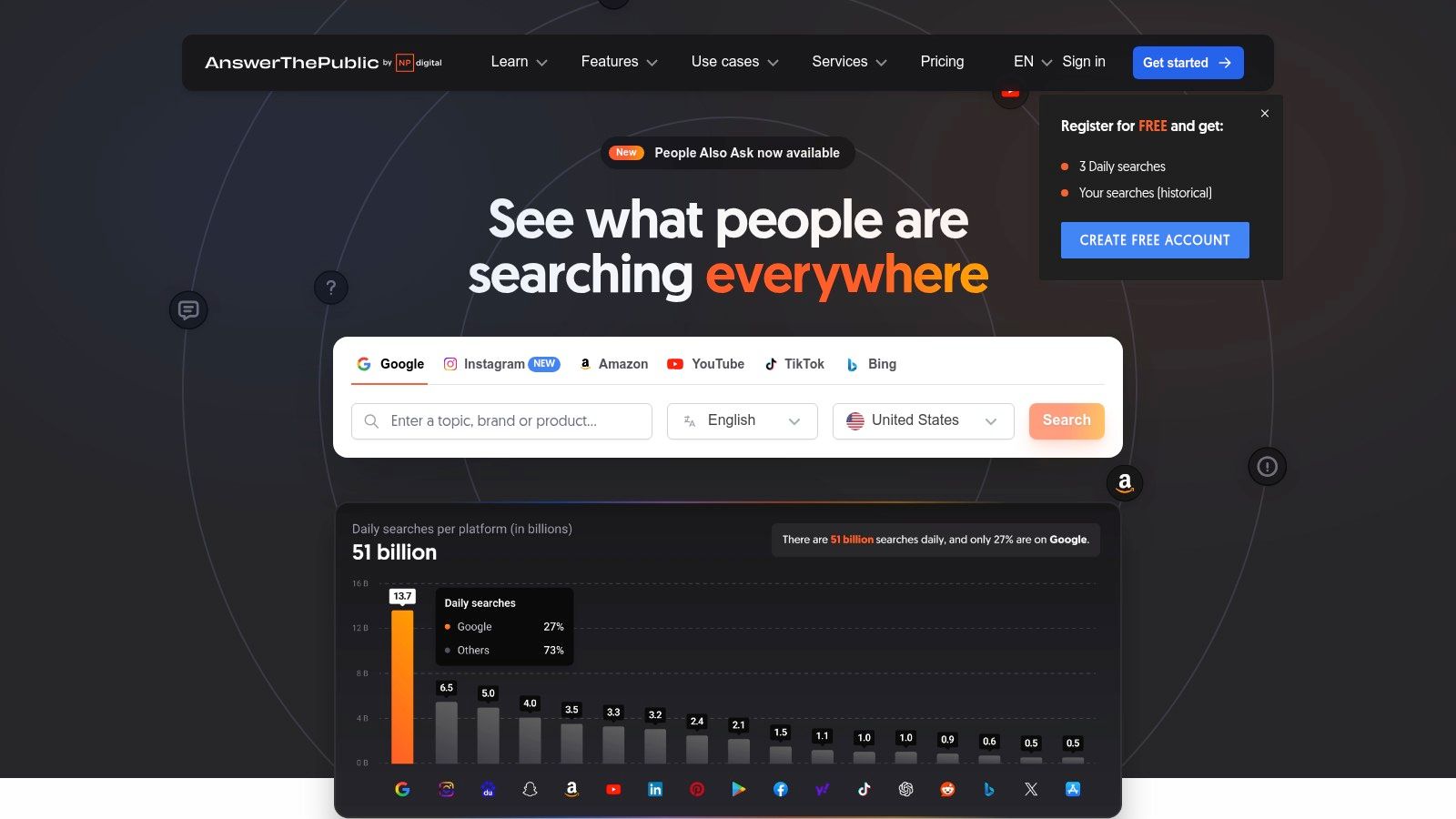
For small businesses operating on a tight budget, AnswerThePublic offers a powerful way to understand customer curiosity without a significant financial investment. Its focus on questions makes it one of the best SEO tools for small business owners who want to build topical authority and create highly relevant blog posts, FAQs, and service pages.
Key Features and Use Cases
- Question Visualisation: Enter a seed keyword and receive a cloud of questions categorised by “who,” “what,” “where,” “when,” “why,” and “how.” This is perfect for brainstorming FAQ sections or “how-to” guides.
- Preposition Data: See how your keyword is combined with prepositions like “for,” “with,” “to,” and “near.” This can help you uncover long-tail keywords related to specific use cases or locations.
- Comparison Searches: Find queries comparing your keyword against another (e.g., “SEO vs. SEM”). This is ideal for creating comparison articles that capture users at the consideration stage of their journey.
- Data Export: Download all the visualisations as an image or the raw data as a CSV file for further analysis or to share with your team.
Pricing and Access
AnswerThePublic offers a generous free version that allows a limited number of daily searches, which is often sufficient for small-scale content planning. For more intensive use, paid plans start from $9 per month, offering unlimited searches, data comparison over time, and team collaboration features.
| Pros | Cons |
|---|---|
| Excellent for generating content ideas. | Free version has a daily search limit. |
| Highly intuitive and visual interface. | Lacks detailed metrics like search volume or keyword difficulty. |
| Generous free plan for basic use. | Best used alongside a more comprehensive SEO tool. |
Website: https://answerthepublic.com/
Top SEO Tools for Small Business Comparison
| Tool | Core Features/Capabilities | User Experience & Quality ★ | Value Proposition 💰 | Target Audience 👥 | Unique Selling Points ✨ | Price Points 💰 |
|---|---|---|---|---|---|---|
| Ahrefs | Backlink analysis, Keyword research, Site audits | ★★★★☆ User-friendly, comprehensive | High cost, no free trial | Small businesses | Deep backlink data, content exploration 🏆 | Premium pricing |
| SEMrush | SEO, PPC, Content & Social tools | ★★★★☆ Intuitive, regularly updated | Versatile all-in-one suite | Small businesses | Multi-channel marketing toolkit ✨ | Premium pricing |
| Ubersuggest | Keyword analysis, Site audits, Competitor tracking | ★★★☆☆ User-friendly, historical data | Budget-friendly, limited data breadth | Small businesses on budget | Affordable SEO with content ideas ✨ | Low cost |
| SE Ranking | Keyword tracking, Site audits, Social tools | ★★★★☆ Cost-effective, comprehensive | Value plans with data-driven suggestions | SMBs (Small to Medium Businesses) | In-depth SEO + social media tools ✨ | Affordable pricing |
| Yoast SEO | On-page SEO, Sitemap, Readability analysis | ★★★★☆ User-friendly, regular updates | Free version with premium add-ons | WordPress users | Best for WP on-page SEO 🏆 | Free + Premium add-ons |
| BrightLocal | Local rank tracking, Citation & reputation mgmt | ★★★★☆ Affordable, local SEO focused | Free trial, local SEO specialization | Small businesses (local) | Local SEO & reputation management ✨ | Affordable plans + extras |
| SEOptimer | Site audits, SEO toolbox, Task management | ★★★☆☆ Affordable, user-friendly | DIY SEO with broad toolset | Small businesses | Simplicity + 50+ SEO tools in one platform | Affordable pricing |
| Screaming Frog | Technical SEO crawler, Broken links, Metadata | ★★★★☆ Comprehensive tech SEO, free version | Free version limited to 500 URLs | SEO professionals/SMBs | Best for technical SEO audits 🏆 | Free & paid versions |
| Moz Pro | Site audits, Rank tracking, Keyword & link tools | ★★★★☆ Comprehensive, regular updates | Higher cost but feature-rich | Small businesses | Strong educational resources + toolset ✨ | Premium pricing |
| Google Search Console | Search performance, Index coverage, URL inspection | ★★★★☆ Free, direct Google insights | Essential free SEO tool | Small businesses, all sizes | Official Google data source 🏆 | Free |
| Google Analytics | Traffic insights, Behavior flow, Conversion tracking | ★★★★☆ Free, comprehensive data | Integrates with Google ecosystem | Small businesses, marketers | Industry-standard web analytics ✨ | Free |
| AnswerThePublic | Keyword visualization, Question data | ★★★☆☆ Free, user-friendly | Free content idea tool for keyword research | Content creators, small biz | Visual keyword insight & content ideation ✨ | Free with limits |
Building Your Perfect SEO Stack: The Final Verdict
Navigating the expansive landscape of SEO software can feel overwhelming, but as we've explored, finding the best SEO tools for a small business is less about discovering one perfect, all-powerful platform and more about strategically assembling a customised toolkit. The right combination of tools will empower you to make data-driven decisions, streamline your workflow, and ultimately achieve sustainable growth without shattering your budget.
This guide has walked you through a curated selection of twelve powerful options, from comprehensive all-in-one suites like Ahrefs and SEMrush to specialised, laser-focused solutions like BrightLocal for local SEO and Yoast for on-page optimisation. The key takeaway is that your ideal SEO stack is deeply personal; it must align with your specific business model, your current stage of growth, and, most importantly, your available resources of time and money.
Synthesising Your Strategy: From Tools to Action
Reflecting on the tools we've analysed, it's clear they fall into distinct but often overlapping categories. You have your foundational, non-negotiable platforms like Google Search Console and Google Analytics. These free tools provide the bedrock of performance data directly from the source and should be the starting point for any digital marketing effort.
From there, you build your stack based on priority. An e-commerce store might prioritise Screaming Frog for technical site audits to ensure thousands of product pages are crawlable, while a local service-based business, like a plumbing company or a cafe, will find indispensable value in BrightLocal's citation management and review monitoring features. Content-heavy businesses and bloggers will naturally gravitate towards AnswerThePublic and Ubersuggest for their brilliant content ideation and keyword research capabilities.
Making the Right Choice for Your Business
So, how do you choose? Before committing to a subscription, take a step back and conduct a simple self-assessment.
- Define Your Primary Goal: Are you focused on building backlinks, improving your local map pack ranking, or creating top-ranking blog content? Your primary objective will immediately highlight which tools are most relevant. For instance, a goal to improve content will point you towards Ubersuggest or Yoast.
- Assess Your Budget Honestly: If you're just starting, a powerful free combination of Google's tools, the free version of Ubersuggest, and the Yoast plugin might be all you need. As you generate revenue, you can graduate to a more robust, paid solution like SE Ranking or Moz Pro, which offer an excellent balance of features and affordability.
- Consider Your Technical Comfort Level: Tools like Screaming Frog are incredibly powerful but have a steeper learning curve. Conversely, platforms like SEOptimer are designed for simplicity, providing actionable reports that are easy for non-experts to understand and implement.
Ultimately, the goal is to create an SEO ecosystem that works for you, not the other way around. Don't be afraid to experiment with free trials. Use them to run audits, track a small batch of keywords, and get a genuine feel for the user interface. This hands-on experience is the most reliable way to determine if a tool's workflow and data presentation resonate with your needs. Selecting the best SEO tools for your small business is a pivotal step, transforming guesswork into a calculated and effective marketing strategy that drives real-world results.
Feeling ready to take the next step but want more guided resources? The journey doesn’t end with choosing tools; it begins with integrating them into a cohesive strategy. The Digital Marketing Toolbox offers curated bundles of templates, checklists, and step-by-step guides designed to help you maximise the power of these SEO platforms. Explore our resources at The Digital Marketing Toolbox and start turning your SEO insights into measurable business growth.


