

In the competitive world of digital marketing, capturing your audience's attention is only half the battle. The real challenge is compelling them to act. A powerful, yet often underutilised, tool in a marketer's arsenal is the countdown timer. This simple animated element introduces a sense of urgency and scarcity, psychological triggers proven to accelerate decision-making and boost conversion rates.
Whether you're promoting a flash sale, a webinar registration deadline, or a limited-time offer, a well-placed countdown timer for email can dramatically increase engagement and drive results. This guide moves beyond the basics to provide a definitive resource for choosing the right tool. We have meticulously analysed the top platforms, detailing their specific features, pricing models, and integration processes.
This curated list is designed to help you find the perfect solution for your specific needs, from fully bespoke, brand-aligned timers to simple, user-friendly free options. Each entry includes screenshots and direct links to help you make an informed decision quickly and efficiently. We'll explore the practical applications and limitations of each tool, ensuring you select the best countdown timer for your email marketing strategy and budget.
1. Wax Media
Wax Media offers a premium, bespoke service for businesses that prioritise brand consistency above all else. Instead of a self-service tool, they create a custom-designed countdown timer for email that perfectly matches your brand’s specific colours, fonts, and overall aesthetic. This high-touch approach ensures the timer feels like a native part of your email design, rather than a third-party add-on.
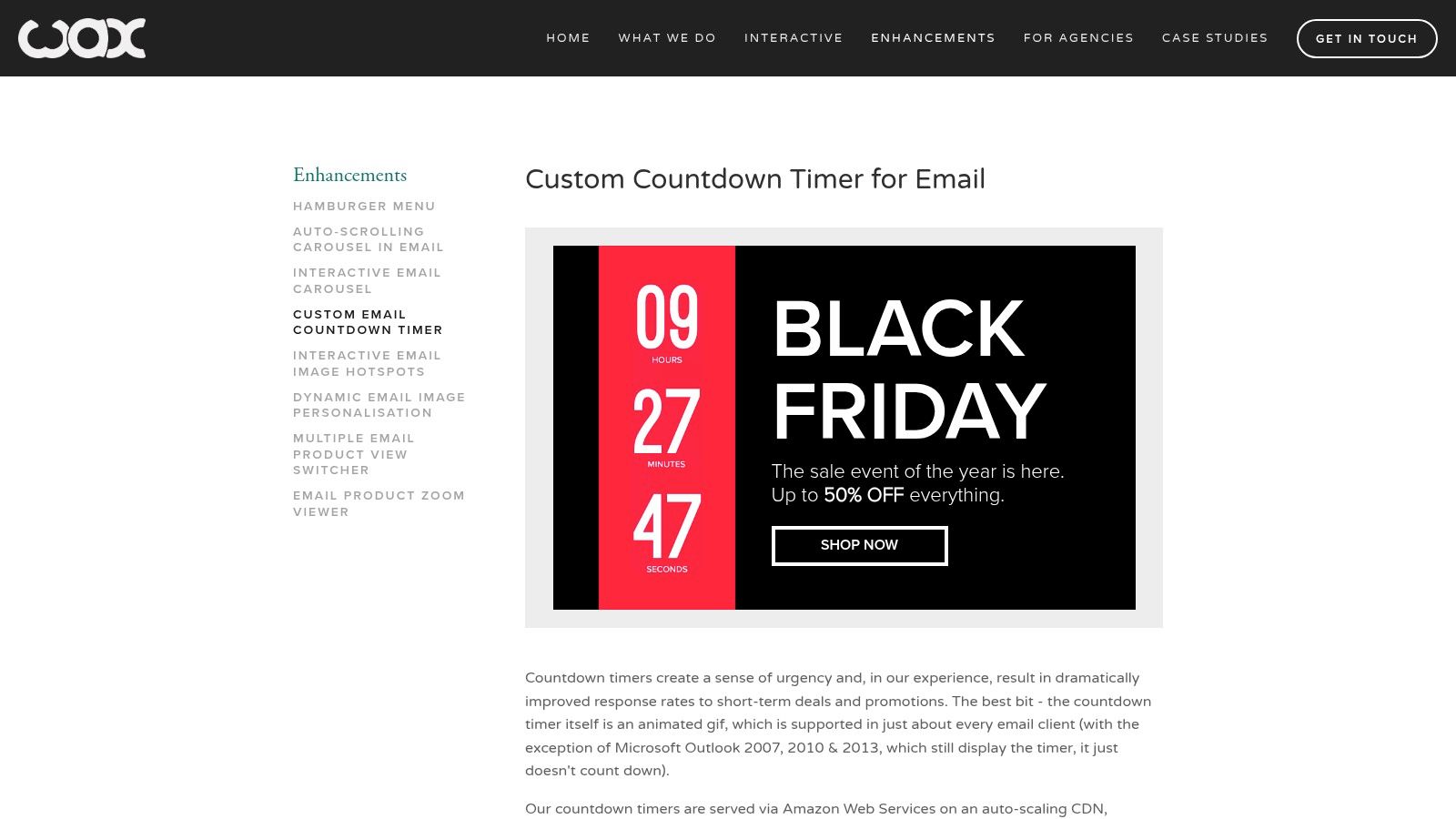
This service is ideal for established brands or high-stakes campaigns where a generic-looking timer could detract from the message. The final product is a highly reliable GIF, hosted on Amazon Web Services (AWS), guaranteeing excellent uptime and fast loading speeds even when sent to massive email lists. Their timers are compatible with the vast majority of email clients.
Key Considerations
- Customisation: Every timer is built from scratch to your specifications, offering unparalleled design integration.
- Infrastructure: Leveraging AWS for hosting means you can trust the timer to perform reliably, which is crucial for time-sensitive offers.
- Pricing: Costs are not publicly listed. You must contact Wax Media directly for a quote, as pricing is based on your specific design requirements.
This tailored approach is a powerful component of a sophisticated marketing strategy. If you're looking to enhance your campaigns further, consider reviewing this Beginner's Guide to Digital Marketing for more foundational tactics.
Website: https://www.waxmedia.co.uk/custom-email-countdown-timer
2. Mailtimer
Mailtimer is a highly accessible platform that excels in providing a flexible and user-friendly solution for creating a countdown timer for email. It offers a straightforward, no-code interface that allows marketers to generate timers quickly, making it ideal for those who need a fast, reliable tool without the complexities of custom development. The platform supports standard fixed-date timers as well as evergreen timers that are unique to each recipient.
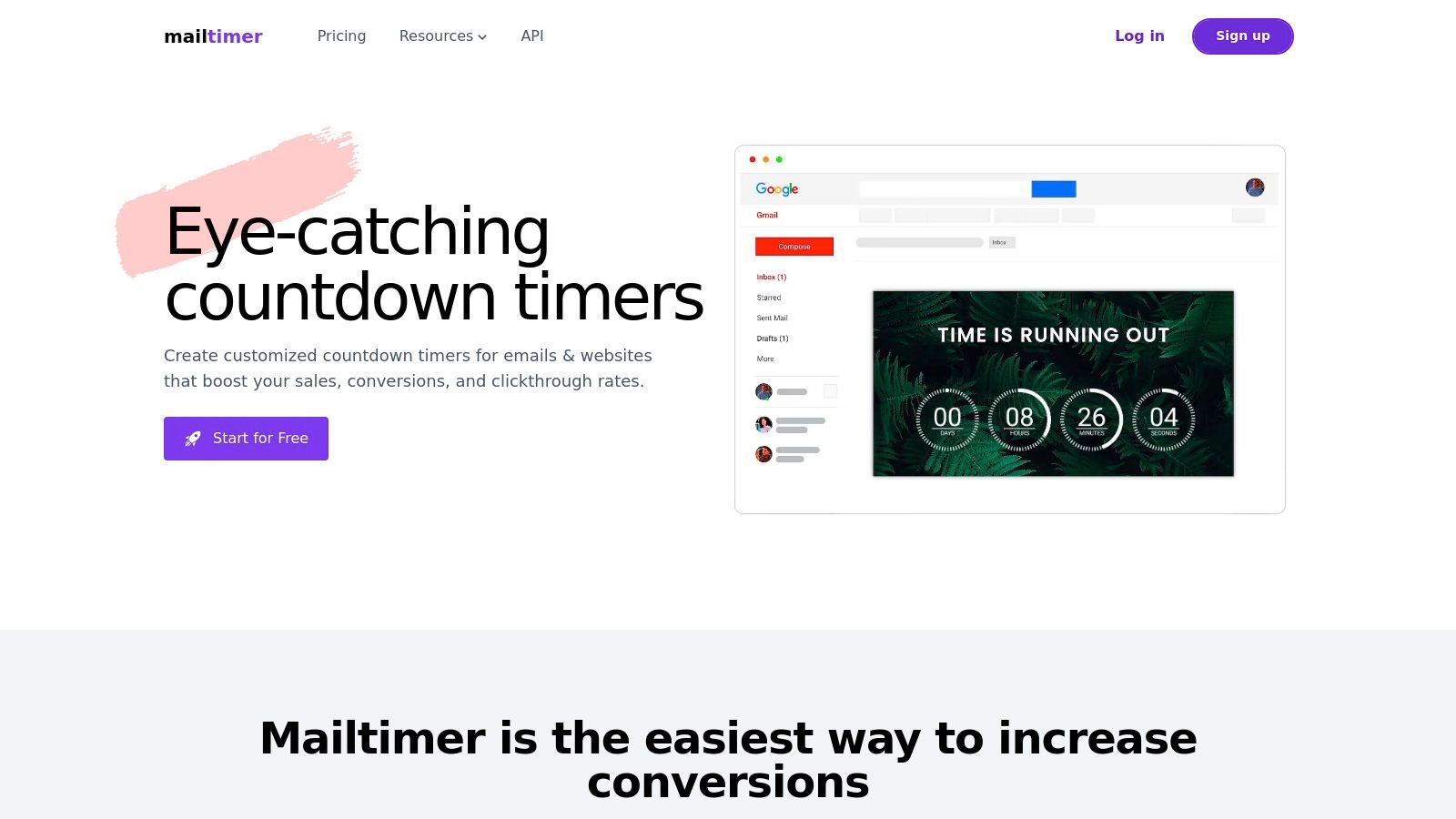
This tool is particularly powerful for small businesses or marketers running frequent campaigns who need a cost-effective way to inject urgency. While the free plan is a great starting point, it does include “Powered by Mailtimer.com” branding. Upgrading to a paid plan removes this branding and unlocks more advanced features, such as analytics to track timer performance and engagement across your campaigns.
Key Considerations
- Ease of Use: The interface is incredibly intuitive, meaning you can create and embed a fully customised timer in minutes with no design skills required.
- Timer Types: Supports both standard and evergreen timers, providing the flexibility needed for one-off promotions and automated email sequences.
- Pricing: A free plan is available, making it accessible for anyone. Paid plans are competitively priced, offering a scalable solution as your needs grow.
Its simplicity and powerful free tier make it a standout choice for those just starting with dynamic email content.
Website: https://mailtimer.com/
3. MotionMail
MotionMail specialises in creating a sense of urgency with its highly accessible countdown timer for email tool. It stands out for its simplicity and user-friendly interface, allowing marketers to quickly generate and embed timers without needing any technical expertise. The platform focuses on core functionality, providing four clean timer designs that can be customised with different colours and fonts to align with your branding.
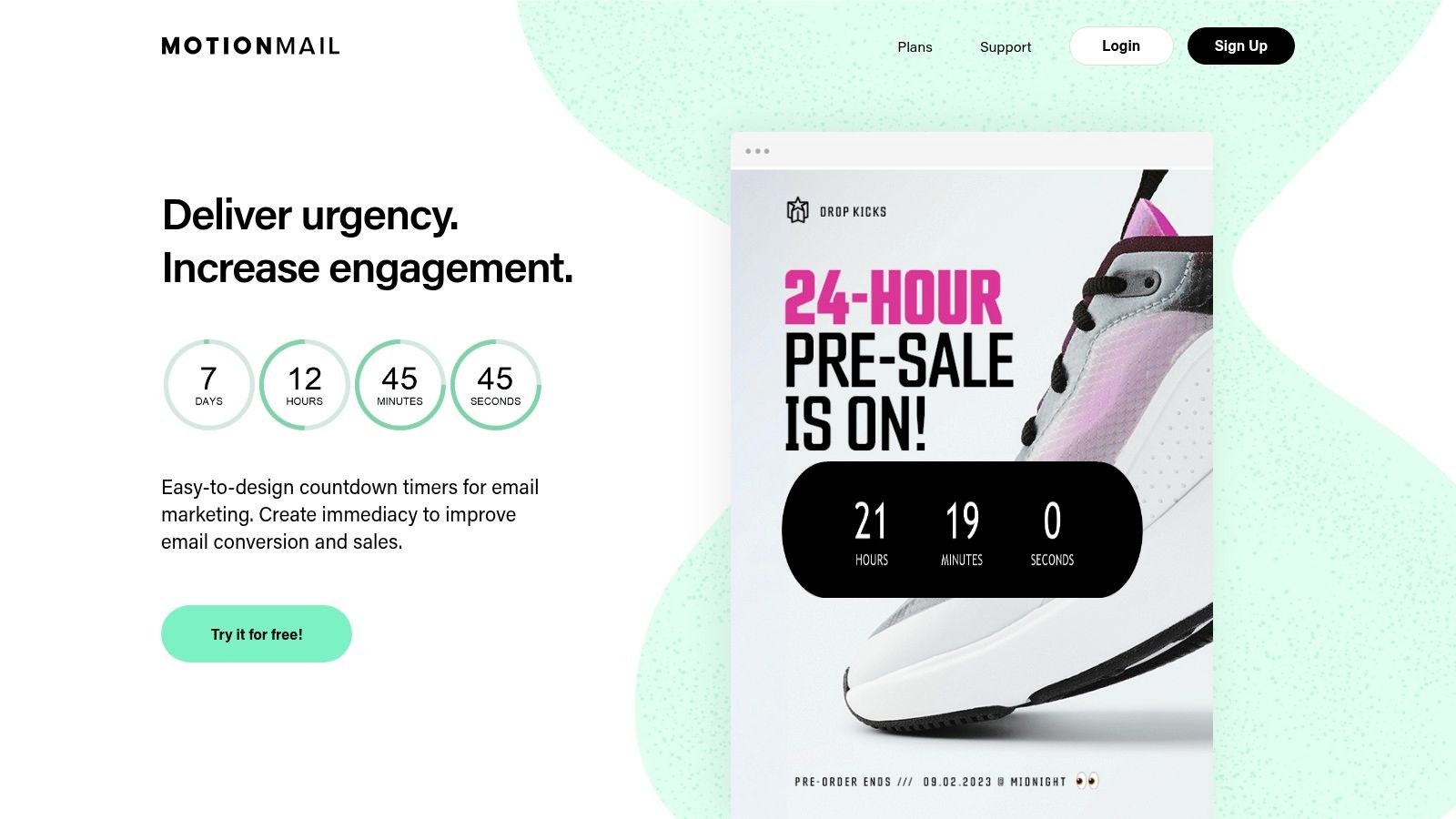
A key feature is its ability to automatically adjust the countdown to the recipient's local time zone, ensuring your “offer ends at midnight” message is accurate for every customer, regardless of their location. This makes MotionMail a great choice for businesses with a global audience. The timers are compatible with all major email marketing platforms, making integration straightforward.
Key Considerations
- Ease of Use: The generator is incredibly intuitive, making it one of the fastest ways to get a timer from creation to implementation.
- Time Zone Aware: Timers that adapt to local time zones prevent confusion and enhance the effectiveness of international campaigns.
- Pricing: A generous free plan is available, offering up to 20,000 views per month. Paid plans unlock advanced features like dynamic, language-aware timers and remove MotionMail branding.
Its blend of a strong free offering and powerful features makes MotionMail an excellent entry point for small to medium-sized businesses looking to boost engagement.
Website: https://motionmailapp.com/
4. MailTimers
MailTimers provides a versatile and user-friendly platform for creating a dynamic countdown timer for email, making it an excellent choice for marketers who need flexibility. The platform supports various timer types, including fixed-date timers for specific events, evergreen timers that start when a user opens the email, and cyclic timers for recurring promotions. This adaptability allows businesses to tailor their urgency marketing for different campaign goals.
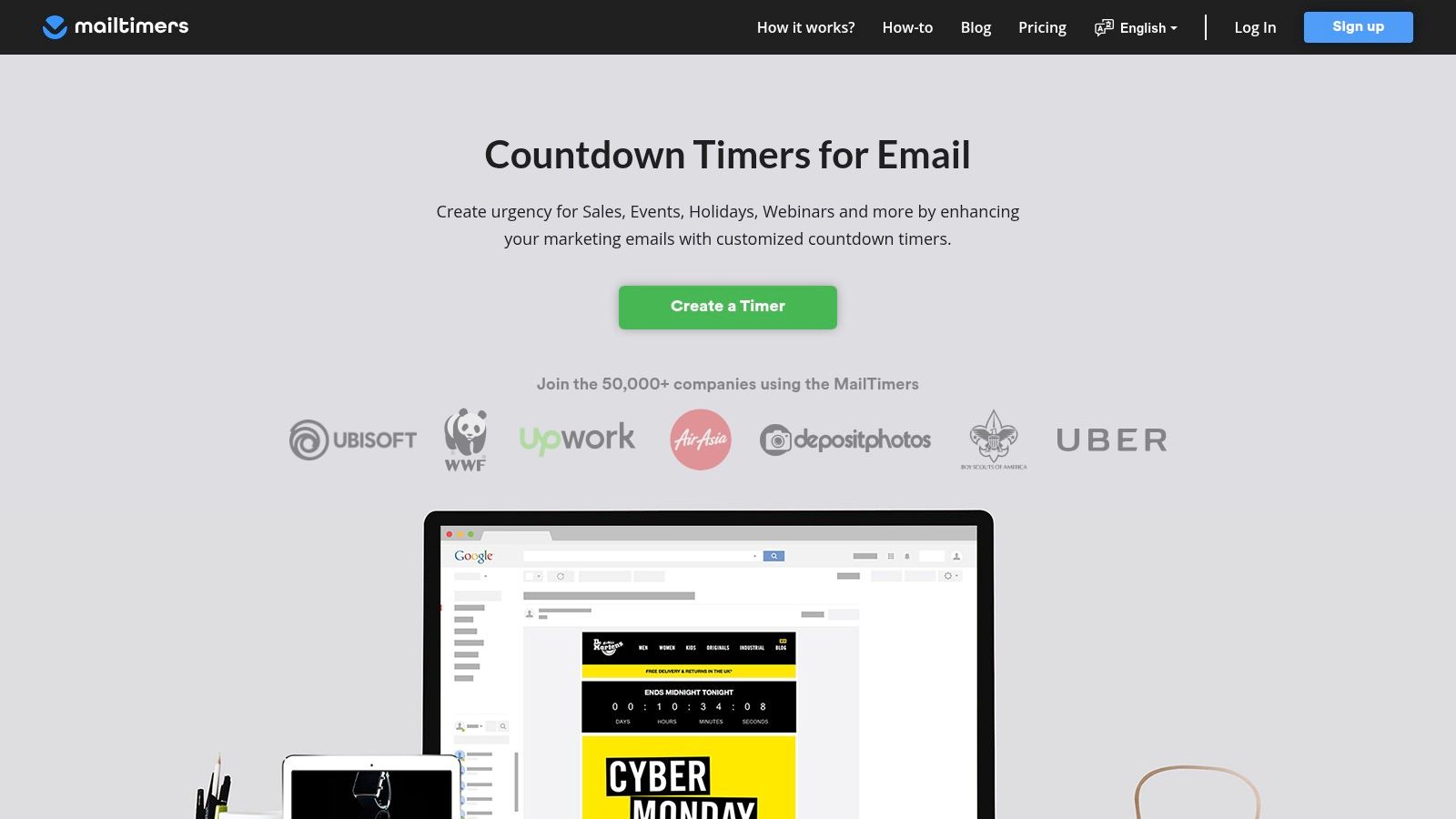
One of its most compelling aspects is the generous free plan, which includes 100,000 monthly views, making it accessible for small businesses and new campaigns. The customisation options are robust, offering full-colour choices and custom fonts to align with your brand's visual identity. The generated timer is compatible with all major email service providers, ensuring broad deliverability and a seamless user experience.
Key Considerations
- Timer Variety: Offers fixed, evergreen, and cyclic timers to suit diverse marketing scenarios, from product launches to personalised offers.
- Customisation: Users can modify colours, fonts, and languages to create a timer that feels integrated with their email design.
- Pricing: A generous free tier is available. Paid plans unlock advanced features like background images, custom domains, and higher view limits.
For marketers looking to boost engagement with minimal initial investment, MailTimers presents a powerful and scalable solution.
Website: https://mailtimers.com/
5. EmailTimers
EmailTimers specialises in creating dynamic countdown timers that aim to boost engagement and drive urgency in marketing campaigns. The platform offers a variety of timer types, including traditional fixed-date timers for specific events and evergreen timers that are unique to each recipient. This flexibility makes it a versatile tool for different marketing scenarios, from flash sales to personalised onboarding sequences. The service emphasises reliability and performance, using a global CDN for high-speed rendering.
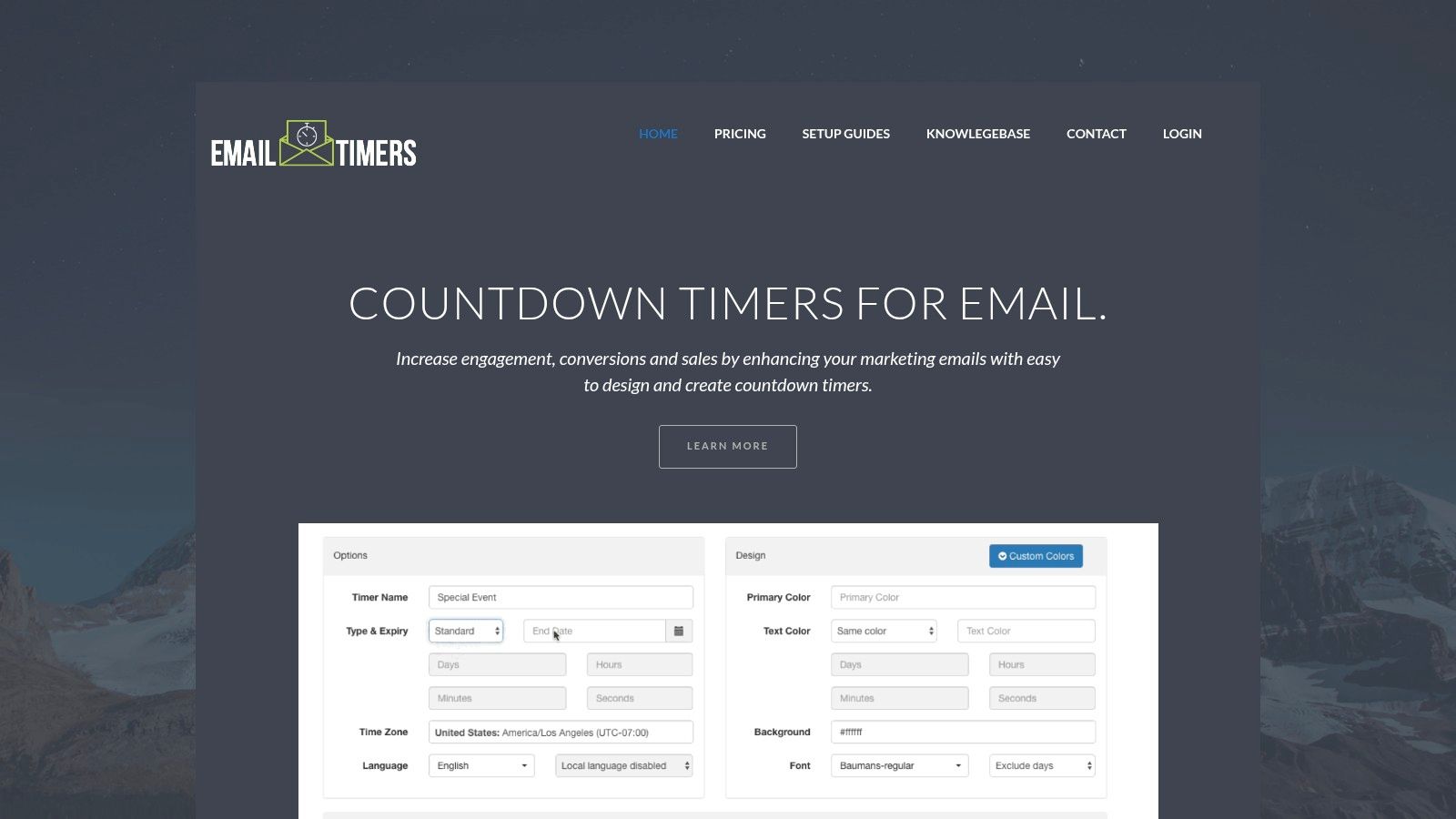
A key differentiator for EmailTimers is its provision of real-time analytics, allowing marketers to track the performance of their campaigns directly. Their countdown timer for email is designed for easy customisation of colours and styles, ensuring a consistent look across different devices and email clients. This makes it a strong contender for businesses that need a reliable, data-backed solution without requiring extensive technical knowledge.
Key Considerations
- Timer Variety: Supports traditional, evergreen, and perpetual timers to suit various campaign strategies.
- Performance Analytics: Offers real-time analytics to monitor how timers are influencing user engagement and conversions.
- Pricing: Specific pricing is not publicly available. You need to contact the company for a quote, suggesting a tailored or enterprise-focused model.
Website: https://www.emailtimers.com/
6. CountdownMail
CountdownMail offers a highly accessible and feature-rich platform for creating a countdown timer for email, striking a balance between ease of use and powerful functionality. The service stands out with its generous free plan and a collection of 22 unique timer templates, providing a solid starting point for customisation. This makes it an excellent choice for small businesses or marketers testing the waters with urgency-driven campaigns.
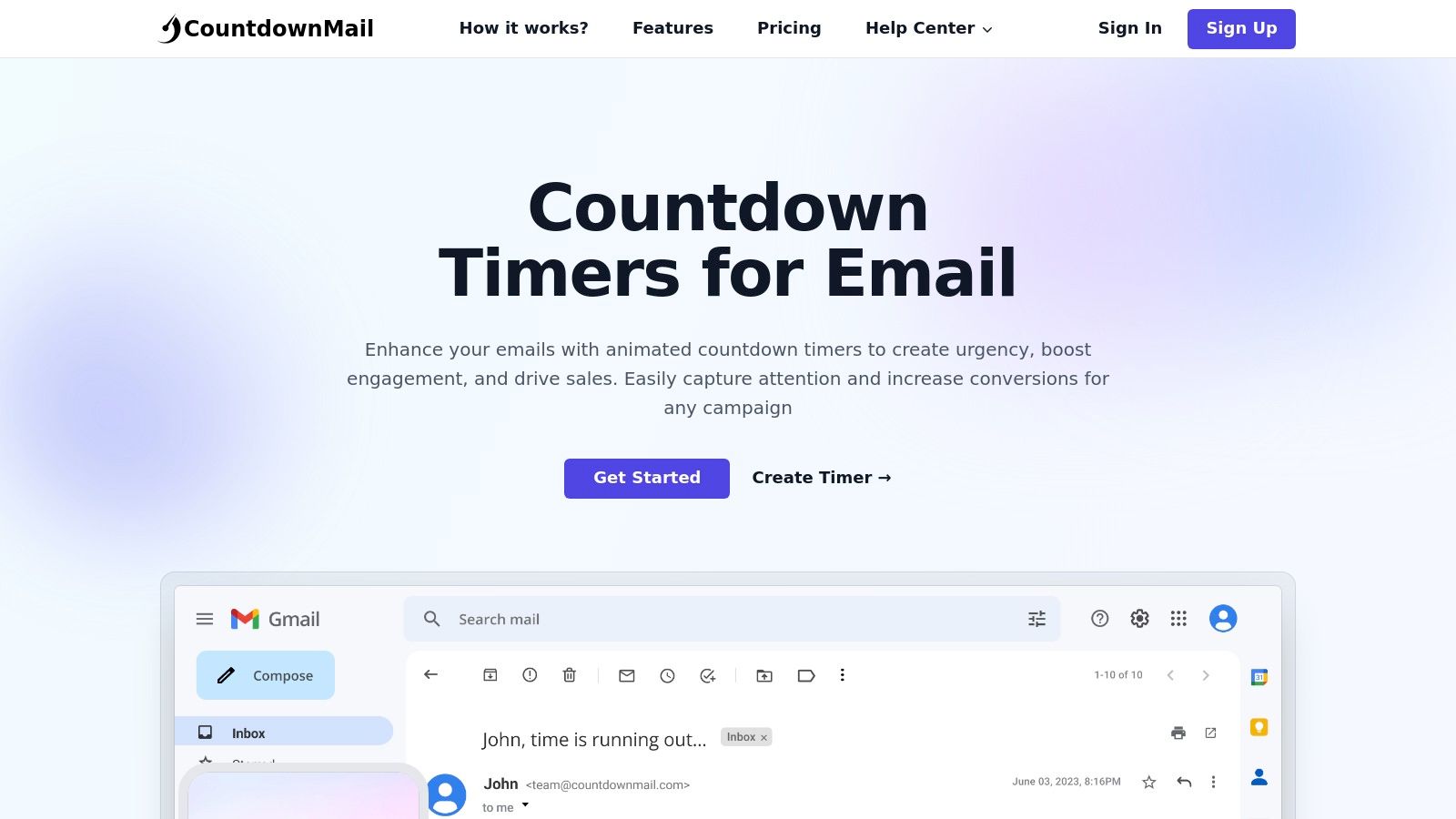
The platform is compatible with virtually all email marketing software, generating a simple embed code for easy integration. Beyond standard timers, CountdownMail supports advanced features like evergreen timers, which are ideal for automated onboarding sequences, and dynamic links that can redirect users to a different URL after the countdown expires. The intuitive timer builder simplifies the process of matching the timer to your brand’s look and feel.
Key Considerations
- Generous Free Plan: The free-forever tier includes unlimited timers and sends, making it a risk-free option, though it does include CountdownMail branding.
- Advanced Features: Evergreen timers and dynamic links offer sophisticated marketing automation capabilities typically found in premium-only tools.
- Pricing: To remove the branding and access more advanced features, you will need to upgrade to a paid plan.
CountdownMail is a superb all-rounder, particularly for those who need a robust, no-cost solution to start. If you're managing various projects, staying organised is key; exploring project management software options can help streamline your entire workflow.
Website: https://countdownmail.com/
7. Sendtric
Sendtric is a highly popular and straightforward choice for marketers seeking a no-fuss countdown timer for email without immediate costs. It stands out by offering a completely free service that generously includes up to 10,000 views per timer and, crucially, does not add any branding or watermarks. This makes it an excellent entry point for small businesses or those testing the effectiveness of urgency in their campaigns.
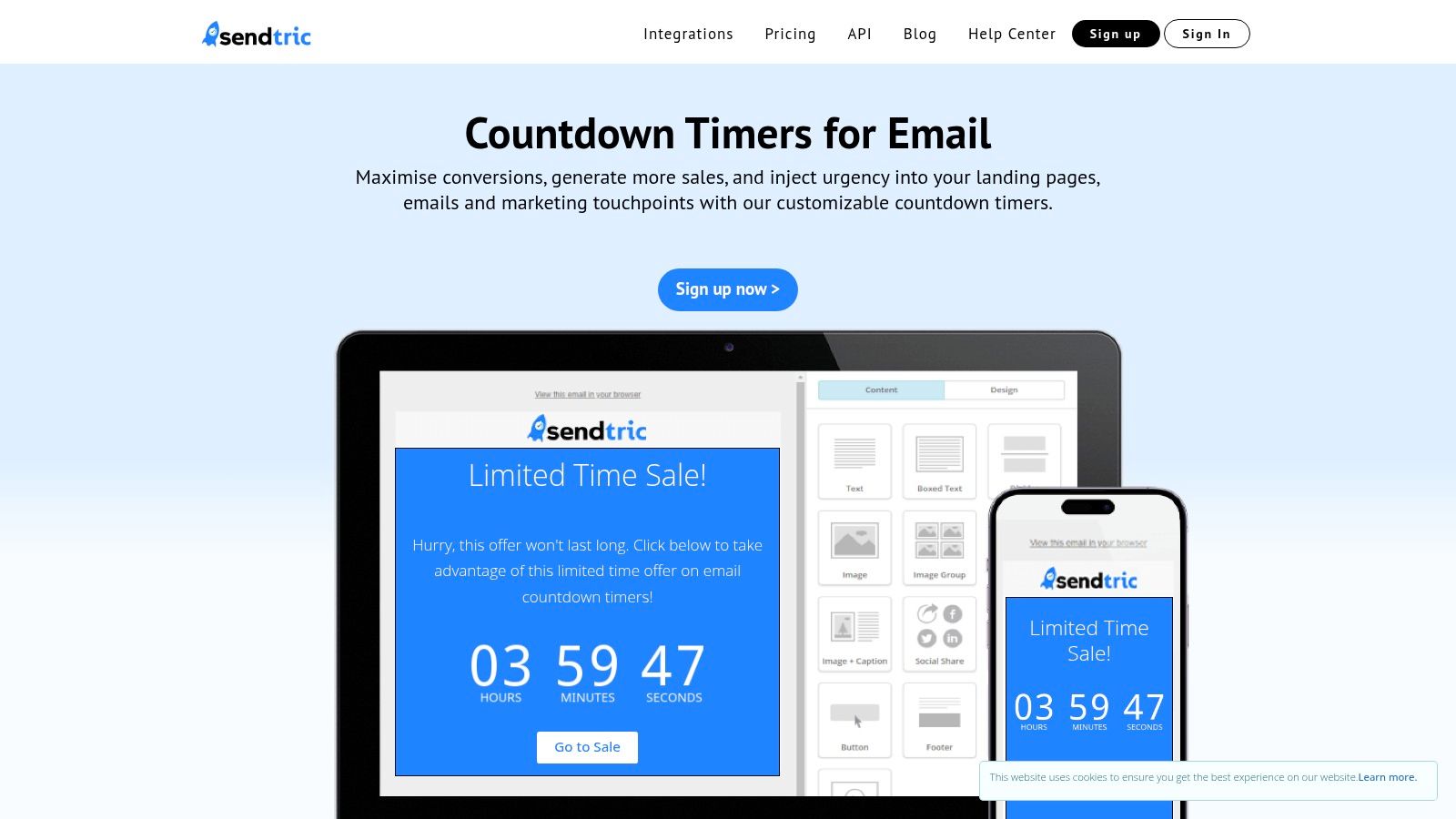
The platform’s user interface is incredibly simple: you input your end date and time, select colours and a language, and generate the HTML embed code. This simplicity ensures compatibility with virtually all email service providers. While the free tier is robust, Sendtric also provides paid plans for users who require advanced features like dynamic, evergreen timers or higher view counts, offering a scalable solution as your marketing needs grow.
Key Considerations
- Generous Free Tier: The free plan is a significant advantage, offering high-volume views with no distracting watermarks.
- Ease of Use: Creating and embedding a timer takes just a few moments, making it accessible even for non-technical users.
- Pricing: The core service is free. Advanced features and higher traffic limits are available through paid subscriptions, which you can explore on their site.
For businesses looking to integrate such tools, it's helpful to understand the foundational benefits, which you can explore further by discovering the advantages of email marketing.
Website: https://www.sendtric.com/
8. GetCountdown.Email
GetCountdown.Email offers a straightforward and accessible solution for marketers looking to inject a sense of urgency into their campaigns. The platform focuses on ease of use, allowing anyone to generate a functional countdown timer for email with a simple copy-and-paste integration. This approach is perfect for small businesses or solo marketers who need a quick, no-fuss tool without a steep learning curve.
The user-friendly interface provides pre-designed templates and allows for basic customisation of colours and fonts to align with your brand identity. It’s a practical choice for those who want to test the effectiveness of countdown timers without committing to a paid service. The timer is designed to work across any email client that supports images, ensuring broad compatibility.
Key Considerations
- Ease of Use: The platform is incredibly user-friendly, requiring no technical expertise. Generating and implementing a timer takes only a few minutes.
- Cost-Effectiveness: A generous free plan is available, offering up to 1,000 views per month, making it an excellent entry point for new users.
- Branding: The free version includes a GetCountdown.Email watermark on the timer, which may not be suitable for all brands. A paid plan is required to remove it.
This tool is a great starting point for those new to using timers. To learn how to effectively integrate such tools into a broader strategy, exploring a Digital Marketing Checklist can provide valuable context.
Website: https://www.getcountdown.email/
9. MailCountdowns
MailCountdowns offers a highly accessible and flexible solution for marketers needing a dynamic countdown timer for email. Its standout feature is the ability to create timezone-aware timers, which adjust automatically to each recipient's local time. This is particularly useful for global campaigns, ensuring that every subscriber sees an accurate and relevant countdown for flash sales, webinar registrations, or event reminders.
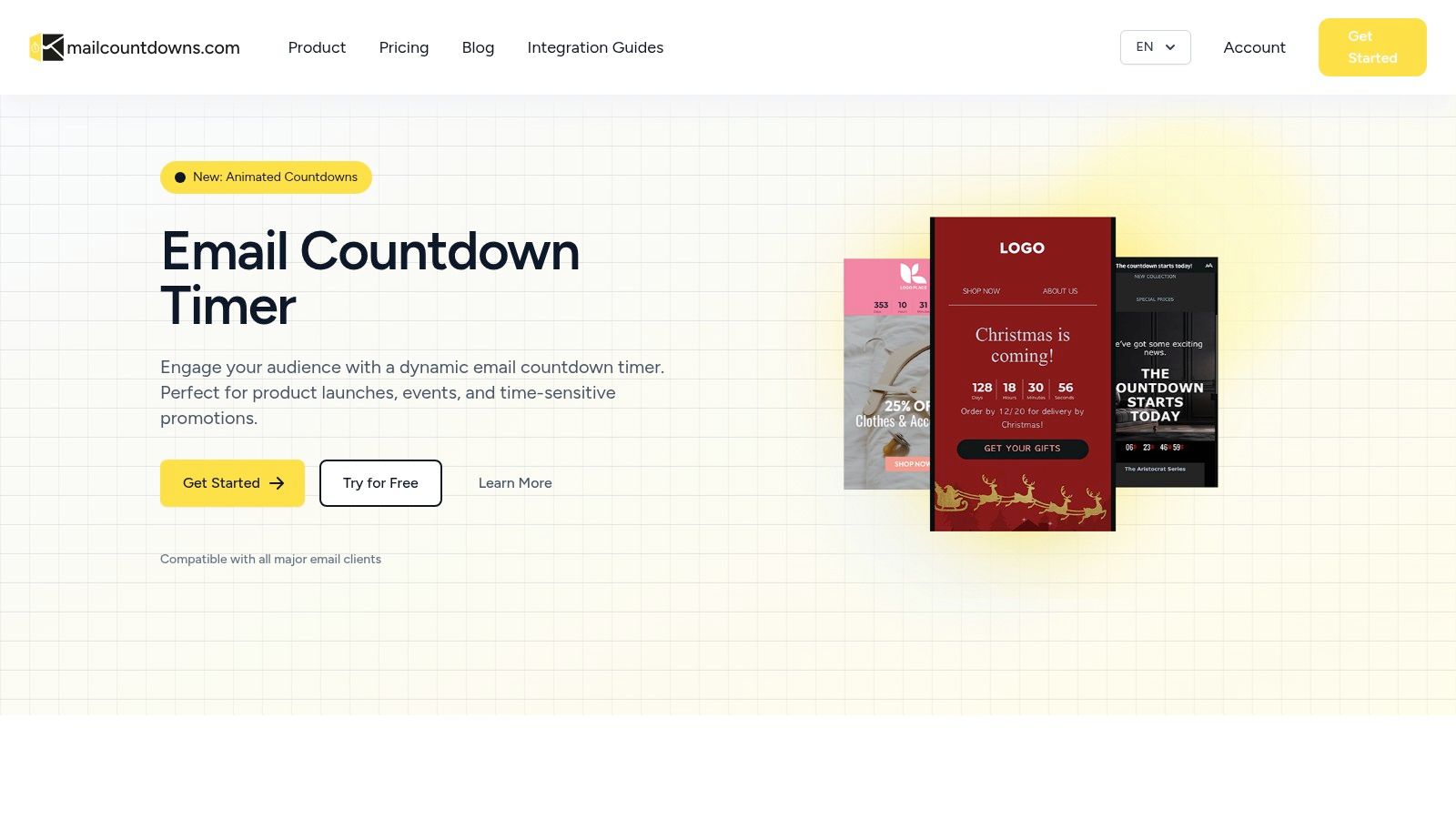
The platform is built for speed, utilising a global Content Delivery Network (CDN) to ensure lightning-fast loading times, a critical factor for email engagement. Paid plans offer full customisation of colours, fonts, and backgrounds with no watermarks, allowing the timer to integrate seamlessly with your brand identity. It boasts wide compatibility with all major email service providers.
Key Considerations
- Timezone-Aware: The ability to localise countdowns for a global audience is a significant advantage over many basic timer tools.
- Performance: Hosted on a global CDN, ensuring your timer loads quickly for every user, regardless of their location.
- Pricing: Extremely cost-effective, with paid plans starting from just €1.09 per month. A free plan is available, though it includes a MailCountdowns watermark.
This tool is an excellent choice for small businesses and marketers who need a reliable, feature-rich timer without a significant financial investment. To get the most out of your campaigns, you might find this guide on optimising email deliverability a useful resource.
Website: https://mailcountdowns.com/en
10. Alterable
Alterable provides a robust suite of tools designed to trigger immediate action, with its countdown timer for email being a standout feature. The platform excels at creating a sense of urgency through highly customisable timers that support standard, evergreen, and even query parameter-based triggers. This flexibility allows marketers to tailor campaigns precisely to individual user behaviour or specific promotional timelines.
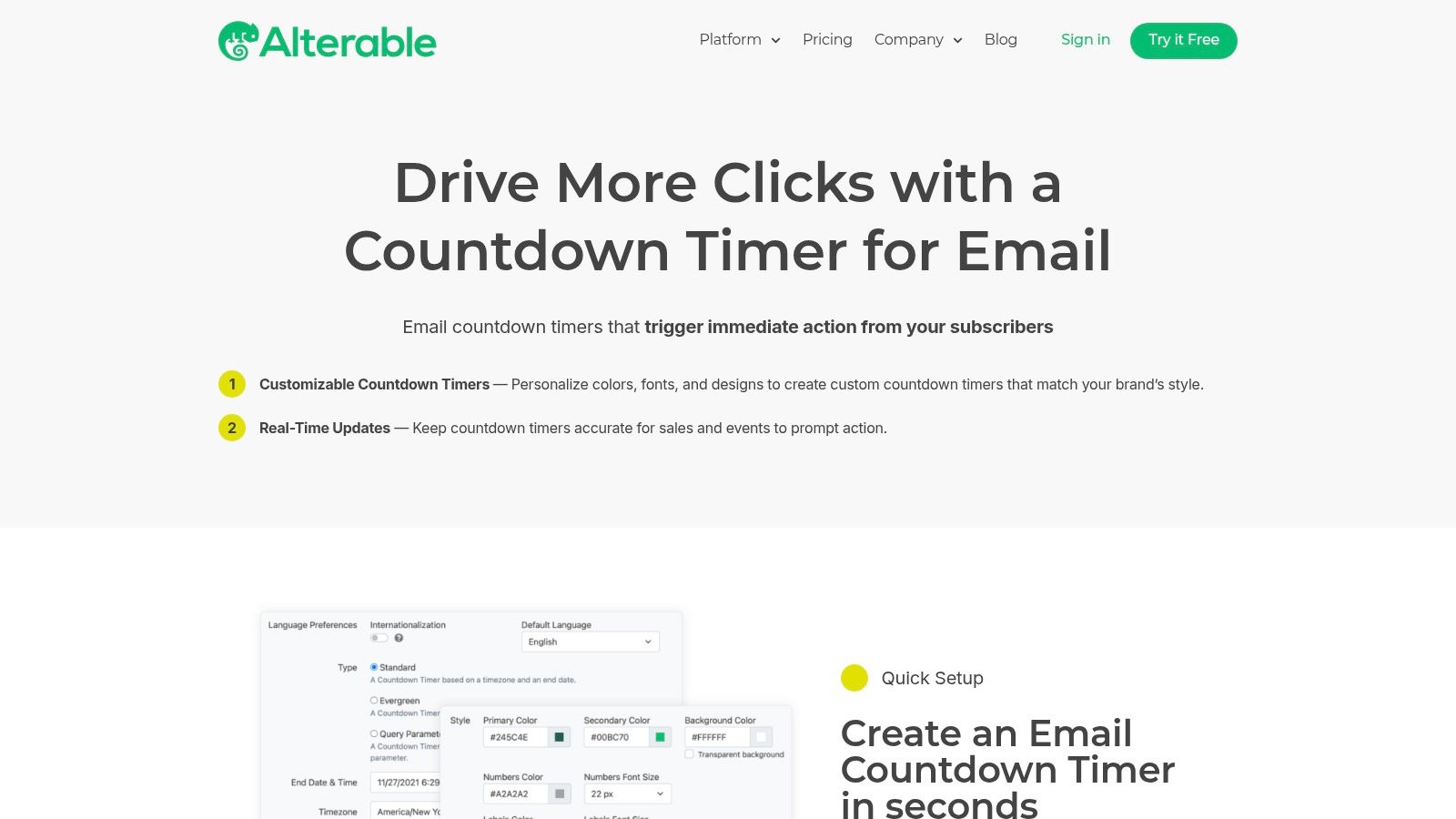
What sets Alterable apart is its focus on enhancing the user journey beyond the inbox. The platform supports deep linking, which can automatically open a user’s calendar app to add an event, creating a seamless bridge from email to real-world action. With full timezone support and localisation in 22 languages, it is an excellent choice for global campaigns, ensuring your message is relevant and timely for every subscriber, no matter their location.
Key Considerations
- Advanced Functionality: Features like deep linking and parameter-based timers offer sophisticated ways to engage subscribers.
- Global Reach: Extensive language and timezone support makes it ideal for international marketing efforts.
- Intuitive Interface: Despite its advanced capabilities, the platform is known for its quick and straightforward setup process.
- Pricing: Cost details are not publicly available. You need to contact the Alterable team directly to get a quote based on your specific needs.
Website: https://alterable.com/platform/countdown-timers/
11. CountdownTimer.ai
CountdownTimer.ai specialises in creating a sense of genuine urgency by offering sophisticated evergreen timers alongside standard fixed-date options. Its core strength lies in delivering a personalised countdown timer for email for each unique subscriber, making it an excellent tool for automated welcome series or behavioural trigger campaigns where scarcity needs to feel authentic to the individual's journey.
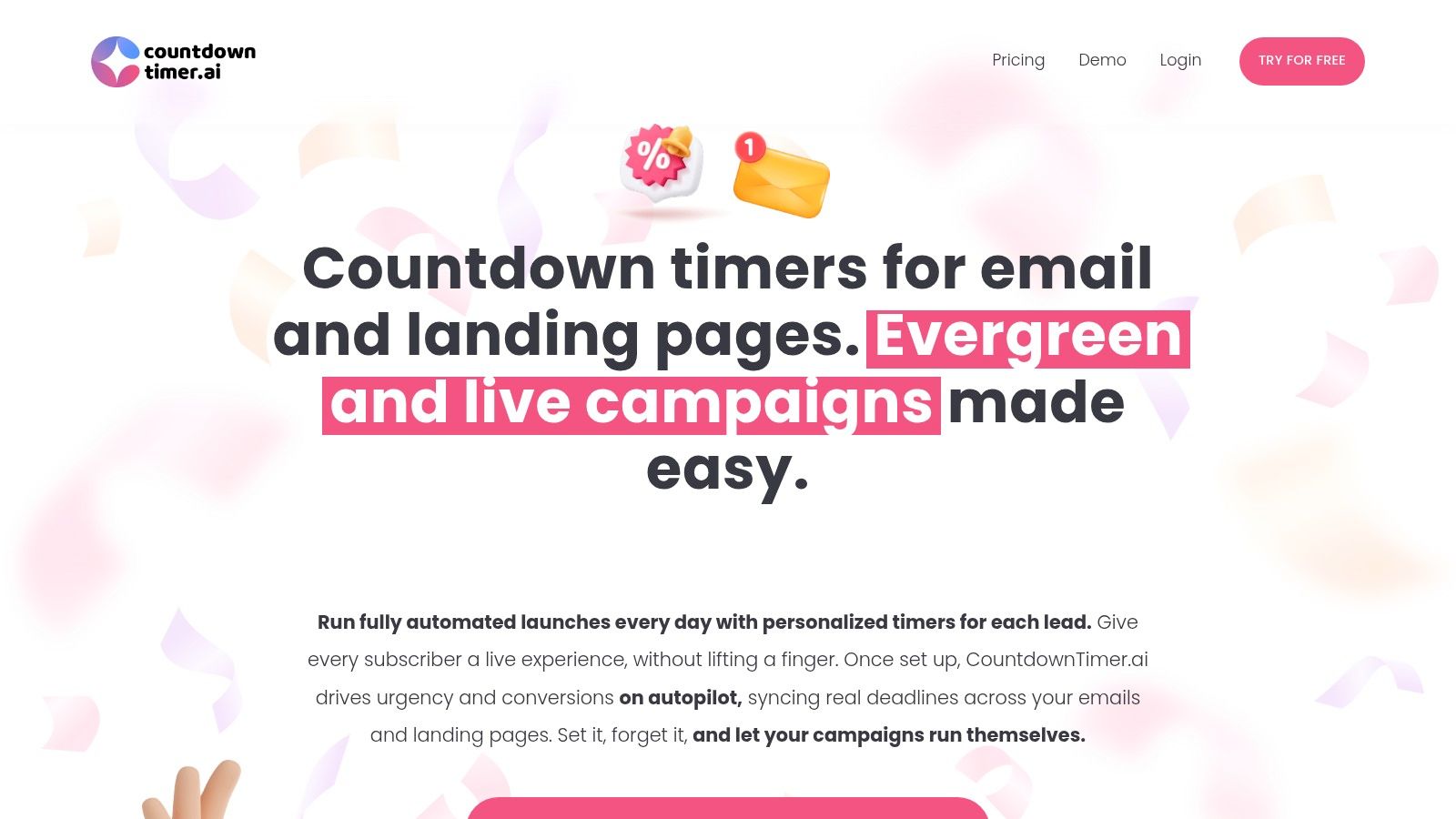
The platform stands out by ensuring its timers cannot be reset by clearing cookies or switching devices, thanks to advanced IP tracking and server-side validation. This makes the deadline feel more concrete and believable. The timers are also designed to be visually appealing, enhancing your brand's image rather than detracting from it, and they can be synchronised across both emails and landing pages for a consistent user experience.
Key Considerations
- Evergreen Timers: Create personalised deadlines for each lead, ideal for driving action in automated funnels.
- Urgency Integrity: Advanced tracking prevents users from resetting the clock, which helps to enforce real scarcity.
- Pricing: Specific costs are not publicly available. You need to contact the company directly for information based on your usage needs.
This focus on non-resettable, personalised timers makes it a powerful choice for marketers who rely heavily on evergreen funnels to drive conversions.
Website: https://www.countdowntimer.ai/
12. Campaign Monitor
For marketers already using the Campaign Monitor platform, the most efficient solution is often the one built right in. Campaign Monitor offers a native countdown timer for email as a standard feature within its drag-and-drop email builder. This approach eliminates the need for third-party tools or code snippets, creating a seamless workflow for adding urgency to your campaigns.
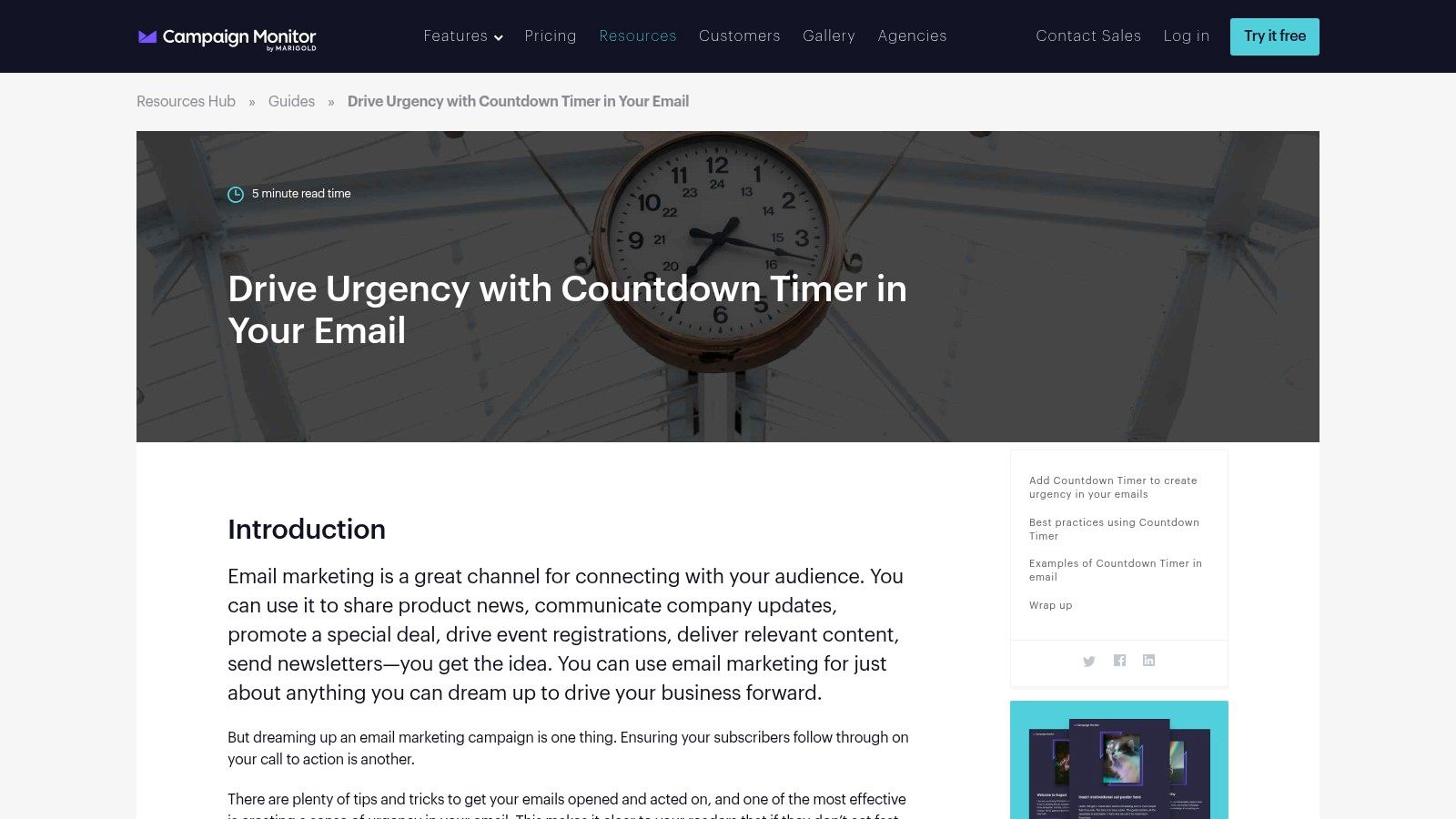
This built-in tool is designed for simplicity and speed. Users can easily set an end date and time, adjust colours, and select fonts to align with their brand's look and feel directly within the email editor. The primary advantage is convenience; there are no additional costs or complex integrations to manage, making it ideal for teams that need to produce time-sensitive promotions quickly and efficiently. The timer is automatically generated as a reliable GIF compatible across major email clients.
Key Considerations
- Integration: As a native feature, the timer integrates perfectly into the Campaign Monitor ecosystem, ensuring a smooth user experience.
- Cost-Effectiveness: The feature is included with Campaign Monitor subscriptions, so there is no extra charge to use it.
- Exclusivity: Its main limitation is that it is only available to users of the Campaign Monitor email marketing platform.
Integrating a timer is a great tactic, but it's most effective as part of a wider plan. Explore how it fits into a cohesive marketing strategy for your small business to maximise its impact.
Website: https://www.campaignmonitor.com/resources/guides/drive-urgency-with-countdown-in-your-email/
Countdown Timer Tools Feature Comparison
| Tool | Core Features ✨ | User Experience ★★★★☆ | Value Proposition 💰 | Target Audience 👥 | Unique Selling Points 🏆 |
|---|---|---|---|---|---|
| Wax Media | Custom timers, AWS delivery, email client compatible | High reliability, brand-consistent designs | Contact for pricing 💰 | Brands needing bespoke timers | AWS-powered, tailored brand aesthetics ✨ |
| Mailtimer | Easy interface, multiple timer types, real-time updates | User-friendly, free basic plan ★★★★ | Free plan with branding tradeoff 💰 | Small businesses, freelancers | No design skills needed, versatile timers ✨ |
| MotionMail | 4 designs, timezone aware, multi-language support | Free with 20K views, platform integration ★★★★ | Free plan limited features 💰 | Email marketers | Timezone adjustment, multilingual timers 🏆 |
| MailTimers | Fixed/evergreen/cyclic timers, ESP integrations | Customizable, 100K free views ★★★★★ | Free plan with feature limits 💰 | Agencies, enterprises | High free quota, rich customization 🏆 |
| EmailTimers | Various timer styles, global CDN, real-time analytics | Unlimited timers, easy styling ★★★★☆ | Contact for pricing 💰 | Marketers needing scale | Global CDN speed, unlimited timers ✨ |
| CountdownMail | 22 templates, evergreen, dynamic links | Free unlimited sends, branding in free plan ★★★ | Free with branding 💰 | Startups, SMBs | Large template variety, easy embedding 🏆 |
| Sendtric | No watermark, 10K free views, ESP compatible | Free no branding, easy integration ★★★★ | Free plan no branding 💰 | Freelancers, small teams | No watermark free, easy use ✨ |
| GetCountdown.Email | Custom colors/fonts, works everywhere, simple setup | Free with watermark, user-friendly ★★★ | Free plan limited views 💰 | New users, non-tech | Simple embed, brand-matching ✨ |
| MailCountdowns | Timezone-aware, no watermark paid, fast loading CDN | Flexible pricing from €1.09/mo, fast ★★★★ | Affordable plans start low 💰 | SMBs, event marketers | Fast CDN, timezone support 🏆 |
| Alterable | Evergreen/query timers, deep linking, 22 languages | Quick setup, advanced UX ★★★★ | Contact for pricing 💰 | Global campaigns, advanced UX | Deep linking, multi-language support ✨ |
| CountdownTimer.ai | Evergreen/live, sync emails & landing pages, IP tracking | Genuine urgency confirmed, beautiful design ★★★★ | Contact for pricing 💰 | Conversion-focused marketers | Non-resettable timers, advanced validation 🏆 |
| Campaign Monitor | Built-in drag-drop timer, no extra cost | Seamless for users, no third party ★★★★ | Included for users 💰 | Campaign Monitor users only | Native integration, example templates 🏆 |
Making Your Final Choice: Which Timer Will Drive Your Success?
Selecting the right countdown timer for email is more than a technical choice; it's a strategic one that directly influences your campaign's success and your brand's perception. We have navigated the diverse landscape of options, from highly specialised tools to straightforward, plug-and-play solutions. Your final decision should hinge on a clear understanding of your specific needs, resources, and marketing objectives.
As we've explored, the market caters to a wide spectrum of users. For small businesses or solopreneurs just starting, the generous free tiers offered by MailTimers, Sendtric, and CountdownMail provide an excellent, no-cost entry point to harness the power of urgency. These tools are perfect for validating the effectiveness of a countdown timer for email within your campaigns before committing to a paid plan.
For established e-commerce brands and digital marketing agencies, the priorities often shift towards brand consistency, advanced functionality, and seamless integration. Here, solutions like Wax Media stand out for their bespoke, white-glove service, ensuring your timers are perfectly aligned with your brand's unique aesthetic. Similarly, tools like MotionMail and CountdownTimer.ai offer sophisticated features such as true evergreen timers and detailed analytics, crucial for running complex, personalised automation sequences.
Key Factors for Your Decision
Before you make your choice, take a moment to weigh these critical factors:
- Your Primary Goal: Are you aiming for a quick boost in Black Friday sales, or are you building a long-term evergreen funnel for new subscribers? A fixed-date timer from a tool like EmailTimers is ideal for the former, while an evergreen timer from Mailtimer is essential for the latter.
- Technical Skill Level: Consider who will be implementing the timer. Tools with direct integrations or native features, like Campaign Monitor, minimise the technical burden. In contrast, embedding HTML from any of the other providers requires a basic level of comfort working within your email service provider's editor.
- Budget and Scalability: Evaluate the pricing structures. A tool with a low-cost entry plan that scales with your subscriber growth or usage might be more sustainable than one with a high flat fee. Pay close attention to what features are locked behind higher-tier plans.
- Brand Integrity: A distracting watermark or a timer that doesn't match your brand's colours can undermine your message. If brand experience is paramount, prioritise white-labelled solutions that offer deep customisation, ensuring every element of your email feels cohesive and professional.
Ultimately, the most effective countdown timer for email is the one that integrates flawlessly into your workflow and authentically supports your marketing strategy. By carefully aligning your choice with your operational capacity and strategic goals, you can transform this simple animated GIF into a powerful engine for driving action, creating excitement, and boosting your bottom line.
Ready to integrate timers and other powerful tools into a cohesive strategy? Explore The Digital Marketing Toolbox, our curated suite of resources designed to help you build, automate, and optimise your campaigns. This toolbox provides the frameworks and guides you need to make tools like countdown timers work harder for your business.


