

A thorough SEO audit is the foundation of any successful digital strategy, yet navigating the crowded market of crawlers, checkers, and all-in-one suites can be overwhelming. The right software is crucial for uncovering hidden technical issues, from broken links and indexation problems to core web vitals and internationalisation errors. Choosing incorrectly can mean wasted budget and missed opportunities for organic growth.
This guide cuts through the noise to analyse the 12 best SEO audit tools available today. We move beyond marketing claims to provide a practical, in-depth comparison tailored to specific needs. Whether you're a freelancer tackling a site migration, an agency managing multiple clients, or an in-house team demanding scale and precision, you'll find a solution that fits your workflow and budget.
We have organised this resource to help you make a swift, informed decision. Each entry includes:
- A concise description of what the tool does best.
- An honest assessment of its strengths and weaknesses.
- Clear pricing information and direct links to trials.
- Specific use cases to match the tool to your role (e.g., e-commerce manager, SEO consultant).
We will explore everything from dedicated desktop crawlers like Screaming Frog and Sitebulb to the powerful site audit features within comprehensive suites like Semrush and Ahrefs. We'll also cover specialised enterprise platforms such as Lumar and Botify, alongside essential free utilities from Google and Bing. Let's find your perfect SEO audit partner.
1. Screaming Frog SEO Spider
Screaming Frog's SEO Spider is a powerful and comprehensive website crawler that has become an industry standard for technical SEO audits. As a desktop-based application for Windows, macOS, and Ubuntu, it fetches crucial onsite data, allowing you to analyse results in real-time. It’s revered by SEO professionals for its speed and the sheer depth of data it provides, making it one of the best SEO audit tools for technical deep dives.
The platform excels at identifying common SEO issues like broken links, redirect chains, and duplicate content. Where it truly stands out is its advanced customisation. Users can configure JavaScript rendering to audit modern websites, use XPath to extract specific data from a page's HTML, and integrate directly with APIs like Google Analytics, Search Console, and PageSpeed Insights for richer, more contextual data. This makes it an indispensable asset for everything from routine health checks to complex website migrations. For a deeper look into its capabilities, you can find a helpful guide on the Screaming Frog SEO Spider on grow-your-biz.com.
Core Features & Use Cases
- Best For: Technical SEO specialists, agencies, and in-house teams managing complex websites.
- Pricing: Free version available for crawling up to 500 URLs. The paid licence is £199 per year, unlocking advanced features and unlimited crawls.
- Standout Feature: The ability to render JavaScript using a built-in Chromium browser is critical for auditing sites built with frameworks like React or Angular.
| Strengths | Weaknesses |
|---|---|
| Fast & Reliable Desktop crawler with powerful data exports. | Resource Intensive Can be demanding on your computer for very large sites. |
| Highly Customisable Integrations and custom extraction offer deep analysis. | Learning Curve Advanced features require some technical knowledge to master. |
| Detailed Visualisations Creates site architecture diagrams and identifies orphan pages. | Desktop-Only No native cloud functionality without custom setups. |
Website: https://www.screamingfrog.co.uk/seo-spider/
2. Sitebulb
Sitebulb is a powerful website crawler that brilliantly combines deep technical SEO auditing with an intuitive, user-friendly interface. Available as both a desktop application and a cloud-based service, it’s designed to make complex data accessible to a wider audience, from seasoned SEOs to marketing managers. Its standout feature is the prioritised “Hints” system, which doesn't just list issues but contextualises them, explaining why they matter and how to fix them, making it one of the best SEO audit tools for teams that need clear, actionable insights.
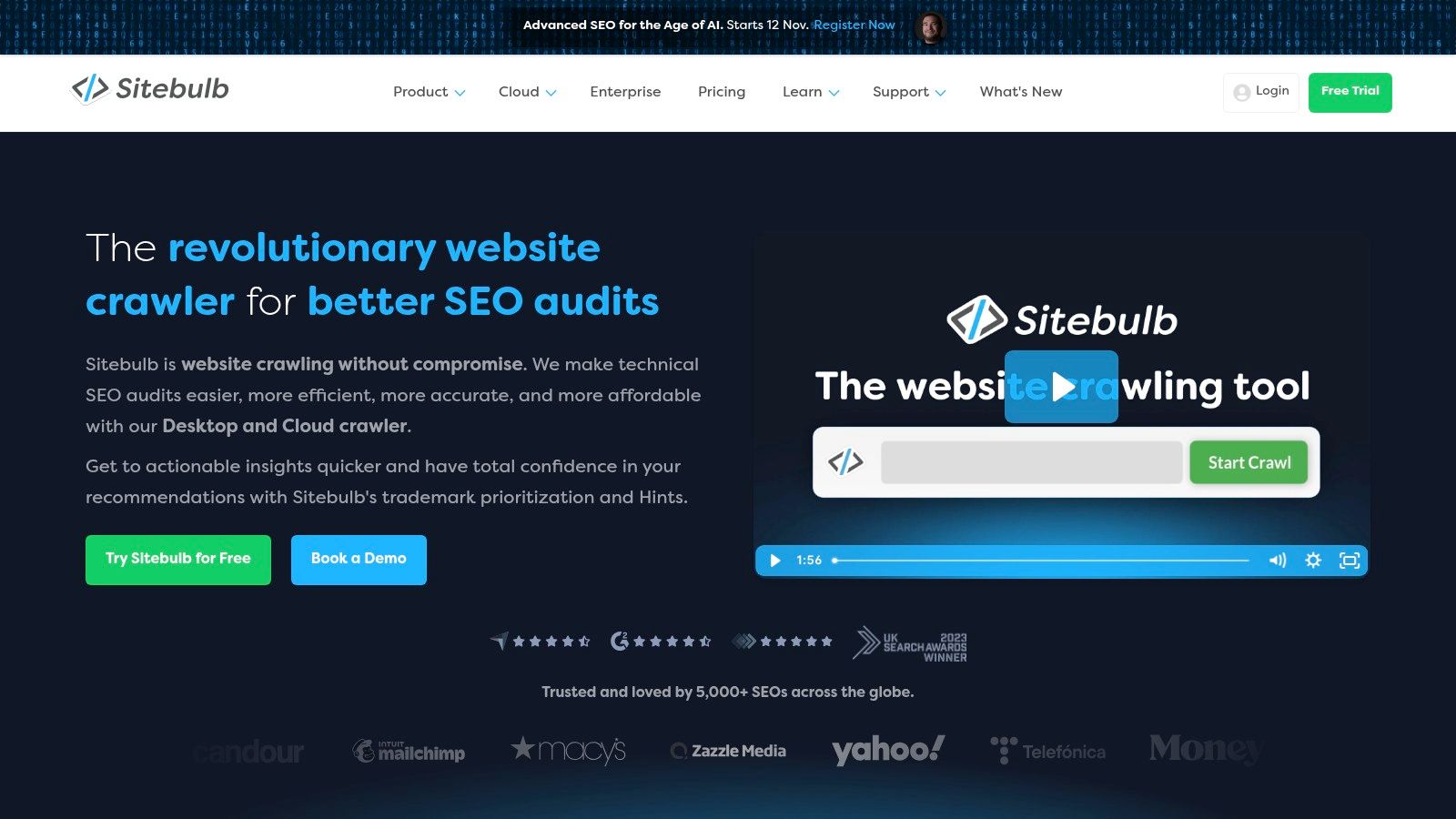
The platform excels at generating comprehensive, visual reports and crawl maps that are easy to understand and share with stakeholders who may not be SEO experts. By integrating with Google Analytics and Search Console, Sitebulb enriches its crawl data, providing a more holistic view of website performance. This unique combination of in-depth analysis and approachable reporting makes it an excellent choice for agencies and in-house teams who need to collaborate effectively and demonstrate the value of their SEO efforts.
Core Features & Use Cases
- Best For: SEO agencies, consultants, and in-house teams who need to produce clear, actionable audit reports for clients and stakeholders.
- Pricing: Desktop plans (Lite/Pro) start from £35+VAT per month. Sitebulb Cloud is available with custom, quote-based pricing for larger-scale and collaborative needs. A free 14-day trial is available for desktop versions.
- Standout Feature: The "Hints" system scores and prioritises every issue found, providing clear explanations and guidance that streamline the auditing process.
| Strengths | Weaknesses |
|---|---|
| Approachable Reporting Visuals and prioritised hints make data easy to digest. | Resource Intensive The desktop version can use significant local machine resources on large crawls. |
| Hybrid Model Cloud plans offer both desktop and cloud access for flexibility. | Quote-Based Cloud Pricing Cloud plan costs are not transparent and require a sales enquiry. |
| Actionable Insights Focuses on providing context and solutions, not just data. | URL Limits Cloud plans come with URL and project limits based on the subscription tier. |
Website: https://sitebulb.com/
3. Semrush (Site Audit inside the SEO Toolkit)
Semrush offers a comprehensive marketing suite where its Site Audit tool is a core component, making it an excellent all-in-one platform for businesses that need more than just a technical crawler. Integrated within a project-based workflow, the tool crawls your website and flags over 140 technical and on-page SEO issues, categorising them by severity. It’s revered for its user-friendly interface that simplifies complex data into actionable reports, making it one of the best SEO audit tools for teams wanting a holistic view of their digital presence.
The platform excels by connecting audit data with its other powerful tools, such as rank tracking, backlink analysis, and competitive research. This integration allows you to see how technical fixes impact your overall performance. Higher-tier plans include JavaScript rendering for modern websites, and its robust reporting capabilities, including Looker Studio integration, make it easy to communicate progress to stakeholders. The tool's scalability is a key part of an effective marketing strategy for small businesses on grow-your-biz.com, allowing it to grow with your needs.
Core Features & Use Cases
- Best For: Digital marketing agencies, in-house teams, and SMBs looking for an integrated, all-in-one SEO and marketing platform.
- Pricing: Plans start from around £108/month, with page crawl limits and features scaling with each tier (Pro, Guru, and Business).
- Standout Feature: The seamless integration with other Semrush toolkits (e.g., keyword research, backlink analysis) provides a 360-degree view of your SEO performance in one place.
| Strengths | Weaknesses |
|---|---|
| Broad Toolkit Goes beyond audits with rank tracking and competitive data. | Higher Cost Can be pricier than single-purpose crawlers if you only need the audit tool. |
| Scalable Excellent for small businesses, agencies, and enterprises alike. | Crawl Limits Page crawl allowances are tied to subscription tiers and can be restrictive. |
| Strong Reporting Powerful, customisable reports and Looker Studio integration. | Overwhelming for Beginners The sheer number of features can be daunting for new users. |
Website: https://www.semrush.com/
4. Ahrefs (Site Audit)
Ahrefs is a powerhouse in the SEO industry, renowned for its colossal backlink index and robust keyword research capabilities. Its Site Audit tool is an integrated part of this all-in-one suite, leveraging a fast, cloud-based crawler to conduct deep technical analyses. As a comprehensive platform, it connects audit findings directly with its wider dataset, allowing users to cross-reference technical issues with backlink profiles and keyword rankings, making it one of the best SEO audit tools for holistic strategy development.
The platform excels at making complex data accessible through a clean, intuitive user interface and actionable data visualisations. Ahrefs' Site Audit organises issues by importance, providing clear explanations and step-by-step guides on how to fix them. The tool also stands out by allowing users to segment data with advanced filters, compare crawls to track progress over time, and monitor core web vitals. For website owners, the free Ahrefs Webmaster Tools offers a generous entry point to access the Site Audit for their own verified properties.
Core Features & Use Cases
- Best For: All-round SEO professionals, agencies, and businesses that need an integrated toolset combining technical audits with market-leading backlink and keyword data.
- Pricing: Plans start from around £79 per month when billed annually. A free Ahrefs Webmaster Tools version is available for owned websites.
- Standout Feature: The seamless integration between the Site Audit and other tools like Site Explorer and Keywords Explorer, providing a complete picture of a site’s SEO health.
| Strengths | Weaknesses |
|---|---|
| All-in-One Platform Combines a powerful audit tool with elite backlink and keyword data. | Costly for Full Access Unlocking all features and higher limits comes at a premium price. |
| Cloud-Based Crawler No strain on local computer resources, accessible from anywhere. | Crawl Credits System Audits are limited by crawl credits, which may be restrictive on lower-tier plans. |
| User-Friendly Interface Presents complex data in an easy-to-understand and actionable format. | Less Customisation Not as customisable for hyper-specific data extraction as desktop crawlers. |
Website: https://ahrefs.com/site-audit
5. SE Ranking (Website Audit)
SE Ranking positions itself as a powerful, all-in-one SEO platform with a surprisingly robust Website Audit tool, making it an excellent choice for small businesses, agencies, and freelancers. Unlike specialised desktop crawlers, SE Ranking integrates its audit functionality into a cloud-based suite that also includes rank tracking, keyword research, and backlink analysis. This integrated approach provides a holistic view of a website’s SEO performance without requiring multiple subscriptions.
The platform’s Website Audit tool is straightforward to set up and delivers a prioritised list of technical issues, from critical errors like broken links and server issues to warnings about meta tags and page speed. Where SE Ranking truly shines is its balance of functionality and affordability. It delivers comprehensive reports that are easy to understand and share with clients or team members, making it one of the best SEO audit tools for users who need actionable insights without a steep learning curve or high price tag.
Core Features & Use Cases
- Best For: SMBs, marketing freelancers, and agencies seeking an affordable, multi-functional SEO platform.
- Pricing: Plans start from £44 per month (billed annually), with audit limits and features scaling with higher tiers. A 14-day free trial is available.
- Standout Feature: The Core Web Vitals assessment is integrated directly into the audit, providing clear, actionable data on page experience factors without needing a separate tool.
| Strengths | Weaknesses |
|---|---|
| Excellent Value Provides a comprehensive suite of SEO tools for a competitive price. | Lighter Data Depth May not offer the same granular detail as enterprise-level crawlers. |
| User-Friendly Interface Clean, intuitive dashboard and easy-to-share reports. | Crawler Limits The number of pages you can crawl is tied to your subscription plan. |
| All-in-One Platform Combines site audits with rank tracking and competitor analysis. | Slower Crawl Speed Cloud-based crawls can be slower than desktop alternatives. |
Website: https://seranking.com/
6. Moz Pro (Site Crawl)
Moz Pro is a veteran all-in-one SEO platform, and its Site Crawl tool is a core component that excels at delivering clear, actionable audit data. Integrated seamlessly with its robust suite of keyword research, link building, and rank tracking tools, Moz Pro provides a holistic view of a website's health. It simplifies technical SEO by prioritising issues based on impact, making it one of the best SEO audit tools for marketers and teams who need comprehensive insights without a steep learning curve.
The platform is particularly strong in its reporting capabilities, allowing users to create branded, automated reports that are easy for clients and stakeholders to understand. Moz organises crawl data into intuitive categories like "Critical Crawler Issues" and "Redirect Issues," providing explanations and "Moz Recommends" tips for fixing each problem. This educational approach, combined with proprietary metrics like Domain Authority and the new Brand Authority, makes it a reliable choice for strategists focused on building long-term website authority alongside technical soundness.
Core Features & Use Cases
- Best For: Marketing teams, agencies, and SMBs looking for an integrated SEO suite with strong reporting and educational resources.
- Pricing: Plans start at $99/month ($79/month if paid annually), with crawl limits and features increasing with higher tiers. A 30-day free trial is available.
- Standout Feature: The "Issues" prioritisation system, which flags critical problems and provides straightforward, step-by-step guidance on how to fix them.
| Strengths | Weaknesses |
|---|---|
| User-Friendly Interface Presents complex data in an easy-to-digest format. | Smaller Link Index Its link database is less extensive compared to some direct competitors. |
| Strong Reporting Excellent for creating automated and custom-branded client reports. | Lacks Deep Technical Customisation Fewer developer-focused features than specialised crawlers. |
| Educational Resources In-platform guidance and learning materials are top-notch. | Slower Crawl Speeds Audits can sometimes be slower than desktop-based alternatives. |
Website: https://moz.com/
7. Lumar (formerly Deepcrawl)
Lumar, formerly known as Deepcrawl, is an enterprise-grade cloud crawler and website intelligence platform built for speed, scale, and collaborative team workflows. It is specifically engineered to handle the complexities of very large websites, offering high-performance crawling and advanced monitoring capabilities. For large-scale organisations, Lumar is one of the best SEO audit tools for establishing website governance and preventing technical issues before they impact performance.
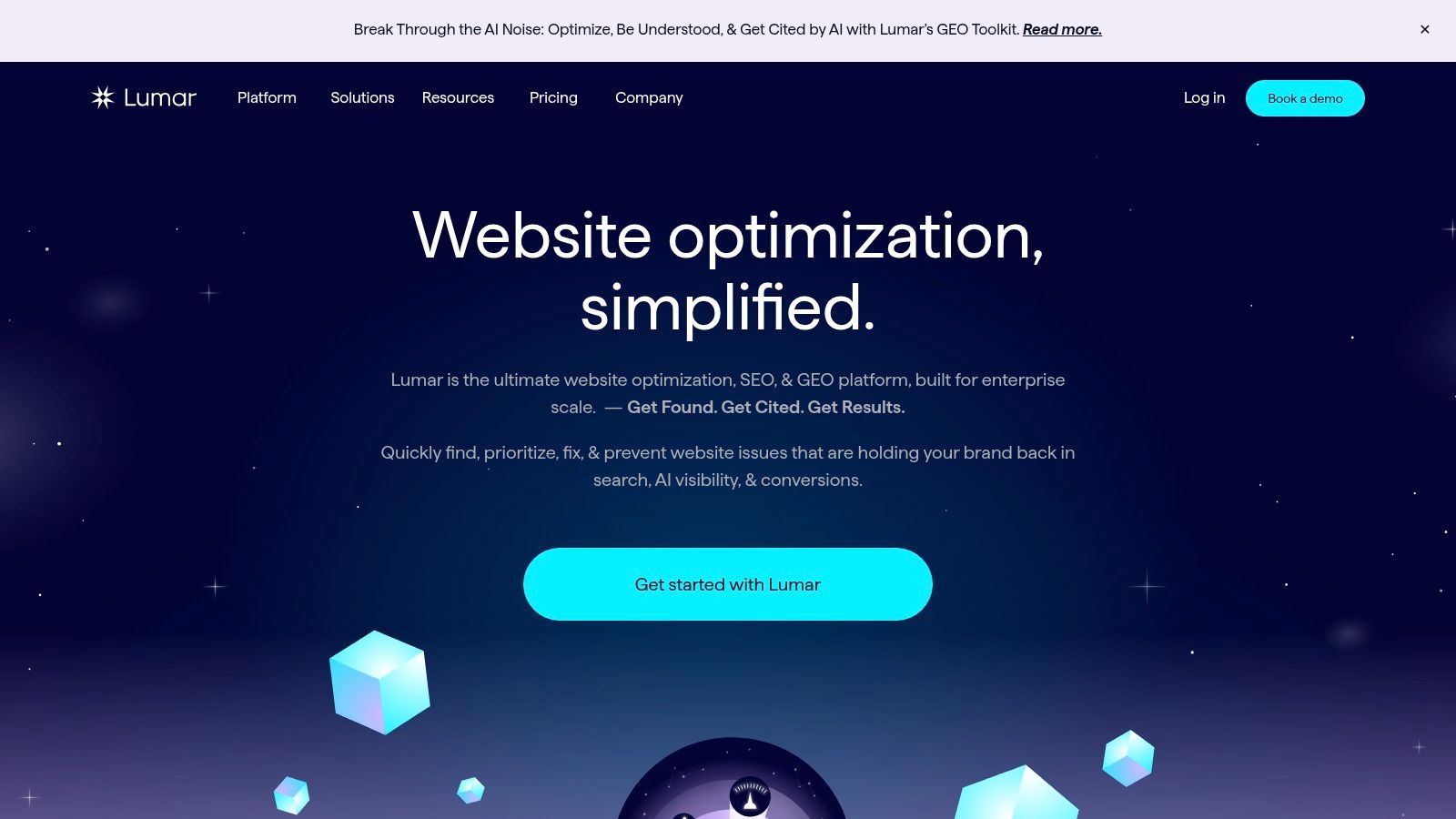
The platform’s strength lies in its ability to manage huge datasets and integrate technical health into the development lifecycle. Its "Protect" feature allows teams to run pre-release tests, catching potential SEO problems in a staging environment before they go live. With unlimited user seats and robust security protocols like SOC 2 compliance, Lumar is designed to support cross-functional teams, from SEOs and developers to content and marketing departments, ensuring everyone is aligned on website health and performance objectives.
Core Features & Use Cases
- Best For: Enterprise-level businesses, large e-commerce sites, and agencies managing complex, high-traffic websites.
- Pricing: Custom quote-based pricing tailored to enterprise needs. Not suitable for small businesses or individual users.
- Standout Feature: Pre-release testing ("Protect") which integrates with CI/CD pipelines to automate technical SEO checks and prevent errors from being deployed.
| Strengths | Weaknesses |
|---|---|
| Designed for Scale Serverless crawling technology handles millions of URLs efficiently. | Enterprise Pricing Quote-based model is inaccessible for smaller businesses or freelancers. |
| Team Collaboration Unlimited users and project-based workflows enhance cooperation. | Overkill for Small Sites The feature set is far more than what a small or medium site would require. |
| Powerful Integrations Connects with BI tools like Looker Studio and Tableau for advanced reporting. | Complexity The sheer volume of data and reports can be overwhelming without a dedicated team. |
Website: https://www.lumar.io/
8. Botify
Botify is an enterprise-level SEO platform designed for large, complex websites where scalability and data integration are paramount. It moves beyond standard crawling by unifying technical SEO data, content performance, and real user signals into a single, cohesive view. By combining a high-performance crawler with log file analysis, Botify provides a true picture of how search engines see and value a website, making it one of the best SEO audit tools for global brands.
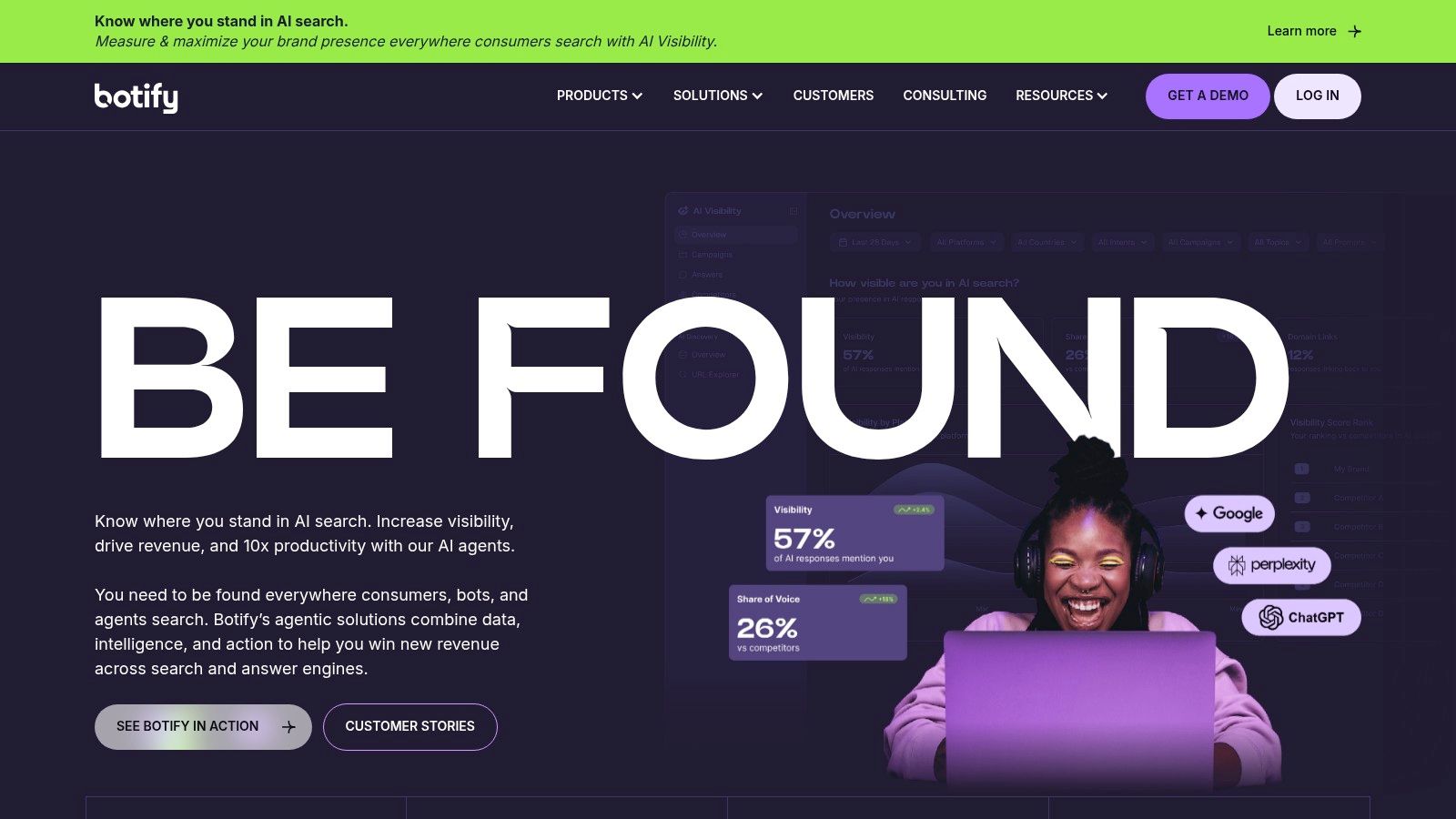
The platform’s strength lies in its ability to process immense amounts of data and deliver actionable, AI-assisted insights. It helps organisations understand the strategic impact of technical SEO on business outcomes, from identifying which pages are ignored by Google to forecasting the revenue impact of specific fixes. This focus on automation and integration allows in-house teams to prioritise high-value tasks, automate reporting, and demonstrate the ROI of their SEO efforts to stakeholders across the business.
Core Features & Use Cases
- Best For: Enterprise-level businesses, global e-commerce sites, and publishers with millions of URLs.
- Pricing: Customised pricing based on an enterprise licence model. There is no public self-serve pricing; requires a demo and consultation.
- Standout Feature: The integration of first-party data with crawl and log file analysis to provide a complete, unified view of SEO performance and opportunity.
| Strengths | Weaknesses |
|---|---|
| Enterprise-Grade Scalability Built to handle the largest and most complex websites. | High Cost of Entry Pricing structure is designed for enterprise budgets, not small businesses. |
| Unified Data Platform Combines technical, content, and search intent data. | Implementation-Led Requires significant setup and integration, not a plug-and-play tool. |
| Advanced Log File Analysis Reveals exactly how search engines interact with your site. | Complex for Beginners The depth of data and features can be overwhelming without expertise. |
Website: https://www.botify.com/
9. Oncrawl
Oncrawl is a data-driven technical SEO platform that combines a powerful cloud crawler with log file analysis to provide deep, actionable insights. It’s engineered for enterprise-level websites and agencies managing complex SEO challenges, especially those in the UK and Europe. The platform excels at blending data from multiple sources, such as Google Analytics and Search Console, with its crawl data to offer a unified view of website performance, making it one of the best SEO audit tools for integrated analysis.
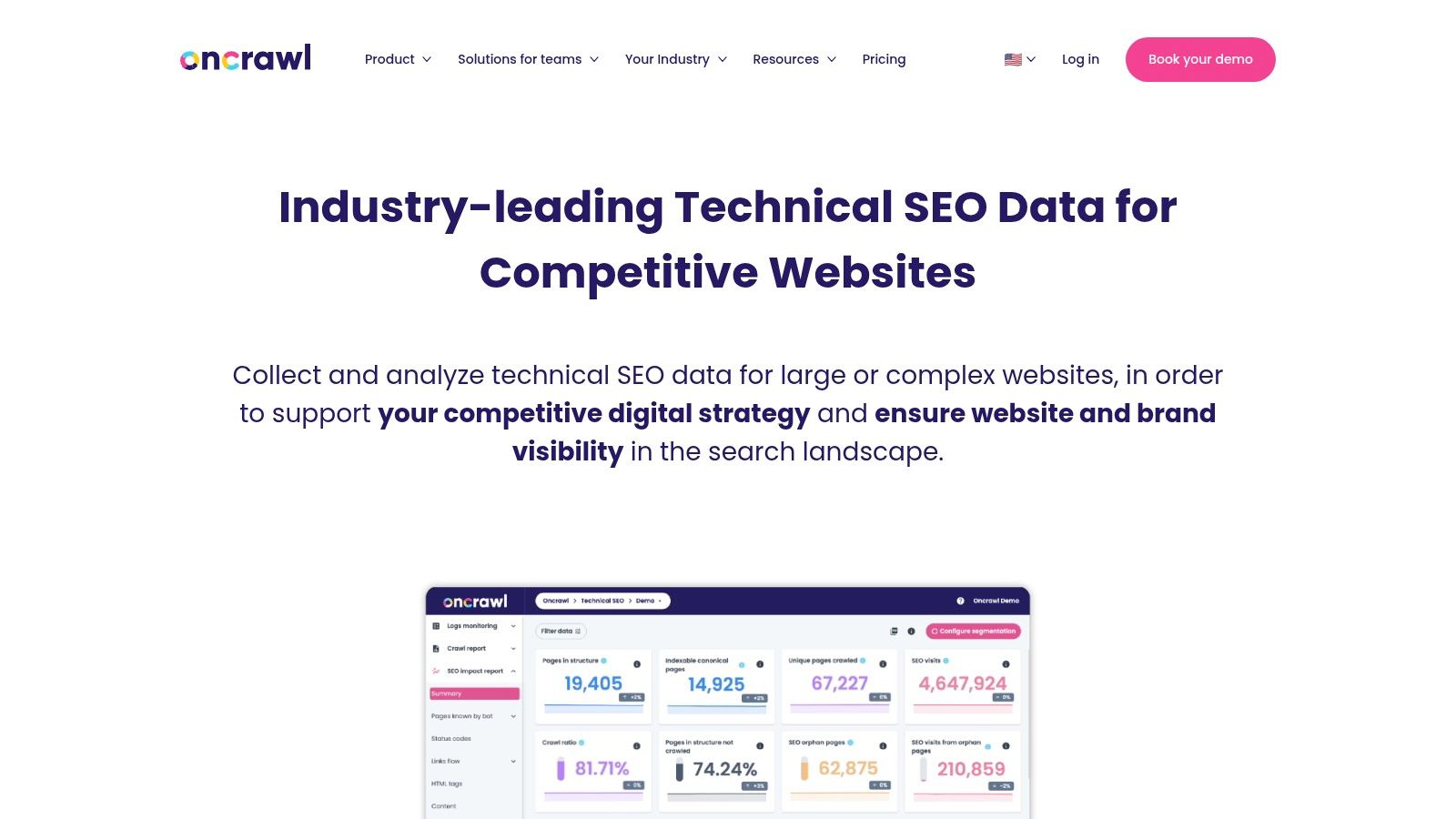
The core strength of Oncrawl lies in its ability to segment and cross-analyse vast datasets to uncover relationships between technical factors and SEO outcomes like traffic and rankings. It helps teams understand how search engine bots behave on their site, identify indexability issues, and monitor the impact of site changes. Its advanced data visualisation and export capabilities, including a Looker Studio connector, make it easy to build custom dashboards and share insights across an organisation, moving beyond standard audit reports to strategic data intelligence.
Core Features & Use Cases
- Best For: Enterprise SEO teams, large e-commerce sites, and technical SEO agencies needing blended data analysis.
- Pricing: Custom pricing based on needs. You must book a demo for a quote, as public pricing is not available.
- Standout Feature: The integration of log file analysis with crawl data provides an unparalleled view of Googlebot's behaviour and crawling priorities.
| Strengths | Weaknesses |
|---|---|
| Blended Data Analysis Combines crawl, log, and analytics data for deeper insights. | Complex Pricing No transparent pricing; requires a demo and quote process. |
| Powerful Segmentation Advanced filtering and segmentation for granular analysis. | Enterprise Focus Can be overkill and costly for smaller websites or freelancers. |
| Strong Data Visualisation Excellent dashboards and a Looker Studio connector. | Steep Learning Curve The depth of data can be overwhelming for beginners. |
Website: https://www.oncrawl.com/
10. Google Search Console
No list of the best SEO audit tools would be complete without Google Search Console (GSC). While not a traditional site crawler, GSC is an essential, free suite of tools that provides direct, authoritative data from Google itself. It's the foundational layer for any SEO audit, offering invaluable insights into how Google sees and interacts with your website, from indexation status to performance metrics.
The platform excels at diagnostics, allowing you to inspect individual URLs, monitor Core Web Vitals, check for manual actions, and submit sitemaps. Its true power lies in being the definitive source of truth; if GSC reports an indexing issue or a structured data error, you know it's a priority. For newcomers, ensuring you get all this crucial data from the outset is key. You can learn how to set up Google Search Console correctly to ensure your configuration is optimised. This tool is a non-negotiable part of any digital marketing strategy, as explained in this beginner's guide to digital marketing on grow-your-biz.com.
Core Features & Use Cases
- Best For: All website owners, SEOs, and marketers as the primary source for Google-specific performance and health data.
- Pricing: Completely free.
- Standout Feature: The URL Inspection tool provides detailed crawl, index, and serving information directly from the Google index, which is indispensable for troubleshooting.
| Strengths | Weaknesses |
|---|---|
| Authoritative Data Provides direct, unfiltered information from Google. | Not a Full Crawler Doesn't crawl your site on-demand to find all issues. |
| Completely Free An indispensable and powerful tool with no cost barrier. | Limited Data Only shows information relevant to Google's view of your site. |
| Actionable Insights Highlights security issues, manual actions, and index errors. | Data Lag Performance data can have a delay of a few days. |
Website: https://search.google.com/search-console/
11. Lighthouse (Chrome DevTools / PageSpeed Insights)
Lighthouse is an open-source, automated tool built directly into Chrome DevTools and PageSpeed Insights, designed for improving the quality of web pages. While not a traditional site-wide crawler, it offers invaluable page-level audits across Performance, Accessibility, Best Practices, and SEO. It has become an essential, developer-friendly utility for quick diagnostics and validating on-page technical fixes, making it a critical component in any SEO professional’s toolkit.
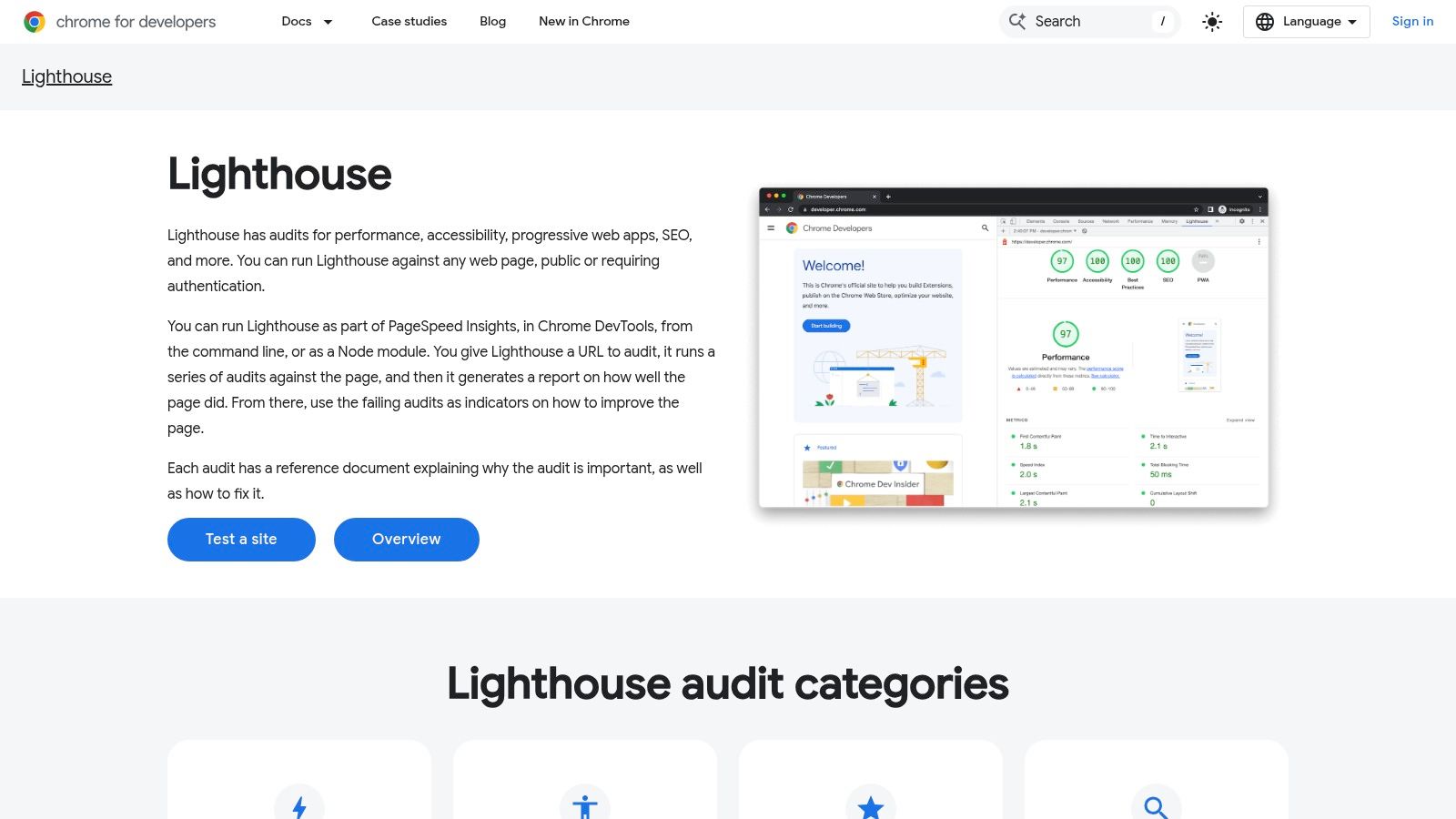
The platform's strength lies in its speed, accessibility, and focus on user experience metrics like Core Web Vitals. It provides actionable scores and clear recommendations, helping teams prioritise tasks that directly impact performance and search visibility. To effectively address the speed issues often highlighted by tools like Lighthouse and other audit solutions, consider practical advice on how to improve website speed. Because it can be run via command line or as a Node module, it’s easily integrated into continuous integration (CI) workflows, ensuring new code doesn’t degrade site quality.
Core Features & Use Cases
- Best For: Developers, technical SEOs, and marketers needing fast, page-specific performance and on-page SEO checks.
- Pricing: Completely free. It's built into Chrome and available through various open-source projects.
- Standout Feature: Direct integration into the development workflow via Chrome DevTools and CI systems, allowing for performance monitoring at every stage.
| Strengths | Weaknesses |
|---|---|
| Free & Accessible Available to anyone using Chrome or PageSpeed Insights. | Page-Level Focus Does not crawl an entire website; audits one URL at a time. |
| Actionable Performance Data Provides clear scores and suggestions for Core Web Vitals. | Variable Results Scores can fluctuate based on network conditions and server load. |
| Developer-Friendly Easily automated and integrated into development pipelines. | Limited SEO Scope The SEO audit is basic and not a substitute for a full crawler. |
Website: https://developer.chrome.com/docs/lighthouse
12. Bing Webmaster Tools (Site Scan)
While often living in the shadow of its Google counterpart, Microsoft’s Bing Webmaster Tools is a surprisingly robust and completely free suite for site owners. Its on-demand Site Scan feature provides a valuable technical SEO audit, checking for common on-page issues like missing meta descriptions, multiple H1 tags, and slow page load times. For those seeking a reliable second opinion, it serves as an excellent complement to primary crawlers and Google Search Console.
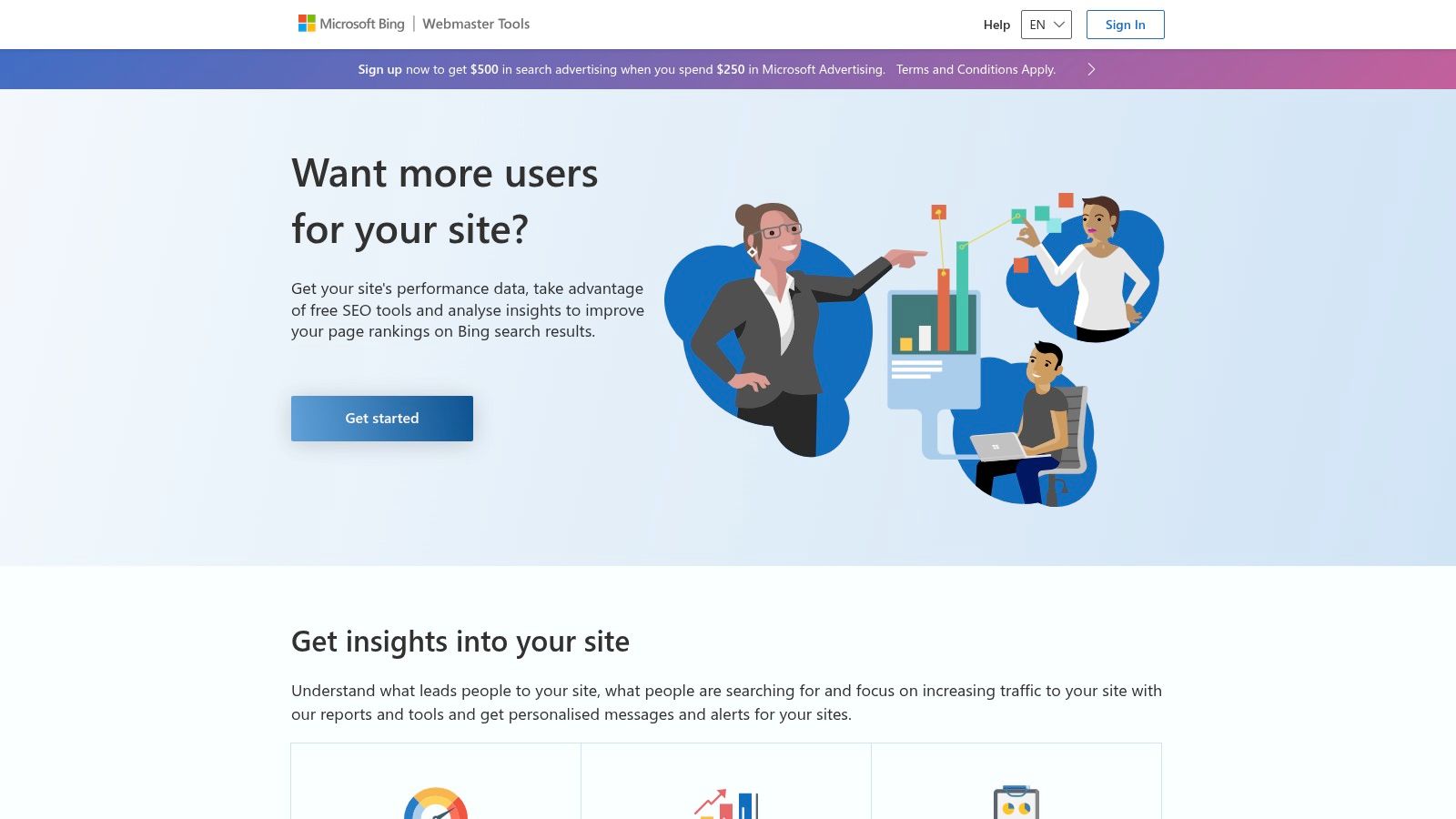
The platform stands out by offering a different data perspective directly from the world’s second-largest search engine. Beyond the audit tool, it includes URL inspection, backlink analysis, and keyword research features. Its modern interface is clean and user-friendly, making it easy to identify and action quick wins without the complexity of more advanced tools. The IndexNow integration also provides a major benefit, allowing for near-instant indexing of new or updated content across Bing and other participating search engines. This makes it one of the best SEO audit tools for those wanting to diversify their search presence.
Core Features & Use Cases
- Best For: Small business owners, bloggers, and SEOs looking for a free, secondary audit tool to supplement Google data.
- Pricing: Completely free for all website owners who verify their site.
- Standout Feature: The on-demand Site Scan tool provides an accessible, no-cost way to run quick technical health checks directly from a major search engine.
| Strengths | Weaknesses |
|---|---|
| Entirely Free Provides a wealth of data without any subscription costs. | Lighter Audit Depth Not as comprehensive as dedicated paid crawlers. |
| Bing’s Perspective Offers insights and diagnostics that complement Google's data. | Smaller Ecosystem The user base and third-party integrations are less extensive than Google's. |
| Fast "Quick Wins" Site Scan makes it easy to spot and fix common on-page issues. | Data Differences Backlink and keyword data may vary significantly from other tools. |
Website: https://www.bing.com/webmasters/
Top 12 SEO Audit Tools — Feature Comparison
| Tool | Core features | UX & Quality ★ | Price / Value 💰 | Target audience 👥 | Unique / Top strengths ✨🏆 |
|---|---|---|---|---|---|
| Screaming Frog SEO Spider | Desktop site crawler, JS rendering, GA/GSC integration, scheduling, exports | ★★★★☆ | 💰 Free to 500 URLs; annual licence for full use | 👥 SEOs, agencies, migration teams | ✨ Deep technical crawl, CLI & custom extraction · 🏆 Industry standard for audits |
| Sitebulb | Desktop + Cloud, prioritized "Hints", visual crawl maps, recurring audits | ★★★★☆ | 💰 Mid (desktop + cloud; cloud quote-based) | 👥 Teams, non-SEO stakeholders, agencies | ✨ Intuitive reports & visuals, prioritized fixes · 🏆 Strong UX for reporting |
| Semrush (Site Audit) | Site Audit with high page allowances, JS rendering, project workflows, integrations | ★★★★☆ | 💰 Mid–High (subscription tiers) | 👥 SMBs to agencies needing all-in-one | ✨ Full SEO toolkit + competitive data · 🏆 Scales across business sizes |
| Ahrefs (Site Audit) | Large crawl credits, backlink index, keyword & content tools, AWT for owned sites | ★★★★☆ | 💰 Mid–High (clear plan limits) | 👥 SEOs, backlink analysts, agencies | ✨ Best‑in‑class backlink data, scalable crawling |
| SE Ranking (Website Audit) | Website Audit, rank tracking, backlink tools, Looker Studio reports | ★★★★☆ | 💰 Low–Mid (budget-friendly plans) | 👥 SMBs, cost-conscious agencies | ✨ Affordable all‑in‑one SEO features with easy setup |
| Moz Pro (Site Crawl) | Site Crawl, rank tracking, branded reports, automated reporting, AI tools | ★★★★☆ | 💰 Mid (tiered plans with reporting) | 👥 Agencies, client-facing teams | ✨ Branded reports & educational resources · 🏆 Dependable reporting workflows |
| Lumar (formerly Deepcrawl) | Cloud serverless crawling, monitoring, pre-release testing, BI integrations | ★★★★★ | 💰 Enterprise (quote-based) | 👥 Large enterprises, complex sites | ✨ High‑scale serverless crawling, monitoring & security · 🏆 Enterprise-grade platform |
| Botify | Enterprise crawl, log analysis, automation, AI insights, governance | ★★★★★ | 💰 Enterprise (implementation-led pricing) | 👥 Global brands, multi-site portfolios | ✨ Log + crawl + AI workflows, forecasting · 🏆 Deep enterprise feature set |
| Oncrawl | Cloud crawler with log blending, GA/GSC/Adobe integration, API & exports | ★★★★☆ | 💰 Enterprise / quote-based | 👥 Large UK/EU sites, analytics-driven teams | ✨ Blended analytics (crawl+logs+GSC/GA), strong exports & viz |
| Google Search Console | Index coverage, URL inspection, Core Web Vitals, structured data, API | ★★★★★ | 💰 Free | 👥 All site owners & SEOs | ✨ Google‑native signals and authoritative diagnostics · 🏆 Essential for audits |
| Lighthouse (Chrome DevTools / PSI) | Page-level audits: Performance, Accessibility, Best Practices, SEO; CI friendly | ★★★★★ | 💰 Free | 👥 Developers, performance teams | ✨ DevTools/CI integration, fast page audits for performance & accessibility |
| Bing Webmaster Tools (Site Scan) | Site Scan audits, URL inspection, backlinks, IndexNow, crawl control | ★★★☆☆ | 💰 Free | 👥 Site owners wanting Bing insights | ✨ Quick on‑demand Site Scan, complements GSC with Bing data |
Making Your Final Choice and Taking Action
We've explored a comprehensive landscape of the best SEO audit tools available today, from powerful desktop crawlers to expansive cloud-based platforms and essential free utilities. Navigating this selection can feel daunting, but the right choice hinges on a clear understanding of your unique circumstances. The journey from a simple data point to a meaningful improvement in your search engine performance begins with selecting a tool that aligns with your specific goals, resources, and technical expertise.
Synthesising Your Options: From Freelancer to Enterprise
The key takeaway is that there is no single "best" tool for everyone; there is only the best tool for your specific needs. Your decision should be guided by a few core factors: the scale of your website, the size of your team, your budget, and the depth of data you require.
Let’s quickly recap the primary use cases we've discussed:
- For the Hands-On SEO & Freelancer: If you’re a consultant or an in-house specialist who loves granular control and deep technical dives, a desktop crawler like Screaming Frog SEO Spider remains an indispensable part of your arsenal. For a more guided, project-based workflow with excellent data visualisation, Sitebulb is an outstanding alternative.
- For the All-in-One Digital Marketer & SMB: If you need a comprehensive solution that combines a powerful site audit with keyword research, rank tracking, and competitor analysis, the integrated toolkits from Semrush, Ahrefs, and SE Ranking offer immense value. SE Ranking, in particular, provides a remarkably robust feature set at a very competitive price point, making it ideal for small businesses and growing agencies.
- For the Enterprise-Level Challenge: When dealing with websites that have millions of URLs, JavaScript-heavy frameworks, and complex internationalisation, you need a platform built for scale. Lumar (formerly Deepcrawl), Botify, and Oncrawl are the industry leaders here, providing the processing power and advanced analytics necessary to manage technical SEO on a massive scale.
- For the Foundational Baseline: Regardless of which paid tool you choose, your audit process must begin and end with the free, first-party data from Google Search Console and Bing Webmaster Tools. These platforms are your direct line of communication with search engines, offering invaluable insights into indexation, crawl errors, and performance that no third-party tool can replicate. Lighthouse should also be a non-negotiable part of your workflow for assessing core web performance metrics.
Moving from Data Collection to Strategic Action
Ultimately, the most sophisticated SEO audit tool is useless if its findings are not translated into a clear, prioritised action plan. The real value isn't in the crawl itself but in what you do with the data afterwards. Once you’ve made your choice, focus on establishing a repeatable workflow.
Start by running an initial benchmark crawl to identify the most critical, high-impact issues such as 404 errors, improper redirects, and major indexation problems. From there, create a roadmap, assigning tasks and deadlines to your team. Schedule regular, automated crawls – perhaps weekly or monthly – to monitor your site’s technical health and catch new issues before they can negatively impact your rankings.
Choosing one of the best SEO audit tools is the first step on a continuous journey of optimisation. By arming yourself with the right data and committing to a process of ongoing analysis and improvement, you can build a technically sound website that is organised for users, understood by search engines, and poised for long-term growth in organic search.
Feeling overwhelmed by the sheer number of tools and tasks? For a curated collection of top-tier software, templates, and actionable guides that help you streamline your entire digital marketing workflow, explore The Digital Marketing Toolbox. It’s designed to help you integrate tools like these into a cohesive strategy, saving you time and driving measurable results. Find your complete toolkit at The Digital Marketing Toolbox.


