
So, what does it actually take to create a content calendar? At its heart, it's about getting organised. You need to pin down your goals, pick a tool that works for you (whether that's a simple spreadsheet or a dedicated app), brainstorm your core topics, and then start slotting things into a schedule. This isn't just about filling empty space; it's about turning a jumble of good ideas into a clear, cohesive publishing plan that consistently delivers real value.
Why a Content Calendar Is Your Strategic Advantage
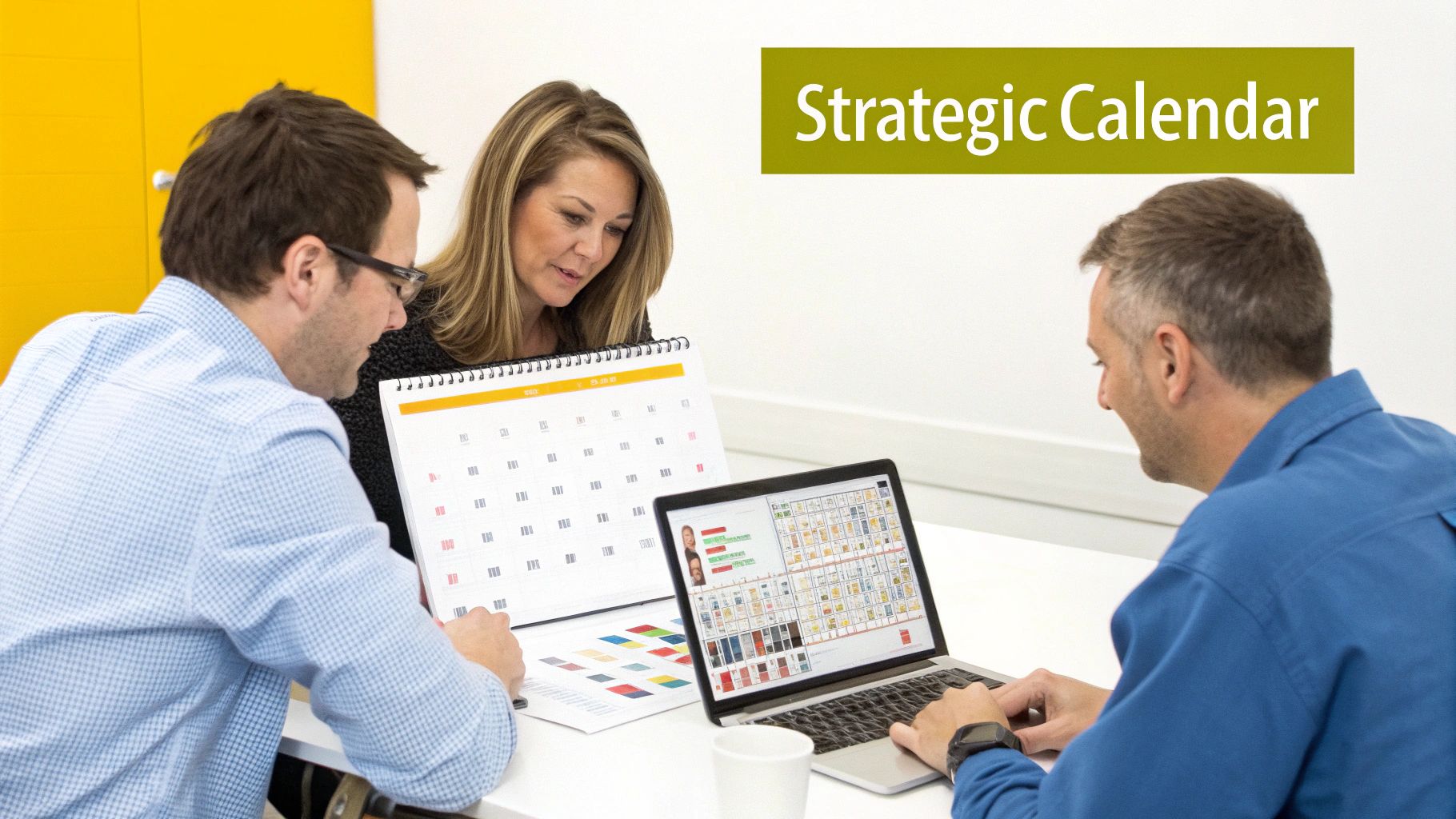
Let's stop thinking of a content calendar as just a fancy to-do list. It's much more than that. It’s the command centre for your entire marketing operation. It’s what turns your big, abstract business goals into tangible assets—blog posts, videos, social updates—that actually build your authority, drive steady traffic, and bring in leads.
Without one, you're essentially just throwing content at a wall and hoping something sticks. With one, you're building a strategic asset.
A well-kept calendar is the cure for the last-minute scramble of "What are we posting today?!". It brings clarity and direction, making sure every piece of content has a purpose. This proactive approach is a game-changer for team collaboration, getting everyone from your writers to your designers on the same page.
From Chaos to Cohesion
I’ve seen this happen time and again. Think of a small e-commerce business in Manchester, for example, struggling to keep its social media feeds alive. Their posts are all over the place, usually reactive—a desperate attempt to boost a slow sales day rather than building any real narrative.
By introducing a content calendar, they can suddenly plan an entire campaign around an upcoming seasonal event. They can map out everything from the initial teaser posts to the final "buy now" promotion weeks ahead of time.
This simple shift transforms their marketing from reactive to proactive. They can make sure their blog content supports their email newsletters, which in turn aligns with their social media pushes. The whole thing becomes a seamless customer journey. The result? A much more professional brand image and a far less stressed marketing team.
A calendar gives you the framework to:
- Maintain Consistency: Keep a steady flow of valuable content going out, which keeps both your audience and the search engines happy.
- Improve Team Alignment: Everyone can see the entire content pipeline at a glance, from early ideas right through to publication and promotion.
- Identify Content Gaps: It becomes glaringly obvious when you're neglecting a key topic, a certain format, or a crucial stage of the customer journey.
- Maximise Your Resources: You can plan ahead to get more mileage out of big content pieces. That webinar you're running? It can be repurposed into blog posts, social clips, and infographics.
The real power of a content calendar is its ability to connect every piece of content directly to a measurable business goal. It's the difference between being busy and being productive.
A Measurable Impact on Growth
This strategic approach isn't just about feeling more organised; it delivers real, measurable results.
In the UK, companies with a documented content strategy—and a content calendar is the backbone of that—achieve on average 33% higher ROI than those without one. This advantage stems from better consistency and tighter alignment across all their campaigns. It's what allows them to generate 55% more website traffic and 67% more leads from their content efforts. If you're interested, you can read more about these content marketing statistics and find other useful insights.
Ultimately, learning how to create and manage a content calendar is one of the highest-impact things you can do for your marketing. It forces accountability, streamlines your entire workflow, and makes sure every ounce of effort is moving you closer to your business goals.
Laying the Groundwork for a Calendar That Actually Works
Before you even think about plugging dates into a spreadsheet, you’ve got to build a solid foundation. A powerful content calendar isn’t just a schedule; it’s a strategic document that’s built on solid data and clear goals. I’ve seen so many people jump straight into brainstorming topics, and it’s a classic mistake. It's like trying to build a house without blueprints – it might look okay at first, but it won’t hold up.
The very first thing to do is look at what you’ve already got. A quick, practical content audit is the perfect place to start, and it doesn't need to take a month. Just look back at your last six months of content and ask some honest questions. Which blog posts pulled in the most traffic? What social media updates sparked the most conversation? Where are the glaring gaps? You have to understand what's already resonating before you can decide what to create next.
This process gives you a performance baseline. When you pinpoint your top-performing assets, you get invaluable clues about what your audience genuinely wants from you. That insight is the key to creating a content calendar that drives real results, not just adds to the noise.
Define What You're Actually Trying to Achieve
Once you know where you stand, you can figure out where you want to go. Vague goals like "get more followers" or "increase traffic" just won't cut it. You need to get specific by setting SMART goals—that is, goals that are Specific, Measurable, Achievable, Relevant, and Time-bound. This simple framework turns those fuzzy ambitions into concrete targets.
For instance, a solid SMART goal for your content calendar might look like this:
- Specific: We will increase organic search traffic to our blog by targeting long-tail keywords related to our new service line.
- Measurable: Our aim is to achieve a 20% increase in organic traffic over the next quarter.
- Achievable: Our current growth is 5% quarter-on-quarter, so a 20% jump is ambitious but definitely possible with a focused SEO content strategy.
- Relevant: This directly supports our wider business objective of generating more inbound leads.
- Time-bound: We will measure our success at the end of Q3.
Defining your goals this way transforms your calendar from a simple to-do list into a roadmap for hitting real business objectives. It makes sure every single piece of content you plan has a clear purpose.
See What the Competition Is Doing (and Not Doing)
Your content doesn’t live in a bubble. It's essential to understand what your competitors are up to so you can carve out your own space. A quick competitor analysis can shine a light on opportunities you might have otherwise missed.
Take a look at their best-performing content. What topics do they cover really well? Even more importantly, what are they not covering? Maybe they’re brilliant at in-depth written guides but completely neglect video. Or perhaps their social media presence is patchy and inconsistent. These are your openings.
Don't fall into the trap of just copying what your competitors are doing. The real goal here is to find their blind spots and create content that fills those gaps, offering a fresh angle that makes your brand the obvious choice.
This analysis is all about finding your unique perspective. Instead of churning out another generic "how-to" guide, you can create one that tackles a specific pain point your competitors have completely overlooked. To get started organising these insights, using a pre-built framework like this LinkedIn Content Calendar Template can be a huge time-saver.
Pick the Metrics That Matter
Finally, with your goals clearly defined, you need to decide how you'll measure success. Key Performance Indicators (KPIs) are the specific metrics you’ll track to see if you're hitting your targets. The KPIs you choose should link directly back to your SMART goals.
Here’s how that might look in practice:
| SMART Goal | Primary KPI | Secondary KPIs |
|---|---|---|
| Increase organic blog traffic by 20% in Q3. | Organic Sessions | Keyword Rankings, Backlinks |
| Generate 50 new MQLs from content downloads. | Number of Form Submissions | Conversion Rate, Cost Per Lead |
| Boost social media engagement by 15%. | Engagement Rate (Likes, Comments, Shares) | Follower Growth, Reach |
Choosing just a few meaningful KPIs is crucial; it stops you from getting bogged down in a sea of data. For a deeper dive into weaving these goals into your entire plan, our content marketing strategy template provides a structured approach to guide you. Nailing this foundational work ensures your content calendar becomes a powerful engine for business growth, not just another document you have to update.
Choosing the Right Tools for Your Workflow
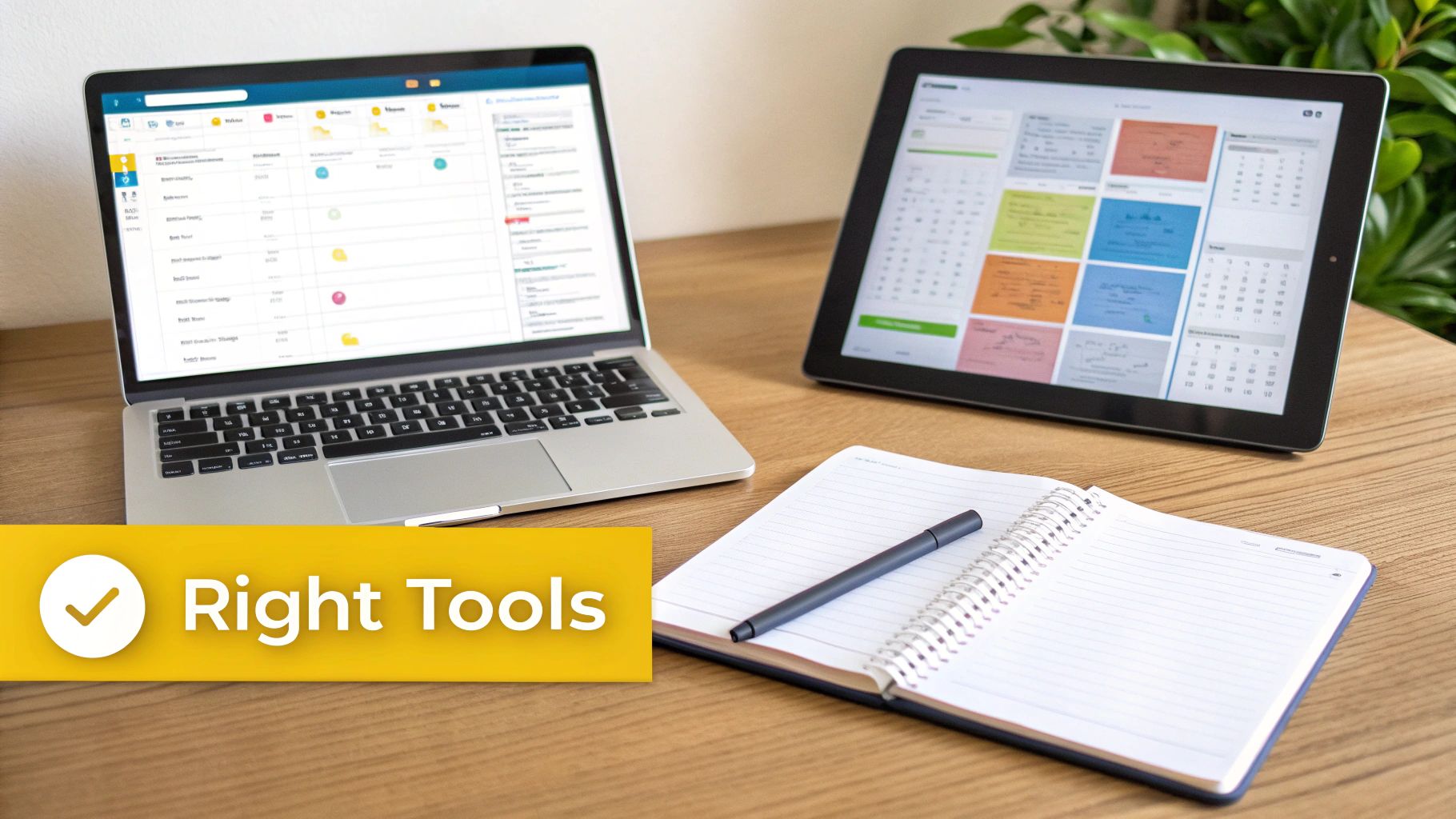
The tool you choose for your content calendar can genuinely make or break your entire workflow. Get it right, and it feels like a natural extension of your brain, making everything from brainstorming to publishing a breeze. Get it wrong, and you’re just adding another layer of frustration to your day.
There's no magic "best" tool for everyone. The right choice really hinges on your team's size, your budget, and just how complex your content operation is. Let’s dig into some real-world options beyond the generic feature lists.
Simple Spreadsheets: The Go-To Starting Point
For anyone flying solo or for tiny teams just dipping their toes into a formal process, a simple spreadsheet is often the perfect place to start. You can’t go wrong with Google Sheets or Microsoft Excel; they’re free, everyone knows how to use them, and they are completely customisable.
It’s easy to create columns for all the essentials: publish date, topic, author, status, and target keywords. The beauty here is the sheer simplicity. There’s no learning curve, and you can build a system that’s tailored precisely to what you need, without any distracting bells and whistles.
The downside? Spreadsheets can become a real headache as your team or content volume grows. They lack built-in collaboration features like automatic notifications or easy task assignments, which can quickly lead to version control chaos and missed deadlines.
Visual Planners for Creative Teams
When your workflow feels more like a creative journey than a straight line, a Kanban-style board like Trello is a fantastic step up. Trello lets you create a “card” for each piece of content and visually drag it through your workflow stages—think ‘Ideas’, ‘Writing’, ‘Editing’, and ‘Published’.
This visual approach is brilliant for seeing your entire content pipeline at a glance. For a small marketing team juggling blog posts, social media updates, and video production, it provides a clear, intuitive overview of who is working on what. Plus, each card can hold its own checklists, attachments, and comments, keeping all the chatter tied to a specific task.
A huge benefit of visual tools is their ability to reveal bottlenecks instantly. If you see a pile-up of cards in the 'Editing' column, you know exactly where your process is getting jammed and can step in to fix it.
Robust Project Management Platforms
For larger teams or agencies managing multiple clients and complex campaigns, you’ll need to bring in the heavy hitters. A powerful project management tool like Asana becomes pretty much essential. Asana combines the visual appeal of Kanban boards with more robust features like timeline views, task dependencies, and detailed reporting.
Imagine you're planning a major product launch. In Asana, you can map out every single content task. The blog post announcing the launch can be a parent task, with sub-tasks for 'Keyword Research', 'Drafting', 'Design Graphics', and 'Final Approval'. You can even set dependencies so the design team only gets notified to create graphics after the draft is approved. That’s the kind of automation that keeps big projects from going off the rails.
Another brilliant option, especially if you love customisation, is Notion. For those seeking a versatile and highly flexible workspace, integrating a dedicated Notion content calendar template can seriously streamline your planning process.
Specialised Content Marketing Platforms
Finally, you have platforms built specifically for content marketing, such as CoSchedule. These tools are designed to integrate your content calendar directly with your publishing channels. You can write, schedule, and publish a blog post—and all its related social media promotions—from one central hub.
These all-in-one solutions are powerful because they connect planning directly to performance. They often come packed with analytics that show you which content is hitting the mark, helping you make smarter, data-informed decisions for future planning. They also centralise your social media scheduling, which can simplify your promotional efforts immensely. If you're looking to consolidate your stack, our guide on the best social media scheduling tools is a great resource.
To help you weigh your options, here’s a quick comparison of some popular choices.
Comparison of Content Calendar Tools for Different Needs
This table compares popular content calendar tools across key features to help you decide which is best suited for your team's size and workflow.
| Tool | Best For | Key Features | Pricing Model |
|---|---|---|---|
| Google Sheets | Solo creators & very small teams | Fully customisable, free, familiar interface | Free |
| Trello | Small to medium-sized visual & creative teams | Kanban boards, collaboration features, power-ups (integrations) | Freemium |
| Asana | Large teams & agencies with complex projects | Timelines, task dependencies, workload management, advanced reporting | Freemium |
| Notion | Teams wanting an all-in-one, customisable workspace | Databases, templates, wikis, flexible views (calendar, Kanban, list) | Freemium |
| CoSchedule | Marketing teams needing an all-in-one solution | Integrated publishing, social scheduling, analytics, marketing calendar | Subscription-based |
Ultimately, the goal is to pick a tool that not only fits your workflow today but also has the legs to grow with you tomorrow. Start with what you need now, but always keep an eye on how your requirements might evolve.
Filling Your Calendar with Ideas That Resonate
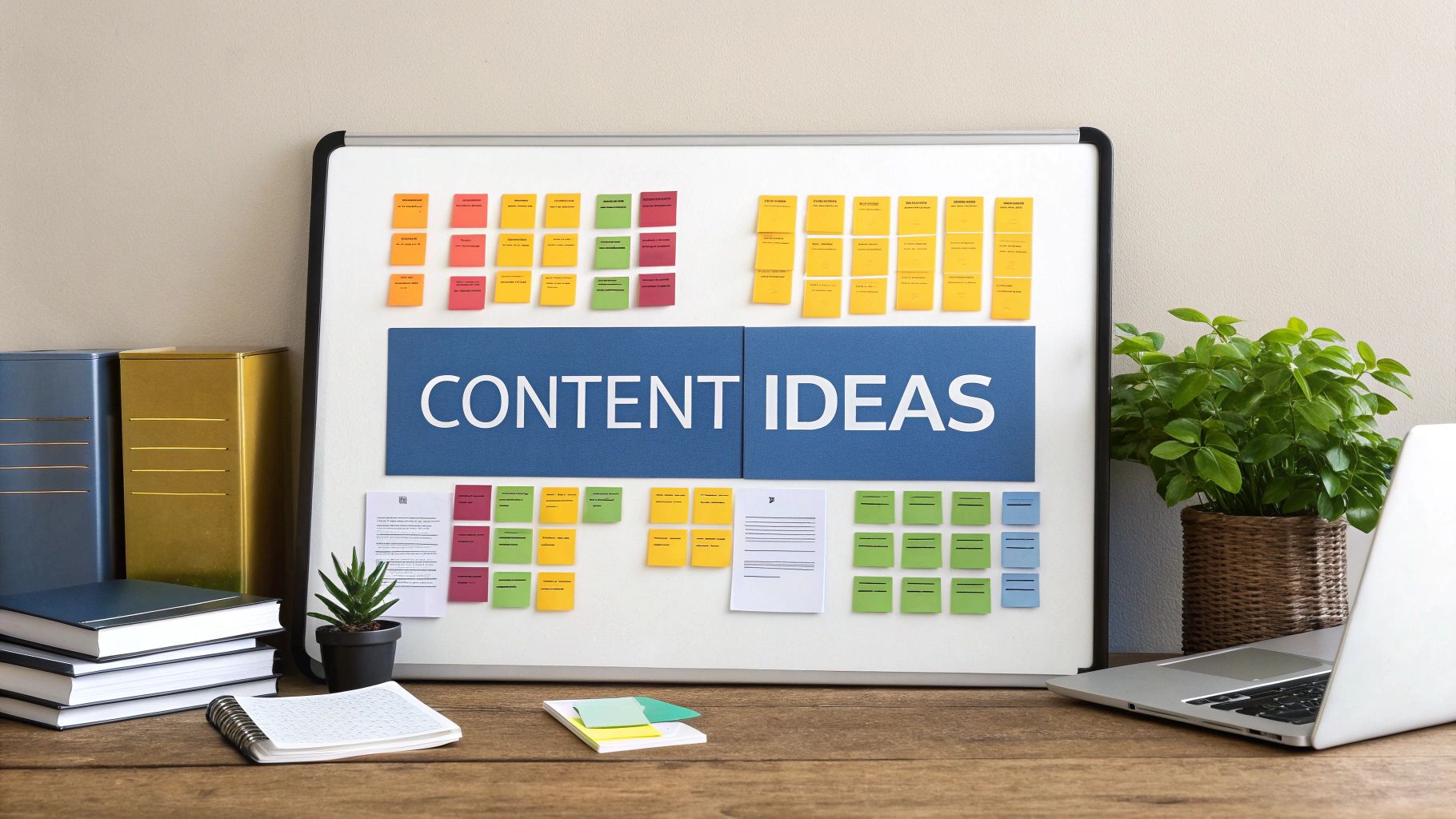
Alright, you've got your goals mapped out and your tools are ready to go. Now for the fun part: finding ideas that will actually get people to stop scrolling and pay attention.
This is where so many content plans stumble. It's easy to fill a calendar with topics that seem right on paper but don't address the real-world problems your customers are trying to solve. The secret isn't just about keyword research; the best ideas often come from the people who talk to your customers every single day. Their insights are pure gold.
Tap Into Your Internal Experts
Think about it: your sales and customer support teams are on the front line. They hear firsthand about customer frustrations, goals, and the exact language they use. They know what makes people tick.
Block out just 30 minutes a month to chat with these teams. You’ll walk away with more relevant content ideas than you know what to do with.
You don't need a complicated agenda. Just ask simple, powerful questions like:
- What are the top three questions you get asked every week?
- What's a common misconception people have about what we do?
- Describe a recent "aha!" moment a customer had. What made it click for them?
Every single answer is a potential blog post, a short video, or a helpful FAQ. This simple habit ensures your content is solving real problems, which makes it infinitely more valuable.
Group Ideas into Content Pillars
Once the ideas start flooding in, you need a way to organise the chaos. This is where content pillars are a lifesaver. Essentially, these are the three to five broad, core topics that your brand can speak about with authority. They should link directly back to your business goals and your audience's needs.
Let's imagine you're a UK firm selling accounting software to freelancers. Your pillars might look something like this:
- Tax & Compliance: All things HMRC, Self-Assessment tips, and important deadlines.
- Freelancer Productivity: Advice on invoicing, time management, and handling clients.
- Business Growth: Strategies for finding new clients, setting your rates, and scaling up.
Organising your ideas under these pillars forces you to create a balanced diet of content. It prevents you from getting stuck on one topic and ignoring others that are just as vital to your audience.
Now, every new idea has a home. You can slot it under a pillar, and at a glance, you'll see where you're flush with ideas and where you need to brainstorm a bit more.
Plan a Balanced Mix of Formats
People consume content differently. Some love a deep-dive, 2,000-word article, while others prefer a quick two-minute video on their lunch break. A great content plan caters to everyone by deliberately mixing up the formats.
This shouldn't be random, though. Think about which format best serves each stage of your customer's journey.
| Stage of Journey | Content Format Examples | Purpose |
|---|---|---|
| Awareness | Blog posts, short videos, infographics | Attract new people and answer their initial, broad questions. |
| Consideration | Case studies, webinars, in-depth guides | Show off your expertise and how your solution works in practice. |
| Decision | Product demos, customer testimonials, comparison sheets | Build trust and give prospects the final nudge they need to choose you. |
When you map your formats to the customer journey like this, you create a natural pathway that guides people from being vaguely curious to becoming a confident customer.
Maximise Every Idea Through Repurposing
One of the biggest mistakes I see teams make is creating "one and done" content. They pour hours into a single piece, publish it, and immediately move on to the next thing. The most efficient marketers know how to squeeze every drop of value from a great idea through the art of repurposing.
Don't just publish and forget. Think about how you can slice, dice, and repackage that core idea for different channels.
For instance, that in-depth webinar you ran on "UK E-commerce Trends" could become:
- A detailed blog post summarising the key takeaways.
- A punchy infographic with the most important stats.
- A series of short video clips for social media, each highlighting a single trend.
- A downloadable checklist for business owners to audit their own online stores.
This approach doesn't just fill your calendar faster; it hammers your message home across multiple touchpoints, massively boosting its reach and impact without forcing you to constantly reinvent the wheel.
Integrating Your Social and Influencer Strategy
A modern content calendar can't just be a list of blog posts. If you want it to actually work, it needs to be the command centre for your entire digital presence. This is especially true for social media and any influencer marketing you're doing. Tying these channels together is what makes a campaign feel cohesive and, frankly, much more powerful.
Think of your social media posts as crucial extensions of your core content, not just an afterthought. For every big piece you create—a new blog post, a whitepaper, a case study—your calendar should map out its entire promotional journey. I'm talking about the initial launch posts, all the follow-up content, and any paid campaigns you plan to run alongside it.
When you align your organic and paid social efforts, you create a much stronger, more consistent message. Let's say your calendar has a blog post scheduled: "A Beginner's Guide to Freelance Invoicing". Your social plan should look something like this:
- Launch Day: A LinkedIn post sharing the key takeaways from the article.
- Day 3: An Instagram carousel breaking down the "Top 3 Invoicing Mistakes" new freelancers make.
- Day 5: A paid Facebook ad campaign targeting aspiring freelancers, sending them directly to the guide.
This kind of coordinated push ensures your core message hits a wider audience on different platforms, reinforcing your expertise and driving more people back to your site.
Weaving Influencers into Your Narrative
Influencer marketing has grown up. It's no longer about one-off sponsored posts; it's about building genuine partnerships that feel like a natural part of your brand's story. The only way to make these collaborations feel seamless and strategic is by integrating them directly into your content calendar from day one.
I recommend creating a dedicated section or tag in your calendar just for influencer activity. This gives you a clear bird's-eye view of all your collaborations right next to your other marketing efforts. It helps you spot potential scheduling conflicts and keeps all your messaging in sync.
Your influencer workflow, right there in the calendar, should track all the key milestones:
- Outreach & Negotiation: Note the dates you contact potential influencers and when you finalise agreements.
- Content Briefing: Schedule the deadline for sending over the creative brief and any products.
- Draft Submission & Approval: Set clear dates for when the influencer will send their content for you to review.
- Scheduled Go-Live Date: Mark the exact day and time the influencer's content will be published.
Taking this structured approach turns influencer marketing from a separate, often chaotic, scramble into a well-oiled part of your content machine. It also helps you plan your own social posts to support and amplify their content when it goes live. For a deeper dive on this, you can explore our guide on what is influencer marketing.
The real goal here is to make influencer content feel like a genuine extension of your own brand story. When planned properly in your calendar, a collaboration can perfectly tee up a product launch or amplify a major campaign theme.
Capitalising on Real-Time Opportunities
The UK influencer market is absolutely exploding. Recent data shows it hit USD 2.36 billion and is expected to grow at a compound annual rate of 29.5% through 2033. This growth signals a major shift. With 50% of UK brands planning to increase their influencer budgets, your content calendar needs to be agile. You can discover more insights on the UK influencer market on goviralglobal.com.
This means you have to leave some deliberate gaps in your schedule. It might feel counterintuitive, but while your main campaigns need to be planned out, building in some empty space gives you the flexibility to react. You can partner with micro-influencers to jump on trending moments or current news, making your brand feel more relevant and connected.
Your calendar should be a living document, not a rigid rulebook. This blend of planned and spontaneous content is what keeps a brand feeling fresh and human.
Nailing Your Publishing Rhythm and Workflow
So, you've got a calendar full of brilliant ideas. That’s a fantastic start, but it’s really only half the job. The real challenge—and where most teams stumble—is turning those plans into a steady stream of high-quality content. This is where you need to lock down your publishing rhythm and build a workflow that makes the whole process smooth, predictable, and frankly, a lot less stressful.
I’ve seen so many teams fall into the "more is better" trap. They go all-in, aiming for daily posts, only to burn out within a month and end up posting whenever they can find a spare moment. The goal isn't just to publish; it's to publish consistently. A reliable schedule builds trust with your audience. It also signals to search engines that you’re a dependable source of fresh information, which is a big win.
Finding a Cadence You Can Actually Stick To
So, what's the magic number for posting? For many UK businesses, the sweet spot seems to be weekly. In fact, UK brands that schedule content releases every week see a 3.5x increase in conversions compared to those publishing monthly. What's more, simply tailoring your timing to your customer's journey can boost click-through rates by up to 2.5%. If you want to dive deeper into the numbers, you can check out more UK content marketing findings on key-g.com.
Be realistic from the outset. If you're a small team, committing to one solid blog post and a few social updates per week is far more powerful than aiming for a daily schedule you can’t possibly maintain. Remember, quality always trumps quantity.
This is where all your different content streams—social media, influencer collaborations, paid ads—start to come together. A good workflow helps you see how everything connects.
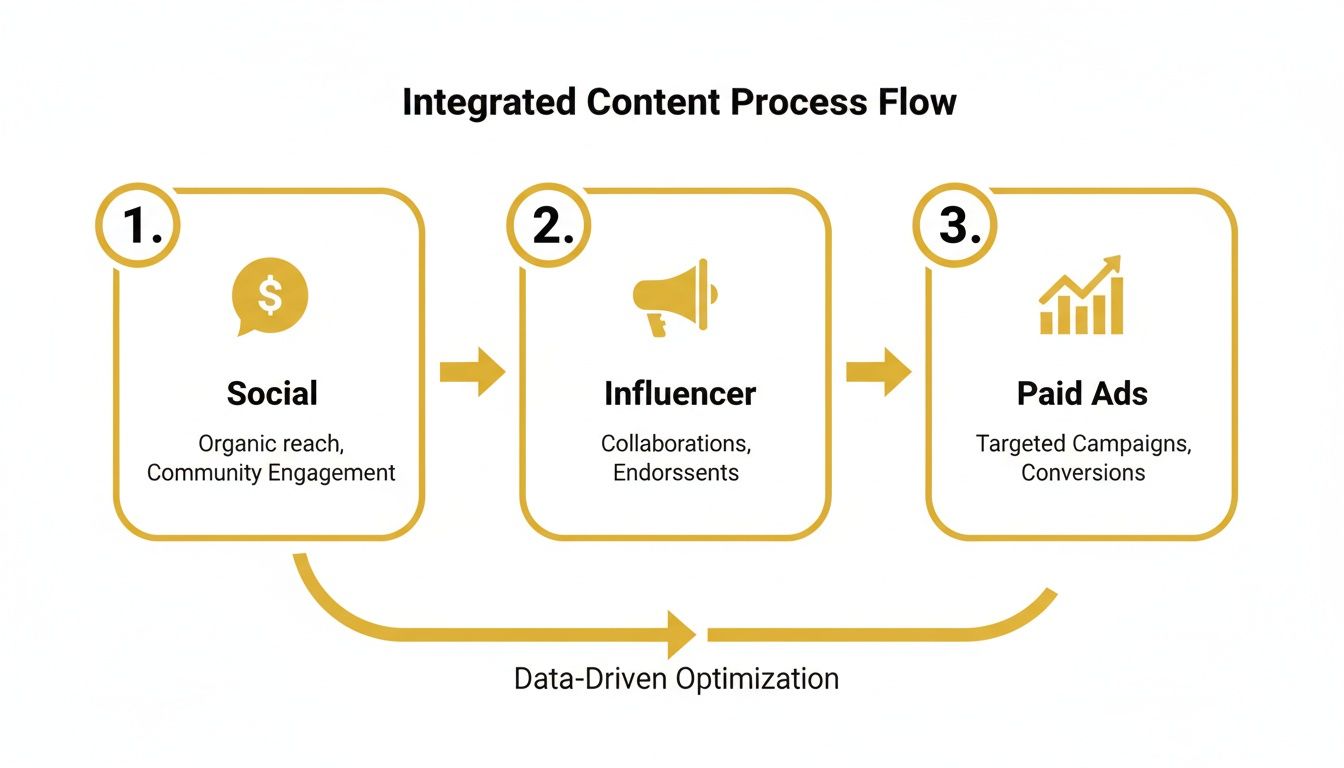
Visualising this flow makes it obvious why a central calendar is so critical. It’s the only way to coordinate all your marketing efforts and ensure your message is consistent no matter where people see it.
Building a Bulletproof Content Workflow
Think of a workflow as your production line—a standardised, repeatable process that takes a piece of content from a scribbled idea to a published asset. Documenting this process is probably the single best thing you can do to get rid of bottlenecks, avoid miscommunication, and actually hit your deadlines.
A solid workflow defines every single stage and assigns clear responsibility. Suddenly, everyone on the team knows exactly what they need to do and when they need to do it. No more guesswork.
Here’s a simple, effective workflow you can adapt for your own team:
- Briefing: The content strategist maps out the piece. This includes the topic, target keyword, audience persona, and key talking points. (Owner: Strategist)
- Drafting: The writer gets to work, turning the brief into the first draft. (Owner: Writer)
- Review: The editor polishes the draft, checking for clarity, tone of voice, and any grammatical slip-ups. (Owner: Editor)
- Visuals: The designer steps in to create any graphics, infographics, or custom images needed to bring the content to life. (Owner: Designer)
- Final Approval: The strategist gives the final sign-off on the complete package. (Owner: Strategist)
- Scheduling: The piece is loaded into the CMS and scheduled to go live. (Owner: Social Media Manager)
The magic of a defined workflow is accountability. When every stage has a clear owner and a due date, things stop falling through the cracks. It turns your content plan into a reliable production engine.
By establishing this operational backbone, your calendar becomes so much more than a schedule. It transforms into a dynamic project management tool that drives consistent execution and turns your brilliant content strategy into tangible results that help your business grow.
Got Questions About Content Calendars? We’ve Got Answers.
We get a lot of questions about the nuts and bolts of building and running a content calendar. Let’s tackle some of the most common ones that come up, so you can sidestep the usual pitfalls and get your planning process humming.
How Far Ahead Should I Plan My Content?
A hybrid approach almost always works best. Try planning your big-picture themes, campaigns, and pillar pieces on a quarterly basis. This keeps everyone aligned with your strategic goals.
Then, you can zoom in and fill out the specifics of your calendar — like individual blog posts, social updates, and videos — on a monthly basis. This gives you the best of both worlds: a solid long-term vision with enough flexibility to jump on a new trend or a timely topic.
What Fields Are Absolutely Essential for a Content Calendar?
It’s easy to get carried away and create a monster of a spreadsheet. My advice? Start simple and only add what you truly need.
At a bare minimum, every calendar needs these fields:
- Publish Date: When does it go live?
- Title/Topic: A working title or clear topic description.
- Content Format: Is it a blog post, a video, a case study, an infographic?
- Status: Where is it in the workflow? (e.g., Idea, In Progress, Awaiting Review, Scheduled)
- Channel: Where will it be published? (e.g., Blog, YouTube, LinkedIn)
Resist the temptation to add more columns just for the sake of it. If a field doesn't help you make a decision or keep the process moving, you probably don't need it.


