

Unlocking Marketing Success with Data-Driven Insights
Stop guessing. Start measuring. This list of top 10 marketing analytics tools provides the insights you need to optimise campaigns, understand your audience, and boost ROI. Discover which platforms, from industry giants like Google Analytics and Adobe Analytics to powerful solutions like Semrush and Supermetrics, are right for your marketing needs. We'll also explore how resources like The Digital Marketing Toolbox can further enhance your strategy. Learn how these marketing analytics tools solve your data analysis problems and empower data-driven decisions for 2025 and beyond.
1. The Digital Marketing Toolbox
The Digital Marketing Toolbox earns its top spot on this list of marketing analytics tools by acting as a central hub for discovering, comparing, and implementing a vast array of marketing solutions. Unlike standalone analytics platforms, the Toolbox offers a holistic approach, encompassing tools for everything from email marketing and SEO to AI content generation and social media management. This broad scope makes it invaluable for UK businesses seeking to streamline their marketing efforts and maximise ROI.
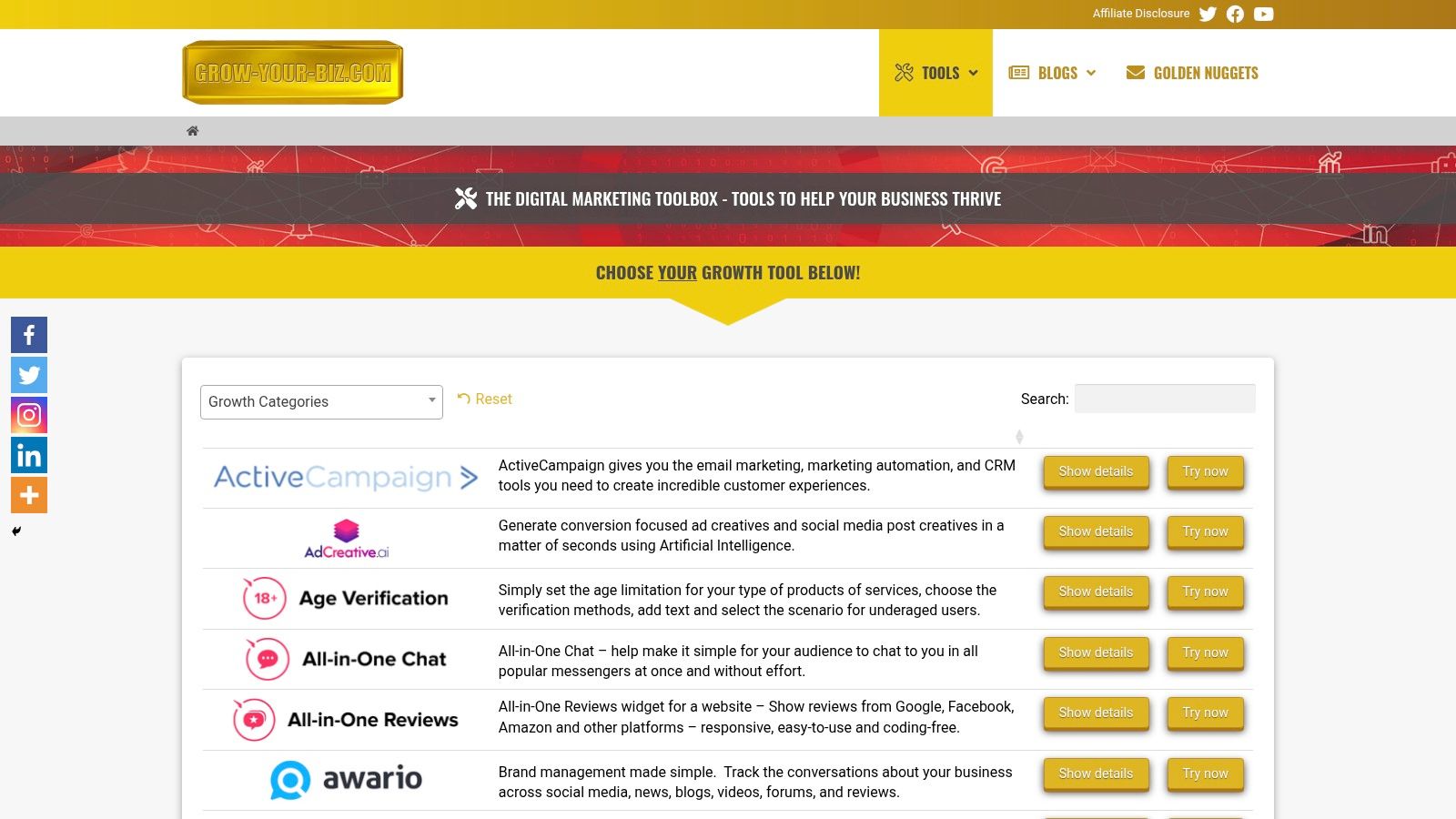
The platform's intuitive categorisation and powerful filtering system allows users to quickly drill down to specific marketing needs. Need a tool to automate your Twitter posts? Looking for a widget to display customer testimonials on your website? The Digital Marketing Toolbox can help you find the perfect fit. It features well-known vendors like ActiveCampaign for email marketing, AWeber for autoresponders, Copy.ai for AI-powered content creation, and Elfsight for website widgets, amongst many others. This gives UK businesses access to a curated selection of trusted solutions, saving them the time and effort of researching individual providers.
One of the key advantages of the Toolbox is its focus on accessibility. The platform empowers users with little technical expertise to implement sophisticated marketing strategies, from AI-driven ad creation to chatbot integration. This democratisation of marketing technology is particularly beneficial for small businesses and startups that may lack dedicated IT resources. While the Toolbox provides direct access to trial offers from numerous vendors, it doesn’t include aggregated pricing information. Users need to visit individual tool providers' websites for specific pricing details. Furthermore, the platform primarily focuses on trials and recommendations rather than bundled pricing or all-in-one subscriptions.
Pros:
- Comprehensive and carefully curated catalog of diverse digital marketing tools.
- Easy-to-navigate platform with powerful filters and direct trial access.
- Includes solutions from trusted vendors like ActiveCampaign, AWeber, Copy.ai, and Elfsight.
- Supports marketing automation, AI-driven content creation, and customer engagement enhancement without requiring advanced technical skills.
- Ideal for a wide range of users, from small business owners to agencies and marketing professionals focused on ROI.
Cons:
- Pricing details are not aggregated on the platform.
- Primarily offers trial access and recommendations, not bundled pricing or all-in-one subscriptions.
Website: https://grow-your-biz.com
This toolbox stands out as a valuable resource for UK businesses looking to optimise their marketing efforts using a range of tools. Its comprehensive selection, ease of use, and focus on accessibility make it an excellent starting point for building a powerful and cost-effective marketing technology stack.
2. Google Analytics
Google Analytics is a cornerstone of any digital marketing toolkit and a must-have for anyone serious about understanding their online presence. It's a free web analytics service that tracks and reports website traffic, offering valuable insights into user behaviour, acquisition channels, and conversion metrics. This empowers businesses to make data-driven decisions, optimise their marketing campaigns, and ultimately improve their bottom line. Whether you're a small business owner in the UK looking to boost sales, an e-commerce manager trying to understand customer journeys, or a content creator aiming to improve SEO performance, Google Analytics has something to offer. The latest version, Google Analytics 4 (GA4), utilises an event-based data model and leverages enhanced machine learning capabilities to provide even deeper insights and more comprehensive cross-platform tracking.
For UK businesses, understanding where your website traffic is coming from is crucial. Google Analytics allows you to pinpoint your most effective marketing channels, whether it's organic search, paid advertising, social media, or email marketing. This granular level of detail allows you to allocate your marketing budget more effectively and focus on the strategies that deliver the highest return on investment. For example, an e-commerce business can track which social media campaigns are driving the most conversions and adjust their spending accordingly.
Key Features and Benefits:
- Real-time data tracking and reporting: Monitor website activity as it happens, allowing you to react quickly to trends and identify potential issues.
- User segmentation and behavior analysis: Understand how different user groups interact with your website, allowing you to tailor content and personalize the user experience. This is particularly useful for e-commerce managers looking to segment customers based on purchase history or browsing behaviour.
- Conversion tracking and attribution modeling: Measure the effectiveness of your marketing campaigns by tracking conversions, such as form submissions, purchases, and downloads. Attribution modelling helps you understand which touchpoints contribute most to conversions.
- Integration with Google Ads and other Google services: Seamless integration with other Google products like Google Ads and Search Console allows for streamlined campaign management and reporting. This is particularly beneficial for digital marketing agencies managing multiple client accounts.
- Predictive metrics and insights powered by machine learning: GA4 offers predictive metrics like purchase probability and churn probability, allowing you to anticipate future user behaviour and proactively address potential issues.
Pros:
- Free for most business needs with generous data limits: The free version of Google Analytics is sufficient for the vast majority of businesses.
- Comprehensive integration with Google's ecosystem: Seamlessly integrates with other Google marketing tools.
- Robust reporting capabilities with customizable dashboards: Create bespoke reports and dashboards to track the metrics that matter most to your business.
- Strong mobile app tracking capabilities: Track user behaviour and conversions within your mobile app.
Cons:
- Steep learning curve for advanced features: Mastering the more advanced features of GA4 can require significant time and effort.
- Limited data retention in the free version: Historical data retention can be limited in the free version.
- Privacy concerns with increasing regulations like GDPR: Navigating data privacy regulations like GDPR requires careful configuration and adherence to best practices.
- Less personalized customer support compared to paid alternatives: Support options are limited compared to paid analytics platforms.
Implementation Tips:
- Install the GA4 tracking code on your website. Ensure you're using the latest gtag.js tracking snippet.
- Configure goals and conversions to track key actions on your website.
- Set up custom dimensions and metrics to collect data specific to your business needs.
- Explore the GA4 interface and familiarize yourself with the various reports and dashboards.
Website: https://analytics.google.com/
Google Analytics deserves its place on this list because it's a powerful, versatile, and accessible marketing analytics tool. While other paid tools offer advanced features and dedicated support, Google Analytics provides a robust free option suitable for businesses of all sizes. Its comprehensive data, integration with the Google ecosystem, and evolving machine learning capabilities make it an indispensable tool for anyone looking to gain a deeper understanding of their online audience and improve their marketing performance in the UK market.
3. HubSpot Marketing Analytics
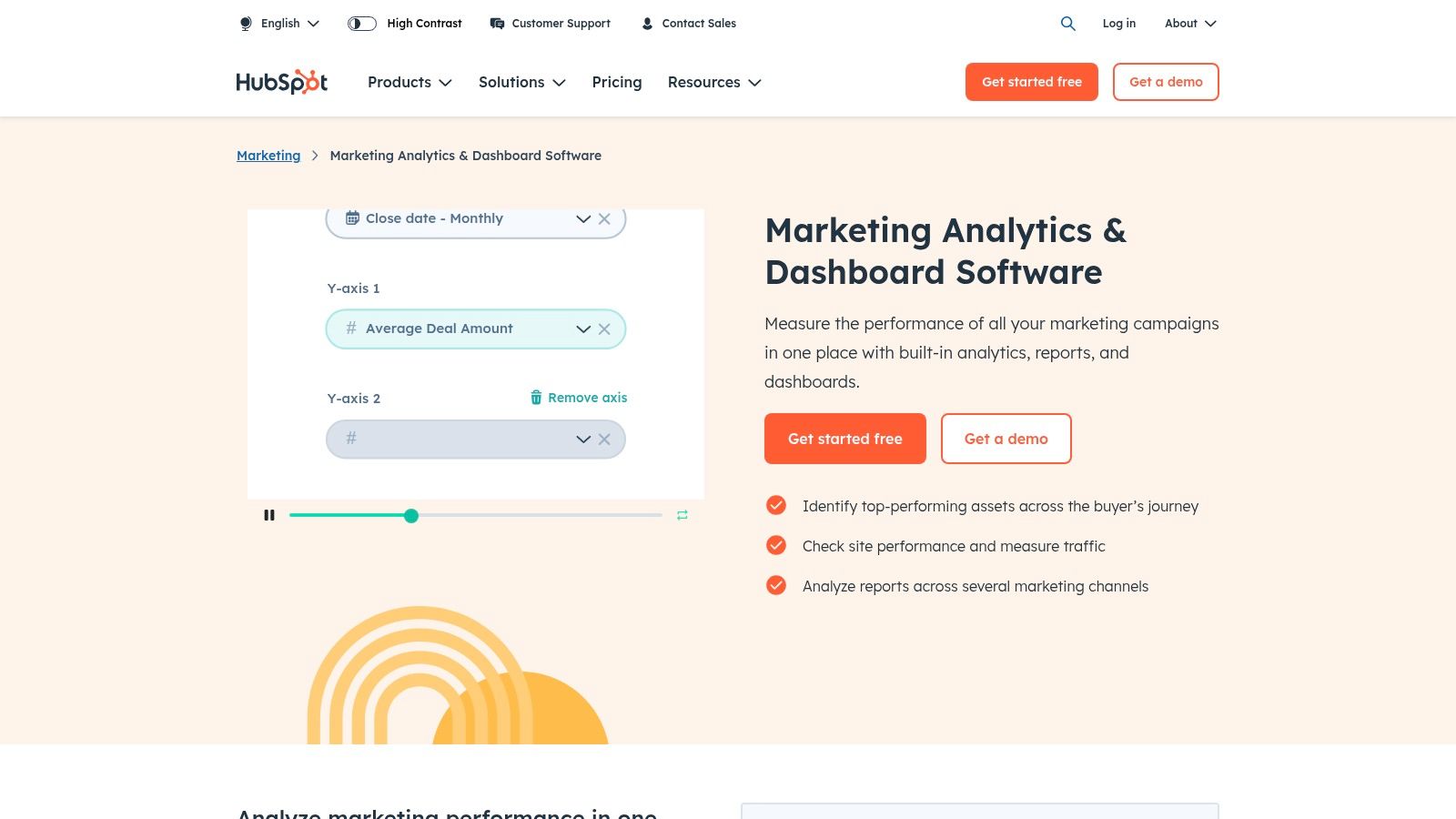
HubSpot Marketing Analytics, a key component of HubSpot's all-in-one marketing platform, offers a robust suite of tools for businesses seeking to understand and optimise their marketing performance. It seamlessly integrates with other HubSpot services like CRM, sales, and service hubs, providing a unified view of the entire customer journey. This makes it particularly valuable for businesses already invested in the HubSpot ecosystem, streamlining data management and reporting. From analysing website traffic and conversions to tracking email campaign success and calculating marketing ROI, HubSpot provides valuable insights to improve inbound marketing strategies. For UK businesses looking to strengthen their digital presence and drive growth, HubSpot's focus on inbound methodologies offers a data-driven approach to attracting, engaging, and delighting customers.
Features and Benefits:
- Unified Marketing Performance Dashboards: Provides a comprehensive overview of key marketing metrics, allowing businesses to quickly identify areas of strength and weakness. Imagine easily visualising your website traffic, lead generation, and conversion rates all in one place.
- Multi-Touch Revenue Attribution: Understand which marketing touchpoints contribute most to revenue generation, enabling data-backed decisions on budget allocation and channel optimisation. This helps go beyond simple last-click attribution and understand the full customer journey.
- Campaign Reporting and ROI Tracking: Measure the effectiveness of individual marketing campaigns and track their return on investment, demonstrating the value of marketing efforts. This is crucial for justifying marketing spend and optimising future campaigns.
- Website Traffic and Conversion Analytics: Analyse website performance, identify top-performing pages, and understand user behaviour to optimise website design and content for better conversions. This allows UK businesses to tailor their online presence to better serve their target audience.
- Email Marketing Performance Metrics: Track email open rates, click-through rates, and conversions to refine email marketing strategies and improve engagement.
Pros:
- All-in-one solution: Seamless integration with other HubSpot tools simplifies data management and provides a holistic view of the customer journey.
- User-friendly interface: Intuitive reports and dashboards make it easy to access and interpret data, even for users without advanced analytical skills.
- Strong focus on inbound marketing metrics: Provides valuable insights for businesses implementing inbound marketing strategies.
- Comprehensive customer journey tracking: Allows businesses to understand how customers interact with their brand across various touchpoints.
Cons:
- Higher pricing: Compared to standalone marketing analytics tools, HubSpot can be more expensive, particularly for smaller businesses.
- Tiered pricing model: Full access to advanced features requires subscribing to higher-tier plans.
- Customization limitations: Some advanced reporting features may have limitations in terms of customization.
- Overkill for some: The comprehensive nature of the platform may be excessive for small businesses with simple analytics needs.
Pricing: HubSpot offers a tiered pricing structure for its Marketing Hub, with features and capabilities increasing with each tier. Contact HubSpot directly for detailed pricing information specific to your needs in the UK.
Technical Requirements: HubSpot is a cloud-based platform, accessible via a web browser. No specific hardware or software requirements are necessary beyond a stable internet connection.
Comparison with Similar Tools: While tools like Google Analytics offer free website analytics, HubSpot's strength lies in its integrated approach, combining CRM, marketing automation, and analytics into one platform. This is particularly beneficial for businesses already leveraging HubSpot's CRM and marketing tools.
Implementation Tips:
- Define your key performance indicators (KPIs): Before implementing HubSpot Marketing Analytics, clearly define the metrics most important to your business goals.
- Integrate with existing systems: Connect HubSpot with your CRM, website, and other marketing tools to ensure data consistency and streamline reporting.
- Utilise HubSpot Academy: Take advantage of HubSpot's free online training resources to learn how to effectively use the platform's analytics features.
Website: https://www.hubspot.com/products/marketing/analytics
HubSpot Marketing Analytics earns its place on this list of marketing analytics tools due to its comprehensive nature, user-friendly interface, and powerful integration with the wider HubSpot ecosystem. While the pricing may be higher than standalone tools, the value it provides in terms of unified data, inbound marketing insights, and customer journey tracking makes it a strong contender for businesses seeking to optimise their marketing efforts and achieve sustainable growth. For businesses in the UK already using HubSpot's CRM or other tools, integrating Marketing Analytics is a natural progression to unlock deeper insights and improve campaign performance.
4. Adobe Analytics
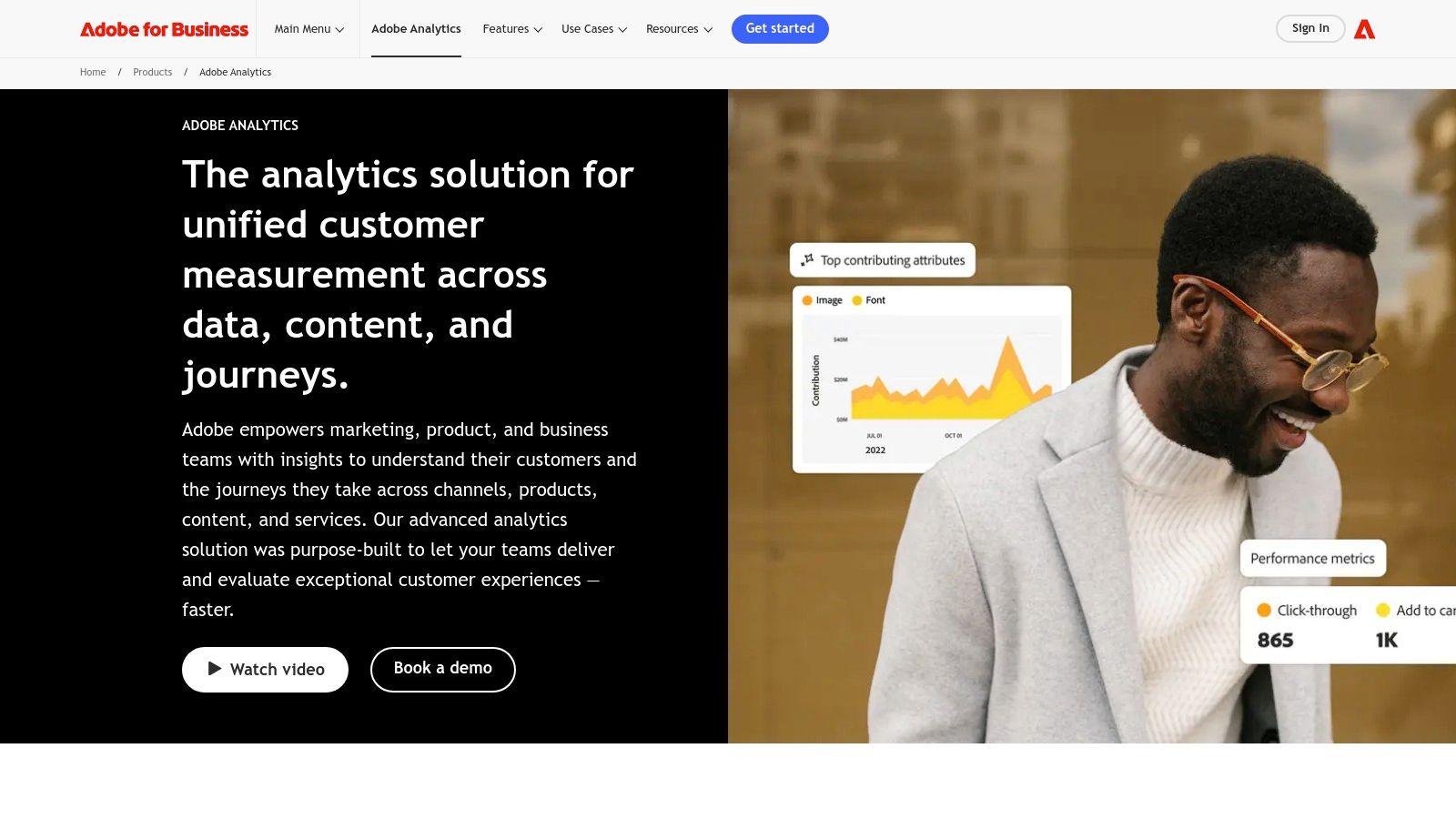
Adobe Analytics is a powerful, enterprise-grade marketing analytics tool offering a comprehensive suite of features for data collection, analysis, and visualisation. It enables businesses to delve deep into customer behaviour, providing actionable insights to optimise marketing campaigns and enhance the customer experience. Its robust capabilities make it particularly well-suited for large organisations handling substantial datasets and requiring advanced segmentation and predictive analytics. For UK businesses looking to gain a 360-degree view of their customer journey, Adobe Analytics provides the tools to do so, albeit at a premium.
This platform truly shines in its ability to segment audiences based on a multitude of criteria, allowing marketers to tailor campaigns and personalize content with laser precision. For example, e-commerce managers can identify high-value customer segments based on purchase history and browsing behaviour, enabling targeted promotions and personalized product recommendations to boost conversions. Content creators can leverage its cross-channel tracking to understand which content resonates most with different audience segments, informing future content strategy and optimising content distribution across various platforms. Digital marketing agencies can utilise the advanced customer pathing analysis to understand how users interact with a website or app, identifying pain points and optimising the user journey for improved conversion rates.
Adobe Analytics' anomaly detection and predictive analytics features, powered by Adobe Sensei, offer a distinct advantage in forecasting future trends and proactively identifying potential issues. This allows marketers to anticipate changes in customer behaviour and adapt their strategies accordingly. Real-time data processing and alerts further enhance this proactive approach, enabling businesses to respond quickly to emerging trends and capitalize on opportunities.
While Adobe Analytics is a leader in the marketing analytics tools space, it’s essential to consider its cost and complexity. This platform is a significant investment, making it more suitable for enterprise-level clients rather than small businesses. The complex implementation often requires specialized knowledge and dedicated resources for maintenance and optimization. The steep learning curve for new users necessitates substantial training and ongoing support.
Key Features & Benefits:
- Advanced Customer Segmentation & Pathing: Identify high-value customer segments and understand their journey for targeted marketing efforts.
- Anomaly Detection & Predictive Analytics: Leverage AI-powered insights to anticipate trends and proactively optimize campaigns.
- Cross-Device & Cross-Channel Tracking: Gain a holistic view of customer behaviour across all touchpoints.
- Real-Time Data Processing & Alerts: Respond quickly to emerging trends and optimize campaigns in real-time.
- Integration with Adobe Experience Cloud: Seamless integration with other Adobe products streamlines workflows and enhances data sharing.
Pros & Cons:
- Pros: Enterprise-grade capabilities, deep integration with Adobe Experience Cloud, powerful visualization tools, advanced AI-powered insights.
- Cons: High cost, complex implementation, steep learning curve, requires dedicated resources.
Pricing: Adobe Analytics pricing is tailored to individual business needs and requires contacting Adobe for a custom quote.
Website: https://business.adobe.com/products/analytics/adobe-analytics.html
In comparison to tools like Google Analytics, which offers a robust free version suitable for many small businesses, Adobe Analytics offers a significantly more advanced feature set but at a considerably higher price point. While Google Analytics might suffice for basic website analytics, businesses requiring advanced segmentation, predictive analytics, and enterprise-grade capabilities should consider Adobe Analytics. Implementing Adobe Analytics effectively requires careful planning and dedicated resources. Partnering with an experienced Adobe implementation partner can help ensure a smooth onboarding process and maximize the platform's potential.
5. Mixpanel
Mixpanel is a powerful product analytics platform specifically designed to help businesses in the UK and beyond understand how users interact with their digital products. It goes beyond basic website analytics by focusing on user behaviour within applications and websites, allowing you to track individual user actions, identify trends, and ultimately optimise the user experience for increased conversions and engagement. This makes it a valuable marketing analytics tool for anyone from e-commerce managers to app developers.
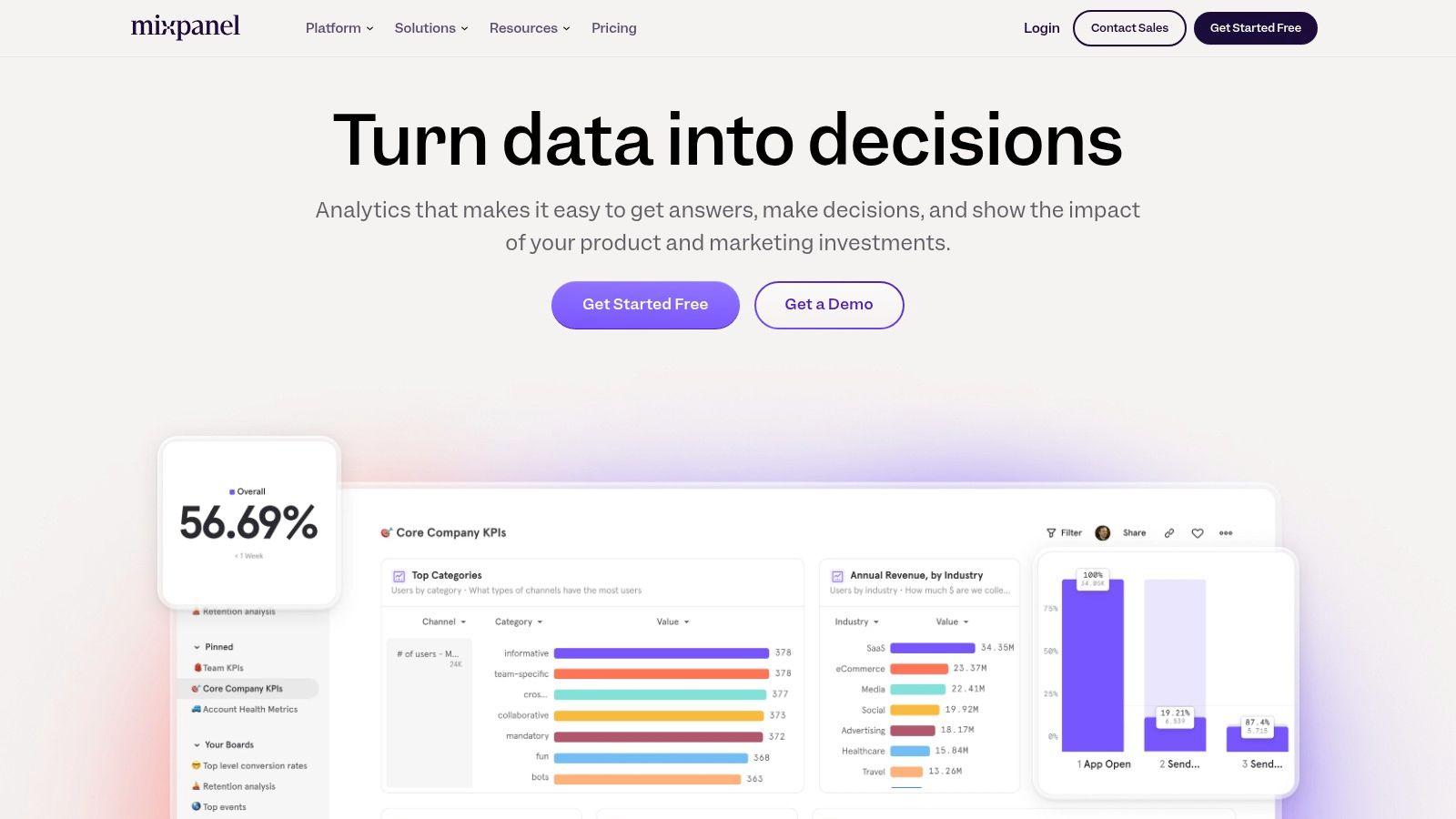
For example, imagine you're an e-commerce manager trying to understand why users are abandoning their carts. Mixpanel allows you to create funnels that visualize the steps users take in the checkout process. By analyzing where users drop off, you can identify friction points and make targeted improvements, such as simplifying the payment process or offering clearer delivery information. Similarly, app developers can track user flows within their app to pinpoint areas of confusion or frustration, leading to more intuitive and engaging app design.
Mixpanel's strength lies in its event-based tracking. This means you can track highly specific actions, like button clicks, video plays, or form submissions, giving you granular insights into user behaviour. Features like cohort analysis allow you to segment users based on shared characteristics and track their behaviour over time, providing invaluable insights for retention strategies. A/B testing capabilities further empower you to experiment with different versions of your product and measure their impact on key metrics.
Key Features:
- User behaviour tracking and flow analysis: Visualize user journeys and identify areas for improvement.
- Funnel analysis and conversion optimization: Track conversion rates through key steps and pinpoint drop-off points.
- Cohort analysis for user retention insights: Segment users and analyze their long-term behaviour.
- A/B testing capabilities: Experiment with different versions of your product to optimize performance.
- Custom event tracking and user property analysis: Track specific user actions and attributes to gain deeper insights.
Pros:
- Powerful event-based tracking for product analytics.
- Intuitive interface for creating custom reports.
- Strong capabilities for retention and engagement analysis.
- Real-time data processing and visualization.
Cons:
- Can become expensive as data volume increases. While they offer a free tier, scaling up for larger businesses can be a considerable investment.
- Limited marketing campaign attribution features. It's more focused on in-product behaviour than marketing campaign performance. Tools like Google Analytics may be better suited for campaign analysis.
- Less suitable for content-heavy websites. While you can track page views, Mixpanel's strength lies in tracking user interactions within applications and interactive elements, not necessarily content consumption.
- Some advanced features require technical implementation. While the interface is generally user-friendly, setting up complex tracking and analysis may require developer support.
Implementation Tips:
- Clearly define the key events and user properties you want to track before implementing Mixpanel.
- Use the built-in templates and reports as a starting point for your analysis.
- Take advantage of Mixpanel's extensive documentation and support resources.
Mixpanel deserves a place on this list because it provides a level of detail and insight into user behaviour that many other marketing analytics tools lack. While it's not a one-size-fits-all solution, its focus on product analytics makes it an invaluable tool for businesses looking to optimize their digital products and improve the user experience. You can explore their offerings further on their website: https://mixpanel.com/
6. Tableau
Tableau is a powerful data visualisation and business intelligence platform that offers robust marketing analytics capabilities. While not exclusively a marketing-specific tool, its flexibility and extensive features make it a popular choice for marketing teams in the UK and globally. Tableau excels at transforming raw marketing data into interactive and insightful visualizations, enabling data-driven decision-making across various campaigns and channels.
Tableau's strength lies in its ability to connect to and blend data from various marketing sources, including CRM systems, social media platforms, web analytics tools, and more. This allows marketers to create a holistic view of their efforts and understand the interplay between different channels. For example, an e-commerce manager could integrate data from Google Analytics, Facebook Ads, and their CRM to visualize the customer journey from initial engagement to final purchase, identifying areas for optimisation along the way. Similarly, content creators can track content performance across various platforms, correlating social media engagement with website traffic and conversions.
Key Features for Marketing Analytics:
- Interactive Data Visualization and Dashboards: Create dynamic dashboards to monitor key performance indicators (KPIs) like website traffic, conversion rates, social media engagement, and ROI. Visualizations can be easily customized and shared with stakeholders.
- Data Blending and Integration: Connect to a wide range of data sources, including marketing-specific platforms, databases, and spreadsheets. This allows for a comprehensive analysis of marketing performance across all channels.
- Custom Report Building: Use the drag-and-drop interface to build bespoke reports tailored to specific marketing needs. This empowers users to explore data and uncover hidden insights without needing extensive technical skills.
- Advanced Analytics: Tableau offers advanced calculations and statistical modelling capabilities, enabling deeper analysis beyond basic reporting. This is particularly useful for digital marketing agencies and marketing professionals looking to identify trends and forecast future performance.
Pros:
- Flexibility: Tableau offers unparalleled flexibility in creating visualizations, allowing marketers to tailor their reports to specific needs.
- Connectivity: Strong integration capabilities ensure seamless data flow from various marketing sources.
- Scalability: Tableau can accommodate the needs of individual users as well as large enterprise deployments.
- Data Exploration: Powerful features enable users to explore data and discover hidden insights.
Cons:
- Cost: Tableau’s robust features come at a higher price point than some simpler marketing analytics tools. This may be a consideration for smaller businesses or those with limited budgets.
- Learning Curve: Mastering advanced visualization techniques requires some time and effort.
- Not Marketing-Specific: While highly adaptable for marketing use cases, Tableau isn't specifically designed for marketing and requires integration with other tools.
- Data Preparation: Data cleaning and preparation are often necessary to ensure optimal performance.
Implementation Tips:
- Start with a clear objective: Define the specific marketing questions you want to answer with Tableau.
- Invest in training: Consider training resources to fully utilize Tableau’s advanced features.
- Plan your data integration strategy: Ensure seamless data flow from your various marketing platforms.
- Explore pre-built dashboards and templates: Leverage existing resources to accelerate your implementation process.
Comparison with Similar Tools: While tools like Google Data Studio offer free and user-friendly options for basic reporting, Tableau's advanced features and flexibility make it a better choice for organizations needing deeper insights and complex visualizations. Power BI is another comparable tool, with strengths in its integration with the Microsoft ecosystem.
Pricing: Tableau offers various subscription plans based on user type and deployment needs. Contact Tableau directly or visit their website for detailed pricing information specific to the UK.
Website: https://www.tableau.com/
Tableau’s comprehensive features and powerful visualization capabilities earn it a place on this list of top marketing analytics tools. While the cost and learning curve may be higher than some alternatives, the depth of analysis and flexibility it offers make it a valuable asset for marketing teams looking to gain a competitive edge through data-driven insights.
7. Amplitude
Amplitude is a powerful product analytics platform that helps businesses understand user behaviour and improve their digital products. While not strictly a marketing analytics tool in the traditional sense, its focus on user engagement, retention, and conversion makes it a valuable asset for any UK business looking to optimise their online presence and improve customer lifetime value. Its insights can inform marketing strategies by revealing what truly resonates with users, allowing for more targeted and effective campaigns.
For example, an e-commerce manager can use Amplitude to analyse the customer journey through their website, identify drop-off points in the checkout process, and understand why users abandon their carts. A content creator could track which blog posts lead to the highest user engagement and tailor future content accordingly. Digital marketing agencies can leverage Amplitude's behavioural cohort analysis to segment users based on their interactions and create highly personalized campaigns that resonate with specific groups.
Amplitude’s key features include behavioural cohort analysis and segmentation, user journey mapping and funnel analysis, retention and engagement metrics, an experimentation and A/B testing framework, and predictive analytics for user behaviour. This robust suite of features empowers businesses to pinpoint areas for improvement within their products and subsequently enhance their marketing efforts. Imagine identifying the features that drive user retention and then highlighting those features prominently in your marketing materials.
Pros:
- Intuitive Interface: Designed for non-technical users, making it easy for anyone in the marketing team to navigate and utilize the platform.
- Powerful Product Analytics: Deep insights into user behaviour, providing valuable data for product development and marketing strategy.
- Retention & Engagement Focus: Emphasis on these crucial metrics helps businesses understand and improve customer lifetime value.
- Free Tier Available: Allows smaller businesses and startups in the UK to get started with product analytics without a significant upfront investment.
Cons:
- Product-Centric Focus: While valuable for marketing insights, it's not a dedicated marketing analytics tool and may lack some marketing-specific features found in other platforms.
- Cost at Scale: Can become expensive for businesses with high data volumes, which is something to consider as your business grows.
- Advanced Setup: Some advanced features may require significant setup and technical expertise.
- Limited Marketing Functionality: Compared to dedicated marketing platforms, Amplitude offers fewer features specifically designed for marketing campaigns.
Pricing: Amplitude offers a free “Starter” plan, suitable for smaller businesses. Paid plans, which unlock more advanced features and higher data limits, are available upon request and are tailored to specific business needs.
Implementation and Setup Tips: Start by identifying your key business objectives and the user behaviours you want to track. Integrate Amplitude with your website or app, and begin collecting data. Focus on building custom dashboards relevant to your specific marketing goals, like tracking conversions from different marketing channels or analysing user engagement with specific content.
Amplitude earns its place in this list of marketing analytics tools because, while not exclusively marketing-focused, it offers invaluable insights into user behaviour that can significantly enhance marketing effectiveness. By understanding how users interact with your product, you can tailor your marketing messages and campaigns to better resonate with your target audience, leading to increased conversions, improved customer retention, and ultimately, a stronger bottom line for your UK business. For businesses prioritizing product improvement and user engagement as a key driver of marketing success, Amplitude is a powerful tool to consider. You can explore their platform and features further on their website: https://amplitude.com/
8. Semrush
Semrush is a powerful all-in-one marketing analytics tool that offers a comprehensive suite of features for SEO, content marketing, competitor research, PPC advertising, and social media management. It's particularly valuable for businesses in the UK looking to gain a competitive edge in the digital landscape, providing deep insights into market trends and helping optimise their online strategies. From keyword research and position tracking to backlink analysis and competitor benchmarking, Semrush empowers marketers to make data-driven decisions.

For UK e-commerce managers, Semrush can be instrumental in boosting conversions and engagement. Its comprehensive keyword research tools help identify high-value search terms relevant to their product offerings, allowing them to optimise product descriptions and target the right audience. Content creators and bloggers can leverage Semrush's content marketing toolkit to analyse top-performing content, identify content gaps, and optimise their content strategy for improved search visibility and engagement. Digital marketing agencies in the UK can seamlessly integrate Semrush into their workflows to streamline client reporting, conduct in-depth competitor analysis, and identify new opportunities for growth. Small business owners seeking cost-effective marketing solutions can benefit from Semrush's insights into local SEO, helping them improve their online presence and attract customers in their target region.
Features and Benefits:
- Keyword Research and Position Tracking: Discover valuable keywords, track ranking performance in UK search results, and identify opportunities to improve organic visibility.
- Competitive Analysis: Analyse competitor strategies, identify their strengths and weaknesses, and benchmark your performance against industry leaders in the UK market.
- SEO Auditing and Backlink Analytics: Identify technical SEO issues, uncover backlink opportunities, and improve website health for better search engine rankings.
- PPC Campaign Analysis and Optimization: Refine your PPC campaigns, optimise ad spend, and improve conversion rates by analysing keyword performance and competitor bidding strategies.
- Content Marketing Performance Tracking: Analyse content performance, identify trending topics, and create data-driven content strategies to engage your target audience.
Pros:
- Comprehensive suite of SEO and digital marketing tools covering a wide range of functionalities.
- Extensive competitive intelligence capabilities enabling in-depth market analysis.
- Regular updates with new features and data ensuring access to the latest marketing insights.
- Detailed reports with actionable recommendations empowering data-driven decision-making.
Cons:
- Higher cost compared to single-purpose SEO tools, which might be a consideration for smaller businesses.
- The extensive feature set can be overwhelming for beginners, requiring time investment to master the platform.
- While generally robust, some data limitations might exist for less popular markets/regions within the UK.
- Access to advanced features often requires higher-tier subscriptions.
Pricing: Semrush offers various subscription plans tailored to different needs and budgets. Details on specific pricing tiers for UK users can be found on their website.
Technical Requirements: Semrush is a cloud-based platform accessible through a web browser, minimizing technical requirements.
Comparison with Similar Tools: While tools like Ahrefs and Moz offer similar functionalities, Semrush stands out with its comprehensive suite of features, extensive competitive intelligence capabilities, and regular updates.
Implementation/Setup Tips: Start by setting up your projects and defining your target keywords. Explore the various toolkits based on your specific marketing objectives, and leverage the available resources and tutorials provided by Semrush to maximize its potential.
Website: https://www.semrush.com/
Semrush deserves its place on this list because it provides a robust and comprehensive platform for marketing analytics, catering to a diverse range of users from small businesses to large agencies. Its focus on actionable insights and competitive intelligence makes it an invaluable tool for UK businesses looking to thrive in the digital age.
9. Looker (Google Cloud)
Looker, now integrated into Google Cloud, is a robust business intelligence and data analytics platform specifically designed to help organisations, from startups to enterprises, delve deep into their data. For marketing teams in the UK, this translates to the ability to explore, analyse, and share real-time business analytics with ease, enabling data-driven decisions that boost campaigns and overall marketing ROI. By connecting directly to databases, Looker bypasses the need for data extraction and manipulation, providing up-to-the-minute insights. Its powerful modelling language, LookML, allows marketers to build custom dashboards and explore complex data relationships without needing to be SQL experts. This makes it a powerful marketing analytics tool for gaining a comprehensive understanding of customer behaviour, campaign performance, and market trends.
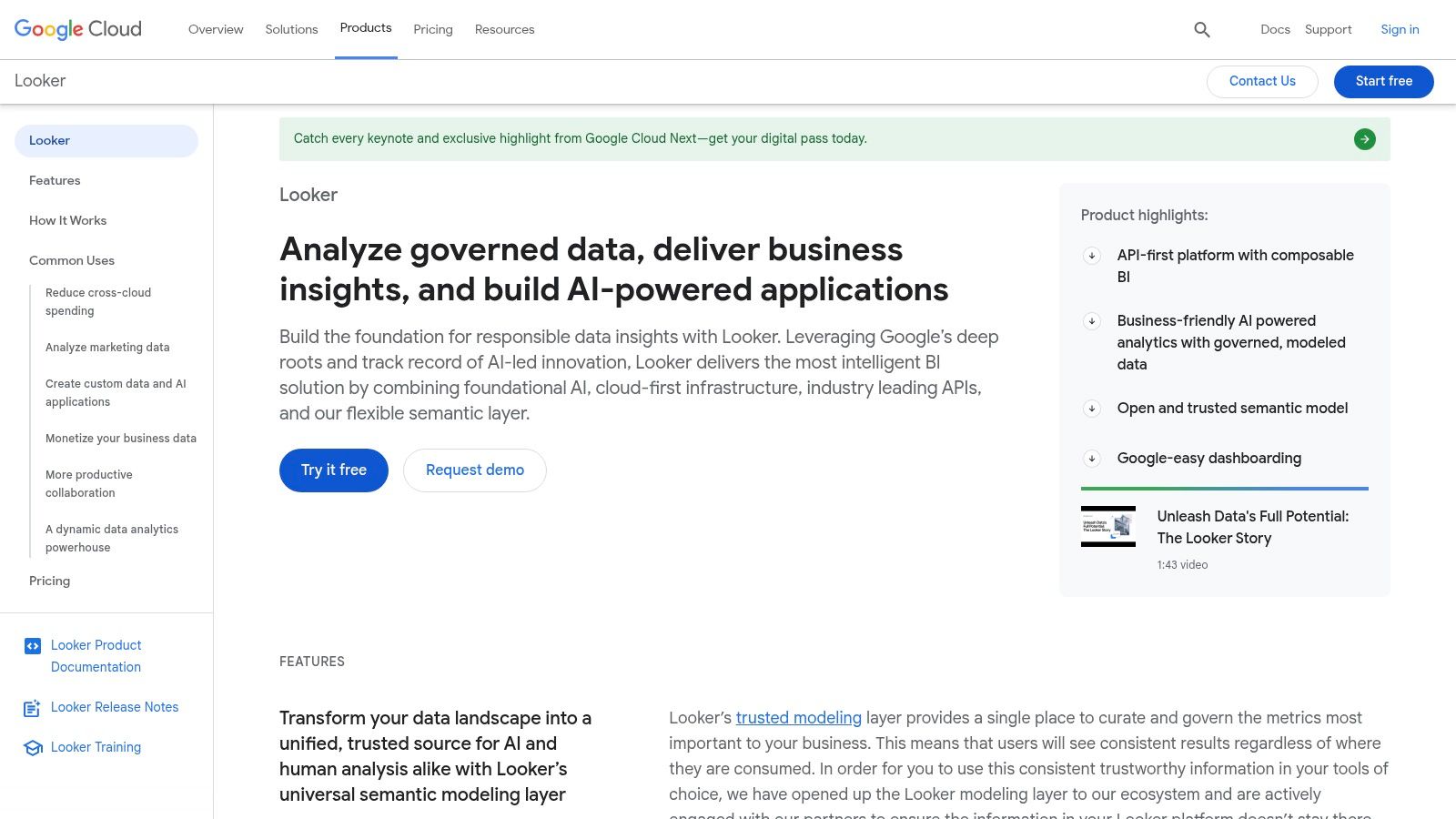
For example, an e-commerce manager in the UK could use Looker to track real-time sales data, identify top-performing product categories, and analyse customer segmentation based on demographics and purchase history. This granular level of insight allows for targeted marketing campaigns, personalised product recommendations, and ultimately, increased conversions. Similarly, digital marketing agencies can leverage Looker to create comprehensive client dashboards that showcase campaign performance across various channels, demonstrating the value of their services and identifying areas for optimisation.
Key Features and Benefits for Marketing Analytics:
- Data modeling with LookML: Ensures consistent metrics across the organisation, eliminating discrepancies and providing a single source of truth for marketing data.
- Real-time analytics and dashboard creation: Allows marketers to monitor campaign performance as it happens, identify emerging trends, and react quickly to changes in the market.
- Embedded analytics capabilities: Empowers businesses to integrate data insights directly into their existing applications or websites, providing valuable context for decision-making.
- Data governance and access control: Ensures data security and compliance with regulations like GDPR, particularly important for UK businesses.
- Integration with Google Cloud Platform and BigQuery: Seamlessly integrates with other Google Cloud services, simplifying data management and analysis within the existing ecosystem.
Pros:
- Powerful data modelling capabilities for consistent and reliable metrics.
- Ability to handle complex data relationships and drill down into granular insights.
- Strong collaboration features, facilitating sharing of insights across teams.
- Scalability for enterprise-level data needs.
Cons:
- Can require a significant investment for initial implementation and ongoing maintenance.
- Requires technical expertise, particularly with LookML, to fully leverage its capabilities.
- Higher price point makes it more suitable for larger organisations rather than small businesses with limited budgets.
- Steeper learning curve compared to simpler analytics tools.
Pricing and Technical Requirements:
Looker's pricing is based on a bespoke quote system tailored to the specific needs of the organisation. This makes it difficult to provide a general price range. Technical requirements include expertise in SQL and LookML for advanced data modelling. While Looker provides extensive documentation and support, some level of technical proficiency is necessary to fully utilise the platform.
Comparison with Similar Tools:
Compared to tools like Tableau or Power BI, Looker is generally considered more geared towards enterprise-level analytics with its focus on data modelling and governance. While Tableau and Power BI offer more intuitive interfaces for data visualisation, Looker provides a more robust platform for managing complex data relationships and ensuring consistent metrics across the organization.
Implementation Tips:
- Start with a clear understanding of your marketing analytics goals and identify the key metrics you want to track.
- Invest in training for your team to ensure they can effectively use LookML and leverage the platform's capabilities.
- Begin with a pilot project to test and refine your data models before rolling out Looker across the entire organization.
Website: https://www.looker.com/
Looker deserves its place in this list because it offers a powerful and comprehensive solution for marketing analytics, specifically suited for organizations that require in-depth data exploration, real-time insights, and robust data governance. While it may not be the ideal solution for smaller businesses due to its complexity and cost, for larger organisations in the UK looking to truly harness the power of their data, Looker offers a significant competitive advantage.
10. Supermetrics
Supermetrics earns its place on this list of top marketing analytics tools as a powerful data integration solution, simplifying how marketers access and consolidate their performance data. It acts as a bridge between your various marketing platforms and your preferred reporting and analysis tools, eliminating the tedious task of manual data collection. This is especially valuable for UK businesses juggling multiple marketing channels and needing a streamlined view of their overall performance.
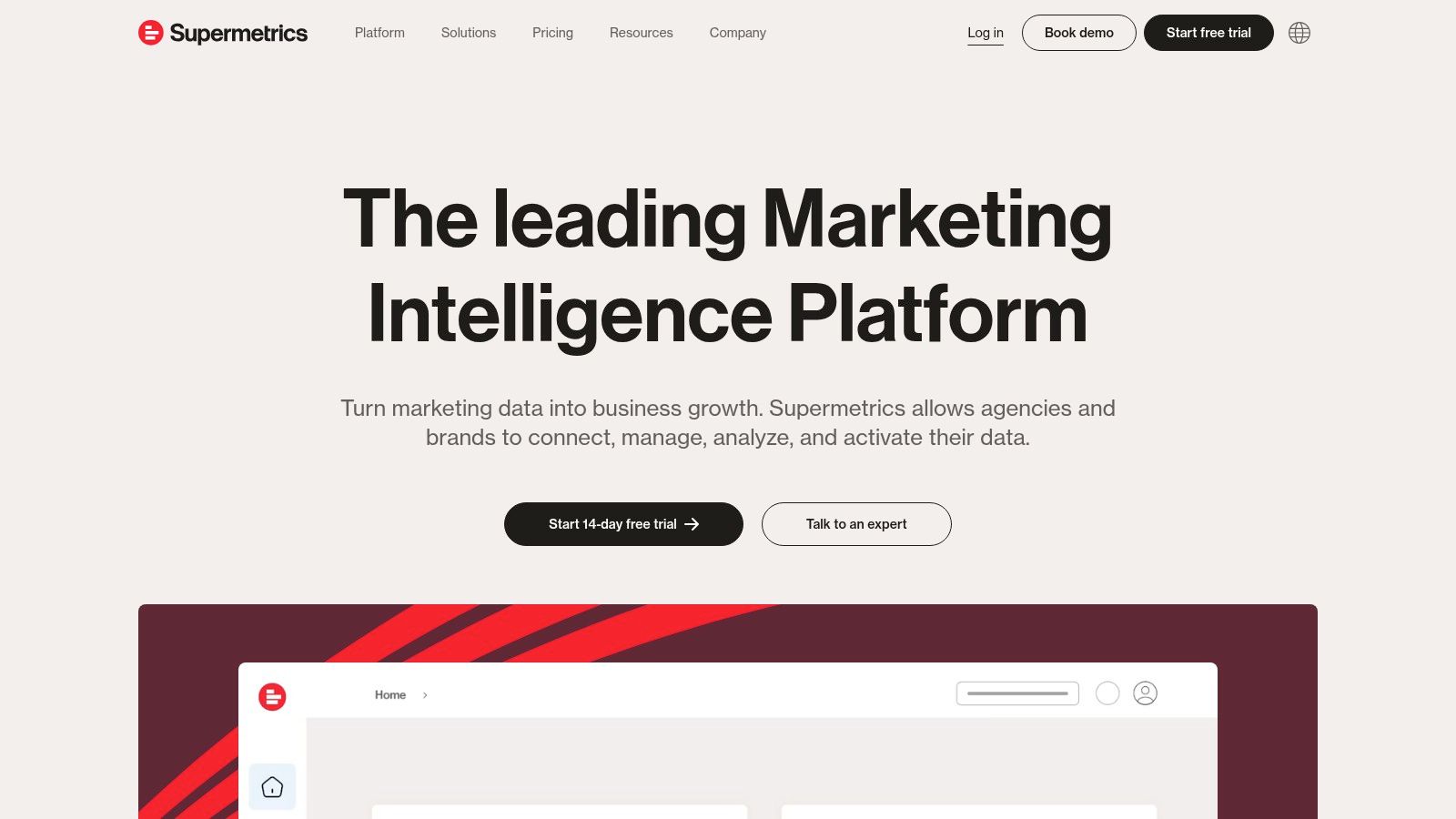
Imagine easily pulling data from your Facebook Ads, Google Ads, LinkedIn Ads, and SEO tools, all into one Google Sheet or data visualisation dashboard. That's the power of Supermetrics. It offers a wide range of connectors for over 70 marketing platforms, including popular choices like Google Analytics, Instagram, Twitter, and even platforms like HubSpot and Mailchimp. This allows you to create comprehensive marketing reports and dashboards without needing to log into each platform individually. For small business owners in the UK, this means more time focusing on strategy and less time wrestling with spreadsheets. For agencies managing multiple client accounts, Supermetrics facilitates efficient cross-client reporting and analysis.
Supermetrics offers automated data transfers to various destinations. You can pipe data directly into familiar tools like Google Sheets and Excel, making it accessible for those comfortable with spreadsheet analysis. For more advanced visualisation and analysis, Supermetrics integrates seamlessly with popular business intelligence platforms like Google Data Studio, Looker Studio, and Power BI. Furthermore, data warehouse integrations with solutions like BigQuery and Snowflake cater to larger businesses with more complex data needs. Scheduled data refreshes and automated alerts ensure you’re always working with the latest information, allowing for proactive adjustments to your marketing strategies. Pre-built reporting templates for common marketing metrics provide a convenient starting point, particularly beneficial for users new to data analysis.
Pros:
- Eliminates manual data pulls: Saves significant time and reduces the risk of human error.
- Works with familiar tools: Integrates with commonly used spreadsheets and BI platforms, minimizing the learning curve.
- Extensive connector library: Supports a wide array of marketing platforms, offering a holistic view of your marketing efforts.
- Easy setup: No developer resources required, allowing for quick implementation.
Cons:
- Focus on data transfer: Primarily a data integration tool, requiring other tools for in-depth analysis.
- Pricing based on data sources and volume: Costs can escalate depending on your data needs.
- Advanced connectors may require higher-tier plans: Access to certain platform connectors might require a more expensive subscription.
- Reliance on third-party tools for visualisation: Requires separate visualisation tools for creating dashboards and reports.
Pricing: Supermetrics offers a variety of pricing plans tailored to different needs and data volumes. Details are available on their website.
Technical Requirements: Primarily depends on the chosen data destination (e.g., Google Sheets, Excel, data warehouse).
Implementation Tips: Start with a free trial to explore the platform and identify the necessary connectors. Leverage the pre-built reporting templates to quickly get started. Consider the data volume and choose a pricing plan that aligns with your needs.
Website: https://supermetrics.com/
Supermetrics provides a significant advantage for UK marketers seeking to streamline their data collection and reporting processes. Its ease of use, extensive platform support, and automation capabilities make it a valuable asset for businesses of all sizes, from small startups to large enterprises. While its focus is primarily on data integration rather than in-depth analysis, its seamless integration with leading BI and visualisation tools allows for comprehensive marketing performance analysis.
Top 10 Marketing Analytics Tools Comparison
| Tool | Core Features/Strengths | User Experience & Quality ★ | Value & Pricing 💰 | Target Audience 👥 | Unique Selling Points ✨ |
|---|---|---|---|---|---|
| The Digital Marketing Toolbox 🏆 | Extensive curated catalog; intuitive filters; automation & AI tools | ★★★★☆ | Varies by tool; trial access only | Small businesses, agencies, marketing pros | Centralized platform with top vendors; no advanced tech skills needed |
| Google Analytics | Real-time tracking; ML-driven insights; Google Ads integration | ★★★★☆ | 💰 Free for most users | Website owners, marketers | Free, deep Google ecosystem integration |
| HubSpot Marketing Analytics | Unified dashboards; multi-touch attribution; inbound marketing focus | ★★★★☆ | 💰 Mid to high, subscription-based | SMBs to enterprises using HubSpot CRM | All-in-one marketing + CRM platform |
| Adobe Analytics | Advanced segmentation; predictive analytics; real-time alerts | ★★★★★ | 💰 High, enterprise-grade | Large enterprises | Enterprise strength; Adobe Cloud integration |
| Mixpanel | Event-based tracking; funnels; cohort analysis; A/B testing | ★★★★☆ | 💰 Scalable, can be costly | Product teams, SaaS companies | Deep product usage insights |
| Tableau | Interactive visualization; data blending; advanced stats | ★★★★☆ | 💰 Higher price point | Data analysts, enterprises | Outstanding BI and visualization |
| Amplitude | Behavioral cohorts; user journey mapping; A/B testing | ★★★★☆ | 💰 Free tier + scalable paid plans | Product managers, growth teams | Non-technical user friendly |
| Semrush | SEO, PPC, content marketing analytics; competitor research | ★★★★☆ | 💰 Mid to high, subscription-based | SEO pros, digital marketers | Comprehensive SEO + marketing toolkit |
| Looker (Google Cloud) | Data modeling; real-time dashboards; embedded analytics | ★★★★☆ | 💰 Enterprise pricing | Large enterprises, data teams | Strong data modeling with LookML |
| Supermetrics | Marketing data connectors; automated transfers; reporting templates | ★★★★☆ | 💰 Pricing scales with usage | Marketers needing data consolidation | Simplifies multi-channel data aggregation |
Elevate Your Marketing Performance
From free powerhouses like Google Analytics to robust platforms such as Adobe Analytics and specialized tools like Semrush for SEO, the array of marketing analytics tools available today can feel overwhelming. This list has showcased ten leading solutions, each offering unique capabilities to cater to diverse needs, from basic website traffic analysis to in-depth customer journey mapping and AI-powered predictive modelling. Key takeaways include understanding the importance of aligning your tool selection with your budget, technical capabilities, and specific marketing objectives. Whether you're a small business owner in the UK looking for cost-effective solutions, an e-commerce manager aiming to boost conversions, or a content creator seeking to amplify your social media presence, there's a marketing analytics tool out there to empower your success.
To maximize the impact of your chosen marketing analytics tools, it's vital to track the right metrics. For a comprehensive guide to key performance indicators (KPIs) and how they can inform your strategies, explore these essential marketing performance indicators from Notifyio. Consider factors like data integration capabilities, reporting features, and the level of support offered when evaluating different tools. Remember, successful implementation requires not only choosing the right tool but also dedicating time to learning its functionalities and integrating it seamlessly into your existing workflows.
Choosing individual marketing analytics tools can be time-consuming and complex. Streamline your toolkit and explore a diverse range of integrated solutions with The Digital Marketing Toolbox, a platform designed to connect you with the marketing technologies you need to thrive. Empower your data-driven decision-making and unlock your full marketing potential – the insights you need are just a click away.


