
Understanding Marketing Workflow Automation: Beyond the Buzzwords
Let's cut through the industry chatter. Think of marketing workflow automation as your most dependable digital team member. This isn't about replacing people; it's about empowering them. Imagine an assistant who works 24/7, flawlessly handling all the predictable, time-consuming tasks that clog up your day, from updating customer records to sending follow-up emails. This allows you and your team to concentrate on the things humans excel at: creative thinking, strategic planning, and building real relationships with customers.
What Does It Look Like in Practice?
To make this tangible, let's say you run an online shop in Bristol that sells artisan coffee. Without automation, if a customer puts a bag of beans in their cart but leaves your site, you might never even know. If you did notice, you'd have to manually find their contact info and draft a personal email—a task that's easily forgotten on a busy afternoon.
Now, let's apply a simple automated workflow. The system identifies the abandoned cart. It’s programmed to wait one hour and then send a friendly, personalized email: “Did you forget something? Here's 10% off to complete your order.” If the customer still doesn't buy after 24 hours, it sends one last gentle nudge. This sequence of predefined steps, triggered by a specific customer action, is the heart of marketing workflow automation. It ensures you never miss an opportunity.
Why It's More Than Just Sending Emails
This idea goes far beyond just abandoned carts. Effective marketing workflow automation connects different parts of your marketing and sales tools into one cohesive system. It conducts a smooth journey for your customers, making every interaction feel timely and relevant. It’s the difference between a series of disconnected messages and a truly coordinated customer experience.
Consider a more detailed workflow for a B2B company:
- A potential client in Manchester downloads a whitepaper from your website.
- The system instantly adds them to your CRM, automatically tagging them with “interest in consulting.”
- A welcome email series begins, sharing relevant case studies to build their confidence in your services.
- After the system logs that they have viewed your pricing page for a second time, it sends an alert directly to your sales team, prompting them to make a personal phone call.
The Scale of Adoption in the UK
Creating these efficient and personal customer journeys is no longer a fringe benefit; it’s a core operational standard for businesses that want to grow. The use of marketing automation in the UK is widespread, with a remarkable 82% of mid-market companies now using these tools. This figure shows just how important it is to deliver experiences that feel personal. Discover more about these UK marketing trends.
Ultimately, putting these systems in place isn't about adopting the latest technology trend. It's a direct answer to what modern customers expect: timely, relevant, and helpful communication. Marketing workflow automation gives you the structure to deliver that consistency, allowing your business to scale without your manual workload scaling with it.
The Building Blocks That Make Automation Actually Work
To build effective marketing workflow automation, it helps to think like an architect with a blueprint. Every successful automated sequence, from the simplest to the most intricate, is built from the same core components. These elements work together in a logical flow to guide a customer from one point to the next, making your marketing feel responsive and personal.
Understanding these pieces is the first step toward building workflows that generate real results, moving beyond just sending out generic messages.
The Four Pillars of an Effective Workflow
At its core, every automated workflow is a sequence of logic resting on four key pillars. Getting these right is fundamental to your success.
Triggers: This is the starting signal. A trigger is the specific user behaviour or time-based event that kicks off an automated workflow. It could be a customer abandoning their online shopping basket, signing up for your newsletter, or a new lead from Liverpool downloading a guide. Triggers are the essential “when” of your automation.
Conditions: This is where the smart decision-making happens. Conditions are the “if/then” rules that create different paths within your workflow, allowing for genuine personalisation. For instance, if the customer who abandoned their cart has spent over £100 with you before, then send them a special discount. If not, they receive a standard reminder email.
Actions: These are the “what” of your workflow. An action is the specific task the system performs once a trigger occurs and any conditions are met. Common actions include sending an email, adding a tag to a contact's profile in your CRM, or alerting your sales team to make a follow-up call.
Outcomes: This is the “why”—the ultimate goal. The desired outcome might be to recover a lost sale, qualify a lead for the sales team, or successfully onboard a new client. Defining a clear outcome is vital, as it ensures your automation is tied to a meaningful business objective. To learn more about this, check out our guide on how to create a marketing strategy for a small business.
This structured process is the engine behind the increased efficiency that teams report when using marketing workflow automation.
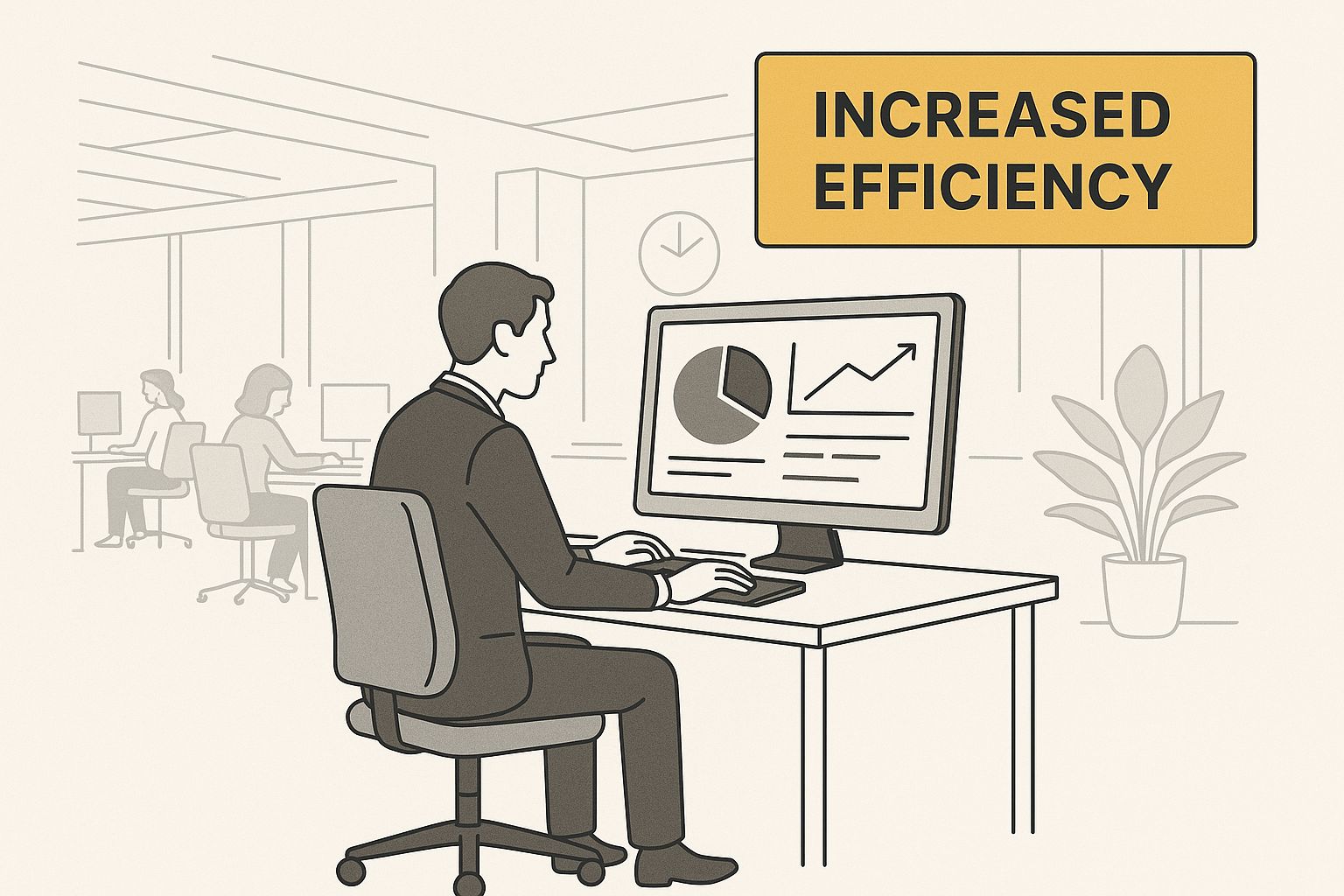
This visual shows how a well-managed system, often controlled from a single dashboard, directly improves productivity for marketing professionals. By letting the system manage the sequence, teams can dedicate their time to refining the overall strategy.
To better understand how these components work together, we've broken them down in the table below. It offers a practical look at each element's function, difficulty, and impact.
Essential Workflow Components Breakdown
A practical guide to workflow elements, their functions, and implementation strategies for UK businesses
| Component | Primary Function | Implementation Difficulty | ROI Impact | Best Use Cases |
|---|---|---|---|---|
| Trigger | Starts the workflow based on a specific event or behaviour. | Low | Immediate | A visitor from a UK IP address signs up for a newsletter; a customer abandons a cart with over £50 worth of items; a contact clicks a link in an email. |
| Condition | Creates personalised paths by checking specific criteria. | Medium | High | Segmenting leads by county (e.g., Surrey vs. Yorkshire); checking if a contact has made a previous purchase; verifying if a user visited the pricing page. |
| Action | Executes a task within the workflow. | Low | Direct | Sending a follow-up email; adding a “Hot Lead” tag in your CRM like HubSpot; sending an internal Slack notification to the sales team. |
| Outcome | Defines and measures the final goal of the workflow. | High | Strategic | Increasing customer lifetime value by 15%; successfully onboarding 90% of new clients; converting marketing qualified leads into sales qualified leads. |
As the table illustrates, while individual actions are easy to set up, the real value comes from using conditions to create smart pathways and tying everything to a strategic outcome.
Let's see this in action with a complete example. Imagine a visitor from Manchester downloads your guide on “Advanced SEO Tactics” (the Trigger). Instantly, an Action occurs: they receive a welcome email containing the guide. The workflow then pauses for three days before checking a Condition: has this new contact visited your pricing page since the download?
If the answer is yes, a different Action is triggered: a notification is sent to a sales representative to make a personal outreach call. If the answer is no, the system executes another Action: it sends a follow-up email with a case study showing how a similar business in the North West increased its traffic. The defined Outcome for this entire workflow is to convert an engaged lead into a qualified sales opportunity.
How AI Is Changing the Game for UK Marketers
While the basic parts of marketing automation—triggers, conditions, and actions—provide a solid framework, Artificial Intelligence (AI) adds a serious layer of intelligence. Think of standard automation as a reliable assistant following a set script. AI gives that assistant the ability to think, learn, and adapt on its own.
For UK businesses, this means a shift from reactive marketing (“if a customer does X, then we do Y”) to proactive marketing that anticipates what a customer needs, sometimes before they even realize it themselves.
Predictive Analytics in Action
One of the most practical uses of AI is predictive analytics. This is simply the process of using past data to make educated guesses about what will happen in the future. Imagine you run a retail business in Manchester. Instead of waiting for a customer to become inactive for 90 days, an AI system can analyze thousands of data points—like purchase frequency, website visits, and email opens—to find customers who are at risk of leaving much sooner.
The system can then automatically place them into a personalized “we miss you” campaign with a special offer, stopping the customer from churning before it happens. This turns your automation from a simple task-doer into a strategic advisor.
This diagram shows how a central marketing automation platform pulls together information from every customer touchpoint.
By creating a single, unified view of the customer, the system gives the AI a rich dataset to analyze for making smarter decisions.
AI-Powered Personalisation at Scale
AI also makes true one-to-one personalisation possible for businesses of any size. For a London-based consultancy, this could mean dynamically changing the case studies shown on their website based on a visitor's industry, which the AI can figure out from their browsing behaviour. This makes sure every interaction feels relevant.
AI's impact is also felt in the small details that add up to big results, like figuring out the perfect time to send an email or suggesting the right products.
- Optimise send times: The AI figures out the perfect time to email each person based on when they usually open emails, instead of relying on a one-size-fits-all schedule.
- Generate dynamic content: It can automatically populate emails with product recommendations that are uniquely suited to each individual's interests.
These smart adjustments are vital for improving campaign results. You can learn more about the core advantages of email marketing and see how these AI-driven tactics fit in. This move toward smart automation isn't a future trend; it's happening right now across the United Kingdom.
The use of AI is becoming widespread, allowing businesses to use data-driven insights for truly effective customer personalisation. In fact, a significant 44% of UK marketing professionals are already using AI for marketing automation, making it a critical tool for modern strategies. You can explore more UK digital marketing statistics to get a broader view of the current market.
Building Your First Workflow That Actually Converts
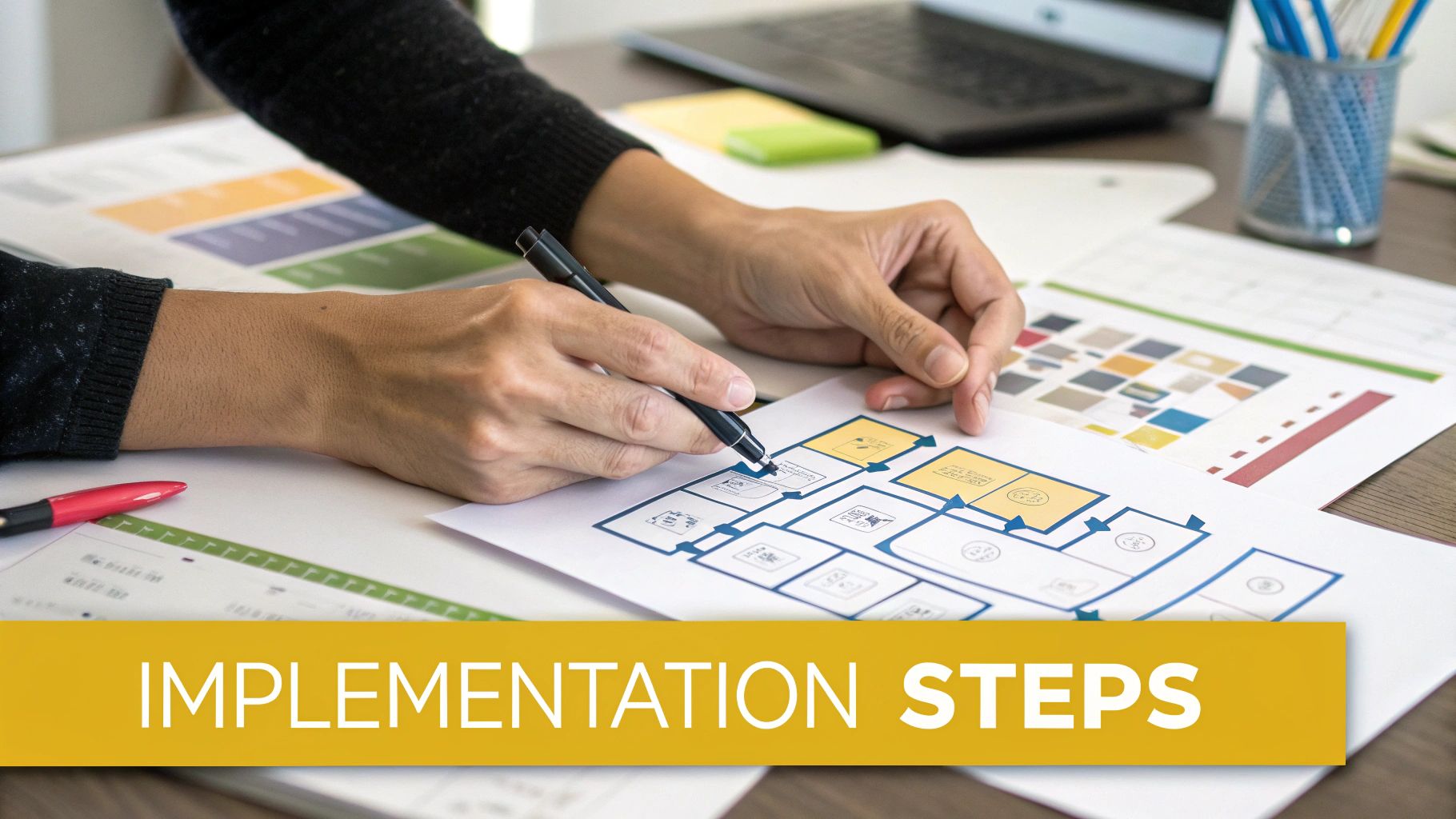
Making the jump from theory to practice is where real growth begins. The secret to getting started with marketing workflow automation isn’t to automate your entire department overnight. Instead, focus on perfecting one valuable process first. Think of it as building a single, solid bridge before you attempt to construct an entire motorway.
Your first success creates the proof and confidence needed to tackle bigger projects. It demonstrates the real-world value of automation to your team and stakeholders, turning a concept into a tangible business asset.
Choosing Your First High-Impact Project
The most common pitfall is starting with a project that’s too complex. The goal is to find a clear, self-contained problem where automation can produce a measurable win. This method helps you learn the software and see tangible results without getting overwhelmed.
For most businesses, the best starting points are tasks that directly influence customer relationships and sales:
- Lead Nurturing: A prospect downloads an e-book from your website. Instead of silence, this workflow automatically sends a series of helpful, relevant emails over the next two weeks, building trust and guiding them toward a conversation with your sales team.
- Customer Re-engagement: A customer who hasn't purchased in 6 months receives a friendly “we miss you” email with a special offer, reminding them of your brand and encouraging a return visit.
- New Customer Onboarding: A new client signs up for your service. This workflow immediately sends a welcome email, followed by a series of tips and instructions to help them get the most value from their purchase, improving satisfaction and reducing early cancellations.
Mapping the Customer Journey
Once you’ve selected a project, the next step is to map out every interaction. Before you even open your automation software, grab a whiteboard or a piece of paper. Sketching the flow visually helps clarify the logic and sequence before you commit to building it.
For a lead nurturing workflow based on a guide download, your map might look something like this:
- Trigger: A contact fills out and submits the “Download Guide” form.
- Action (Immediate): Send Email 1, which includes the download link for the guide.
- Delay: Pause for 3 days to give them time to read it.
- Action: Send Email 2, offering a related case study that shows the guide's principles in action.
- Delay: Pause for another 4 days.
- Action: Send Email 3 with a no-pressure invitation for a free consultation.
This simple, planned sequence ensures your communication feels helpful and paced correctly, not pushy.
The Workflow Implementation Roadmap
To bring your mapped-out journey to life in a structured way, a clear roadmap is essential. This plan breaks the project into manageable phases, helping you avoid common mistakes and stay on track from idea to launch.
| Phase | Duration | Key Activities | Success Metrics | Common Obstacles |
|---|---|---|---|---|
| 1. Planning | 1-3 Days | Define a single goal, identify the target audience, and map the customer journey on a whiteboard. | A clear, measurable objective is set (e.g., achieve a 15% conversion rate from the workflow). | Vague goals; trying to automate too many different outcomes at once. |
| 2. Build & Content | 3-5 Days | Set up the triggers, delays, and actions in your automation tool. Write all email copy and create CTAs. | All content is written, and the workflow is fully built in the platform, ready for testing. | Poorly written or generic copy; broken personalisation tags that ruin the experience. |
| 3. Testing | 1-2 Days | Run internal tests of the complete workflow. Proofread all content and check links and formatting. | The workflow executes exactly as mapped; no technical glitches or typos are found. | Skipping this step entirely to save time; failing to test on different devices, especially mobile. |
| 4. Launch & Optimise | Ongoing | Activate the workflow. Closely monitor key metrics like open rates, clicks, and goal completions. | Consistent tracking of open rates, click-through rates, and the final goal completion rate. | A “set it and forget it” mindset; failing to use performance data to make improvements. |
Following these phases provides a clear path from a simple concept to a functioning workflow that produces results.
Testing and Optimising for Success
Launching your workflow isn't the finish line; it’s the starting point for improvement. Your initial design is built on educated guesses, but real user data will show you what’s truly working.
Continuously monitor the performance at each step. For example, if your email open rates are high but click-through rates are low, the problem likely isn't the subject line—it's the call-to-action inside the email. Small, focused changes are key. Use A/B testing to test one variable at a time and find what resonates with your audience.
- Subject lines
- Email copy length and tone
- Send times and days
- Call-to-action buttons
This cycle of launching, measuring, and refining is what turns a good workflow into a great one that generates compounding returns for your business.
Real Success Stories From UK Businesses Like Yours
It’s one thing to talk about the potential of marketing workflow automation, but seeing it deliver real results for businesses is what truly matters. Confidence in these systems is growing fast. Globally, 79% of businesses now use some form of automation, a big increase from 67% in 2023. With 70% of marketing leaders planning to invest more, the reason is clear: companies see an average return of £5.44 for every £1 spent. Find out more about these enterprise automation trends.
These aren't just abstract figures; they represent genuine stories of growth and efficiency from UK companies. Let’s explore how businesses from Manchester to London have used automation to gain a serious advantage.
Manchester E-commerce: Boosting Conversions with Smart Sequences
A craft gin distillery in Manchester was facing a classic e-commerce headache: a high rate of abandoned shopping carts. They knew they were losing sales every day, but their small team couldn't manually chase every person who left the site. The follow-up that did happen was inconsistent and usually too late.
To fix this, they put a simple, three-step automated workflow in place.
- The Challenge: To recover lost sales from abandoned carts without needing a person to intervene every time.
- The Workflow Solution: A timed email sequence that kicked in the moment a customer left the site with items still in their basket.
- Email 1 (1 hour later): A friendly, no-pressure reminder showing the customer the exact items they had chosen.
- Email 2 (24 hours later): A follow-up email featuring positive reviews for those specific gins, using social proof to build confidence.
- Email 3 (48 hours later): A final, helpful nudge with a one-time 10% discount code to encourage them to complete the purchase.
- The Measurable Result: This simple workflow led to a massive 340% increase in recovered cart sales in just the first quarter, directly impacting their revenue.
London Consultancy: Slashing the Sales Cycle
For a financial consultancy in London, the bottleneck was a long and clumsy sales process. The marketing team was great at generating leads, but the sales team was wasting precious hours on prospects who weren't ready to buy. The handover from marketing to sales was messy, and too much effort was spent on unqualified leads.
They solved this by building an automated lead scoring system to identify the hottest prospects.
- The Challenge: To shorten the sales cycle and allow the team to concentrate only on sales-ready leads.
- The Workflow Solution: A system that awarded points to leads based on their actions. Think of it like a video game where engagement earns a higher score.
- A prospect got +5 points for opening an email, +10 points for checking the pricing page, and +20 points for downloading a key case study.
- Once a lead's score hit 50, the workflow automatically sent their complete profile and activity history to a sales rep via a Slack notification for immediate, informed follow-up.
- The Measurable Result: The sales team could ignore the cold leads and focus entirely on the warm ones, cutting their average sales cycle by 60% and boosting their conversion rate.
Birmingham Startup: Building Loyalty Through Onboarding
A SaaS startup in Birmingham had a “leaky bucket” problem. New users would sign up for their software but cancel within the first month because they never fully understood its value.
They tackled this by creating a personalized onboarding workflow designed to guide new users to that “aha!” moment.
- The Challenge: To improve user retention and slash the number of customers cancelling in their first 30 days.
- The Workflow Solution: A welcome sequence that educated new users based on their specific interests.
- After signing up, users received a series of emails over two weeks. Each one introduced a core feature and linked to a quick tutorial video.
- The system tracked which tutorials a user actually watched, which then triggered tailored follow-up tips. This focus on engagement is a cornerstone of modern marketing. For anyone new to this, our beginner's guide to digital marketing provides more valuable insights.
- The Measurable Result: This educational approach resulted in a 45% improvement in 30-day user retention, turning new sign-ups into loyal customers.
Choosing Tools That Fit Your Business (Not Your Ego)
Picking a platform for your marketing workflow automation can feel like you're standing in a massive hardware store, completely overwhelmed. Every tool claims it will solve all your problems, but the most expensive power drill isn't always the right choice for hanging a simple picture frame. The real goal is to find a tool that fits the job you need done, matching your specific operations and budget.
This choice usually comes down to two main paths: adopting an all-in-one suite or creating your own custom stack from individual, specialised tools.
All-in-One Platforms vs. Specialised Tools
An all-in-one platform, like HubSpot, is the Swiss Army knife for marketing teams. It offers a broad set of functions—email, social media, landing pages, and a CRM—all connected and working together from the start. The biggest advantage is the seamless integration; data flows freely between different parts of the system without complex setups. The trade-off is that while it does many things, it might not be the absolute best at any single function compared to a dedicated tool.
At the heart of most of these platforms is a Customer Relationship Management (CRM) system, which acts as the central database for all your customer information.
This diagram shows how a CRM unites marketing, sales, and service activities. This unified view is what makes powerful automation possible.
On the other hand, a specialised tool is like a professional chef's favorite knife—perfectly built for a single purpose, whether that's deep email analytics or complex social media scheduling. You can build a “best-of-breed” marketing stack this way, but you'll be responsible for making sure all the pieces talk to each other, often with the help of connector tools like Zapier.
An Evaluation Framework for UK Businesses
To make a good decision, you have to look past the flashy demos and long feature lists. A practical evaluation focuses on long-term value and how well a tool fits your company, especially for businesses in the UK. Before you sign any contracts, go through this checklist:
- Scalability: Will this platform grow with your business? A tool that’s perfect for a two-person startup could become a major headache when you have a team of ten. Look at future pricing tiers and feature limits from the very beginning.
- Total Cost of Ownership (TCO): The initial price is just the start. You need to account for setup fees, necessary add-ons that aren’t in the base package, and the cost of training your team. A tool that looks cheap at first can get expensive down the road.
- GDPR and Data Residency: This is a critical point for any UK business. Where will your customer data be stored? Make sure the provider has a clear and strong policy on GDPR compliance that protects both you and your customers.
- Real Support: When a workflow breaks at a critical moment, can you get help from a real person, quickly? Test their support team's response time during your free trial. Look for providers with a UK presence or support hours that match your business day.
In the end, successful marketing workflow automation runs on the right engine. Choosing a tool isn't about getting the most features; it's about getting the right features that solve your problems and help your business grow.
Your Next Steps: From Reading to Results
You understand the theory behind **marketing workflow automation**, but turning that knowledge into real results can feel like a huge leap. The good news is, you don't have to automate everything at once. The secret is to start small.
Pick one task, aim for one clear win, and build from there. Each small success builds the confidence and proof you need to tackle bigger projects down the line.
A Prioritised Action Plan
To move from theory to practice, it's best to focus your energy where you'll see the biggest return. Start with a workflow that solves a real problem for your team.
- Pinpoint the Pain: Look at your weekly to-do list. What are the top three repetitive marketing tasks that eat up the most hours?
- Pick Your First Target: From that list, choose the single task that would free up the most time or win back lost money if automated. An abandoned cart sequence is a classic example.
- Know What a Win Looks Like: Give yourself a specific, measurable goal. For instance, you could aim to “recover 5% of abandoned carts in the first month.”
- Launch and Learn: Build the workflow, activate it, and watch how it performs against your single metric.
This step-by-step method helps ensure your first experience with automation is a positive one. This field is only getting bigger; the UK market is projected to grow at a compound annual rate of 13.9% between 2025 and 2030, a clear sign of its importance for creating better customer experiences. Read the full research on this market expansion.
Ready to find the right tools to bring your first workflow to life? The Digital Marketing Toolbox is a curated place to compare and choose the solutions that fit your business needs.
Start building your growth engine today


