
Creating an engaging quiz is a powerful strategy for lead generation, audience engagement, and educational assessment. Whether you're a small business owner aiming to capture new leads, a marketer looking to boost social media interaction, or an educator needing to gauge student understanding, the right tool makes all the difference. The challenge lies in navigating the vast market of quiz platforms, many of which hide essential features behind expensive paywalls. This guide is designed to cut through the noise, offering a detailed comparison of genuinely useful and robust free online quiz maker options.
We've meticulously evaluated twelve of the top platforms, from household names like Google Forms and Kahoot! to specialised tools such as FlexiQuiz and Riddle Quiz Maker. Our analysis goes beyond a simple feature list. For each tool, you'll find an honest assessment of its strengths and limitations, ideal use-case scenarios, and practical insights into its real-world performance. This resource will help you quickly identify the perfect platform for your specific needs, whether you prioritise customisation, data analysis, or seamless integration.
Each review is structured for easy scanning and includes screenshots and direct links to get you started immediately. We examine everything from question types and design flexibility to reporting capabilities and user experience. For those with a primary focus on educational applications, exploring a broader range of comprehensive formative assessment online tools for 2025 can offer additional context on specialised functionalities. This guide will equip you with the clarity needed to select an effective, cost-free solution to achieve your marketing or educational objectives.
1. Google Forms (quizzes mode)
Google Forms is a surprisingly capable online free quiz maker hiding within a familiar G-Suite application. While primarily known for surveys and data collection, its "quizzes" mode transforms it into a powerful tool for educators, trainers, and small businesses needing a no-cost, straightforward assessment solution. Its biggest strength lies in its simplicity and seamless integration with the Google ecosystem.
What makes it stand out is the effortless transition from a standard form to a self-grading quiz. With a single toggle, you can assign point values, designate correct answers, and provide automated feedback for both correct and incorrect responses. This is ideal for quick knowledge checks, classroom assignments, or simple lead-generation quizzes embedded on a website.
Key Features and User Experience
The user interface is minimalist and intuitive, requiring virtually no learning curve. Real-time collaboration allows multiple users to build and edit a quiz simultaneously.
- Auto-Grading: Automatically scores multiple-choice, checkbox, and dropdown questions.
- Real-time Response Tracking: See results as they come in and analyse them directly in Forms or export to Google Sheets for deeper analysis.
- Customisable Feedback: Provide specific explanations for each answer choice to enhance the learning experience.
- Accessibility: As a web-based tool, it's accessible on any device with a browser. It is completely free to use with any Google account.
Our Take: For anyone already using Google Workspace, this is the most convenient and cost-effective option for creating simple, scorable quizzes without needing a new account or subscription.
Website: https://forms.google.com
2. Microsoft Forms (quizzes)
Microsoft Forms is a versatile online free quiz maker that serves as the Microsoft 365 ecosystem's answer to Google Forms. Often bundled with business and education subscriptions, its free personal version is a robust tool for creating assessments, surveys, and polls. Its primary advantage is its native integration with other Microsoft applications like Excel, Teams, and PowerPoint, making it an excellent choice for users already embedded in that environment.
What makes it stand out is its clean interface and slightly more advanced question types compared to some basic free tools. Turning a form into a quiz is a simple setting change, enabling point allocation, answer designation, and automatic marking. This is highly effective for internal company training, classroom assessments within a Microsoft Teams setup, or gathering customer feedback with a scoring mechanism. The ability to export results directly into a structured Excel spreadsheet is a significant time-saver for data analysis.
Key Features and User Experience
The user interface is modern and straightforward, ensuring a minimal learning curve for new users. Collaboration features are built-in, allowing multiple creators to work on a quiz simultaneously within an organisation.
- Auto-Grading: Automatically scores multiple-choice, text, and ranking questions, providing instant results.
- Real-time Analytics: View responses as they arrive with automatically generated charts and export to Excel for comprehensive analysis.
- Theme Customisation: Offers more visually appealing background and theme options than some competitors.
- Accessibility: Available for free with a personal Microsoft account, with higher limits and more features included in Microsoft 365 subscriptions.
Our Take: For individuals or organisations heavily invested in the Microsoft 365 suite, this is the most logical and efficient choice for creating polished, data-rich quizzes without needing a separate platform.
Website: https://forms.office.com
3. Kahoot!
Kahoot! transforms the standard quiz into a vibrant, competitive game, making it a standout online free quiz maker for live engagement. It is designed to create a dynamic atmosphere in classrooms, corporate training sessions, or live events, where energy and participation are key. The platform gamifies learning by turning assessments into real-time competitions complete with catchy music, leaderboards, and a point-based scoring system.
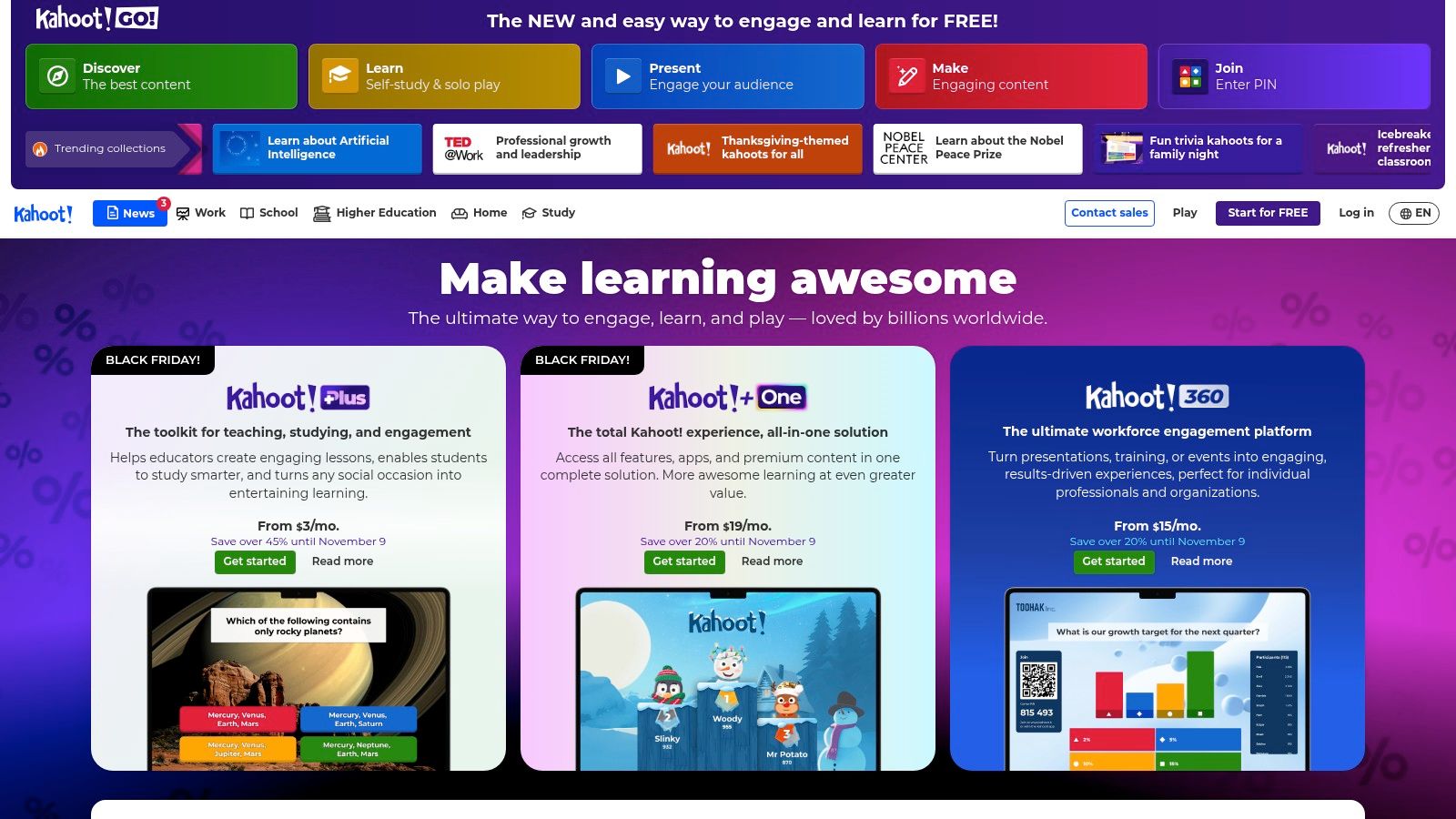
What makes it unique is its "shared screen" experience. A host presents questions on a main screen, and participants answer on their own devices using a simple game PIN. This removes the need for account creation, allowing for immediate and frictionless participation, which is perfect for capturing the attention of large audiences or students. The focus is less on formal assessment and more on interactive, memorable learning moments.
Key Features and User Experience
The interface for both creators and players is colourful, intuitive, and built for speed. Setting up a game-based quiz, or "kahoot," is straightforward, with options for multiple-choice questions, polls, and word clouds to vary the engagement.
- Live Game-Based Learning: Host quizzes in real time with a live leaderboard to foster a fun, competitive environment.
- Simple Participant Access: Players join via a unique PIN on any web-enabled device without needing to sign up or download an app.
- Self-Paced Challenges: Assign quizzes as "challenges" for individuals to complete on their own time, extending learning beyond live sessions.
- Basic Analytics: The free plan provides post-game reports to identify difficult questions and track participant performance.
Our Take: For anyone needing to inject energy and fun into live training or educational settings, Kahoot! is the best free option. Its game-like format is unparalleled for driving participation, although the free plan's player limits can be restrictive for larger groups.
Website: https://kahoot.com
4. Quizizz
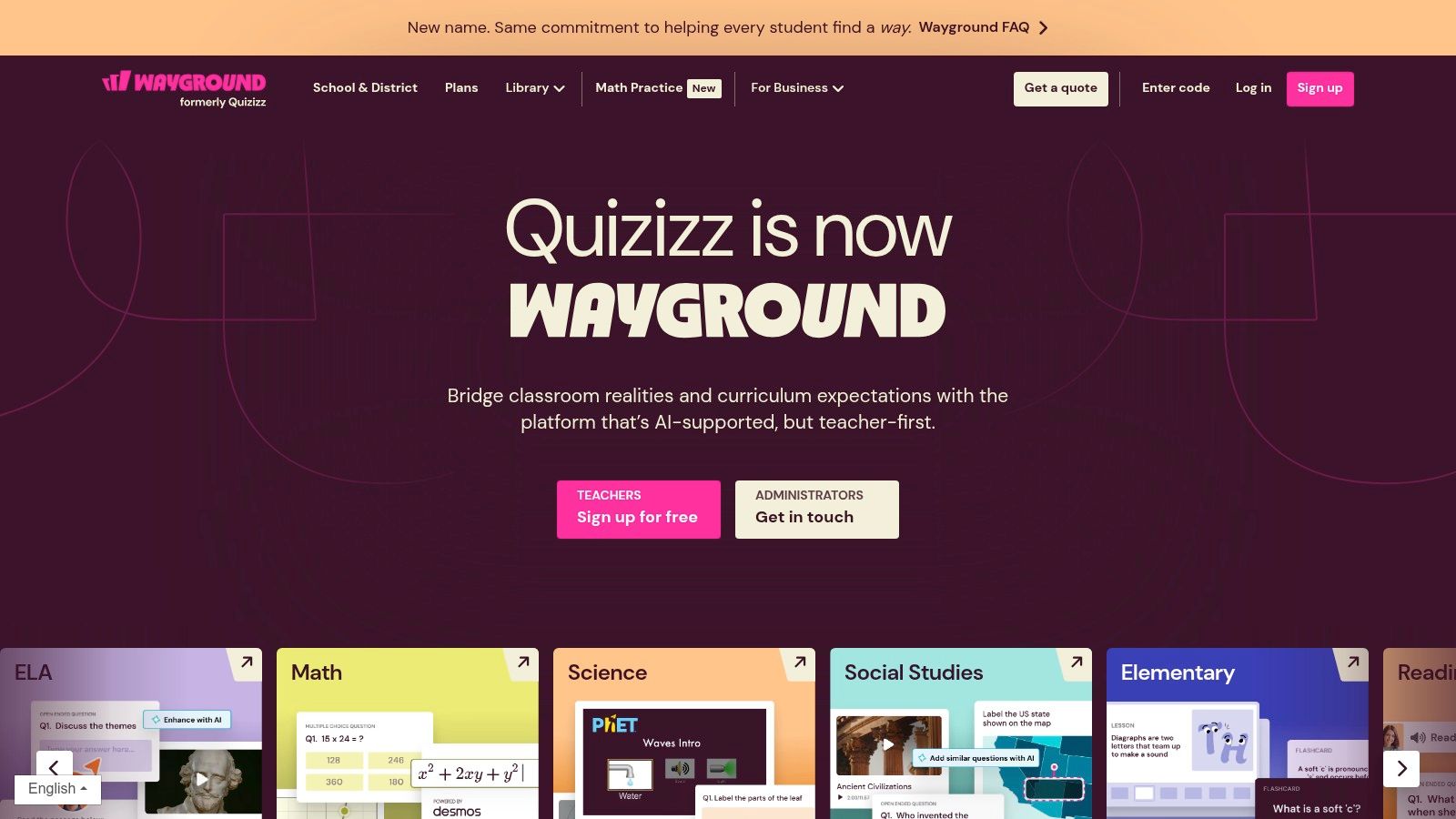
Quizizz is a dynamic online free quiz maker designed to make learning and assessment engaging through gamification. Primarily aimed at the education sector, its platform transforms standard quizzes into interactive, competitive games that can be played live in a classroom or assigned as self-paced homework. Its standout feature is the vibrant, game-like experience it provides for participants, complete with avatars, leaderboards, and power-ups.
This approach makes it an excellent tool not just for teachers, but also for corporate trainers and marketers looking to boost engagement. The platform boasts an enormous library of pre-made, user-generated quizzes on virtually any subject, allowing users to quickly find and adapt content for their specific needs or create their own from scratch.
Key Features and User Experience
The user interface is colourful, modern, and highly intuitive for both quiz creators and participants. It supports a wide range of question types, including interactive video and audio-enhanced questions, making the experience highly immersive.
- Gamified Interface: Features like leaderboards, fun music, and redemption questions keep participants motivated and engaged.
- Massive Quiz Library: Access millions of ready-to-use quizzes created by a global community of educators and professionals.
- Live and Asynchronous Modes: Host real-time competitions or assign quizzes as flexible, self-paced homework with deadlines.
- Detailed Reporting: Track individual and class performance with insightful reports that highlight knowledge gaps.
Our Take: Quizizz is perfect for educators and trainers who need to make assessments fun and competitive. The free Starter plan is very generous, though if you are considering other platforms, you can find a good list of the best Quizizz alternatives to compare features.
Website: https://quizizz.com
5. Typeform
Typeform is an online free quiz maker celebrated for its beautiful, conversational approach to data collection. It moves away from static forms, presenting one question at a time to create an engaging, almost chat-like experience for the user. This focus on user experience often leads to higher completion rates, making it an excellent choice for lead generation quizzes, customer feedback, and interactive content marketing.
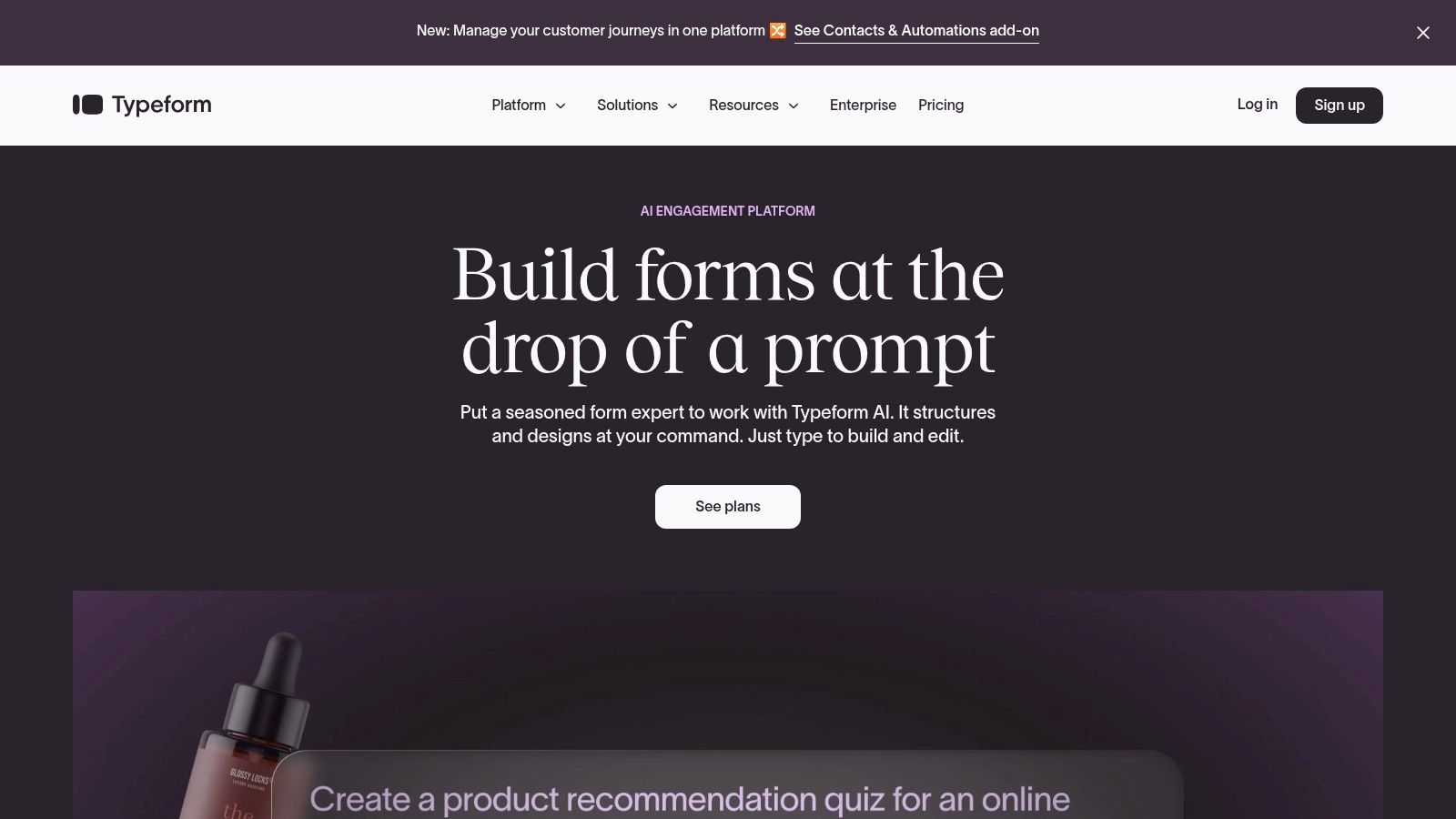
What makes it stand out is its design-first philosophy. The platform makes it simple to create visually stunning quizzes that feel native to a brand's website or social media presence. While its free plan is limited, it provides a fantastic entry point for those wanting to create polished, professional-looking quizzes that capture attention and encourage participation. This engaging format is a key component for businesses looking to enhance their online presence, as outlined in this beginners guide to digital marketing.
Key Features and User Experience
The interface is sleek, modern, and prioritises aesthetics and ease of use, allowing for the creation of sophisticated quizzes without needing any code. Its templates and design options are a significant draw for marketing professionals.
- Conversational Experience: Presents questions one by one, keeping users focused and engaged.
- Quiz Templates & Scoring: Use pre-built quiz templates and add scoring to create personality tests or knowledge checks.
- Logic Jumps: Guide users down different paths based on their answers, although this is primarily a paid feature.
- Wide Integrations: Connects with tools like Slack, Mailchimp, and HubSpot to automate workflows. The free plan offers a limited number of monthly responses.
Our Take: For brands prioritising a premium user experience and high engagement rates, Typeform is unmatched. The free plan is perfect for low-volume quizzes, but be prepared to upgrade for higher traffic or advanced logic.
Website: https://www.typeform.com
6. Jotform
Jotform expands beyond simple forms into a versatile online free quiz maker powered by a robust no-code, drag-and-drop builder. While it can create standard surveys, its dedicated Quiz App Maker and advanced conditional logic make it a formidable choice for businesses needing more sophisticated, interactive assessments that integrate deeply into their existing workflows.
What makes it stand out is its ability to build quizzes that feel like standalone mobile applications without any coding. This, combined with its capacity to process payments directly within a form, opens up unique use cases like paid tutorials, certification quizzes, or product recommendation quizzes that lead to a purchase. The platform's generous free tier provides a powerful entry point for exploring these advanced functionalities. You can also connect your quiz results to an email marketing campaign to nurture leads effectively.
Key Features and User Experience
Jotform’s interface is visual and intuitive, offering thousands of templates to get started quickly. The platform excels at workflow automation, connecting your quiz to hundreds of other applications.
- Drag-and-Drop Quiz Builder: Easily add questions, images, and branding elements.
- Conditional Logic: Show or hide questions based on user answers, creating a dynamic and personalised quiz experience.
- Broad Integration Ecosystem: Connects with CRMs, email marketing services, cloud storage, and project management tools.
- Payment Gateway Support: Accept payments for quiz entries or related products directly via gateways like Stripe and PayPal.
Our Take: Jotform is the ideal solution for businesses wanting to build complex, automated quiz funnels that do more than just score answers; it’s a tool for lead generation, e-commerce, and process automation.
Website: https://www.jotform.com
7. SurveyMonkey (quiz mode)
SurveyMonkey is a titan in the online survey world, and its platform can be effectively repurposed as a capable online free quiz maker. While its core focus remains on data collection and feedback, its quiz mode allows users to assign scores to answers, making it a viable option for businesses needing to create professional-looking assessments or engaging marketing quizzes. Its credibility and robust analytical framework are its main differentiators.
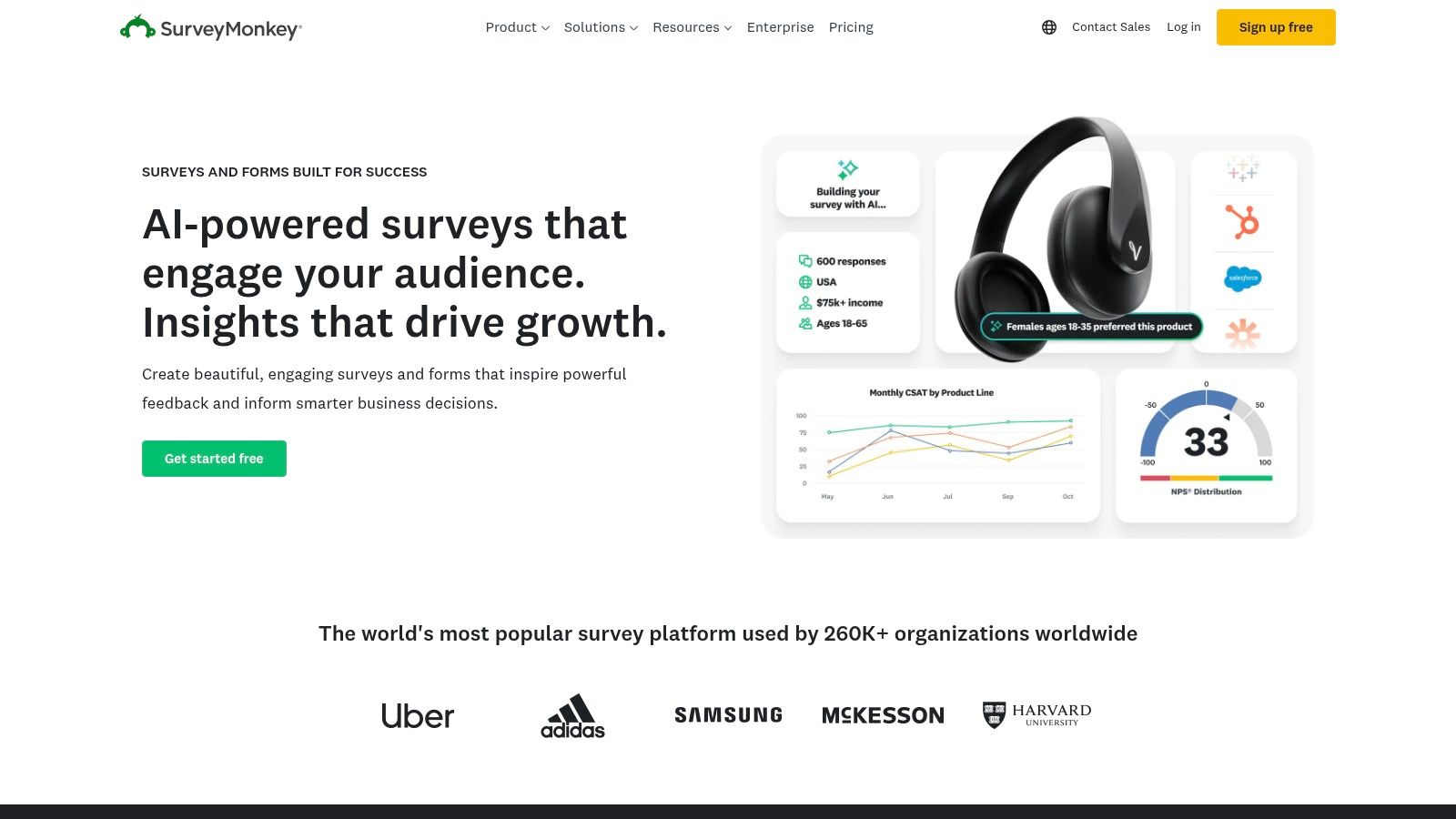
The platform stands out for its enterprise-level features, even if many are locked behind paid tiers. The free plan provides a glimpse into this power, offering well-designed templates and powerful distribution options (collectors). For businesses already familiar with SurveyMonkey for customer feedback, using it for quizzes is a logical, low-friction next step.
Key Features and User Experience
The user interface is polished and professional, though more complex than simpler tools due to its vast feature set. The free version is notably limited, capping quizzes at 10 questions and restricting the number of viewable responses.
- Quiz Scoring: Easily assign point values to answer options to automatically calculate a score upon completion.
- Professional Templates: Access a library of pre-built templates, including quiz formats, to get started quickly.
- Advanced Analytics: Paid plans unlock sophisticated reporting, cross-tabulation, and data filtering capabilities.
- Multiple Collectors: Distribute your quiz through various channels like web links, email, social media, and website embeds.
Our Take: SurveyMonkey is a great choice for businesses that prioritise data analysis and brand credibility and may eventually need the advanced features of a paid plan. The free offering is a functional, albeit limited, entry point.
Website: https://www.surveymonkey.com
8. ProProfs Quiz Maker
ProProfs Quiz Maker is a dedicated and feature-rich online free quiz maker that serves both educational and commercial needs. While its full potential is unlocked in paid tiers, its "Forever Free" plan offers a solid entry point for creating short, engaging assessments. Its platform is designed with a professional polish, offering tools that go beyond simple knowledge checks, such as lead generation and selling quizzes.
What makes it stand out is its comprehensive ecosystem even within the free offering. Users can access a library of templates, issue custom certificates of completion, and delve into detailed reports. This makes it a powerful option for businesses looking to formalise training or use quizzes as part of a sophisticated marketing strategy for small business. The platform effectively bridges the gap between a basic form builder and a full-fledged learning management system (LMS).
Key Features and User Experience
The user interface is straightforward, guiding you through quiz creation with a clean, organised dashboard. It offers a wide array of question types and customisation options to match your brand's look and feel.
- Templates & Question Bank: Access hundreds of ready-made quizzes and a large public library of questions to speed up creation.
- Automated Certification: Automatically generate and email custom-branded certificates to users who pass a quiz.
- Detailed Analytics: The free plan includes basic reporting on quiz performance, scores, and user attempts.
- Monetisation Options: Paid plans allow you to create an online store to sell your quizzes and courses directly.
Our Take: ProProfs is an excellent choice for those who need professional features like certificates and detailed reports on a small scale. The free plan is a great trial, but be prepared to upgrade if you need to create longer quizzes or retain reports long-term.
Website: https://www.proprofs.com/quiz-school/quiz-creator/
9. ClassMarker
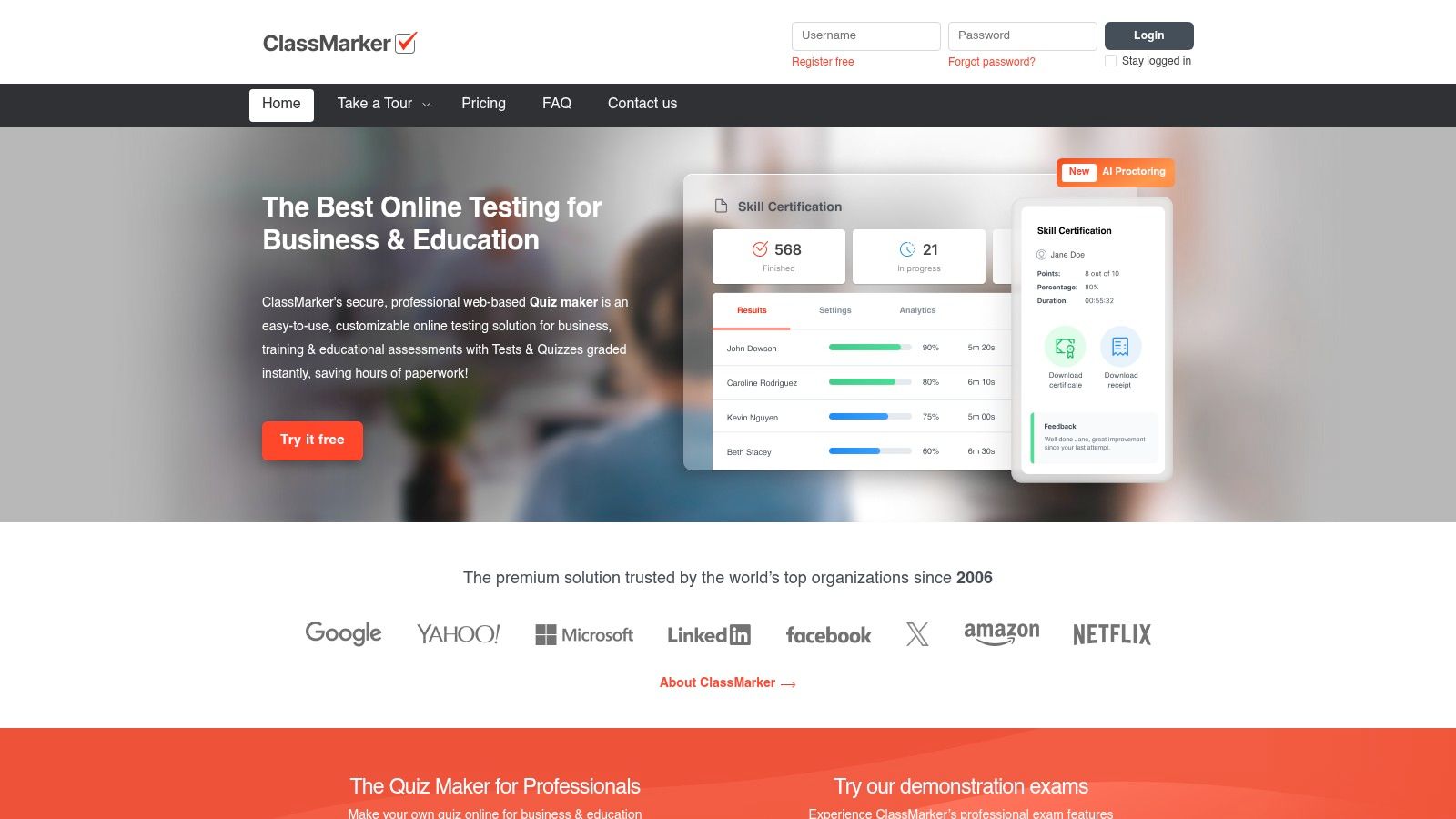
ClassMarker is a professional and secure online free quiz maker designed for businesses, training, and educational institutions that require controlled testing environments. While not perpetually free, its focus on security, customisation, and formal assessment makes it a unique entry on this list. It is particularly well-suited for certifications, pre-employment screening, and proctored examinations where result integrity is paramount.
What sets it apart is its business-centric approach. Features like question banks, test randomisation, and timed limits are standard, but ClassMarker goes further by offering custom-branded certificates and secure delivery options. This makes it a powerful tool for organisations that need to create, sell, or formally administer assessments online, moving beyond simple knowledge checks to provide verifiable credentials.
Key Features and User Experience
The platform prioritises security and control, with a clean, professional interface that guides users through creating rigorous tests. Although it offers a free plan with limited tests, its real power is unlocked in the paid tiers.
- Secure Testing Environment: Prevents cheating with features like IP blocking, time limits, and randomised question pulling from a central bank.
- Custom Certificates: Automatically generate and deliver professional, branded certificates to users who pass an exam.
- Flexible Pricing: Offers a free plan for up to 100 tests per month, with paid options including monthly subscriptions or credit packs for occasional use.
- Business Integration: Allows you to sell your quizzes and exams directly, with results analysis tools designed for professional use.
Our Take: For businesses or educators needing a secure, professional testing platform for formal certifications or assessments, ClassMarker is an excellent choice, offering robust features that justify its paid tiers.
Website: https://www.classmarker.com
10. FlexiQuiz
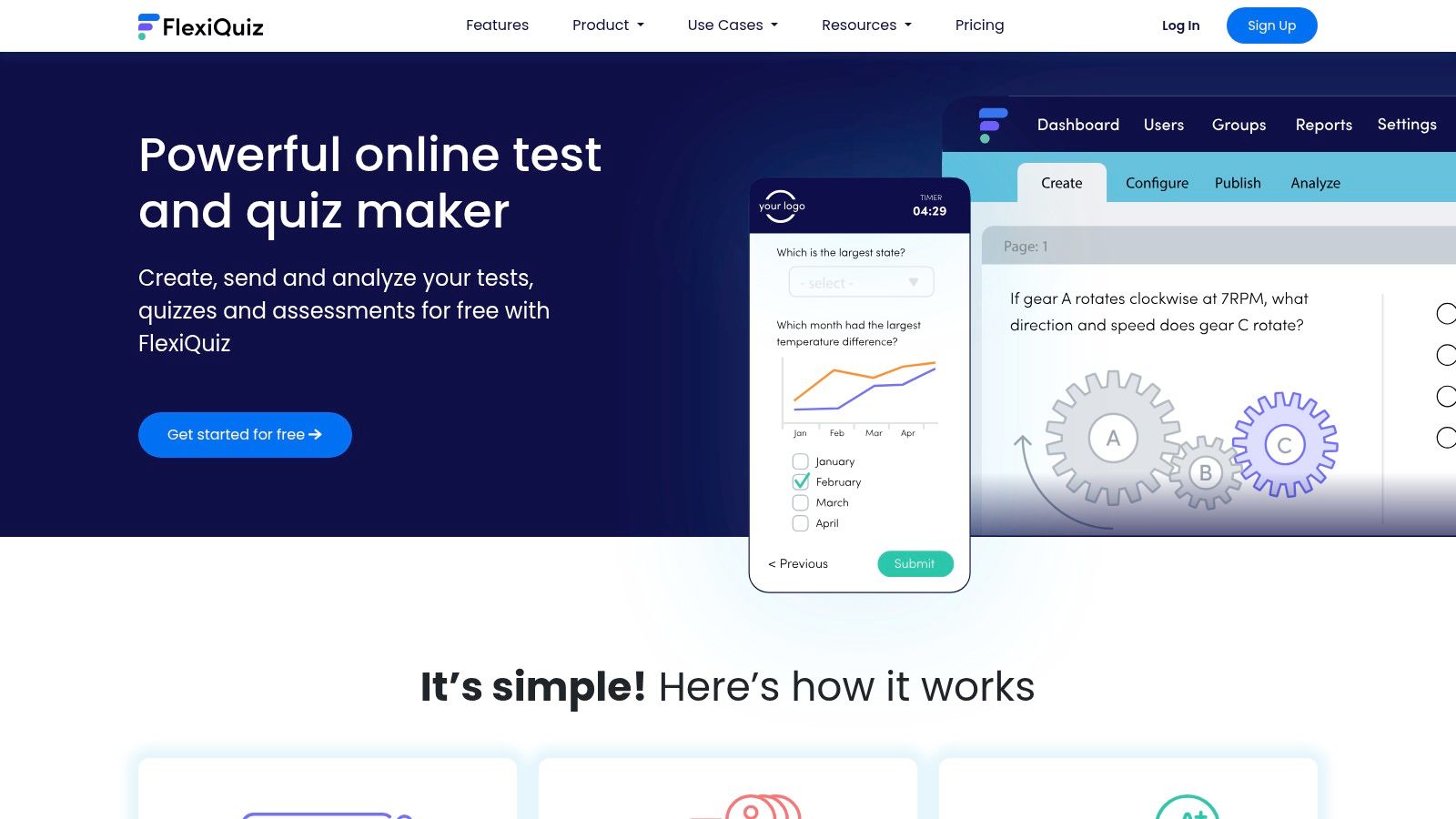
FlexiQuiz is a dedicated online free quiz maker that offers a robust platform for both simple assessments and more complex, professional testing scenarios. Its free plan is a great starting point for individuals or small organisations wanting to explore its features, while its tiered paid plans provide a clear upgrade path for growing needs. The platform is designed for users who require more control over quiz configuration, branding, and delivery than simpler tools might offer.
What makes FlexiQuiz stand out is its balance between accessibility and advanced functionality. Even on its free tier, it provides a solid foundation, but its true power is unlocked in its paid plans, which introduce features like custom certificates, the ability to sell quizzes, and powerful options for live-hosted events. This scalability makes it a versatile choice for educators, corporate trainers, and businesses alike.
Key Features and User Experience
The user interface is structured and feature-rich, catering to those who need detailed configuration options. While its free plan has limitations, it serves as an excellent trial for the platform's capabilities.
- Auto-Grading and Question Banks: Efficiently score quizzes and reuse questions across multiple assessments to save time.
- Custom Certificates: Reward participants with branded, personalised certificates of completion, a key feature in paid plans.
- Live Quizzing and Embedding: Host real-time quiz events or seamlessly embed quizzes directly into your website for a native user experience.
- Monetisation and Integration: Higher-tier plans allow you to sell your quizzes directly and integrate with other systems via API and SSO.
Our Take: FlexiQuiz is an excellent option for users who anticipate needing more advanced features down the line. Its free plan is limited but functional, providing a solid taste of a powerful, scalable quiz-making environment.
Website: https://www.flexiquiz.com
11. Testmoz
Testmoz is a refreshingly simple and fast online free quiz maker that prioritises speed and functionality over flashy design. It is built for one purpose: creating straightforward, auto-graded tests quickly. Its no-nonsense approach makes it an excellent choice for educators and trainers who need to deploy assessments without requiring students or participants to create accounts.
What makes it stand out is its deliberate minimalism and generous free tier. You can build a password-protected quiz, randomise the order of questions and answers, and distribute it with a simple URL. The free version allows up to 50 questions and 100 results per quiz, which is more than adequate for most classroom tests or quick knowledge checks, a significant advantage over many competitors' more restrictive free plans.
Key Features and User Experience
The user interface is basic but highly functional, ensuring that anyone can create a test in minutes with no learning curve. It's a purely web-based tool focused on core testing features.
- No Registration Needed: Test-takers do not need to sign up or log in; they just enter their name and a passcode you set.
- Question Randomisation: Both questions and the answers within multiple-choice questions can be shuffled to deter cheating.
- Simple Reporting: View scores, see student responses, and get basic statistical breakdowns on a clean results page.
- Generous Free Plan: The free plan is robust enough for practical use, with a very low-cost paid plan available to remove all limitations.
Our Take: For educators or trainers who need a quick, secure, and no-frills tool for creating traditional tests, Testmoz is one of the most practical and efficient free options available.
Website: https://testmoz.com
12. Riddle Quiz Maker
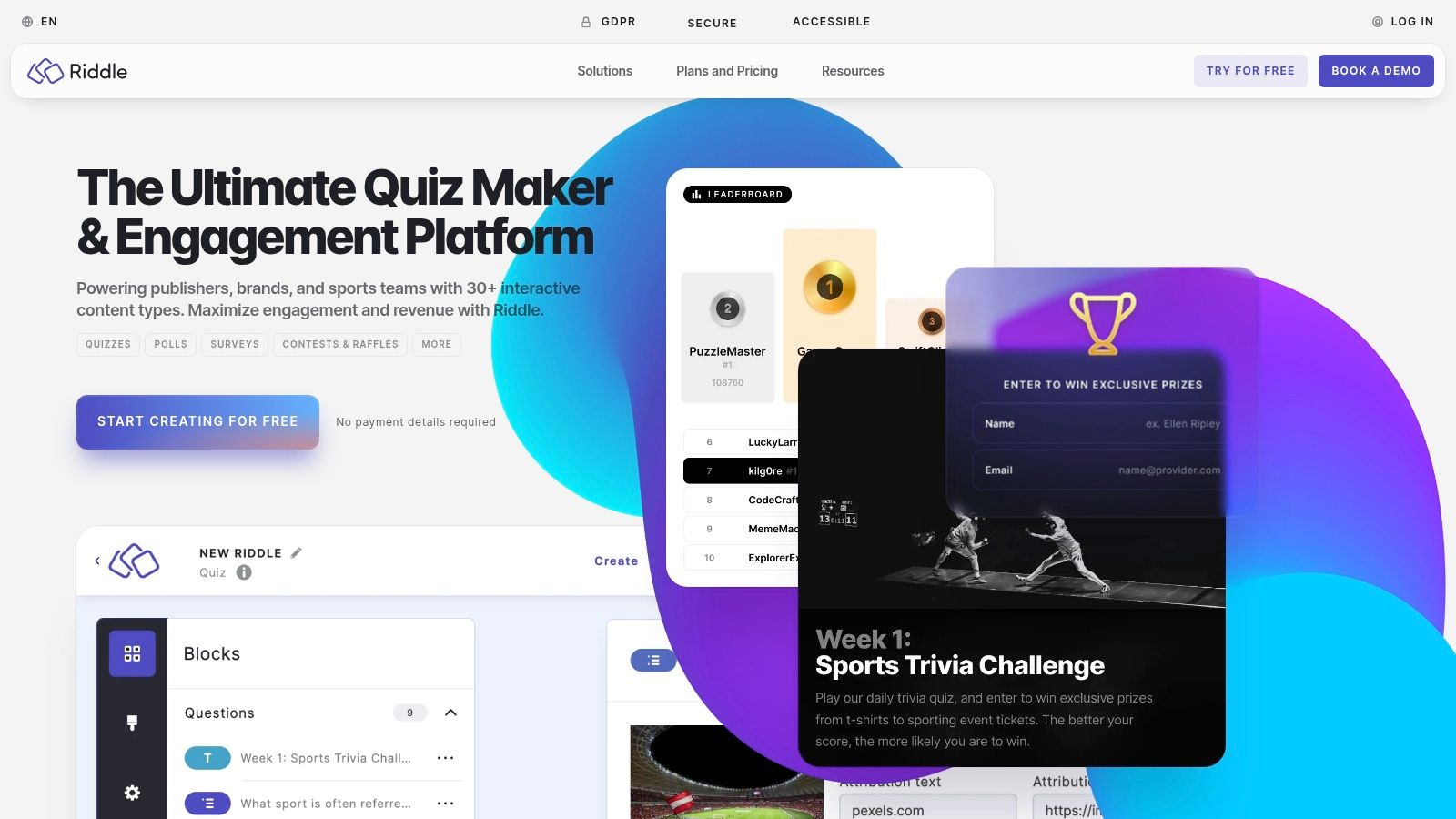
Riddle is a professional-grade online free quiz maker designed for publishers, marketers, and brands focused on audience engagement and lead generation. It stands out with its strong emphasis on data privacy, offering a GDPR and CCPA-compliant platform that is particularly attractive for businesses operating in or serving the UK and EU. While it's a premium tool, its 14-day free trial allows full access to its powerful features.
The platform is built to create visually appealing, interactive content like personality tests, scored quizzes, polls, and surveys that can be seamlessly embedded into any website. Its core strength is turning passive readers into active participants, using quizzes as a mechanism to capture leads, segment audiences, and drive traffic, all while maintaining full brand control with white-labelling options.
Key Features and User Experience
The interface is clean and user-friendly, guiding you through quiz creation with clear steps and extensive customisation options. It’s built for marketing teams who need to connect quiz data to their existing workflows.
- Lead Generation Focused: Integrates directly with Mailchimp, AWeber, and other CRM/email marketing tools.
- Privacy-First Design: A key selling point, ensuring compliance with strict data protection regulations like GDPR.
- Advanced Customisation: Offers extensive white-labelling, CSS editing, and brand customisation on paid plans.
- Multiple Quiz Formats: Supports a wide variety of interactive content types beyond standard quizzes, including personality tests and polls.
Our Take: Although it lacks a permanent free plan, Riddle is an excellent choice for professional marketers and publishers who need a powerful, compliant, and highly customisable quiz maker to drive marketing results.
Website: https://www.riddle.com
Top 12 Free Online Quiz Makers — Feature Comparison
| Tool | Core features/characteristics | UX / Quality (★) | 💰 Pricing & Value | 👥 Target & ✨ Unique selling points |
|---|---|---|---|---|
| Google Forms (quizzes mode) | Quiz mode, auto-grading, Sheets export, collaboration | ★★★☆☆ | 💰 Free | 👥 Educators & small teams — ✨ Zero‑cost, easy deploy; 🏆 Collaborative real-time responses |
| Microsoft Forms (quizzes) | Auto-grading, analytics, Excel export, M365 integration | ★★★★☆ | 💰 Freemium (M365 tiers) | 👥 Microsoft 365 orgs — ✨ Deep Office integration; 🏆 Scales for organizations |
| Kahoot! | Live/self‑paced quizzes, polls, leaderboards, reports | ★★★★★ | 💰 Freemium (paid for large groups) | 👥 Classrooms/events — ✨ Game-based engagement; 🏆 Best for live interaction |
| Quizizz | Live & homework modes, question bank, gamified content, reporting | ★★★★☆ | 💰 Freemium (edu-focused) | 👥 Educators — ✨ Huge ready-made library; 🏆 Strong free tier for schools |
| Typeform | Conversational one-question UX, scoring, logic jumps, integrations | ★★★★★ | 💰 Freemium (low free caps) | 👥 Marketers/design-focused — ✨ High completion UX & branding; 🏆 Polished forms |
| Jotform | Drag‑drop builder, Quiz App Maker, conditional logic, payments | ★★★★☆ | 💰 Freemium (generous free tier) | 👥 SMBs & marketers — ✨ No-code workflows & payment support; 🏆 Versatile integrations |
| SurveyMonkey (quiz mode) | Scoring, templates, AI build, collectors, enterprise analytics | ★★★★☆ | 💰 Freemium (limited) → Paid for analytics | 👥 Businesses & enterprises — ✨ Robust analytics & distribution; 🏆 Trusted brand |
| ProProfs Quiz Maker | Auto-grading, certificates, question bank, sell quizzes | ★★★★☆ | 💰 Freemium (Forever Free for short quizzes) | 👥 Educators & businesses — ✨ Sellable quizzes & certs; 🏆 Feature-rich quiz focus |
| ClassMarker | Timed tests, randomization, secure links, custom certificates | ★★★★☆ | 💰 Paid (subscriptions / credit packs; trial) | 👥 Certification bodies & corporates — ✨ Proctoring-friendly secure testing; 🏆 Business-focused delivery |
| FlexiQuiz | Auto-scoring, live events, certificates, SSO/API (enterprise) | ★★★★☆ | 💰 Freemium (limited) → Paid tiers | 👥 Teachers & businesses — ✨ Sell quizzes & scalable plans; 🏆 Flexible pricing models |
| Testmoz | Auto-grading, randomization, simple reports, no student accounts | ★★★☆☆ | 💰 Free + very low-cost Pro | 👥 Teachers & small testers — ✨ Minimalist, fast setup; 🏆 Practical & inexpensive |
| Riddle Quiz Maker | Scored & personality quizzes, white‑label, tracking, APIs | ★★★★☆ | 💰 14‑day trial → Paid (pro teams) | 👥 Publishers & marketers — ✨ GDPR-first, lead-gen focused; 🏆 Built for high-traffic marketing |
Unlocking Engagement with the Perfect Quiz Tool
We have journeyed through a comprehensive landscape of the best online free quiz maker tools available today. From the straightforward utility of Google Forms and Microsoft Forms to the vibrant, gamified environments of Kahoot! and Quizizz, it is clear that there is no single "best" platform. Instead, the ideal choice is deeply personal, tethered to your specific goals, audience, and technical comfort level.
The key takeaway is that the power of a quiz extends far beyond simple knowledge testing. For marketers, quizzes are dynamic lead generation magnets. For educators, they are invaluable tools for formative assessment and engagement. For businesses, they offer a unique channel for customer feedback, brand personality projection, and personalised product recommendations. The right online free quiz maker is not just a piece of software; it is a strategic asset.
Making Your Final Decision
As you move from evaluation to implementation, your decision-making process should be guided by a clear understanding of your primary objective. Don't be swayed by an exhaustive feature list if you only need a simple, ten-question feedback form. Conversely, don't settle for a basic tool if your strategy demands sophisticated logic branching and detailed analytics to segment your audience effectively.
To help you choose, consider these final guiding questions:
- Who is my audience? Are they students who would thrive in a competitive, gamified setting like Kahoot!, or are they professionals who would appreciate the sleek, conversational interface of a tool like Typeform?
- What is my primary goal? Is it lead capture? If so, tools with strong integration capabilities like Jotform or Riddle Quiz Maker are paramount. Is it purely educational assessment? In that case, the robust security and certification features of ClassMarker or Testmoz might be your priority.
- What is my technical skill level? Simplicity is a virtue. If you need to get a quiz live in minutes with minimal fuss, the intuitive drag-and-drop builders of ProProfs or the familiar interface of Google Forms are excellent starting points.
- What does the future look like? Consider scalability. While a free plan might serve you perfectly today, will you need more advanced features, higher response limits, or custom branding tomorrow? Review the upgrade paths of platforms like FlexiQuiz or SurveyMonkey to ensure they align with your potential growth.
From Creation to Conversion: Final Implementation Thoughts
Once you have selected your preferred online free quiz maker, the work is not over. The success of your quiz hinges on its design, promotion, and the follow-up process. Ensure your questions are clear, engaging, and aligned with your brand voice. The visual design should be clean and on-brand, creating a seamless user experience that encourages completion.
Most importantly, have a plan for the data you collect. A quiz that generates leads but has no follow-up email sequence is a missed opportunity. An assessment that gathers valuable feedback but doesn't inform business strategy is just an empty exercise. Connect your quiz maker to your wider marketing and business ecosystem to realise its full potential. By thoughtfully selecting a tool and strategically implementing your quiz, you can transform a simple Q&A into a powerful engine for engagement, insight, and growth.
Ready to integrate your new quiz strategy into a complete marketing system? The Digital Marketing Toolbox offers a curated suite of resources, guides, and templates designed to help you connect tools like these to a broader, more effective digital strategy. Discover how to turn your quiz leads into loyal customers by visiting The Digital Marketing Toolbox.


