
In today's competitive landscape, the right technology isn't just a support function for a marketing agency; it's the engine for growth, efficiency, and client success. Juggling multiple clients, campaigns, and reporting deadlines demands a sophisticated and integrated toolkit. Choosing the wrong platforms can lead to wasted hours, fragmented data, and underwhelming results.
This guide cuts through the noise. We've analysed and categorised the essential marketing tools for agencies, focusing on platforms that deliver genuine ROI, streamline workflows, and provide the powerful insights needed to keep your clients ahead of the curve. This isn't just a list; it's a comprehensive resource designed to help you make strategic decisions for your agency's operational backbone.
Inside, you will find:
- Detailed Breakdowns: We explore key features, pricing, and honest pros and cons for platforms like HubSpot, Semrush, and Ahrefs.
- Practical Use Cases: Discover exactly how top agencies leverage these tools for specific tasks, from SEO audits to social media management.
- Visual Guides: Each tool review includes screenshots and direct links, so you can see the platforms in action and explore them for yourself.
Our goal is straightforward: to help you find the best platforms for your specific needs, whether you're a startup agency building from scratch or a seasoned firm looking to optimise your existing tech stack. This curated catalogue will help you build a collection of marketing tools that scales with your ambitions and drives measurable client outcomes.
1. HubSpot Marketing Hub
HubSpot Marketing Hub is an all-in-one marketing automation platform built on its native CRM. It stands out by providing a unified system for agencies to manage email campaigns, lead nurturing journeys, landing pages, forms, and ad campaigns, all while tracking every interaction back to a central contact record. This CRM-native approach gives agencies a significant advantage, enabling them to demonstrate clear ROI by connecting marketing activities directly to client revenue.
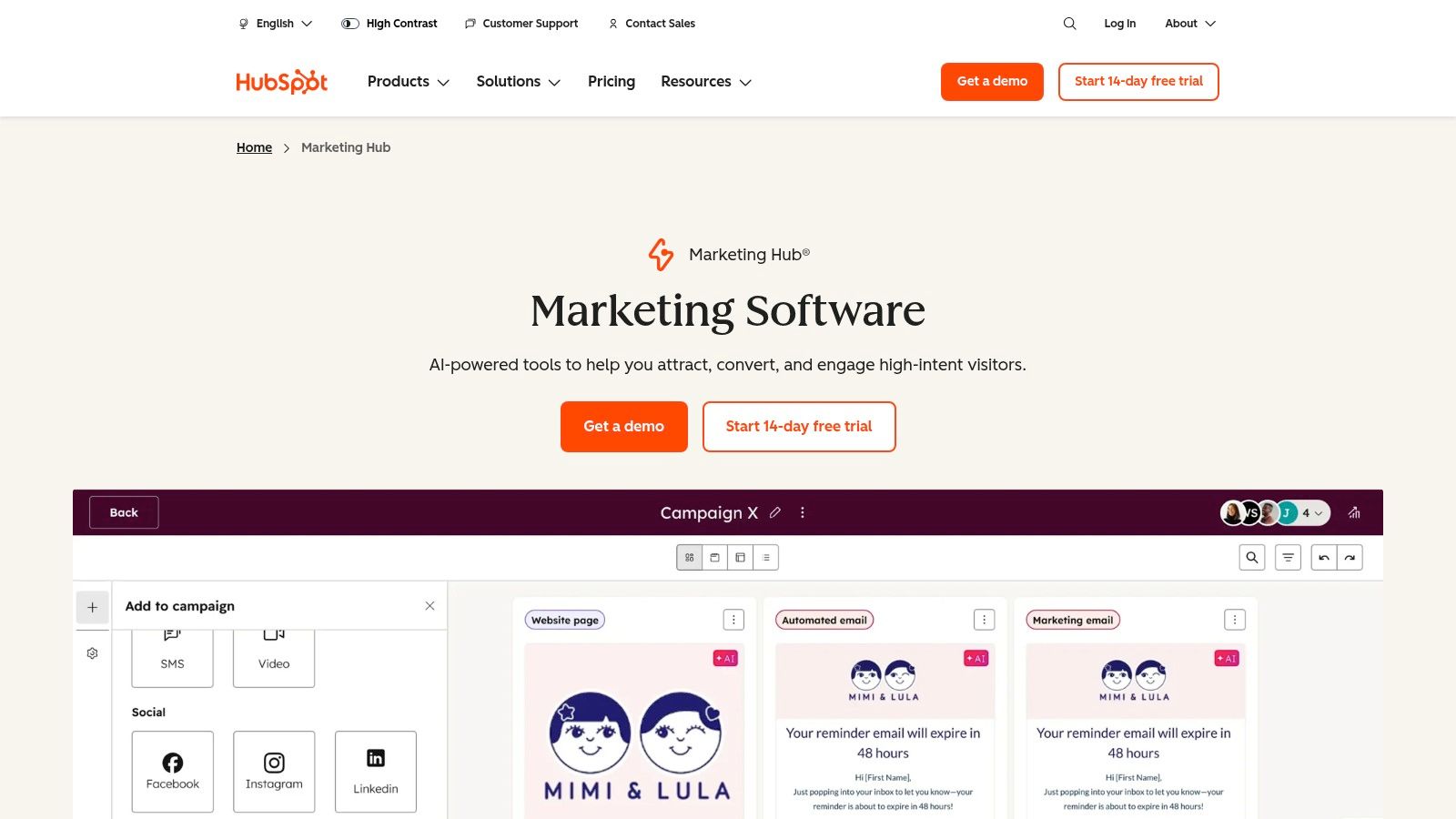
The platform is particularly well-suited for agencies that prioritise scalability and education. HubSpot’s robust partner programme, extensive template library, and comprehensive training resources make it easier to onboard clients and new team members. For agencies looking to master the platform, a valuable resource is A RevOps Guide to HubSpot Marketing Hub for B2B Teams, which offers deep insights into its advanced capabilities. The platform's visual workflow builder simplifies the creation of complex automation sequences, making it one of the most user-friendly marketing tools for agencies aiming to deliver sophisticated campaigns.
Key Details & Use Cases
- Best For: Agencies managing full-funnel inbound marketing for clients who need a scalable, all-in-one solution.
- Key Feature: The visual workflow builder, which allows for intuitive creation of sophisticated email nurture sequences and internal automation.
- Agency Tip: Leverage HubSpot’s client portal features to provide transparent reporting and foster collaboration, solidifying your role as a strategic partner. Using this data can significantly enhance your digital marketing strategy template for future campaigns.
| Pros | Cons |
|---|---|
| Strong educational resources and partner network. | Higher-tier plans can become costly. |
| All-in-one platform built on a powerful CRM. | Onboarding support may be required for setup. |
| Scalable from free tools to enterprise level. | Can feel overwhelming without proper training. |
Pricing: Tiers range from free tools for new businesses to Professional (starting at £660/month) and Enterprise (starting at £3,000/month) plans.
2. Semrush
Semrush is a comprehensive digital marketing toolkit that has become an industry standard for agencies focused on search engine optimisation, paid advertising, and competitive analysis. It excels by offering a vast suite of tools covering everything from keyword research and rank tracking to in-depth site audits and backlink analysis. This allows agencies to manage multiple facets of a client's online visibility from a single, data-rich dashboard, providing the insights needed to build and execute powerful search-centric strategies.
The platform is particularly valuable for agencies that need to conduct deep competitive intelligence and provide clients with tangible performance data. Semrush's Agency Growth Kit is a standout feature, offering specialised tools like automated client reporting, a branded client portal, and lead generation widgets. This add-on transforms the platform from a powerful analytical tool into a client management system, making it one of the most indispensable marketing tools for agencies that live and breathe search engine marketing and want to streamline their reporting workflows.
Key Details & Use Cases
- Best For: SEO and PPC agencies requiring deep competitive intelligence and robust reporting capabilities.
- Key Feature: The comprehensive Site Audit tool, which identifies hundreds of technical and on-page SEO issues and provides actionable recommendations.
- Agency Tip: Use the Topic Research and SEO Content Template tools to build data-driven content briefs for clients, ensuring that every piece of content is optimised for target keywords and user intent from the outset.
| Pros | Cons |
|---|---|
| Broad, best-in-class search and competitor capabilities. | Add-ons can significantly increase the total cost. |
| Strong reporting and dedicated agency toolkits. | Data limits on lower-tier plans can constrain large programs. |
| Widely used for multi-discipline search marketing. | The sheer number of tools can be overwhelming for new users. |
Pricing: Plans start with Pro (£107/month), Guru (£206/month), and Business (£405/month), with custom pricing for enterprise needs.
3. Ahrefs
Ahrefs is a powerhouse SEO platform renowned for its extensive backlink index and robust site auditing capabilities. It stands out by providing agencies with incredibly detailed data on competitor backlink profiles, keyword rankings, and technical SEO health. This depth of data allows agencies to build highly effective organic search strategies, from identifying high-value link-building opportunities to pinpointing critical on-page and technical issues that could be hindering a client’s performance.
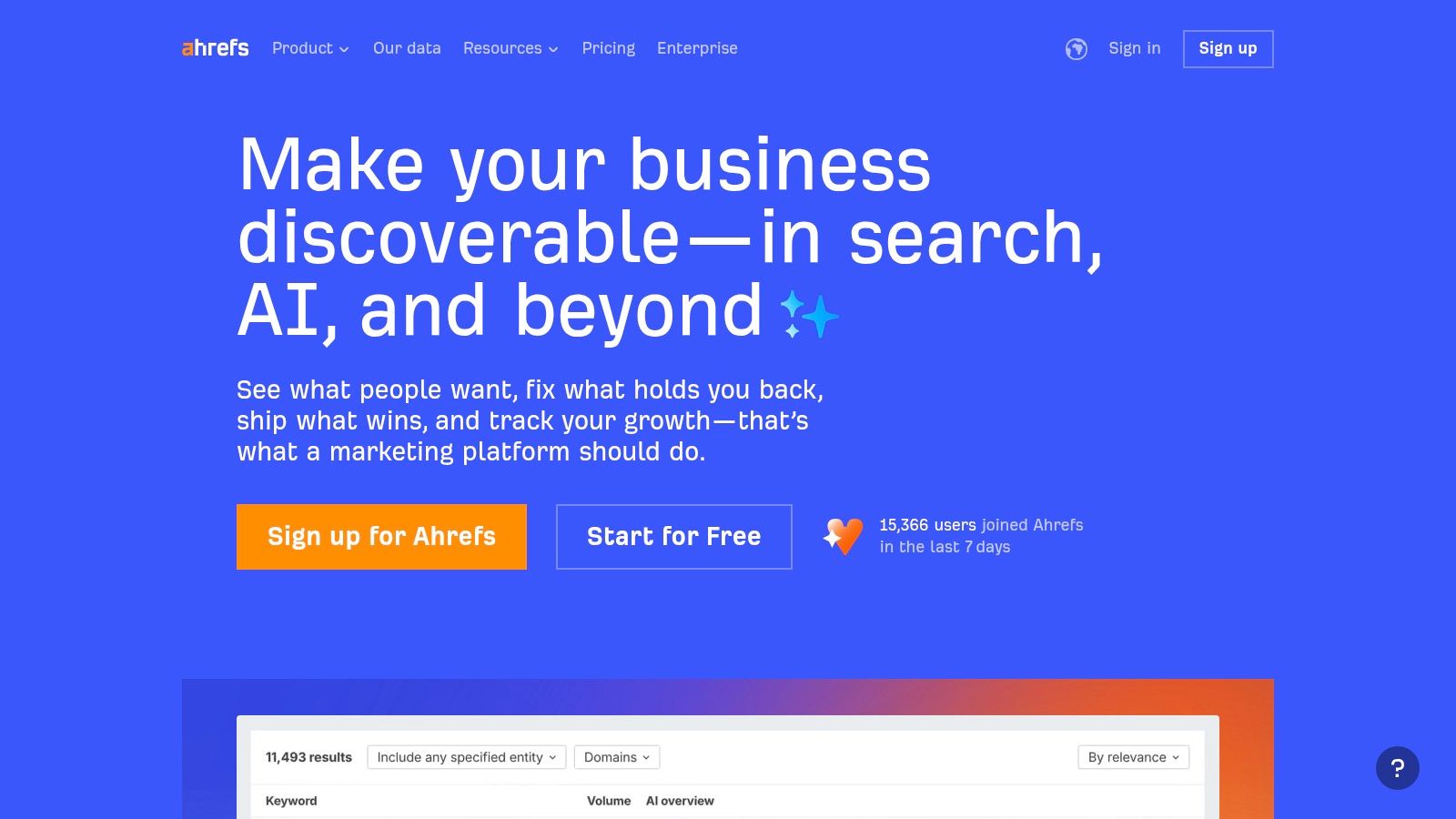
The platform is exceptionally well-suited for agencies that offer specialised SEO services, particularly in competitive niches where granular data makes all the difference. Its intuitive user interface and vast library of learning resources make it accessible even for junior team members, ensuring consistent quality across client accounts. For agencies focused on off-page SEO, Ahrefs’ backlink data is invaluable for developing successful link-building strategies for SEO. The platform’s Rank Tracker and Site Audit tools are also crucial for demonstrating progress and providing transparent, data-backed reports to clients, solidifying its place among the essential marketing tools for agencies.
Key Details & Use Cases
- Best For: SEO-focused agencies that require best-in-class backlink analysis, competitor research, and technical site auditing tools.
- Key Feature: The Site Explorer tool, which offers a comprehensive view of any website's backlink profile, organic keywords, and top pages.
- Agency Tip: Use the Content Gap feature to identify keywords your client’s competitors are ranking for but they are not. This provides quick, data-driven content ideas for client campaigns.
| Pros | Cons |
|---|---|
| Excellent link data and backlink indexing. | Does not include a deep PPC or paid search suite. |
| Clear, easy-to-use user interface. | Add-ons or higher plans can add cost for large teams. |
| Strong learning resources and webmaster tools. | Credit-based system can be limiting on lower tiers. |
Pricing: Tiers range from Lite (starting at £82/month) to Standard (£166/month), Advanced (£332/month), and Enterprise (£832/month).
4. Google Marketing Platform
Google Marketing Platform is the industry-standard suite for digital advertising and analytics, offering a comprehensive set of tools for campaign management and performance measurement. It stands out by providing deeply integrated products that connect ad spend directly to website behaviour and conversions. For agencies, this unified ecosystem is invaluable for delivering data-driven strategies, particularly through the powerful combination of Google Analytics 4, Google Tag Manager, and the Google Ads network.
The platform’s strength lies in its scalability, offering a robust free tier with Google Analytics 4 and Tag Manager that is perfect for smaller clients, while the enterprise-level 360 suite (including Analytics 360, Campaign Manager 360, and SA360) caters to large-scale operations with higher data limits and service-level agreements. The native integration with BigQuery allows for advanced data analysis and custom modelling, making it one of the most powerful marketing tools for agencies that need to prove ROI with granular, reliable data and manage complex, multi-channel advertising campaigns.
Key Details & Use Cases
- Best For: Agencies of all sizes requiring industry-standard analytics and deep integration with Google's advertising ecosystem.
- Key Feature: The seamless data flow between Google Analytics 4, Google Ads, and BigQuery, enabling sophisticated audience segmentation and performance analysis.
- Agency Tip: Master Google Tag Manager to deploy tracking scripts efficiently without relying on client development resources. This autonomy speeds up campaign launches and ensures data accuracy across all client accounts.
| Pros | Cons |
|---|---|
| Industry-standard measurement and broad Ads integration. | 360 products are sales-quoted and can be expensive. |
| Free entry tier for analytics and tag management. | Steeper learning curve to use full platform capabilities. |
| Scales to enterprise level with 360 products. | Advanced features require specialised technical expertise. |
Pricing: Google Analytics and Tag Manager are free. The 360 Suite is priced at an enterprise level and requires a sales consultation for a custom quote.
Visit Google Marketing Platform
5. Meta Business Suite & Ads Manager
Meta Business Suite is the central hub for agencies managing client assets across Facebook and Instagram. It provides a unified interface for scheduling content, managing page inboxes, and accessing performance analytics. Its true power for agencies, however, lies within Ads Manager, which offers sophisticated tools to create, manage, and optimise paid social campaigns. This integration makes it an indispensable, free-to-use platform for reaching vast audiences with precision.
The platform excels at audience segmentation, allowing agencies to build highly granular custom and lookalike audiences based on client data. This capability is crucial for driving efficient ad spend and delivering measurable results. While the interface is known for frequent updates that can create a learning curve, its depth of features for targeting and retargeting is unparalleled in the social media space. This makes it one of the most fundamental marketing tools for agencies focused on performance-driven social advertising.
Key Details & Use Cases
- Best For: Agencies of all sizes running paid social campaigns and managing organic content for clients on Facebook and Instagram.
- Key Feature: The Ads Manager's advanced audience creation tools, enabling hyper-targeted campaigns using pixel data, customer lists, and engagement metrics.
- Agency Tip: Use the platform's A/B testing features rigorously to test different ad creatives, copy, and audience segments. This data-driven approach will continuously improve campaign performance and demonstrate value to clients.
| Pros | Cons |
|---|---|
| Unrivalled reach across Facebook and Instagram. | Performance depends heavily on creative and industry. |
| Granular targeting and rapid campaign launch. | Platform features and user experience change frequently. |
| The management tools are free to use. | Navigating its frequent updates can be challenging. |
Pricing: The platform is free to use; costs are determined by your ad spend.
6. Hootsuite
Hootsuite is a veteran social media management platform that allows agencies to centralise their clients' social media activities. It excels at unifying content calendars, scheduling posts across multiple networks, and managing team-based workflows for approvals and engagement. For agencies in the UK, Hootsuite offers a reliable solution for coordinating complex publishing schedules and monitoring brand conversations from a single dashboard, streamlining what could otherwise be a chaotic process.
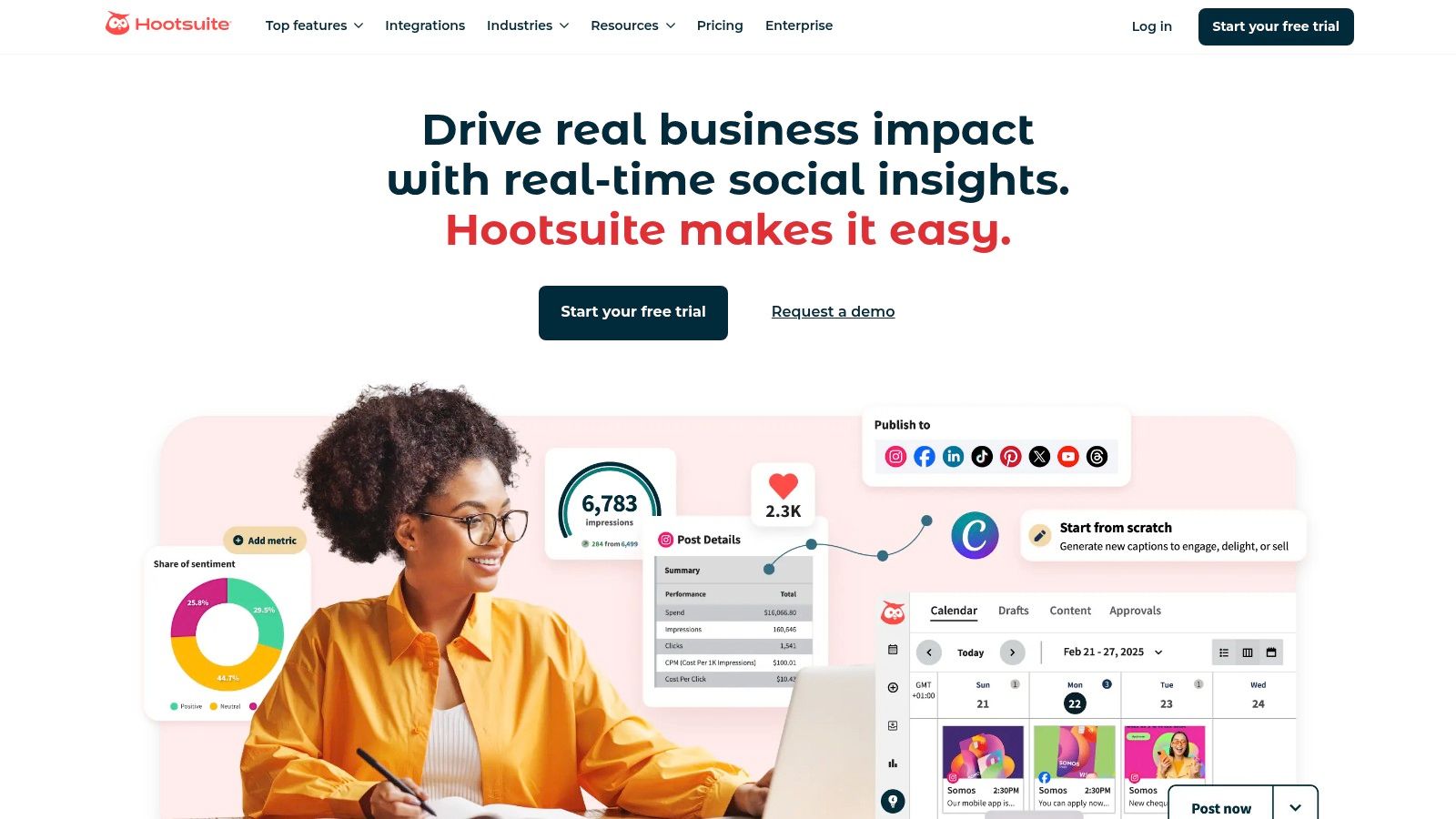
The platform is recognised for its mature feature set and extensive training resources, making it accessible for agencies onboarding new team members or clients. Its strength lies in providing a structured environment for publishing, engagement, and basic analytics, which helps demonstrate consistent social media activity. By organising content planning and execution, agencies can more effectively implement various social media growth strategies for their clients. Hootsuite remains one of the most dependable marketing tools for agencies focused on delivering structured social media management services.
Key Details & Use Cases
- Best For: Agencies requiring a centralised platform for managing multiple client social media accounts with a focus on team collaboration and content scheduling.
- Key Feature: The unified publishing calendar, which provides a comprehensive overview of all scheduled content across different social networks and client profiles.
- Agency Tip: Use the team assignment and approval workflows to streamline content creation, ensuring client sign-off is logged and brand voice remains consistent across all posts.
| Pros | Cons |
|---|---|
| Mature feature set with strong training documentation. | Pricing increases significantly with the number of seats. |
| Excellent multi-network support and scalable plans. | Advanced listening features often require costly add-ons. |
| Great for coordinating team publishing workflows. | Reporting can feel basic compared to newer platforms. |
Pricing: Plans include Professional (£89/month for 1 user), Team (£199/month for 3 users), and custom-priced Business and Enterprise tiers for larger agency needs.
7. Sprout Social
Sprout Social is a premium social media management platform designed for agencies that require sophisticated collaboration, reporting, and publishing capabilities. It provides a centralised hub for managing all client social media channels, from scheduling and publishing content to engaging with communities and analysing performance. Its standout feature is the quality of its analytics, which are not only robust but are also presented in polished, client-ready dashboards that make it simple to demonstrate ROI.
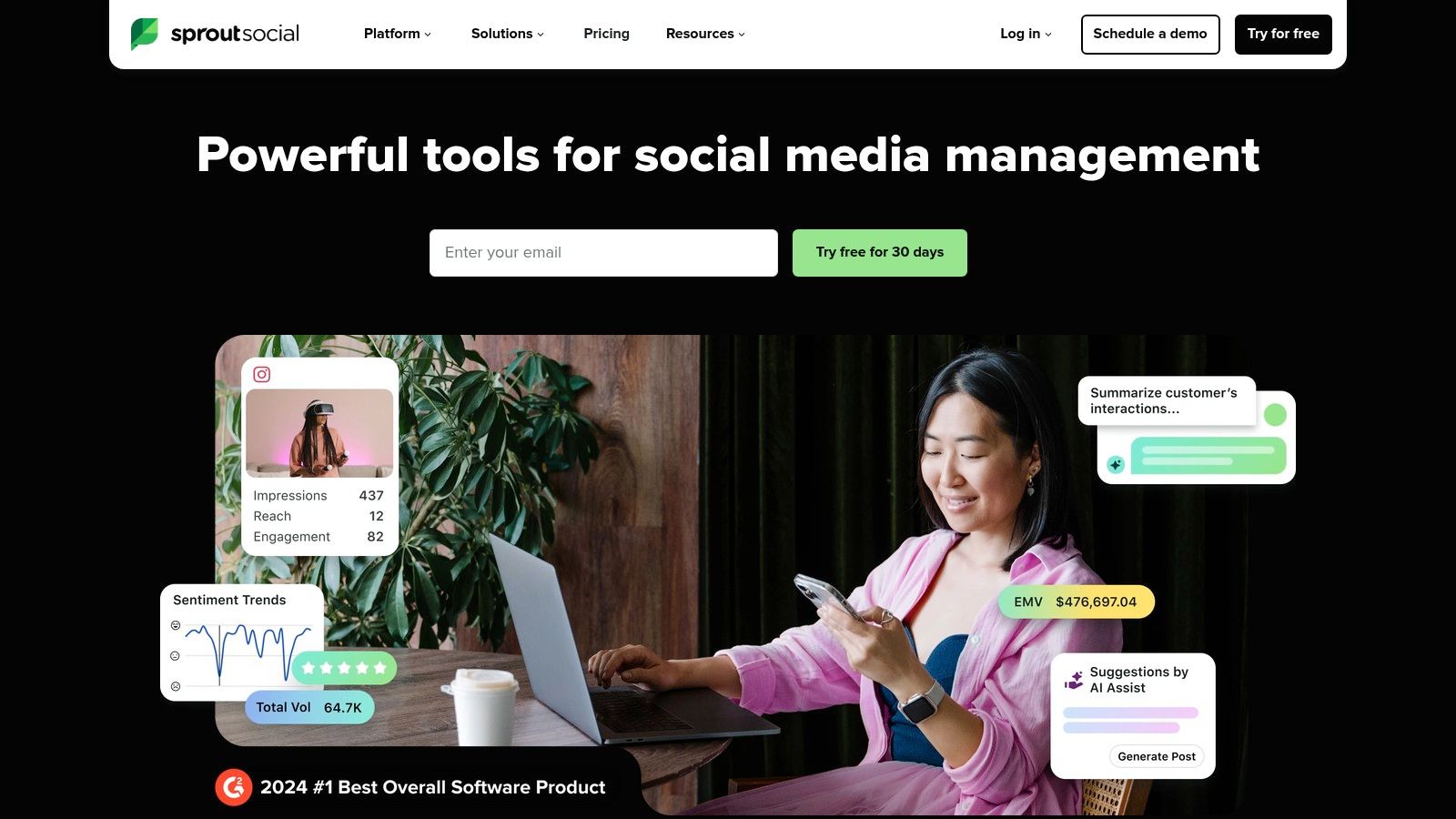
The platform is particularly valuable for agencies with structured internal review processes. Its built-in approval workflows allow junior team members to draft posts and submit them for client or senior manager approval, all within the platform. This streamlines content production and minimises the risk of errors. While many platforms offer scheduling, Sprout Social’s comprehensive suite of features positions it as one of the most effective marketing tools for agencies that manage social media at scale and need to deliver stakeholder-friendly reports.
Key Details & Use Cases
- Best For: Agencies managing multiple client social media accounts that require strong team collaboration workflows and professional, white-labelled reporting.
- Key Feature: The advanced analytics and presentation-ready reporting tools, which allow agencies to easily create customised, visually appealing performance reports for clients.
- Agency Tip: Use the "Smart Inbox" to unify all incoming messages across all profiles and networks. This allows your team to manage engagement efficiently and ensure no client interaction is ever missed.
| Pros | Cons |
|---|---|
| Excellent analytics and stakeholder-friendly reports. | Per-user pricing can become expensive for larger teams. |
| Strong team workflows and collaboration features. | Advanced social listening is billed separately. |
| Customisable, white-labelled dashboards for clients. | Can be feature-heavy for very small clients. |
Pricing: Standard plan starts at £199 per user/month, Professional at £299 per user/month, and Advanced at £399 per user/month.
8. Mailchimp
Mailchimp is a renowned email marketing platform that has evolved into a comprehensive marketing solution with automation, landing pages, and a simple CRM. It is a go-to choice for UK agencies managing campaigns for SMEs, largely due to its user-friendly interface and approachable design. The platform allows agencies to quickly design and launch email campaigns, automate customer journeys, and build landing pages, making it an efficient tool for executing foundational marketing strategies for clients.
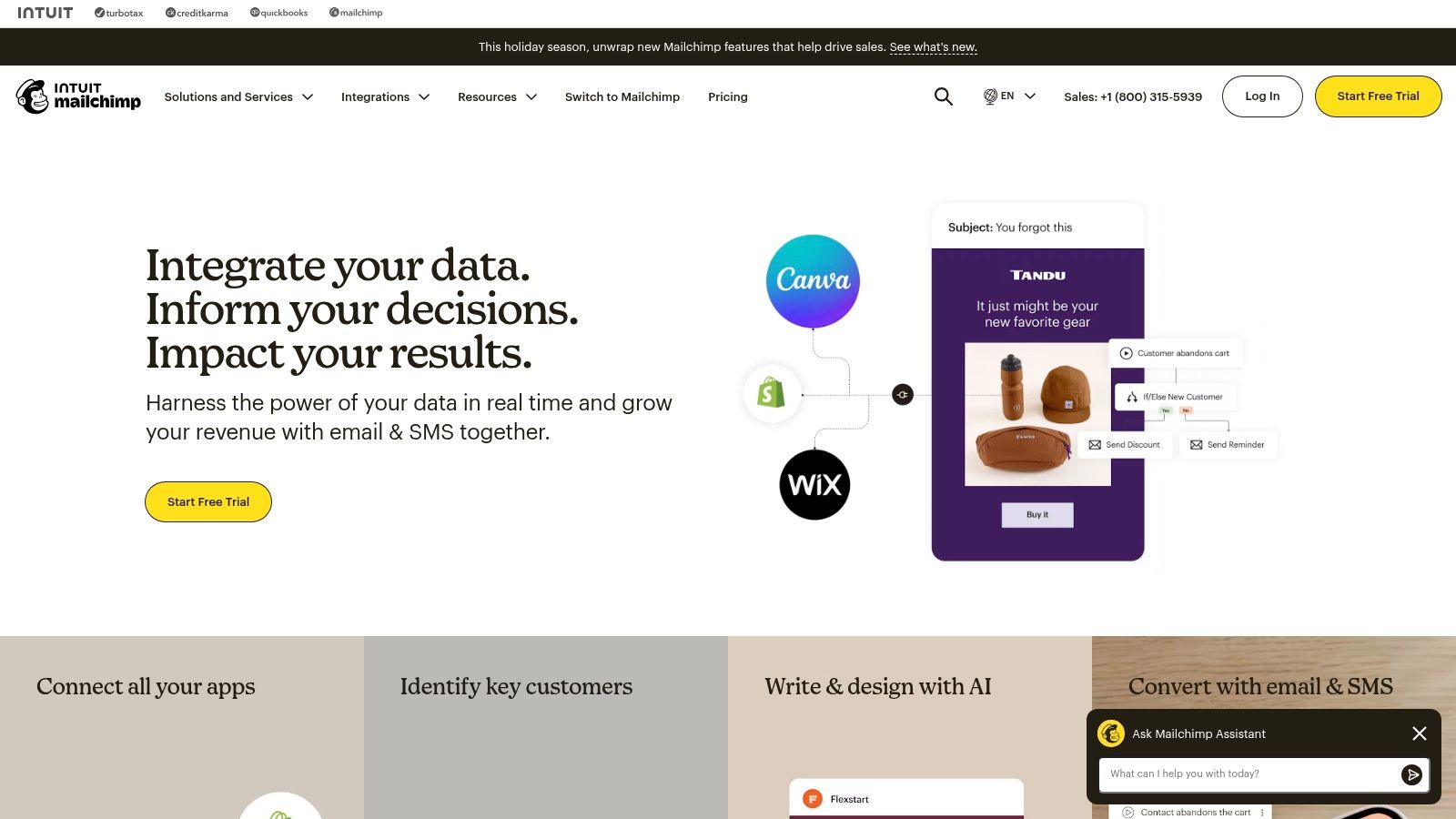
The platform’s strength lies in its accessibility, offering a rich template library and extensive learning resources that simplify onboarding for both agency teams and their clients. Its visual journey builder makes it easy to set up automated sequences for welcoming new subscribers or re-engaging inactive contacts. For agencies focused on ecommerce clients, Mailchimp’s deep integrations with platforms like Shopify and WooCommerce are particularly valuable, allowing for the creation of targeted campaigns based on customer purchase behaviour. This accessibility makes it one of the most practical marketing tools for agencies starting new client relationships.
Key Details & Use Cases
- Best For: Agencies needing a reliable and easy-to-use email marketing and automation platform for small to medium-sized business clients, particularly in ecommerce.
- Key Feature: The visual Journey Builder, which provides an intuitive canvas for creating multi-step automated marketing workflows without needing technical expertise.
- Agency Tip: Use Mailchimp’s segmentation and predictive insights tools to create highly targeted campaigns. By segmenting lists based on engagement or purchase history, you can demonstrate improved campaign performance and ROI to clients.
| Pros | Cons |
|---|---|
| Easy to start with and exceptionally user-friendly. | Pricing rises significantly with a growing contact list. |
| Rich template library and learning resources. | Advanced automations are limited to higher-tier plans. |
| Scales with contact tiers and supports GBP billing. | CRM capabilities are basic compared to dedicated systems. |
Pricing: Offers a free plan for up to 500 contacts. Paid plans include Essentials (starting at £11/month), Standard (starting at £17/month), and Premium (starting at £250/month), with costs scaling based on contact numbers.
9. Canva (Pro, Teams, Enterprise)
Canva is a rapid creative production platform that empowers agencies to produce a high volume of social posts, ads, presentations, and client collateral without relying solely on specialised designers. Its standout feature for agencies is the ability to centralise brand assets and maintain consistency across multiple clients using its Brand Kit functionality. This allows junior team members or account managers to create on-brand assets quickly, streamlining content operations and freeing up senior creative resources for more strategic tasks.
The platform has evolved far beyond a simple design tool, incorporating AI-powered "Magic" creative tools, team collaboration features, and a built-in content scheduler for social media. For agencies, this ecosystem simplifies the entire creative lifecycle from ideation and creation to approval and publication. The intuitive, template-driven interface makes Canva one of the most accessible marketing tools for agencies looking to democratise design and increase content velocity, ensuring even non-designers can contribute to client campaigns effectively.
Key Details & Use Cases
- Best For: Agencies needing to scale content production quickly and empower non-designers to create on-brand marketing assets.
- Key Feature: Brand Kits, which allow agencies to store client logos, colour palettes, and fonts to ensure brand consistency across all designs.
- Agency Tip: Use the team collaboration and approval workflow features to streamline the client feedback process. Share a design link directly with clients for comments, avoiding endless email chains and version control issues.
| Pros | Cons |
|---|---|
| Extremely fast asset creation and non-designer friendly. | Pricing for Teams plans has increased, impacting larger teams. |
| Strong collaboration features for teams and clients. | Heavy AI features may not fit all agency creative workflows. |
| Extensive template library and platform integrations. | Lacks the advanced technical capabilities of Adobe suite. |
Pricing: Offers a free basic plan. Pro is priced at £10.00/month per person, while Teams starts at £20.00/month for the first 5 people. Custom Enterprise pricing is also available.
10. Adobe Marketo Engage
Adobe Marketo Engage is an enterprise-grade marketing automation platform designed for managing complex, large-scale B2B and B2C campaigns. It excels in lead management, customer journey orchestration, and providing in-depth analytics. For agencies serving mid-market and enterprise clients, Marketo offers a level of control and power necessary to execute sophisticated strategies like account-based marketing (ABM) and multi-touch revenue attribution, making it a cornerstone among marketing tools for agencies with high-value accounts.
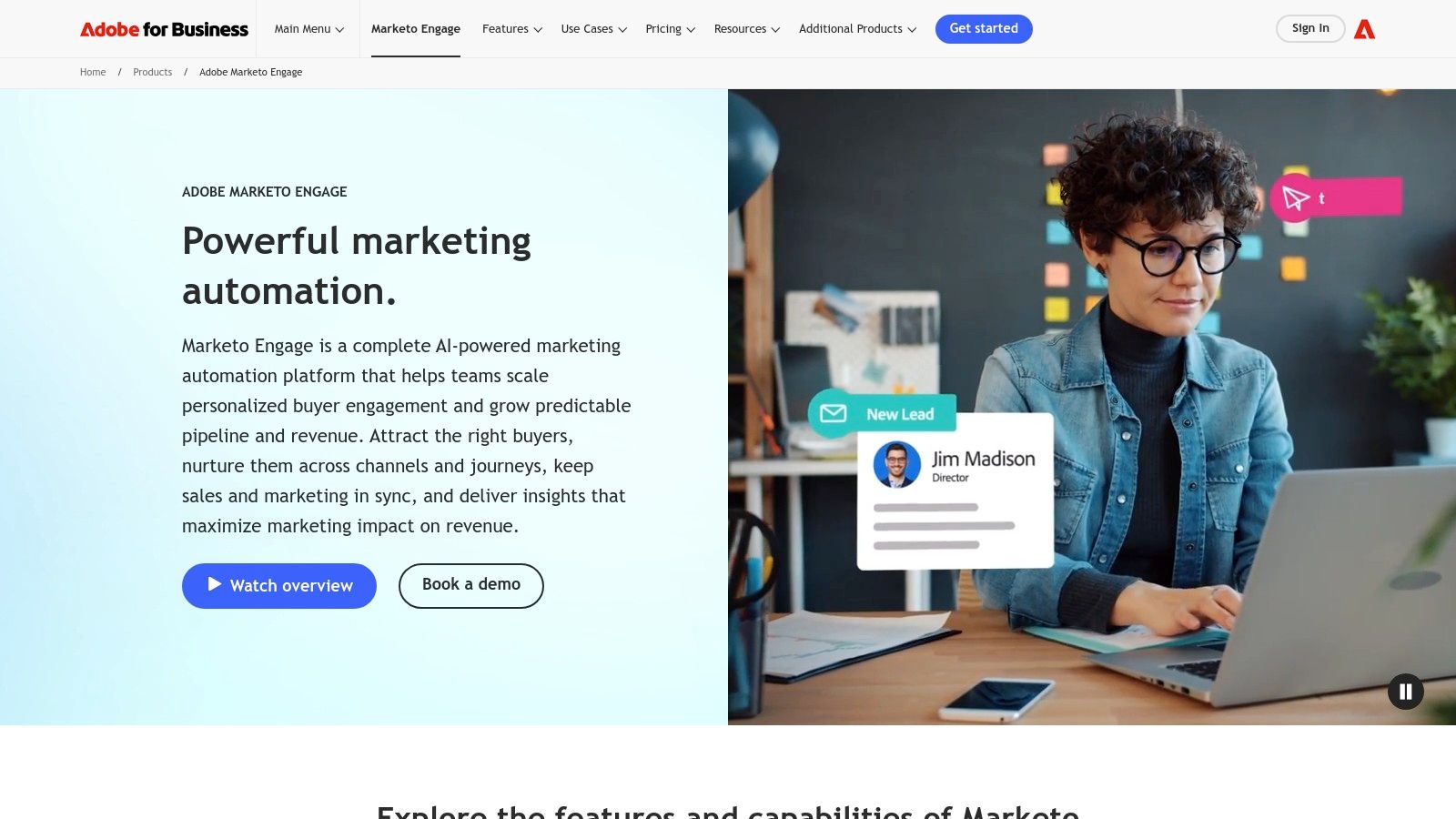
The platform’s strength lies in its ability to create highly targeted segments and personalised experiences based on deep behavioural and demographic data. Its native integrations with major CRMs like Salesforce and Microsoft Dynamics, combined with the broader Adobe Experience Cloud ecosystem, allow agencies to build a truly unified customer view. While the platform has a steep learning curve, its capacity for detailed lead scoring, journey orchestration, and robust governance features make it an invaluable asset for agencies focused on demonstrating clear marketing ROI for demanding clients.
Key Details & Use Cases
- Best For: Agencies managing complex B2B or high-consideration B2C marketing programmes for enterprise clients.
- Key Feature: Advanced journey analytics and attribution models that connect marketing efforts directly to revenue and customer lifetime value.
- Agency Tip: Master the lead scoring and lifecycle management features to build a highly efficient marketing-to-sales handoff process for clients, proving your agency's direct impact on their sales pipeline.
| Pros | Cons |
|---|---|
| Powerful automation depth and enterprise governance. | Pricing is sales-quoted and can be prohibitively high. |
| Broad Adobe ecosystem integrations. | Requires heavier setup and operational resources. |
| Suited to large-scale, complex marketing programs. | Steeper learning curve compared to other platforms. |
Pricing: Pricing is customised based on database size and features, available upon request via a sales consultation.
Visit Adobe Marketo Engage
11. Capterra UK
Capterra UK is a comprehensive software marketplace and directory that empowers agencies to discover, compare, and select the right marketing tools for their specific needs. It stands out by offering a UK-centric lens on the global software market, featuring verified user reviews, detailed feature breakdowns, and direct comparisons. For agencies, this platform is an invaluable research asset, streamlining the often-overwhelming process of vetting new technology by centralising information and user feedback in one place.
The platform is particularly useful for agencies in the initial stages of building or refining their tech stack. By using its filterable category pages for everything from SEO to Marketing Automation, agencies can quickly create shortlists based on features, pricing models, and user ratings. This helps in making informed decisions and benchmarking potential tools against existing solutions. Capterra UK serves as a crucial due-diligence step before committing to demos or trials, saving agencies significant time and resources while helping them discover effective marketing tools for agencies that they may not have previously considered.
Key Details & Use Cases
- Best For: Agencies conducting research and due diligence to find, compare, and shortlist new software for their own or their clients' tech stacks.
- Key Feature: The extensive library of verified user reviews, which provides authentic insights into a tool’s real-world performance and support quality.
- Agency Tip: Use the platform to build a business case for a new tool. Export comparison data and highlight positive user reviews to demonstrate its value and potential ROI to clients or internal stakeholders.
| Pros | Cons |
|---|---|
| Free to use for research and comparison purposes. | Sponsored listings may influence initial search results. |
| Verified reviews offer honest user-generated insights. | Pricing information requires final verification on vendor sites. |
| Helps benchmark features and pricing across vendors. | The sheer volume of options can still be overwhelming. |
Pricing: Free to use. Capterra directs users to vendor websites for purchases and trials.
12. Moz Pro
Moz Pro is a comprehensive SEO software suite that has long been a staple in the digital marketing world. It provides agencies with a robust set of tools for keyword research, rank tracking, site audits, and backlink analysis, all organised within a user-friendly interface. The platform excels at simplifying complex SEO data, making it an excellent choice for agencies that need to present clear, actionable insights to clients without overwhelming them with technical jargon. Its educational resources and community support are standout features that help teams stay ahead of algorithm changes.
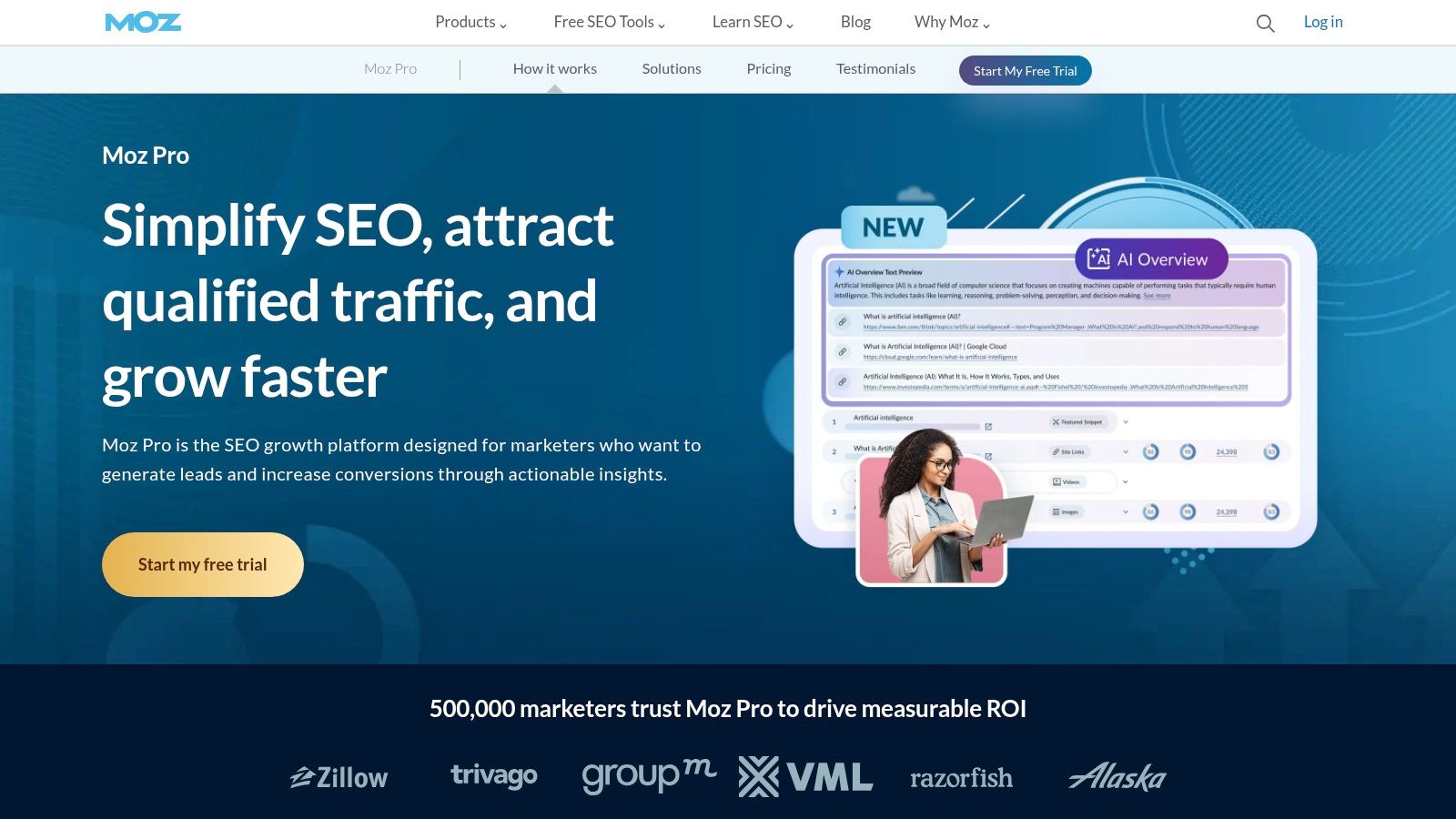
The platform is particularly valuable for its Keyword Explorer and Link Explorer tools, which offer deep insights into competitive landscapes and link-building opportunities. For agencies managing multiple client campaigns, Moz Pro's campaign tracking and customisable reporting features are indispensable. These functionalities allow agencies to demonstrate progress and ROI effectively, solidifying client relationships. It stands as one of the most reliable marketing tools for agencies focused on delivering foundational and advanced SEO services.
Key Details & Use Cases
- Best For: Agencies requiring an all-in-one, intuitive SEO platform for managing multiple client campaigns from keyword research to performance reporting.
- Key Feature: The Campaign Dashboard, which provides a holistic view of site health, rankings, and link metrics for each client project in a single, digestible format.
- Agency Tip: Use the branded reporting feature available on higher-tier plans to deliver professional, white-labelled SEO reports that reinforce your agency's value and expertise to clients.
| Pros | Cons |
|---|---|
| Strong educational resources and community. | Smaller backlink index compared to some competitors. |
| Agency-friendly plans with generous limits. | Large-scale programmes may require premium API add-ons. |
| Excellent tooling for core SEO workflows. | User interface can feel slightly dated in some sections. |
Pricing: Plans start with Standard at $99/month, Medium at $179/month, Large at $299/month, and Premium at $599/month, with discounts for annual billing.
Top 12 Agency Marketing Tools — Comparison
| Product | Core focus | Quality ★ | Value 💰 | Target 👥 | Unique / USP ✨🏆 |
|---|---|---|---|---|---|
| HubSpot Marketing Hub | CRM-native marketing automation: workflows, email, landing pages, ads, reporting | ★★★★ | 💰💰 → 💰💰💰 (scales; advanced tiers costly) | 👥 Agencies & CRM-centric businesses | ✨ CRM-integrated stack, strong partner network 🏆 |
| Semrush | SEO, PPC, content & competitive intelligence with agency toolkits | ★★★★ | 💰💰 (add-ons raise cost) | 👥 Search-focused agencies & analysts | ✨ Best-in-class search data + Agency Growth Kit 🏆 |
| Ahrefs | Backlink index, keyword research, site audits & rank tracking | ★★★★ | 💰💰 (competitive for link data) | 👥 SEO agencies & in-house SEOs | ✨ Very large backlink index 🏆 |
| Google Marketing Platform | GA4, Tag Manager + enterprise 360 stack for measurement & ads | ★★★★ | 💰 (free tiers) → 💰💰💰 (360 = expensive) | 👥 Enterprises & measurement teams | ✨ Industry-standard analytics & Ads integration 🏆 |
| Meta Business Suite & Ads Manager | Facebook/Instagram page management, ads, targeting & scheduling | ★★★★ | 💰 (platform free; pay ad spend) | 👥 Paid-social agencies & advertisers | ✨ Massive reach + granular targeting 🏆 |
| Hootsuite | Social publishing, engagement, analytics & listening | ★★★ | 💰💰 (pricing up with seats) | 👥 Social teams & agencies | ✨ Unified calendar & team workflows |
| Sprout Social | Premium social management with collaboration & stakeholder reporting | ★★★★ | 💰💰💰 (premium per-seat) | 👥 Agencies needing client-ready analytics | ✨ Robust reports & team workflows 🏆 |
| Mailchimp | Email marketing, journeys, templates, landing pages & ecommerce links | ★★★★ | 💰💰 (rises with list size) | 👥 SMEs, ecommerce merchants & agencies | ✨ Easy start, large template library |
| Canva (Pro/Teams/Enterprise) | Rapid creative production: templates, brand kits, collaboration & scheduler | ★★★★ | 💰💰 (Pro/Teams costs; pricing changes) | 👥 Non-designers, agencies & content teams | ✨ Fast asset creation + brand controls |
| Adobe Marketo Engage | Enterprise B2B/B2C automation: ABM, scoring, journeys & attribution | ★★★★ | 💰💰💰 (sales-quoted; high) | 👥 Mid-market & enterprise clients | ✨ Deep automation & governance 🏆 |
| Capterra UK | UK-focused software directory with verified reviews & comparisons | ★★★ | 💰 (free to use) | 👥 UK buyers & shortlist builders | ✨ Verified reviews + UK category pages |
| Moz Pro | SEO tools: keyword explorer, audits, rank tracking & link analysis | ★★★★ | 💰💰 (clear pricing; extras for large programs) | 👥 Freelancers & SEO agencies | ✨ Branded reports & MozBar |
Building Your Agency's Ultimate Toolkit
Navigating the expansive landscape of marketing tools for agencies can feel overwhelming, but building the right technology stack is a strategic imperative, not just an operational task. As we've explored, the journey from an all-in-one behemoth like HubSpot Marketing Hub to a specialised SEO powerhouse like Semrush or Ahrefs highlights a core truth: there is no single "best" tool, only the best tool for your agency's unique needs, client portfolio, and growth ambitions.
The platforms detailed in this guide, from the comprehensive Google Marketing Platform to the creatively empowering Canva, represent the pinnacle of what's possible in modern digital marketing. They are the engines that power efficient workflows, data-driven strategies, and ultimately, demonstrable client results.
Synthesising Your Strategy: Key Takeaways
The most crucial takeaway is that tool selection is not a one-time decision but an ongoing process of evaluation and optimisation. An agency that excels is one that continuously audits its toolkit, identifies operational bottlenecks, and isn't afraid to adopt new solutions or retire legacy platforms that no longer serve their purpose.
Remember these core principles when assembling or refining your stack:
- Integration is Paramount: Your tools must communicate. A seamless flow of data between your CRM, analytics platform, and social media scheduler saves countless hours and prevents critical insights from falling through the cracks. Prioritise platforms with robust APIs and native integrations.
- Scalability for Growth: The tool that works for your three-person team may not suffice when you have thirty employees. Consider the pricing tiers, feature unlocks, and user-seat costs of platforms like Mailchimp or Sprout Social. Choose solutions that can grow with you and your clients.
- Specialisation vs. Generalisation: Does your agency pride itself on being a top-tier SEO consultancy or a full-service digital partner? Your tool stack should reflect this. A specialist agency might invest heavily in Moz Pro and Ahrefs, while a generalist agency will find more value in the breadth of a platform like HubSpot.
Actionable Next Steps: From Selection to Implementation
Choosing the right marketing tools for your agency is only half the battle; successful implementation is what unlocks their true value. Before committing to a new annual subscription, follow this structured approach:
- Conduct a Gap Analysis: Map out your current workflows, from client onboarding to final reporting. Where are the inefficiencies? Are your teams spending too much time on manual data entry or juggling multiple, disconnected platforms?
- Utilise Free Trials: Never commit based on a features page alone. Dedicate time for your team to use the tool in a real-world scenario. Test its core functionalities, evaluate its user interface, and gauge the responsiveness of its customer support.
- Plan for Onboarding: Factor in the time and resources required to train your team. A powerful tool is useless if no one knows how to use it properly. Look for platforms with comprehensive knowledge bases, training certifications, and dedicated onboarding support.
As you build your stack, it's also vital to keep an eye on the horizon. The marketing technology landscape is rapidly evolving, with artificial intelligence becoming a central component of modern strategy. To keep your agency at the forefront, consider integrating future-focused solutions. Explore the best AI SEO tools for 2025 to understand how you can leverage automation and predictive analytics for a competitive advantage.
Ultimately, the perfect toolkit empowers your team to move beyond tedious tasks and focus on what they do best: delivering creative, strategic, and impactful work that drives client success. By investing thoughtfully in your technology, you are investing directly in your agency's future.
Ready to find the perfect tools without the endless research? The Digital Marketing Toolbox is a curated platform designed to help you compare, select, and build the ultimate technology stack for your agency. Stop scrolling through endless lists and start making strategic decisions with our tailored recommendations and in-depth guides.
Discover your agency's ideal tech stack on The Digital Marketing Toolbox


