
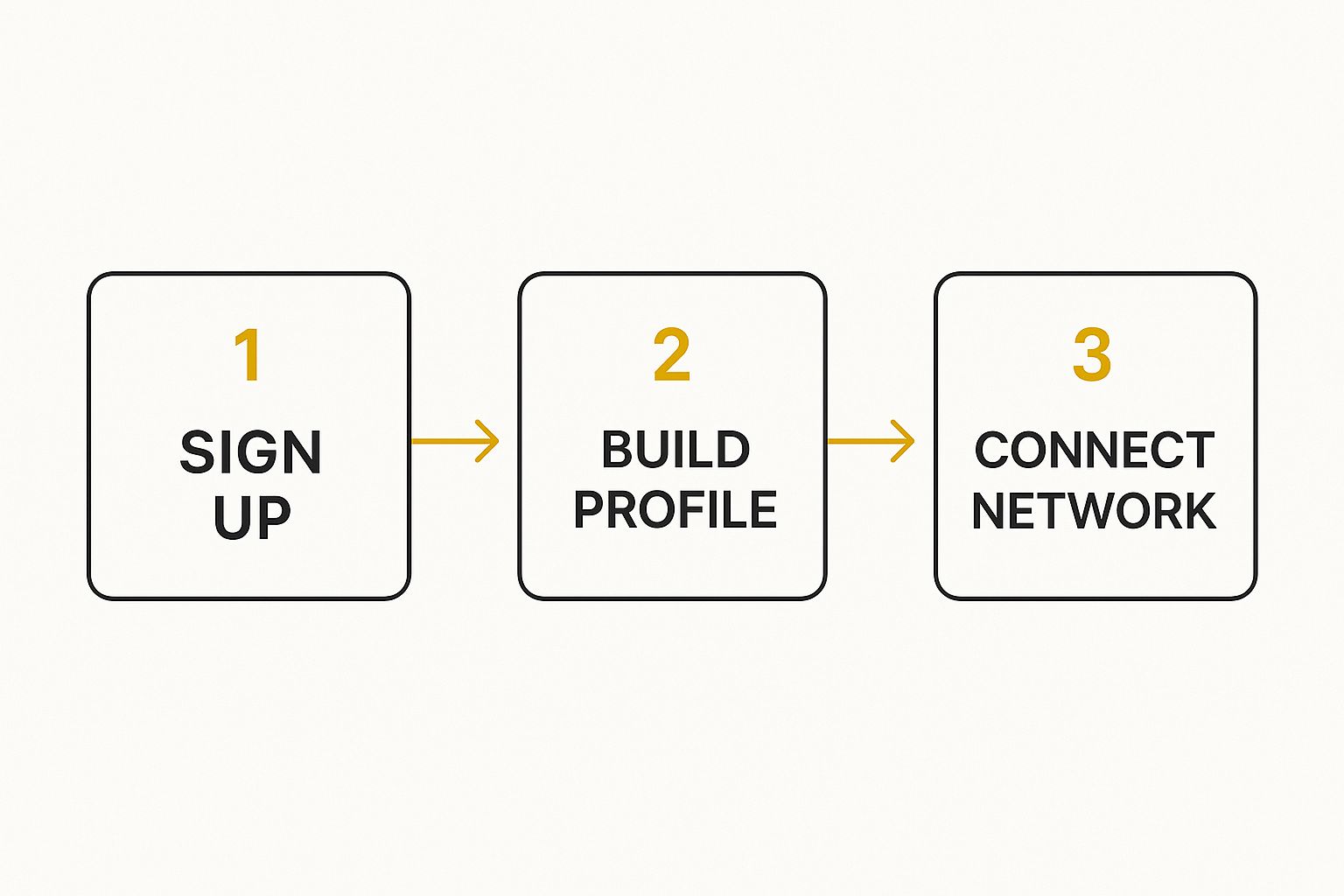
To really get the hang of LinkedIn, I find it helps to break it down into three core activities: building a profile that stands out, strategically growing your network, and consistently sharing stuff that people actually want to read. If you can nail these three, you'll turn your profile from a dusty online CV into a genuine tool for building your career and making a name for yourself in your industry.
Building a Profile That Actually Gets Noticed
Think of your LinkedIn profile as your professional shop window. It’s the very first impression you make, and it’s the foundation for everything else you do on the platform. You can send out the most well-crafted connection requests or write the most insightful posts, but if they lead back to a weak or incomplete profile, you've lost your audience. The real goal here isn't just to list your jobs; it's to tell a story about who you are, what you've achieved, and the value you bring.
To do this well, you need to pull several key pieces together. It's about moving beyond simple job titles and really showing off your tangible achievements and the results you've delivered.
Crafting Your Core Components
You’ve got just a few seconds to make an impression. The first things anyone sees are your profile picture and your headline, so they have to count. A professional, high-quality headshot where you look friendly and approachable is a must. Seriously, no cropped holiday photos.
Your headline needs to be more than your job title. Think of it as your personal tagline. Instead of just "Marketing Manager," try something like, "Marketing Manager | Driving B2B Growth with Data-Driven Content Strategies." See the difference? One is a label; the other is a promise of value.
Getting this right from the start makes a huge difference.
Next up is your "About" section. This is your chance to inject some personality and bring your professional story to life. Use this space to talk about your mission, highlight your most important skills, and show a bit of passion for what you do. It's the perfect spot to connect with people on a more human level.
As you start making these changes, you'll naturally become curious about who's checking you out. It’s useful to understand how to see https://grow-your-biz.com/does-linkedin-show-who-viewed-your-profile/ as it gives you real-time feedback on whether your new and improved profile is attracting the right kind of attention.
To get your profile in top shape, it's worth focusing on a few key areas that pack the most punch. Each section has a specific job to do, from grabbing initial attention to providing the proof of your skills.
Here's a quick breakdown of the most critical parts and how to think about them:
Key Profile Sections and Their Purpose
| Profile Section | Optimization Goal | Quick Tip |
|---|---|---|
| Headline | Grab attention and state your value proposition instantly. | Go beyond your job title. Use keywords and describe the result you deliver. |
| About Section | Tell your professional story and showcase your personality. | Write in the first person. Start with a strong hook and end with a call to action. |
| Experience | Demonstrate your impact with achievements, not just duties. | Use bullet points with the "STAR" method (Situation, Task, Action, Result) and quantify results. |
| Skills & Endorsements | Provide social proof of your expertise. | Pin your top 3 most relevant skills. Don't be shy about asking colleagues for endorsements. |
| Recommendations | Build credibility with personal testimonials. | Give genuine recommendations to others first; they'll often return the favour. |
Getting these sections right turns a passive profile into an active magnet for opportunities. It’s about being deliberate and thinking like the person you want to attract.
Remember, your profile isn’t a one-and-done task. It's a living document. I make a point to revisit mine every few months to add new projects, skills, and accomplishments. Keep it fresh.
With LinkedIn's user base growing so quickly in the UK, a standout profile is more crucial than ever. As of early 2025, there were around 44.6 million users in the United Kingdom, which is a 13.3% jump from late 2023. That's a lot of competition, but also a huge opportunity.
If you really want to dig in and make sure your profile is working as hard as it can for you, check out these expert tips on how to improve your LinkedIn profile.
Growing Your Network With Purpose
It’s easy to get caught up in the numbers, but having thousands of LinkedIn connections means very little if they aren’t the right connections. A big follower count is just a vanity metric. The real value lies in building a network with purpose—connecting with people who can share genuine insights, open doors to new opportunities, and actually support your professional journey. It’s always about quality, not quantity.
So, let's ditch the generic, templated connection requests for good. The single most effective way to grow your network is through personalisation. Before you hit that "Connect" button, take 60 seconds to scan their profile. Did they just share a great post? Do you have a mutual connection you both respect? Did they write an article you found useful?
A simple, thoughtful note makes all the difference. Something like, "Hi Jane, I really enjoyed your recent article on project management frameworks. I'd love to connect and follow your work," is infinitely more effective and far more likely to get a yes.

Nurturing Your Connections Authentically
Getting someone to accept your request is just the first step. The real work—and the real reward—comes from nurturing those connections. This means engaging with their content in a way that shows you're actually paying attention. A simple "like" is fine, but a thoughtful comment that adds to the conversation is so much better.
Here’s how you can do that consistently:
- Share your perspective: Don’t just agree. Offer a unique insight or ask a smart follow-up question on their post.
- Celebrate their wins: Acknowledge their work anniversaries, promotions, and achievements with a quick, personal message. It shows you're paying attention.
- Offer help: If you spot someone asking for advice on a topic you know inside and out, jump in and provide some genuinely helpful suggestions.
This kind of consistent, authentic interaction keeps you top-of-mind and helps forge strong professional relationships. It's an especially smart move when you consider the platform's user base. In the UK, 45% of users are aged 25-34, a demographic actively building careers and hungry for valuable connections.
A strong network isn’t about collecting contacts; it's about cultivating relationships. Your goal should be to give more value than you take. When you focus on helping others, opportunities naturally come back to you.
When you need to reach someone outside your immediate network, it pays to understand https://grow-your-biz.com/what-is-an-inmail-on-linkedin/ and how to use it without being spammy. Ultimately, mastering a proven LinkedIn lead generation strategy will transform your approach, turning random connections into a powerful, supportive professional community.
Creating Content That Builds Your Reputation
Sharing content on LinkedIn is your golden ticket to go from being just another profile to being an active, respected voice in your industry. It’s how you prove your expertise, offer a unique perspective, and keep yourself front-of-mind with your network. The trick is to focus on delivering genuine value, not just endless self-promotion.
Think of it like this: every post you make is a small investment in your professional reputation. Instead of just dropping a link to your latest company blog post, why not pull out a surprising statistic from it? Or maybe a key insight that will get people thinking? Posing a thought-provoking question related to the article can also work wonders. This gives your audience a real reason to stop scrolling and actually engage.
What Should You Post on LinkedIn?
Variety is the spice of life, and it’s certainly the key to a compelling LinkedIn feed. If you stick to one format, people will eventually tune out. Mix it up and see what your audience responds to best.
- Text-Only Posts: These are perfect for sharing a personal story, an observation about your industry, or simply asking a question. They often get brilliant engagement because they feel so authentic and conversational.
- Polls: A fantastic, low-effort way to get people involved. Ask a simple, relevant question about a hot topic in your field. You get engagement, and you also get some valuable insight into what your network thinks.
- Videos and Images: Let's be honest, visuals are what stop the scroll. A short video with a quick tip, a well-designed infographic, or even a behind-the-scenes photo from your workspace can make a huge impact.
The goal here is consistency, not a constant barrage of posts. Aim for 2-3 high-quality posts per week. That’s enough to stay visible without overwhelming your connections.
Making Your Content More Visible
Creating brilliant content is only half the job. You need to make sure people actually see it. This is where a little bit of platform know-how comes into play, specifically with hashtags and engagement.
Try to use 3-5 relevant hashtags on each post. This helps LinkedIn understand what your content is about and show it to people who are interested in those topics. Don't go overboard, just pick the most focused ones.
The most overlooked part of creating content is what happens after you post. Don't just post and ghost. When someone takes the time to comment, reply to them. Ask a follow-up question. This simple act turns your post from a monologue into a valuable conversation, which the algorithm absolutely loves.
It’s also crucial to remember how your audience is viewing your content. Here in the UK, mobile is king, with nearly 70% of users accessing LinkedIn on their phones. Keep your paragraphs short, punchy, and easy to scan. Make sure any visuals are clear and easy to understand on a small screen.
Finally, remember that engagement is a two-way street. Tagging relevant people or companies can be a great way to pull them into the conversation, but you need to do it with purpose. Our simple guide on how to tag someone on LinkedIn shows you how to do this effectively without coming across as spammy.
Finding Your Next Role on LinkedIn

It’s easy to think of LinkedIn as just a place to network, but it’s actually one of the most powerful job-seeking tools you have at your disposal. If you want to use it properly, though, you need to do more than just endlessly scroll through job boards. The real trick is to be strategic, make yourself visible, and get proactive.
Your journey really begins with getting to grips with the platform's search functions. Don't just punch in a job title and hope for the best. Dive into the advanced filters to slice and dice the results by location, industry, company size, and even seniority. This level of precision is how you cut through the noise and find the roles that actually line up with where you want to go in your career.
Activating Your Search Strategically
Once you've got your search criteria dialled in, it’s time to let LinkedIn’s automation take over. Set up job alerts. You can create several different ones for various roles or locations, which means you'll be one of the first to hear when a promising new opportunity pops up.
Then there's the #OpenToWork frame. A lot of people worry this will tip off their current boss, but you can set it privately. This makes you visible only to recruiters who are actively using LinkedIn’s professional tools. It's a subtle way to signal you're on the market without telling your entire network.
Before you even think about hitting 'apply', remember your profile is your secret weapon. Tweak your headline and "About" section to include keywords you've pulled directly from the job description. I’ve seen this simple move make a huge difference in getting noticed by hiring managers.
Going Beyond the Apply Button
The smartest job seekers I know use LinkedIn to build a connection before they apply. When you find a role that looks like a great fit, do a little digging. See if you can find the hiring manager or someone already on that team.
A brief, polite connection request mentioning your interest can work wonders.
Here’s a simple game plan that I've seen work time and again:
- Pinpoint the Right Roles: Don't waste time on long shots. Use those advanced search filters to find jobs that are genuinely a good match.
- Tailor Your Profile: Your headline and summary should mirror the language in the job description. Think of it as SEO for your career.
- Do Your Homework: Look up the company. Have they been in the news? What are they posting about? Find something you can use to personalise your message.
- Connect with a Real Person: Send a tailored note to the hiring manager or a team member. Keep it short and to the point.
This isn't about being pushy; it’s about making a human connection. Honestly, getting a referral from someone inside the company is often the single most effective way to get your CV moved to the top of the pile and land that interview.
Going Beyond the Basics: Advanced LinkedIn Features
Once you've got the fundamentals down pat, you can start exploring the features that really separate the casual users from the serious professionals. Think of these as your secret weapons for building authority, picking up new skills, and seeing what's actually working.
Join the Conversation in LinkedIn Groups
A seriously underrated tool is LinkedIn Groups. Finding and joining groups in your specific niche is a brilliant way to get in front of peers and key decision-makers. The trick here isn't to just drop links to your latest blog post. It's about getting involved in genuine discussions, asking smart questions, and slowly building a reputation as someone who knows their stuff.
Turn On Creator Mode to Amplify Your Message
If creating content is a core part of your strategy, you need to switch on Creator Mode. It's a simple flick of a switch, but it changes the game. This feature changes the main button on your profile from "Connect" to "Follow," which immediately positions you as a voice worth listening to.
It also lets you add up to five specific hashtags to your profile, basically telling LinkedIn exactly what you talk about. This makes it far easier for the right people to find you and your content.
A word of warning: Don't just turn on Creator Mode and walk away. It's a commitment. You're telling your network and the algorithm that you're going to be sharing valuable insights regularly, so be prepared to follow through.
Sharpen Your Skills and See Who's Watching
Finally, two powerful tools hiding in plain sight are LinkedIn Learning and your own profile analytics. The learning platform is a goldmine, with thousands of courses to help you stay ahead of the curve and develop skills that are actually in demand.
At the same time, keep an eye on your "Who's Viewed Your Profile" data. This isn't just for vanity; it's a vital feedback loop. It tells you which companies are checking you out and helps you understand if all your profile tweaks are attracting the kind of attention you want.
Your Top LinkedIn Questions, Answered
Once you get the hang of LinkedIn, a few questions always seem to surface. Getting clear on the answers will help you use the platform more strategically and see much better results for your time.
One question I hear all the time is about how often to post. Should you be posting every single day? Honestly, consistency is far more important than sheer frequency. Aiming for 2-3 high-quality posts per week is a great rhythm to get into. It keeps you on your network's radar without burning you out, giving you the breathing room to create content that’s genuinely useful.
Is LinkedIn Premium Really Worth It?
This is the big one, isn't it? The short answer is: it depends entirely on what you're trying to achieve. If you're deep in a job search, working in sales, or actively recruiting, then yes, Premium can be a game-changer.
The paid features really do give you an edge:
- InMail Credits: Being able to message people outside your network is a huge advantage for contacting hiring managers or key prospects directly.
- Profile Viewer Insights: You can see exactly who’s been looking at your profile over the past 90 days. That's invaluable feedback.
- Advanced Search Filters: These let you zero in on the precise people or companies you need to connect with.
But if you're just using LinkedIn to keep in touch with your network and stay current, the free version will probably serve you just fine. My advice? Take advantage of the one-month free trial. See if you actually use the features before you pull out your credit card.
What are the Biggest Mistakes to Avoid?
A few common slip-ups can really undermine your efforts. The most obvious one is an incomplete profile, especially one missing a professional headshot. Another classic mistake is firing off those generic, one-click connection requests with no personal touch.
Think of it this way: treat LinkedIn as a digital extension of your professional reputation. Don't just show up when you need something, and definitely steer clear of overly personal or controversial posts that don't fit your professional brand.
At The Digital Marketing Toolbox, we focus on finding the best tools to help you grow your brand and work smarter. You can find our top picks for social media management, content creation, and more over at https://grow-your-biz.com.


