

In a digital marketplace where immediate answers are expected, a high-quality chat plugin for WordPress is no longer a luxury-it's an essential tool for customer engagement, lead generation, and support. Adding a chat widget to your website opens a direct line of communication, allowing you to connect with visitors in real-time, answer questions, and guide them towards a purchase or conversion. But with hundreds of options available, from simple live chat systems to sophisticated AI-powered chatbots, choosing the right one can feel overwhelming.
This guide is designed to demystify the process. We will dive deep into 12 of the best chat plugins available today, breaking down their specific strengths, ideal use cases, and key implementation details. Beyond traditional live chat, you might also consider advanced options like a customized AI chat widget for websites that can automate customer interactions and support, and we will touch on solutions with these capabilities.
Whether you are a small business owner, an e-commerce manager, or a digital agency, this curated list will help you select a solution that aligns with your budget, technical skills, and strategic goals. For each option reviewed, you will find a detailed analysis, screenshots, and direct links to help you make an informed decision. Our goal is to equip you with the insights needed to implement a chat feature that delivers a superior customer experience and drives measurable business growth.
1. Tidio – Grow Your Biz
Tidio stands out as a premier chat plugin for WordPress by offering a powerful, all-in-one customer communication platform that is remarkably easy to implement. It masterfully combines live chat, AI-driven chatbots, and multichannel messaging into a single, user-friendly interface, making it an ideal solution for small businesses and agencies aiming to enhance engagement without a steep learning curve.
What truly sets Tidio apart is its seamless integration and immediate value. The dedicated WordPress plugin allows for a near-instant setup, getting a fully functional chat widget live on your site in minutes. This low-friction deployment is a significant advantage for users who lack technical expertise but require a professional-grade communication tool.
Key Strengths and Use Cases
Tidio’s core strength lies in its unified inbox, which consolidates conversations from your website's live chat, email, and even Facebook Messenger. This centralisation streamlines customer support, ensuring no inquiry is missed, regardless of its origin. An e-commerce store, for example, can answer a pre-sale question from the website and handle a post-purchase query from Facebook Messenger within the same dashboard.
Another standout feature is the Lyro AI chatbot. This isn't just a simple, rules-based bot; Lyro leverages AI to understand and resolve common customer queries 24/7. It can handle up to 70% of routine issues, freeing up human agents to focus on more complex problems. This allows you to automate customer service effectively, reduce response times, and capture leads even outside of business hours.
- Best For: Small to medium-sized businesses, e-commerce sites, and agencies needing a quick-to-deploy, multichannel communication hub with powerful AI capabilities.
- Pricing: Offers a robust free-forever plan with core live chat and limited chatbot features. Paid plans start from around £29/month, unlocking advanced features like the Lyro AI, more chatbot triggers, and analytics.
- Implementation Tip: After installation, immediately configure at least one or two simple chatbot flows, such as a welcome message that offers a discount or a bot that answers common questions about shipping. This provides immediate value and engagement for your visitors.
Pros:
- Rapid WordPress Setup: Get a live chat widget running in minutes with the dedicated plugin.
- True Multichannel Inbox: Manage live chat, email, and Messenger conversations in one place.
- Lyro AI Automation: Reduces agent workload by intelligently handling routine support queries.
Cons:
- Advanced AI features and higher usage limits are locked behind paid plans.
- As a third-party service, it's wise to review its data privacy policies and confirm compatibility with your theme and other plugins.
Website: https://grow-your-biz.com/growth/tidio/
2. WordPress.org Plugin Directory (Chat Category)
Before diving into specific third-party solutions, the official WordPress.org Plugin Directory is the essential starting point for any search. It serves as a centralised, community-vetted catalogue where you can discover and compare hundreds of chat plugins directly from your WordPress dashboard. This platform is invaluable for finding both free, open-source options and the "freemium" entry points for larger SaaS platforms.
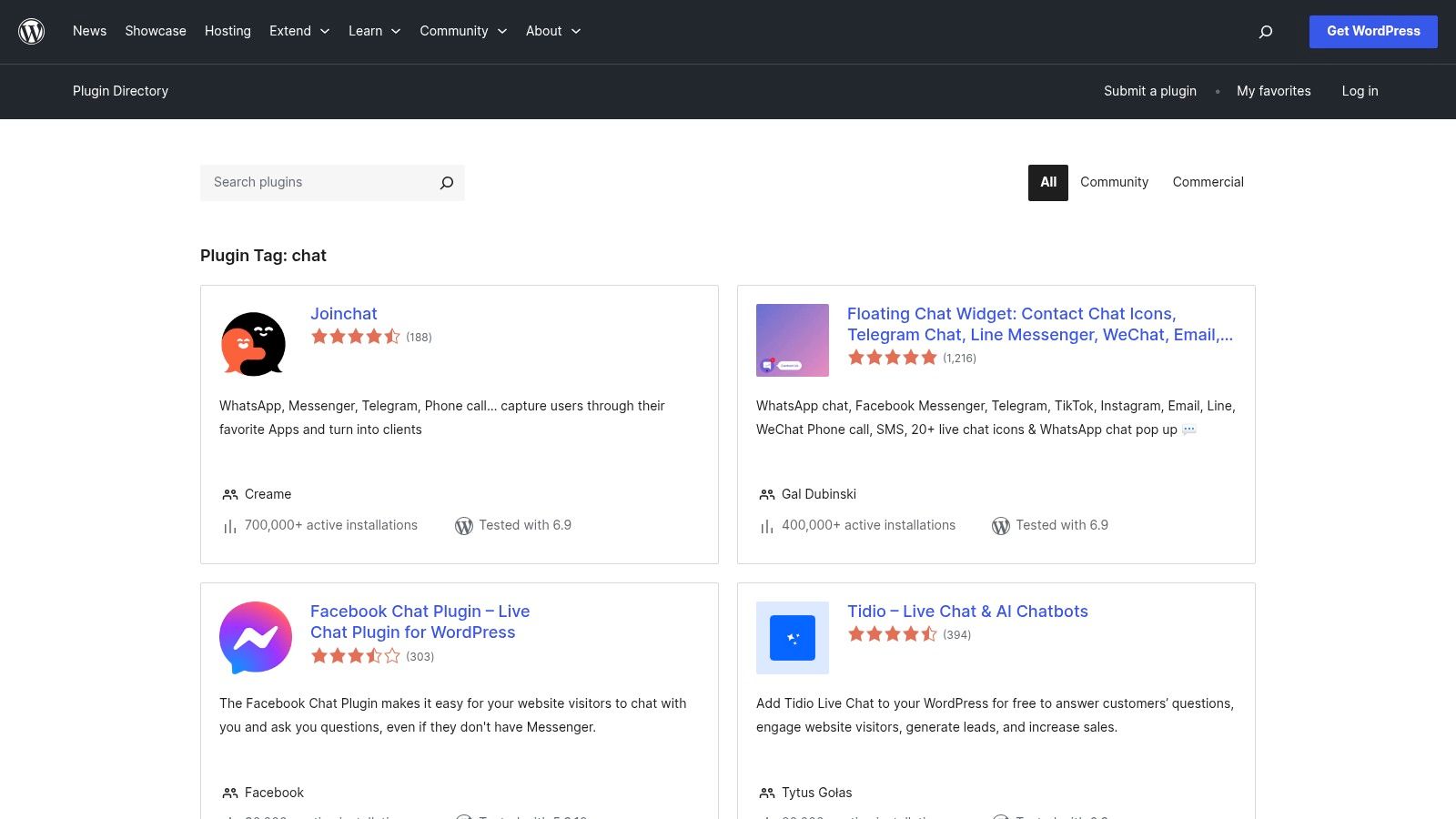
The directory’s main strength is its transparency and integration. You can see active installation numbers, user ratings, support forum activity, and the last update date, giving you a clear picture of a plugin’s health and reliability. Installation is a one-click process, making it incredibly accessible for beginners. These chat tools are a prime example of the powerful website widgets available for WordPress, allowing you to add complex functionality with ease.
Key Considerations & Features
The directory isn't a single product but a marketplace, so quality varies significantly. Some plugins may be abandoned, while others are meticulously maintained.
- Best For: Users on a tight budget, developers looking for a simple open-source foundation, or anyone wanting to quickly test multiple free chat plugin for WordPress options.
- Pricing: Free to browse and install plugins. However, be aware that many plugins listed as "free" are connectors that require a paid subscription to an external service for full functionality.
- Pros: Direct integration with WordPress for easy installation, community reviews provide social proof, and complete transparency on plugin maintenance and compatibility.
- Cons: Quality is inconsistent, and "free" plugins often have significant limitations designed to push you towards a paid plan.
Visit the WordPress.org Chat Plugin Directory
3. Tidio
Tidio has firmly established itself as a leading AI-enabled live chat platform, offering a powerful, dedicated chat plugin for WordPress. It’s particularly well-suited for small e-commerce teams and businesses that need a sophisticated blend of live agent support and intelligent automation. The platform integrates seamlessly into WordPress, providing a central hub for managing customer conversations from multiple channels.
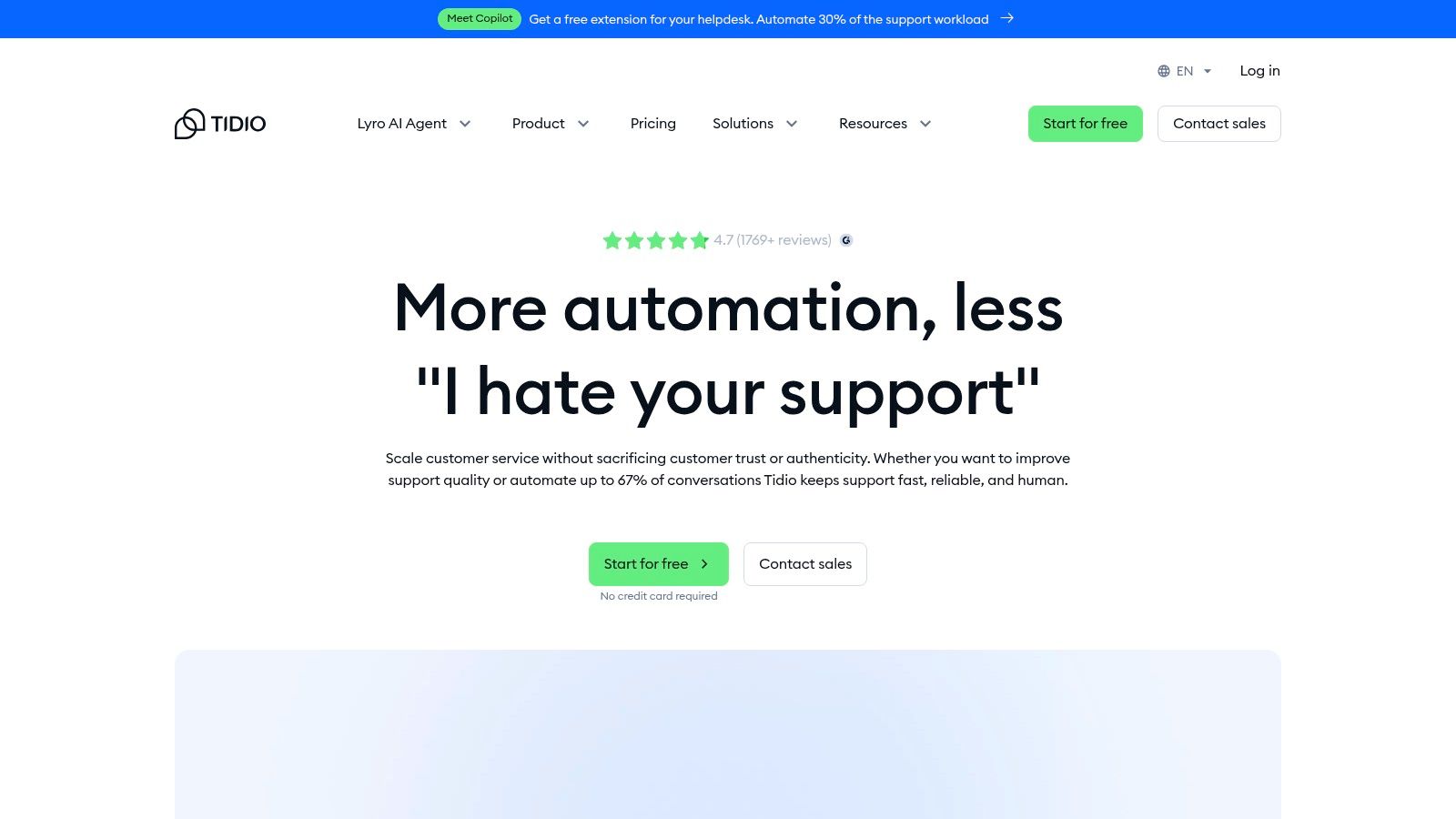
What makes Tidio stand out is its emphasis on user-friendly automation and its conversational AI, Lyro. The visual flow builder allows you to create complex chatbots without any coding, handling common queries and qualifying leads automatically. This frees up human agents to focus on high-value interactions, all managed through clean, intuitive apps available for web, desktop, and mobile.
Key Considerations & Features
Tidio's strength lies in its balance of advanced features and accessibility, making AI-driven support achievable for smaller businesses. Its multichannel capabilities centralise communications from your website, Messenger, Instagram, and email.
- Best For: E-commerce sites and small businesses wanting to leverage AI and automation to provide 24/7 support without a large support team.
- Pricing: A generous free forever plan is available. Paid plans are flexible, with options based on billable conversations or specific features, starting from around £29/month.
- Pros: Powerful visual automation builder, generous free tier with core features, and a flexible pricing model that can scale with your business.
- Cons: The pricing structure can become complex with different limits on conversations and flows, and accessing advanced automation requires higher-priced plans.
Visit Tidio
4. LiveChat
LiveChat is a premium, enterprise-grade platform that stands out for its robust feature set, polish, and deep integrations, particularly for e-commerce. It offers a dedicated chat plugin for WordPress that seamlessly connects your site to its powerful backend, making it a top choice for established businesses that prioritise customer support as a core function and require advanced tools for managing a support team.
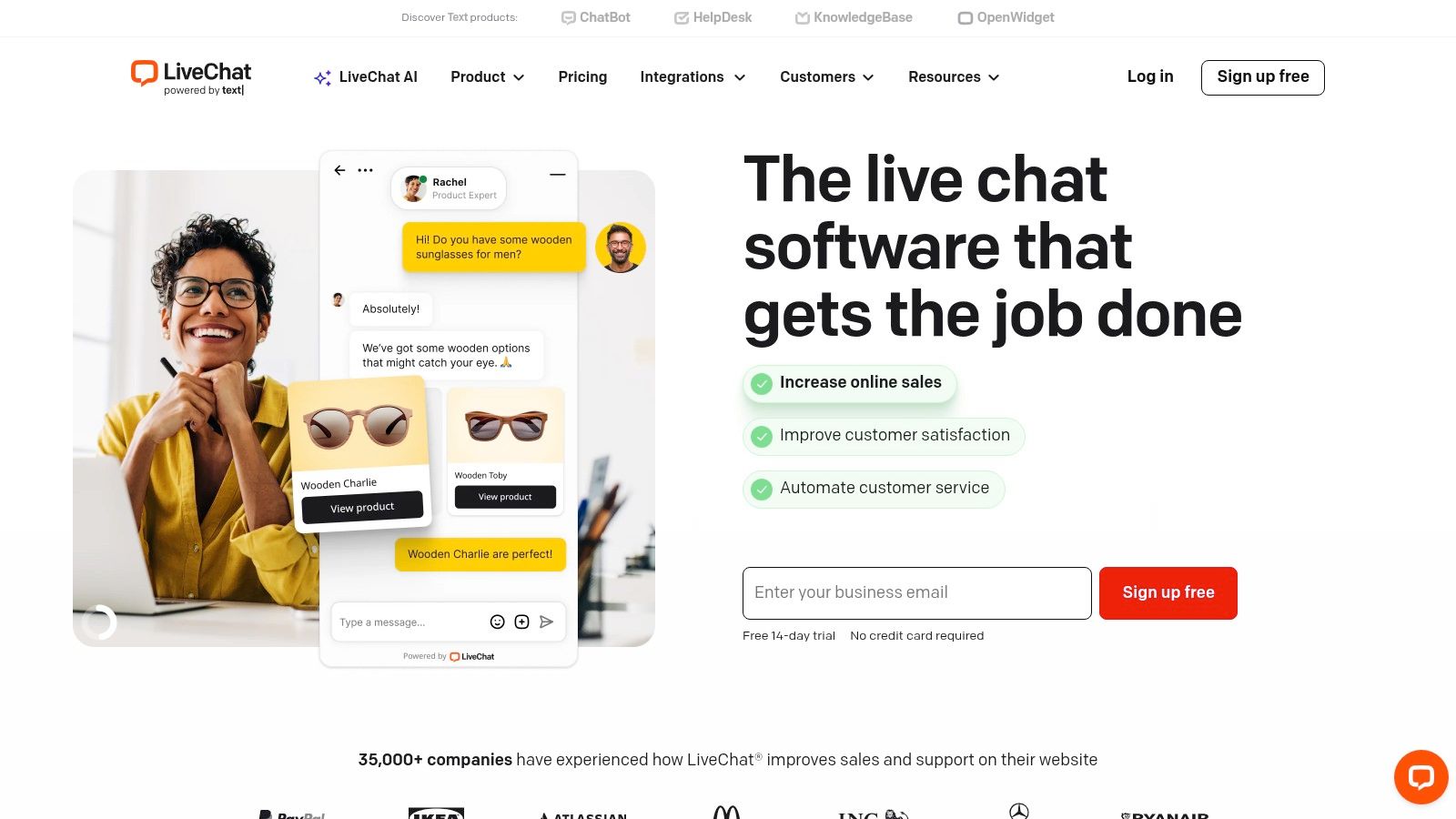
The platform’s strength lies in its maturity and extensive ecosystem. Features like real-time visitor tracking, detailed reporting, and agent performance metrics are highly refined. For stores running on WooCommerce, its dedicated add-on is a significant advantage, allowing agents to see a customer’s cart contents and order history directly within the chat window, leading to much faster and more effective support. To gain further insights into its features, performance, and user experience, you might want to read a detailed LiveChat review.
Key Considerations & Features
LiveChat is designed for teams that need to handle a high volume of conversations efficiently, with tools that support agent productivity and management oversight.
- Best For: E-commerce stores (especially WooCommerce), larger support teams, and businesses requiring in-depth analytics and performance tracking.
- Pricing: Subscription-based with per-seat pricing, starting at around £16 per agent/month (billed annually). Free trial available.
- Pros: Mature ecosystem with excellent performance at scale, tight WooCommerce integration provides valuable customer context, and an extensive library of third-party app integrations.
- Cons: Per-seat pricing can become expensive for larger teams, and some of the most advanced features and add-ons carry additional fees.
Visit LiveChat
5. HubSpot (Official WordPress Plugin + CRM)
HubSpot offers much more than just a chat plugin for WordPress; it provides an all-in-one growth platform directly integrated into your site. Its official plugin bundles a powerful free live chat tool with a full-featured CRM, email marketing, forms, and analytics. This unified approach makes it an incredibly convenient and cost-effective solution for small to medium-sized businesses looking to connect their customer communications directly to their sales and marketing funnels from day one.
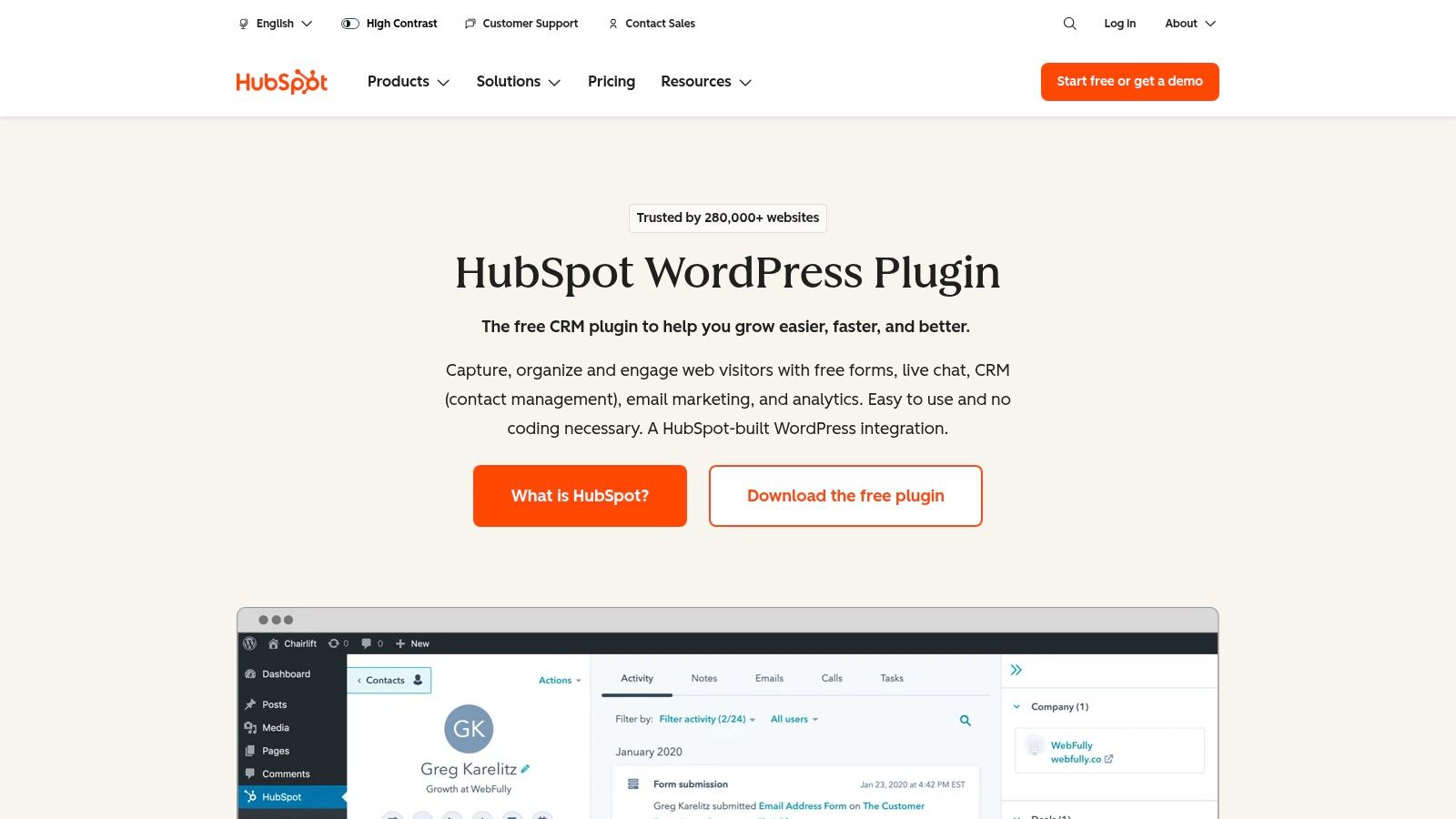
The primary advantage of HubSpot is that every chat conversation is automatically logged against a contact record in the free HubSpot CRM. This centralisation allows your team to see a complete history of interactions, enabling more personalised follow-ups and a deeper understanding of your audience. The plugin also includes basic chatbots to help qualify leads or answer common questions when your team is offline, making it a comprehensive starting point for business growth.
Key Considerations & Features
HubSpot's ecosystem is designed to scale with your business, with the WordPress plugin serving as the primary entry point. While the free tools are robust, the real power is unlocked as you grow into the paid Marketing, Sales, or Service Hubs.
- Best For: SMEs wanting an integrated chat, CRM, and marketing solution without juggling multiple tools, and businesses focused on lead generation and sales pipeline management.
- Pricing: The core plugin, including live chat, basic bots, and the CRM, is completely free. Advanced features and automation require paid subscriptions to HubSpot's various Hubs.
- Pros: Excellent free tier that combines chat with a world-class CRM, a single unified dashboard for managing communications, and easy installation directly from WordPress.
- Cons: Advanced reporting and automation are locked behind paid plans, and all your chat and contact data is stored on HubSpot's platform, not your own server.
Visit the HubSpot WordPress Plugin
6. tawk.to
tawk.to has established itself as one of the most popular free live chat solutions available, largely due to its incredibly generous free-forever plan. It offers a dedicated WordPress plugin that makes integration seamless, providing small businesses and startups with a robust tool to engage website visitors without any initial financial commitment. This platform is perfect for teams that need core live chat functionality, including unlimited agents and chat history, on an unlimited number of websites.
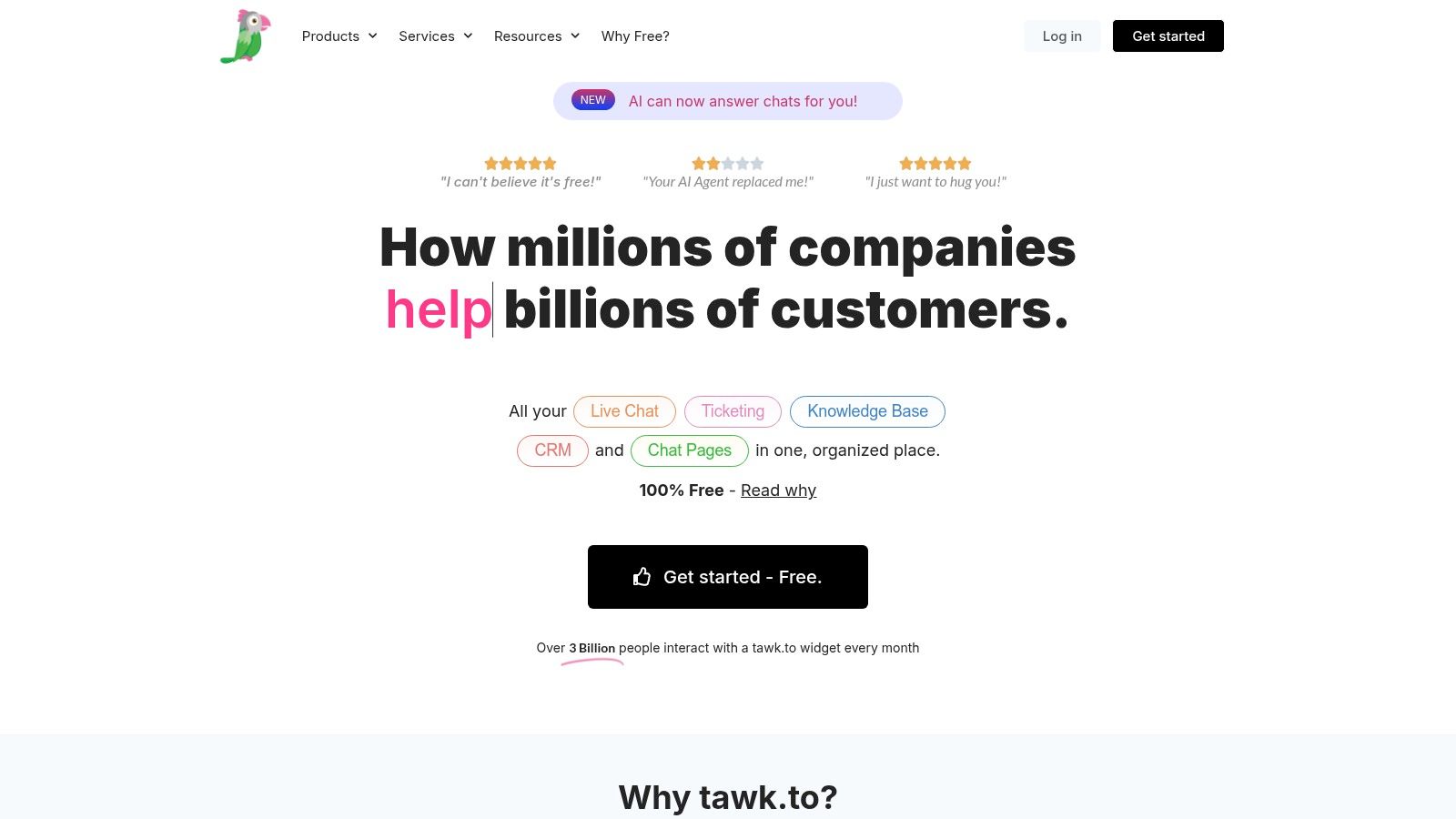
The platform's strength lies in its accessibility and comprehensive feature set on the free tier. Beyond just live chat, it includes a built-in ticketing system and a knowledge base, allowing you to build a complete customer support hub. While its user interface and analytics are simpler compared to premium competitors, the value it offers for free is unparalleled, making it an exceptional chat plugin for WordPress users on a strict budget.
Key Considerations & Features
The core service is completely free, with revenue generated from optional add-ons like removing the "Powered by" branding or hiring their agents to manage your chats.
- Best For: Startups, small businesses, and bloggers who need a feature-rich, genuinely free live chat solution with unlimited agent seats.
- Pricing: The core chat software is 100% free. Paid add-ons are available for branding removal (£15/month), video/voice calls, and hiring live agents.
- Pros: The generous free plan is a significant advantage, setup is straightforward, and it includes 24/7 support for all users.
- Cons: The "Powered by" branding is present on the free plan, and the user interface can feel less polished than more expensive, premium alternatives.
Visit tawk.to
7. Crisp
Crisp is a comprehensive, all-in-one messaging platform originating from the EU, making it a particularly strong choice for businesses focused on GDPR compliance. It offers a sleek live chat widget alongside a powerful shared inbox that consolidates conversations from various channels like email, Messenger, and WhatsApp. The platform's transparent, per-workspace pricing model is a refreshing departure from the common per-seat fees, appealing to growing teams.
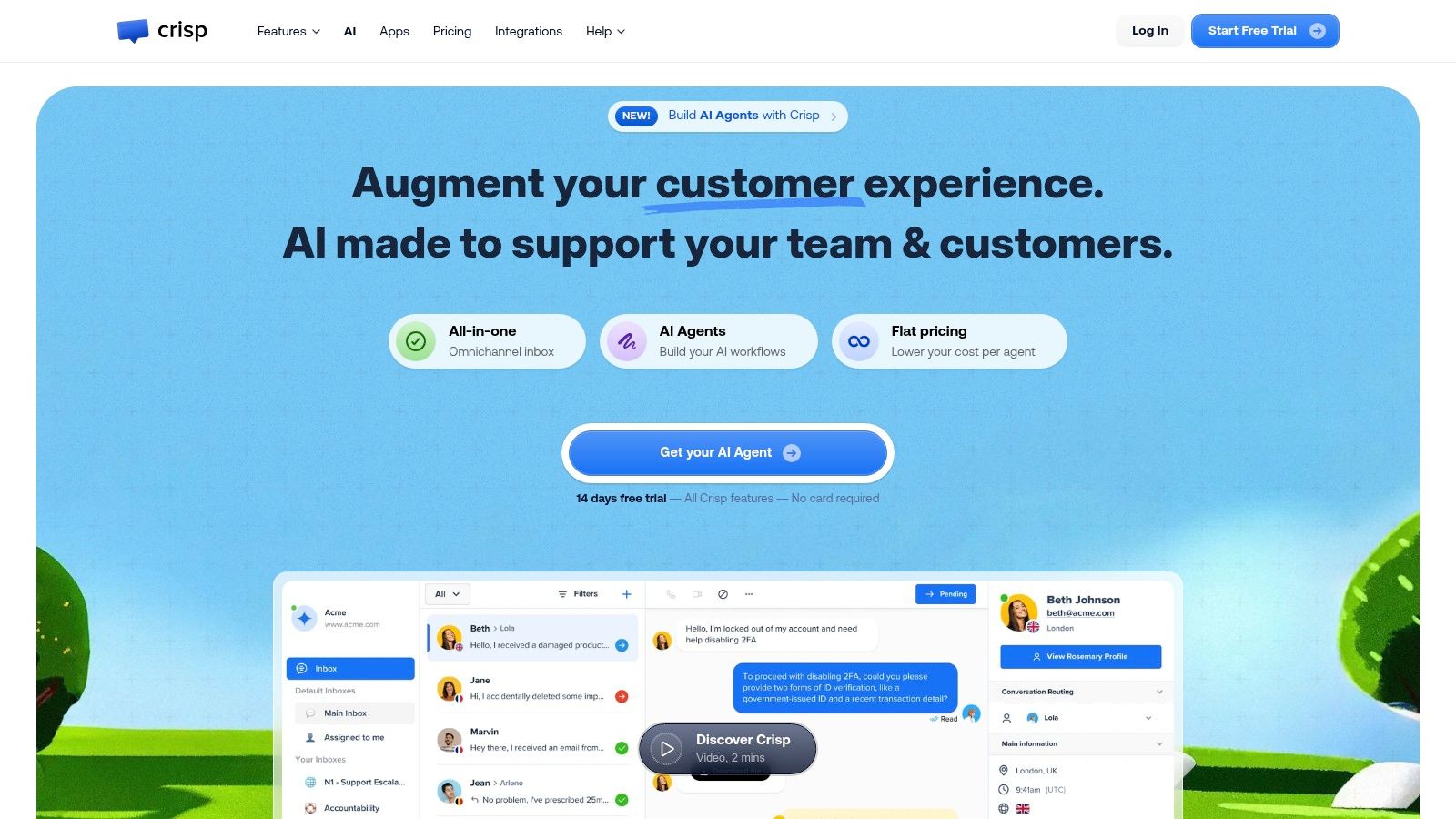
Its dedicated chat plugin for WordPress makes integration straightforward, bringing advanced features like chatbot automation, a user-facing knowledge base, and CRM capabilities directly to your site. This combination allows businesses to not only engage visitors in real-time but also to build a self-service support system and manage customer relationships from a single, unified dashboard. The modern UI is clean and intuitive across both its desktop and mobile applications.
Key Considerations & Features
Crisp balances a clean user experience with a powerful feature set, though the most advanced tools are reserved for higher-tier plans. The focus is on providing a scalable, collaborative communication hub.
- Best For: UK/EU businesses prioritising GDPR compliance, startups, and SMBs looking for predictable, flat-rate pricing for their entire team.
- Pricing: Starts with a free plan for two seats. Paid plans begin at £20/month per workspace, which includes four seats and more advanced features.
- Pros: Strong focus on EU data privacy and GDPR, transparent per-workspace pricing is cost-effective for teams, and the modern UI is easy to use.
- Cons: Key features like advanced AI, white-labelling, and full omnichannel support are locked behind the more expensive plans. Workspace limitations on profiles or AI actions might necessitate an upgrade sooner than expected.
Visit Crisp
8. Zendesk
Zendesk is a powerhouse in the customer service world, offering a comprehensive, enterprise-grade support suite where live chat is just one part of a much larger ecosystem. Its messaging and chat functionality, which evolved from the popular Zopim platform, integrates seamlessly into its broader ticketing, analytics, and omnichannel support system. This makes it the ideal choice for established businesses that require a centralised hub for all customer interactions, not just a standalone chat tool.
The platform's strength lies in its ability to manage complex support workflows at scale. When you install the Zendesk chat plugin for WordPress, you are connecting your website to a sophisticated back-end designed for large teams. It allows for advanced automation, intelligent ticket routing, and deep analytics that provide a 360-degree view of your customer service operations, covering email, social media, voice, and your website, all in one place.
Key Considerations & Features
Zendesk is less of a simple chat plugin and more of a complete customer service department in a box. It’s built for organisations that have or are scaling a dedicated support team and need robust governance features.
- Best For: Medium to large businesses and enterprises that need a powerful, unified platform for omnichannel customer support and are standardising their processes on Zendesk.
- Pricing: Zendesk offers various "Suite" plans starting from around £45 per agent/month (billed annually). The chat functionality is bundled within these broader service packages.
- Pros: Rich automation, routing, and analytics suitable for large support teams, a broad ecosystem for integrations, and strong enterprise governance.
- Cons: Higher priced compared with SMB-focused tools, and the complex pricing structure can be difficult to navigate for those only seeking a chat solution.
Visit the Zendesk website
9. Intercom
Intercom is a premium conversational relationship platform designed for businesses aiming to build and scale customer engagement. It moves beyond simple live chat, offering a comprehensive suite of tools that includes proactive messaging, automated bots, and a shared team inbox, all integrated through a dedicated WordPress plugin. Its standout feature is its powerful automation and customer journey tooling, allowing businesses to create highly personalised, trigger-based interactions.
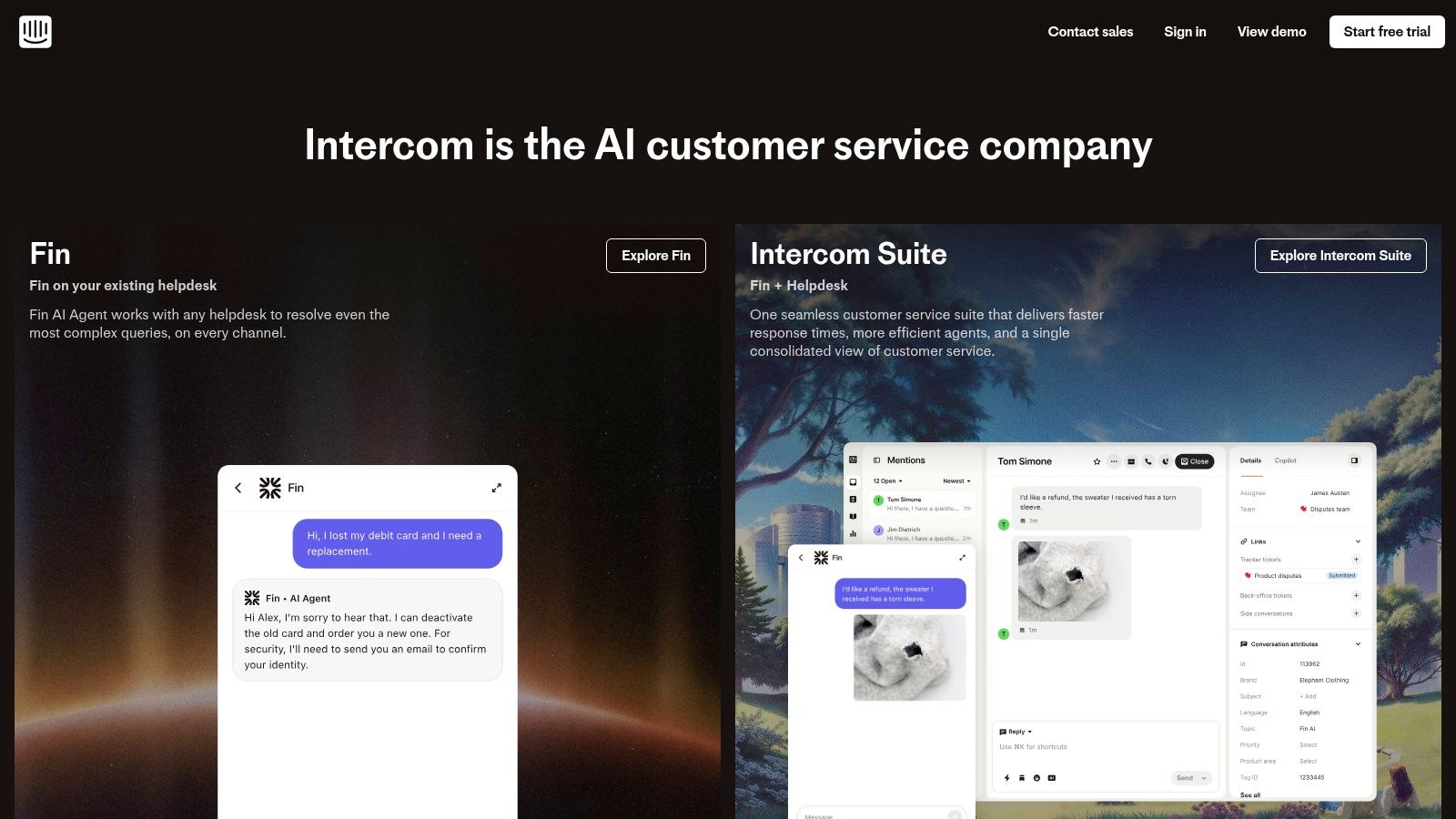
The platform is renowned for its AI capabilities, particularly its "Fin" AI agent, which is designed to handle complex queries and resolve issues automatically. This makes it a formidable chat plugin for WordPress sites focused on customer support efficiency and lead qualification at scale. The interface is clean and modern, resembling popular messaging apps to create a familiar user experience.
Key Considerations & Features
Intercom's strength lies in its ability to unify customer data and conversations across the entire lifecycle, from acquisition to support. It is more of a complete customer communications platform than just a chat widget.
- Best For: Fast-growing businesses, SaaS companies, and large enterprises that need a scalable, all-in-one solution for marketing, sales, and support automation.
- Pricing: Premium pricing structure starting from around £31/month for the most basic plan. Costs increase significantly based on seats, contacts, and usage of features like the Fin AI agent, which bills per resolution.
- Pros: Exceptional automation and customer journey capabilities, powerful AI features for efficient support, and it scales well as teams and business needs expand.
- Cons: The price can escalate quickly, making it a significant investment. It may be overly complex and expensive for small businesses that only require simple live chat functionality.
Visit Intercom
10. CodeCanyon (Envato Market)
For those looking to avoid recurring subscription fees, CodeCanyon offers a compelling alternative model. It's a vast marketplace where developers sell WordPress plugins for a one-time purchase price. This makes it an ideal destination for finding a self-hosted or feature-rich chat plugin for WordPress without committing to a monthly SaaS payment, which can be highly cost-effective for single-site projects.
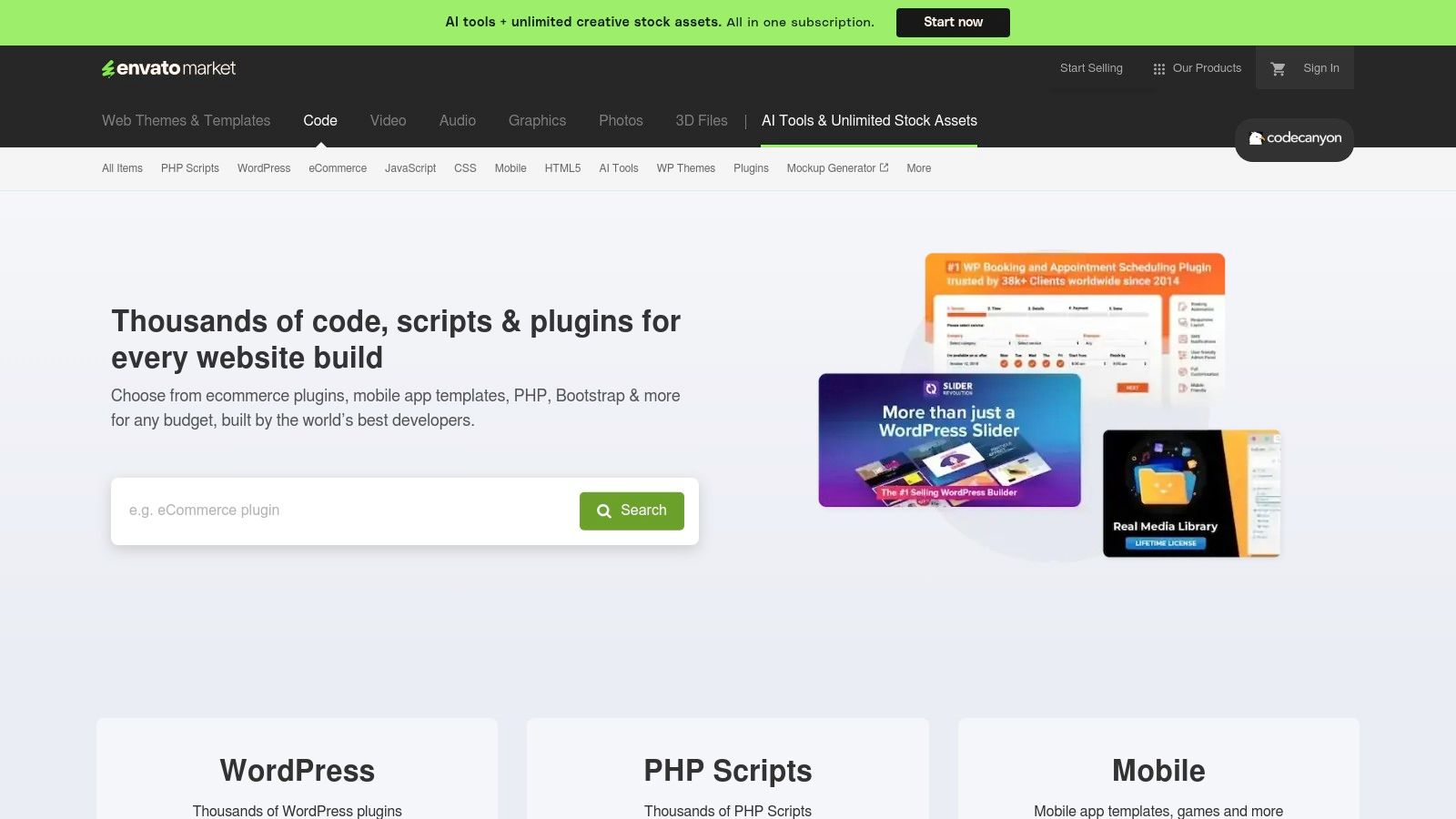
The platform hosts a wide variety of plugins, from dedicated WhatsApp and Messenger integrations to sophisticated AI chatbot builders and internal team chat solutions. The key to navigating CodeCanyon is due diligence; checking a plugin's sales count, user ratings, comments, and the date of its last update is crucial. These metrics provide a clear indication of its quality, reliability, and the developer's commitment to maintenance.
Key Considerations & Features
CodeCanyon is a marketplace, not a unified product, so the support and quality level is entirely dependent on the individual author of the plugin you choose.
- Best For: Website owners and developers seeking a specific niche function or preferring a one-time payment over a monthly subscription.
- Pricing: One-off purchases, typically including six months of author support, with options to extend support for an additional fee.
- Pros: Cost-effective for long-term use on single sites, access to unique and niche chat features not found in mainstream tools, and transparent user reviews and sales data.
- Cons: The quality and maintenance consistency vary significantly between different authors, and support windows are limited unless extended.
Visit CodeCanyon
11. Smartsupp
Smartsupp distinguishes itself with a strong focus on e-commerce and visitor behaviour analysis. Beyond standard live chat, it integrates video recordings of user sessions, giving you invaluable insights into how visitors navigate your site before and during a chat. This feature allows support agents to understand user context quickly, identify pain points, and provide more effective assistance.
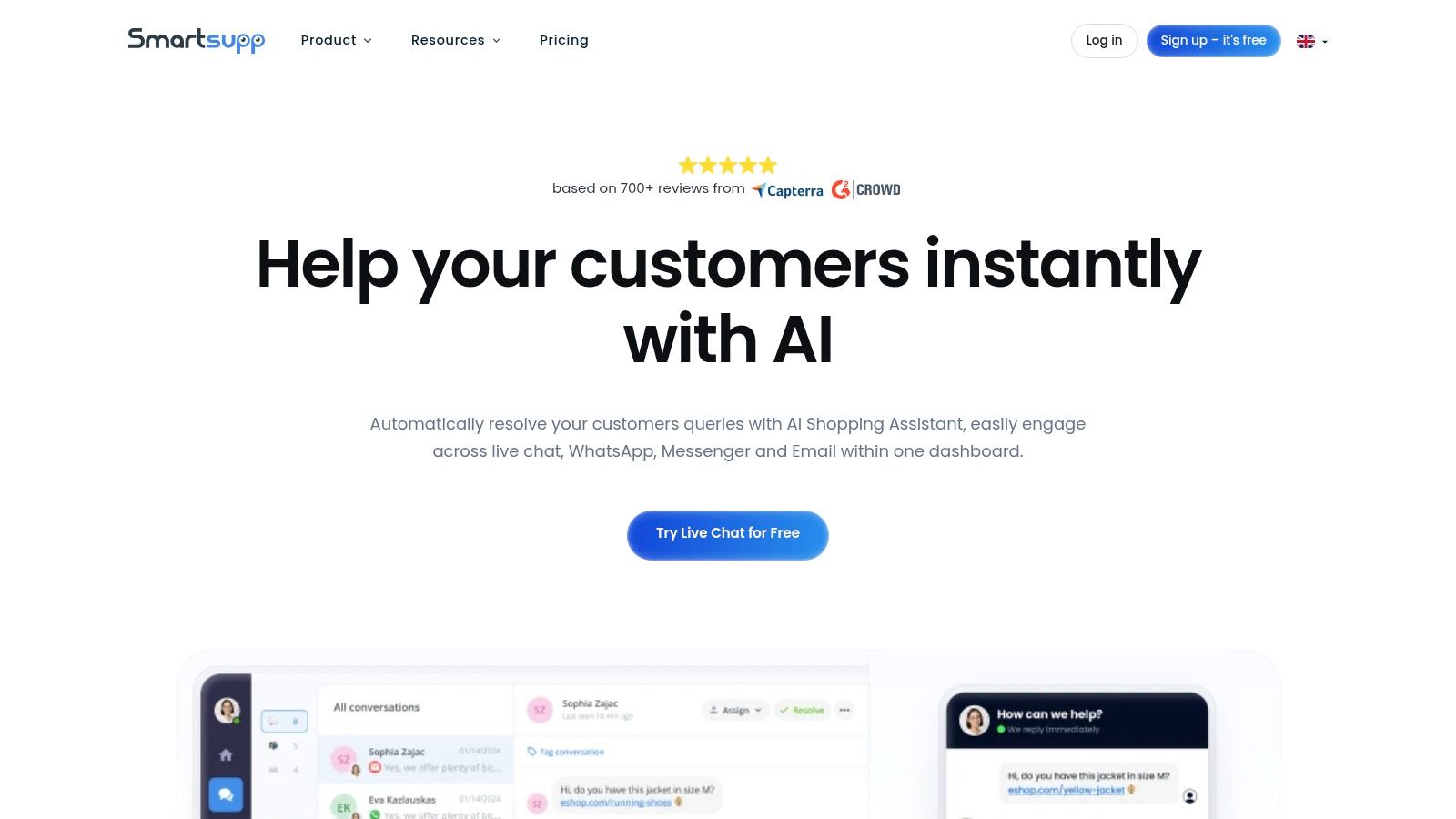
The platform is designed for predictable scaling, with pricing tiers based on conversation volume rather than the number of agents. Its chatbot, "Smarty," can handle routine queries and lead generation, freeing up human agents for more complex issues. For businesses running online stores, Smartsupp provides a powerful tool to engage customers and understand their journey in detail, making it a highly effective chat plugin for WordPress e-commerce sites.
Key Considerations & Features
Smartsupp’s combination of chat, chatbots, and session recordings offers a unique qualitative analytics tool alongside customer communication.
- Best For: E-commerce businesses and online stores that want to understand user behaviour and proactively engage customers to increase conversions.
- Pricing: A free plan is available with 50 live chat conversations and unlimited agents. Paid plans are based on monthly conversation volume, starting from £17/month for 200 conversations.
- Pros: Session recordings provide deep user behaviour insights, and conversation-based pricing offers predictable costs, even with a large support team.
- Cons: Advanced features like multi-language chatbots and API access are locked behind higher-tier plans, and the AI Assistant incurs extra costs per conversation.
Visit Smartsupp
12. Olark
Olark positions itself as a simple, reliable live chat solution with a strong emphasis on user experience and accessibility. Its straightforward per-seat pricing and easy-to-use interface make it a great choice for teams that need a functional chat plugin for WordPress without the complexity of a large-scale helpdesk suite. The platform focuses on doing one thing exceptionally well: facilitating real-time conversations.

One of Olark's most significant differentiators is its commitment to web accessibility. The chat widget is designed to be WCAG 2.1 AA compliant, ensuring that users with disabilities can interact with your support team effectively. This is a critical consideration for public sector organisations or businesses that prioritise inclusivity. Features like targeted chats, agent routing, and insightful reporting provide the essential tools needed for effective customer engagement.
Key Considerations & Features
Olark is ideal for businesses that value simplicity, transparent pricing, and accessibility over a vast, and often unused, feature set. It integrates smoothly with WordPress via a dedicated plugin, allowing for a quick and code-free setup.
- Best For: Small to medium-sized businesses, support teams, and organisations that require an accessible, straightforward live chat solution.
- Pricing: Starts at $29 per seat/month with discounts for annual billing. Optional AI chatbot tiers and "Power-Ups" for advanced integrations are available as add-ons.
- Pros: Very easy setup with a clean user interface, standout accessibility compliance (WCAG 2.1 AA), and simple, predictable pricing.
- Cons: Lacks the deep, integrated helpdesk and CRM functionalities of larger platforms, and advanced features like AI come at an additional cost.
Visit Olark
Top 12 WordPress Chat Plugins: Feature Comparison
| Tool | Core features | Quality ★ | Price/Value 💰 | Target 👥 | Unique / USP ✨🏆 |
|---|---|---|---|---|---|
| Tidio – Grow Your Biz | Live chat, Lyro AI chatbot, WP plugin, multichannel inbox | ★★★★☆ — fast setup | 💰 Free tier; paid AI/usage plans | 👥 SMBs, freelancers, agencies | ✨Lyro AI automations; 🏆 low‑friction WP deployment |
| Tidio | Live chat + ticketing, visual flow builder, multichannel apps | ★★★★☆ — generous free tier | 💰 Free + pay‑per‑conversation options | 👥 Small ecommerce teams, SMBs | ✨Billable‑conversation model; visual builder |
| WordPress.org Plugin Directory (Chat) | Catalog of chat plugins, one‑click install, compatibility info | ★★★☆☆ — quality varies by plugin | 💰 Free to browse/install (some plugins need SaaS) | 👥 Site owners, developers, plugin hunters | ✨Centralized discovery + direct WP install 🏆 |
| LiveChat | Real‑time tracking, rich reporting, WooCommerce add‑on, AI text | ★★★★★ — mature & scalable | 💰 Premium per‑seat pricing | 👥 Larger ecommerce/support teams | 🏆 Strong analytics & WooCommerce workflows |
| HubSpot (WP Plugin + CRM) | Free chat, basic bots, CRM, email, forms, analytics | ★★★★☆ — unified stack | 💰 Generous free tier; paid Hubs for advanced | 👥 SMEs wanting CRM‑linked chat | ✨Chat tied to CRM; one‑login stack 🏆 |
| tawk.to | Unlimited agents/chats, triggers, KB, ticketing | ★★★☆☆ — simple UX | 💰 Free forever; paid add‑ons available | 👥 Budget‑conscious teams | 🏆 Unlimited free agents & chats; quick setup |
| Crisp | Chat widget, chatbot builder, shared inbox, GDPR posture | ★★★★☆ — modern UI, privacy‑focused | 💰 Flat per‑workspace pricing | 👥 EU/UK teams, privacy‑focused SMBs | ✨GDPR focus + transparent pricing 🏆 |
| Zendesk | Omnichannel messaging, ticketing, advanced analytics, routing | ★★★★★ — enterprise‑grade | 💰 Higher priced; complex bundles | 👥 Large orgs & enterprise support teams | 🏆 Broad ecosystem, governance & reporting |
| Intercom | Messenger‑style chat, Fin AI, proactive messaging, automation | ★★★★☆ — powerful automation | 💰 Expensive with seats & AI resolution costs | 👥 Growing startups, product teams | ✨Customer journey tooling & Fin AI 🏆 |
| CodeCanyon (Envato) | One‑off WP plugin licenses, niche/chat integrations | ★★★☆☆ — varies by author | 💰 One‑time purchases; cost‑effective for single sites | 👥 Developers, self‑hosters, one‑off projects | ✨One‑time license alternative to SaaS |
| Smartsupp | Live chat, chatbots, session recordings, ecommerce focus | ★★★☆☆ — practical for ecommerce | 💰 Free plan (50 conv.); volume‑tiered pricing | 👥 Ecommerce teams, small businesses | ✨Session recordings; predictable convo tiers |
| Olark | Targeted chats, routing, reporting, accessibility (WCAG 2.1 AA) | ★★★★☆ — reliable & accessible | 💰 Simple monthly/annual per‑seat plans | 👥 Teams needing accessible, straightforward chat | 🏆 Accessibility compliance & easy setup |
Making Your Final Decision: The Right Chat Plugin for Your Goals
Choosing the ideal chat plugin for WordPress is less about finding a single "best" option and more about identifying the perfect fit for your unique business objectives. We have navigated through a dozen powerful contenders, from comprehensive platforms to specialised, budget-friendly tools. The decision-making process can feel overwhelming, but by centring your choice on your primary goals, you can cut through the noise and select a solution that delivers tangible results.
Reflect on the key insights from our analysis. Each plugin occupies a specific niche. Your task is to align your operational needs, budget constraints, and long-term growth plans with the right tool's core strengths. A common pitfall is opting for a feature-rich platform when a simpler, more focused solution would suffice, leading to unnecessary complexity and cost.
Matching Your Needs to the Right Plugin
To simplify your choice, let's recap the strategic archetypes we've uncovered. This will help you pinpoint the best chat plugin for WordPress for your specific scenario:
- For the All-in-One Growth Seeker: If you are a small business owner or marketer aiming for a single platform that combines live chat, AI-powered chatbots, and integrated marketing automation, Tidio stands out. Its intuitive interface and powerful, free-tier Lyro AI make it a formidable tool for lead generation and customer engagement without a steep learning curve.
- For the Budget-Conscious Starter: When your primary requirement is solid, reliable live chat functionality without any financial commitment, tawk.to is the undisputed champion. It offers an impressive suite of core features entirely for free, making it perfect for startups, bloggers, and businesses testing the waters of conversational marketing.
- For the CRM-Centric Organisation: If your chat strategy is part of a broader customer relationship management ecosystem, HubSpot is the logical choice. Its plugin seamlessly integrates with its world-class free CRM, allowing you to capture leads, track conversations, and nurture customer relationships all in one place.
- For the Scalable Support Team: For established businesses and enterprises where customer support is a critical function, robust platforms like Zendesk and Intercom provide the necessary scale. They offer advanced ticketing systems, sophisticated automation, and deep analytics designed to manage high volumes of customer interactions efficiently.
Final Implementation Considerations
Before you commit, remember to take full advantage of free trials and demos. Test the user interface from both the agent's and the customer's perspective. Assess the dashboard's ease of use and the customisation options available for the chat widget to ensure it aligns with your brand's aesthetic.
Also, consider performance. A poorly coded chat plugin for WordPress can negatively impact your site's loading speed and user experience. Check for recent updates, positive reviews in the WordPress.org directory, and official compatibility with your current WordPress version and theme. Implementation should be straightforward, but always back up your site before installing any new plugin.
Ultimately, the right chat plugin is an investment in your customer relationships. It transforms your website from a static brochure into a dynamic, two-way communication channel. By carefully selecting a tool that aligns with your goals, you empower your business to offer immediate support, capture valuable leads, and build the lasting loyalty that drives sustainable growth.
Ready to explore more tools that can accelerate your business growth? The Digital Marketing Toolbox offers curated resources and expert guides on the best software to enhance your marketing, from SEO to conversion rate optimisation. Discover proven tools that, like the right chat plugin for WordPress, can streamline your workflow and deliver exceptional results. The Digital Marketing Toolbox


