

In the competitive world of digital marketing, achieving high search engine rankings is crucial for visibility and growth. While many powerful SEO platforms come with a hefty price tag, a wealth of incredible free tools can deliver significant results without impacting your budget. These resources empower you to understand your audience, analyse your site's technical health, uncover valuable keywords, and track performance directly from the source. This comprehensive guide moves beyond simple descriptions to give you a strategic advantage.
We will explore the best free SEO tools available today, focusing on practical application and real-world value. Whether you're a small business owner, an e-commerce manager, or a content creator, leveraging the right free resources can level the playing field. This article is organised to help you find the perfect tool for your specific needs, detailing how to implement each one effectively.
Inside, you will find a detailed breakdown of 12 powerful platforms, including giants like Google Search Console and specialists like AnswerThePublic. Each review includes:
- In-depth analysis of key features and their practical uses.
- Honest assessments of each tool's limitations and potential drawbacks.
- Specific use-case scenarios to help you apply them to your own strategy.
- Screenshots and direct links to get you started immediately.
We will demonstrate how to combine these tools to build a robust, cost-effective SEO strategy that drives measurable organic traffic and boosts your online presence. Our goal is to equip you with the knowledge to make informed decisions and achieve tangible results without spending a penny. Let's dive in and explore the tools that will supercharge your search engine optimisation efforts.
1. Google Search Console
No list of the best free SEO tools would be complete without Google Search Console (GSC) at the top. It is an indispensable, non-negotiable platform for anyone serious about organic search performance. Why? Because it provides direct, unfiltered data from the source: Google itself. This isn't an estimation or a third-party scrape; it's how Google sees your website.
GSC allows you to see exactly which queries drive clicks and impressions to your pages, uncover technical issues preventing proper indexing, and monitor your site's health. The platform is entirely free; all you need is a Google account and the ability to verify ownership of your website. The user interface is clean and data-focused, making it accessible even for beginners.
Key Features and Use Cases
- Performance Report: Analyse your clicks, impressions, click-through rate (CTR), and average keyword positions. Use this to identify "low-hanging fruit" – pages ranking on the second page of Google that could reach the first with a content refresh.
- Index Coverage Report: Submit your sitemap directly to Google and see which pages are indexed, excluded, or have errors. This is crucial for diagnosing why a new blog post or product page isn't showing up in search results.
- Mobile Usability: Get alerts if your pages aren't mobile-friendly, a critical ranking factor.
Pro Tip: Regularly check the "Pages" section within the Index Coverage report for "Crawled – currently not indexed". This tells you Google has seen the page but decided against indexing it, often signalling a quality or content duplication issue that needs your attention.
While its data is limited only to Google's ecosystem, its accuracy is unparalleled, making it a foundational tool for any SEO strategy.
Website: https://search.google.com/search-console
2. Google Analytics
If Google Search Console tells you how users find your site, Google Analytics (GA) tells you what they do once they arrive. As another cornerstone of Google's suite, GA is an essential web analytics platform that provides unparalleled insight into user behaviour, traffic sources, and audience demographics. It is one of the most powerful and best free SEO tools for understanding the impact of your SEO efforts.
GA is completely free to use and offers an incredibly deep set of data for tracking website traffic and performance. While the latest version, GA4, has a steeper learning curve than its predecessor, the quality of its event-based tracking model is unmatched. It helps you move beyond just page views to see how users truly interact with your content, from video plays to form submissions.
Key Features and Use Cases
- Audience and Traffic Acquisition Reports: Discover where your visitors come from (e.g., organic search, social media, direct) and analyse their demographics and interests. Use this data to refine your content strategy and target the right audience.
- Engagement and Conversion Tracking: Measure how users interact with your site by tracking specific events like button clicks, downloads, or sign-ups. This is crucial for understanding your marketing funnel and optimising for goal completions.
- Real-time Reporting: Monitor activity on your website as it happens. This is particularly useful for measuring the immediate impact of a new blog post launch or a social media campaign.
Pro Tip: Set up "Conversions" for key actions on your site, such as newsletter sign-ups or 'contact us' form submissions. You can then segment your organic traffic report by these conversions to see which keywords and pages are driving the most valuable actions, not just traffic.
While it doesn't provide keyword-level data like GSC, its ability to connect SEO traffic to on-site behaviour and business goals makes it indispensable. Understanding how to leverage this data is a key part of any effective marketing strategy for a small business.
Website: https://analytics.google.com/analytics/web/
3. Google Keyword Planner
While officially a tool for advertisers, Google Keyword Planner is a powerhouse for organic keyword research and a staple in our list of the best free SEO tools. It provides keyword ideas and traffic estimates directly from Google's advertising ecosystem. This gives you a clear insight into what people are searching for, helping you to build a content strategy around user intent and real-world search behaviour.
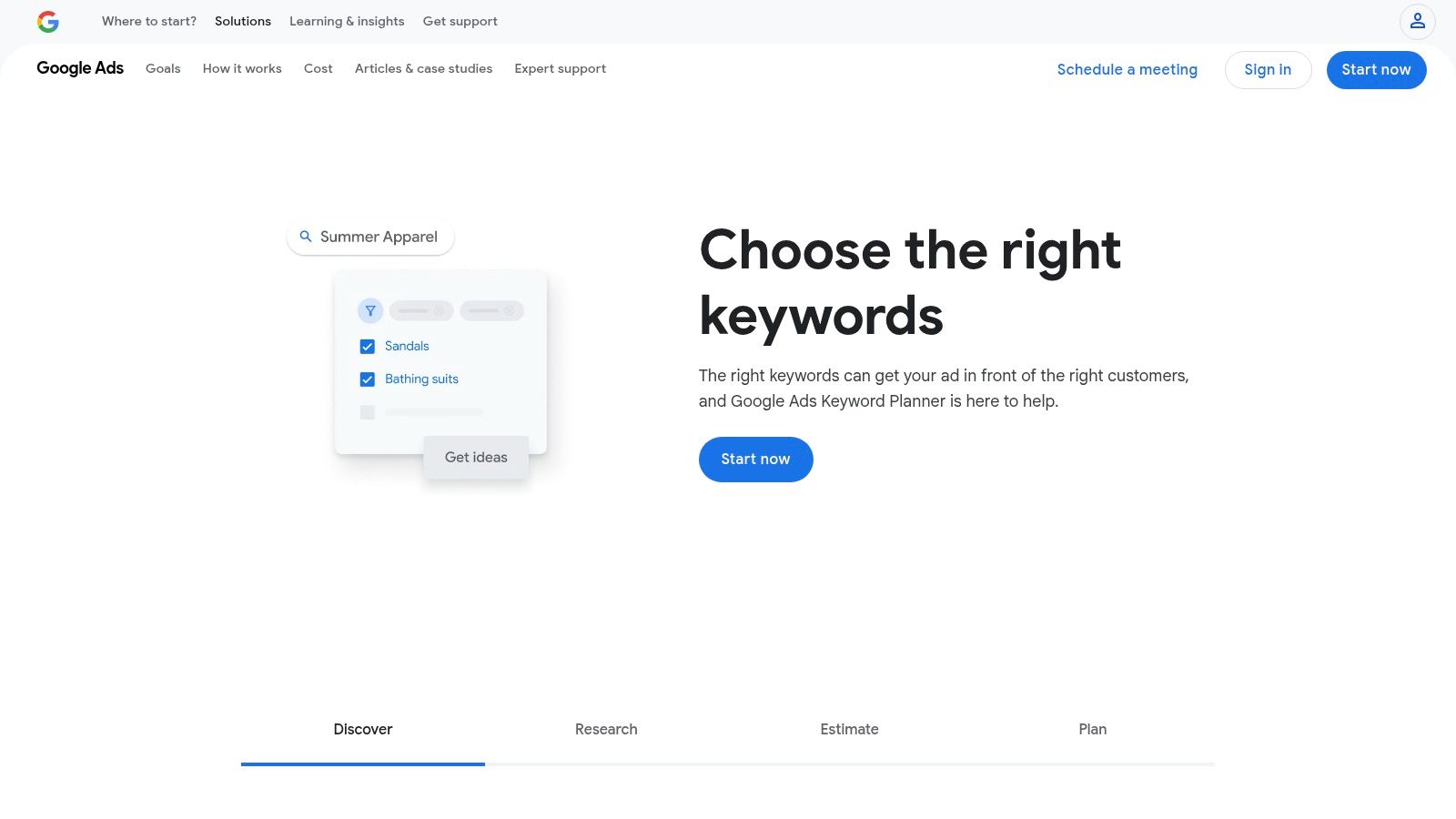
To access it, you need a Google Ads account, but you don’t have to run any paid campaigns to use the planner. The data, such as search volume, is often presented in wide ranges (e.g., 1K-10K) unless you have an active campaign. However, for discovering new keyword opportunities and gauging relative popularity, it remains an incredibly valuable and accurate resource.
Key Features and Use Cases
- Discover New Keywords: Input a seed keyword or a competitor's URL to generate hundreds of related keyword ideas. This is perfect for brainstorming blog post topics or expanding your service page's keyword targeting.
- Search Volume and Forecasts: Get data on monthly search volumes and competition levels (low, medium, or high). While ranges can be broad, this helps prioritise keywords with a better chance of ranking.
- PPC Data for SEO Insights: Analyse the suggested top-of-page bid estimates. High cost-per-click (CPC) values often indicate high commercial intent, making these keywords valuable targets for SEO as well.
Pro Tip: Use the "Refine keywords" feature to filter the results by brand vs. non-brand terms, or by other attributes like product category. This allows you to quickly narrow down a huge list to the most relevant terms for your specific content goals.
Its direct integration with Google's data makes it an essential tool for foundational keyword research, despite its primary focus on paid advertising.
Website: https://ads.google.com/home/tools/keyword-planner/
4. Bing Webmaster Tools
While Google commands the lion's share of search traffic, ignoring Bing means leaving valuable data and potential visitors on the table. Bing Webmaster Tools (BWT) is Microsoft's direct answer to Google Search Console, and it stands as one of the best free SEO tools for gaining a more holistic view of your organic search presence. It provides a wealth of diagnostic data and tools from the perspective of the world's second-largest search engine.
The platform is completely free and offers a surprisingly modern and intuitive interface, some argue even more so than its Google counterpart. Signing up is simple, and you can even import your site directly from Google Search Console to get started in minutes. Its uniqueness lies in features that Google either lacks or charges for via third-party tools.
Key Features and Use Cases
- Keyword Research Tool: Uncover keyword suggestions, question-based queries, and newly discovered keywords with search volumes specific to Bing. This is excellent for finding less competitive keyword opportunities that your rivals might be overlooking.
- Site Scan: A powerful on-demand SEO crawler that scans your site for common technical issues like missing meta descriptions, alt tags, or slow page load times. It provides a clear, actionable report to guide your technical fixes.
- Backlink Analysis: Bing provides a comprehensive look at your backlink profile, including referring domains and anchor text, a feature set that is more limited within GSC.
Pro Tip: Use the IndexNow feature. By integrating this API, you can instantly notify Bing (and other participating search engines like Yandex) whenever you publish or update content, often resulting in much faster indexing than waiting for a standard crawl.
While its data is confined to the Bing ecosystem, BWT provides a crucial second opinion on your SEO health and unlocks unique tools, making it an essential, complementary platform for any serious digital marketer.
Website: https://www.bing.com/webmasters
5. Ahrefs Backlink Checker
While many premium SEO suites offer a 'freemium' tool, few provide as much tangible value as the Ahrefs Backlink Checker. In the world of off-page SEO, understanding who links to you and your competitors is paramount. This tool offers a powerful glimpse into Ahrefs’ industry-leading backlink index, which is one of the largest and most accurate available.
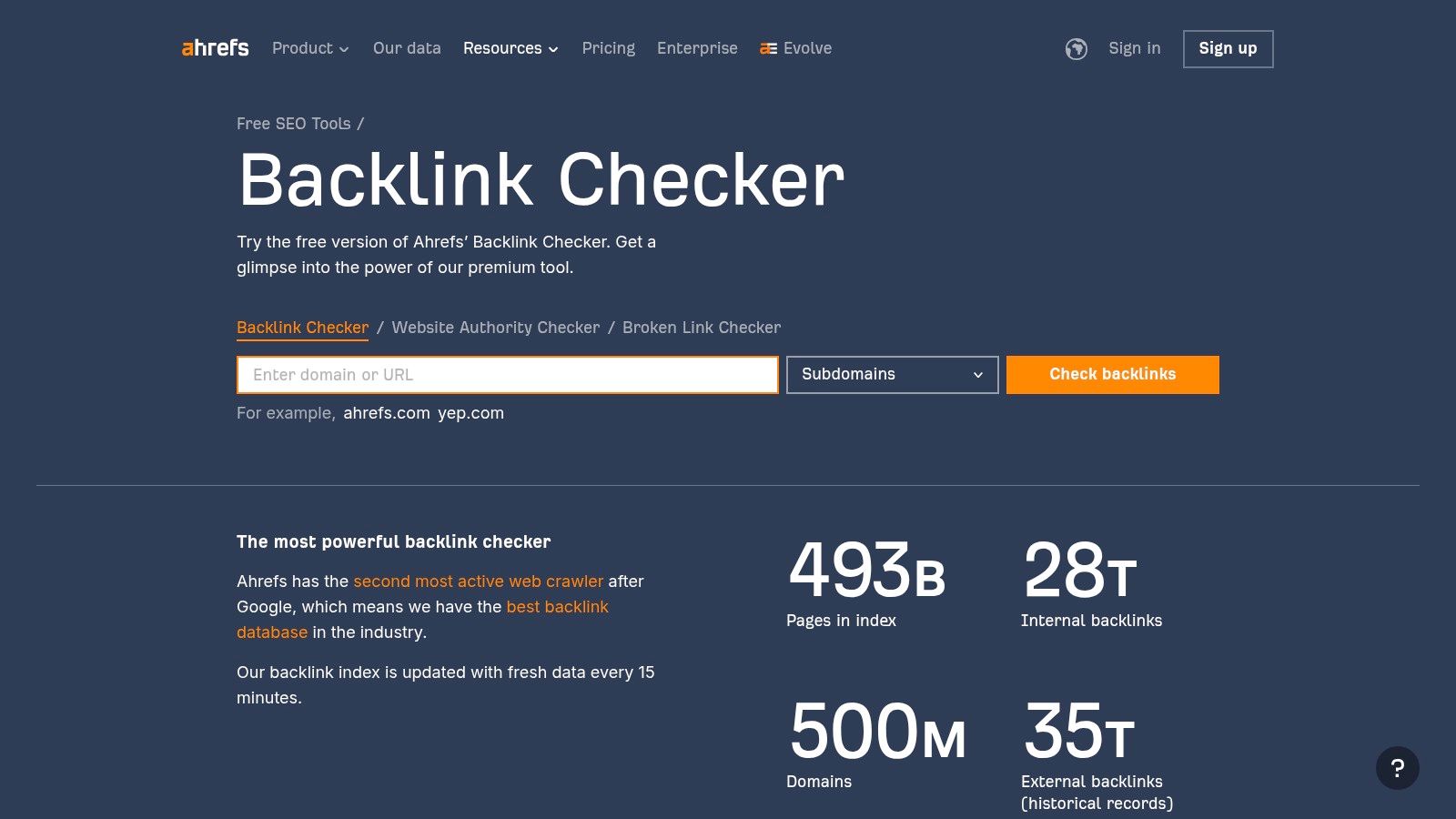
The interface is exceptionally clean and straightforward; simply enter a domain or a specific URL and you'll get an instant report. This makes it one of the best free SEO tools for quick competitive analysis or for auditing a specific piece of content. Accessing the tool is free and doesn't require an account, although signing up for a free Ahrefs Webmaster Tools account unlocks more features for your own verified sites.
Key Features and Use Cases
- Top 100 Backlinks: See the 100 strongest backlinks pointing to any target. This is perfect for a quick analysis of a competitor's most powerful links to identify potential link-building opportunities.
- Domain Rating (DR) and URL Rating (UR): Quickly gauge the authority of the linking page (UR) and the overall strength of the linking domain (DR).
- Anchor Text Analysis: See the anchor text used in the backlinks, helping you understand how other sites perceive the target page's content.
Pro Tip: Use this tool to analyse the top-ranking articles for a keyword you want to target. By examining their top 100 backlinks, you can quickly identify the types of websites that link to this content, giving you a clear list of outreach targets for your own piece.
While its data is limited compared to the full paid suite, the quality of that data is superb, making it a go-to resource for any serious link-building campaign.
Website: https://ahrefs.com/backlink-checker
6. Moz Keyword Explorer
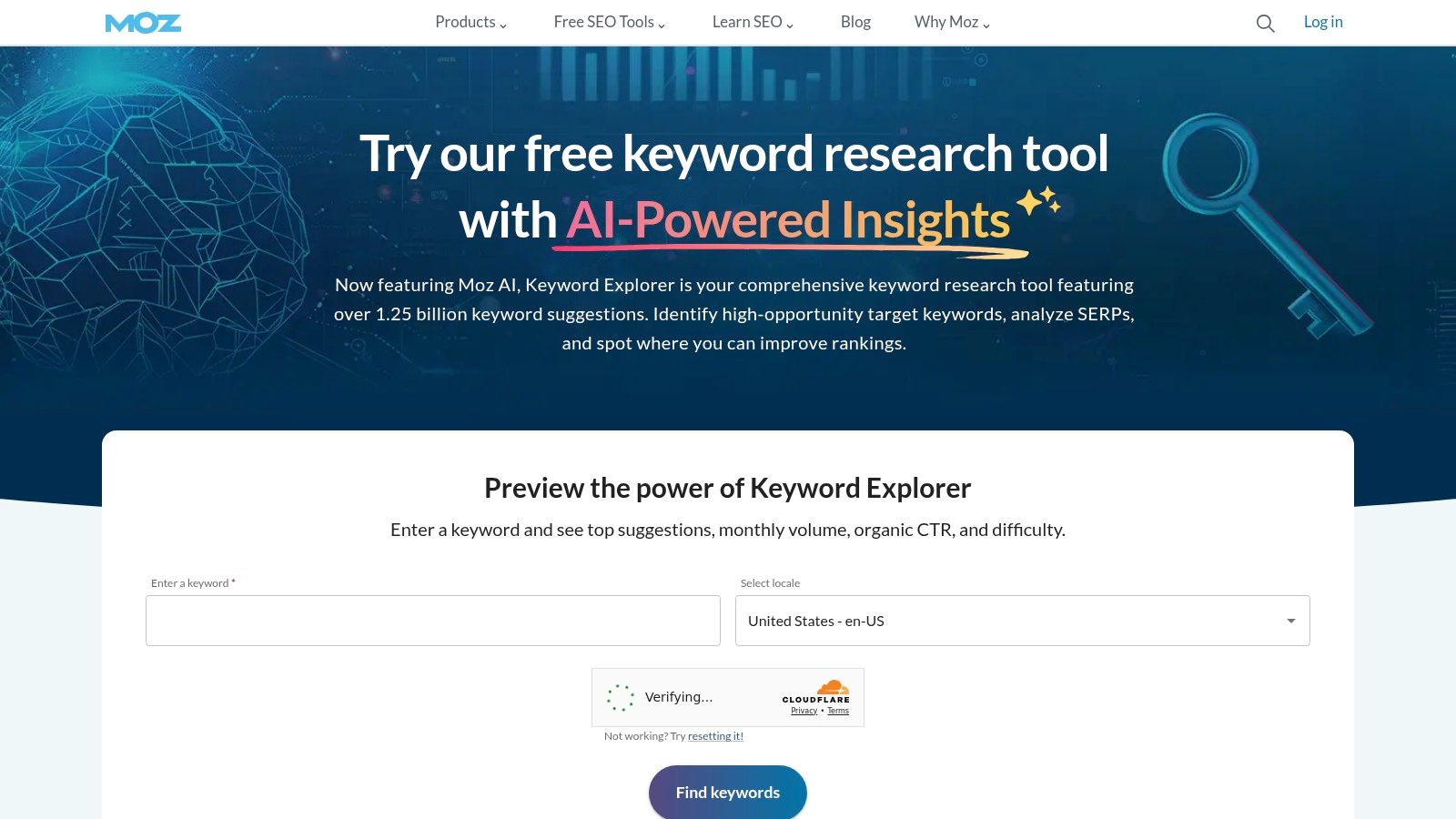
When it comes to keyword research, Moz has long been a trusted name in the industry, and its Keyword Explorer is a cornerstone of its toolset. It stands out by simplifying the complex process of identifying valuable keywords. The platform provides robust keyword suggestions, accurate search volume data, and insightful SERP analysis to help you decide which terms are worth targeting.
What makes it one of the best free SEO tools is its ability to distill multiple data points into easy-to-understand metrics. The platform is clean, intuitive, and designed to guide your decision-making process, even if you're new to SEO. To access the free version, you simply need to create a free Moz community account, which grants you a limited number of queries per month.
Key Features and Use Cases
- Keyword Suggestions & SERP Analysis: Enter a seed keyword and receive a comprehensive list of related terms. You can also analyse the current search engine results page (SERP) for any keyword to understand the competitive landscape.
- Difficulty & Volume Metrics: Assess a keyword’s "Difficulty" score to gauge how hard it will be to rank on page one. This, combined with monthly search volume estimates, helps you prioritise your content efforts effectively.
- Priority Score: This unique metric combines volume, difficulty, and organic click-through rate (CTR) into a single score. It helps you quickly identify keywords that offer the best balance of opportunity and lower competition.
Pro Tip: Use the "Group Keywords" feature to organise your findings into thematic clusters. This is incredibly useful for planning pillar pages and topic clusters, helping you build topical authority more strategically.
While the free plan is limited to 10 queries per month, it provides immense value for targeted research or for those just starting to build their keyword strategy.
Website: https://moz.com/explorer
7. AnswerThePublic
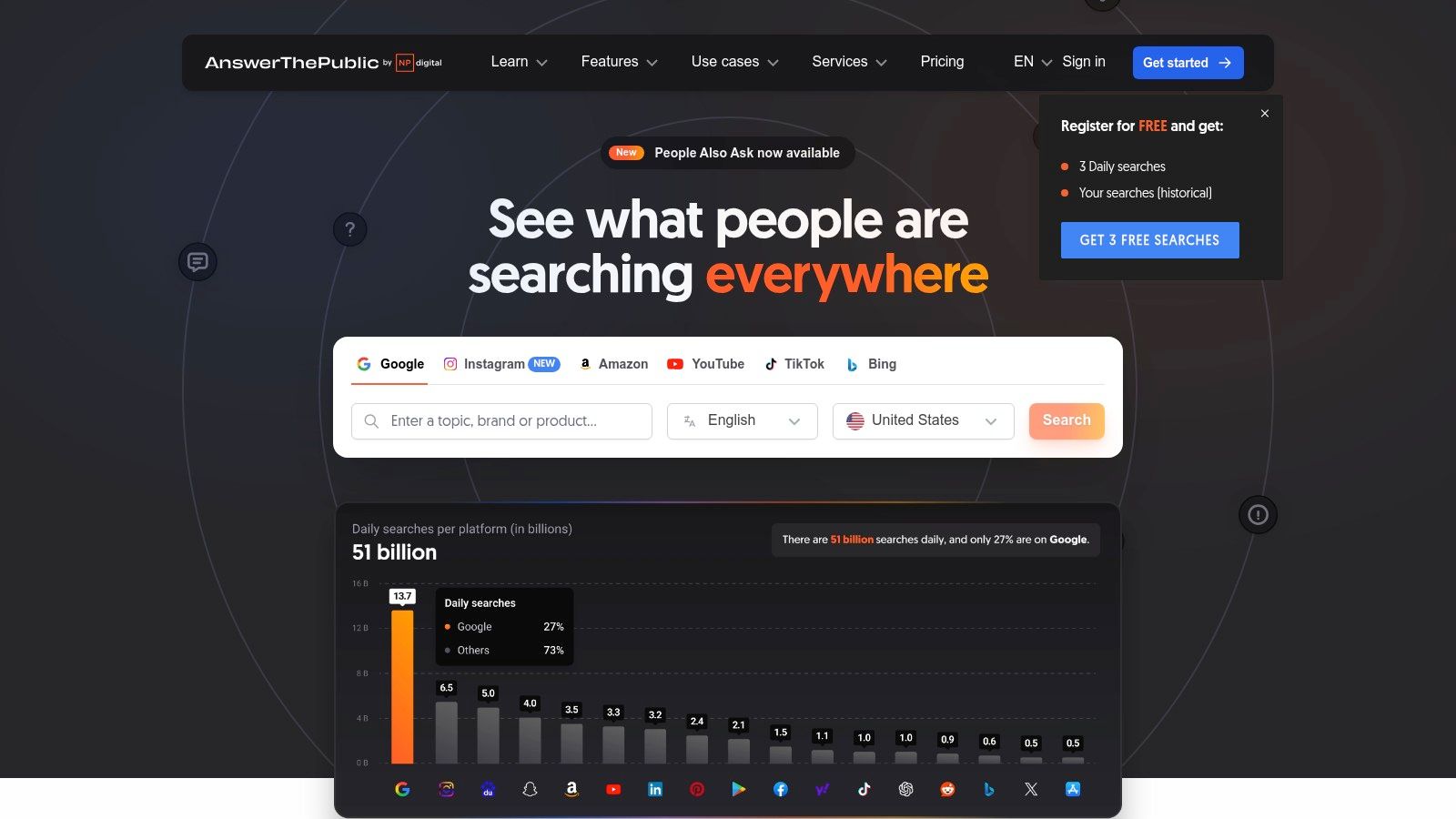
If you’ve ever struggled to understand what your audience is actually searching for, AnswerThePublic is your solution. It’s a powerful keyword research tool that visualises search questions and suggested autocomplete searches from Google and Bing. Instead of just giving you a list of keywords, it organises them into intuitive mind maps, helping you grasp user intent at a glance.
This tool excels at moving beyond basic keywords to uncover the specific questions, comparisons, and prepositions people use. The platform is incredibly user-friendly; you simply enter a topic or keyword and it generates a wealth of content ideas. While there is a paid Pro plan, the free version offers a few searches per day, which is often enough for targeted brainstorming sessions for a specific project.
Key Features and Use Cases
- Question-Based Queries: Discover "who," "what," "why," "where," and "how" questions related to your keyword. This is perfect for creating comprehensive FAQ sections, blog posts that directly answer user needs, and video content scripts.
- Visualisation Mind Maps: The unique data wheels group queries by type (e.g., questions, prepositions, comparisons). This helps you quickly identify content pillars and related sub-topics for your content strategy.
- Data Export: You can export all the generated ideas into a CSV file. This allows for easy integration into your content calendar or other SEO tools for further analysis, making it one of the best free seo tools for content planning.
Pro Tip: Use the "Comparisons" data (e.g., "AnswerThePublic vs [competitor]") to create high-intent review or comparison articles. These queries are often used by people in the later stages of the buying cycle, making them highly valuable.
The daily search limit on the free plan is its main drawback, but for generating targeted, user-focused content ideas, its creative approach is unmatched.
Website: https://answerthepublic.com/
8. Ubersuggest
Initially a simple keyword suggestion tool, Ubersuggest has evolved under Neil Patel into a much more comprehensive, all-in-one SEO platform. It positions itself as a more accessible and affordable alternative to premium suites like Ahrefs or Semrush, making it one of the best free SEO tools for those just starting out or managing smaller projects. Its strength lies in presenting a wide range of data in a highly visual and easy-to-understand format.
While many of its advanced features are behind a paywall, the free version offers a generous glimpse into its capabilities. You can perform a limited number of daily searches to analyse domains, find keyword ideas, and check on backlink profiles. The interface is colourful and designed to guide users, stripping away the complexity often found in more advanced analytics tools, which is a major draw for beginners and small business owners.
Key Features and Use Cases
- Keyword Analyser: Get keyword suggestions, search volume trends, cost-per-click (CPC) data, and a keyword difficulty score. Use this to find long-tail keywords for new blog posts or to assess the competitiveness of a new niche.
- Domain Overview: Input a competitor's URL to see their estimated organic traffic, top-ranking keywords, and strongest pages. This is perfect for quick competitive analysis to deconstruct what is working for others in your space.
- Backlink Data: Discover who is linking to your site or your competitors' sites. The free report shows a sample of referring domains, which can be a great starting point for your own link-building outreach campaigns.
Pro Tip: Use your limited daily searches wisely. Focus on analysing one key competitor or one core topic per day. The "Top Pages by Traffic" report is particularly valuable for identifying your competitors' most successful content, giving you a proven blueprint for topics to target.
Although the free version is capped, its user-friendly approach to complex data provides immense value, especially for those not yet ready to invest in a paid subscription.
Website: https://neilpatel.com/ubersuggest/
9. Screaming Frog SEO Spider
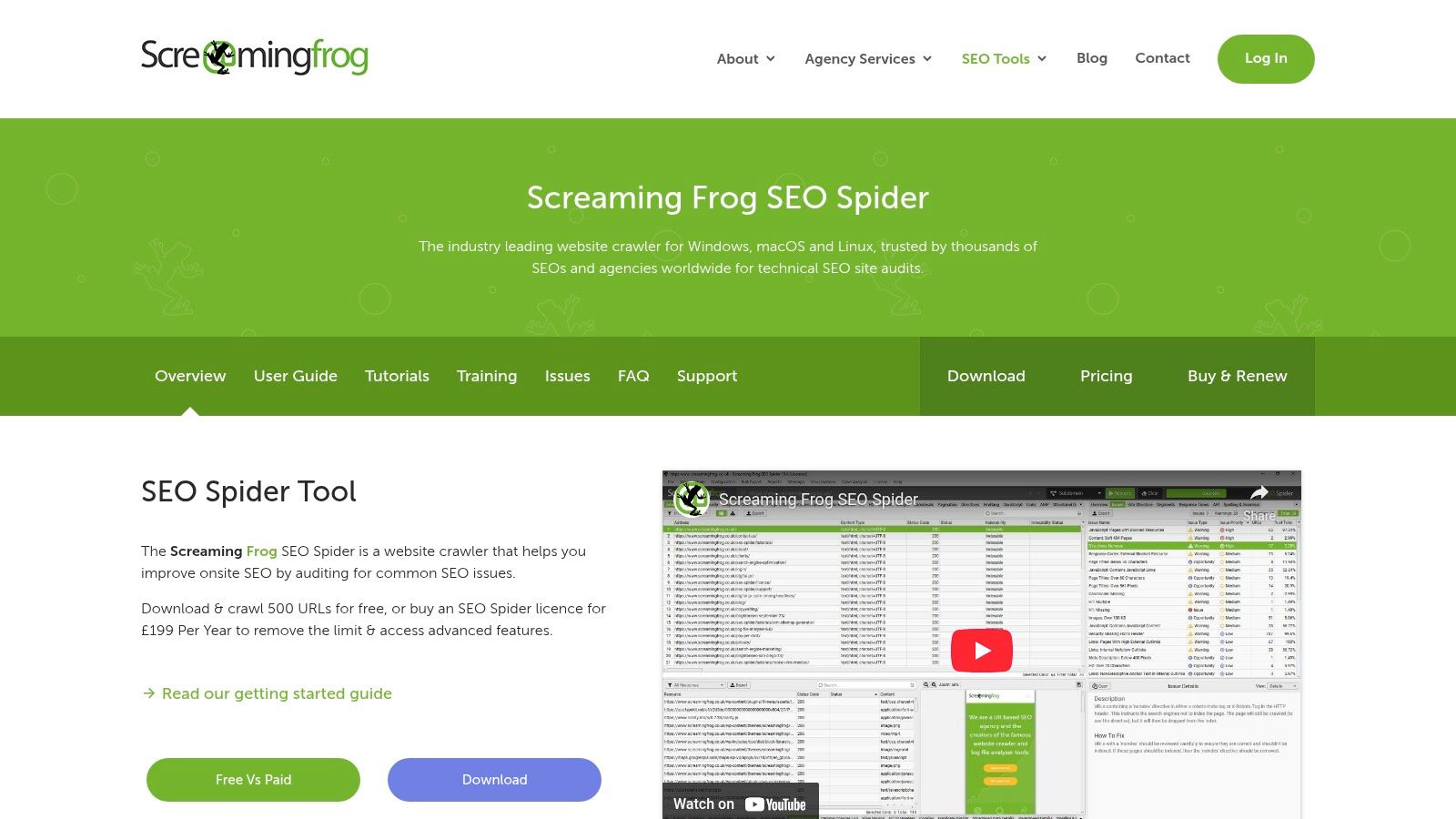
For deep-diving into the technical health of your website, Screaming Frog SEO Spider is an industry-standard tool among SEO professionals. It’s a powerful and fast website crawler, installed locally on your computer, that scans your site to uncover common technical SEO issues. While many tools provide high-level audits, Screaming Frog gives you the granular, URL-by-URL data needed for precise fixes.
The free version is incredibly generous, allowing you to crawl up to 500 URLs per website, which is more than enough for many small businesses, personal blogs, or for conducting targeted audits on larger sites. It presents a vast amount of data in a spreadsheet-style interface, making it easy to filter and export for analysis. This tool is a cornerstone of any serious technical SEO audit, making it one of the best free SEO tools available.
Key Features and Use Cases
- Find Broken Links (404s): Quickly crawl your site to identify all broken internal and outbound links, which can harm user experience and SEO.
- Analyse Page Titles & Meta Data: Find pages with missing, duplicate, or overly long/short titles and meta descriptions, allowing for quick optimisation.
- Discover Duplicate Content: Uncover pages with duplicate content, a common issue that can dilute your ranking potential, by checking for duplicate H1s, titles, or content.
- Generate XML Sitemaps: Create an XML sitemap for your website, which is essential for helping search engines discover and index all your important pages.
Pro Tip: Use the "Crawl Depth" filter after a crawl. This shows you how many clicks it takes to get to a specific page from the homepage. If important pages have a high crawl depth, you should improve your internal linking structure to make them more accessible to both users and search engine crawlers.
Its primary limitation is being a desktop application rather than a cloud-based one, but its comprehensive crawling capabilities for free users are unmatched.
Website: https://www.screamingfrog.co.uk/seo-spider/
10. Yoast SEO
For the millions of website owners using WordPress, Yoast SEO is often their first introduction to search engine optimisation. As a plugin, it integrates directly into the WordPress dashboard, making on-page SEO an accessible and integral part of the content creation process. It demystifies complex SEO concepts with a simple, colour-coded system (red, orange, green) that provides real-time feedback as you write.
Yoast SEO's primary strength lies in its on-page analysis, guiding users to optimise elements like meta titles, descriptions, keyword usage, and internal linking. The free version is incredibly robust, providing all the foundational tools a blogger or small business needs to get started. While it is limited to the WordPress ecosystem, its seamless integration makes it one of the most practical and best free SEO tools available for that platform.
Key Features and Use Cases
- On-Page SEO Analysis: Get instant feedback on your focus keyphrase usage, meta description length, and SEO title. This helps ensure every page you publish is optimised for its target search term.
- Readability Checks: Yoast analyses your content's structure, sentence length, and use of transition words to help you write content that is easy for both users and search engines to understand.
- XML Sitemap Generation: The plugin automatically creates and updates your XML sitemap, making it easy for search engines like Google to discover and index all your website's content without manual effort.
Pro Tip: Don't obsess over getting a "green light" for every single point. Use Yoast's recommendations as a guide, not a strict rulebook. Prioritise creating natural, high-quality content for your reader first, then use the tool to check for any missed SEO basics.
While many advanced features like multiple keyword analysis and redirect management are reserved for the premium version, the free plugin provides immense value.
Website: https://yoast.com/wordpress/plugins/seo/
11. Google Trends
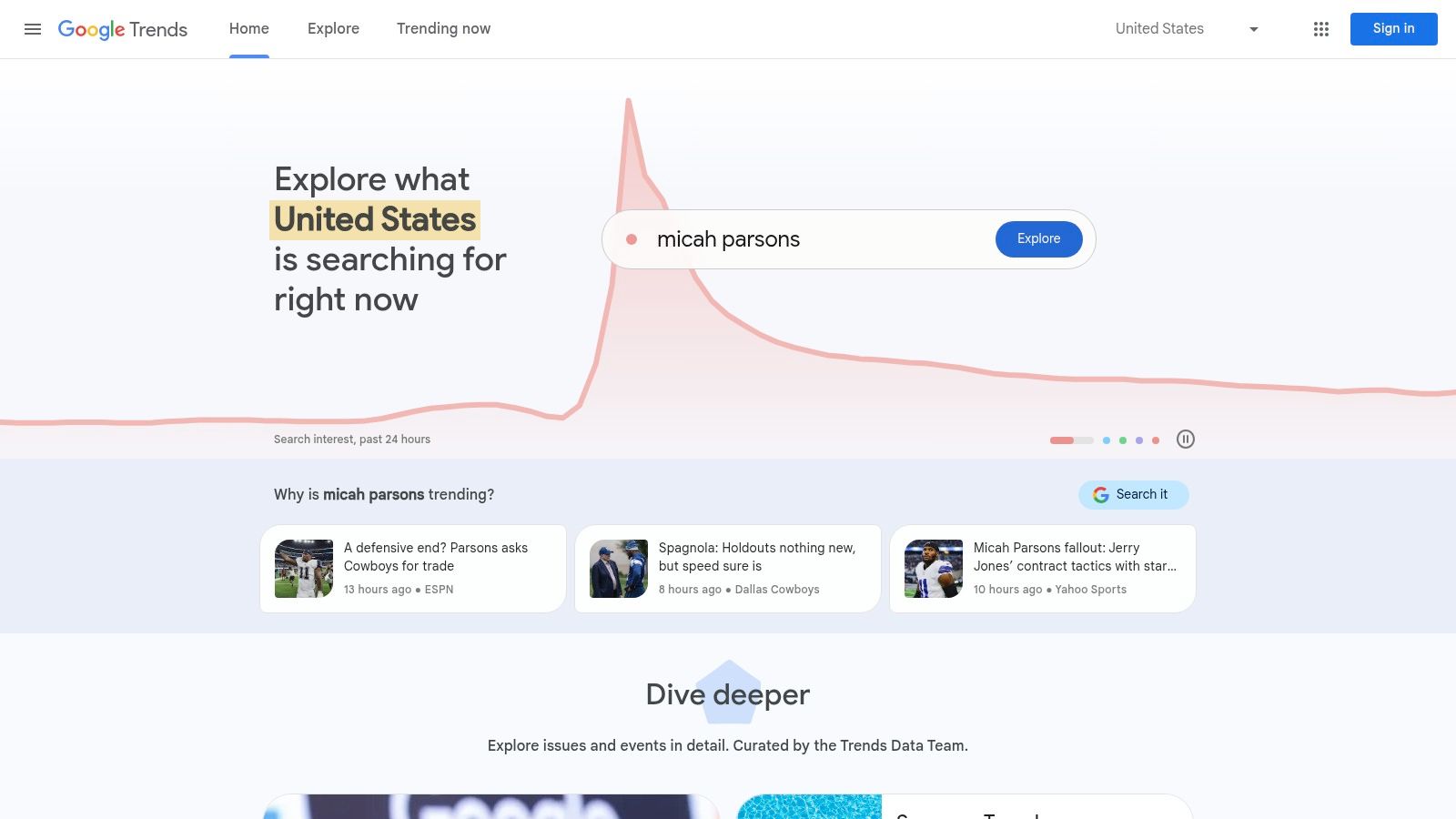
Understanding search intent is about more than just keywords; it's about timing and context. Google Trends is a powerful, yet often underutilised, free tool that provides crucial insights into when and where your audience is searching for specific topics. It visualises the relative popularity of a search query over time, helping you align your content strategy with seasonal demand and emerging interests.
The platform is entirely free and incredibly intuitive, requiring no sign-up. It allows you to tap into Google's vast database of search data to uncover patterns you simply can't find elsewhere. This makes it an essential part of any content creator's or SEO's toolkit for strategic planning.
Key Features and Use Cases
- Search Interest Over Time: Analyse trends for a keyword to identify seasonality. For example, a retailer selling "garden furniture" can see exactly when interest starts to peak each year and plan their SEO and content campaigns accordingly.
- Geographical Interest Data: Discover where a topic is most popular. This is invaluable for local SEO, helping you tailor content and ad campaigns to specific regions, cities, or even metro areas.
- Related Queries and Topics: Uncover "breakout" search terms related to your primary keyword. This helps you find new, rising-star keywords and content ideas before they become highly competitive.
Pro Tip: Use the "Compare" feature to benchmark interest in your primary topic against a competitor's brand name or a related topic. This can reveal market positioning and help you find strategic gaps or opportunities to target.
While it doesn't provide absolute search volume figures, its ability to show relative popularity and directional trends makes Google Trends one of the best free SEO tools for smarter, more timely content planning.
Website: https://trends.google.com/trends/
12. SEMrush Free Tools
SEMrush is a titan in the SEO industry, and while its full platform is a premium service, it offers a surprisingly robust collection of free tools that provide a taste of its power. These aren't just stripped-down demos; they are functional utilities that can deliver real value, making it one of the best free SEO tools for those on a tight budget. It’s an excellent way to access enterprise-level data, even with significant limitations.
The free account gives you a limited number of daily queries across its vast databases for keyword research, competitor analysis, and technical audits. While you'll hit usage caps quickly, the quality of the data for those few searches is top-tier, providing insights that many purely free tools cannot match. The user-friendly interface makes navigating these powerful features straightforward, even for those new to SEO.
Key Features and Use Cases
- Keyword Research: Perform a limited number of searches per day with the Keyword Magic Tool to find keyword ideas, search volumes, and difficulty scores. This is perfect for initial research on a new blog topic or product category.
- Site Audit: Run a one-time audit of your website (up to 100 pages) to uncover critical technical SEO issues like broken links, missing meta descriptions, or crawlability problems. It’s a great way to perform a quick health check.
- Competitor Analysis: Get a high-level overview of a competitor's organic traffic, top keywords, and backlink profile. Use this to benchmark your performance and spot opportunities. For those just starting out, this is a core part of a strong strategy, as outlined in this beginner's guide to digital marketing.
Pro Tip: Maximise your free daily credits by being strategic. Don't waste them on broad vanity keywords. Instead, focus your limited searches on specific, long-tail keywords or the direct competitors you are most concerned about to get the most actionable data.
The free version acts as a powerful gateway. While we've highlighted the free tools, you can also explore additional SEMrush products and features for more comprehensive SEO solutions if you decide to upgrade.
Website: https://www.semrush.com/features/
Key Features Comparison of 12 Free SEO Tools
| Tool | Core Features / Highlights | User Experience ★ | Value Proposition 💰 | Target Audience 👥 | Unique Selling Points ✨ |
|---|---|---|---|---|---|
| Google Search Console | Performance & index coverage reports | ★★★★ | Free 💰 | Webmasters, SEO specialists 👥 | Direct Google data, Mobile reports 🏆 |
| Google Analytics | Traffic, user behavior, conversion tracking | ★★★★ | Free 💰 | Marketers, Analysts 👥 | Real-time data, Google integration ✨ |
| Google Keyword Planner | Keyword volume, competition, CPC estimates | ★★★★ | Free with Ads account 💰 | SEO & PPC marketers 👥 | SEO + PPC data, Google-backed 🏆 |
| Bing Webmaster Tools | SEO issues, keyword research, backlink analysis | ★★★ | Free 💰 | SEO professionals, Bing users 👥 | Bing-specific data, backlink insights ✨ |
| Ahrefs Backlink Checker | Top 100 backlinks, domain/URL ratings | ★★★★ | Free limited 💰 | SEO analysts, competitors 👥 | Competitor backlink focus 🏆 |
| Moz Keyword Explorer | Keyword suggestions, difficulty, priority score | ★★★★ | Limited free use 💰 | SEO strategists 👥 | Priority scoring system ✨ |
| AnswerThePublic | Question & search query visualization | ★★★ | Limited free searches 💰 | Content creators, SEO 👥 | Visual search intent mapping ✨ |
| Ubersuggest | Keyword ideas, domain & backlink analysis | ★★★★ | Limited free use 💰 | SEO beginners & pros 👥 | Neil Patel tool, wide SEO data 🏆 |
| Screaming Frog SEO Spider | Technical SEO audits, broken links, metadata | ★★★★ | Free crawl up to 500 URLs 💰 | SEO technicians, site auditors 👥 | Deep technical SEO crawl ✨ |
| Yoast SEO | On-page SEO, readability, sitemap generation | ★★★★ | Freemium 💰 | WordPress users, bloggers 👥 | WP integration, content optimization 🏆 |
| Google Trends | Search trends, geographic & related queries | ★★★ | Free 💰 | Marketers, content planners 👥 | Trending topics insights ✨ |
| SEMrush Free Tools | Keyword research, site audit, competitor analysis | ★★★★ | Limited free use 💰 | SEO pros & beginners 👥 | Comprehensive free SEO suite 🏆 |
Building a Powerful, Cost-Free SEO Toolkit
Navigating the world of search engine optimisation can often feel like an expensive endeavour, with premium suites costing thousands of pounds annually. However, as we've explored throughout this guide, building a robust, effective, and data-driven SEO strategy without a significant financial outlay is not just possible; it's entirely achievable. The key is not the price tag of the software but the strategic integration of the tools at your disposal. This collection of the best free SEO tools represents a complete, professional-grade arsenal capable of driving significant organic growth.
The journey begins with a solid foundation. Tools like Google Search Console and Bing Webmaster Tools are non-negotiable starting points. They provide direct, unfiltered data from the search engines themselves, offering unparalleled insights into technical health, indexation status, and performance metrics. Think of them as your direct line of communication with Google and Bing, telling you exactly how they see your website and where critical errors lie.
From Data to Action: Crafting Your Strategy
Once your technical foundation is secure, the next step is to layer in strategic insights. This is where a combination of tools becomes incredibly powerful. You can start your content planning process with broad, exploratory tools like AnswerThePublic or Google Trends to understand the questions, problems, and seasonal interests of your target audience. These tools help you tap into the user's mindset, ensuring your content is relevant and timely.
With these initial ideas, you can then move to more granular keyword analysis. While the free versions of Moz Keyword Explorer and Ubersuggest have limitations, they provide more than enough data for a small business or a new website to get started. Use them to validate your content ideas with search volume data, assess keyword difficulty, and discover long-tail opportunities that your competitors might be overlooking. Paired with the classic Google Keyword Planner, you can build comprehensive topic clusters that establish your site's authority.
Implementing and Analysing for Continuous Growth
Creating great content is only part of the battle. You need to ensure it's technically sound and gaining authority. This is where a tool like Screaming Frog SEO Spider becomes invaluable. Running a monthly crawl can help you catch broken links, identify redirect chains, and uncover duplicate content issues before they negatively impact your rankings. It’s the free equivalent of a professional SEO audit.
Simultaneously, use Ahrefs' Backlink Checker to monitor your backlink profile and analyse the strategies of your top competitors. Understanding who links to them, and why, can provide a clear roadmap for your own off-page SEO and digital PR efforts. For on-page optimisation, especially for those using WordPress, Yoast SEO provides a simple, effective framework to ensure every page and post is optimised for its target keyword.
As you begin to create more content based on these insights, you may find that the writing process itself can be a bottleneck. To further expand your capabilities in content generation and analysis, explore Typethink.ai's Free AI Tool page for additional resources that can assist with various aspects of SEO, from drafting outlines to refining copy.
Ultimately, the power of these tools is unlocked through consistent application. Don't just use them once. Set up a recurring schedule:
- Weekly: Check Google Search Console for new errors and performance shifts.
- Monthly: Run a Screaming Frog crawl and review your core keyword rankings.
- Quarterly: Conduct a competitor backlink analysis and a broader content audit.
By creating these habits, you move from reactive fixes to a proactive strategy. The best free SEO tools are the ones that become an integrated part of your marketing workflow, empowering you to make smarter decisions that lead to sustainable, long-term success in the search results.
Feeling overwhelmed by juggling multiple tabs and platforms? The Digital Marketing Toolbox centralises your workflow by allowing you to discover, compare, and manage the best marketing resources, including many of the free SEO tools mentioned here. Streamline your strategy and find the perfect tools for any task by exploring The Digital Marketing Toolbox today.


