

Conducting a thorough SEO audit is fundamental to diagnosing and fixing issues that prevent your website from ranking higher and driving organic traffic. Without a systematic analysis, you're essentially guessing what needs improvement, potentially wasting valuable time and resources on the wrong optimisation efforts. The right tool acts as your diagnostic expert, crawling your website just as a search engine would to uncover technical glitches, on-page errors, and structural problems.
This guide provides an in-depth analysis of the best SEO audit tools available, cutting through the marketing noise to give you a clear, practical overview. We focus on real-world applications to help you choose the most suitable platform, whether you're a freelancer managing a single client, an in-house team at a large enterprise, or an e-commerce manager aiming to boost visibility. Before diving into specific platforms, it’s crucial to understand the holistic process involved; our guide on how to conduct an SEO audit provides a foundational framework for using these tools effectively.
Each tool in this listicle is reviewed with a critical eye, highlighting its core features, ideal use cases, and notable limitations. We've included screenshots to give you a feel for the user interface, direct links to trials, and a straightforward breakdown of pricing tiers. This resource is designed to be your go-to reference for comparing the most powerful SEO crawlers and all-in-one suites on the market. We'll explore everything from desktop crawlers like Screaming Frog and Sitebulb to comprehensive SaaS platforms such as Ahrefs, Semrush, and enterprise-grade solutions like Lumar and Botify. Let’s find the perfect tool to streamline your technical SEO workflow.
1. Screaming Frog – SEO Spider
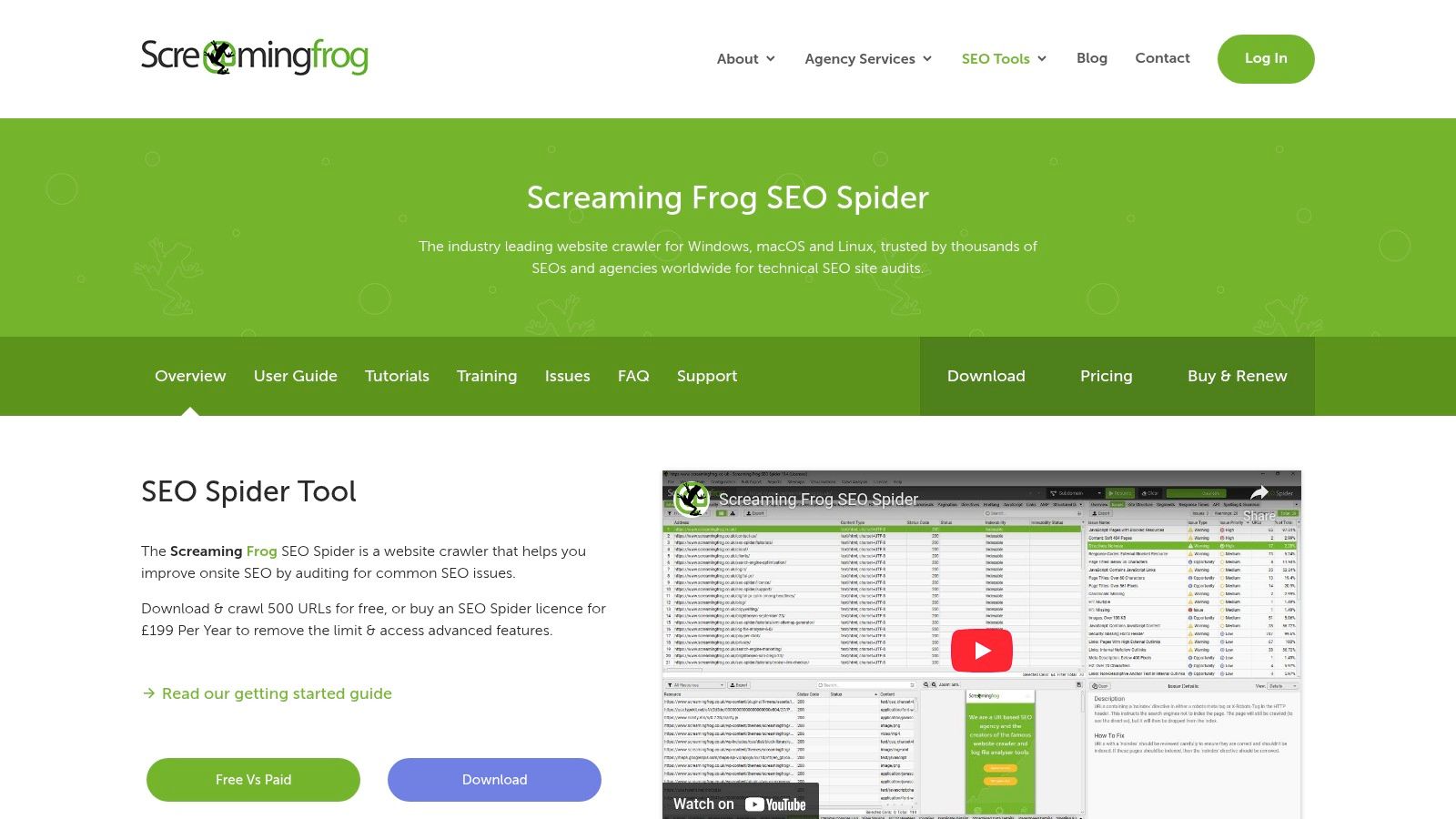
Screaming Frog’s SEO Spider is a cornerstone application for technical SEO, revered by freelancers, agencies, and in-house teams alike. As a powerful and deeply configurable website crawler, it installs directly onto your computer (Mac, PC, or Ubuntu), making it one of the best SEO audit tools for those who prioritise data privacy and security by keeping crawls local. It meticulously spiders websites to fetch key onsite data, allowing you to analyse results in real-time and uncover common SEO issues.
Its strength lies in its comprehensive technical analysis. The SEO Spider excels at finding broken links (404s), auditing redirect chains, discovering duplicate content, and analysing page titles and meta descriptions. For complex sites, it can render JavaScript to audit pages that rely heavily on frameworks like React or Angular.
Core Features & Use Cases
The tool is packed with features designed for granular audits. You can integrate it with Google Analytics and Search Console APIs to overlay user and performance data onto your crawl results, providing richer insights. For many SEO professionals, its ability to generate XML sitemaps, visualise site architecture, and audit hreflang attributes is indispensable. If you want to delve deeper into its capabilities, you can explore detailed guides on how to use the Screaming Frog SEO Spider effectively.
Pricing & Suitability
- Free Version: Crawls up to 500 URLs, ideal for small websites or quick spot-checks.
- Paid Licence: £199 per year per user, offering unlimited crawls and access to advanced features, integrations, and scheduling.
Strengths & Weaknesses
Pros:
- Affordability: The paid version offers incredible value compared to subscription-based cloud crawlers.
- Local Operation: Running crawls on your own machine enhances security and privacy.
- Deep Customisation: Offers extensive configuration options, including custom extraction via XPath or RegEx.
Cons:
- Desktop-Only: Lacks a native cloud interface, which can complicate team collaboration on large projects.
- Resource Intensive: Large crawls can consume significant RAM and CPU on your local machine.
Website: https://www.screamingfrog.co.uk/seo-spider/
2. Sitebulb
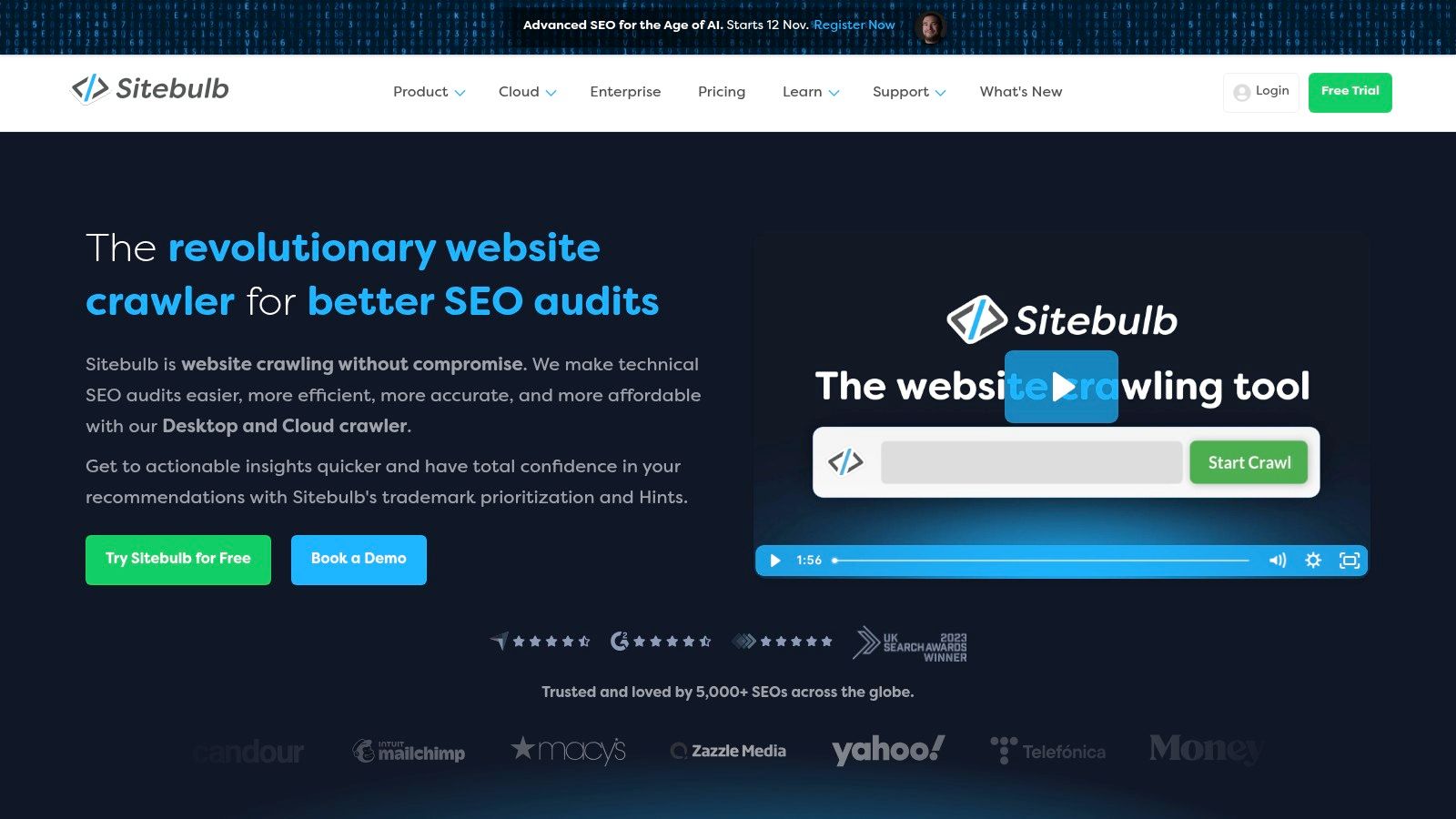
Sitebulb is a powerful website crawler that blends the forensic detail of a desktop application with the collaborative potential of a cloud-based platform. Hailing from the UK, it has earned a reputation as one of the best SEO audit tools for its intuitive interface and prioritised, actionable recommendations. Unlike purely data-driven crawlers, Sitebulb organises audit findings into "Hints," which not only identify issues but also explain their importance and how to fix them, making it exceptionally useful for communicating with stakeholders.
Its dual Desktop and Cloud offering provides unique flexibility. You can run intensive crawls on your local machine or leverage the cloud for larger projects, team collaboration, and scheduled audits, catering to both freelancers and large agencies. The tool excels at visualising site structure and presenting complex data in easy-to-digest reports.
Core Features & Use Cases
Sitebulb’s core strength is its prioritised audit system, which helps SEOs focus on the most impactful fixes first. It offers comprehensive technical checks, including JavaScript rendering, and integrates seamlessly with Google Analytics, Search Console, and Google Sheets to enrich your audit data. The visual reports and data visualisations are particularly effective for client presentations, translating technical jargon into clear, compelling narratives about a website's health.
Pricing & Suitability
- 14-Day Trial: A fully featured trial of the desktop version is available.
- Desktop Pro: £115 + VAT per month, ideal for individual professionals and smaller agencies.
- Cloud Plans: Custom pricing, designed for agencies and in-house teams requiring collaboration, multi-user access, and large-scale crawling.
Strengths & Weaknesses
Pros:
- Actionable Insights: The "Hints" system provides context and prioritisation, which is excellent for both beginners and experts.
- Hybrid Model: Offers both Desktop and Cloud options, supporting diverse workflows and team structures.
- Strong Visual Reporting: Creates stakeholder-friendly reports that clearly communicate SEO issues and opportunities.
Cons:
- Desktop Resource Usage: Similar to other desktop crawlers, large site audits can be demanding on your local machine's resources.
- Cloud Pricing: Cloud plan pricing is not transparent and requires contacting sales for a custom quote.
Website: https://sitebulb.com/
3. Ahrefs – Site Audit
Ahrefs is widely recognised as an all-in-one SEO powerhouse, and its Site Audit module is a core component of this reputation. As a cloud-based crawler, it eliminates the need for local machine resources, making it one of the best SEO audit tools for agencies and in-house teams managing multiple projects. The tool runs comprehensive technical and on-page SEO audits, automatically categorising issues by severity and providing clear, actionable advice for fixing them.
Its primary advantage is the seamless integration with Ahrefs' other market-leading toolsets. Audit data is contextualised alongside world-class backlink analysis, keyword research, and rank tracking insights, all within a single, unified interface. This creates a powerful, project-based workflow where technical health can be directly correlated with ranking performance and competitor activity.
Core Features & Use Cases
The Site Audit tool is feature-rich, offering scheduled crawls, customisable crawl settings, and over 100 pre-configured SEO checks. Users can track progress over time with historical data, monitor Core Web Vitals, and identify issues like broken links, orphan pages, and redirect chains. Its Data Explorer allows for advanced filtering and segmentation, enabling users to create highly specific reports based on custom rules, which is perfect for isolating particular problems on large, complex websites.
Pricing & Suitability
- Lite: $99 per month, suitable for freelancers and small businesses.
- Standard: $199 per month, ideal for growing SEO professionals and marketing teams.
- Advanced & Enterprise: Starting at $399 per month, designed for large agencies and enterprises with extensive needs.
Strengths & Weaknesses
Pros:
- Integrated Suite: Combines a powerful audit tool with elite backlink, keyword, and competitor analysis.
- Cloud-Based: No local resource consumption, facilitating team collaboration and scheduled crawls.
- Excellent UI/UX: The interface is intuitive, making complex data easy to interpret and act upon.
Cons:
- Cost: Pricing can become a significant investment, especially as crawl credit and export needs increase.
- Credit-Based System: Crawl and export limits are based on credits, which can be restrictive on lower-tier plans.
Website: https://ahrefs.com/site-audit
4. Semrush – Site Audit
Semrush is an all-in-one digital marketing suite where its Site Audit tool is a core component of a much larger ecosystem. Positioned as a comprehensive solution, Semrush goes beyond technical crawling to integrate audit findings with rank tracking, backlink analysis, and competitive intelligence. This makes it one of the best SEO audit tools for marketers who need to connect technical health to broader performance metrics and strategic goals, all within a single, unified interface.
The platform’s strength is its ability to provide a holistic view of a website’s SEO. The Site Audit tool crawls your website, categorising issues by severity (Errors, Warnings, Notices) and providing clear, actionable recommendations for fixes. It excels at tracking progress over time with scheduled crawls and comparing your site's health against competitors. Its thematic reports help you prioritise efforts, whether you're focusing on crawlability, performance, or internal linking.
Core Features & Use Cases
Semrush’s Site Audit tool is packed with features designed for complete SEO management. It checks for over 140 technical and on-page SEO issues, from hreflang conflicts and orphaned pages to slow-loading content and HTTPS implementation problems. Integrating these findings with its Keyword Research, Backlink Audit, and On-Page SEO Checker tools allows for a powerful, data-driven workflow. For a deeper look at how these tools fit into a larger plan, you can explore guides on creating a comprehensive marketing strategy for your small business.
Pricing & Suitability
- Free Account: Limited project access and crawl credits.
- Pro Plan: From around £99 per month, suitable for freelancers and small businesses.
- Guru & Business Plans: Starting from £190 and £375 per month respectively, offering more projects, keywords, and advanced features for agencies and larger enterprises. 7-day free trials are available.
Strengths & Weaknesses
Pros:
- All-in-One Platform: A massive ecosystem of integrated tools for SEO, content, advertising, and social media.
- User-Friendly Interface: Presents complex data in an accessible, easy-to-understand format.
- Strong Competitive Analysis: Seamlessly connects site audit data with insights into competitors’ strategies.
Cons:
- Can Be Expensive: Costs can escalate quickly with additional users, projects, and toolkit add-ons.
- Overwhelming for Beginners: The sheer number of features can be daunting for those new to SEO.
Website: https://www.semrush.com/
5. Moz Pro – Site Crawl
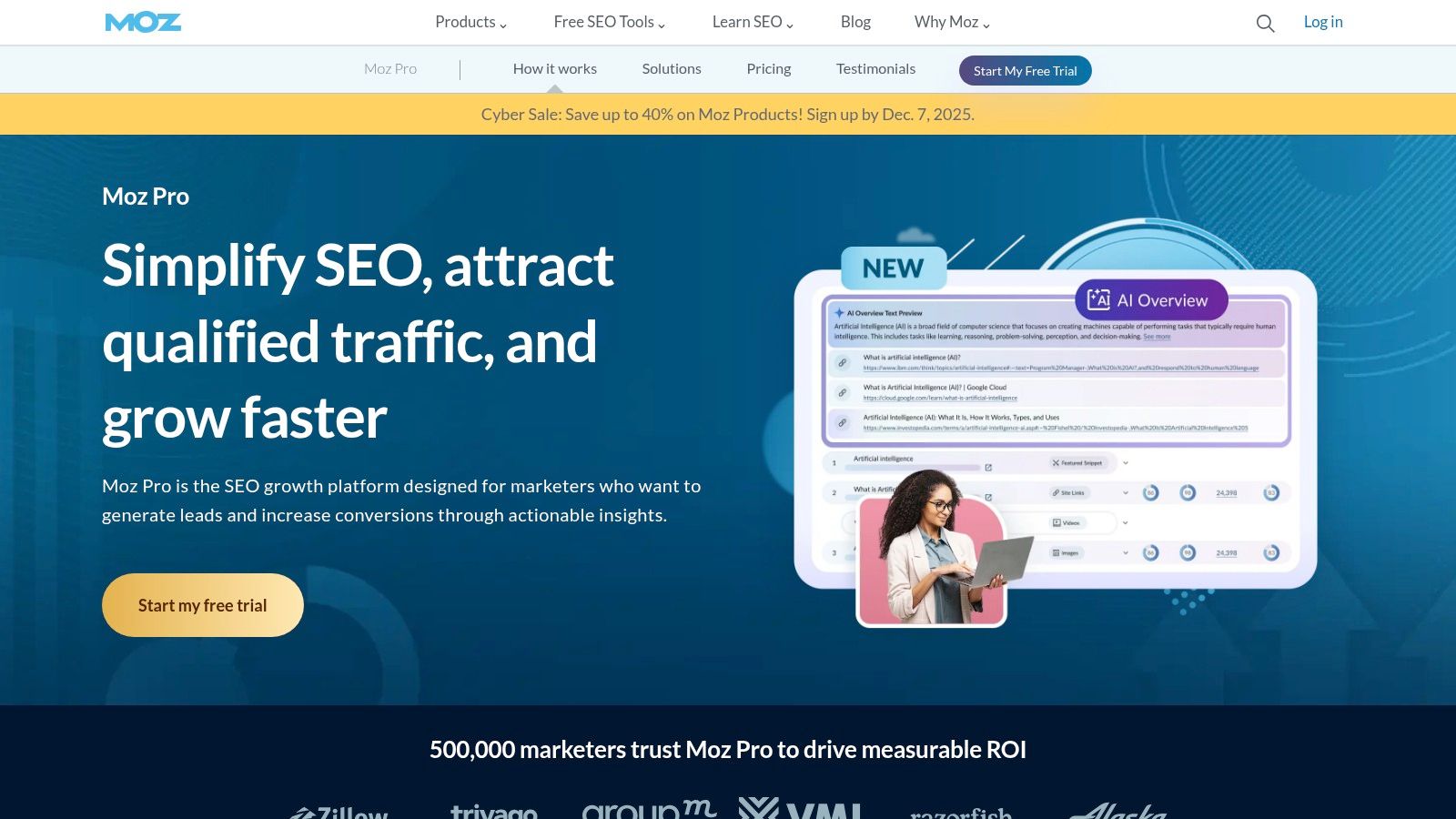
Moz Pro is a well-established all-in-one SEO suite, and its Site Crawl feature is a core component that makes it one of the best SEO audit tools, particularly for small to medium-sized businesses and agencies. The tool automates weekly website crawls, identifying critical issues like broken links, missing title tags, and redirect errors. It presents this data in a user-friendly dashboard that categorises issues by impact, helping you prioritise fixes efficiently.
Its key appeal lies in its integration within the broader Moz Pro ecosystem, which includes keyword research, rank tracking, and link analysis. This allows users to connect technical site health directly to their overall SEO performance. The platform is also renowned for its strong educational resources and community support, making it an excellent starting point for those newer to technical SEO.
Core Features & Use Cases
Moz Pro's Site Crawl tool automatically scans your site and flags new issues as they arise, allowing for proactive SEO maintenance. It provides detailed explanations for each issue and recommends specific actions to resolve them. The platform is also great for producing branded, easy-to-understand reports for clients or stakeholders, which is a significant advantage for agencies.
Pricing & Suitability
- Standard: $99 per month, offering basic features and crawl limits suitable for small businesses or individual sites.
- Medium: $179 per month, includes branded reports and expanded limits, ideal for growing businesses and small agencies.
- Free Trial: A 30-day free trial is available to test the full feature set.
Strengths & Weaknesses
Pros:
- User-Friendly Interface: The dashboard is intuitive and great for those who find more technical crawlers overwhelming.
- Educational Support: Backed by excellent guides and a strong community, making complex SEO concepts accessible.
- All-in-One Solution: Combines technical audits with other essential SEO tools in a single subscription.
Cons:
- Smaller Link Index: Its backlink data may not be as comprehensive as some specialised competitors.
- Crawl Limits: Lower-tier plans have crawl limits that may be restrictive for very large or complex websites.
Website: https://moz.com/products/pro
6. SE Ranking – Website Audit
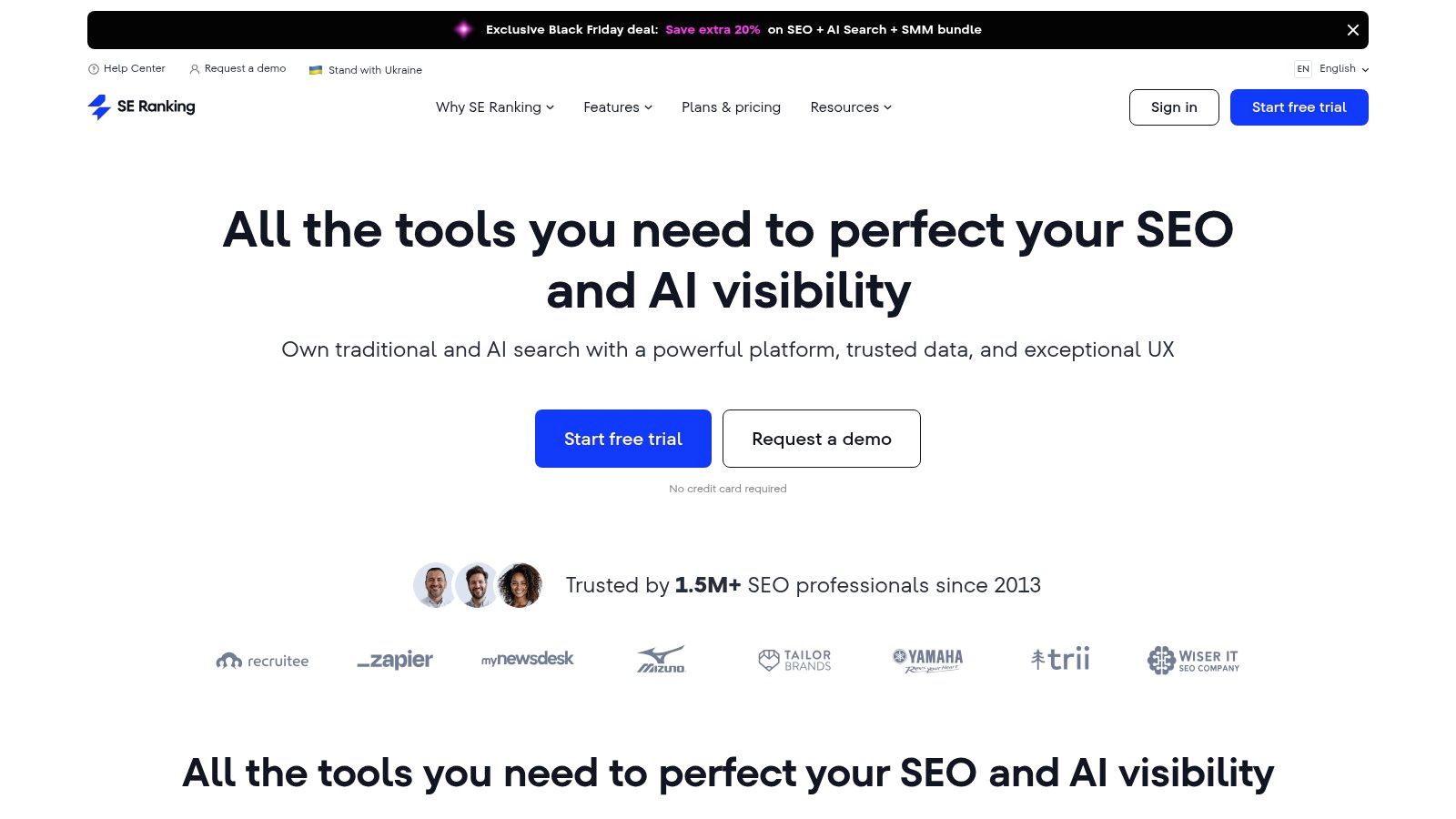
SE Ranking positions itself as a comprehensive, all-in-one SEO platform, with its Website Audit tool serving as a powerful component. It's particularly well-suited for small to medium-sized businesses (SMBs) and growing agencies seeking a robust feature set without the enterprise-level price tag. The platform combines technical and on-page analysis with daily rank tracking, competitor research, and backlink monitoring, making it one of the best SEO audit tools for those who need a unified workflow.
The Website Audit feature methodically crawls your site, flagging issues related to health, indexation, core web vitals, and content. It categorises problems by severity, providing clear, actionable recommendations for fixes. This integrated approach allows you to move seamlessly from audit findings to keyword strategy and performance tracking within a single interface, streamlining your optimisation efforts.
Core Features & Use Cases
The platform excels at providing a holistic view of a site’s SEO health. Its core audit checks cover everything from broken links and redirect issues to meta tag optimisation and image analysis. Alongside the audit, users benefit from a precise daily rank tracker, extensive keyword research capabilities, and backlink monitoring. Integrations, including one for Looker Studio, enhance its reporting functionality, which is a major draw for agencies.
Pricing & Suitability
- Essential: Starts at £44 per month for 10 projects, ideal for freelancers or small businesses.
- Pro: Starts at £87.20 per month, offering more projects and data, suited for growing teams and SMBs.
- Business: Starts at £191.20 per month, designed for larger agencies needing extensive limits and API access.
Strengths & Weaknesses
Pros:
- Strong Price-to-Feature Ratio: Delivers a wide array of tools at a very competitive price point.
- Scalability: Plans scale effectively with additional seats and projects, making it easy to grow.
- User-Friendly Interface: The platform is intuitive, simplifying complex data for users of all skill levels.
Cons:
- Tier-Gated Features: Some advanced datasets and higher credit limits are locked behind more expensive plans or add-ons.
- API Usage: Extensive API access may require upgrading to the highest-tier plans.
Website: https://seranking.com/
7. SISTRIX – Optimizer & Visibility Index
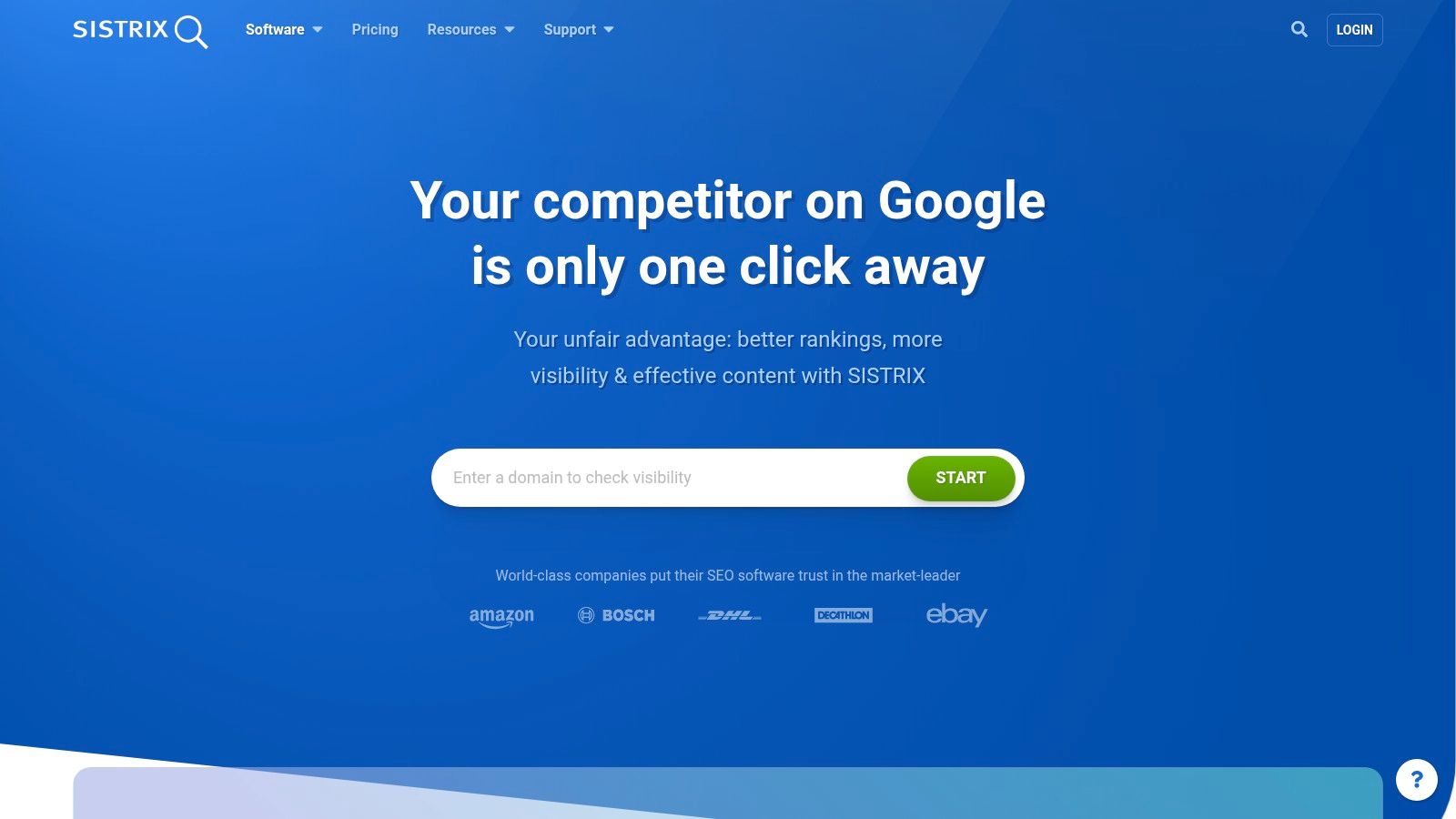
SISTRIX is a well-established SEO suite particularly popular across Europe, known for its powerful competitive analysis features. Its proprietary Visibility Index is a standout metric, offering a clear way to benchmark a domain's organic performance against competitors over time. This makes it one of the best SEO audit tools for businesses focused on the UK and other European markets, providing historical context that many other platforms lack.
The platform’s Optimizer module functions as its core on-page SEO audit tool. It crawls your website to identify technical errors, content optimisation opportunities, and structural issues. The recommendations are straightforward, helping you prioritise fixes from critical errors to minor warnings, which is ideal for creating a clear action plan.
Core Features & Use Cases
SISTRIX combines its on-page auditing with deep market insights. The core use case is connecting technical health with market visibility. You can audit your site for on-page errors and then immediately compare your Visibility Index score with key rivals to see how technical improvements impact your overall search presence. The platform also offers keyword research, link analysis, and content marketing modules to provide a more holistic SEO toolkit.
Pricing & Suitability
- Start: €99 per month, designed for small projects and freelancers.
- Plus: €199 per month, suitable for growing businesses needing more projects and data.
- Professional: €399 per month, aimed at agencies and in-house teams with extensive needs.
- Premium: €599 per month, for large-scale enterprise requirements.
All plans are cancellable monthly, offering excellent flexibility.
Strengths & Weaknesses
Pros:
- Strong European Data: Unparalleled data accuracy and depth for UK and European markets.
- Visibility Index: A unique and highly valuable metric for historical competitive benchmarking.
- Flexible Pricing: Clear, monthly cancellable plans without long-term commitments.
Cons:
- Interface Can Be Complex: The sheer volume of data can be overwhelming for beginners.
- Lower Tier Limitations: Export quotas and project limits on entry-level plans can be restrictive.
Website: https://www.sistrix.com/
8. Lumar (formerly Deepcrawl)
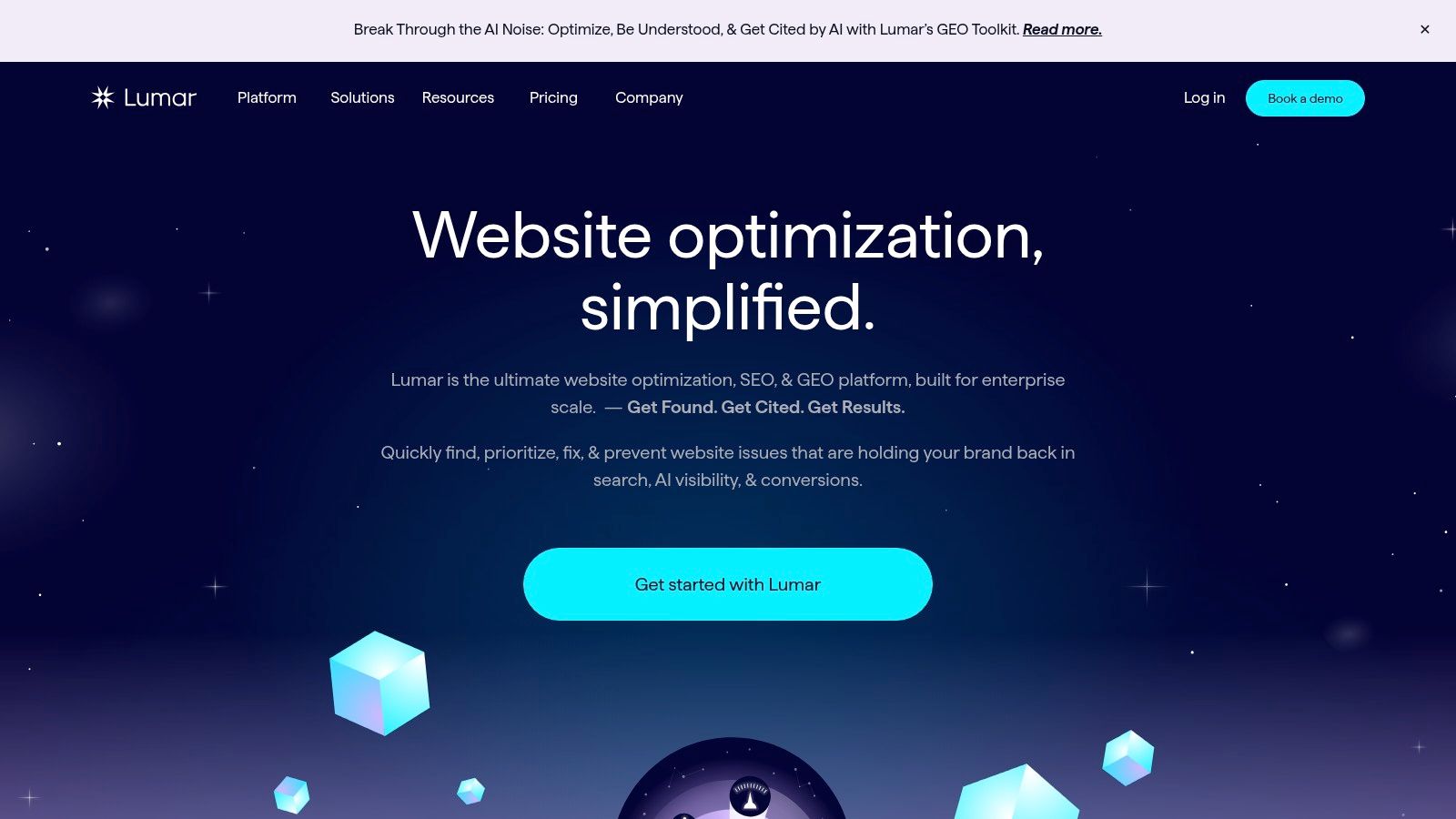
Lumar, formerly known as Deepcrawl, is an enterprise-grade, cloud-based platform designed for comprehensive technical SEO and website health monitoring. It stands out as one of the best SEO audit tools for managing exceptionally large, complex websites where scalability, speed, and security are paramount. Built for cross-team collaboration, Lumar provides the infrastructure needed to prevent critical SEO errors from ever reaching production environments.
Its core strength lies in its high-speed cloud crawler, which can audit millions of pages without consuming local machine resources. The platform is engineered for enterprise governance, offering advanced monitoring, automated alerts, and QA testing features. This allows teams to integrate SEO checks directly into their development workflows, safeguarding site performance and visibility at scale. Its SOC 2 Type II compliance also provides the security assurance required by large organisations.
Core Features & Use Cases
Lumar’s feature set is tailored for enterprise challenges. Its ‘Protect’ feature facilitates pre-production SEO testing, preventing costly mistakes before they go live. The platform also offers accessibility audits and robust connectors for BI tools, allowing SEO data to be integrated into wider business intelligence dashboards. It is ideal for e-commerce giants, publishers, and multinational corporations that need to manage digital health across multiple departments and development cycles.
Pricing & Suitability
- Quote-Based: Pricing is customised based on the scale of the website, feature requirements, and the number of users.
- Enterprise Focus: Tailored packages are developed through a sales-led process, making it best suited for large businesses with significant budgets.
Strengths & Weaknesses
Pros:
- Enterprise-Grade Scalability: Built to crawl massive websites quickly and efficiently in the cloud.
- Advanced Security: SOC 2 Type II compliance and robust security features appeal to large corporations.
- Proactive QA & Testing: Enables teams to catch SEO issues during development, not after deployment.
Cons:
- Higher Cost: The total cost of ownership is significantly higher than desktop or SMB-focused tools.
- Sales-Led Access: No self-serve tiers; access and pricing require direct engagement with their sales team.
Website: https://www.lumar.io/
9. Botify
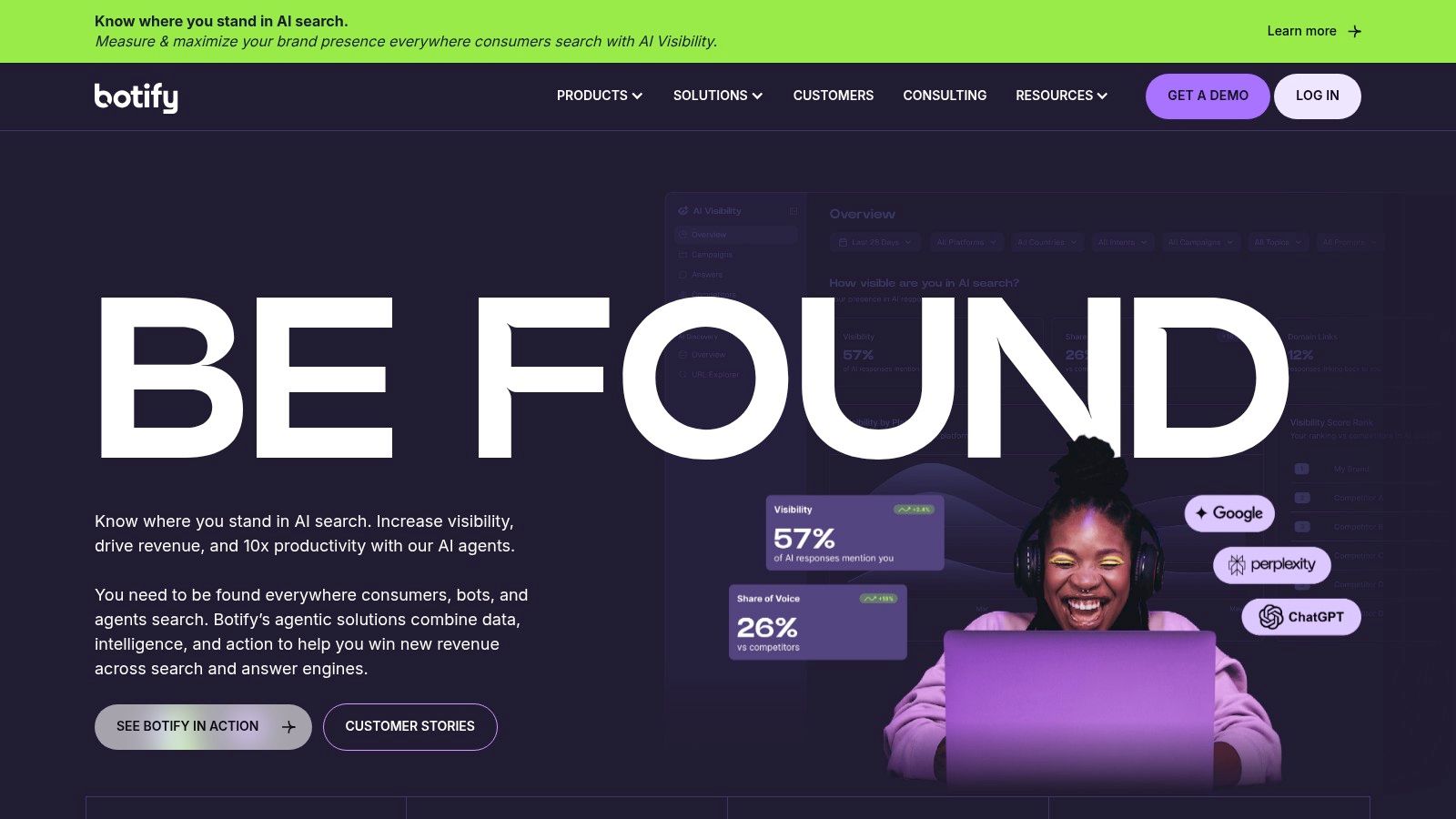
Botify is an enterprise-grade technical SEO platform designed to handle the immense scale and complexity of the world's largest websites. Unlike many other SEO audit tools, it unifies crawling, log file analysis, and keyword research into a single, cohesive ecosystem. This allows organisations to understand precisely how search engines are interacting with their site, identify high-impact optimisation opportunities, and even automate the implementation of fixes.
Its core strength lies in its ability to connect technical data directly to business outcomes. By analysing server logs, Botify reveals which pages are actually being crawled and which are being ignored, providing a level of insight that standard crawlers cannot match. For large e-commerce or publisher sites with millions of pages, this capability is essential for prioritising SEO efforts and maximising organic traffic potential.
Core Features & Use Cases
The platform is built around a powerful crawler and log analyser, supplemented by AI-driven recommendations. A key feature, Botify Activation, allows teams to deploy optimisations automatically using tools like PageWorkers, which can render and serve SEO-friendly versions of pages without requiring developer intervention. This is ideal for large, complex organisations where the development queue for SEO fixes can be a significant bottleneck.
Pricing & Suitability
- Quote-Only: Botify does not offer public pricing plans. It is sold on an enterprise model with custom quotes based on the scale of the website, required features, and level of support.
- Suitability: Exclusively for large enterprise websites, major publishers, and global e-commerce platforms with complex technical SEO challenges.
Strengths & Weaknesses
Pros:
- Enterprise Scale: Purpose-built to crawl and analyse millions of URLs efficiently.
- Log File Analysis: Provides unparalleled insight into search engine crawler behaviour.
- Actionable Automation: Connects insights directly to automated implementation, closing the loop from data to action.
Cons:
- High Cost: Pricing is at the highest end of the market, making it inaccessible for small to medium-sized businesses.
- Complex Implementation: Requires significant setup and integration, often geared towards teams with dedicated SEO resources.
Website: https://www.botify.com/
10. Oncrawl
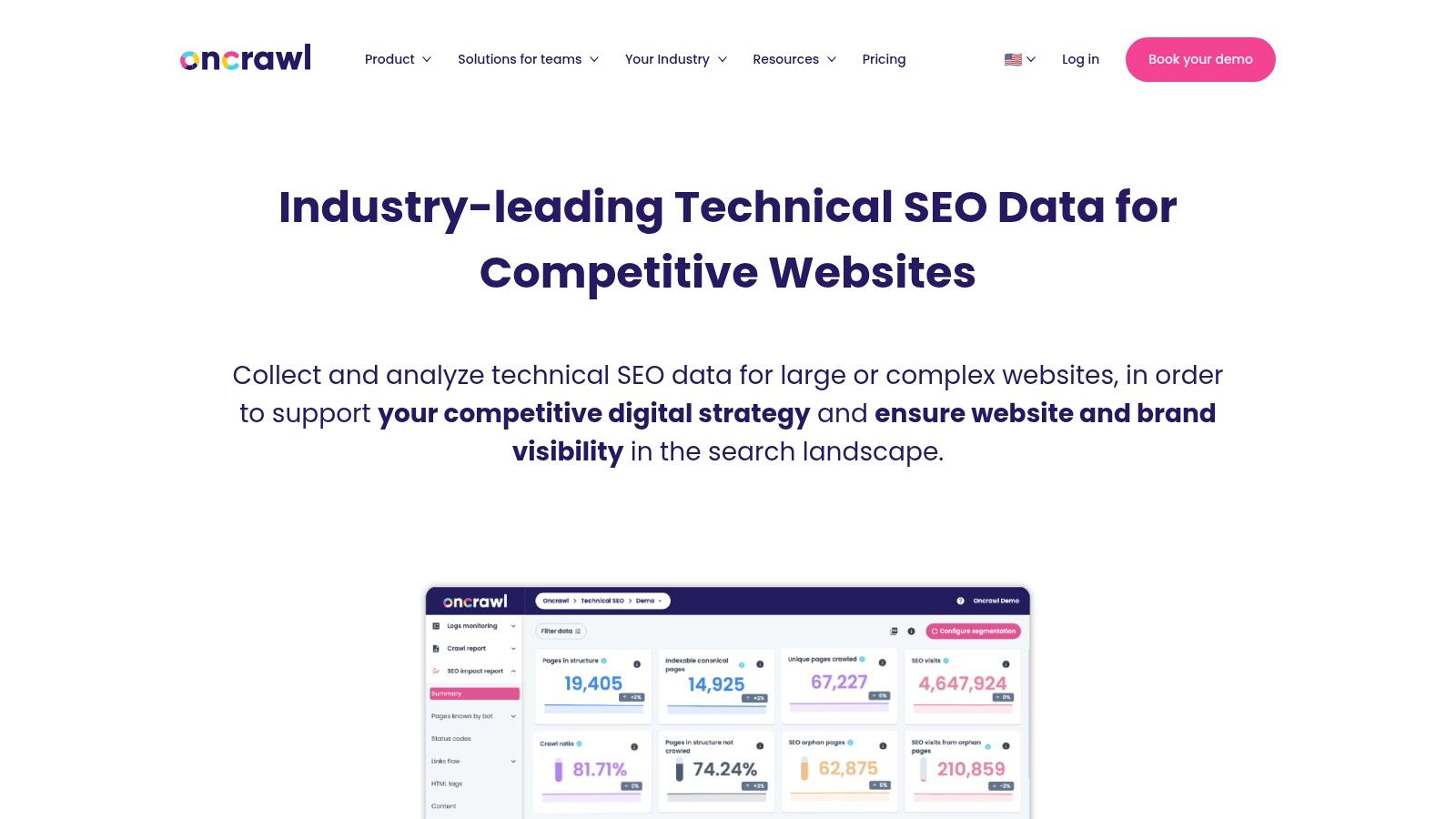
Oncrawl is an enterprise-grade technical SEO platform designed for large, complex websites where standard crawlers might fall short. It operates in the cloud, combining powerful crawl data with log file analysis and third-party data integrations to provide a holistic view of search engine behaviour. This makes it one of the best SEO audit tools for data scientists, publishers, and large e-commerce sites needing to understand the impact of technical changes at scale.
Its core differentiator is its data-centric approach. Oncrawl allows users to segment website data using custom 'lenses', track historical performance with precision, and analyse how search engine bots interact with their site. This level of granularity is crucial for businesses where small optimisations can lead to significant revenue gains.
Core Features & Use Cases
Oncrawl excels at log file analysis, unifying bot hit data with crawl information to pinpoint crawl budget waste and identify indexing issues. The platform's scalable crawler can handle millions of URLs, while its REST API and BI connectors enable teams to push SEO data into their existing data science workflows and dashboards, such as Google Data Studio or Tableau.
Pricing & Suitability
- Pricing: Oncrawl operates on a quote-based model tailored to specific business needs, crawl frequency, and data volume. It is positioned for enterprise clients.
- Access: Access is typically sales-led, requiring a demo and consultation rather than offering self-service sign-up tiers.
Strengths & Weaknesses
Pros:
- Scalability: Built to handle massive and complex websites, marketplaces, and publishers.
- Data Science Focus: Strong log analysis capabilities and API integrations make it ideal for data-driven SEO teams.
- Advanced Segmentation: Custom lenses allow for deep, specific analysis of different site sections.
Cons:
- Enterprise Pricing: The cost is generally prohibitive for small businesses or individual consultants.
- Steep Learning Curve: Requires a sophisticated understanding of technical SEO to leverage its full potential.
Website: https://www.oncrawl.com/
11. Ryte
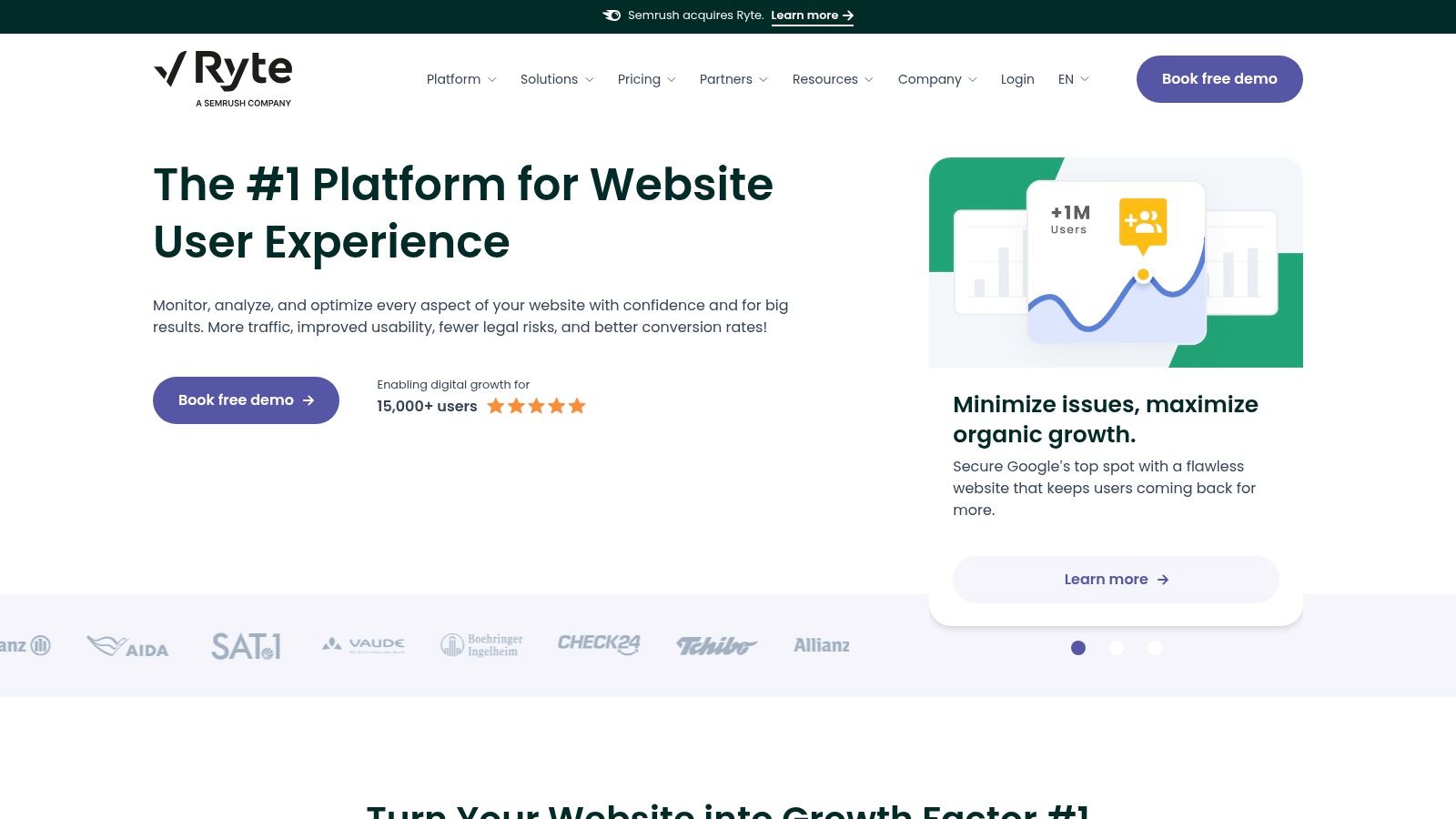
Ryte positions itself not just as an SEO tool but as a comprehensive Website Quality Management platform. This broader focus makes it one of the best SEO audit tools for organisations where SEO is part of a larger digital quality assurance and governance strategy. It moves beyond standard technical checks to incorporate content quality, user experience, and performance monitoring into a single, cohesive dashboard, designed to help teams maintain a high-quality digital presence.
The platform is built for collaboration, offering features that help marketing, SEO, and development teams work together to resolve website issues. It provides detailed technical audits, categorising problems by severity, and offers actionable insights that go beyond simple error reporting. Ryte's strength lies in its ability to provide a holistic view of site health, ensuring that all aspects of the user journey are optimised and compliant with web standards.
Core Features & Use Cases
Ryte’s core functionality revolves around its three main pillars: Website Health, Content Success, and Web Performance. The tool excels at continuous monitoring, alerting teams to new technical issues, broken links, or content problems as they arise. It is particularly useful for large, complex websites where maintaining consistent quality is a significant challenge, providing the necessary tools for digital governance and quality assurance workflows.
Pricing & Suitability
- Custom Pricing: Ryte operates on a quote-based model with session-based tiers. Prospective users must contact the sales team for a customised plan.
- Enterprise Focus: The platform and pricing structure are primarily geared towards medium to large enterprises and agencies managing substantial websites that require dedicated onboarding and support.
Strengths & Weaknesses
Pros:
- Holistic Approach: Combines technical SEO with content, UX, and performance, providing a complete picture of website quality.
- Governance & QA: Excellent for teams that need structured workflows and oversight to manage digital assets effectively.
- Actionable Insights: Prioritises issues clearly and provides detailed explanations, making it easier for teams to tackle problems.
Cons:
- Opaque Pricing: The lack of public pricing tiers makes it difficult to assess affordability without a sales consultation.
- Less Suited for Freelancers: The enterprise focus and custom pricing model may not be ideal for individual SEOs or small businesses.
Website: https://en.ryte.com/
12. Google Lighthouse
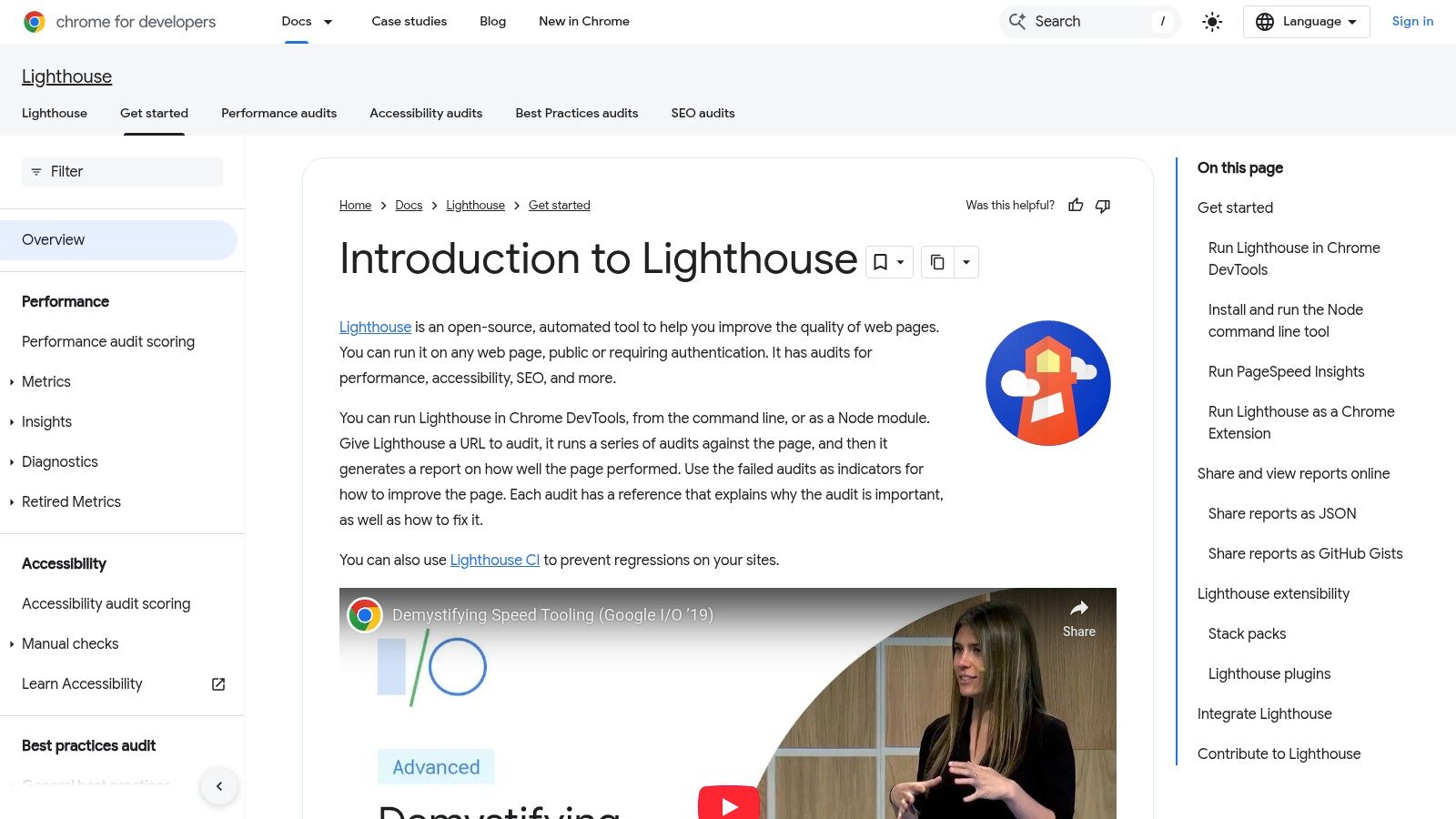
Google Lighthouse is an essential open-source, automated tool for improving the quality of web pages. Integrated directly into Chrome DevTools and powering PageSpeed Insights, it provides instant, page-level audits focused on Performance, Accessibility, Best Practices, and SEO. It stands out as one of the best SEO audit tools for quick diagnostics and performance checks, offering a transparent and actionable report card straight from the source.
Its primary strength is its accessibility and ease of use. With a single click, developers and SEOs can get a clear score and a list of specific recommendations to improve user experience and technical health. While not a comprehensive site-wide crawler, it’s an indispensable first stop for identifying issues on critical pages like your homepage or key landing pages, directly impacting how Google perceives your site’s quality.
Core Features & Use Cases
Lighthouse shines in its simplicity and direct feedback loop. The SEO category provides baseline checks for fundamentals like meta tags, crawlability, and mobile-friendliness, making it a great educational resource. For more advanced use cases, it can be automated via its command-line interface (CLI) or API, allowing teams to integrate performance auditing into their continuous integration (CI) pipelines. For those just starting, understanding its reports can be a great first step; explore this beginner’s guide to digital marketing to see how such tools fit into a broader strategy.
Pricing & Suitability
- Free Version: Completely free and available to anyone using Google Chrome or public tools like PageSpeed Insights.
- Paid Licence: Not applicable; it is an open-source tool.
Strengths & Weaknesses
Pros:
- Completely Free: No cost makes it accessible for everyone, from freelancers to enterprise teams.
- Easy to Use: Integrated directly into the browser for immediate, one-click audits.
- Actionable Insights: Provides clear, prioritised recommendations to fix identified issues.
Cons:
- Page-Level Only: Cannot perform site-wide crawls, limiting its scope to single URLs.
- Basic SEO Checks: The SEO audit is not as comprehensive as dedicated crawlers like Screaming Frog or Ahrefs.
Website: https://developers.google.com/web/tools/lighthouse/
Top 12 SEO Audit Tools Comparison
| Tool | Key features | UX / Quality (★) | Value / Pricing (💰) | Target audience (👥) | Unique selling point (✨/🏆) |
|---|---|---|---|---|---|
| Screaming Frog – SEO Spider | Fast desktop crawler, JS rendering, GA/GSC integrations, advanced exports | ★★★★☆ | 💰 Affordable per‑user; free up to 500 URLs | 👥 Freelancers, agencies, privacy‑sensitive audits | ✨Runs locally for private audits; deep configurable crawling 🏆 |
| Sitebulb | Desktop + Cloud, visual reports, prioritized "Hints", JS crawl | ★★★★☆ | 💰 Mid; Cloud pricing via sales; 14‑day trial | 👥 Agencies, teams, stakeholder reports | ✨Clear visualizations & prioritized Hints |
| Ahrefs – Site Audit | Cloud site audit, backlink index, keyword research, rank tracking | ★★★★★ | 💰 Mid‑to‑high; project/crawl credits | 👥 Agencies & in‑house teams needing integrated data | 🏆 Market‑leading backlinks & integrated SEO suite |
| Semrush – Site Audit | Site Audit, content & social toolkits, reporting, crawl scheduling | ★★★★☆ | 💰 Mid‑to‑high; toolkit/add‑on complexity | 👥 Marketers, agencies wanting all‑in‑one | ✨Multiple toolkits + reporting ecosystem |
| Moz Pro – Site Crawl | Automated site crawl, keyword & link tools, branded reports | ★★★★☆ | 💰 Mid; generous crawls at higher tiers; free trial | 👥 SMBs & agencies seeking accessible tools | ✨Strong education/resources; user‑friendly setup |
| SE Ranking – Website Audit | Technical checks, daily rank tracking, backlink monitoring, integrations | ★★★★☆ | 💰 💰 Competitive/affordable tiered plans | 👥 SMBs & growing agencies | ✨Excellent price‑to‑feature ratio; scalable seats |
| SISTRIX – Optimizer & Visibility Index | On‑page optimizer, Visibility Index, historic market data | ★★★★☆ | 💰 Mid; monthly cancellable; entry export limits | 👥 UK/EU marketers & competitive analysts | 🏆 Visibility Index for EU/UK benchmarking |
| Lumar (formerly Deepcrawl) | High‑speed cloud crawler, Protect QA, BI connectors, SOC2 | ★★★★★ | 💰 Quote‑based; enterprise pricing | 👥 Enterprises & very large sites | 🏆 Scalable enterprise crawling + security certifications |
| Botify | Scalable crawling, log‑file insights, AI recommendations, automation | ★★★★★ | 💰 Quote‑only; enterprise budgets | 👥 Very large websites & complex orgs | ✨AI‑assisted recommendations + automated deployment 🏆 |
| Oncrawl | Crawl + log unification, segmentation (lenses), APIs & BI connectors | ★★★★☆ | 💰 Quote‑based; enterprise focus | 👥 Marketplaces, publishers, data teams | ✨Deep log analysis and data‑science integrations |
| Ryte | Site health, content & UX QA, performance audits, governance | ★★★★☆ | 💰 Quote/custom plans; enterprise options | 👥 Teams needing governance, QA & site quality | ✨Holistic website quality management beyond SEO |
| Google Lighthouse | Page‑level audits (Performance, Accessibility, SEO), CLI/CI automation | ★★★★☆ | 💰 Free; automatable via CI/API | 👥 Developers, SEOs for page checks & CI | 🏆 Free, transparent scoring and CI automation |
Final Thoughts
Navigating the landscape of SEO audit tools can feel overwhelming, but as we've explored, the right tool is less about finding a single "best" option and more about identifying the perfect fit for your specific circumstances. From the granular, technical detail offered by desktop crawlers like Screaming Frog and Sitebulb to the comprehensive, all-in-one powerhouses of Ahrefs and Semrush, there is a solution tailored to every need, budget, and skill level.
The key takeaway is that a successful SEO audit isn't just about running a scan; it's about translating complex data into a strategic, actionable plan. Your choice of tool should empower this process, not complicate it.
How to Choose Your Ideal SEO Audit Tool
To demystify the selection process, reflect on these core questions before committing to a subscription or download:
- What is your primary goal? Are you focused on deep technical SEO fixes, content optimisation, backlink analysis, or a combination of all three? A tool like Moz Pro excels at providing a balanced view, while Lumar or Botify are built for enterprise-level technical deep dives on vast websites.
- What is your team's technical proficiency? A seasoned SEO professional will feel right at home in Screaming Frog's interface. In contrast, a small business owner or marketing generalist might find the user-friendly dashboards and clear recommendations in SE Ranking or Ryte more approachable and immediately useful.
- What is your budget? Free tools like Google Lighthouse provide an invaluable starting point for performance and accessibility checks. For those on a tight budget, the one-off licence for Screaming Frog offers immense value, while subscription models from platforms like Semrush and Ahrefs bundle auditing with a suite of other essential SEO functionalities.
- How large and complex is your website? E-commerce sites with thousands of product pages and complex facet navigation will quickly hit the limits of basic crawlers. This is where enterprise-grade solutions like Oncrawl or Botify truly shine, offering the power to handle immense scale and provide sophisticated log file analysis.
From Audit to Action: Your Next Steps
Once you've selected a tool, remember that the audit itself is just the beginning. The real value is unlocked when you transform insights into improvements. We recommend organising your workflow as follows:
- Prioritise Findings: Start with the critical, high-impact errors. Issues like 404 errors on high-traffic pages, widespread indexing problems, or major mobile usability flaws should be at the top of your list.
- Create a Roadmap: Develop a clear, prioritised task list. Assign ownership for each task, set realistic deadlines, and document the changes you make.
- Monitor and Measure: After implementing fixes, use your audit tool to recrawl the site and validate the changes. Keep an eye on your key performance indicators (KPIs) like organic traffic, keyword rankings, and conversion rates to measure the real-world impact of your efforts.
Ultimately, the best seo audit tools are the ones that are actively used to drive meaningful change. They are indispensable for diagnosing underlying issues that hamper your website's performance and for uncovering opportunities to outmanoeuvre the competition. As the SEO landscape rapidly evolves, embracing forward-thinking strategies is key; for a comprehensive understanding of future ranking factors, consider exploring the best AI rank tracker tools. By integrating regular, thorough audits into your digital marketing rhythm, you build a resilient foundation for sustainable organic growth.
Ready to streamline your entire digital marketing strategy? The Digital Marketing Toolbox offers a curated suite of templates, checklists, and guides designed to complement the data from your favourite SEO audit tools. Turn your audit findings into an actionable, organised marketing plan by visiting The Digital Marketing Toolbox today.


