

Juggling multiple social media accounts can quickly feel overwhelming. From crafting content and scheduling posts across various platforms to engaging with your audience and analysing performance data, the sheer volume of tasks is immense. The right software is no longer a luxury for effective marketing; it's an essential command centre for efficient growth and brand management.
This guide cuts through the noise to present the 12 best social media management tools available today, specifically curated for businesses, agencies, and creators in the UK. We move beyond generic feature lists to provide a comprehensive breakdown of what truly matters. We'll explore everything from powerful, all-in-one platforms like Sprout Social and Hootsuite, designed for large teams and agencies, to more intuitive and specialised schedulers such as Later and Buffer, which are perfect for solo entrepreneurs and e-commerce managers.
Our detailed analysis focuses on practical use cases, honest limitations, and the key features that genuinely make a difference to your daily workflow. To gain a deeper understanding of platforms that can streamline your workflow, exploring the 12 best social media automation tools can also be highly beneficial.
Each review in this listicle includes up-to-date screenshots and direct links, allowing you to see the platforms in action and explore them further. Our goal is simple: to provide a clear, practical resource that helps you select the perfect tool to streamline your strategy, save valuable time, and maximise your social media return on investment. Let's find the right fit for your organisation.
1. SocialBee – Social Media Management Tools, Training, and Teams
SocialBee solidifies its position as one of the best social media management tools by offering a remarkably powerful, yet user-friendly, all-in-one platform. It is engineered for businesses and marketing agencies that require efficiency and precision in their social media strategy, moving beyond simple scheduling to provide a comprehensive content management ecosystem. The platform excels at streamlining complex workflows, from content creation and categorisation to team collaboration and performance analysis.
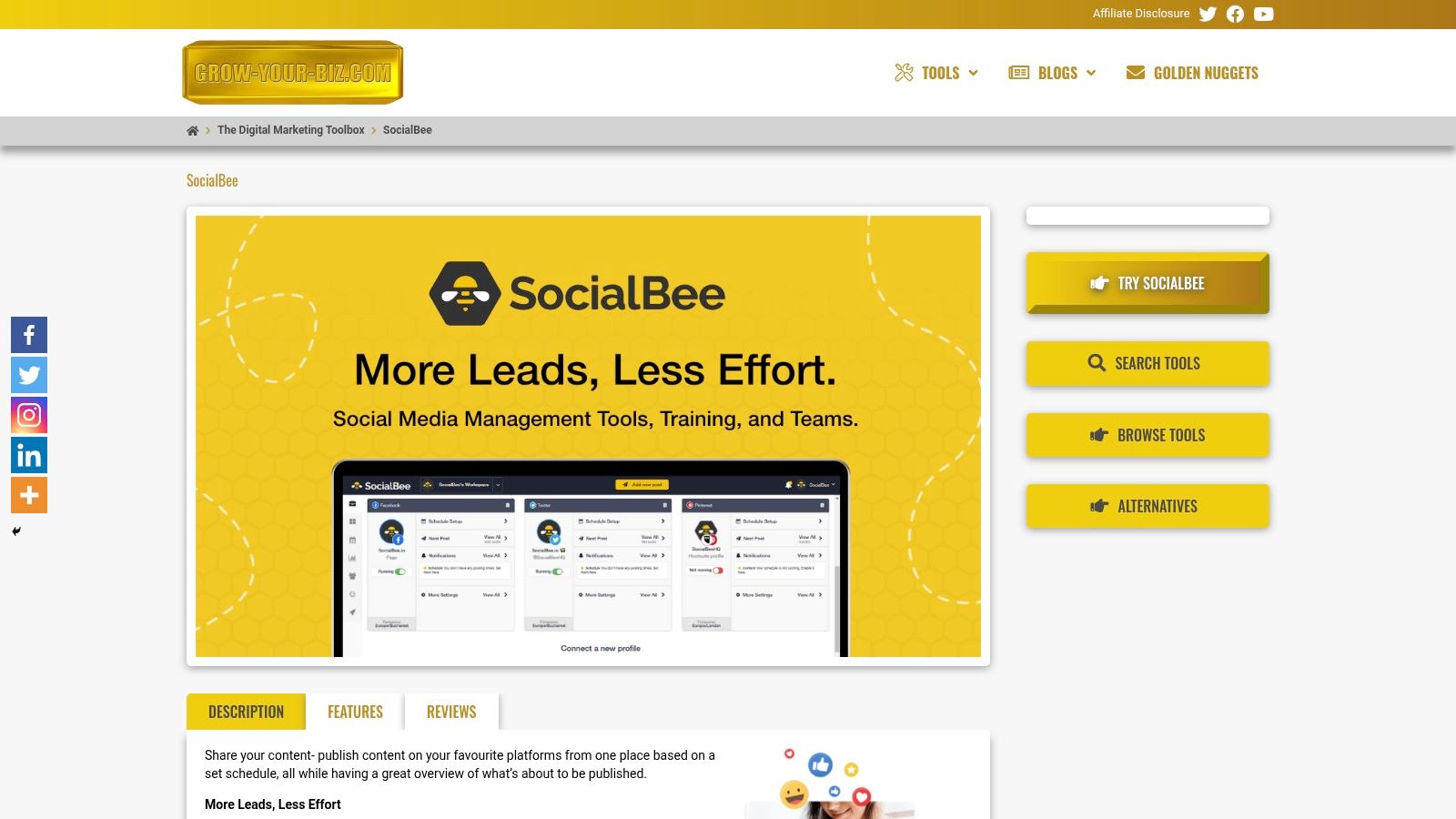
What truly sets SocialBee apart is its content-centric approach. Instead of merely queuing up posts, users can organise content into categories and create evergreen posting schedules. This ensures a balanced and consistent content mix across all connected profiles without constant manual intervention. Its robust URL tracking and shortening capabilities are seamlessly integrated, allowing for precise performance measurement directly within the dashboard.
Key Strengths and Use Cases
SocialBee’s design is a significant advantage for teams managing multiple client accounts or complex brand strategies. The platform’s workspace feature allows agencies to keep client assets, content libraries, and analytics completely separate, which is critical for maintaining organisation and security.
- Content Curation & Recycling: Ideal for content creators and bloggers who want to maximise the lifespan of their articles. Use its evergreen feature to automatically re-share top-performing content at set intervals.
- Agency Workflow Management: Digital marketing agencies can assign team members specific roles and access levels, streamline post approvals, and generate client-specific reports.
- Team Collaboration: Internal marketing teams can use the platform’s commenting and feedback features to collaborate on post drafts before they go live, ensuring brand consistency.
- Performance Analytics: E-commerce managers can leverage detailed post analytics and category-based performance data to understand which types of content drive the most engagement and conversions.
Platform Details & Access
Best for: Agencies, small to medium-sized businesses, and content creators seeking an efficient, scalable content management system.
| Feature | Details |
|---|---|
| Pricing | Starts with a "Bootstrap" plan, scaling up to custom "Agency" tiers. |
| Key Differentiator | Advanced content categorisation and evergreen recycling workflows. |
| User Experience | Intuitive and clean interface, though some advanced features have a slight learning curve. |
| Availability | Accessible via The Digital Marketing Toolbox for integrated use. |
Pros:
- Comprehensive all-in-one platform for scheduling, collaboration, and analytics.
- Scalable design perfect for both solo entrepreneurs and large agencies.
- Exceptional content categorisation and evergreen posting features save significant time.
Cons:
- New users may need time to fully grasp all advanced customisation options.
- Access to the most detailed analytics is reserved for higher-priced plans.
Website: https://grow-your-biz.com/growth/socialbee/
2. Hootsuite
Hootsuite is one of the most established and recognised names in social media management, offering a comprehensive suite of tools that cater to everyone from small businesses to large enterprises. It stands out for its sheer breadth of features, covering publishing, engagement, analytics, and social listening in a single, unified dashboard. This makes it one of the best social media management tools for teams needing a robust, all-in-one solution.
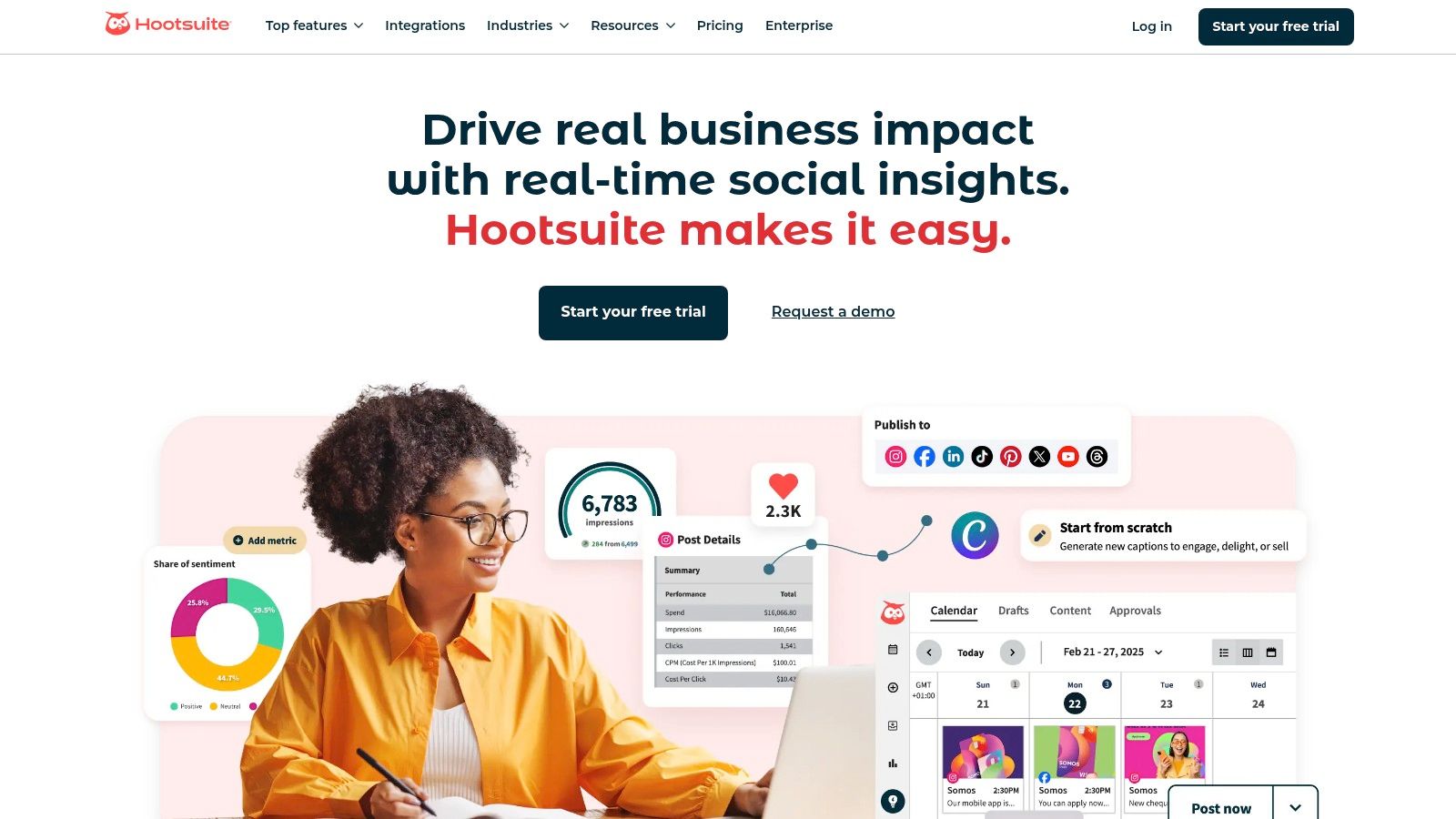
The platform’s strength lies in its powerful analytics and reporting capabilities, which include competitor benchmarking and detailed performance metrics. For organisations looking to truly measure ROI and refine their approach, these insights are invaluable. Integrating this level of data is a core component of a modern marketing strategy for small business and beyond.
Key Features & Use Cases
Hootsuite excels at simplifying complex workflows. The unified publishing calendar, complete with best-time-to-post suggestions and a bulk scheduler that can handle up to 350 posts at once, is a significant time-saver for busy marketing teams.
- Best For: SMEs and enterprise-level businesses that require deep analytics and team collaboration features.
- Standout Feature: The centralised inbox organises conversations from all connected profiles, allowing teams to assign tasks and use saved replies to manage engagement efficiently.
- Practical Tip: Use the integrated OwlyGPT AI assistant not just for generating post copy, but also for summarising long comment threads to quickly gauge sentiment.
| Feature | Description |
|---|---|
| Unified Calendar | Plan, schedule, and view all social content in one place. |
| Centralised Inbox | Manage all incoming messages, comments, and mentions across networks. |
| Advanced Analytics | Track performance, measure ROI, and benchmark against competitors. |
| AI Assistant (OwlyGPT) | Generate content ideas, captions, and get strategic insights automatically. |
Pros:
- Extensive feature set suitable for scaling businesses.
- Mature analytics with competitor analysis.
- Strong team collaboration and workflow tools.
Cons:
- Pricing is higher than many SMB-focused competitors.
- Specific pricing tiers are not always transparent on their website.
Link: Hootsuite
3. Sprout Social
Sprout Social is a premium, enterprise-grade platform that positions itself as a sophisticated, all-in-one solution for larger organisations and agencies. It excels by integrating publishing, engagement, analytics, and social listening into a clean, user-friendly interface. For teams needing powerful collaboration workflows and in-depth reporting, Sprout Social is easily one of the best social media management tools available.
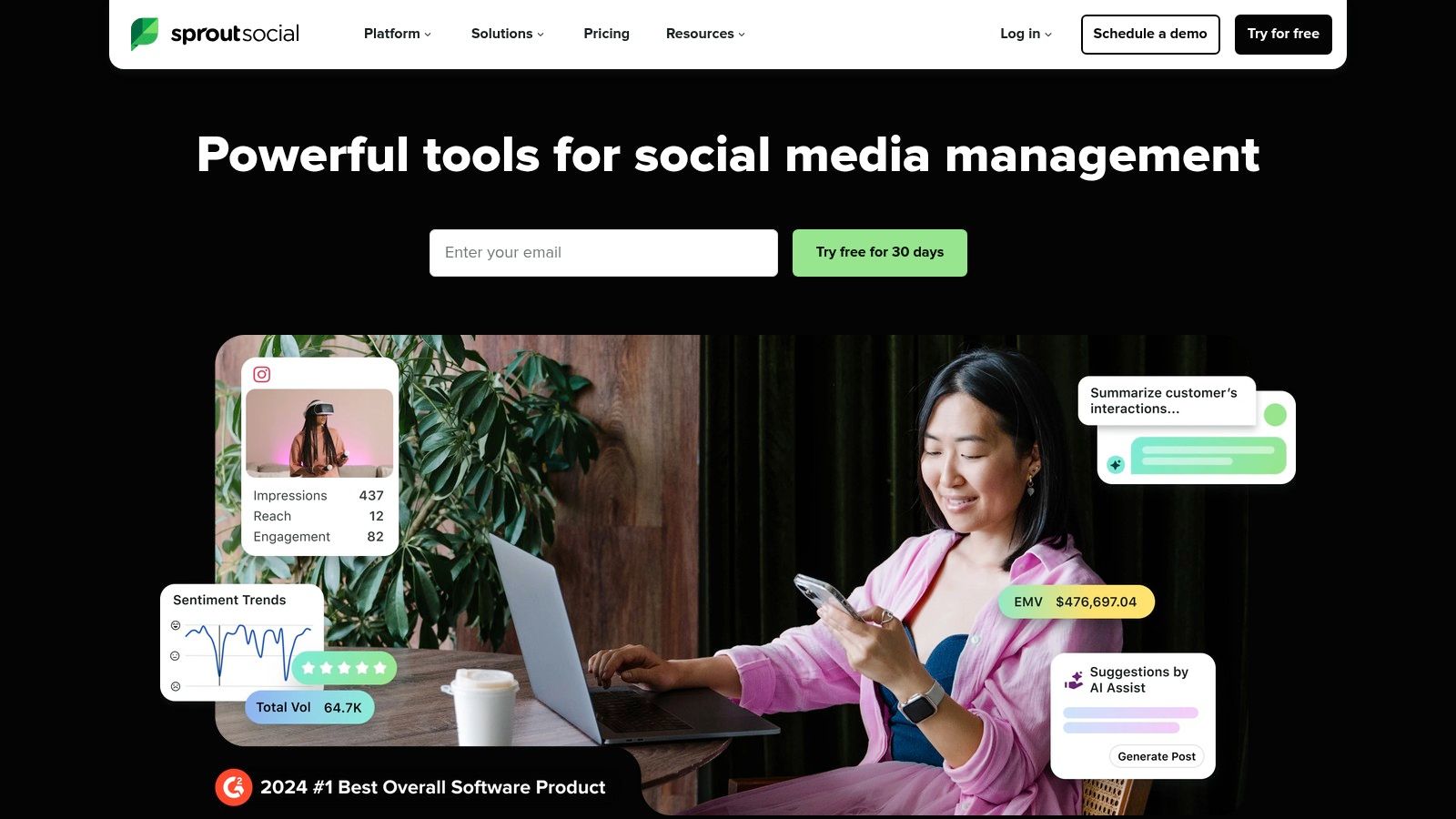
The platform’s major strength is its focus on unifying team efforts, particularly through its Smart Inbox, which centralises all incoming messages and allows for detailed tasking and sentiment analysis. This feature transforms social media from a broadcasting tool into a genuine customer care and engagement channel, which is crucial for building brand loyalty.
Key Features & Use Cases
Sprout Social is designed to help teams work more efficiently and make data-driven decisions. Its publishing tools are robust, and its reporting suite provides presentation-ready analytics that clearly demonstrate social media's impact on business goals.
- Best For: Mid-to-large businesses and agencies that prioritise deep analytics, customer care, and seamless team collaboration.
- Standout Feature: The Smart Inbox provides a comprehensive view of all social interactions, complete with conversation history and CRM integrations, making it a powerful customer service tool.
- Practical Tip: Leverage the customisable reporting templates to create specific reports for different stakeholders (e.g., executive summaries vs. in-depth campaign analysis) to communicate results effectively.
| Feature | Description |
|---|---|
| Smart Inbox | Unify and manage all social messages with advanced filtering and task assignment. |
| Advanced Reporting | Create customisable, presentation-ready reports on performance and trends. |
| Collaboration Tools | Streamline workflows with message approvals, tasking, and an audit trail. |
| Social Listening | Monitor brand-relevant conversations, trends, and competitor activity. |
Pros:
- Excellent user interface that is intuitive and easy to navigate.
- Robust analytics and reporting built for serious collaboration.
- Strong focus on customer care and engagement features.
Cons:
- Premium pricing makes it less accessible for small businesses.
- Per-user pricing model can become expensive as teams grow.
Link: Sprout Social
4. Buffer
Buffer is renowned for its simplicity, clean interface, and transparent pricing, making it a favourite among small businesses, creators, and those new to social media management. It strips away much of the complexity found in enterprise-level platforms, focusing instead on providing a streamlined and intuitive experience for scheduling, analytics, and engagement. This focus on core functionalities makes it one of the best social media management tools for users who prioritise ease of use.
The platform’s modular pricing is a significant advantage, allowing users to select only the tools they need (Publishing, Analytics, Engagement) and pay on a per-channel basis. This flexibility is a core part of a lean approach, aligning with the principles found in any good beginner's guide to digital marketing. For a detailed look at how Buffer stacks up against other platforms, you can review an Outbrand vs Buffer comparison to see which tool best fits your needs.
Key Features & Use Cases
Buffer excels at making social media scheduling a straightforward and efficient process. Its Start Page feature also allows users to build a simple, beautiful landing page for their brand, adding another layer of value beyond typical social media management.
- Best For: Solo entrepreneurs, small businesses, and marketing teams looking for an affordable, easy-to-use scheduler.
- Standout Feature: The "first comment" scheduling for Instagram and Facebook lets you automatically add your hashtags in the first comment, keeping captions clean and maximising reach.
- Practical Tip: Use the integrated Canva button directly within the composer to create professional-looking graphics for your posts without ever leaving the Buffer dashboard.
| Feature | Description |
|---|---|
| Intuitive Scheduling | A clean, user-friendly calendar for planning and queueing content. |
| AI Assistant | Generate post ideas, rewrite copy, and brainstorm content effortlessly. |
| Engagement Tools | Manage comments and interactions from a simple, organised inbox. |
| Start Page Builder | Create a customisable link-in-bio landing page for your brand. |
Pros:
- Extremely low entry cost with a generous free plan.
- Very minimal learning curve; ideal for beginners.
- Transparent and flexible per-channel pricing model.
Cons:
- Lighter on enterprise-level workflows and team permissions.
- Advanced social listening and competitor analysis features are limited.
Link: Buffer
5. Agorapulse
Agorapulse is a powerful all-in-one platform that excels in providing clear workflows and tangible ROI tracking, making it a favourite among marketing agencies and mid-sized businesses. It balances a comprehensive feature set-covering publishing, engagement, and reporting-with an intuitive user interface. This combination makes it one of the best social media management tools for teams that need to demonstrate value and collaborate efficiently.
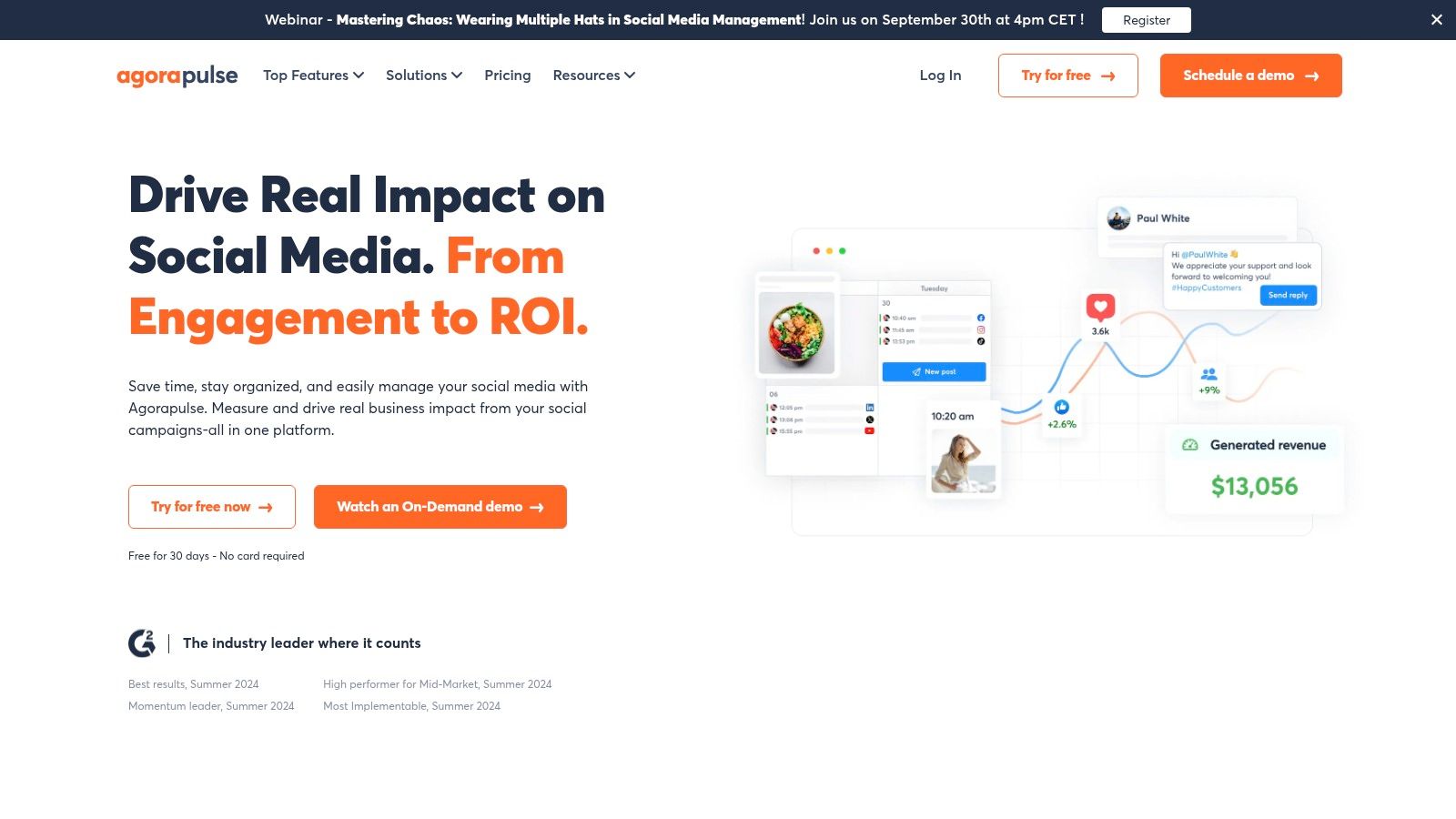
The platform's standout capability is its unified social inbox, which not only gathers comments and messages but also includes ad comments, a feature often overlooked by competitors. Its robust reporting suite integrates with Google Analytics, allowing teams to directly link social media activity to website conversions and revenue. This focus on measurable results is crucial for justifying marketing spend.
Key Features & Use Cases
Agorapulse is particularly well-suited for agency environments due to its clean client management and reporting functions. The platform allows users to create shared calendars and assign specific roles, streamlining the content approval process between the agency and the client.
- Best For: Marketing agencies and SMEs that prioritise ROI measurement and streamlined team collaboration.
- Standout Feature: The ROI tracking feature, which connects social campaigns to website traffic and conversions, provides clear evidence of social media performance.
- Practical Tip: Use the content queue categories to organise your posts by theme or campaign. This allows you to set up automated publishing schedules for different types of evergreen content, ensuring a consistent presence.
| Feature | Description |
|---|---|
| Unified Social Inbox | Manage all organic comments, mentions, and ad comments in a single stream. |
| Advanced ROI Reporting | Track how social media efforts translate into website traffic and sales. |
| Team Collaboration | Assign tasks, draft posts for approval, and manage client permissions. |
| Content Queues | Organise and automate the publishing of evergreen content by category. |
Pros:
- Excellent for client reporting and agency workflows.
- Competitive pricing for its feature set compared to enterprise-level tools.
- Strong inbox management that includes ad comment moderation.
Cons:
- Public reviews on customer support can be mixed.
- Some advanced features are limited to higher-priced tiers.
Link: Agorapulse
6. Sendible
Sendible is a UK-born platform specifically engineered for digital marketing agencies and teams managing multiple brands. It stands out by offering robust, agency-focused features like white-label dashboards and seamless client collaboration tools. This focus makes it one of the best social media management tools for organisations that need to present a branded, professional front to their clients while managing complex workflows.
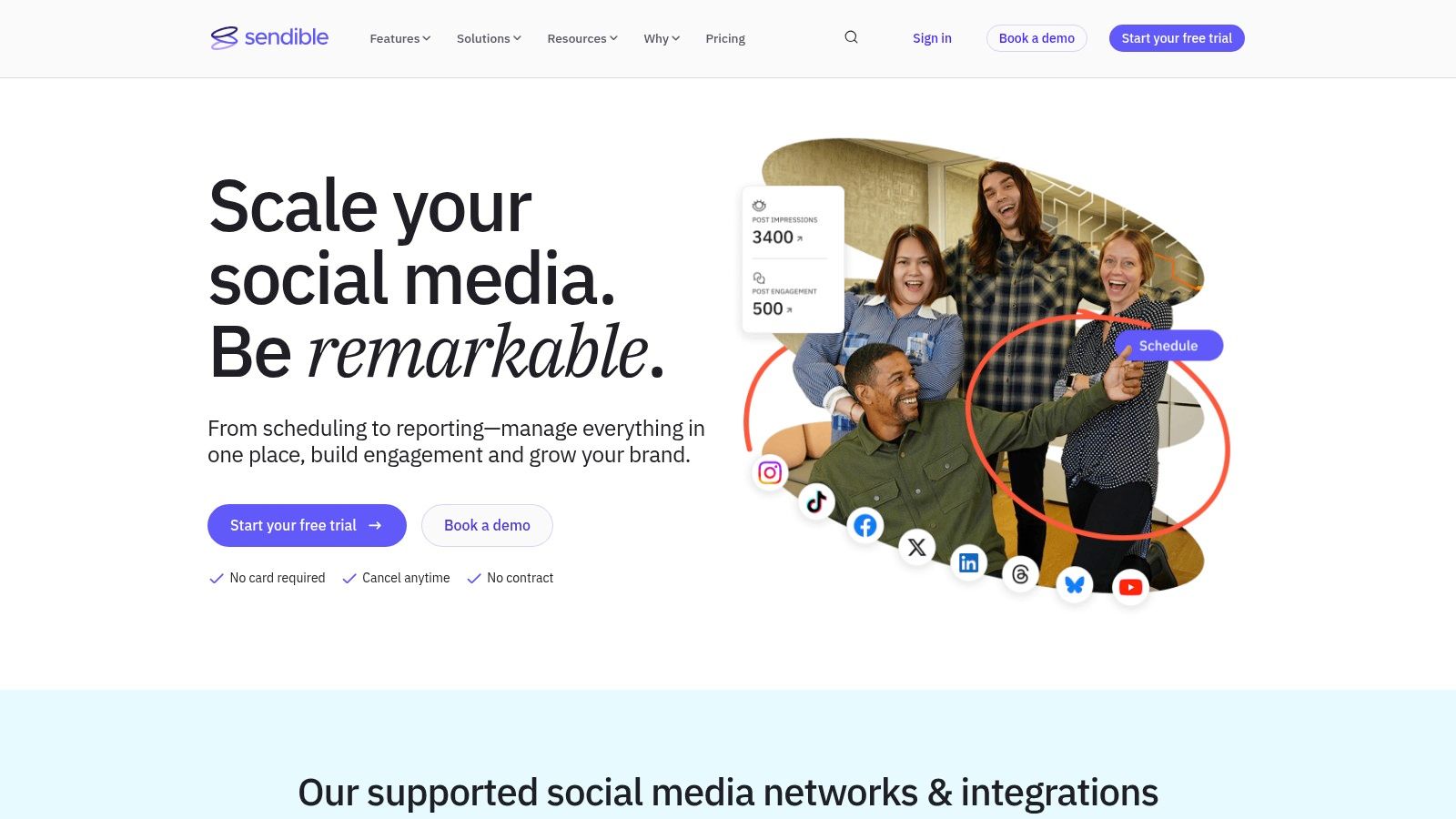
The platform’s core strength is its ability to streamline the client management process, from content approval to reporting. The client dashboards provide a transparent view of upcoming content and performance metrics without giving them full access to the backend. This, combined with multi-currency support (including GBP, EUR, and USD), makes it a practical choice for international agencies.
Key Features & Use Cases
Sendible is designed to simplify agency operations with its powerful collaboration and scheduling features. The ability to create separate, custom-branded dashboards for each client is a game-changer for maintaining professional relationships and organising workflows efficiently.
- Best For: Marketing agencies and freelancers who manage social media for multiple clients.
- Standout Feature: The white-label solution, which allows agencies to rebrand the entire platform as their own, creating a cohesive and professional client experience.
- Practical Tip: Use the content approval workflows to send posts to clients for sign-off directly within the platform, eliminating messy email chains and centralising all feedback.
| Feature | Description |
|---|---|
| Agency Features | Includes white-label dashboards, client accounts, and user permission hierarchies. |
| Multi-Calendar Setup | Manage distinct content calendars for each client with specific user assignments. |
| Content Suggestions | Pulls relevant content ideas from across the web to help fill content gaps. |
| Client Dashboards | Provides clients with a secure, branded portal to view reports and approve content. |
Pros:
- Excellent white-label options tailored for agencies.
- Strong client management and collaboration tools.
- Competitive GBP pricing is ideal for UK-based businesses.
Cons:
- Advanced social listening and automation features are less extensive than top enterprise-tier competitors.
- The user interface can feel slightly dated compared to some newer platforms.
Link: Sendible
7. Later
Later began as an Instagram-first scheduling tool and has since evolved into a powerful visual planner that excels for brands where aesthetics are paramount. Its core strength lies in its intuitive drag-and-drop visual calendar, which allows users to see exactly how their feed will look before posting. This visual-centric approach makes it one of the best social media management tools for e-commerce brands, creators, and businesses active on Instagram and TikTok.
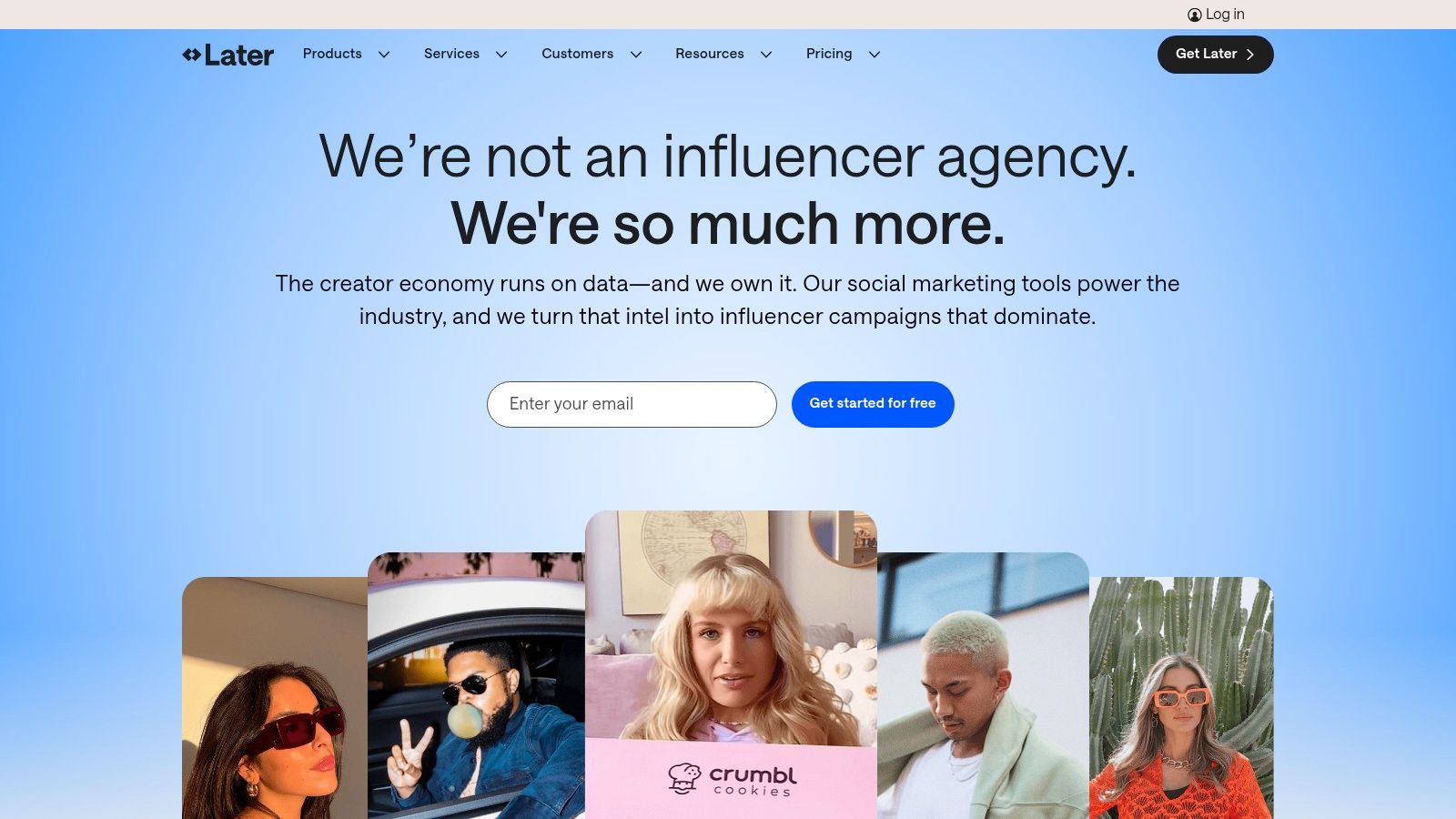
The platform is designed for accessibility, with clear and affordable pricing tiers that appeal to small businesses and individual creators. Beyond scheduling, Later integrates creator and influencer management features, alongside a robust Link-in-Bio tool that can drive traffic and sales directly from social profiles. It simplifies the process of managing a visually cohesive online presence.
Key Features & Use Cases
Later is built to streamline the content creation and publishing workflow for visual-heavy platforms. The "Social Sets" concept allows users to manage a group of social profiles for one brand under a single plan, which is highly cost-effective for businesses with multiple social channels.
- Best For: E-commerce brands, creators, and businesses focused heavily on visual platforms like Instagram, Pinterest, and TikTok.
- Standout Feature: The Visual Planner provides a drag-and-drop interface to preview and arrange an Instagram grid, ensuring brand consistency.
- Practical Tip: Use the integrated stock photo libraries to find high-quality images directly within the platform, saving time on content sourcing.
| Feature | Description |
|---|---|
| Visual Planner | Preview, plan, and schedule Instagram posts with a drag-and-drop grid view. |
| Link-in-Bio Tool | Create a customisable, clickable landing page for your social media bio. |
| AI Caption Writer | Generate captions and content ideas instantly using built-in AI credits. |
| Creator Tools | Discover and collaborate with creators and manage user-generated content. |
Pros:
- Excellent user interface, focused on visual planning.
- Affordable and transparent pricing for individuals and small teams.
- Strong features for Instagram, including Stories and Reels scheduling.
Cons:
- Advanced analytics and social listening are limited compared to enterprise tools.
- Fewer features for text-heavy platforms like X (formerly Twitter) and LinkedIn.
Link: Later
8. Loomly
Loomly is a brand success platform that positions itself as an intuitive and collaborative tool, making it ideal for teams that value streamlined approval workflows and a clean, organised interface. It simplifies the content creation lifecycle from idea to execution, making it one of the best social media management tools for agencies and marketing teams that need seamless client or stakeholder sign-off.
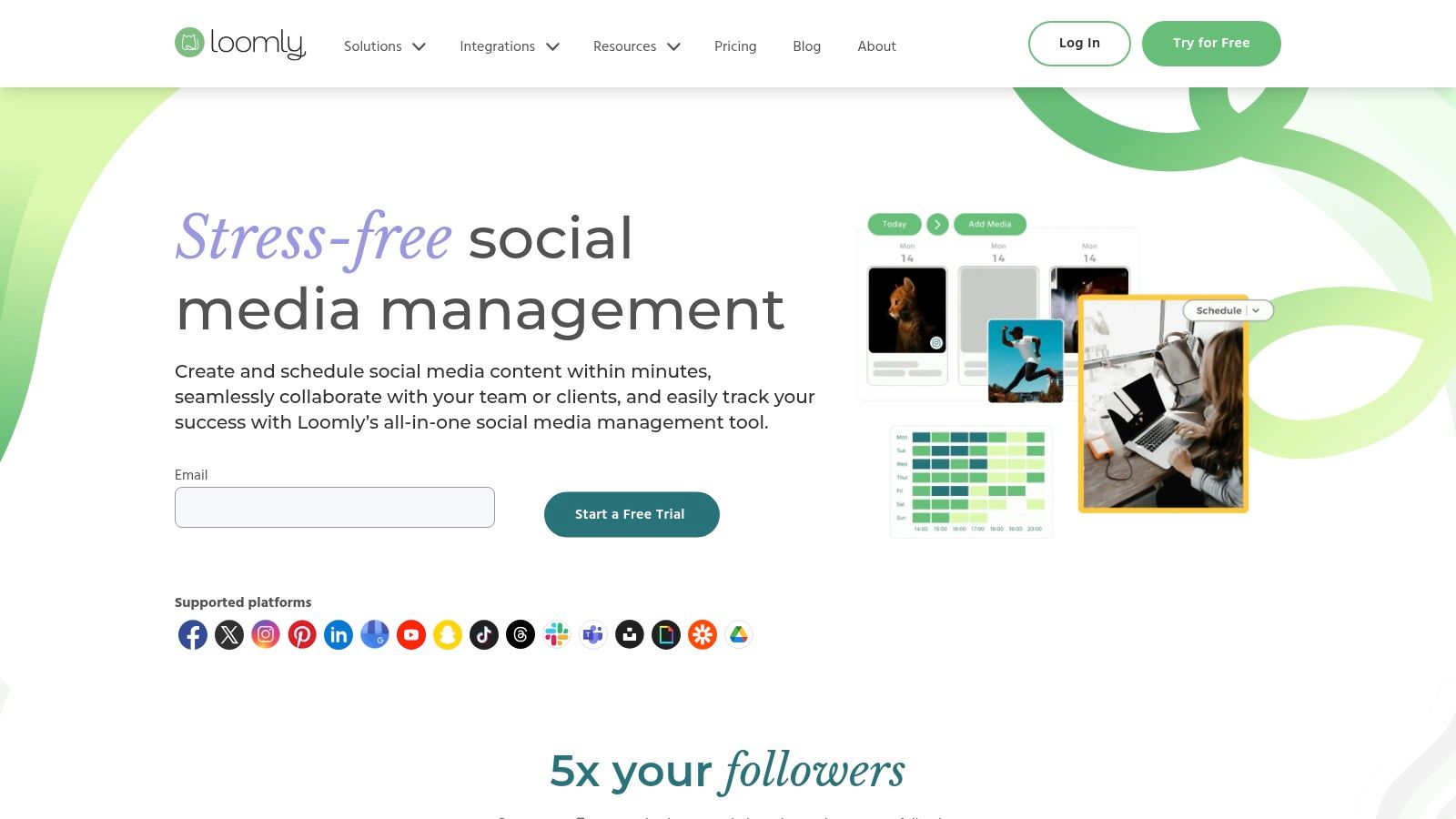
The platform’s strength is its user-friendly design and logical content-planning process, which guides users through creating, optimising, and scheduling posts. Loomly provides post ideas, an asset library, and mock-ups to ensure every piece of content aligns with brand standards before it goes live. This focus on pre-publishing excellence helps prevent errors and maintain brand consistency.
Key Features & Use Cases
Loomly excels at making collaboration simple and visual. Its calendar-based view and clear approval stages mean everyone on the team, including clients, can see the status of content at a glance, reducing back-and-forth communication.
- Best For: Marketing agencies, brand managers, and teams needing a strong focus on content planning and approval.
- Standout Feature: The robust, multi-step approval workflow allows for custom roles and notifications, ensuring content is properly vetted before publishing.
- Practical Tip: Use the "Post Ideas" feature, which offers suggestions based on trending topics, holidays, and social media best practices, to overcome creative blocks.
| Feature | Description |
|---|---|
| Approval Workflows | Create custom, multi-step approval processes for clients and internal teams. |
| Content Ideas Board | Get inspiration from RSS feeds, trending topics, and date-related events. |
| Centralised Asset Library | Store, organise, and manage all your photos, videos, and brand assets. |
| Post Mock-ups | Preview how posts will look on each specific social network before scheduling. |
Pros:
- Excellent for client collaboration and approval processes.
- Clean, intuitive user interface that is easy to learn.
- Competitively priced compared to more complex enterprise suites.
Cons:
- Analytics are less advanced than some high-end competitors.
- Lacks deep social listening and customer care features.
Link: Loomly
9. Zoho Social
Zoho Social leverages its position within the broader Zoho ecosystem to offer an exceptionally cost-effective and integrated social media management solution. It's designed for businesses already using Zoho apps, like Zoho CRM or Desk, providing a seamless workflow that connects social media activity directly to customer relationship management. This integration makes it one of the best social media management tools for teams seeking an affordable, unified business software environment.
The platform provides a comprehensive suite of features covering publishing, monitoring, and analytics, all presented in a clean and user-friendly interface. Its value proposition is particularly strong for small to medium-sized businesses and agencies in the UK, with transparent pricing that includes VAT information, removing the guesswork often associated with US-based software.
Key Features & Use Cases
Zoho Social shines in its ability to connect social media interactions with tangible business outcomes. By integrating with Zoho CRM, a lead generated from a social media comment can be instantly captured and assigned, creating a direct link between engagement and sales funnels.
- Best For: Small businesses, agencies, and existing Zoho ecosystem users looking for a high-value, integrated tool.
- Standout Feature: The native integration with Zoho CRM and Zoho Desk allows teams to manage the full customer lifecycle, from social lead to support ticket, within one system.
- Practical Tip: Utilise the content calendar's SmartQ feature to automatically schedule posts at times when your audience is most likely to be online, maximising engagement without manual analysis.
| Feature | Description |
|---|---|
| Publishing Tools | Schedule content, including bulk scheduling and a visual content calendar. |
| Monitoring Dashboard | Track brand mentions, keywords, and messages in a multi-column layout. |
| CRM Integration | Add social media leads and contacts directly into Zoho CRM from the dashboard. |
| Custom Reports | Build and schedule detailed performance reports tailored to specific KPIs. |
Pros:
- Excellent value for money with a robust free plan.
- Seamless integration with the extensive Zoho business suite.
- Clear, UK-friendly pricing and strong agency features.
Cons:
- Reporting and automation tools are less advanced than top-tier competitors.
- The user interface can feel less modern compared to some other platforms.
Link: Zoho Social
10. SocialPilot
SocialPilot carves out a niche as a highly cost-effective and powerful platform, particularly for agencies and growing businesses that need to manage a high volume of accounts without an enterprise-level budget. It offers a clean, straightforward user interface that simplifies scheduling, content curation, and reporting. This focus on core features and generous account limits makes it one of the best social media management tools for teams prioritising efficiency and scalability.
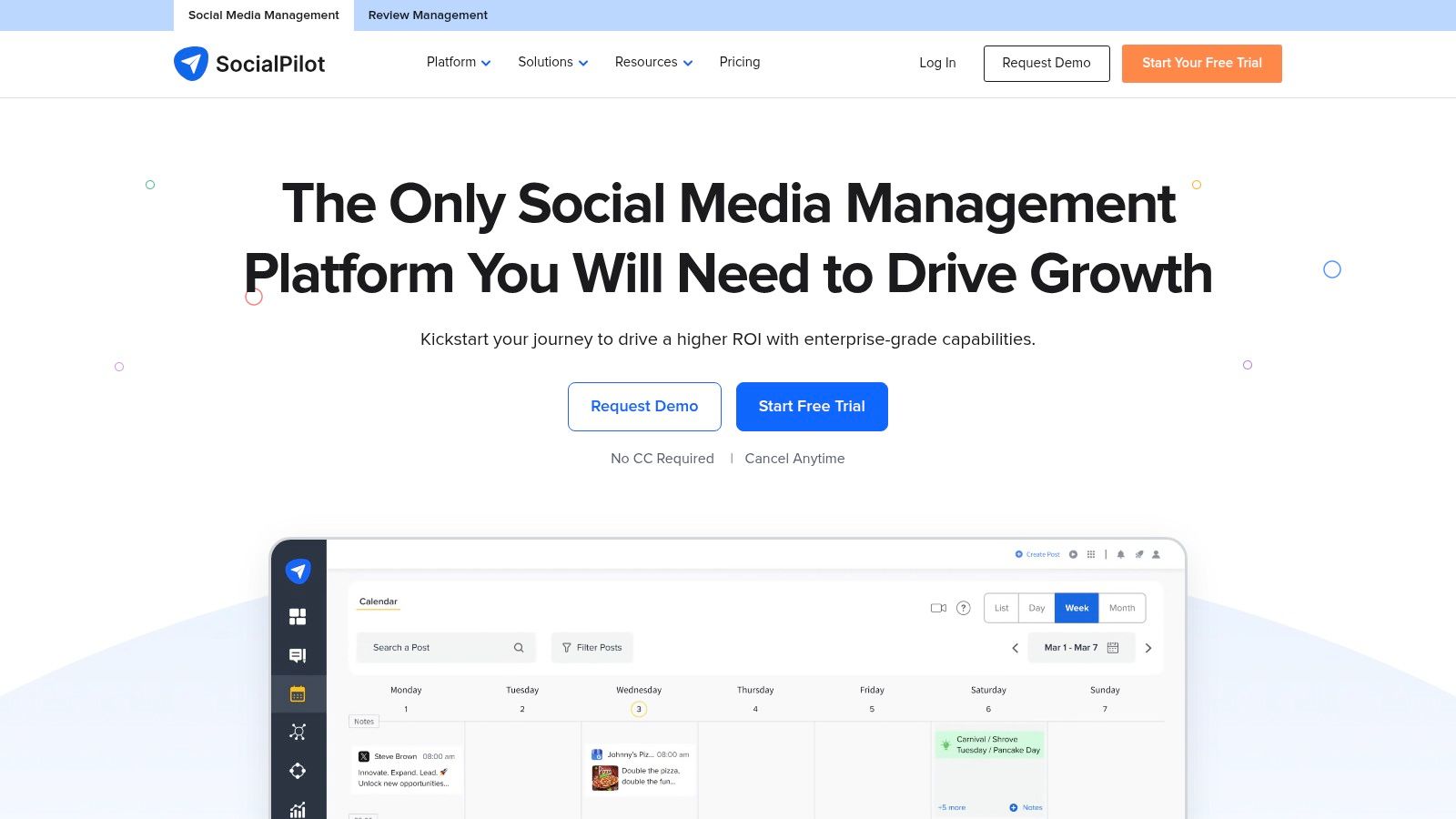
The platform’s real strength lies in its value proposition, providing agency-grade features like client management and white-label reporting at a price point accessible to small and medium-sized businesses. Its robust collaboration and approval workflows ensure content quality and brand consistency, even when managing numerous client accounts simultaneously.
Key Features & Use Cases
SocialPilot is designed for streamlined, high-volume social media management. The bulk scheduling feature, which allows users to upload up to 500 posts via a CSV file, is a huge time-saver for content-heavy campaigns. The browser extension and mobile apps further enhance content curation on the go.
- Best For: Marketing agencies, SMBs, and teams needing to manage 10+ social profiles without a high price tag.
- Standout Feature: The generous account and user limits across its pricing tiers offer exceptional scalability for growing agencies.
- Practical Tip: Utilise the 'Content Curation' feature to discover and schedule relevant articles and posts directly within the platform, keeping your content calendar full with minimal effort.
| Feature | Description |
|---|---|
| Bulk Scheduling | Schedule up to 500 posts at once using a CSV file. |
| Client Management | Onboard clients securely without needing their social media credentials. |
| White-Label Reports | Create branded, customised analytics reports to share with clients. |
| Collaboration Tools | Use approval workflows and a shared inbox to manage team and client tasks. |
Pros:
- Excellent value for money, with high account and user limits.
- Strong features for agencies, including client management and white-labelling.
- User-friendly interface that is easy to set up and navigate.
Cons:
- Lacks the advanced, native social listening features of more expensive platforms.
- The social inbox is functional but less advanced than dedicated engagement tools.
Link: SocialPilot
11. Metricool
Metricool positions itself as a powerful, data-driven tool for digital agencies, marketers, and brands focused on performance analytics. It combines social media management with ad campaign monitoring and website analytics, offering a uniquely holistic view of a brand’s online presence. Its strength lies in presenting complex data in clean, customisable reports, making it one of the best social media management tools for demonstrating ROI to clients.
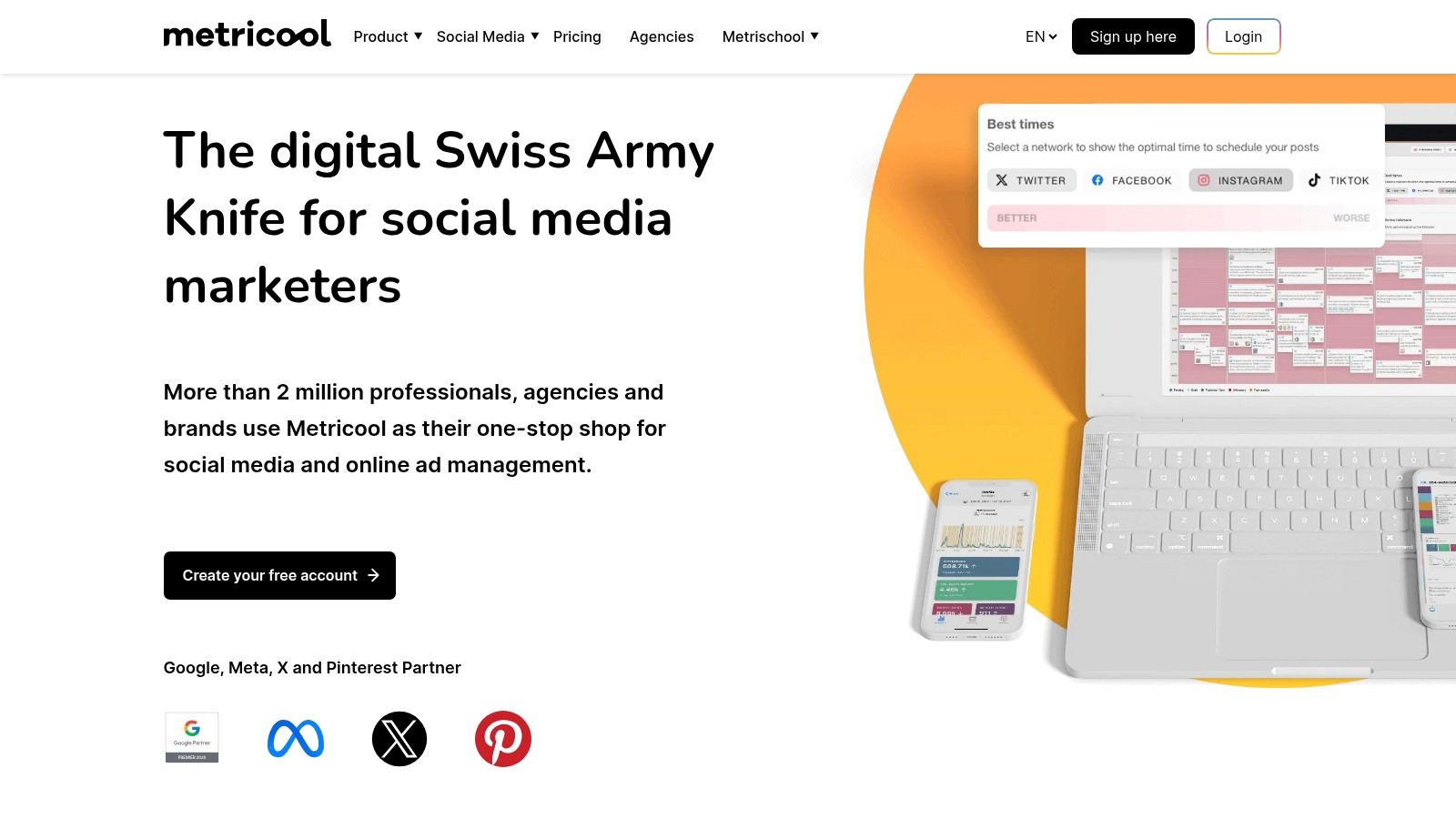
The platform is particularly well-suited for users who manage multiple brands, as its plans scale based on the number of profiles rather than forcing users into expensive enterprise tiers. This flexibility, combined with its robust reporting and competitor benchmarking features, delivers exceptional value for growing agencies and data-conscious small businesses.
Key Features & Use Cases
Metricool excels at consolidating analytics from social media, ad platforms like Google Ads and Meta Ads, and your website into one dashboard. This allows for seamless performance tracking and the creation of comprehensive, white-label reports perfect for client presentations.
- Best For: Marketing agencies and freelancers who need to manage multiple brands and deliver detailed performance reports.
- Standout Feature: The all-in-one SmartLinks (link-in-bio) tool is fully integrated, allowing you to drive and track traffic from social profiles within the same platform.
- Practical Tip: Use the competitor analysis feature to benchmark your performance on Instagram, Facebook, and Twitch against similar accounts to identify content gaps and strategic opportunities.
| Feature | Description |
|---|---|
| Unified Analytics | Track social media, website, and ad campaign performance in one place. |
| Customisable Reporting | Generate and schedule professional, white-label PDF or PPT reports. |
| Competitor Benchmarking | Analyse competitor performance on key platforms to gain a strategic edge. |
| SmartLinks Tool | Create a customisable link-in-bio page to direct and track social traffic. |
Pros:
- Excellent analytics and reporting capabilities for the price point.
- Flexible plans that scale easily across multiple brands.
- Integrated ad campaign and website performance tracking.
Cons:
- Lacks advanced social listening and complex customer care features.
- Some network-specific features, like enhanced X/Twitter data, require paid add-ons.
Link: Metricool
12. HubSpot Marketing Hub (Social tools)
While not a dedicated social media tool, HubSpot’s Marketing Hub includes social management features that are deeply integrated into a powerful, all-encompassing marketing automation platform. It is designed for businesses that want to connect social media activity directly to their CRM, email marketing, and sales funnels. This makes it one of the best social media management tools for companies prioritising lead generation and customer journey analytics over standalone social metrics.
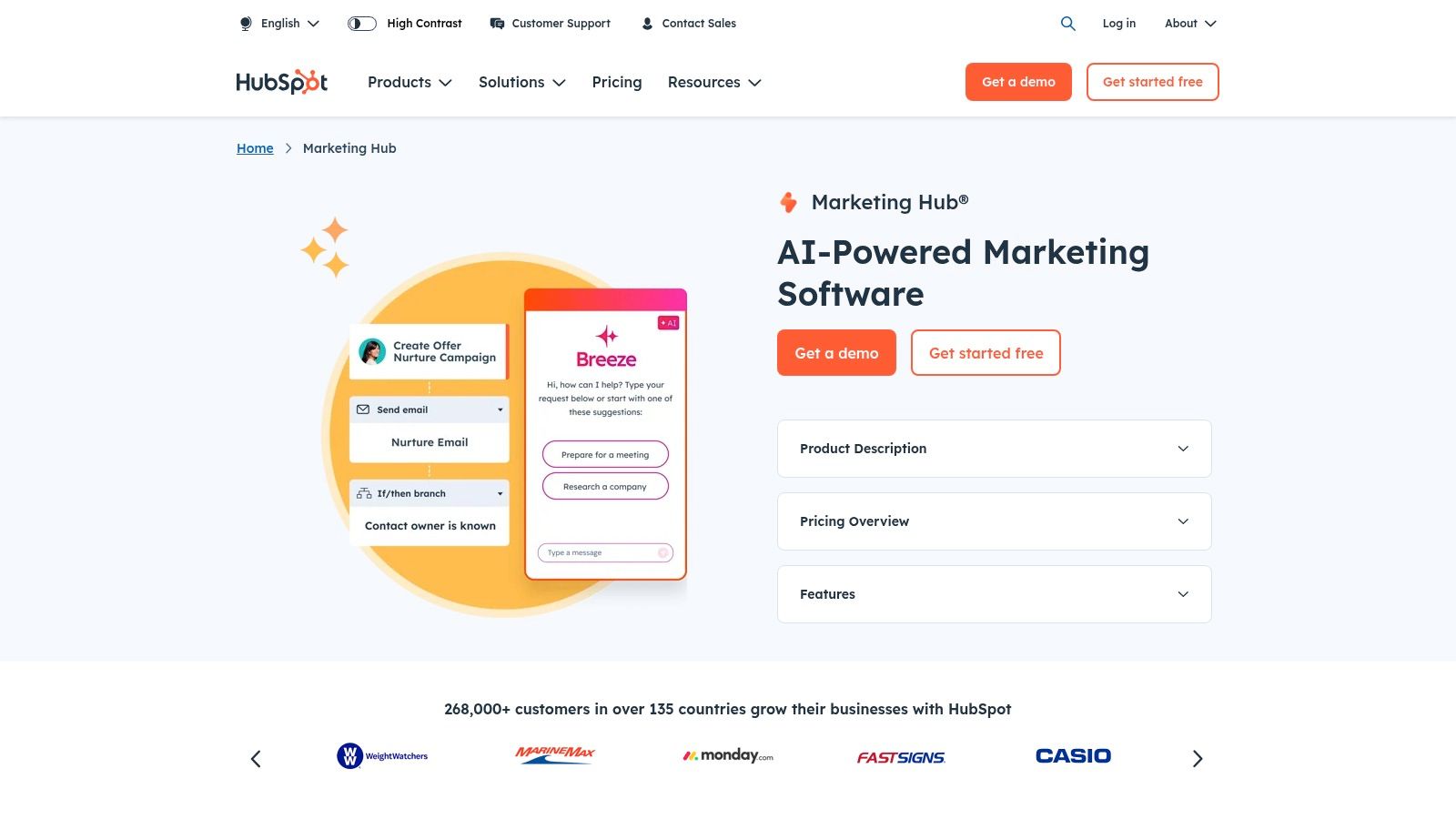
The platform’s real strength is its ability to attribute revenue and leads directly to specific social media posts and campaigns. By connecting social engagement to a contact’s record in the CRM, marketers gain unparalleled insight into how social media influences the entire sales cycle. This holistic approach is a cornerstone of a well-integrated virtual marketing strategy where every channel works in concert.
Key Features & Use Cases
HubSpot simplifies a multi-channel approach by keeping everything under one roof. You can schedule posts, monitor keywords, and analyse performance, but the key is that this data lives alongside your customer information, enabling highly personalised and automated marketing campaigns.
- Best For: Businesses already invested in or planning to use the HubSpot ecosystem for CRM, sales, and marketing automation.
- Standout Feature: The enterprise-grade attribution and journey analytics allow you to track a customer’s entire lifecycle, from their first social media interaction to their final purchase.
- Practical Tip: Use HubSpot’s automation workflows to trigger tasks for your sales team when a key prospect engages with one of your social media posts.
| Feature | Description |
|---|---|
| Integrated CRM | Link every social interaction to a contact record for a complete customer view. |
| Multi-Channel Automation | Create automated workflows that incorporate social media, email, and other marketing actions. |
| Enterprise-Grade Analytics | Track social media ROI, customer journey analytics, and campaign attribution. |
| Broad Marketing Ecosystem | Consolidate your marketing efforts into a single platform for greater efficiency. |
Pros:
- A single, unified platform for social, email, CRM, and automation.
- Powerful reporting that ties social media directly to business revenue.
- Scalable plans from startup-friendly bundles to enterprise-level solutions.
Cons:
- Can be overkill and expensive if you only need social scheduling features.
- Mandatory onboarding fees for Professional and Enterprise tiers add to the initial cost.
Link: HubSpot Marketing Hub
Top 12 Social Media Management Tools Comparison
| Tool | Core Features ✨ | User Experience ★★★★☆ | Value Proposition 💰 | Target Audience 👥 | Unique Selling Points 🏆 | Price Points 💰 |
|---|---|---|---|---|---|---|
| SocialBee | Content scheduling, team collaboration, analytics | User-friendly, customizable workflows | Scalable for businesses & agencies | SMBs, agencies | Integrated training, multi-account management | Mid-tier, some advanced features require upgrade |
| Hootsuite | Scheduling, engagement, listening, AI assistant | Mature analytics, competitor benchmarking | Broad features for SMEs to enterprise | SMEs to Enterprise | OwlyGPT AI assistant, Canva integration | Higher price, not fully transparent |
| Sprout Social | Publishing, engagement, analytics, AI | Robust collaboration, advanced reporting | Enterprise-grade workflows | Larger teams, agencies | Sentiment analysis, unlimited profiles on Pro+ | Premium, per-seat pricing |
| Buffer | Scheduler, engagement inbox, AI, hashtag manager | Easy to use, reliable apps | Affordable, transparent pricing | Solos, small teams | Modular pricing, first-comment scheduling | Low entry cost |
| Agorapulse | Publishing calendar, reporting, inbox, collaboration | Clear workflows, client reporting | Competitive vs enterprise peers | Agencies | Google Analytics ROI tracking, ad comment moderation | Mid-tier |
| Sendible | Multi-calendar, white-label, client dashboards | Agency-focused, multi-currency billing | Strong agency fit | Agencies | White-label plans, GBP billing | White-label from $299/month |
| Later | Visual planning, influencer commerce, AI credits | Affordable, visual brand focused | Clear tiers for small teams | Visual brands, creators | Social Sets multi-profile, link-in-bio | Affordable tiers |
| Loomly | Approvals, ideas board, bulk uploads, integrations | Clean UI, easy client approvals | Competitive vs enterprise suites | SMBs, agencies | Slack/MS Teams integration, content export | Mid-tier |
| Zoho Social | Publishing, monitoring, reports, Zoho integrations | Basic analytics, budget-friendly | Strong value, scales well | Zoho users, SMBs, agencies | Broad channel coverage including emerging platforms | Budget-friendly |
| SocialPilot | Up to 50 accounts, approvals, analytics, AI | Straightforward, budget-conscious | Good for agencies | Individuals, SMBs, agencies | High account/user limits, white-label reporting | Cost-effective |
| Metricool | Scheduling, analytics, reporting, link-in-bio | Flexible, strong analytics | Scales across brands | SMBs, agencies | Competitive benchmarking, EU billing | Value tiers with add-ons |
| HubSpot Marketing Hub | CRM-integrated automation, multi-channel analytics | Comprehensive marketing platform | All-in-one marketing automation | Startups to enterprises | CRM + automation + social in one platform | Premium, onboarding fees at higher tiers |
Finding Your Perfect Social Media Partner
Navigating the crowded landscape of social media management tools can feel overwhelming, but the journey to finding the right platform is a crucial strategic step. As we've explored, the "best" tool isn't a one-size-fits-all solution; it's the one that aligns perfectly with your unique operational needs, team structure, and business objectives. From the content-category prowess of SocialBee to the enterprise-level analytics of Sprout Social, each platform offers a distinct value proposition.
The decision-making process should be a deliberate one, moving beyond shiny features to focus on practical application. Your choice will profoundly influence your team's daily workflow, your ability to engage with your audience, and ultimately, the return on your social media investment. Realising this clarifies the importance of a thoughtful evaluation.
Recapping Your Options: A Needs-Based Summary
Let's distill the key takeaways from our deep dive. Your ideal tool likely falls into one of these core categories:
- For Agencies and Freelancers: Platforms like Sendible and Agorapulse shine here, offering robust client management, white-label reporting, and collaborative workflows. SocialPilot also presents a strong, budget-conscious alternative for managing numerous client accounts efficiently.
- For Small to Medium-Sized Businesses (SMBs): If you're looking for a powerful yet user-friendly solution, Buffer offers simplicity and elegance in scheduling, while Zoho Social provides excellent value by integrating with a broader business ecosystem. For those focused on content organisation, Loomly is a fantastic choice for team ideation and approval processes.
- For Visually-Driven Brands and E-commerce: Later remains a top contender, with its visual-first approach, Linkin.bio feature, and strong focus on Instagram and TikTok. Its intuitive interface is perfectly suited for planning visually appealing content feeds.
- For All-in-One Marketing and Sales Integration: If social media is just one piece of a larger marketing puzzle, HubSpot Marketing Hub is unparalleled. Its ability to connect social interactions directly to your CRM provides a holistic view of the customer journey, making it ideal for businesses focused on lead generation and conversion tracking.
Actionable Steps to Your Final Decision
You are now equipped with the detailed information needed to make an informed choice. To move forward, we recommend a structured approach. Don't simply pick the one with the most features; instead, follow these practical steps:
- Define Your Core Needs: Before you start another free trial, write down your top three to five "must-have" features. Is it a unified social inbox, advanced analytics, an intuitive content calendar, or AI-powered scheduling? Be specific.
- Set a Realistic Budget: Determine what you can comfortably invest per month or annually. Remember to consider the cost per user and per social profile, as this is where pricing can quickly escalate.
- Shortlist and Trial: Choose two or three platforms from this list that most closely match your needs and budget. Sign up for their free trials and commit to using them actively for the trial period.
- Involve Your Team: If you work with others, ensure they are part of the trial process. A tool is only effective if the team adopts it. Gather their feedback on usability and workflow integration.
- Evaluate the Support: During your trial, test out the customer support. A responsive and helpful support team can be a lifesaver when you're implementing a new system.
Choosing one of the best social media management tools is more than just a software purchase; it's an investment in your brand's digital voice and operational efficiency. By carefully considering your specific requirements against the strengths and weaknesses we've outlined, you can select a partner that not only saves you time but also empowers you to build stronger, more meaningful connections with your audience.
Feeling ready to explore further? Finding the right social media tool is just the beginning. At The Digital Marketing Toolbox, we organise, compare, and review hundreds of marketing software solutions, ensuring you always have the perfect tool for any challenge. Visit The Digital Marketing Toolbox to discover a curated world of software that can help you grow your business more effectively.


