
Building a functional and secure HTML form from scratch requires coding knowledge, time, and ongoing maintenance. From handling submissions and validation to preventing spam, the manual approach is often inefficient and prone to errors. An online html form builder free of charge can automate this entire process, offering a far superior alternative for businesses and creators.
These powerful tools provide drag-and-drop interfaces, pre-built templates, and seamless integrations. They allow you to create and deploy sophisticated forms in minutes, not hours, without touching a single line of code. Whether you need a simple contact form, a detailed customer survey, a lead generation tool, or a payment collection page, the right free builder streamlines your entire data collection workflow.
Understanding the strategic importance of effective online forms is key to leveraging these tools for lead generation and customer engagement. For deeper insights into design principles, you might want to explore a guide on how to create a contact form that converts.
This comprehensive guide analyses the 12 best free platforms available today. We’ll dive into their distinct features, evaluate the limitations of their free tiers, and provide clear recommendations to help you select the perfect tool for your specific project needs. Each entry includes screenshots and direct links, so you can compare options and get started immediately.
1. Google Forms
As an accessible and entirely free tool within the Google Workspace, Google Forms is often the first stop for anyone needing a quick, reliable online form. Its primary strength lies in its simplicity and deep integration with other Google services. For small businesses or solopreneurs needing a straightforward contact form, a quick customer feedback survey, or a simple event registration, this platform is an ideal, no-cost starting point. The user interface is incredibly intuitive, making it possible to create and share a functional form in just a few minutes without any prior experience.
While it may not be the most powerful online html form builder free of charge, its value proposition is unbeatable for basic needs. The platform's standout feature is its native connection to Google Sheets; all form responses can be automatically funnelled into a spreadsheet in real-time. This creates a powerful, self-updating database for analysis, collaboration, and record-keeping. The real-time response charts also provide a quick visual overview of your data directly within the Forms interface. This makes it an excellent choice for collecting sign-ups; you can explore advanced strategies for growing your subscriber base here.
Key Features & Limitations
- Pricing: Completely free with a personal Google account.
- Best For: Simple surveys, contact forms, quizzes, and basic data collection.
- Pros:
- Completely Free: No hidden costs or feature paywalls for personal use.
- Ease of Use: A familiar and highly intuitive drag-and-drop interface.
- Google Sheets Integration: Seamless, real-time data export and analysis.
- Cons:
- Limited Customisation: Branding options are minimal (basic colours and header images).
- No Advanced Logic: Lacks complex conditional logic and advanced field types.
- No Direct HTML Export: You embed the form via an iframe, not by exporting raw HTML code.
Website: https://www.google.com/forms/about/
2. Microsoft Forms
Similar to its Google counterpart, Microsoft Forms offers a streamlined, no-cost solution for anyone with a Microsoft account. It excels within the Microsoft 365 ecosystem, making it a natural choice for organisations already invested in tools like Teams, SharePoint, and Excel. Its primary advantage is providing a simple, secure way to create surveys, polls, and quizzes without needing any technical expertise. The interface is clean and user-friendly, allowing for rapid form creation and deployment for internal feedback or public data collection.
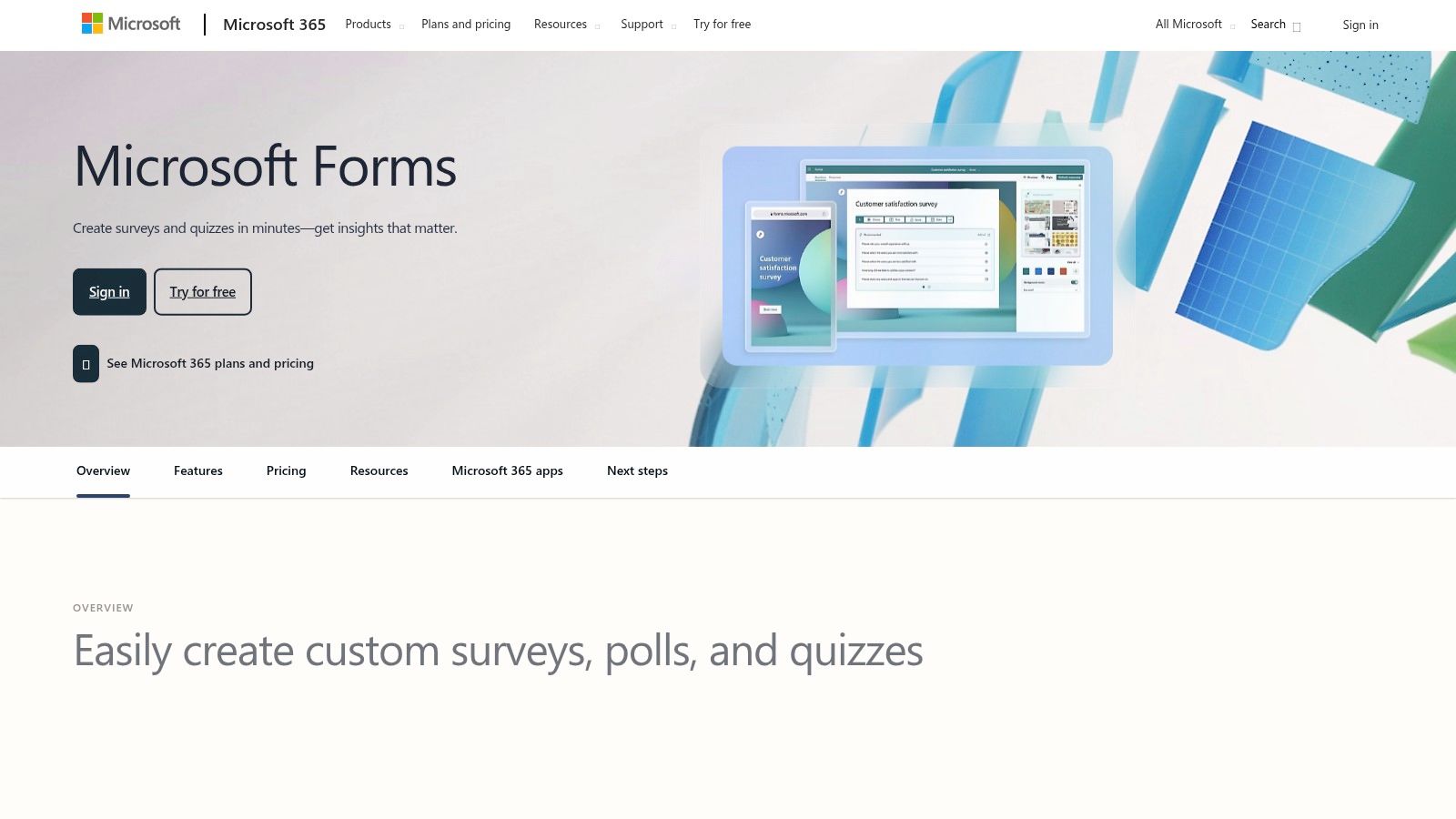
While it's a powerful tool for straightforward data gathering, it functions more as an embeddable service than a true online html form builder free of charge for custom websites. Its standout feature is the seamless integration with Excel, where responses can be automatically synced for real-time analysis, much like the Google Forms and Sheets connection. AI-powered suggestions for questions and templates can also speed up the creation process. For businesses operating within the Microsoft environment, the ability to embed forms directly into SharePoint pages or launch polls in Teams meetings is incredibly efficient.
Key Features & Limitations
- Pricing: Entirely free for personal Microsoft account holders.
- Best For: Internal company polls, simple registrations, and academic quizzes within a Microsoft 365 environment.
- Pros:
- Completely Free: No cost for users with a personal or organisational Microsoft account.
- Microsoft 365 Integration: Excellent, native connection with Excel, Teams, and SharePoint.
- Ease of Use: An intuitive, simple interface that requires no training.
- Cons:
- Limited Customisation: Branding and design options are very basic.
- Response Limits: The free personal tier has limits on the number of responses you can collect.
- No HTML Export: Like Google Forms, it provides an iframe embed code, not direct HTML source.
Website: https://forms.office.com
3. Jotform
Jotform stands out as a powerful and feature-rich platform that goes far beyond simple contact forms. Its drag-and-drop interface is intuitive, but its true strength lies in the advanced capabilities offered even on its free plan. For businesses needing more than just basic data collection, such as processing payments, gathering e-signatures, or creating approval workflows, Jotform provides a comprehensive solution without an initial investment. Its vast library of over 10,000 templates means you can get a sophisticated, professional-looking form up and running in minutes.
While it is a versatile online html form builder free to start, its advanced features are what make it a top contender. It supports over 30 payment gateways, including Stripe and PayPal, allowing small businesses to sell products or accept donations directly. The platform also offers robust conditional logic, enabling you to create dynamic forms that show or hide fields based on user answers. This makes it an excellent tool for complex registrations or detailed feedback surveys, and you can explore its capabilities for creating engaging tests by learning more about using it as an online quiz maker. For organisations concerned with data sovereignty, the option to store data on EU servers is a significant advantage.
Key Features & Limitations
- Pricing: Free plan available with 100 monthly submissions, 100MB space, and 5 form limit. Paid plans scale with usage.
- Best For: Small businesses needing payment integrations, complex workflows, and advanced logic.
- Pros:
- Feature-Rich Free Tier: Includes payments, e-signatures, and conditional logic.
- Extensive Template Library: Thousands of pre-built forms for almost any use case.
- EU Data Residency: Option to host data on European servers for compliance.
- Cons:
- Jotform Branding: The free plan includes Jotform branding on all forms.
- Strict Quotas: The free plan has clear limits on submissions, views, and storage.
- Can Become Costly: Pricing increases significantly for higher submission volumes.
Website: https://www.jotform.com
4. Typeform
Typeform distinguishes itself by prioritising user experience, transforming data collection from a chore into a conversational and engaging interaction. Its "one question at a time" format is designed to feel more like a natural dialogue, making it an excellent choice for lead generation, customer feedback, and sophisticated surveys where brand presentation is paramount. While not a traditional online html form builder free in the sense of providing raw code, it offers beautifully designed, embeddable forms that significantly enhance user engagement.
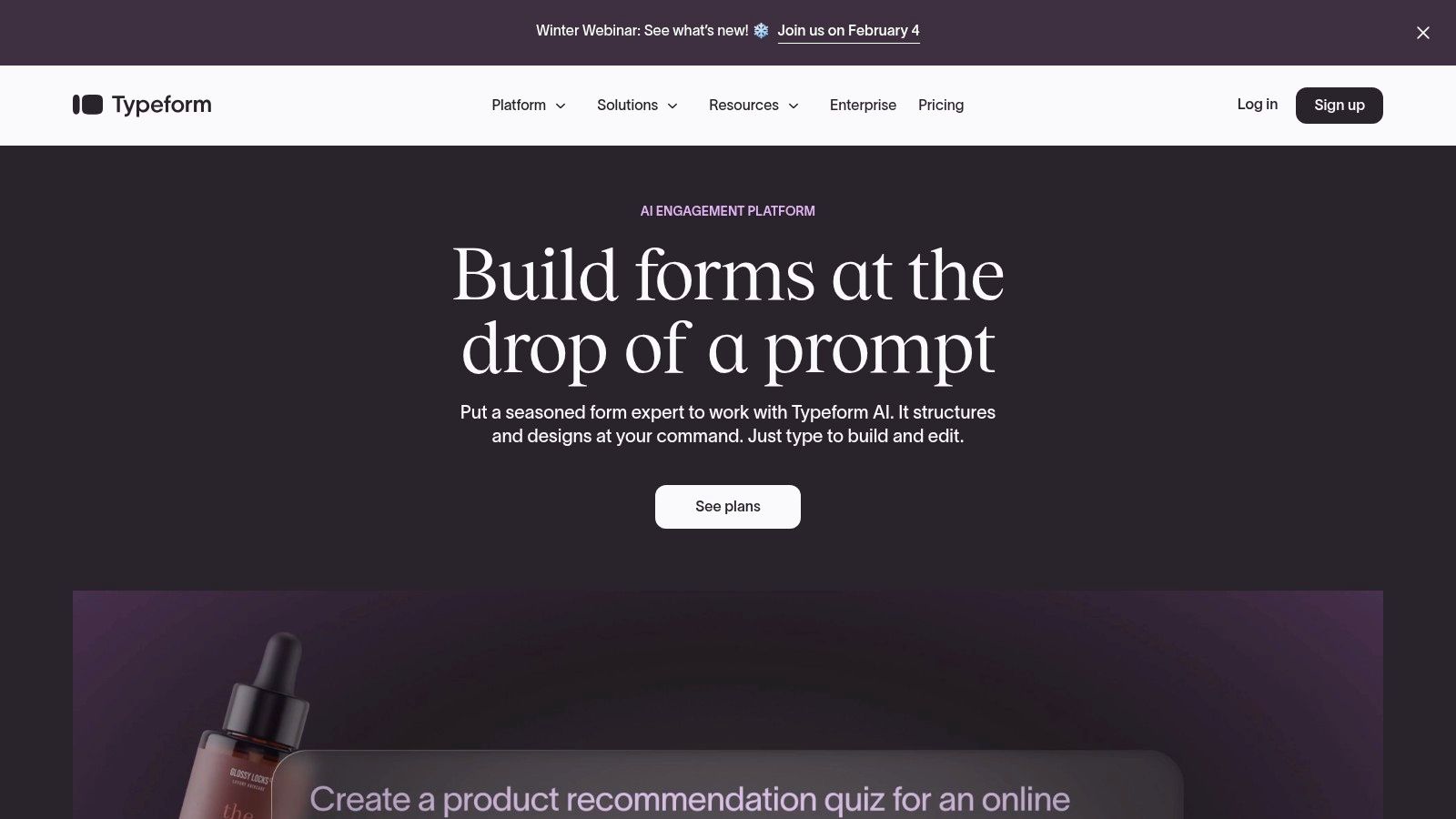
The platform's strength lies in its polished aesthetic and powerful conditional logic. You can guide users down different paths based on their answers, creating a personalised experience that feels less robotic and more human. This focus on engagement can have a direct impact on form completion rates, which is a critical factor for any business. The superior user experience makes it a powerful tool for lead capture, which you can learn more about in these 10 proven ways to improve conversion rates. Its vast library of integrations with tools like HubSpot, Airtable, and Zapier further extends its utility, allowing you to automate workflows effortlessly.
Key Features & Limitations
- Pricing: Free plan available with a limit of 10 responses per month. Paid plans unlock higher limits and advanced features.
- Best For: Lead generation, customer feedback surveys, and interactive quizzes where design and user experience are critical.
- Pros:
- Best-in-class Aesthetics: Creates beautiful, conversational forms that are a pleasure to fill out.
- Powerful Logic: Advanced conditional logic allows for highly personalised user journeys.
- Broad Integrations: Connects seamlessly with hundreds of popular business applications.
- Cons:
- Very Limited Free Plan: The 10-response monthly cap on the free tier is highly restrictive for most business uses.
- Can Be Expensive: Paid plans can become costly, especially for businesses with high submission volumes.
- No HTML Export: Like Google Forms, you embed the form rather than exporting the HTML source code.
Website: https://www.typeform.com
5. Tally
Breaking the mould with a "free-first" philosophy, Tally offers a refreshingly generous and modern form-building experience. Its standout feature is the editor, which functions much like a Notion document, allowing you to simply type and insert blocks. This intuitive approach removes the typical clunkiness of drag-and-drop builders, making it exceptionally fast for startups, creators, and agencies who need powerful features without the immediate cost. For those seeking an online html form builder free of restrictive limits, Tally is a game-changer.
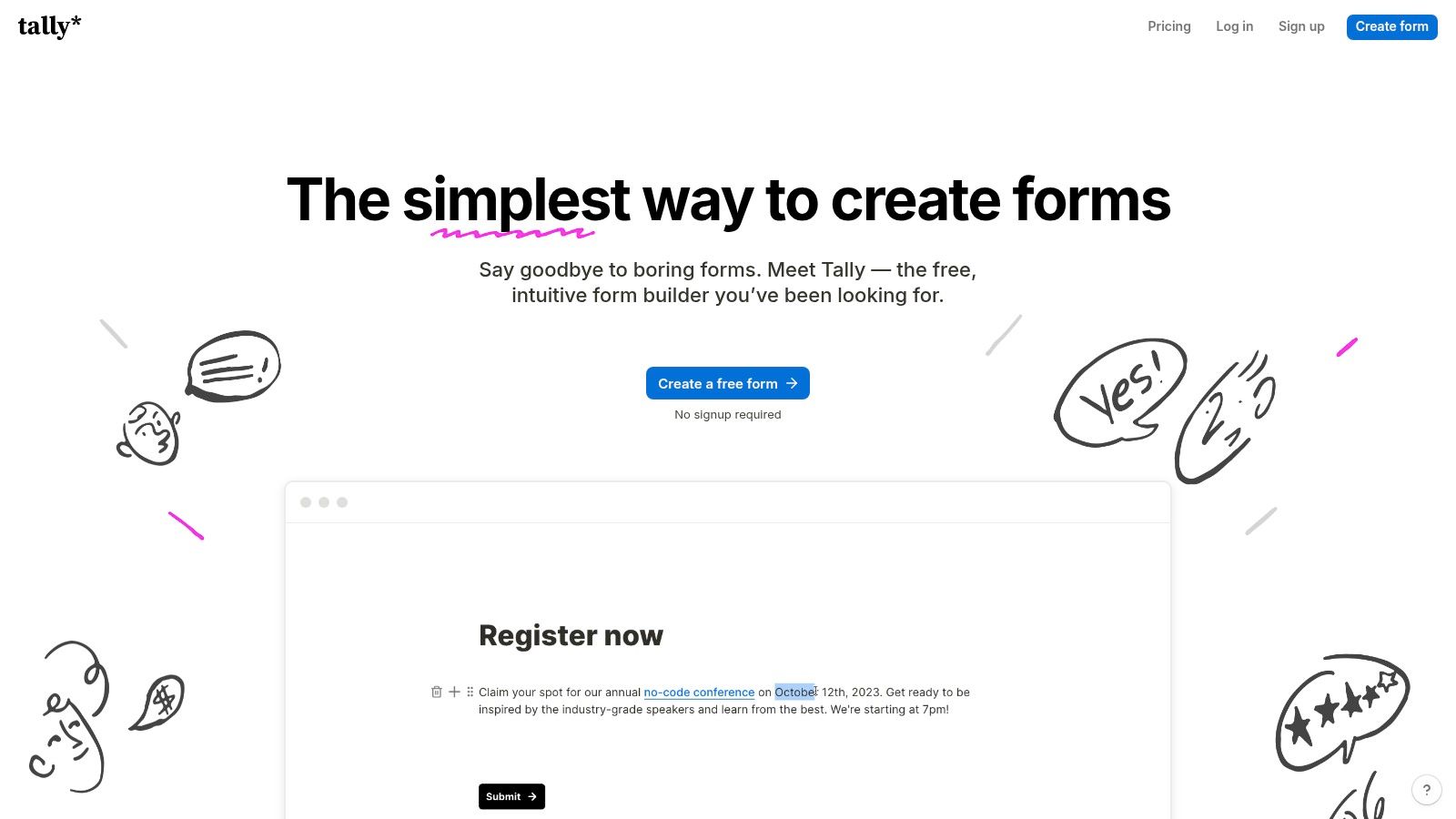
The platform's free tier is almost unbelievably permissive, offering unlimited forms, unlimited submissions, and access to advanced features like conditional logic, payment collection via Stripe, and answer piping. You can create everything from complex client intake forms to interactive quizzes without hitting a paywall. Integrations with tools like Airtable, Notion, and Zapier are also included, allowing you to build sophisticated workflows. While Tally doesn't provide a direct HTML export, its flexible embedding options and webhook support offer significant power for developers and advanced users.
Key Features & Limitations
- Pricing: Free plan includes unlimited forms and submissions. Pro plan removes branding and adds more advanced features.
- Best For: Startups, creators, and small businesses needing advanced features on a budget.
- Pros:
- Extremely Generous Free Tier: Unlimited forms, submissions, and access to powerful logic features.
- Fast, Intuitive Builder: The Notion-like interface is modern, clean, and a pleasure to use.
- Strong Integrations: Connects easily with popular tools like Airtable, Zapier, and Google Sheets.
- Cons:
- Branding on Free Plan: Forms include Tally branding unless you upgrade to a paid plan.
- No Direct HTML Export: Relies on iframe or pop-up embedding rather than providing raw HTML.
- Newer Player: As a smaller vendor, it lacks the long-standing reputation of some competitors.
Website: https://tally.so
6. Cognito Forms
Cognito Forms targets businesses that need more than just a basic contact form, offering a powerful suite of features even on its free tier. It excels in handling complex data collection scenarios, making it an excellent choice for applications, order forms, and detailed registrations. Where many free tools stop, Cognito Forms provides advanced capabilities like calculations, repeating sections, and conditional logic, allowing for the creation of dynamic, intelligent forms that adapt to user input. It strikes a rare balance between robust functionality and accessibility for small to medium-sized enterprises.
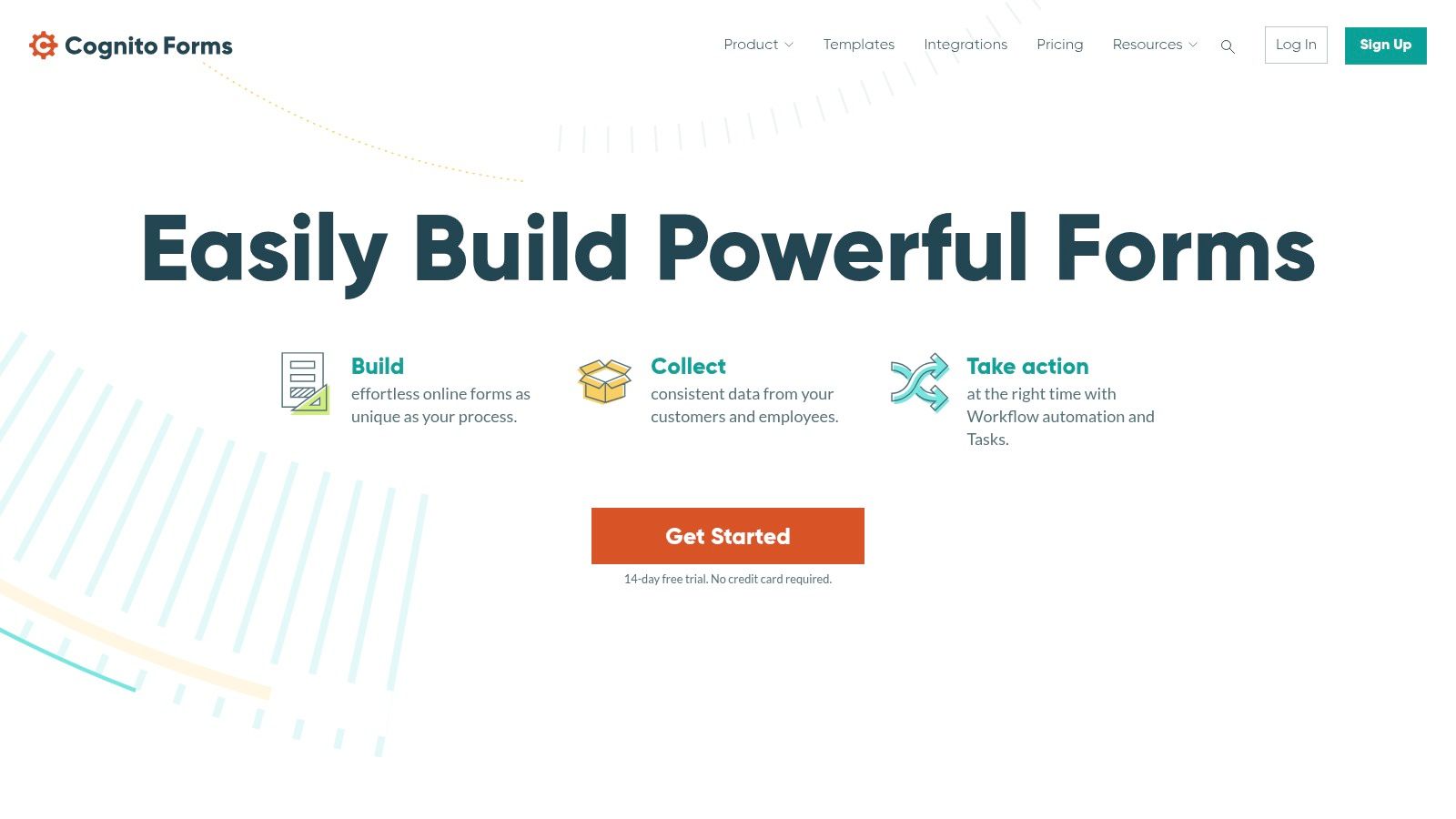
While you don't directly export raw HTML, the platform's embedding options are versatile and seamless, making it a strong contender for a business-focused online html form builder free of charge. The free plan is notably generous, offering unlimited forms with a cap of 500 entries per month, which is sufficient for many growing businesses. Standout features like "Save & Resume" allow users to complete long forms at their own pace, significantly improving completion rates for more involved data collection processes. This makes it ideal for organisations that need professional-grade forms without an immediate budget for premium solutions.
Key Features & Limitations
- Pricing: Free plan available (Individual) with 500 entries/month. Paid plans start from $15/month.
- Best For: Detailed application forms, order forms with calculations, event registrations, and complex data collection.
- Pros:
- Advanced Features: Conditional logic, calculations, and repeating sections are available on the free plan.
- Generous Free Tier: Unlimited forms and 500 monthly entries provide significant value.
- Save & Resume: A premium feature offered for free, boosting user experience for longer forms.
- Cons:
- Functional UI: The interface is more utilitarian and less design-focused than some competitors.
- Entry and Storage Limits: The free plan has clear caps on entries and storage (100 MB).
- No Direct HTML Export: Forms are embedded using scripts, not by exporting the source code.
Website: https://www.cognitoforms.com
7. Zoho Forms
Part of the expansive Zoho ecosystem, Zoho Forms is a business-centric builder that excels in data management and workflow automation. It's a powerful choice for organisations already invested in Zoho's suite of applications, offering deep, native integrations that streamline processes. For businesses needing to capture leads directly into their CRM or manage data flows for internal approvals, Zoho Forms provides a robust, scalable solution that goes beyond simple data collection. The platform is particularly useful for teams that need to collect data on the go, thanks to its excellent mobile apps with offline functionality.
While its free plan offers significant value, it’s best viewed as an entry point into Zoho's wider platform. The real strength of Zoho Forms as an online html form builder free of charge lies in its ability to act as a data-capture front-end for a much larger business engine. Features like conditional rules, approval workflows, and seamless connections to Zoho CRM and Zoho Sheet set it apart from simpler survey tools. This makes it ideal for more complex business processes like order forms, application submissions, or internal requests that require multi-step handling.
Key Features & Limitations
- Pricing: Free plan includes 3 forms, 500 submissions/month, and 200MB storage. Paid plans unlock more features and higher limits.
- Best For: Businesses using the Zoho ecosystem, mobile data collection, and forms requiring approval workflows.
- Pros:
- Generous Free Tier: 500 monthly submissions is a high limit for a free plan.
- Zoho Ecosystem Integration: Flawless connection to Zoho CRM, Sheets, and other business apps.
- Offline Functionality: Mobile apps allow data collection without an internet connection, syncing later.
- Cons:
- Branding on Free Forms: The Zoho branding is present and can only be removed on paid tiers.
- Function Over Form: The user interface is highly functional but lacks the modern design flair of some competitors.
- HTML Export is Limited: Primarily designed for embedding via script/iframe; direct HTML export isn't its main focus.
Website: https://www.zoho.com/forms/
8. HubSpot Forms
For businesses already invested in or considering the HubSpot ecosystem, the HubSpot Forms builder is a powerful, integrated solution. Its main advantage is its native connection to the free HubSpot CRM, automatically creating and updating contact records with every form submission. This makes it a standout choice for marketing and sales teams focused on lead generation, as it eliminates manual data entry and seamlessly funnels new leads into established workflows. The builder is designed to support marketing campaigns directly, helping to convert website visitors into qualified leads within a unified platform.
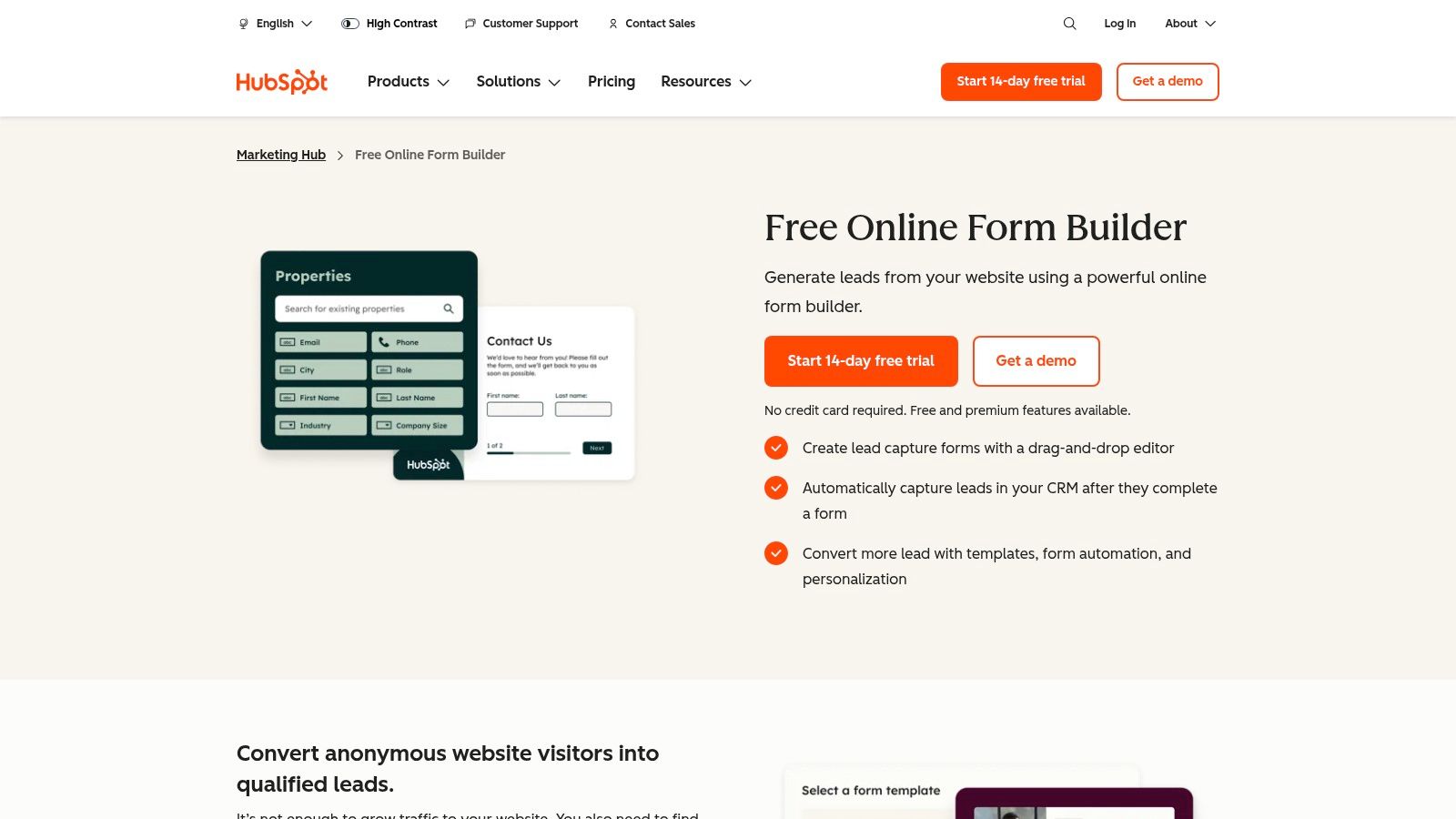
While it functions as a capable online html form builder free of charge, its true power is unlocked when used for lead capture. Features like progressive profiling, where forms intelligently hide questions a contact has already answered, help improve conversion rates by reducing friction. The platform allows you to embed forms on any website, not just those built with HubSpot, making it a flexible tool for capturing leads across all your digital properties. This immediate CRM integration is what sets it apart from standalone form builders, creating a direct pipeline from user interaction to sales action.
Key Features & Limitations
- Pricing: Free as part of the HubSpot CRM Free Tools. Paid tiers unlock advanced automation.
- Best For: B2B lead generation, sales pipeline integration, and marketing automation.
- Pros:
- Native CRM Integration: Automatically creates and enriches contact records in HubSpot CRM.
- Marketing-Focused: Built for conversion tracking and seamless handoff to email and sales workflows.
- Smart Features: Includes progressive profiling to shorten forms for returning visitors.
- Cons:
- Limited on Free Tier: Advanced features like A/B testing and complex automation require paid plans.
- HubSpot Branding: The free version includes HubSpot branding on forms.
- Best Within Ecosystem: Offers maximum value when used with other HubSpot tools.
Website: https://www.hubspot.com/products/marketing/forms
9. Fillout
Fillout positions itself as a modern form builder designed for the no-code ecosystem, excelling where deep, bi-directional database integration is critical. It’s the go-to choice for users whose workflows are centred around platforms like Airtable, Notion, or HubSpot. Instead of just sending data one way, Fillout can read from, update, and even create new records in your connected database, making it far more powerful than a simple data collection tool. It allows you to build sophisticated interfaces for managing data without ever leaving the form.
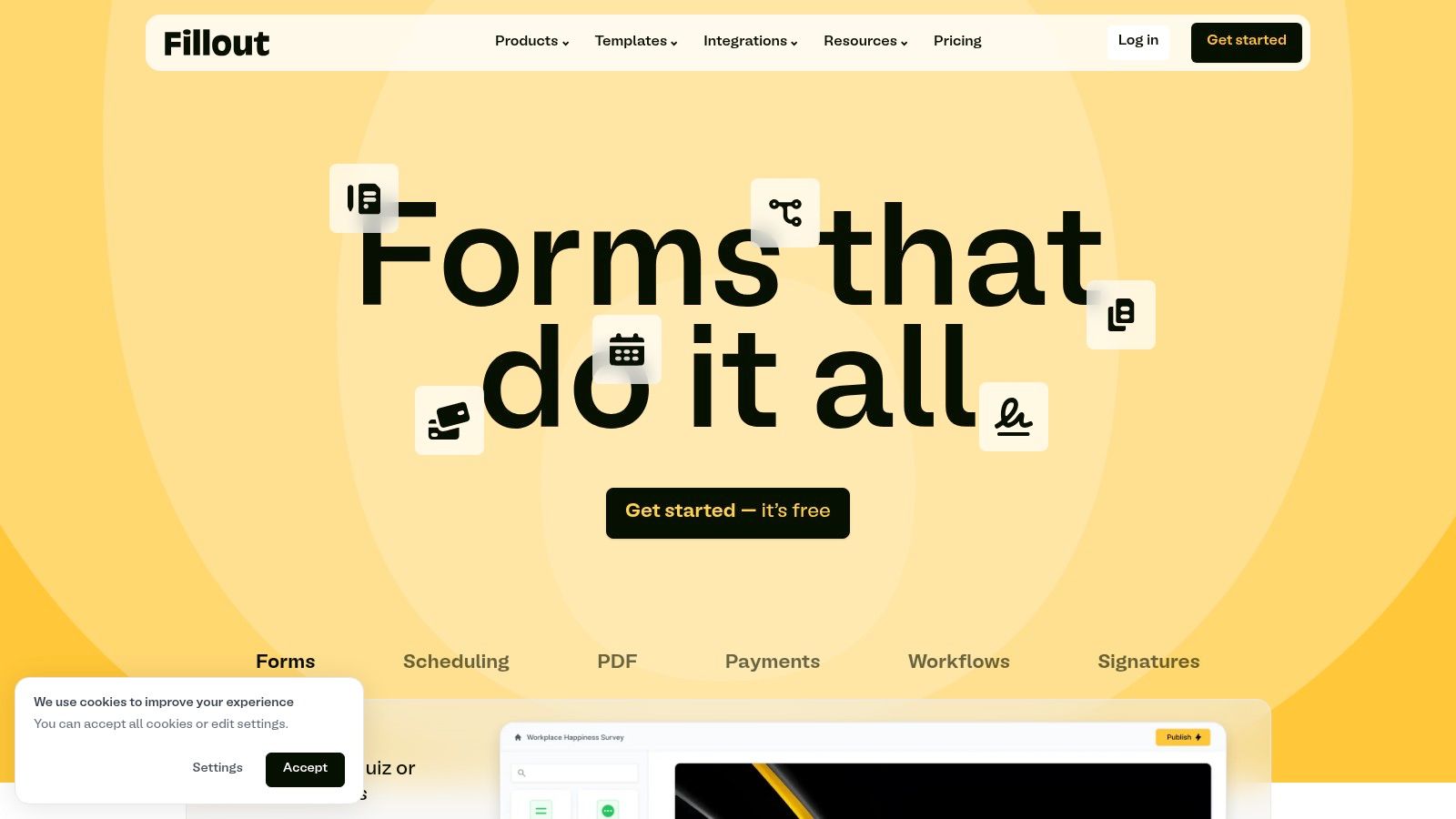
While many platforms offer integrations, Fillout’s are its core strength, enabling complex, database-first forms. For example, you can create a form that pulls customer data from your CRM, allows the customer to update their information, and then writes those changes back to the original record seamlessly. Its free tier is generous, offering unlimited forms and most integrations, making it an exceptional online html form builder free for data-heavy projects. The ability to accept Stripe payments without additional fees on the free plan is another significant advantage.
Key Features & Limitations
- Pricing: A generous free plan is available. Paid plans unlock advanced features like custom domains and higher submission limits.
- Best For: Users in the no-code space, building internal tools, or needing deep integration with Airtable, Notion, and other databases.
- Pros:
- Exceptional Integrations: Native, bi-directional data mapping with popular databases.
- Powerful Logic: Supports pre-filling fields and dynamic data from connected sources.
- Generous Free Tier: Includes unlimited forms, 1000 submissions/month, and Stripe payments.
- Cons:
- Newer Platform: As a more recent entrant, some integrations may occasionally have minor hiccups.
- Complexity: The depth of features can present a steeper learning curve than simpler tools.
- Advanced Features Paywalled: Key functionalities for enterprise use are on paid tiers.
Website: https://www.fillout.com
10. 123FormBuilder
123FormBuilder is a long-standing and versatile platform that offers a robust solution for businesses needing more than just a basic contact form. It excels by providing a vast library of professional templates and extensive customisation options, even on its free tier. For users who need to create anything from simple lead generation forms to more complex data capture instruments, this platform delivers a polished and highly adaptable experience without demanding technical expertise. The drag-and-drop interface is intuitive, making it a strong contender for those who prioritise design flexibility.
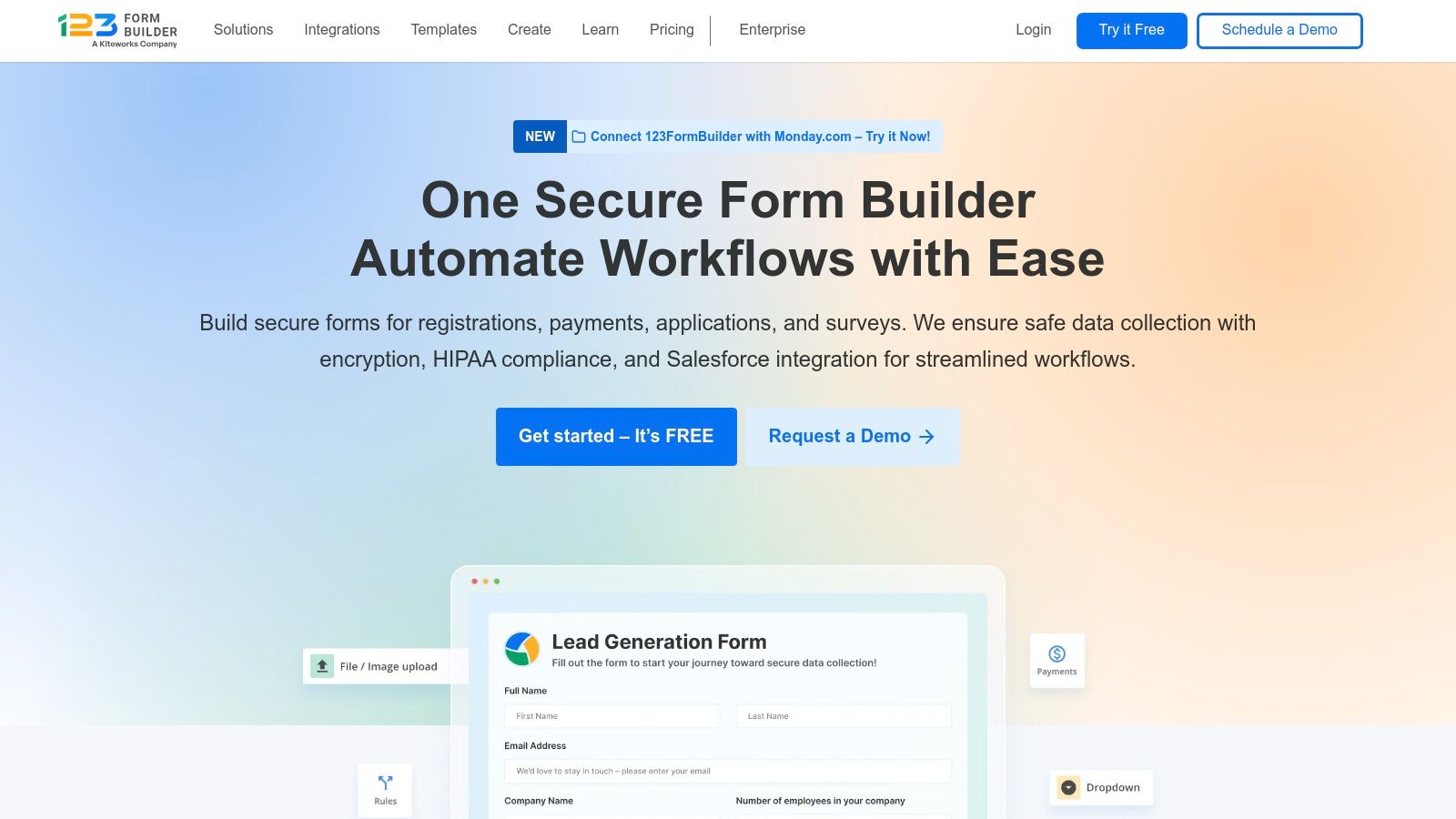
While it operates as a comprehensive online html form builder free of charge, its true strength lies in its publishing flexibility. Users are not limited to a single embed method; 123FormBuilder provides JavaScript, iframe, and even pop-up lightboxes to integrate forms seamlessly into any website. This variety ensures compatibility and a professional appearance across different web platforms. The free plan offers a solid starting point with a generous number of forms, though it does come with platform branding and submission limits.
Key Features & Limitations
- Pricing: Free plan available with branding. Paid plans start from approximately £20/month.
- Best For: Users needing design flexibility, multiple embed options, and a wide selection of templates.
- Pros:
- Flexible Publishing: Offers multiple embed options including JavaScript, iframe, and pop-ups.
- Good Styling Options: Provides themes and custom CSS for greater brand alignment.
- Large Template Library: Speeds up the creation process for common use cases.
- Cons:
- Branding on Free Tier: Free forms will include 123FormBuilder branding.
- Feature Gating: Many advanced features and integrations are reserved for paid plans.
- Limited Submissions: The free plan has quotas on form submissions per month.
Website: https://www.123formbuilder.com
11. forms.app
Forms.app positions itself as a modern and versatile form builder with a strong focus on AI-powered assistance and advanced features, even on its free plan. It's a fantastic option for small businesses and individuals who need capabilities like payment collection, e-signatures, and conditional logic without committing to a costly subscription. The platform is designed to be user-friendly, offering an AI form creator that can generate a complete form from a simple text prompt, saving valuable time.
While it doesn't offer a direct HTML export, its embedding options are robust, allowing seamless integration into any website. The real value for those seeking an online html form builder free of charge is the generous free tier, which includes features often paywalled by competitors. For instance, you can create forms that calculate scores or prices and accept payments via Stripe and PayPal, making it a powerful tool for simple order forms or paid registrations right out of the box. The availability of live support is another significant advantage for users who may need quick assistance.
Key Features & Limitations
- Pricing: Free plan available. Paid plans start from around £12 per month for higher limits and advanced features.
- Best For: Small businesses, entrepreneurs, and users needing advanced features like payments and conditional logic on a budget.
- Pros:
- Generous Free Tier: Includes conditional logic, calculations, and payment fields.
- AI-Powered Tools: AI form creator and response analysis simplify the entire process.
- Live Support: Access to real-time help is a major plus for a free tool.
- Cons:
- Branding on Free Forms: Forms.app branding is present on the free tier.
- No Direct HTML Export: Relies on embedding forms via JavaScript or iframe.
- Smaller Ecosystem: Fewer native integrations compared to market leaders.
Website: https://forms.app
12. Airtable Forms
Airtable takes a unique, database-first approach to forms. Instead of being a standalone form builder, its forms are a direct "view" of an Airtable base. This makes it an exceptionally powerful tool for anyone who needs form submissions to land directly in a structured, relational database for immediate use. It’s ideal for internal processes like project intake, content submissions, or inventory requests where the data needs to be organised and actionable from the moment it arrives.
While not a conventional online html form builder free of charge, Airtable’s true strength is in what happens after submission. The data instantly becomes a record in a base, ready to be linked to other tables, trigger complex automations, or be visualised in custom interfaces. You can create a form from any table in seconds, and each field in your table becomes a question on the form. This seamless integration makes it a go-to for building internal tools and operational workflows rather than public-facing marketing campaigns.
Key Features & Limitations
- Pricing: Free plan includes unlimited bases, 1,000 records per base, and core form functionality.
- Best For: Internal data collection, application tracking, and workflow automation.
- Pros:
- Database Integration: Submissions are instantly structured and usable within the powerful Airtable ecosystem.
- Automation Power: Easily connect forms to trigger scripts, notifications, and integrations with other apps.
- Ease of Creation: Generating a form from an existing table is incredibly fast and intuitive.
- Cons:
- Limited Customisation: Visual branding options on the free plan are minimal and include Airtable branding.
- Not a Standalone Tool: It's a feature of a larger database platform, not a dedicated form designer.
- No HTML Export: Forms are shared via a direct link or embedded, with no option to export the raw code.
Website: https://airtable.com
Top 12 Free Online HTML Form Builders — Comparison
| Tool | Core features ✨ | UX/Quality ★ | Value & Price 💰 | Target 👥 | Top strengths 🏆 |
|---|---|---|---|---|---|
| Google Forms | Simple builder, templates, branching, Sheets export | ★★★★ familiar & fast | 💰 Free (personal) · Workspace upgrades | 👥 Individuals, educators, teams | 🏆 Free, real-time collaboration |
| Microsoft Forms | AI suggestions, templates, Excel export, multilingual | ★★★★ integrated experience | 💰 Free (MS acct) · 365 tiers | 👥 Microsoft 365 orgs | 🏆 Tight Teams/Excel/SharePoint integration |
| Jotform | Payments, e-signatures, approvals, 200+ integrations | ★★★★ feature-rich | 💰 Free w/ branding → paid scales | 👥 Enterprises, SMEs needing compliance | 🏆 Deep features & EU data options |
| Typeform | Conversational UX, logic branching, embeds, reporting | ★★★★★ best-in-class design | 💰 Limited free responses; can be pricey | 👥 Marketers, UX-focused lead gen | 🏆 Polished, high-conversion UX |
| Tally | Conditional logic, calculators, Stripe, webhooks | ★★★★ modern & intuitive | 💰 Extremely generous free tier | 👥 Startups, creators, agencies | 🏆 Unlimited free forms/submissions (fair use) |
| Cognito Forms | Advanced calculations, Save & Resume, payments, docs | ★★★★ powerful & functional | 💰 Modest pricing; strong value | 👥 SMEs needing deep form logic | 🏆 Feature depth at good price |
| Zoho Forms | 30+ fields, mobile/offline, Zoho CRM & workflows | ★★★ functional, mobile-capable | 💰 Free limited plan · add-ons for scale | 👥 Zoho users, mobile teams | 🏆 Native Zoho CRM + offline apps |
| HubSpot Forms | Progressive profiling, CRM auto-create, templates | ★★★★ CRM-native UX | 💰 Free CRM tier · advanced Hubs paid | 👥 SMBs & agencies focused on inbound | 🏆 Native CRM + automation handoff |
| Fillout | Bi-directional Airtable/Notion mapping, Stripe payments | ★★★★ DB-first, clean UX | 💰 Free tier; paid for advanced mapping | 👥 No-code stacks, product teams | 🏆 Exceptional database integrations |
| 123FormBuilder | Drag-and-drop, themes, custom CSS, multi-embed | ★★★ mature & flexible | 💰 Free basic → paid high limits | 👥 SMBs, publishers, agencies | 🏆 Flexible publishing & styling |
| forms.app | 30+ fields, e-signatures, AI form creator, payments | ★★★ budget-friendly & capable | 💰 Competitive pricing; generous free | 👥 Small businesses, freelancers | 🏆 AI helpers + low-cost limits |
| Airtable Forms | Shareable form views → base records, automations | ★★★★ data-first & automations | 💰 Included in Airtable plans; free tier | 👥 Ops, content intake, builders | 🏆 Immediate record storage & automations |
Choosing the Right Free Form Builder for Your Goals
Navigating the landscape of free online HTML form builders can feel overwhelming, but as we've explored, the "best" tool is entirely subjective. It's not about finding a single perfect solution, but rather identifying the platform whose strengths and limitations align perfectly with your specific project requirements and long-term strategic goals. Your final choice hinges on a clear understanding of your priorities, from user experience and data management to integration capabilities and scalability.
By now, you should have a clear picture of the distinct value each builder offers. The journey from selecting a tool to implementing a functional, data-capturing form is a critical step in optimising your digital operations.
Recapping the Core Takeaways
The key insight from our deep dive is that the free tier is often a strategic entry point, designed to solve a particular problem exceptionally well. For rapid, no-frills data gathering within an existing ecosystem, the simplicity of Google Forms and Microsoft Forms is unmatched. They are the workhorses for internal surveys, simple registrations, and quick feedback loops where advanced customisation is not a priority.
Conversely, if your primary goal is to captivate your audience and maximise lead capture through a beautiful, conversational interface, Typeform remains a leader. However, its restrictive free plan means you must be strategic with its use. For those who desire Typeform's elegance without its strict limits, Tally emerges as a powerful and generous alternative, offering unlimited forms and submissions, making it a favourite for startups and creators on a budget.
A Framework for Your Final Decision
To make a confident choice, evaluate each potential online HTML form builder free of charge against these crucial criteria:
- Submission Volume: Be realistic about your monthly needs. A tool like Jotform or 123FormBuilder might offer a robust feature set, but their free submission caps could become a bottleneck as you grow. If you anticipate high volume, the unlimited nature of Tally or the ecosystem benefits of HubSpot Forms are more sustainable.
- Integration is King: A form is only as good as the workflow it supports. If you're embedded in the Zoho ecosystem, Zoho Forms is the logical choice for seamless CRM integration. Similarly, for inbound marketing excellence, HubSpot Forms provides unparalleled connectivity to its marketing and sales hubs. For unique, database-driven needs, Airtable Forms offers a direct line to a powerful, flexible backend.
- Complexity and Logic: Do you need simple contact details, or are you building a multi-page quiz with branching logic? For sophisticated needs like calculations and conditional fields, Cognito Forms and Fillout provide impressive power in their free offerings, allowing you to create dynamic experiences that adapt to user input.
- Customisation and Branding: How important is it that your form perfectly matches your website's aesthetic? While most builders offer basic colour and font changes, those needing granular control over the generated HTML and CSS will need to look closely at export options and embed flexibility. A good online html form builder free tool should give you the code you need without locking you into its platform's visual constraints.
Ultimately, the right tool will feel less like a compromise and more like a strategic asset. It will not only collect data but also enhance your user experience, streamline your backend processes, and provide actionable insights that help you grow. Take the time to test your top two or three candidates, build a sample form, and see how it integrates into your existing workflow. This hands-on experience is the final, essential step in selecting the perfect partner for your data collection needs.
Ready to integrate your new form into a wider, more powerful marketing strategy? At The Digital Marketing Toolbox, we provide a curated collection of resources, guides, and tools designed to connect every part of your digital presence, from data capture to conversion. Discover how our comprehensive toolkit can help you turn form submissions into loyal customers. Find out more at The Digital Marketing Toolbox.


