
When it comes to email banner sizes, the magic number for width has long been between 600 and 650 pixels. This isn't just a random recommendation; it's a battle-tested dimension that ensures your design looks great across the vast majority of email clients without any weird horizontal scrolling. For height, you've got more wiggle room, but keeping it between 90 and 200 pixels usually strikes the perfect balance.
Your Quick Reference Guide to Email Banner Sizes
Nailing your email banner size is one of those small details that makes a huge difference in how professional your campaigns feel. The 600px width became a go-to standard years ago, mainly to accommodate older, fussier email clients like Outlook. While many modern designs now comfortably stretch to 650px or even 700px, the core principle remains the same: balance visual appeal with technical reality to avoid your beautiful design getting squashed or stretched.
Think of your banner as the first handshake with your reader. It's often the first thing they see, so getting the proportions right is key to delivering your message cleanly, no matter what device they're using. This is a foundational concept, especially if you're new to the field and just dipping into a beginner's guide to digital marketing.
This infographic neatly summarises the key dimensions you'll need to consider for desktop, mobile, and responsive designs.
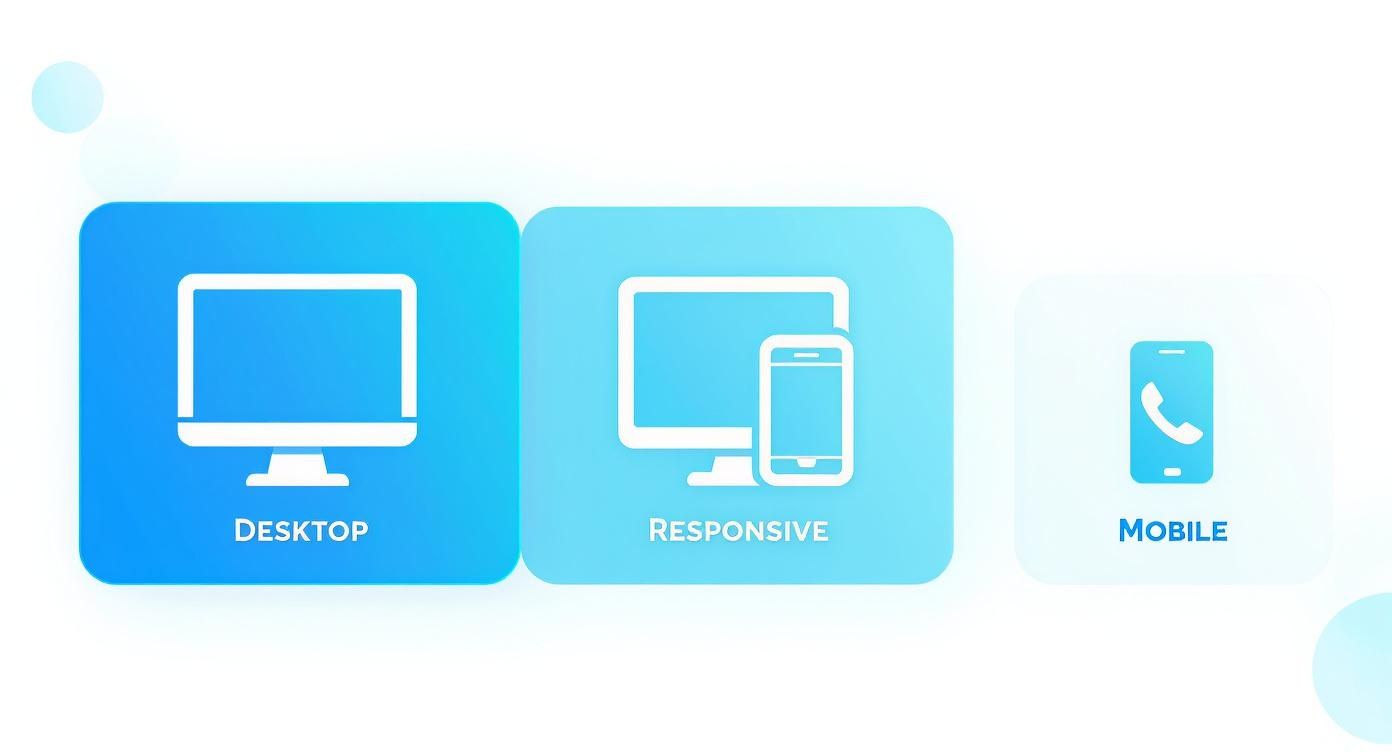
As you can see, a mobile-first approach demands a much narrower banner—often around 350px—to make sure everything is legible and looks sharp on a smaller screen.
To make things even easier, here’s a quick-lookup table with the essential dimensions you'll need.
Recommended Email Banner Dimensions
| Device Type | Recommended Width (pixels) | Recommended Height (pixels) | Notes |
|---|---|---|---|
| Desktop | 600–700 | 90–200 | This is the classic standard and the safest bet for most email clients. |
| Mobile | 320–480 | 100–150 | Absolutely vital, especially since over 41% of people now open emails on their phones. |
| Responsive | Fluid (100%) | Varies | This approach uses code to automatically resize the banner for any screen. |
Using this table as your starting point will help you create banners that are not only visually appealing but also technically sound, ensuring a great experience for every subscriber.
Why Standard Banner Dimensions Matter More Than You Think
Getting your email banner dimensions right isn't just about making things look pretty—it's a critical part of making sure your campaign actually works. Every email client, from Outlook and Gmail to Apple Mail, interprets and displays images differently. A banner that's even slightly too wide can break the layout, forcing users to scroll sideways or, worse, get completely cut off.
When that happens, your main message and call-to-action disappear, and the user experience takes a nosedive. Think about it: if a subscriber opens your email to a broken or distorted image, it immediately looks unprofessional and damages your brand's credibility. This kind of friction often leads to a swift delete, which hurts your open and click-through rates. These are the very metrics that demonstrate the advantages of email marketing and prove your campaign's worth.
The Link to Your Campaign's Performance
Beyond just how it looks, your banner’s size has a direct impact on whether your email even reaches the inbox. Oversized images mean larger file sizes, which are a red flag for many spam filters. They also lead to frustratingly slow loading times, particularly for people checking emails on the go.
With the UK's email advertising market projected to reach US$883.46 million in 2025, getting this right is more important than ever. Given that 41% of people now check their emails on a smartphone, a mobile-first design isn’t a luxury; it’s essential for reaching your audience effectively. You can dig deeper into email advertising growth on Statista.com.
By sticking to proven email banner dimensions, you're ensuring every subscriber gets a clean, professional, and consistent experience. This consistency is what builds trust and drives engagement—the bedrock of any solid digital marketing effort.
Remember, a great banner is just one piece of the puzzle. It needs to fit into a larger plan, like the ones outlined in these effective email marketing strategies for hotels, to truly deliver results.
Mastering Desktop Email Banners
When you're designing banners for desktop email clients, you’ve got a bit more room to play with, but that freedom comes with its own set of guidelines. For as long as most of us can remember, 600 pixels has been the magic number for email width. This isn't just a random figure; it came about because older clients like Microsoft Outlook had limited viewing panes, and anything wider risked getting cut off or forcing a dreaded horizontal scrollbar.
Even though many modern email clients can comfortably display wider designs, sticking to a 600-650px width is still your safest bet for universal compatibility. Some designers push this to 700px to achieve those beautiful, full-bleed layouts, but be warned: this approach demands rigorous testing across every email service you can think of.
Strategic Banner Height and Visual Impact
The height of your banner is less about technical limits and more about your strategic goals. A shorter banner, for example, makes sure your most important content stays "above the fold" – visible the second someone opens your email.
Here’s a quick breakdown of how to think about height:
- Short Banners (90px – 120px): These are perfect for clean, simple headers. Think of a minimalist design with just your logo and maybe a few navigation links. They get the job done without distracting from the main message.
- Medium Banners (150px – 200px): If you're running a promotion, this is your sweet spot. This height gives you enough canvas for striking imagery and a prominent call-to-action button that's hard to miss.
Specifically for the UK market, the consensus lands on a banner that's 600–700 pixels wide and between 90px and 200px high. This range hits the mark for being visually engaging without pushing the main email content too far down the page, which is crucial given that UK consumers respond well to clear, personalised messaging. For a deeper dive, you can explore more email banner best practices on omnisend.com.
Optimising Banners for Mobile Devices
It’s no secret that most emails get opened on a smartphone these days. Because of this, adopting a mobile-first mindset for your banner design isn't just a good idea—it's essential. Something that looks stunning on a 27-inch monitor can quickly become a squashed, illegible disaster on a phone if you haven't planned for it.
The goal is to design for a fluid, responsive experience. Stop thinking in terms of a single fixed width and start thinking about a flexible range. For mobile banners, you’ll want to aim for a width between 320px and 480px. This sweet spot covers the screen real estate of almost every smartphone out there, making sure your banner displays properly without any annoying horizontal scrolling.
Key Mobile Design Considerations
Crafting an effective mobile banner is more than just scaling down your desktop version. It requires a complete rethink of the design's core components to ensure they have an impact on a much smaller canvas.
Here are a few things I always keep in mind:
- Simplify Your Imagery: Busy images with lots of intricate details just become a blur on a small screen. Instead, choose a single, bold focal point that gets your message across instantly.
- Make Text Legible: Any text you bake into the banner image needs to be big and clear. If someone has to pinch-to-zoom to read your offer, you’ve already lost them.
- Create Obvious Calls-to-Action (CTAs): Your CTA button must be unmissable and easy to tap with a thumb. I always recommend adding plenty of clear space around the button to prevent frustrating mis-taps.
If you want ultimate control, the best technique is to use media queries in your email’s HTML. This allows you to show one banner on desktop and a completely different, purpose-built banner for mobile users. It's the surest way to guarantee a perfect display for every subscriber, every time.
Choosing the Right File Format and Size
Getting the pixel dimensions right is only half the battle; the technical format of your banner is just as important for how it performs in the wild. Deciding between a JPEG, PNG, or GIF is always a trade-off. You're balancing image quality against features like transparency and, crucially, the final file size.
Get it wrong, and you could be looking at painfully slow load times. That's a recipe for frustrated subscribers and can even get your email flagged by spam filters before it ever reaches the inbox.
Finding the Sweet Spot Between Quality and Speed
No matter which format you land on, the file size of your banner is non-negotiable. A heavy image can torpedo an otherwise brilliant email campaign. If you need to get your banners trimmed down to the right dimensions, a good online image resizer tool can be a real lifesaver.
The golden rule here is to keep your banner's file size under 200KB. If you can get it below 100KB, even better. This is key for ensuring your email loads almost instantly, especially for people on dodgy mobile connections, which boosts both deliverability and their overall experience.
Your aim is to compress the image as much as you can without it starting to look fuzzy or pixelated. Always, always preview the final compressed version. Check that it still looks sharp and professional before you hit send.
Email Banner File Format Comparison
To help you choose, here's a quick rundown of the main formats and what they're best suited for. Think of this as your cheat sheet for picking the right tool for the job.
| File Format | Best For | Supports Transparency? | Supports Animation? | File Size |
|---|---|---|---|---|
| JPEG | Photographs and complex images with many colours. | No | No | Smallest |
| PNG | Logos, icons, and graphics with sharp lines or text. | Yes | No | Medium-Large |
| GIF | Simple, looping animations to capture attention. | Yes | Yes | Largest |
In short, each format has its place. Use JPEGs for your rich, photographic content. Reach for PNGs when you need crisp text or a logo that sits cleanly on a coloured background. And save GIFs for those simple, eye-catching animations that need to make a point quickly.
Advanced Techniques for High-Impact Banners
Once you've got the basics down, you can start exploring more advanced techniques to make your email banners truly stand out. It's about moving beyond just 'good enough' and creating something that really makes an impression.
Designing for High-Resolution Displays
One of the best ways to elevate your banner's quality is to design for high-resolution screens, often called Retina displays. The trick is surprisingly simple: create your banner at double the size you want it to appear. For example, you’d design a 1200px wide image, but then use HTML attributes to scale it down to 600px in the email itself.
This little bit of extra effort pays off big time. The result is a banner that looks incredibly sharp and professional, especially on modern smartphones and laptops.
Keeping Your Message Visible
What happens if your subscriber's email client blocks images by default? Your beautifully designed banner, and its crucial message, might never be seen. A clever way around this is to overlay live HTML text on top of a background image.
This ensures your key message or call-to-action is always readable, even without the image. It’s a fantastic fallback that guarantees your most important information gets through.
Using Animation and Personalisation
A well-placed animated GIF can work wonders. A subtle, looping animation is brilliant for drawing the eye to a new product or a special offer, making it far more effective than a static image. The key here is to keep an eye on the file size; you don't want to slow down your email's loading time.
In the UK, we're seeing a big shift towards personalisation and bold, visually striking content. Many brands are ditching simple logos in their banners in favour of powerful imagery that creates a memorable first impression. You can find out more by reading up on UK email design trends on mailjet.com.
Linking your banner directly to a relevant landing page is also a must, as it gives UK consumers the tailored, seamless experience they expect. These kinds of thoughtful approaches are central to building campaigns that genuinely connect with your audience, a concept we explore further in our guides on virtual marketing strategies.
Common Email Banner Mistakes to Avoid
Even with the perfect email banner dimensions sorted, a few common slip-ups can easily trip you up and hurt your campaign's performance. Nailing these details is just as crucial as getting the size right, making sure every email you send looks polished and works perfectly for every single subscriber.
Probably the most frequent mistake I see is using massive image files. A gorgeous banner is no good to anyone if it's so heavy that it takes ages to load. This just frustrates people, especially on mobile, and they’ll often delete your email before it even finishes appearing. A good rule of thumb is to compress every image, aiming to keep the file size well under 200KB.
Overlooking Accessibility and Readability
Another huge pitfall is designing banners with tiny text that’s impossible to read on a phone. What looks perfectly fine on your big desktop screen can quickly become a squint-inducing mess on a smaller device. Always, always preview your designs on an actual mobile phone to make sure any text baked into your banner is big enough and clear enough to be read comfortably.
Forgetting to add descriptive ALT text is a critical accessibility mistake. ALT text allows screen readers to describe the banner to visually impaired users, and it also means your message gets across even if the recipient's email client blocks images by default.
Lastly, here are a few other classic blunders you'll want to sidestep:
- Forgetting a clear call-to-action (CTA): Your banner needs a purpose. If it doesn't clearly guide the reader on what to do next, you're wasting a massive opportunity for clicks and conversions.
- Using fancy, unreadable fonts: Stick with clean, universally supported fonts that you know will look good everywhere. Funky display fonts often don't render correctly in many email clients.
- Skipping cross-client testing: A banner that looks stunning in Gmail can fall apart completely in Outlook. You have to test your designs across different email clients to ensure everyone gets a consistent, professional experience.
Common Questions Answered
Even with the best guides, a few specific questions always seem to pop up about email banners. Let's tackle some of the most frequent ones I hear from marketers and designers, clearing up any lingering confusion.
What’s the Best Resolution for an Email Banner?
Stick to the web standard of 72 DPI (dots per inch). You might be tempted to use a higher resolution, like you would for print, but it won't make your banner look any better in an email. It will, however, make the file size much larger, which is bad for loading times.
The real secret for those crystal-clear Retina displays is to design the banner at double the final dimensions. So, if you want a 600px wide banner, create it at 1200px wide. Then, use HTML to scale it back down. This clever trick ensures your image stays sharp on high-density screens without bloating the file size.
How Can I Make My Banner Genuinely Responsive?
A truly responsive banner doesn't just look good on a few pre-set screen sizes; it flows perfectly on any device. The most reliable way to achieve this is by setting the image width to 100% in your email's HTML code.
This simple bit of code instructs the email client to automatically adjust your banner to fill the width of whatever container it's in. Whether it's a tiny smartphone screen or a sprawling desktop monitor, your banner will fit flawlessly.
Is There a Maximum File Size I Should Stick To?
Absolutely. While you could technically upload a larger file, it's a bad idea. For best results, keep your banner's file size under 200KB, and if you can get it below 100KB, even better.
Anything larger risks frustratingly slow load times for your subscribers, and in some cases, can even get your email flagged by spam filters. Always make sure to compress your images before you hit send—it makes a huge difference.
Ready to put these insights into practice? The Digital Marketing Toolbox provides curated lists of top-tier tools for email marketing, design, and automation, helping you create stunning campaigns that get results. Explore our recommended resources at https://grow-your-biz.com.


