

Finding the right email builder for HTML campaigns can be a game-changer for your marketing efforts. A well-crafted email not only captures attention but also drives engagement and conversions. The challenge, however, lies in navigating the vast array of available tools, each with its own unique strengths, weaknesses, and learning curves. Manually coding responsive emails is time-consuming and prone to rendering errors across different email clients, a problem a dedicated email builder HTML platform is designed to solve.
This guide is structured to help you bypass the trial-and-error phase. We've compiled a comprehensive list of the industry's leading email builders, from simple drag-and-drop interfaces for beginners to more advanced editors for seasoned developers. Our goal is to provide a clear, practical resource that empowers you to select the perfect tool for your specific needs, whether you're a small business owner, part of a marketing agency, or an e-commerce manager.
Each entry includes a detailed breakdown of key features, honest pros and cons, and pricing information. We've also included screenshots and direct links to each platform, so you can see them in action and explore them further. This list will help you streamline your workflow and create professional, visually stunning HTML emails with confidence.
1. GetResponse – drag‑and‑drop email builder
GetResponse positions itself as a premier, all-in-one marketing platform, but its core strength lies in a remarkably intuitive and powerful email builder html tool. It provides a seamless experience for users of all skill levels, enabling the creation of professional, responsive email campaigns without touching a single line of code. The platform is designed for efficiency, allowing marketers and business owners to move from concept to a fully polished HTML email in minutes.
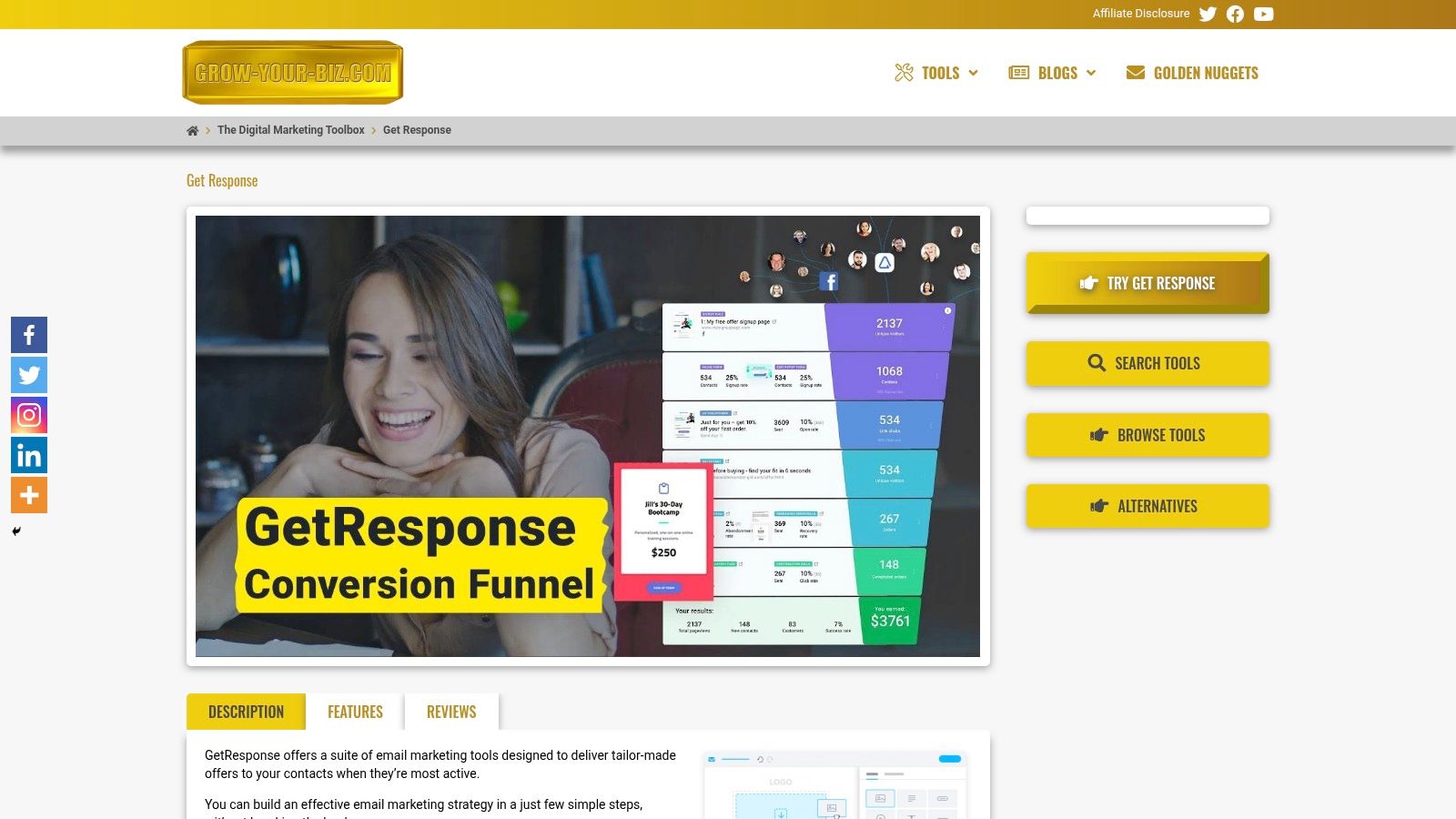
This tool excels by blending simplicity with sophisticated functionality. Its drag-and-drop interface is clean and responsive, making the entire design process feel natural. Beyond basic text and image blocks, GetResponse offers dynamic content modules, video integration, and social sharing buttons, giving you the creative freedom to build engaging newsletters and promotional materials.
Key Strengths and Use Cases
GetResponse is more than just an email designer; it's a comprehensive ecosystem designed to support your entire marketing funnel. This integration is what makes it a standout choice.
- For E-commerce Managers: Utilise the builder to craft abandoned cart reminders or promotional emails featuring product recommendations directly from your online store. The robust automation features can trigger these emails based on customer behaviour, driving conversions effortlessly.
- For Digital Agencies: Quickly create and manage distinct email campaigns for multiple clients using the vast template library. The ability to save custom templates ensures brand consistency and significantly speeds up workflow.
- For Small Business Owners: The platform's ease of use and integrated features mean you don't need a dedicated design team. You can build, schedule, and analyse your email campaigns from one central hub, making it a cost-effective solution. Exploring the advantages of email marketing on grow-your-biz.com can further highlight how this tool maximises your return on investment.
In-Depth Feature Analysis
| Feature | Description |
|---|---|
| Intuitive Editor | The drag-and-drop interface allows for effortless customisation. Users can add, remove, and rearrange content blocks, adjust padding, and change colours with pixel-perfect precision. |
| Template Library | Access over 500 professionally designed, mobile-responsive templates tailored to various industries and occasions. Each template is fully customisable to match your brand's unique style. |
| Stock Image Access | Integrated access to a library of over 5,000 royalty-free stock images directly within the editor helps you create visually stunning emails without incurring extra costs or leaving the platform. |
| Advanced Automation | Beyond simple email creation, GetResponse allows you to build complex automation workflows. You can segment your audience and send targeted messages based on user actions, such as link clicks or website visits. |
Pros:
- Intuitive drag-and-drop editor enables fast, code-free email creation
- Access to hundreds of customisable templates for diverse campaign needs
- Large stock image library aids in crafting visually compelling emails
- Built-in automation features enhance workflow efficiency and lead nurturing
- Responsive email design ensures optimal display across devices
Cons:
- Some advanced automation workflows may require a learning curve
- Pricing tiers could be a consideration for very small businesses or startups
Website: https://grow-your-biz.com/growth/get-response/
2. Beefree
Beefree distinguishes itself as a purpose-built platform focused squarely on designing beautiful, responsive emails and landing pages. Unlike all-in-one marketing suites, its primary function is design, offering a streamlined workflow that allows users to create assets and export them to virtually any Email Service Provider (ESP). This specialisation results in a fast, intuitive drag-and-drop interface complemented by a vast library of over 1,700 professional templates.
For those who need to fine-tune their designs, Beefree provides direct access to the email builder HTML, allowing for custom code adjustments alongside the visual editor. This hybrid approach caters to both beginners and advanced users.
Key Features and User Experience
The user experience is exceptionally smooth, prioritising speed and ease of use. The platform also offers an embeddable editor via its SDK, a unique offering for software companies wanting to integrate a white-label email builder into their own applications.
- Pricing: A generous free "Starter" plan is available, though it has export and storage limitations. Paid tiers (starting from around £25/month) unlock unlimited exports, more templates, and collaboration features for teams.
- Pros: Highly intuitive UI, extensive template selection, and flexible export options.
- Cons: The free plan's limitations can be restrictive for active users. Advanced SDK features incur usage-based fees which can add up.
Learn more at beefree.io
3. Stripo
Stripo is a comprehensive email design platform known for its exceptional versatility and deep integration capabilities. It uniquely combines a drag-and-drop editor with a full-featured HTML code editor, allowing users to switch between visual and code-based editing seamlessly. This dual functionality makes it a powerful choice for teams with varying technical skills. Its standout feature is the modular email architecture, enabling users to create, save, and reuse content modules across campaigns, significantly speeding up the production workflow.
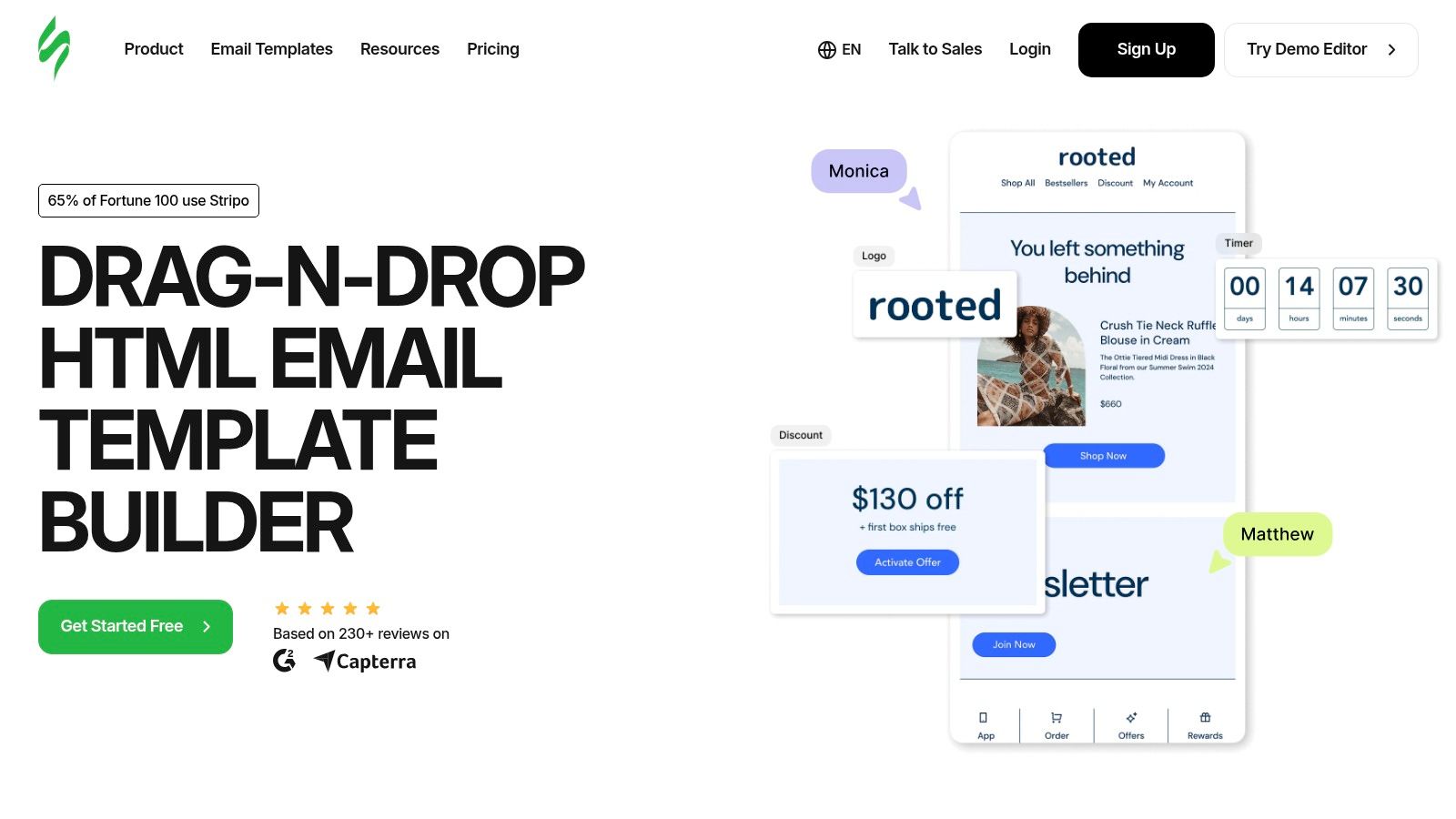
The platform is designed for efficiency, offering one-click exports to over 85 Email Service Providers (ESPs), one of the broadest integration networks available. For developers and advanced marketers, the ability to combine pre-built blocks with custom code within the same email builder HTML provides unparalleled creative freedom without sacrificing ease of use.
Key Features and User Experience
Stripo's interface is clean and feature-rich, though it can present a slight learning curve for absolute beginners due to its extensive toolset. It supports a robust collaborative environment with features like sharing, commenting, and user roles, making it ideal for marketing agencies and in-house teams.
- Pricing: A free plan is available but limits monthly exports and access to advanced features. Paid plans start from around £12 per month, unlocking more exports, premium modules, and collaboration tools.
- Pros: Extensive ESP integrations and export options (HTML, PDF, Image). Strong module system for efficient design reuse and excellent team collaboration features.
- Cons: The free plan's export limitations can be restrictive for frequent use. The sheer number of features may initially feel overwhelming for new users.
Learn more at stripo.email
4. Postcards by Designmodo
Postcards by Designmodo adopts a modular approach, offering a no-code email builder that streamlines design through pre-made, customisable blocks. This system is ideal for marketers and designers who need to produce professional-looking emails rapidly without delving into complex code. The platform’s core strength lies in its speed and simplicity, enabling users to stack and style modules to create a complete email in minutes.
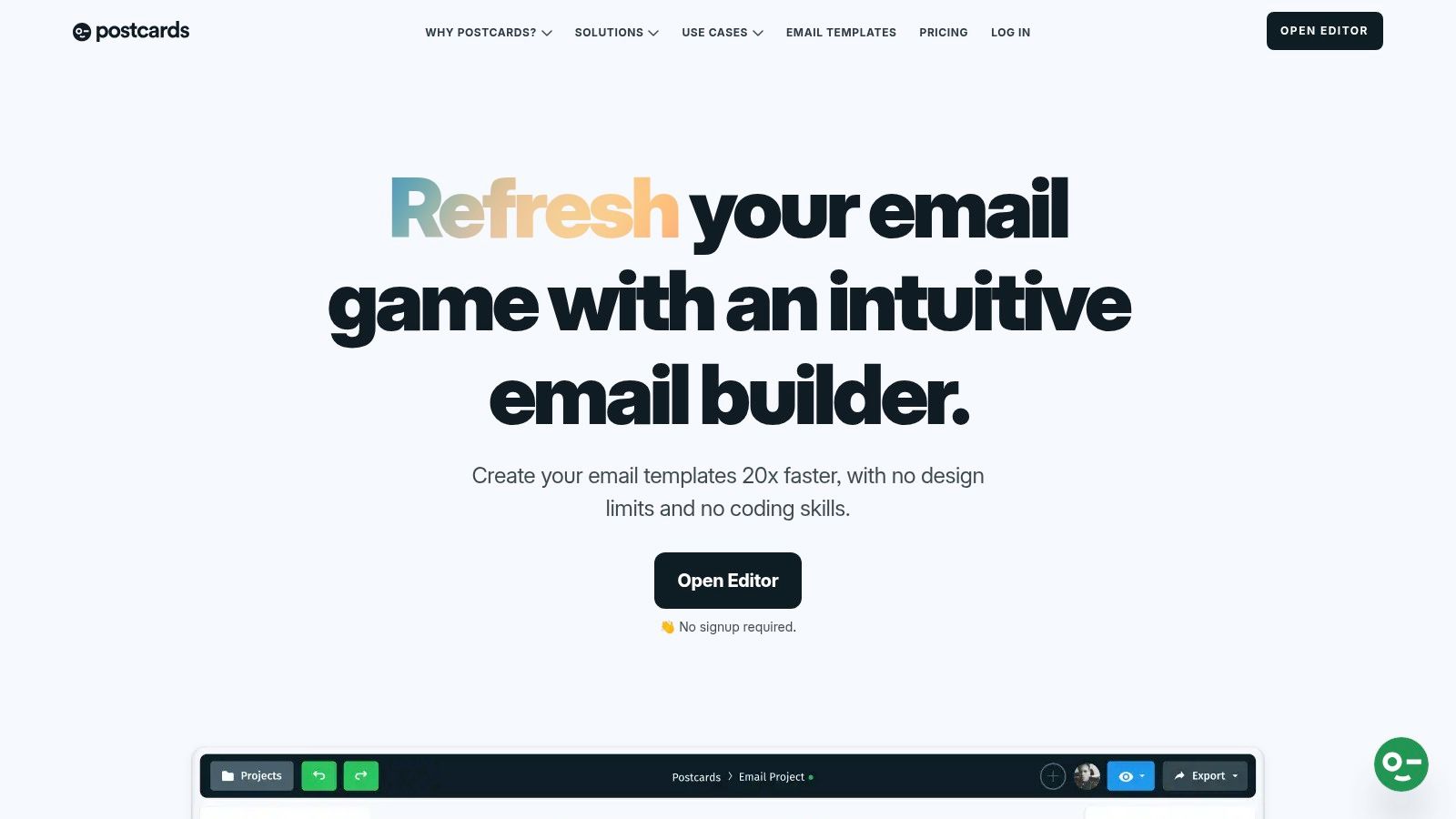
While it prioritises a visual, block-based workflow, Postcards still provides clean email builder HTML upon export. This allows for seamless integration with major ESPs like Mailchimp, HubSpot, and SendGrid, or for direct use in custom platforms, offering a balance between speed and technical flexibility for more advanced needs.
Key Features and User Experience
The user experience is incredibly straightforward, with a shallow learning curve thanks to its intuitive drag-and-drop interface. Users can establish brand presets to maintain consistency across all templates. The platform is organised around collaboration, making it a strong choice for teams working on campaigns together.
- Pricing: A free plan is available with module and export limitations. Paid plans start from around £15/month for the basic tier, with a more comprehensive Business plan offering unlimited exports and team features.
- Pros: Very fast learning curve and an efficient modular system. Good value for money, especially for individuals and small teams.
- Cons: The per-editor fee for adding team seats beyond the initial allotment can increase costs for larger organisations.
Learn more at designmodo.com/postcards/
5. Litmus
Litmus is recognised less as a standalone builder and more as a comprehensive email testing and analytics suite that includes a powerful builder. Its core strength lies in ensuring email perfection before sending, making it an indispensable tool for teams where brand reputation and deliverability are paramount. It offers a robust platform for creating, testing, personalising, and analysing email campaigns from a single, collaborative interface.
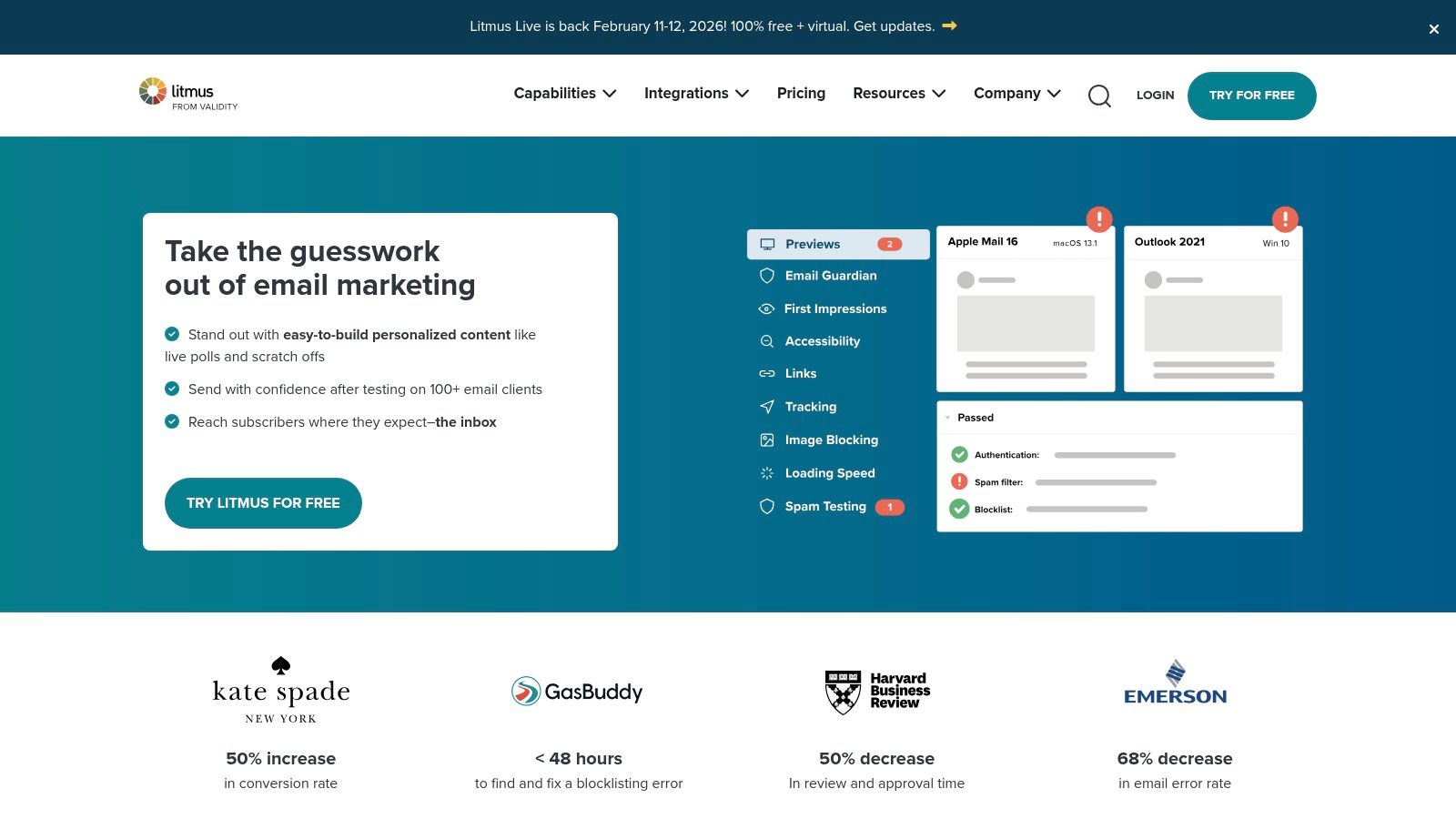
The platform features a versatile email builder HTML editor that allows users to switch between visual drag-and-drop editing and direct code manipulation. This is seamlessly integrated with its flagship feature, Litmus Test, which previews your email across over 100 different clients and devices, catching rendering issues before they reach your subscribers.
Key Features and User Experience
The user experience is geared towards professional marketing teams who require rigorous quality assurance. The builder itself is competent, but the real value comes from the integrated pre-send checklist, spam testing, and analytics that provide deep insights into subscriber engagement.
- Pricing: Litmus is a premium tool, with plans starting from around £79/month for the Basic plan, which includes a limited number of previews. Higher-tier plans (from £159/month) offer more tests, users, and advanced analytics.
- Pros: Best-in-class email client testing and preview coverage, and powerful team workflows that significantly reduce pre-send defects.
- Cons: The cost is considerably higher than basic builders, and the metered previews and tests on lower-tier plans can feel restrictive.
Learn more at litmus.com
6. MJML
MJML takes a developer-centric approach, offering a markup language designed specifically to simplify the complexities of coding responsive emails. Instead of a visual editor, it provides a semantic, component-based syntax that compiles into high-quality, responsive HTML. This makes it a powerful choice for developers who prefer to work directly with code and want to ensure their output is compatible across all major email clients.
As an open-source framework, MJML gives complete control over the email builder HTML generation process. Developers can use its components like <mj-section> and <mj-column> to build layouts that are guaranteed to render correctly, abstracting away the need for messy conditional comments and inline styles that typically plague hand-coded emails.
Key Features and User Experience
The workflow revolves around writing MJML and compiling it to HTML. This can be done via a free online editor, a command-line interface (CLI), or an API for programmatic integration. There's also an official desktop app that provides a live preview as you code, streamlining the development cycle.
- Pricing: MJML is completely free and open source. The framework, tools, and online editor are available without any cost.
- Pros: Generates clean, standards-compliant responsive HTML. It's free, open source, and has a strong community and extensive documentation.
- Cons: It's not a visual tool and requires coding skills, so it is unsuitable for non-developers. It offers no campaign management or ESP features.
Learn more at mjml.io
7. Unlayer
Unlayer is engineered primarily for software companies and SaaS vendors, offering a powerful, embeddable email, page, and popup builder. While it provides a "Studio" product for designers to create and export templates, its core strength lies in its white-label solution, allowing businesses to integrate a sophisticated editor directly into their own platforms. This focus on integration makes it a top choice for product teams and agencies.
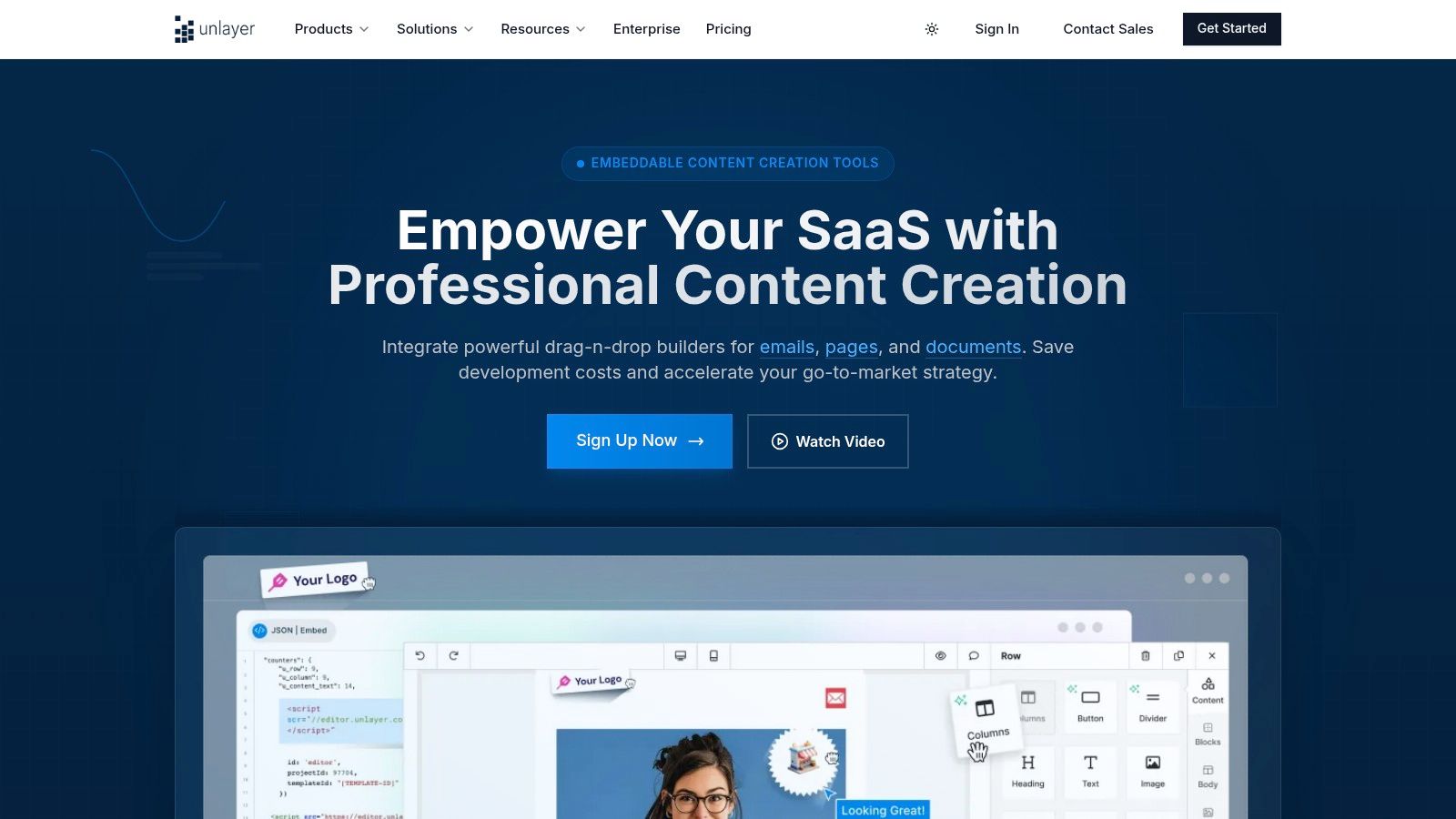
The platform supports extensive customisation, from adding custom tools and blocks to full localisation. Users can edit the email builder HTML directly, providing the flexibility needed for complex, branded templates while maintaining the ease of a drag-and-drop interface.
Key Features and User Experience
Unlayer's developer-centric approach is evident in its mature SDK and robust API offerings, designed for deep customisation and seamless embedding. The experience is tailored for teams, with features like collaboration tools and AI-assisted writing on higher-tier plans.
- Pricing: The "Studio" product has a free tier for individual designers. The embeddable builder SDK plans start from around £325/month, targeting a more enterprise-level market.
- Pros: Highly customisable with strong SDK/API support, enterprise-oriented features like on-premises hosting, and a robust white-labelling solution.
- Cons: The SDK pricing is significantly higher than typical SMB-focused email builders, making it less accessible for smaller businesses.
Learn more at unlayer.com
8. Mailchimp
Mailchimp is one of the most recognised names in email marketing, offering an all-in-one platform where its email builder is a core component. While primarily known for its user-friendly drag-and-drop interface, Mailchimp provides significant flexibility for those who need to work directly with code. Users can start with a pre-designed template, build from scratch, or import their own HTML, making it a versatile choice for various skill levels.
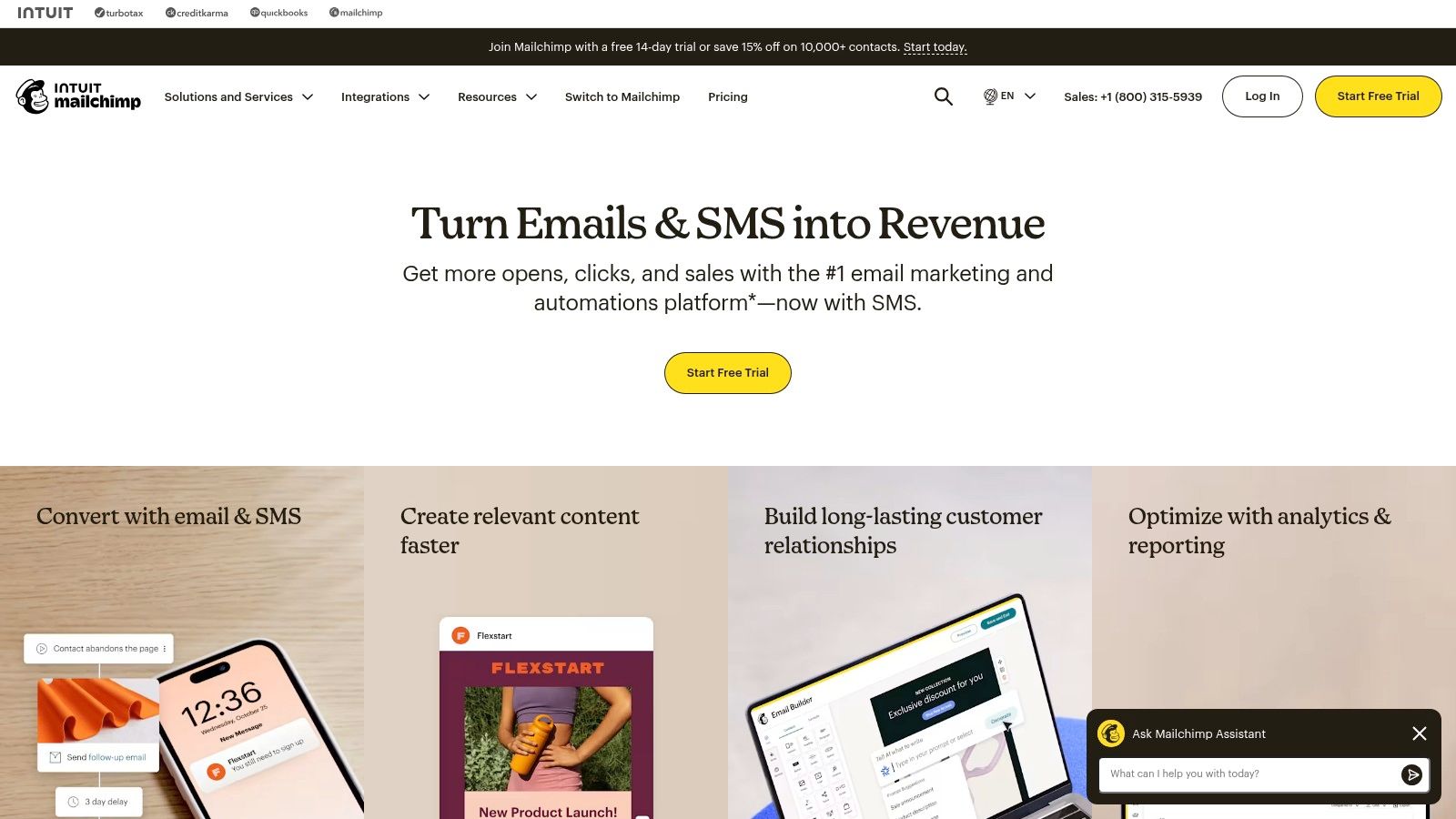
The platform allows users to switch between the visual editor and the code editor, offering a practical way to make precise adjustments. For developers, the ability to export the email builder HTML of any template for use in other systems is a particularly valuable feature, providing a solid foundation for custom projects. Its role as a complete marketing suite makes it a foundational tool for many businesses, as highlighted in this beginner's guide to digital marketing.
Key Features and User Experience
The user experience is designed to be straightforward, guiding new users through campaign creation efficiently. The platform's extensive integration ecosystem means it connects seamlessly with hundreds of other business and e-commerce tools, from Shopify to Salesforce.
- Pricing: A free plan is available for up to 500 contacts and 1,000 monthly sends, but with limited features. Paid plans start from around £11/month and scale based on contact list size and feature requirements.
- Pros: An industry-standard platform with vast resources and integrations, and a functional free tier for beginners.
- Cons: The free plan's contact and send limits are quite low. Accessing advanced features and removing branding requires a more expensive paid plan.
Learn more at mailchimp.com
9. Campaign Monitor
Campaign Monitor is a comprehensive email marketing platform known for its simplicity and elegant design. It provides a straightforward drag-and-drop builder that enables users to create professional, branded emails without needing deep technical knowledge. The platform is geared towards marketers who value a clean interface and powerful automation features.
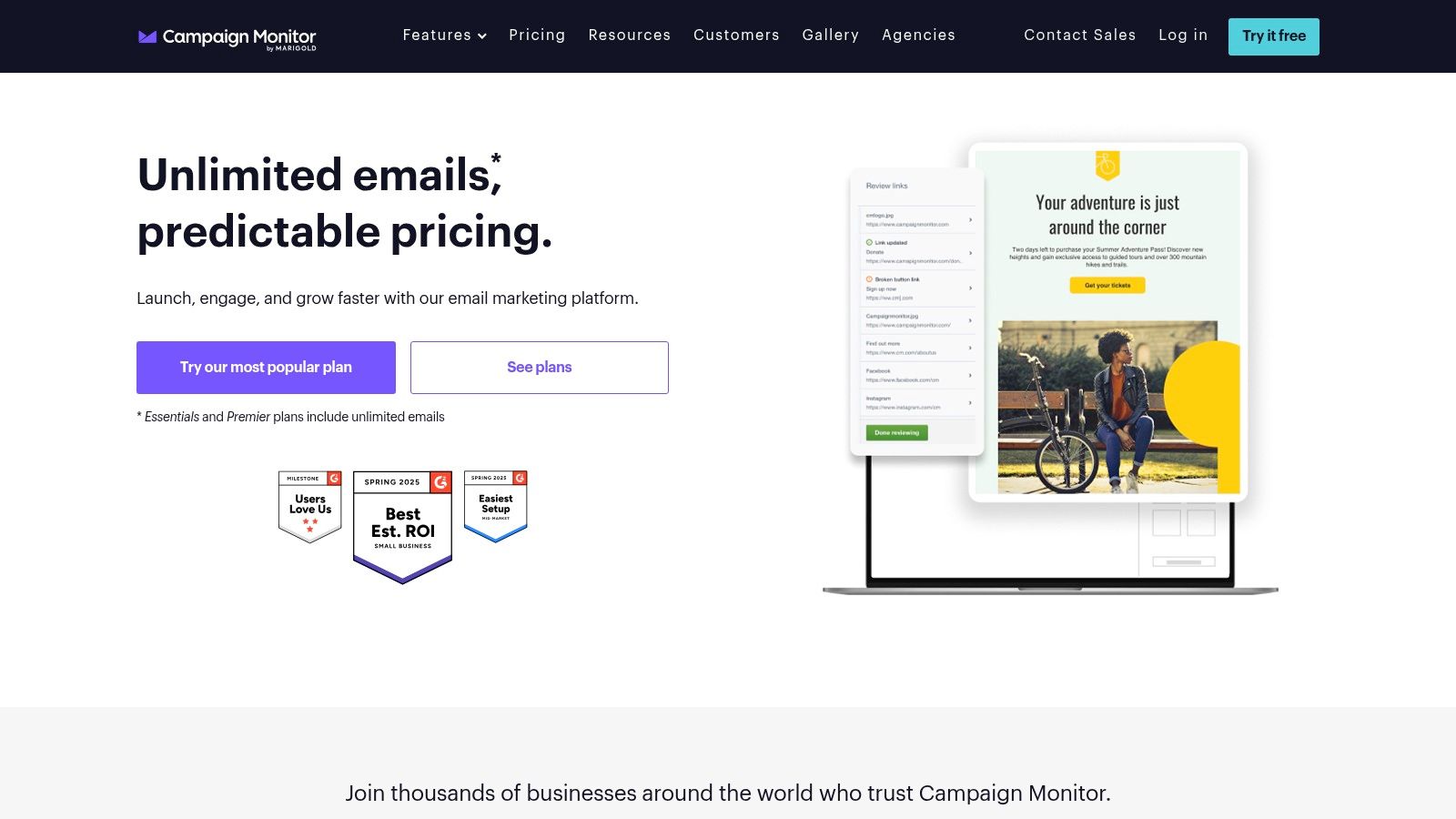
While the visual editor is the primary tool, users can still access and modify the underlying email builder HTML for customisation. This makes it a solid choice for teams that want both the ease of a drag-and-drop interface and the flexibility of direct code access. The platform's strong focus on deliverability and beautiful templates helps businesses maintain a polished brand image.
Key Features and User Experience
The user experience is highly intuitive, focusing on getting campaigns out the door efficiently. Standout features include branded templates that lock certain sections to maintain brand consistency and robust customer journey automation tools that help nurture leads effectively.
- Pricing: Flexible billing includes monthly subscriptions (from around £9/month) or a pay-per-campaign option, with multi-currency support including GBP. The free trial is limited to 5 contacts.
- Pros: Very simple user interface, strong deliverability rates, and flexible billing options including a pay-as-you-go model.
- Cons: Advanced segmentation and automation features are often locked behind more expensive tiers, and the free trial is quite restrictive.
Learn more at campaignmonitor.com
10. Brevo (formerly Sendinblue)
Brevo positions itself as an all-in-one marketing platform, but its revamped email editor makes it a strong contender for those who need both power and ease of use. It moves beyond a simple builder by integrating features tailored for ecommerce and multichannel campaigns directly into the design process. This makes it an efficient choice for small businesses and marketers who manage everything from email to SMS and chat within a single ecosystem.
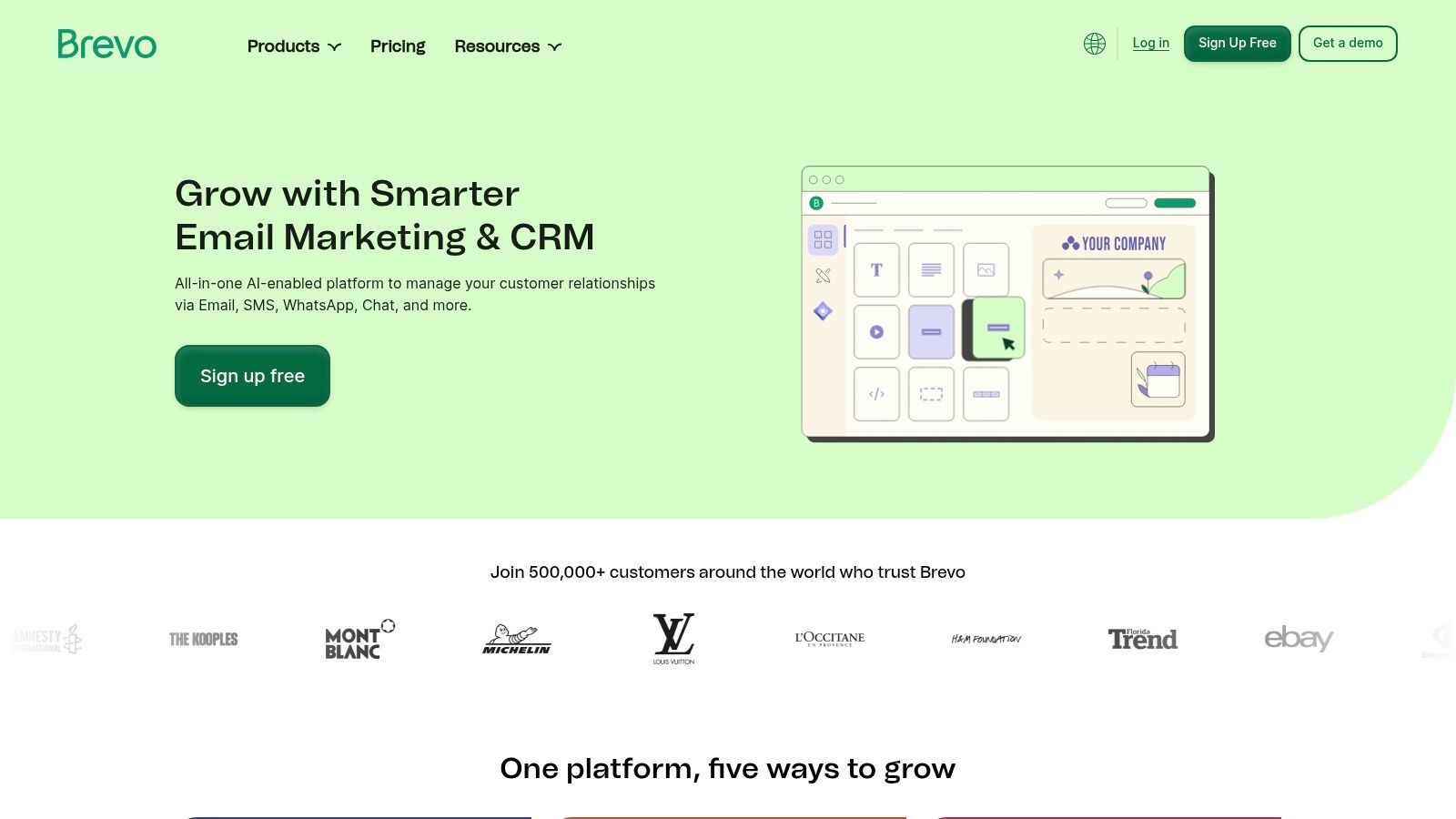
For users needing more control, the editor includes a developer mode. This allows direct access to the email builder HTML and CSS, enabling precise customisation beyond what the drag-and-drop interface offers. This hybrid functionality supports both quick campaign creation and detailed, brand-specific design adjustments.
Key Features and User Experience
Brevo’s user experience is built around a modern, grid-based drag-and-drop editor that includes version history and AI assistance. Its standout feature is the pricing model, which is based on email volume rather than contact list size, offering a cost-effective solution for businesses with large audiences but moderate sending frequencies.
- Pricing: A generous free plan includes up to 300 emails per day. Paid plans start from around £16.50/month, increasing email sending limits and unlocking advanced features like A/B testing and landing pages.
- Pros: Very affordable entry-level pricing and practical ecommerce-focused blocks are built directly into the editor.
- Cons: Some advanced features and integrations require compatible plugins or are locked behind higher-tier plans.
Learn more at brevo.com
11. HubSpot Email Marketing
HubSpot’s Email Marketing tool is less a standalone builder and more an integrated component of its powerful CRM platform. This makes it an ideal choice for businesses that want to leverage customer data directly within their email creation process. The drag-and-drop editor is user-friendly, allowing teams to create professional, responsive campaigns without needing deep technical knowledge.
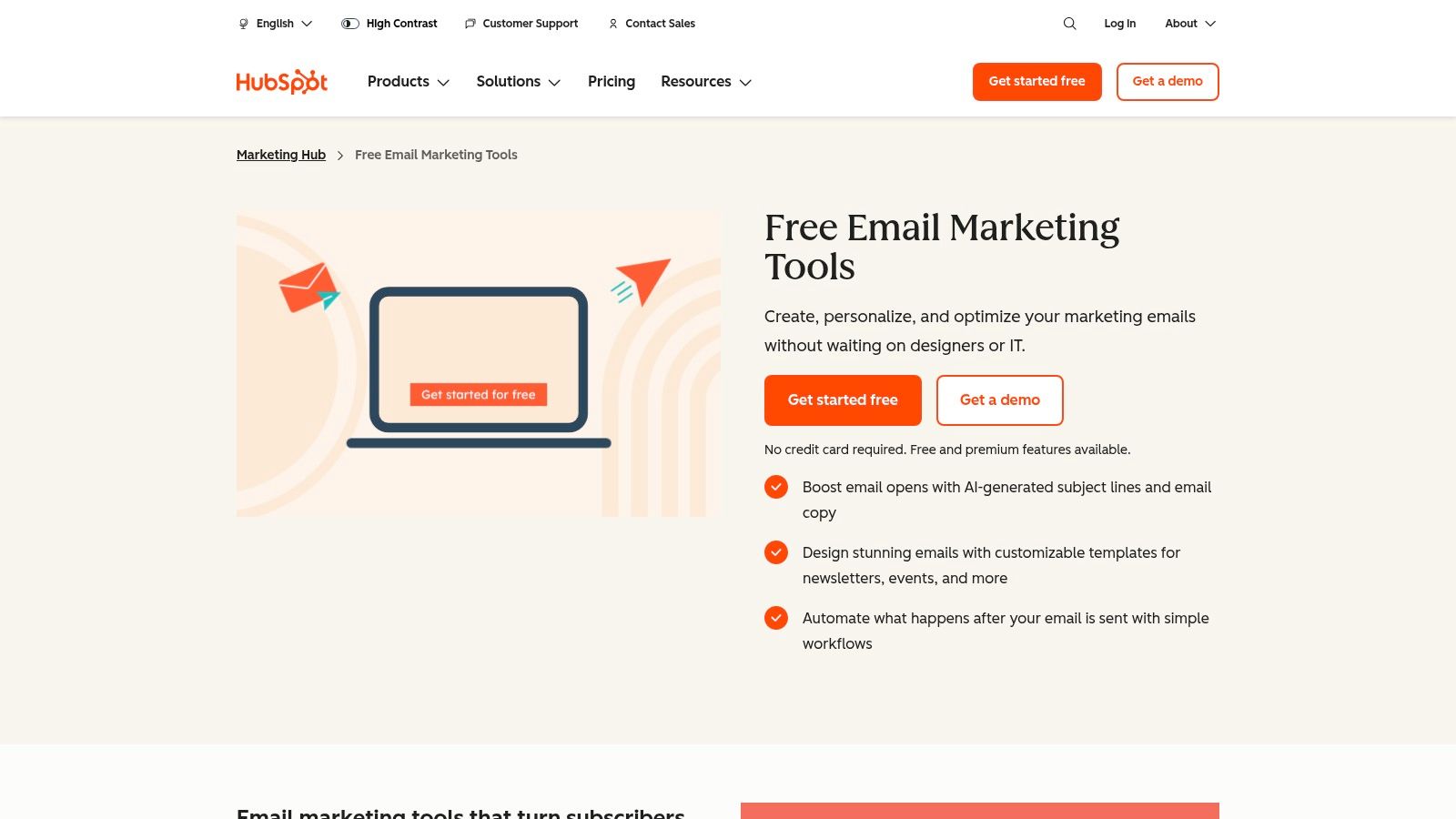
While the visual editor is the primary focus, HubSpot allows for customisation. Users on higher-tier plans can build from scratch using a coded template, offering greater control over the email builder HTML for bespoke designs. The core strength, however, lies in using CRM data for hyper-personalisation, which is a key part of a successful marketing strategy for small business.
Key Features and User Experience
The user experience is seamless for those already within the HubSpot ecosystem. The true power is unlocked when email marketing is combined with automation workflows and smart lists derived from the CRM, enabling highly targeted communication.
- Pricing: HubSpot offers a generous free tier that includes the email builder and CRM, with a monthly send limit. Paid plans (Marketing Hub) start from around £15/month and scale significantly based on contact numbers and feature requirements.
- Pros: Exceptional integration with its native CRM, enabling powerful segmentation and personalisation. The free plan is a robust starting point.
- Cons: Becomes expensive as your contact list grows. The most advanced automation and reporting features are locked behind higher-priced tiers.
Learn more at hubspot.com
12. ThemeForest – Email Templates Marketplace
ThemeForest offers a different approach, functioning as a vast marketplace for hand-reviewed HTML email templates rather than a standalone builder. It provides thousands of options from independent authors, where users can make a one-off purchase and download the files for use with any Email Service Provider (ESP). This model is ideal for those who prefer to own their assets outright without a recurring subscription.
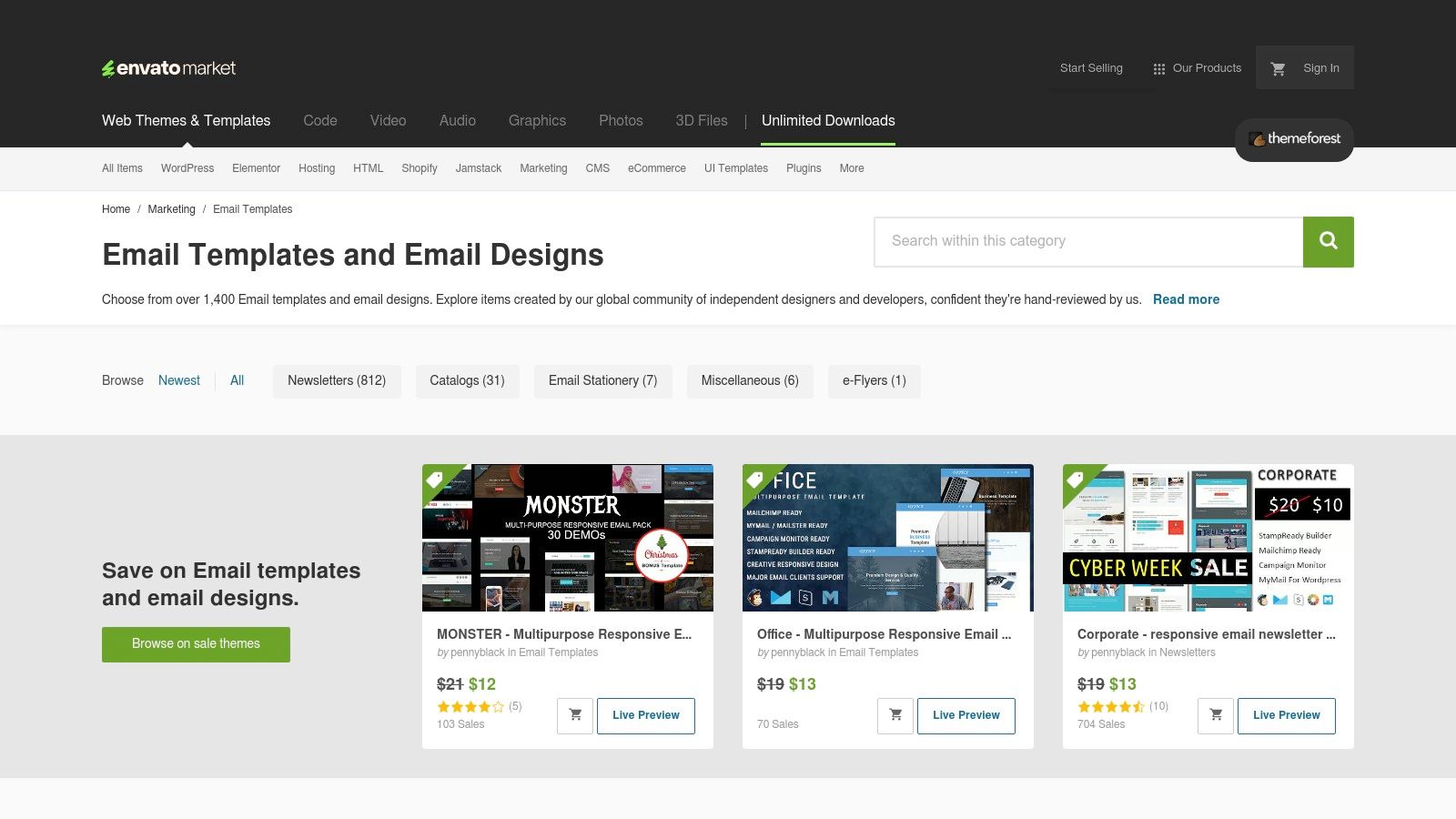
Many templates available on the platform come with their own modular builders or are designed for easy customisation, giving users control over the email builder HTML source code. This allows for deep personalisation while starting from a professionally designed foundation, bridging the gap between templates and fully custom code.
Key Features and User Experience
The user experience involves browsing and vetting templates based on reviews, compatibility notes, and author support. Once purchased, users can customise the HTML directly or use the included tools before uploading it to their ESP of choice. This requires a bit more technical confidence than an all-in-one platform.
- Pricing: Templates are sold via one-off payments, typically ranging from £5 to £20 per template pack.
- Pros: Enormous selection across countless industries and styles, cost-effective with no subscription fees, and complete ownership of the template files.
- Cons: Quality, documentation, and ongoing support can vary significantly between sellers. Users are responsible for vetting each product thoroughly.
Learn more at themeforest.net
Top 12 Email Builder HTML Tools Comparison
| Tool | Core Features / Highlights | User Experience / Quality ★★★★☆ | Value & Pricing 💰 | Target Audience 👥 | Unique Selling Points ✨ |
|---|---|---|---|---|---|
| GetResponse | Drag-drop email builder, automation | Intuitive UI, responsive emails ★★★★☆ | Mid-tier pricing; scalable plans 💰💰 | Marketers, freelancers, SMBs | Large template library, strong automation 🏆 |
| Beefree | Drag-drop + HTML editing, 1,700+ templates | Fast builder, clear tiers ★★★★☆ | Free starter; paid for unlimited exports 💰 | Individuals, teams, enterprises | Embeddable SDK for apps ✨ |
| Stripo | Drag-drop + HTML, 70+ ESP exports | Broad ESP support, collaboration ★★★★ | Free tier limits; paid upgrades 💰 | Marketers, teams | Flexible export options, bulk export ✨ |
| Postcards by Designmodo | Modular drag-drop blocks, ESP integrations | Easy learning curve, good for small teams ★★★★ | Unlimited plan option 💰 | Designers, marketers | Pre-made blocks, fast modular building ✨ |
| Litmus | Email QA, preview on 100+ clients, analytics | Best-in-class testing ★★★★★ | High cost; pay-per-test model 💰💰💰 | Email teams, QA specialists | Extensive pre-send testing & previews 🏆 |
| MJML | Open-source markup, CLI, API | Dev-focused, no drag-drop ★★★☆☆ | Free and open source 💰 | Developers | Standards-based responsive HTML ✨ |
| Unlayer | Embeddable builder, white-label, AI writing | Enterprise-ready, mature SDK ★★★★☆ | Higher-priced SDK plans 💰💰 | SaaS vendors, product teams | Embeddable editor + AI-assisted tools ✨ |
| Mailchimp | All-in-one marketing, drag-drop, templates | Ubiquitous & versatile ★★★★☆ | Free tier; paid plans scale 💰 | SMBs, beginners, agencies | Extensive integrations, large ecosystem 🏆 |
| Campaign Monitor | Drag-drop, inbox previews, customer journeys | Simple UI, strong deliverability ★★★★ | Pay-as-you-go or monthly 💰 | SMBs, agencies | Multi-currency, flexible billing options ✨ |
| Brevo (Sendinblue) | Drag-drop editor, ecommerce blocks, dev mode | Affordable, ecommerce focused ★★★★☆ | Pricing by volume, affordable entry 💰 | Small teams, ecommerce | AI assistance, volume-based pricing ✨ |
| HubSpot Email Marketing | CRM-linked drag-drop, automation, analytics | Strong personalization ★★★★☆ | Free tier; expensive upgrades 💰💰 | CRM users, scaling marketers | CRM integration, analytics & automation 🏆 |
| ThemeForest | Huge HTML template marketplace | Quality varies, user dependent ★★★☆☆ | One-off purchases, no subscriptions 💰 | Designers, marketers | Wide variety, no subscription ✨ |
Choosing the Right HTML Builder to Elevate Your Email Marketing
Navigating the landscape of HTML email builders can feel complex, but the journey to finding the perfect tool is a crucial step towards mastering your email marketing strategy. We’ve explored a diverse range of platforms, from the intuitive drag-and-drop interfaces of GetResponse and Unlayer to the developer-centric framework of MJML and the comprehensive testing suite offered by Litmus. Each tool presents a unique set of capabilities designed to solve specific challenges.
The key takeaway is that there is no single "best" email builder html solution; the ideal choice is entirely dependent on your specific circumstances. A small business owner might prioritise the all-in-one marketing features and user-friendly editor of a platform like Mailchimp or Brevo. In contrast, a digital marketing agency serving diverse clients may gravitate towards the collaborative features and extensive template libraries of Stripo or Beefree, which allow for rapid, high-quality campaign development.
Your Next Steps: Making a Confident Decision
To move forward, shift your focus from features to outcomes. Don't just ask what a builder can do, but what it will empower you to achieve. Consider these final factors before making your commitment:
- Skill Level and Team Structure: Honestly assess your team's technical proficiency. A code-free, visual editor is perfect for marketers without development skills, while a tool like MJML offers unparalleled control for those comfortable with coding frameworks.
- Integration and Workflow: How will this tool fit into your existing marketing stack? Ensure it seamlessly integrates with your CRM, e-commerce platform, and analytics software to create a cohesive and efficient workflow.
- Scalability and Future Needs: Select a tool that can grow with you. Consider its pricing tiers, advanced features like A/B testing and dynamic content, and its capacity to handle an expanding subscriber list and more sophisticated campaigns.
- Content Strategy Alignment: The tool you choose must support your strategic goals. When choosing an HTML builder to elevate your email marketing, consider its flexibility for implementing effective lead nurturing email templates that resonate with your audience and guide them through the sales funnel.
Ultimately, the right email builder html is an investment in your brand's voice and your ability to connect with your audience. It transforms email from a simple communication channel into a powerful engine for engagement, conversion, and growth. Take the insights from this guide, test your top contenders, and select the platform that will not only simplify your creation process but also amplify your results.
Ready to unify all your marketing efforts? The Digital Marketing Toolbox provides a curated suite of resources, guides, and templates designed to complement your new email builder and supercharge your entire strategy. Discover how to integrate your email campaigns with powerful SEO, content, and social media tactics by visiting The Digital Marketing Toolbox today.


