

Thinking about embedding your Instagram feed on your website? It’s a smart move, and honestly, it’s about a lot more than just looking good. It’s a strategic way to bring dynamic social proof right onto your pages, turning a static site into a living, breathing showcase of your brand.
Why an Instagram Feed Is More Than Just a Design Element
Integrating your Instagram feed isn't just about plugging a visual gap on your site; it’s about turning your website into a vibrant reflection of your brand's community. Instead of a dated photo gallery you have to update manually, you get a real-time stream of content. It could be new product shots, behind-the-scenes moments, or even authentic user-generated content. This constant flow keeps your site feeling fresh and gives people a genuine reason to come back.
This approach builds a massive amount of trust. When potential customers see real people using and loving your products, it’s a powerful form of social proof – often far more persuasive than any marketing copy you could write. A well-placed feed can do wonders for visitor engagement and how long they stick around. If you're looking for more ways to sharpen your digital presence, you can explore our latest marketing blogs.
This strategy is particularly effective here in the UK, where Instagram's user base is enormous. By early 2025, the platform had anywhere from 33.4 to 34.7 million users – that’s nearly half the population. With the dominant demographic being 18 to 34-year-olds, it’s a golden opportunity to connect with a visually-driven audience directly on your own turf.
A live Instagram feed bridges the gap between your social media presence and your website, creating a unified brand experience that encourages followers to become customers, and customers to become followers.
Ultimately, this is about connection, not just aesthetics. A thoughtfully integrated feed is a key part of your website’s social fabric and folds in proven strategies to increase social media engagement. By showcasing your brand's real story and the community around it, you create a far more compelling and authentic online home.
Choosing Your Instagram Embed Method
So, you want to bring your Instagram content onto your website. Great idea. But before you dive in, you have two main roads you can take, and the one you choose really depends on what you're trying to achieve, your comfort level with tech, and how much control you want over the final look.
The most straightforward path is using Instagram’s own native embed feature. It’s the official, built-in way to do it. You simply find a public post you like, grab a snippet of code, and paste it directly into your site’s HTML. It’s completely free and dead simple.
This approach is perfect when you just want to feature a single, specific post. Think of a travel blogger embedding one killer photo to bring a destination to life, or a brand highlighting a post announcing a new product launch. It's quick, easy, and you don't need to be a coding wizard—just a copy-and-paste expert.
Weighing Your Options
But here's the catch: the native method is basic. You can only embed one post at a time, and your customisation options are pretty much non-existent. If you’re dreaming of something more dynamic and visually impressive, you'll need to look at third-party tools.
This is where things get exciting. Specialised plugins and widgets are built to create stunning, responsive, and automated Instagram galleries right on your website. They link up with your account and automatically pull in your latest posts, displaying them in all sorts of customisable layouts like grids or sliders.
This visual guide shows just how powerful a well-integrated feed can be for boosting engagement on your site.
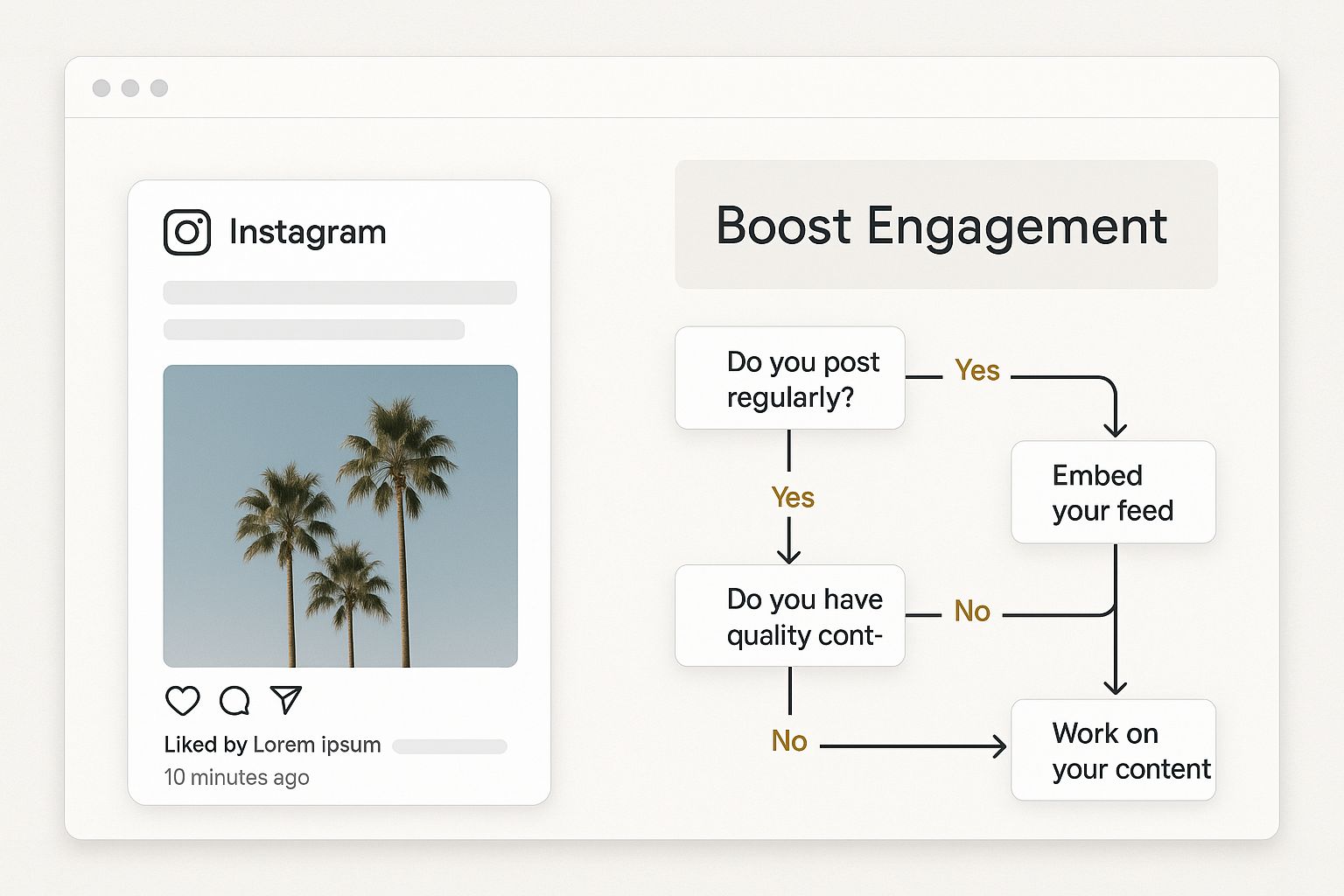
As you can see, an automated feed keeps your website content fresh without you having to lift a finger, giving visitors a reason to stick around and connect with your brand.
With these tools, you get a whole host of features that the native option just can't offer:
- Create dynamic galleries: Showcase multiple posts in a slick masonry, grid, or carousel layout that perfectly matches your brand's aesthetic.
- Filter your content: You can pull in posts based on specific hashtags, which is brilliant for creating galleries of user-generated content and building social proof.
- Build shoppable feeds: Some tools let you tag products directly in the embedded posts, effectively turning your Instagram feed into an interactive shopfront.
To make the choice clearer, let's break down the key differences.
Comparing Instagram Embed Methods
This table gives you a side-by-side look at what you get with Instagram's built-in feature versus what a dedicated third-party tool can offer. It should help you quickly decide which approach aligns best with your goals.
| Feature | Native Instagram Embed | Third-Party Tools |
|---|---|---|
| Content Display | Single post only | Full feeds, hashtag galleries, carousels, grids |
| Customisation | Very limited; fixed size and appearance | Highly customisable layouts, colours, fonts, and spacing |
| Automation | Manual; must embed each post individually | Automatic; syncs with your account to display new posts instantly |
| Cost | Free | Free (basic features) and paid (advanced features) plans available |
| Ease of Use | Extremely simple; copy and paste | Simple; usually involves installing a plugin and connecting your account |
| Advanced Features | None | Shoppable links, content filtering, analytics, moderation controls |
Ultimately, while the native embed is a great quick-fix, third-party solutions offer far more flexibility and strategic marketing potential. They are the go-to choice for most businesses looking to truly embed Instagram into a website and make it a core part of their online presence.
Manually Embedding a Single Instagram Post
Sometimes, a full-blown Instagram gallery is more than you need. You might just want to highlight one specific post – a rave customer review, a new product launch, or the winner of your latest giveaway. In these cases, Instagram's built-in embed feature is your best friend. It's the most straightforward way to embed Instagram into your website, and you won't need to sign up for any third-party tools.
The beauty of this method is its simplicity. Seriously, if you can copy and paste, you've got this. The whole process is just a matter of grabbing a little snippet of code from the Instagram post and dropping it into your website’s editor. It doesn't matter if your site runs on WordPress, Shopify, Squarespace, or something custom-built; the core idea is exactly the same.
Finding and Using the Embed Code
First up, you'll need to find the Instagram post you want to feature. Make sure you're doing this in a web browser, not the mobile app, as the embed option isn't available there. Also, a quick heads-up: this only works for posts from public accounts. You can't embed content from private profiles.
Once you have the post open, look for the three dots (…) in the top-right corner. Give those a click. A small menu will pop up.
- From that menu, just choose the Embed option.
- A new window will appear showing you the embed code.
- You’ll notice a little checkbox that says "Include caption." Keep this ticked if you want the post’s text to show up on your site. If you'd prefer a cleaner look with just the photo or video, simply un-tick it.
This little customisation option is handier than it looks. A photographer showcasing their work might un-tick it to let the image speak for itself, while a brand running a promotion will definitely want to keep the caption for context.
When you're happy, hit the Copy Embed Code button. That's it – the HTML code is now on your clipboard, ready to go.
Here's what you'll be looking for on the Instagram post page. The menu with the embed option is easily accessible.

The key is just remembering that the three-dot menu is where you'll find the magic "Embed" button for any public post.
Placing the Code on Your Website
Now, head over to your website's admin area. Open up the page or blog post where you want the Instagram post to live. You'll need to switch your editor to the code or HTML view. In WordPress, this is often labelled 'Text', while other builders might use an icon like < >.
Find the exact spot in your content where you want the post to appear, and then just paste the code you copied earlier.
Save your work, hit preview, and you should see the Instagram post sitting nicely within your content. It’s a wonderfully quick and easy way to add a bit of visual flair and social proof to your pages with minimal fuss.
Bringing Your Instagram Feed to Life with Specialist Tools
Embedding single posts is a great start, but if you want to truly integrate Instagram into your website, you need a dynamic, self-updating gallery. This is where you go beyond just showing off a few highlights and turn your site into a living showcase for your brand. To do that, you'll need to look at some specialist third-party tools.
Think of platforms like Elfsight or Flockler as a bridge connecting your Instagram profile to your website. They give you a straightforward way to link your account, design a feed that perfectly matches your brand's look and feel, and then give you a simple bit of code to drop into your site. Suddenly, a static page becomes a hub of fresh, engaging content.
Getting started is usually dead simple. Once you've picked a tool, you just need to grant it access to your Instagram Business or Creator account. From there, it’s all about customisation. You can build a feed that looks like it was designed specifically for your website, not just something bolted on as an afterthought.
Going Beyond the Basics
The real magic of these tools lies in the features they offer—things Instagram's own embed function simply can't do. You get full control over what appears and how it looks, transforming a simple feed into a powerful marketing tool.
Here are a few of the standout capabilities:
- Hashtag-Powered Galleries: Imagine creating a feed based purely on a specific hashtag. This is a game-changer for displaying user-generated content from your community, running competitions, or building a gallery around a particular campaign.
- Complete Content Control: You’re in the driver's seat. These tools let you moderate what shows up, meaning you can approve or hide posts before they ever appear on your website. This ensures only the best, on-brand content makes the cut.
- Shoppable Feeds: Many platforms let you add 'buy' buttons or custom links directly onto your Instagram posts. This is fantastic for e-commerce, as it connects the dots between a customer seeing a product they love and actually being able to purchase it.
This kind of functionality is what keeps your website feeling fresh and keeps visitors sticking around. In the UK, for example, Instagram's share of web visits has hit peaks of around 18% during busy periods in 2023. By pulling a live feed onto your site, British businesses can capture that momentum, using new social proof to keep people on their pages for longer. For more detail, you can dig into the numbers on Instagram's UK market share on Statista.
The single biggest win with a third-party tool is automation. Once you've set it up, the feed just works, pulling in your new posts automatically. You never have to touch a line of code again, which is a massive time-saver.
Getting the Look Just Right
Functionality is one thing, but your feed also needs to look the part. These tools give you granular control over every visual detail. You can pick a layout that suits your site—maybe a classic grid, a slick carousel, or a more modern masonry style.
You can also tweak the colours, fonts, and even the spacing between posts to ensure everything aligns perfectly with your brand identity. Want to hide the number of likes and comments for a cleaner look? No problem. It's all about creating a polished, professional experience that encourages people to click, scroll, and engage.
Optimising Your Feed for Performance and Design
An embedded Instagram feed needs to feel like it belongs on your website, not some clunky, slow-loading afterthought. Honestly, performance is everything here. A feed that drags your page speed into the ground will hurt more than it helps.
To get around this, a lot of the third-party tools I've used rely on lazy loading. It's a clever trick where the feed’s script and images don’t actually load until a visitor scrolls down and they’re about to pop into view. This one technique can make a huge difference to your initial page load time.

Balancing Aesthetics and Speed
Beyond just speed, you want the design to feel right. The aim is to make your feed look like a custom-built part of your site, not just a widget you've dropped in. This means getting into the settings and customising the layout and colour scheme to match your brand’s look and feel.
Think carefully about where it will make the most impact. A feed on your homepage gives instant social proof, which is great for new visitors. But what about putting one on a product page? That's a perfect spot to show off user-generated content and maybe even nudge a few more people to buy. This kind of strategic placement is a key part of any good marketing strategy for small businesses.
Of course, to make sure your Instagram feed loads quickly, your whole site needs to be in good shape. It’s worth looking into some general website speed optimization tips to ensure everything stays fast and responsive.
Don’t just drop the feed anywhere. Think about the user’s journey. A feed showing customers loving your products right on the checkout page could be that final nudge someone needs to complete their purchase.
At the end of the day, you want to embed Instagram into your website so smoothly that it creates a single, cohesive brand experience that’s both beautiful and fast.
Got Questions About Instagram Embeds?
Even with the best tools and tutorials, a few questions always pop up. Let's tackle some of the most common ones I hear from people when they start adding Instagram content to their websites.
Will an Embedded Instagram Feed Slow Down My Website?
This is probably the number one concern, and it's a fair one. The short answer is: it shouldn't, if you do it right.
A clunky, poorly coded feed can absolutely drag your page speed down. But modern, high-quality tools are built specifically to avoid this. They use clever techniques like "lazy loading," which means the Instagram content doesn't even start to load until a visitor actually scrolls down to that part of the page.
To keep your site zippy:
- Always go with a reputable tool that has a good name for performance.
- Dig into the widget’s settings and make sure lazy loading is switched on.
- Be sensible about how many posts you show at once. 10-12 is often plenty to start with.
When you've got it set up properly, you’ll barely notice any impact on your site's performance.
Do I Need a Business Account to Embed a Feed?
It depends on what you're trying to do. If you just want to embed a single post using Instagram's own embed code, any public account will do the trick. Simple.
However, if you're aiming for those beautiful, dynamic, automatically updating galleries using a third-party tool, then yes, you'll almost certainly need an Instagram Business or Creator account. These tools hook into Meta's official API to grab your content, and that API access is only granted to professional accounts. It's a technical requirement on their end.
For a bit more context on why these distinctions matter, our beginner’s guide to digital marketing is a great place to start.
Can I Embed Instagram Reels and Stories?
Absolutely. You can embed an Instagram Reel in the exact same way you'd embed a standard photo post – just grab the native embed code.
Stories are a different beast because they're designed to disappear. Instagram doesn't provide a direct way to embed a live Story. That said, many of the best third-party tools have found a great workaround: they let you display your permanent Story highlights on your site, often in a really slick, tappable format.
Ready to create a dynamic, engaging website? The The Digital Marketing Toolbox offers a curated selection of tools, including top-tier Instagram feed widgets, to bring your site to life. Explore your options today at https://grow-your-biz.com.


