
Finding the right free poll maker can transform how you connect with your audience, whether you're a small business owner, an agency marketer, or an e-commerce manager. Interactive polls are a powerful, low-effort tool for gathering immediate feedback, boosting engagement on social media, and making data-informed decisions without a hefty price tag. They move beyond simple questions, helping you understand customer preferences, validate new ideas, and even build high-converting customer feedback forms that drive meaningful action.
However, the sheer number of available tools can be overwhelming. Many platforms offer "free" plans with significant limitations on responses, features, or customisation that only become apparent after you've invested time setting them up. This comprehensive guide cuts through the noise. We’ve done the heavy lifting to analyse, compare, and categorise the best free poll makers available today.
This article provides a detailed breakdown of each tool, focusing on the practical details that matter most. For each option, you'll find:
- Honest pros and cons based on real-world use.
- Key feature analysis, including question types and embed options.
- Clear limitations of their free plans (e.g., response caps, branding).
- Ideal use-case scenarios for different business needs.
Our goal is simple: to help you quickly identify the perfect platform for your specific goals, from running a quick Twitter poll to embedding a sophisticated survey on your website. Each review includes screenshots and direct links, so you can start creating immediately.
1. Google Forms
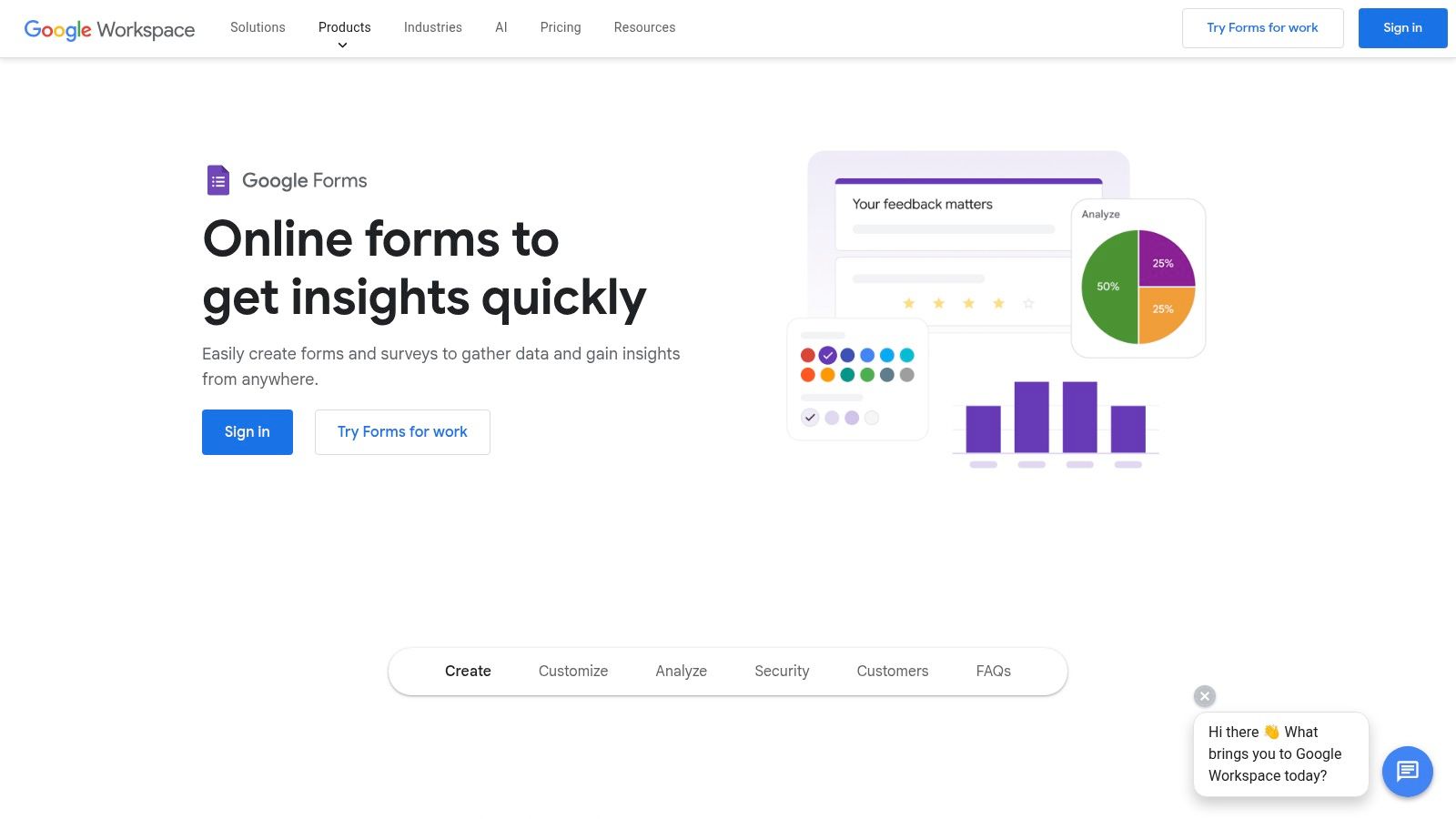
Google Forms is often the first stop for anyone needing a reliable and completely free poll maker. While primarily a tool for creating surveys and quizzes, its straightforward interface and powerful features make it an excellent choice for crafting quick, effective polls. Its main advantage is its seamless integration into the Google ecosystem, offering unlimited questions and responses at no cost.
You can create a simple multiple-choice poll in minutes, customise basic colours and fonts to better match your brand, and share it instantly via a direct link, email, or by embedding it directly onto your website. This makes it an incredibly versatile option for gathering quick feedback on a new product idea or gauging audience opinion on social media.
Key Features and Use Cases
- Instant Analysis: Responses are summarised in real-time with automatically generated charts and graphs, making it easy to see results at a glance.
- Google Sheets Integration: With a single click, all poll responses can be exported to Google Sheets for more in-depth data analysis and organisation.
- Simple Logic: Use conditional logic (branching) to show different questions based on a user's previous answers, adding a layer of sophistication to your polls.
- Email Integration: Easily embed polls into your email campaigns. By understanding your audience's preferences through polls, you can better leverage the advantages of email marketing for more targeted communication.
Website: https://workspace.google.com/products/forms/
Pricing: Completely free with a standard Google account.
| Pros | Cons |
|---|---|
| 100% free, with no limits on polls or responses | Limited design customisation and branding options |
| Extremely user-friendly and intuitive | Lacks advanced duplicate-voting prevention or anti-fraud controls |
| Powerful, native Google Sheets integration | Not purpose-built for polling, so lacks some niche features |
Best for: Small businesses, educators, and content creators who need a fast, simple, and entirely free solution for creating polls for websites, emails, or social media links without needing advanced branding or security features.
2. Microsoft Forms
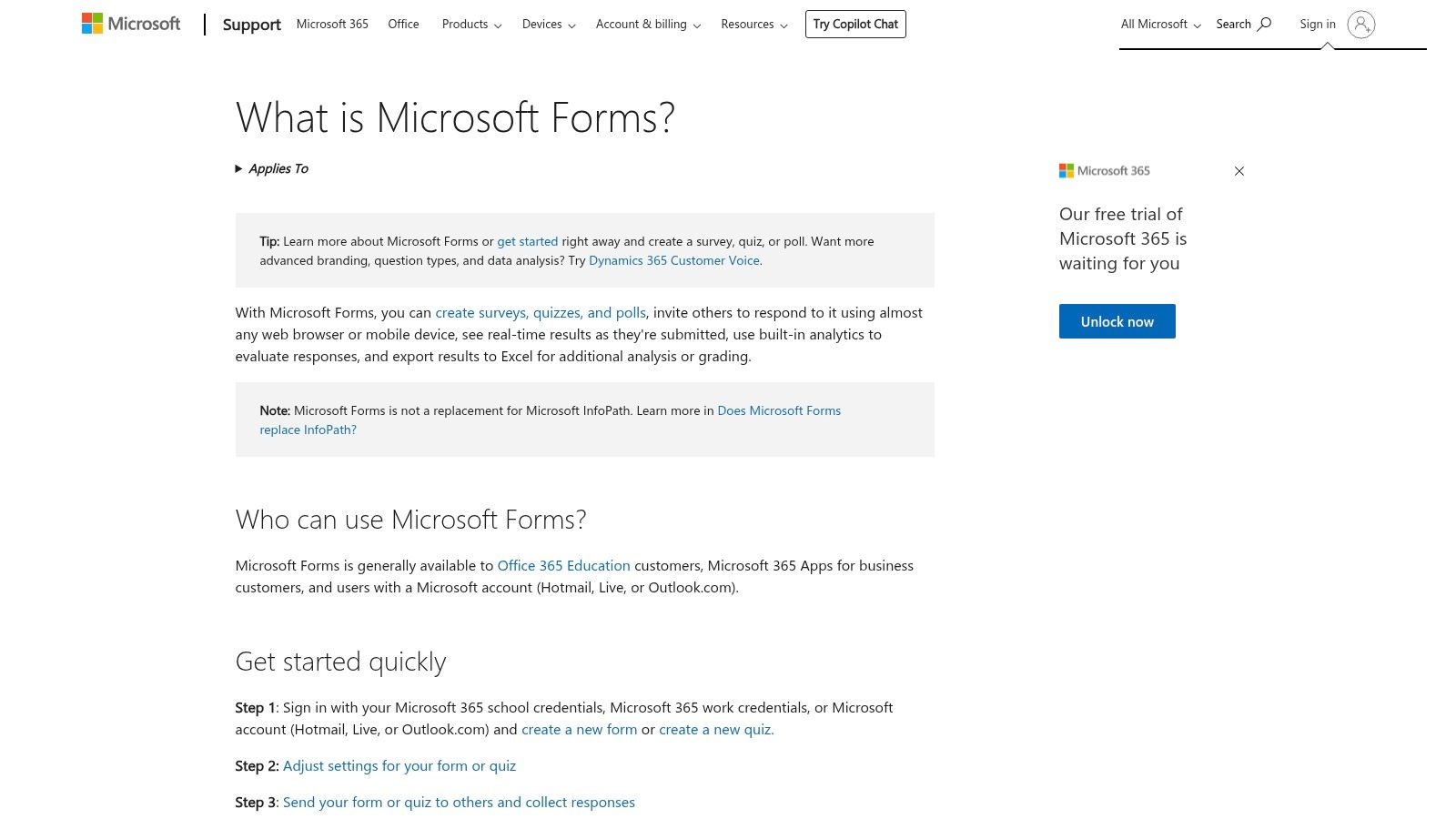
As the direct counterpart to Google Forms, Microsoft Forms is an excellent free poll maker for those already embedded in the Microsoft 365 ecosystem. This lightweight tool for creating surveys, quizzes, and polls offers a clean, user-friendly experience that feels instantly familiar to anyone who has used Office applications. Its key strength lies in its seamless integration with other Microsoft products like Excel and Teams.
You can quickly create a poll, apply simple themes, and distribute it via a link or within a Teams channel for instant internal feedback. This makes it an ideal choice for businesses and organisations that rely on Microsoft's software suite for their daily workflows, allowing for efficient data collection without leaving their established digital environment.
Key Features and Use Cases
- Real-Time Analytics: View responses as they come in with automatically generated charts and graphs, providing a quick snapshot of the results.
- Native Excel Integration: Export poll data directly to an Excel spreadsheet with a single click, perfect for more detailed analysis, sorting, and reporting.
- Microsoft Teams Polls: Easily create and share polls directly within Teams chats and channels, making it a powerful tool for gathering immediate feedback from colleagues.
- Simple Conditional Logic: Use branching to create more dynamic polls that adapt based on the user's answers, guiding them down different question paths.
Website: https://www.microsoft.com/en-gb/microsoft-365/online-surveys-polls-quizzes
Pricing: Completely free with a personal Microsoft account. Advanced features are included with Microsoft 365 business and educational subscriptions.
| Pros | Cons |
|---|---|
| 100% free with a standard Microsoft account | Limited design and branding customisation compared to specialised tools |
| Intuitive and familiar interface for Office users | Response limits may apply on free personal accounts |
| Excellent integration with Excel and other Microsoft 365 apps | Advanced features and logic require a paid Microsoft 365 subscription |
Best for: Businesses and educators heavily invested in the Microsoft ecosystem who need a simple, free tool for internal polls, quick surveys, and seamless data export to Excel for further analysis.
3. Typeform
Typeform is a design-centric free poll maker that transforms data collection into a conversational experience. It stands out by presenting one question at a time, a user-friendly format that feels more like a chat than a form. This approach is proven to boost engagement and completion rates, making it perfect for brands that prioritise a polished, modern aesthetic.
The free plan allows you to create elegant polls with basic logic and a selection of professional templates. You can craft a beautiful poll and embed it on your website or share it via a link, making it a powerful tool for gathering customer feedback or conducting market research in a way that feels personal and interactive.
Key Features and Use Cases
- Conversational Interface: The one-question-at-a-time flow makes polls feel less intimidating and more engaging for users, leading to higher-quality responses.
- Beautiful Templates: Access a library of professionally designed templates that you can customise to fit your brand’s look and feel, even on the free plan.
- Logic Jumps: Guide users down different paths based on their answers, allowing you to create more dynamic and relevant polls. This is a key part of any successful beginner's guide to digital marketing strategy, as it helps in segmenting your audience effectively.
- Embed Options: Easily embed your polls directly into your website or blog with various display options, including standard, full-page, or pop-up.
Website: https://www.typeform.com/pricing/
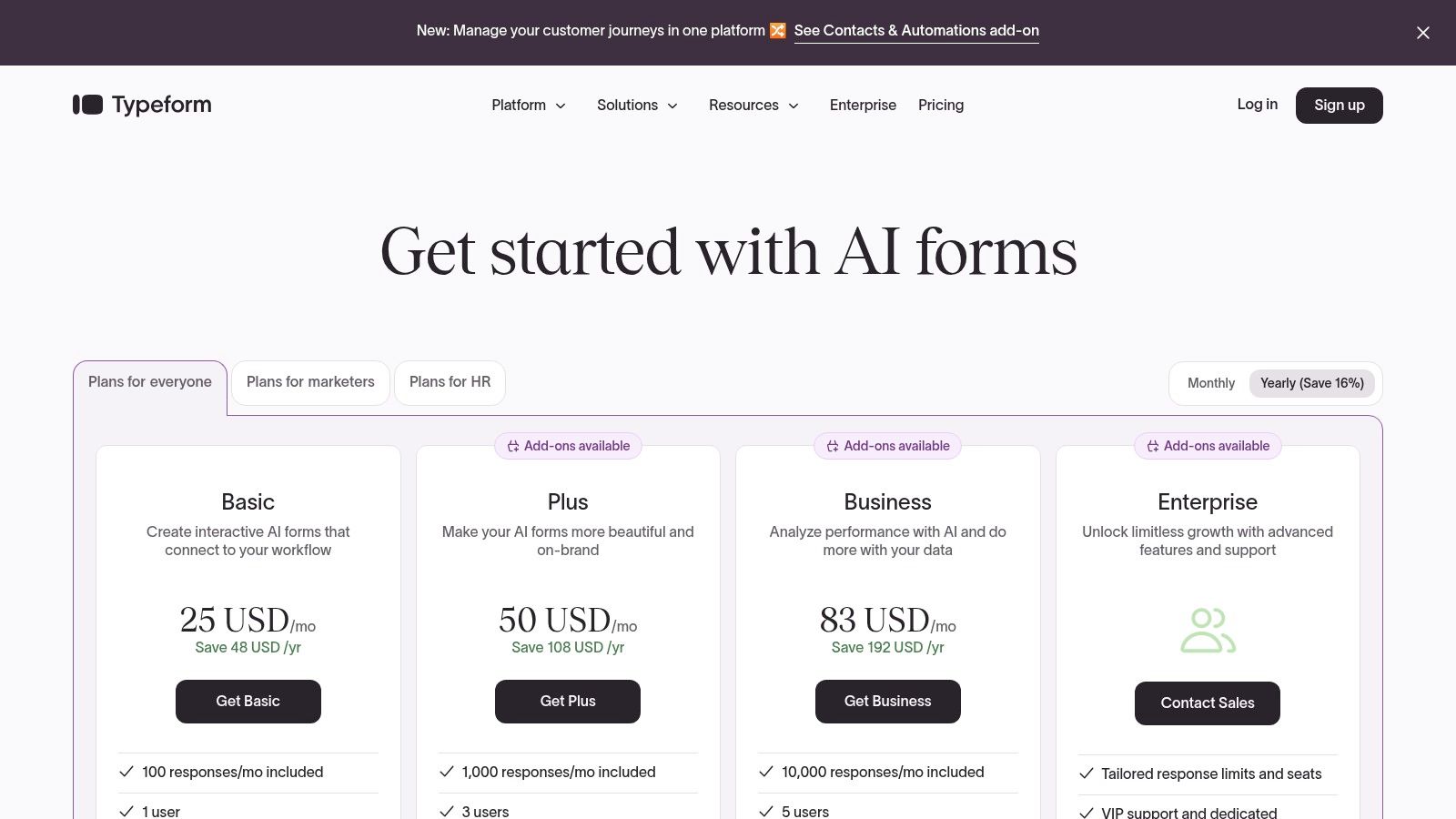
Pricing: Free plan available with up to 10 questions per form and 10 responses per month. Paid plans start from £25/month for more responses and advanced features.
| Pros | Cons |
|---|---|
| Unmatched design and user experience | Free tier is very limited with only 10 monthly responses |
| High engagement and completion rates due to its format | Typeform branding is present on all polls created with the free plan |
| Simple to set up and customise | Advanced features like logic jumps and integrations are on paid tiers |
Best for: Creatives, marketers, and design-conscious businesses who want to create visually stunning, highly engaging polls and are comfortable with the low response limit on the free plan or are willing to upgrade for more features.
4. SurveyMonkey
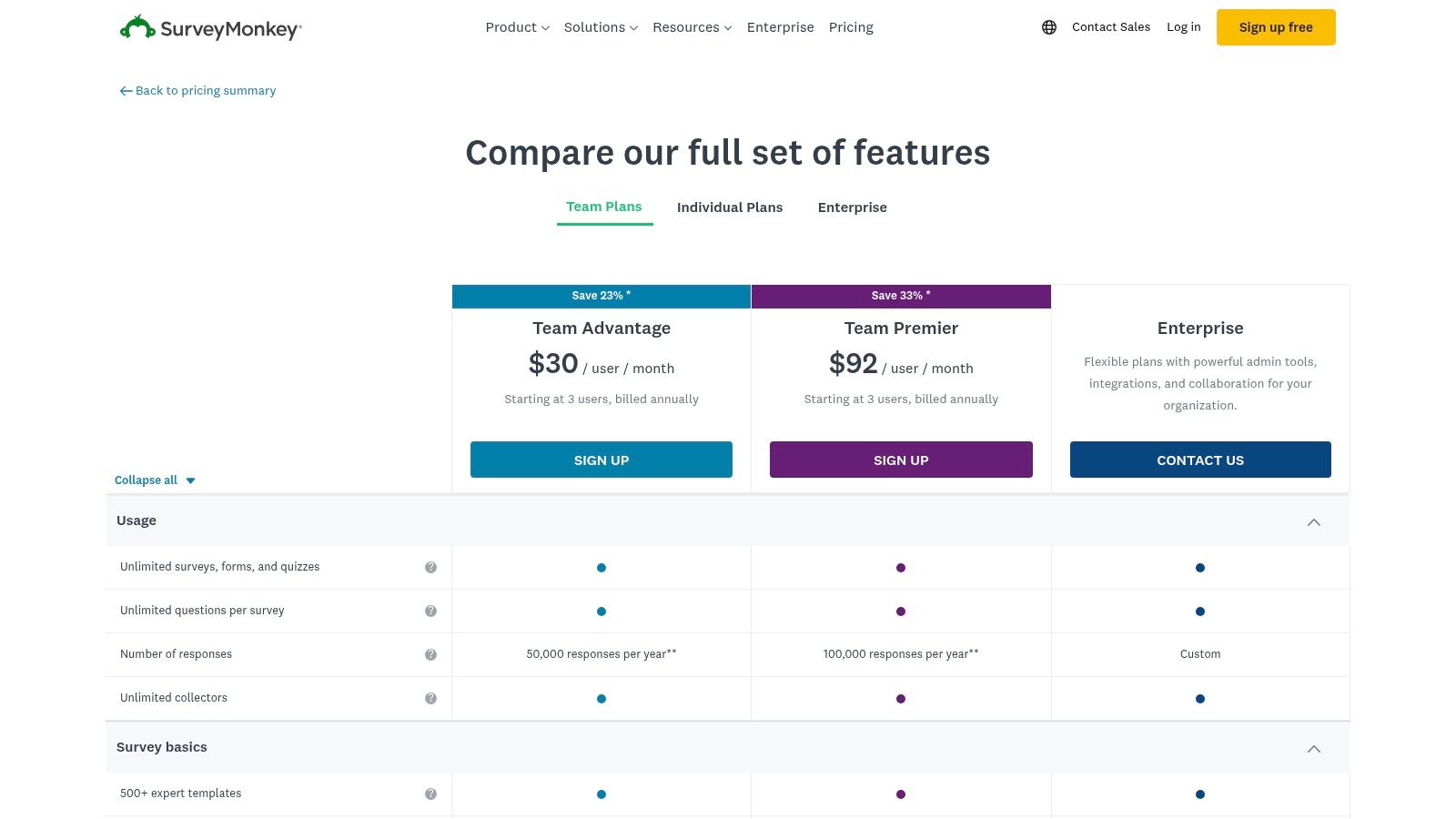
SurveyMonkey is one of the most recognised names in online surveys, and it serves as a powerful, albeit more limited, free poll maker. The platform is known for its enterprise-grade reliability and extensive features, making its free tier a great entry point for those who may need more advanced capabilities in the future. Its strength lies in its polished user interface and vast template library.
The free plan is best suited for simple, low-volume polls. You can quickly create a poll using an expert-designed template and distribute it via a "collector" link, which is ideal for sharing on social media or in email newsletters. While the free version has notable limitations, it offers a professional experience for basic polling needs.
Key Features and Use Cases
- Large Template Library: Get started quickly by choosing from a wide selection of professionally designed poll and survey templates for various use cases.
- Multiple Distribution Options: Share your poll easily with a direct link, via social media, or through other "collector" methods available on the platform.
- Robust Reporting: Even the free plan provides clean, visual reports of your poll results, though more advanced analytics are reserved for paid tiers.
- Strategic Insights: Using poll data can be a cornerstone of a successful growth plan, helping to inform your overall marketing strategy for a small business by providing direct audience feedback.
Website: https://www.surveymonkey.com/pricing/details/
Pricing: Free plan available. Paid plans unlock more features, higher response limits, and data exports.
| Pros | Cons |
|---|---|
| Enterprise-grade reliability and security | Free plan is capped at 10 questions per poll |
| Many distribution options and expert templates | Limited access to viewing and exporting responses without upgrading |
| Very easy to get started with templates | Pricing can become expensive for higher response volumes |
Best for: Businesses and professionals who want a highly reliable and user-friendly platform for occasional, simple polls and are considering scaling to a more powerful survey tool in the future.
5. Jotform (Poll Maker)
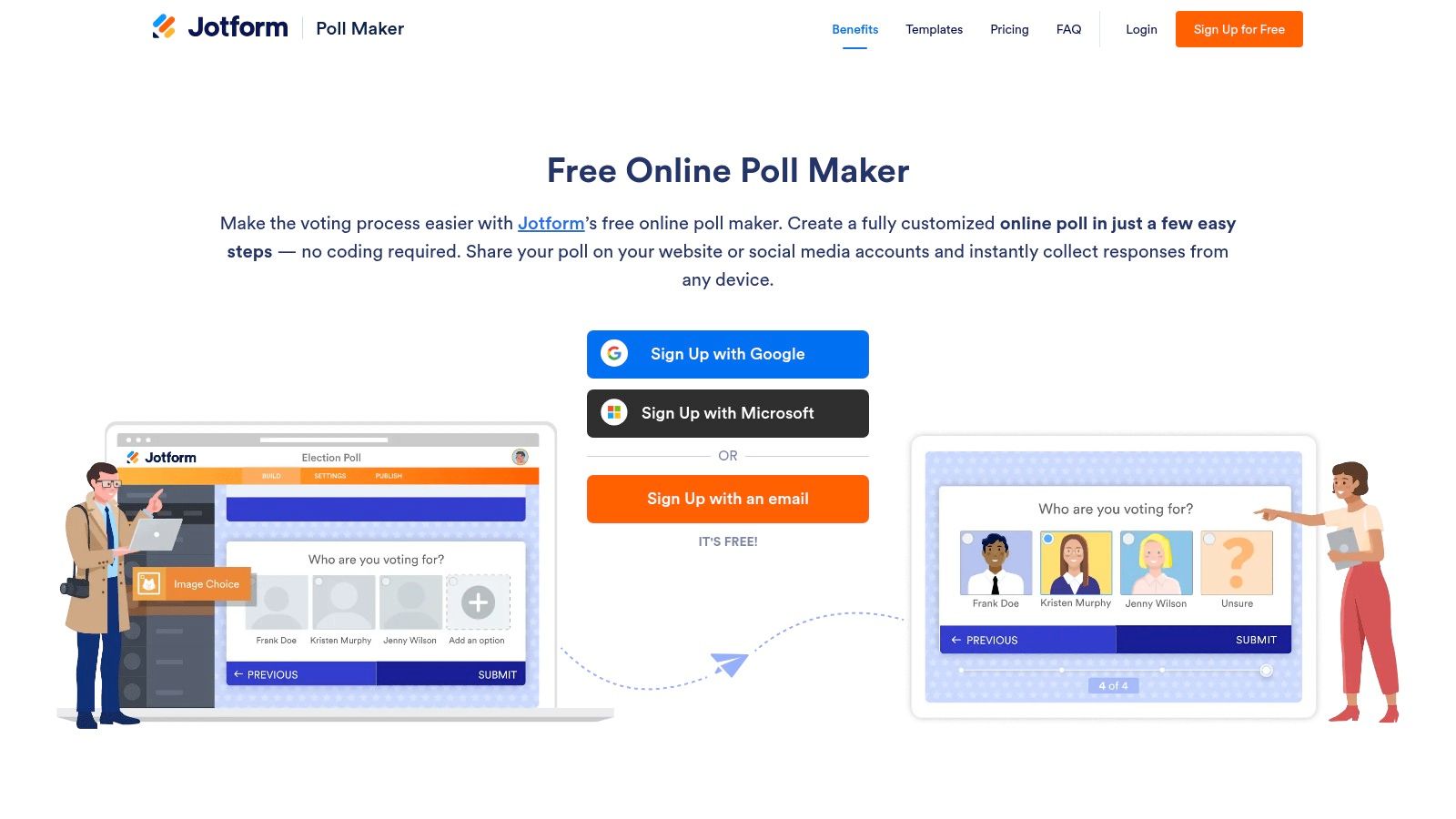
Jotform is a powerful drag-and-drop form builder that offers a dedicated and feature-rich free poll maker. It stands out with its vast library of templates and deep customisation options, allowing users to create highly professional, branded polls without touching a single line of code. Its intuitive interface makes it simple to add elements, adjust layouts, and share polls quickly.
The platform provides a great balance between ease of use and advanced functionality, making it ideal for businesses wanting more control over their poll's appearance and data management. You can easily share your creation via a direct link, a scannable QR code, or by embedding it directly onto your website for seamless user engagement.
Key Features and Use Cases
- Drag-and-Drop Design: Start from scratch or use one of many poll templates to build a visually appealing poll that perfectly matches your brand's aesthetic.
- Duplicate-Vote Controls: The free plan includes basic duplicate submission checking based on IP address or browser cookies to help maintain data integrity.
- Built-in Reporting: Automatically visualise poll results with Jotform Tables and Reports, creating professional charts and graphs to analyse feedback effectively.
- Versatile Sharing: Distribute your poll through multiple channels, including direct links, QR codes, and website embeds, to maximise audience reach.
Website: https://www.jotform.com/poll-maker/
Pricing: Free plan available with limits (e.g., 5 forms, 100 monthly submissions). Paid plans offer higher limits and advanced features.
| Pros | Cons |
|---|---|
| Very easy to design branded polls without code | Jotform branding is present on the free plan |
| Strong data management and export options | Free plan has caps on storage and monthly responses |
| Good selection of modern poll templates | Some advanced features and integrations are gated behind paid tiers |
Best for: Businesses and marketers who need to create visually customised, professional-looking polls and require robust, built-in tools for data visualisation and management without needing extensive technical skills.
6. Crowdsignal (by Automattic)
Crowdsignal, created by the team behind WordPress.com (Automattic), is a robust and visually appealing free poll maker designed for seamless integration. Its strength lies in its simplicity and deep connection to the WordPress ecosystem, making it a natural choice for bloggers and businesses running their sites on the platform. The interface is clean, allowing users to quickly build polls and embed them anywhere.
The free plan is quite generous, offering unlimited polls and questions, which is a significant advantage for those needing to gather feedback regularly. It provides a straightforward way to add interactive elements to your website or emails, helping to boost user engagement without a complicated setup process. Its reliability is backed by Automattic's solid infrastructure.
Key Features and Use Cases
- Seamless WordPress Integration: As a product from Automattic, Crowdsignal offers an incredibly smooth embedding experience for WordPress users via a dedicated block.
- Generous Free Tier: Create as many polls as you need with unlimited questions, a great feature for content creators and small businesses.
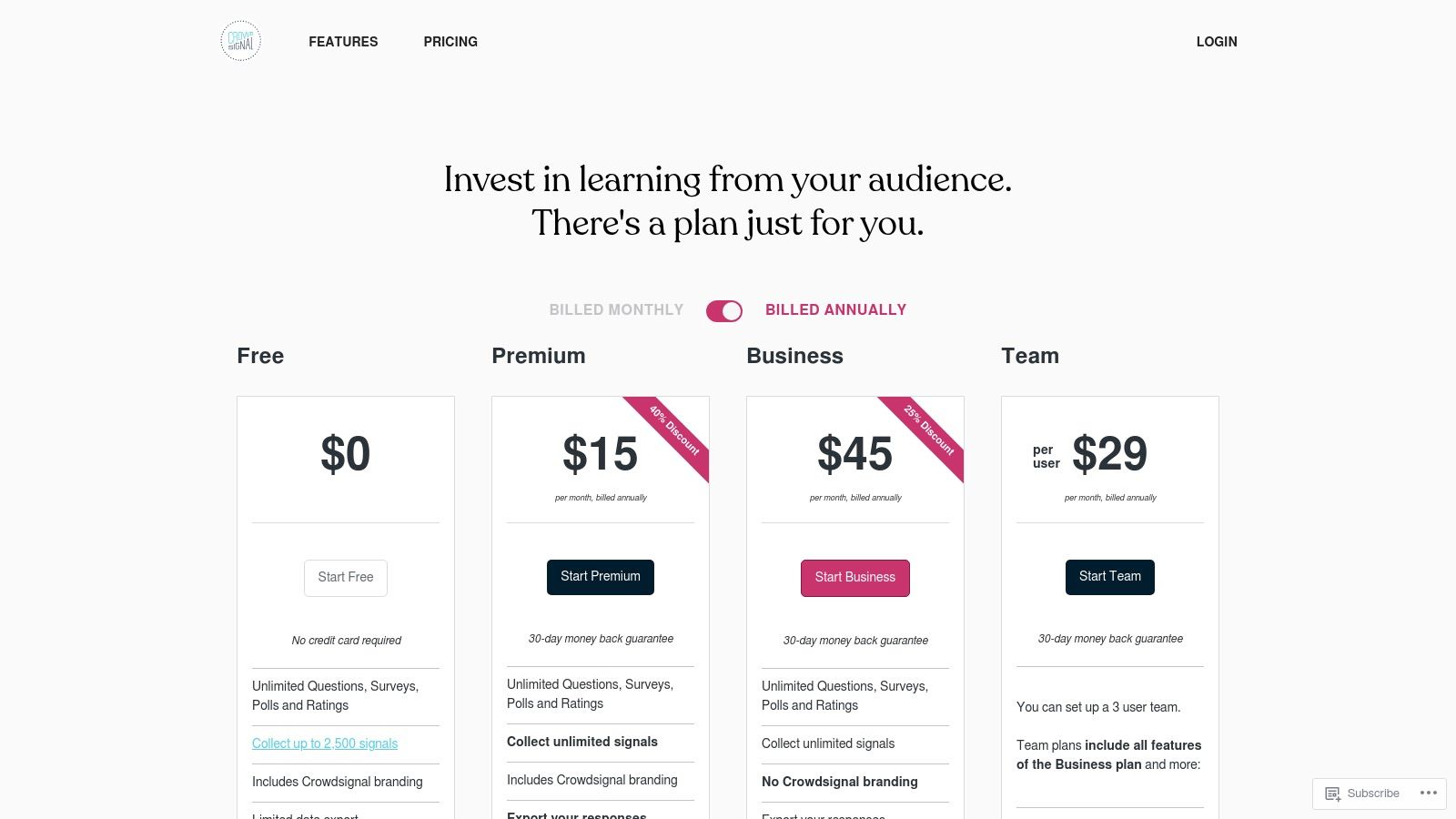
- Response 'Signals': The free plan includes a pool of 2,500 "Signals" (responses) you can collect across all your polls before needing to consider an upgrade.
- Customisable Design: Offers more styling options than many basic tools, allowing you to adjust colours and settings to better align with your site's branding.
Website: https://crowdsignal.com/pricing/
Pricing: Free plan available. Paid plans start from £15 per month for features like data exports and branding removal.
| Pros | Cons |
|---|---|
| Excellent, native integration with WordPress | Free plan includes Crowdsignal branding on all polls |
| Very generous free plan for many use cases | Data export and advanced features are locked behind a paid subscription |
| Simple to embed on any website, not just WP | The 'Signals' limit on the free plan can be restrictive for high traffic |
Best for: WordPress users, bloggers, and publishers who want an easy-to-use, visually appealing poll maker that integrates perfectly with their website to increase audience interaction and gather quick feedback.
7. SurveyPlanet
SurveyPlanet stands out in the crowded field of poll makers with one of the most generous free offerings available. It provides a robust platform where users can create unlimited polls, ask unlimited questions, and gather unlimited responses without ever paying a penny. This makes it an exceptional starting point for anyone needing a capable free poll maker without immediate feature constraints.
The interface is clean and user-friendly, allowing you to build and launch a poll in a matter of minutes. You can easily create multiple-choice questions, select from pre-made templates to get started faster, and share your poll via a direct link or embed it onto your website for seamless integration.
Key Features and Use Cases
- Generous Free Tier: The ability to run as many polls as you need with no cap on questions or responses is a major advantage for ongoing feedback collection.
- Basic Reporting: The free plan includes access to essential in-app reports, allowing you to analyse results with simple charts and summaries directly within the platform.
- Multi-Language Support: Easily create polls in over 30 languages, making it a great tool for engaging a global audience or diverse communities.
- Survey Embedding: Simple embed options allow you to place your poll directly onto your website or blog, helping to increase engagement and gather feedback from site visitors.
Website: https://surveyplanet.com/pricing-features
Pricing: A powerful free plan is available. The Pro plan (starting from around £15/month) unlocks data exports, custom themes, and question branching.
| Pros | Cons |
|---|---|
| Truly unlimited surveys, questions, and responses for free | Data export (CSV, etc.) is a premium feature, limiting free data analysis |
| Clean, straightforward interface for rapid poll creation | Custom branding and advanced design themes require a paid upgrade |
| Supports over 30 languages, ideal for international audiences | Fewer native integrations compared to larger platforms like Google Forms |
Best for: Start-ups, non-profits, and individuals who need a high-volume, no-cost polling solution and can work with on-platform analytics without needing to export raw data or apply custom branding.
8. Poll Everywhere
Poll Everywhere is a dynamic free poll maker designed specifically for live audience engagement. It excels in environments like meetings, classrooms, and events by integrating directly into presentation software such as PowerPoint, Keynote, and Google Slides. This allows presenters to embed interactive polls, word clouds, and Q&A sessions directly into their slide decks for real-time audience participation.
The platform transforms passive listeners into active participants, as responses are captured from web browsers or mobile devices and visualised instantly on screen. This immediate feedback loop is perfect for keeping an audience engaged, checking for understanding during a lesson, or gathering opinions during a live webinar. Its focus on live interaction makes it a specialised tool for presenters.
Key Features and Use Cases
- Live Presentation Integration: Seamlessly embed polls into PowerPoint, Google Slides, and Keynote presentations, allowing you to run interactive sessions without leaving your slide deck.
- Multiple Activity Types: Go beyond simple multiple-choice questions with clickable images, word clouds, Q&A sessions, and open-ended questions to gather diverse forms of feedback.
- Web and Mobile Responses: The audience can participate easily using any web-enabled device without needing to download an app, simply by visiting a custom URL or sending a text.
- Reporting and Analysis: After your event, you can generate reports on participation and response data, which can then be exported for further analysis or record-keeping.
Website: https://www.polleverywhere.com/plans
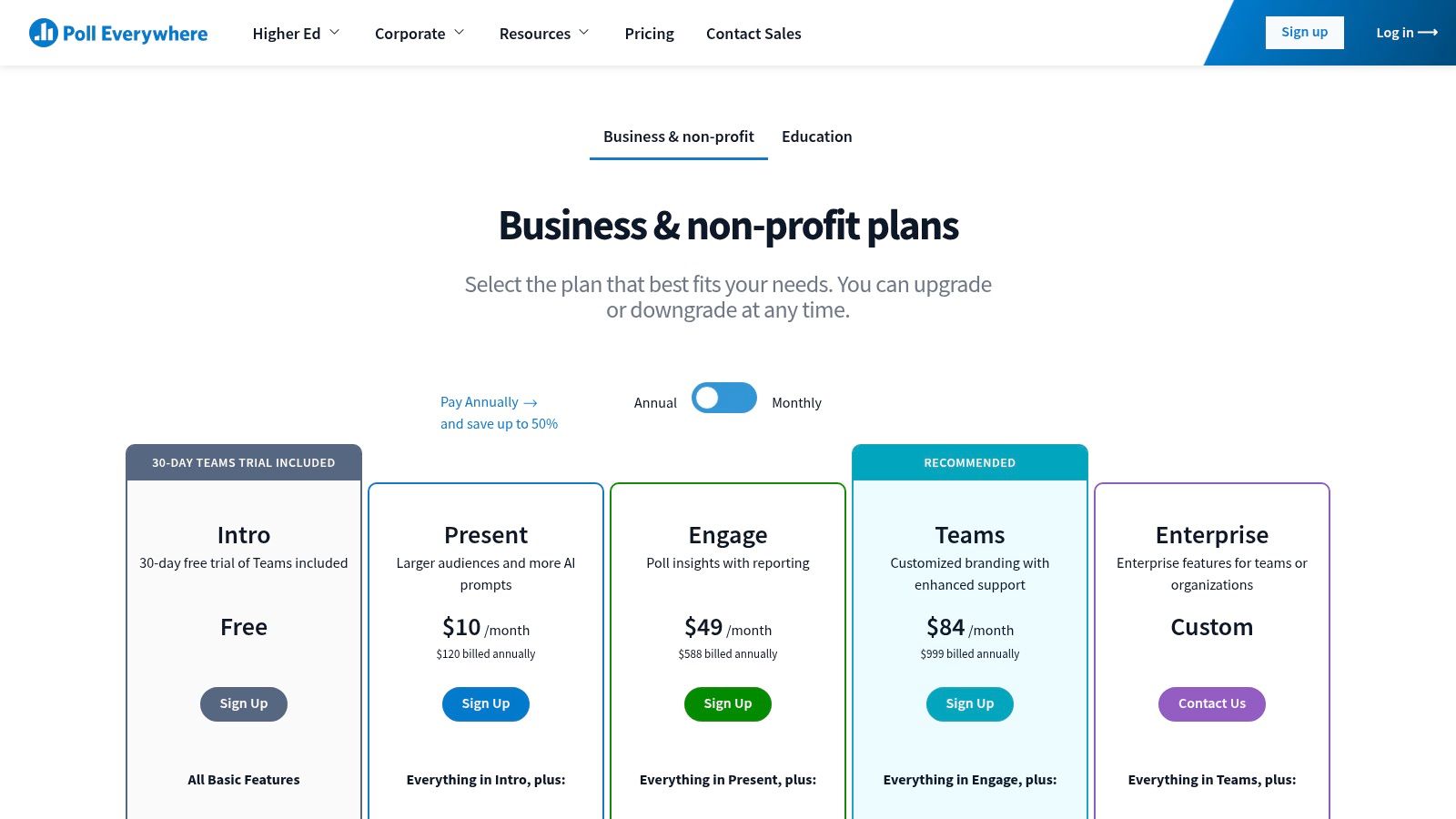
Pricing: Free plan available for audiences up to 25 responses per poll. Paid plans offer larger audience sizes and advanced features.
| Pros | Cons |
|---|---|
| Excellent for real-time engagement during live presentations and events | Free plan is quite limited with a cap of 25 responses per activity |
| Integrates directly with major presentation software | Primarily designed for live events, less suited for asynchronous surveys |
| Instant, dynamic visualisations keep audiences engaged | Can be more complex to set up than simpler, standalone poll makers |
Best for: Presenters, educators, and event organisers who need to interact with a live audience and gather instant feedback directly within their presentations. It's a powerful tool for boosting engagement in corporate meetings, university lectures, and conferences.
9. Mentimeter
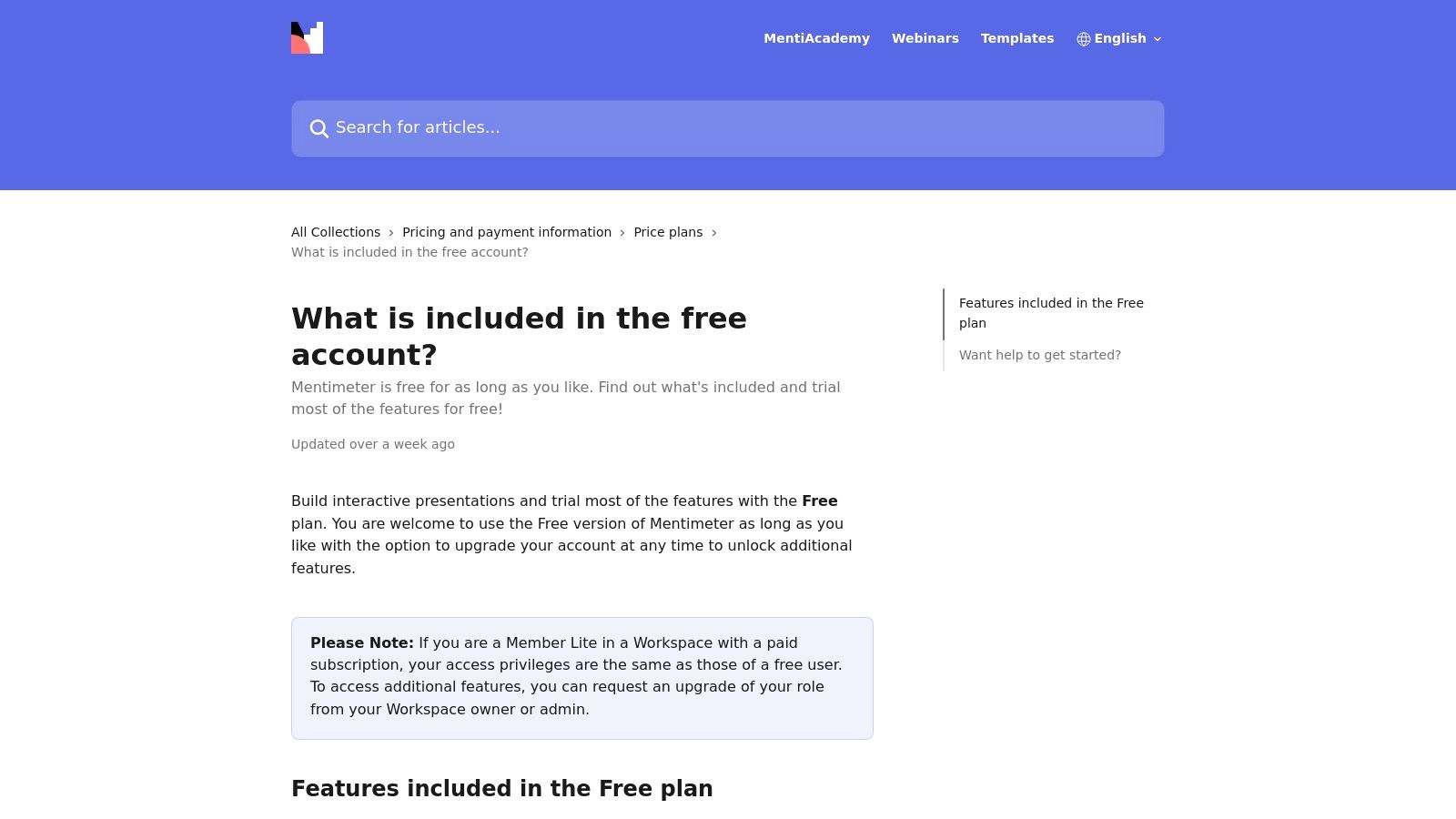
Mentimeter is an interactive presentation platform that excels as a free poll maker, especially for live events, training sessions, and classrooms. It's designed to boost audience engagement by making participation fun and visually appealing. Instead of static polls, Mentimeter uses dynamic formats like word clouds, quizzes, and open-ended questions to capture real-time feedback.
The platform is praised for its polished, professional aesthetic, which elevates any presentation or meeting. Users can create unlimited presentations with various interactive slide types, making it easy to weave polls seamlessly into a larger discussion. Its strength lies in transforming passive listeners into active participants, making it a powerful tool for educators and corporate trainers.
Key Features and Use Cases
- Interactive Formats: Go beyond multiple-choice with engaging options like word clouds, scales, 2×2 grids, and live quizzes, even on the free plan.
- Live Audience Participation: Ideal for real-time feedback during webinars, workshops, and lectures, where results appear on screen as they are submitted.
- Polished Visuals: The interface is clean and modern, producing professional-looking slides and results that are easy for an audience to understand.
- Unlimited Presentations: The free account allows you to create and store as many presentations as you need, though performance may cap at around 100 slides per presentation.
Website: https://www.mentimeter.com/
Pricing: Free plan available with up to 50 participants per month. Paid plans unlock more participants, advanced features, and branding customisation.
| Pros | Cons |
|---|---|
| Polished visuals and fun formats increase participation | Free plan is limited to 50 unique participants per month |
| Most question types are available on the free account | Some advanced slide types and branding controls require a paid upgrade |
| Creates a highly interactive and engaging audience experience | Not ideal for asynchronous polls intended for websites or email surveys |
Best for: Educators, corporate trainers, and public speakers who need a dynamic and visually impressive tool for engaging a live audience during presentations, workshops, or virtual events.
10. Slido
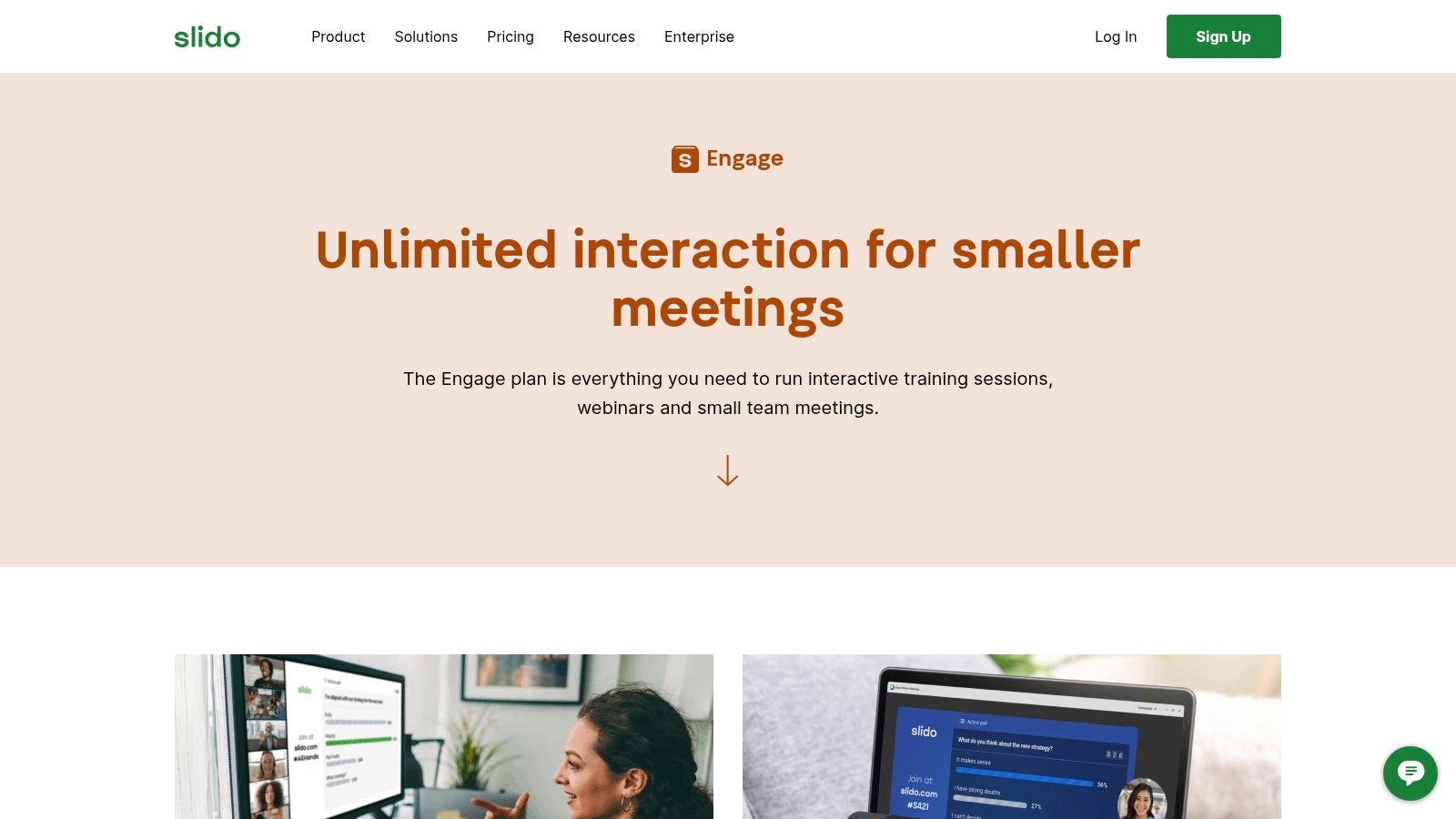
Slido is the go-to platform for adding live interaction to meetings, webinars, and events. While many tools focus on asynchronous polling, Slido excels at real-time engagement, allowing you to launch polls, quizzes, and Q&A sessions that participants can respond to instantly from their devices. Its core strength lies in its seamless integration with presentation software like PowerPoint and Google Slides.
As a free poll maker, its basic plan is geared towards smaller, interactive sessions rather than large-scale data collection. You can create a multiple-choice poll, word cloud, or quiz in seconds and present it live to your audience, fostering a more dynamic and engaging atmosphere than a standard presentation would allow.
Key Features and Use Cases
- Live Interaction: Purpose-built for live events, making it perfect for audience Q&As, real-time feedback during workshops, and interactive quizzes in training sessions.
- Presentation Integration: Directly embed and control polls within PowerPoint, Google Slides, Microsoft Teams, and Webex, so you never have to leave your presentation.
- Moderated Q&A: Allows participants to submit questions and upvote others, with moderation features available on higher tiers to keep discussions focused and productive.
- Variety of Poll Types: Includes multiple choice, word clouds, quizzes, ratings, and open-text polls to gather different kinds of feedback from your audience.
Website: https://www.slido.com/engage-plan
Pricing: Free plan available with limits (e.g., up to 100 participants, 3 polls per event). Paid plans unlock more features, higher participant caps, and data exports.
| Pros | Cons |
|---|---|
| Excellent for live audience engagement during events | Free plan is quite limited, restricting polls and participant numbers |
| Seamless integrations with major presentation platforms | Primarily designed for live use, less ideal for standalone, ongoing polls |
| User-friendly interface for both presenters and participants | Data exports and advanced analytics are locked behind paid plans |
Best for: Presenters, event organisers, and educators who need to boost audience participation and gather immediate feedback during live meetings, webinars, or virtual classrooms.
11. Doodle (Poll Maker / Group Poll)
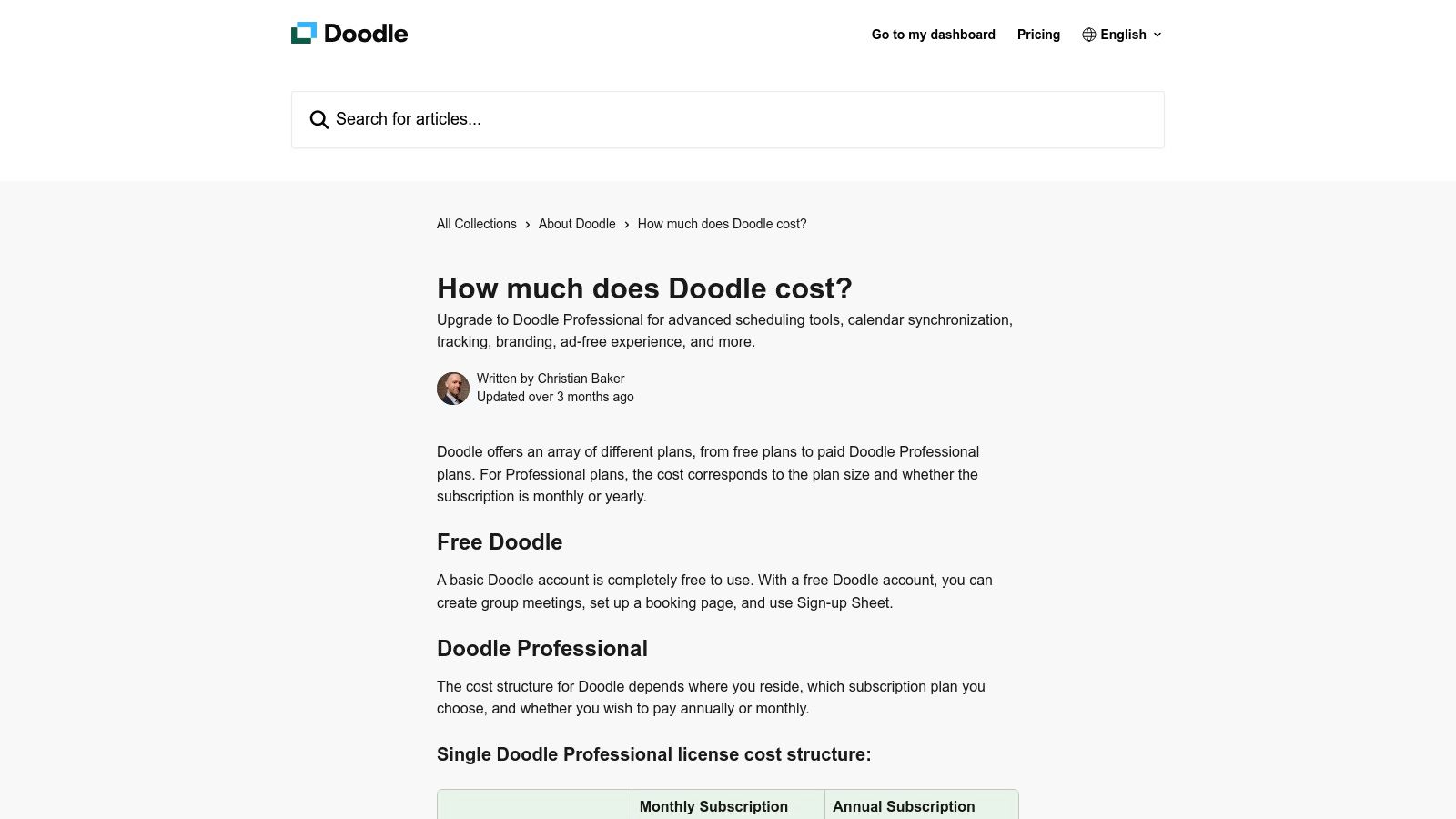
Doodle is the go-to platform for scheduling, but it also functions as a highly effective free poll maker, especially for coordinating groups. While its core strength is finding the perfect meeting time, its 'Group Poll' feature is excellent for any scenario requiring a consensus, such as choosing a project deadline or a team lunch spot. It stands out by making the participant experience completely frictionless.
The platform allows you to create a simple poll to find the best time and date, or a text-based poll for straightforward questions. Participants can respond instantly through a shared link without needing to sign up, which significantly boosts response rates. This simplicity makes it a powerful tool for quick, organisational decision-making.
Key Features and Use Cases
- Group Polls: Create polls to find the best time for an event, with participants selecting their availability from a calendar view you provide.
- Text Polls: Use a simple multiple-choice format for non-scheduling questions, like voting on options or gauging preferences on a specific topic.
- No Account Needed for Voters: Respondents do not need a Doodle account to participate, removing a significant barrier to entry and making it easy to gather feedback from external groups.
- Calendar Integration: Paid plans offer deeper integration with Google Calendar and Outlook, automatically adding confirmed events and preventing double-bookings.
Website: https://doodle.com/en/
Pricing: Free plan available with ads and limitations. Paid plans start from £11.99/user/month for advanced features.
| Pros | Cons |
|---|---|
| Unbeatable for time-selection and scheduling polls | Ads on the free version can be distracting for participants |
| Extremely simple for participants to use without an account | Not a full survey suite; limited question types and customisation |
| Clean interface and straightforward poll creation process | The free plan has limits on booking pages and 1:1 meeting types |
Best for: Businesses, teams, and community organisers who primarily need to coordinate schedules or make simple group decisions quickly, where ease of use for participants is the top priority.
12. SmartSurvey (UK)
SmartSurvey stands out as a UK-based free poll maker with a strong focus on data security and compliance. For businesses prioritising UK or EU data residency, it offers a compelling free plan that is fully GDPR-compliant. While it's a comprehensive survey tool, its features are well-suited for creating straightforward polls with the assurance that all data is stored securely within the UK.
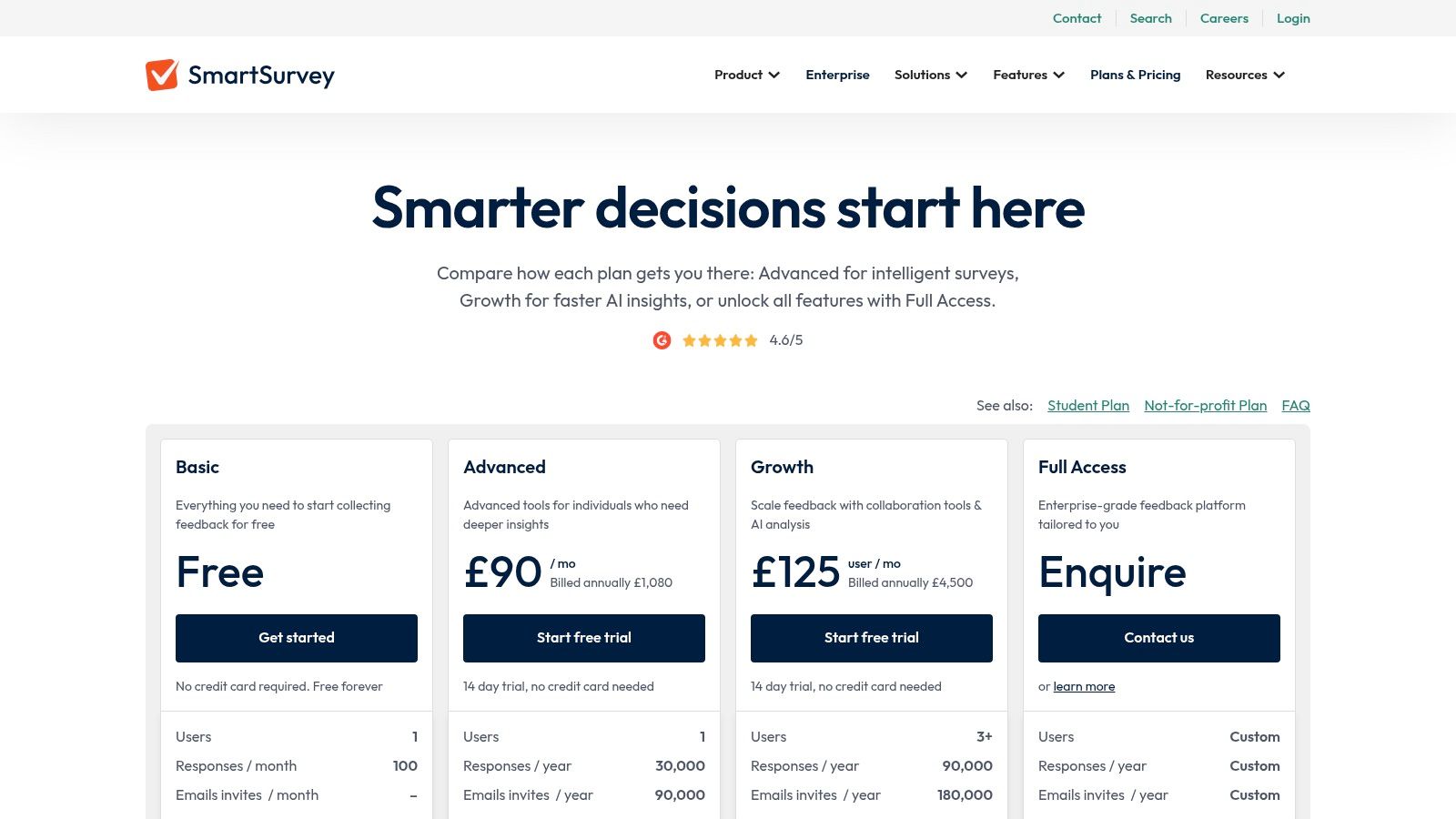
The platform is designed to be accessible and mobile-friendly, ensuring a smooth experience for respondents on any device. The free Basic plan is ideal for users with modest polling needs, providing a clear entry point for organisations that require a higher level of data governance than many US-based alternatives can offer.
Key Features and Use Cases
- UK/EU Data Storage: A key differentiator, as all data is hosted in the UK, meeting strict GDPR and ISO 27001 standards. This is critical for public sector, healthcare, or financial organisations.
- Generous Free Plan: The Basic plan includes up to 15 questions per survey and allows for 100 responses per month, which is sufficient for light, regular polling.
- Accessible Design: Polls are automatically optimised for all devices, and the platform adheres to accessibility standards, ensuring a broad audience can participate without issues.
- Basic Reporting: The free tier includes real-time summary reports with charts and graphs, allowing you to quickly analyse poll results and export them as a summary PDF.
Website: https://www.smartsurvey.co.uk/pricing
Pricing: Free Basic plan available. Paid plans start from £30/month for more features and higher response limits.
| Pros | Cons |
|---|---|
| Strong UK/EU data residency and GDPR compliance | The free plan is capped at 100 responses per month |
| Clear and functional free tier for light polling needs | Advanced logic and custom branding are restricted to paid plans |
| Mobile-friendly and accessible poll design is standard | Limited data export options (summary only) on the free tier |
Best for: UK and EU-based businesses, public sector bodies, and non-profits that require a GDPR-compliant free poll maker with local data hosting for basic feedback collection and audience engagement.
Top 12 Free Poll Makers Comparison
| Tool | Core features | UX & Rating | Price / Value | Best for / USP |
|---|---|---|---|---|
| Google Forms | Unlimited forms/questions, branching, Sheets export, embed/share | ★★★★☆ — simple, fast | 💰 Free with Google account; basic settings only | 👥 General users & teams — 🏆 Google Workspace integration ✨ easy sharing |
| Microsoft Forms | Surveys/quizzes, Excel export, mobile/web collectors | ★★★★☆ — familiar Office UX | 💰 Freemium; limits on free accounts | 👥 Microsoft users — 🏆 Excel workflows ✨ quick internal polls |
| Typeform | One-question flow, logic, templates, embeds | ★★★★★ — highly engaging | 💰 Freemium; paid adds responses & integrations | 👥 Marketers & UX-focused teams — 🏆 conversion-friendly ✨ polished design |
| SurveyMonkey | Templates, collectors, advanced reporting | ★★★★★ — enterprise-grade | 💰 Freemium (limited); paid for analytics & scale | 👥 Enterprises & researchers — 🏆 robust templates ✨ distribution options |
| Jotform (Poll Maker) | Drag‑drop builder, QR/link/embed, reports, anti-dup controls | ★★★★☆ — flexible design | 💰 Freemium; branded/free caps, paid for advanced | 👥 Brands needing custom polls — 🏆 easy branding ✨ IP/cookie checks |
| Crowdsignal | Unlimited polls/questions (embed), WordPress-friendly | ★★★★☆ — simple embedding | 💰 Generous free tier; paid removes branding/exports | 👥 WordPress sites & bloggers — 🏆 native WP fit ✨ easy embed |
| SurveyPlanet | Unlimited surveys/questions/responses (free), templates | ★★★★☆ — straightforward | 💰 Very generous free plan; Pro for exports/themes | 👥 Budget-conscious creators — 🏆 free volume ✨ simple interface |
| Poll Everywhere | Slide integrations, live visuals, multi‑activity types | ★★★★★ — real-time interaction | 💰 Freemium; free limited to 25 responses/activity | 👥 Presenters/educators — 🏆 live engagement ✨ slide deck plugins |
| Mentimeter | Polls/quizzes/word clouds, polished visuals, slides | ★★★★☆ — interactive presentations | 💰 Freemium; participant limits on free plan | 👥 Trainers & classrooms — 🏆 visual formats ✨ fun engagement |
| Slido | Live polls, Q&A, quizzes, Teams/Webex/Slides integrations | ★★★★☆ — event-grade moderation | 💰 Freemium; limited polls on free tier | 👥 Event/webinar hosts — 🏆 moderation & integrations ✨ Q&A tools |
| Doodle (Group Poll) | Scheduling polls, calendar sync, booking pages | ★★★★☆ — frictionless scheduling | 💰 Freemium; paid removes ads & adds features | 👥 Teams scheduling meetings — 🏆 time-selection UX ✨ no account needed to vote |
| SmartSurvey (UK) | Templates, mobile surveys, UK/EU hosting, GDPR/ISO | ★★★★☆ — compliance-focused | 💰 Free Basic (100 responses/mo); paid for exports | 👥 UK/EU orgs needing compliance — 🏆 data residency ✨ GDPR/ISO certified |
Final Thoughts
Navigating the landscape of the best free poll maker tools reveals a powerful truth: you don’t need a significant budget to gather crucial feedback, engage your audience, or make data-driven decisions. Throughout this guide, we've explored a diverse range of platforms, from the universally accessible Google Forms and Microsoft Forms to the aesthetically pleasing Typeform and the robust, feature-rich free tiers of SurveyMonkey and Jotform. Each tool offers a unique value proposition, demonstrating that the right choice is less about finding a single "best" platform and more about aligning a tool's capabilities with your specific objectives.
The key takeaway is that strategic selection is paramount. Your ideal free poll maker is entirely dependent on your primary use case. Are you a small business owner needing to embed a quick customer satisfaction poll on your website? A tool like Crowdsignal or Jotform, with their generous embedding options and customisation, would be a superb choice. Are you an agency presenter needing to captivate a live audience? The interactive, real-time nature of Slido, Mentimeter, or Poll Everywhere is specifically designed for that dynamic environment.
Making Your Final Decision
To crystallise your choice, consider the journey from creation to analysis. The process doesn’t end once you've published your poll; the real value lies in what you do with the results.
Here are the critical factors to weigh one last time:
- Audience and Context: Where will your audience interact with the poll? A simple, no-fuss link for a social media story has different requirements than a polished, embedded poll on a key landing page. For the former, a tool like Doodle might suffice, while the latter demands the design finesse of a platform like Typeform.
- Data and Analytics Needs: What level of analysis do you require? If you just need a simple vote count, almost any tool will do. However, if you need to filter results, export data to a spreadsheet for deeper analysis, or visualise trends, the backend capabilities of platforms like SurveyMonkey, SmartSurvey, or even the seamless integration of Google Forms with Google Sheets become crucial differentiators.
- Limitations and Scalability: Be brutally honest about the limitations of the free plans. A cap of 100 responses per month might seem ample at first, but a successful campaign could hit that limit in hours. Scrutinise these triggers-response limits, question caps, and feature paywalls-and consider whether the upgrade path aligns with your potential growth.
- Integration and Workflow: How will this tool fit into your existing processes? If your team lives in the Microsoft ecosystem, Microsoft Forms is a natural fit. If you're a WordPress user, Crowdsignal's seamless integration is a significant advantage. Thinking about this now prevents logistical headaches later.
Implementing Your Poll for Maximum Impact
Once you’ve selected your free poll maker, success hinges on implementation. Remember to keep your questions clear, concise, and unbiased to ensure the quality of your data. Promote your poll across relevant channels where your audience is most active, and be transparent about how you intend to use the feedback you collect. Closing the loop by sharing the results or explaining the changes you’ve made based on the input you received is a powerful way to build community and trust.
Ultimately, a free poll maker is more than just a piece of software; it's a direct line to your audience, a mechanism for engagement, and a catalyst for informed strategy. The platforms detailed in this guide provide a fantastic starting point for harnessing that power. As you explore the myriad options, you might also find value in consulting a broader list of additional free survey tools to ensure you've found the perfect fit for your needs. The perfect tool is out there, waiting to help you listen, learn, and grow.
Ready to integrate polling tools and other powerful resources into a unified marketing strategy? Discover The Digital Marketing Toolbox, our curated collection of templates, guides, and software recommendations designed to help you execute campaigns efficiently. The Digital Marketing Toolbox provides the framework you need to turn audience feedback from your new poll maker into tangible business growth.


