

Implementing an effective search function on your website is crucial for user experience, yet choosing the right tool can be a significant challenge. A poor on-site search can frustrate visitors and lead them to abandon your site, while a powerful one can dramatically increase engagement and conversions. This definitive guide is organised to help you navigate the landscape of Google search bar widgets and related site-search solutions, ensuring you select the best option for your specific business needs.
We will explore a comprehensive range of tools, from official Google products to third-party integrations and platform-specific plugins. This resource is designed for small business owners, digital marketing agencies, and e-commerce managers who need an actionable comparison of the most effective search tools available. Whether you are looking to improve content discoverability on a WordPress blog or provide a robust product search for an online store, this list provides the practical details required to make an informed decision.
Each entry in this guide includes a focused analysis of its key features, ideal use cases, and important implementation considerations. You will find direct links to each platform, along with screenshots to illustrate the user interface and final appearance. We’ll cover everything from Google's own Programmable Search Engine and its native mobile app widgets to versatile WordPress plugins and even browser extensions. This curated list cuts through the noise, offering a clear, strategic overview to help you enhance your website's functionality and deliver a superior user journey. Our goal is to equip you with the knowledge to deploy a powerful search solution efficiently, without the need for extensive trial and error.
1. Elfsight – Grow Your Biz
Elfsight stands out as a premier choice for businesses seeking powerful, no-code search solutions. Positioned within The Digital Marketing Toolbox, it offers a suite of highly customisable, plug-and-play widgets, making it an exceptional resource for implementing sophisticated search functionality without requiring a development team. This platform is specifically engineered for marketers and small business owners who need to enhance on-site content discoverability and user engagement swiftly.
What sets Elfsight apart is its focus on combining ease of use with deep customisation. You can deploy a sleek, effective search bar that perfectly matches your site's aesthetic and branding. The platform moves beyond basic site search, offering embeddable UI components that can be configured to meet specific user experience goals. This makes it an ideal tool for creating intuitive navigation paths and helping visitors find exactly what they need, which is a critical factor in reducing bounce rates and boosting conversions. Its catalogue-style presentation in the Toolbox simplifies the evaluation process, allowing for direct comparisons and quick access to demos.
Key Strengths and Use Cases
Elfsight excels in scenarios where speed and control are paramount. An e-commerce site, for instance, could use a customised Elfsight search widget to allow customers to filter products by category, price, and ratings directly from the search bar. Likewise, a content-heavy blog or a knowledge base can implement a search widget that surfaces relevant articles, FAQs, and tutorials, significantly improving the user journey. The no-code nature means these advanced google search bar widgets can be implemented in minutes.
Key Takeaway: Elfsight provides an unparalleled balance of simplicity and power, enabling non-technical users to build and deploy advanced search interfaces that rival custom-coded solutions.
Implementation and Considerations
Getting started is straightforward. You simply select a widget, customise its appearance and behaviour using a visual editor, and then embed the generated code snippet into your website's HTML. While this third-party approach offers incredible convenience, it’s wise to monitor site performance after implementation.
- Pros: No-code setup, extensive customisation options, and easy comparison via The Digital Marketing Toolbox.
- Cons: Less architectural flexibility than a bespoke solution; reliance on a third-party subscription model.
For those wanting to understand the foundational technology, you can learn more about how website widgets function.
Website: https://grow-your-biz.com/growth/elfsight/
2. Google Programmable Search Engine (PSE) – Product site and control panel
For those wanting to embed Google's powerful search technology directly onto their website, the official Programmable Search Engine (PSE) is the most direct route. Previously known as Google Custom Search, this platform allows you to create a customised search engine that exclusively crawls your own website, or a curated list of sites you specify. It's an excellent choice for businesses, bloggers, and organisations who want to provide visitors with reliable, familiar search results without developing a solution from scratch.

The control panel is the heart of the service, offering a straightforward interface for configuration. You can select themes, adjust colours to match your brand, and choose how search results are displayed, either within a layer on your page or on a separate, Google-hosted results page. Its standout feature is the official integration with Google's core technology, ensuring high-quality, relevant results that users trust.
Key Considerations
- Pricing: PSE operates on a freemium model. The free tier is fully functional but is ad-supported, meaning Google Ads may appear alongside your search results. The paid "Programmable Search Element API" removes ads, starting at $5 per 1,000 queries.
- Best Use Case: Ideal for content-rich websites, educational institutions, or support portals where accurate and comprehensive site-wide search is critical. It's also a great monetisation tool for high-traffic blogs that can benefit from the ad-supported version.
- Limitations: A notable drawback is the indexing speed. The search engine relies on Google's standard web crawl, so newly published content won't appear in your site search results instantly.
Website: https://programmablesearchengine.google.com/about/
3. Google Programmable Search – Developer docs
For developers and technically proficient users who need to move beyond the basic control panel, the official Google Programmable Search developer documentation is the ultimate resource. This isn't a tool itself but rather the canonical guide for implementing, customising, and programmatically interacting with the Programmable Search Engine. It provides the deep technical knowledge required to unlock the full potential of Google's search technology on your site, from simple embed tweaks to complex API-driven integrations.
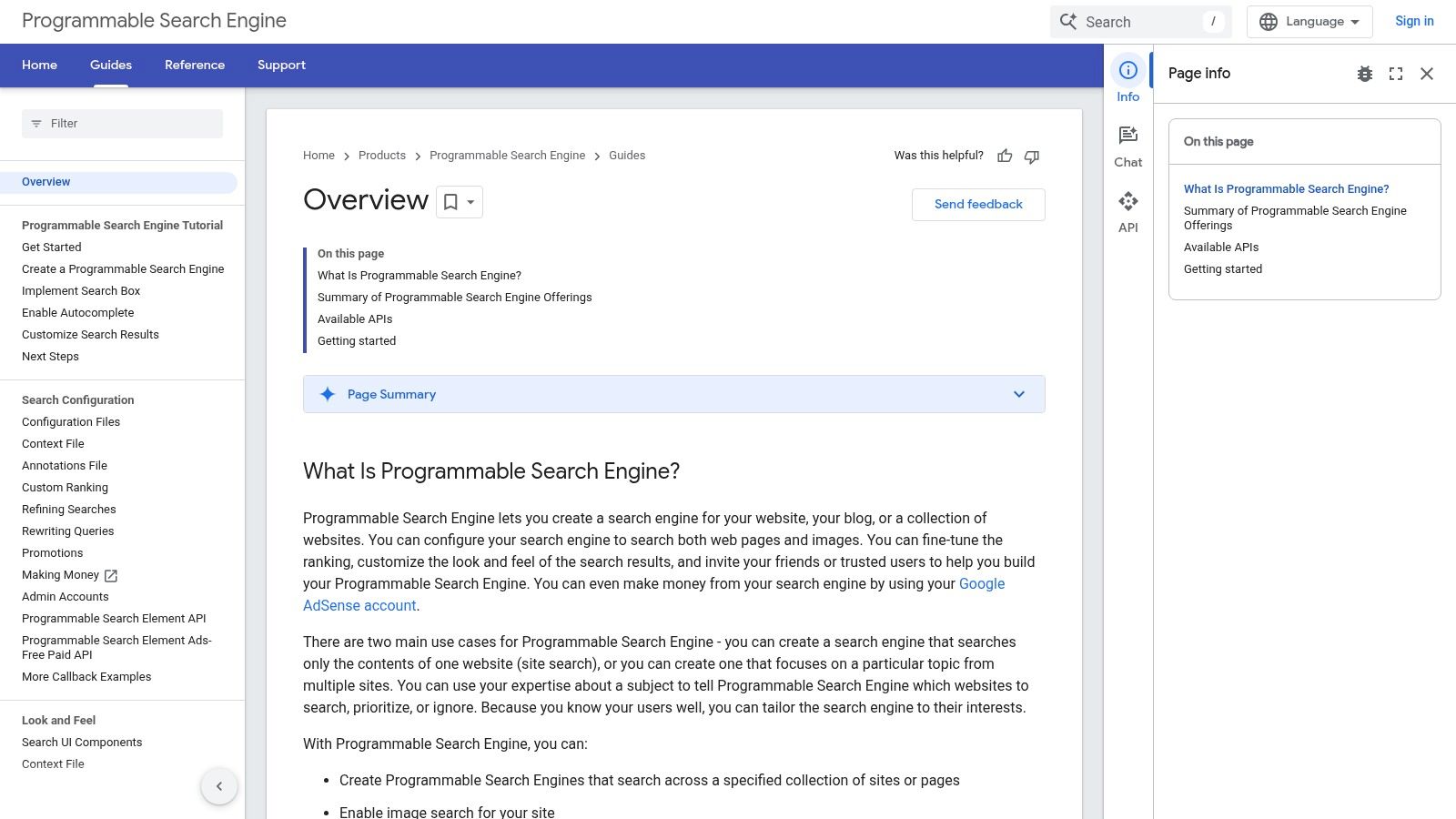
The documentation is logically organised, offering everything from initial setup guides to advanced tutorials on using the JSON API for retrieving results programmatically. It’s where you’ll find the official best practices for structuring your data, optimising the look and feel with HTML attributes, and ensuring your implementation is as efficient as possible. This site is essential for anyone wanting to build a truly custom, high-performing google search bar widget integrated deeply into their web application.
Key Considerations
- Pricing: Access to the documentation is completely free. The costs are associated with the Programmable Search Engine itself, particularly if you use the ad-free JSON API, which starts at $5 per 1,000 queries.
- Best Use Case: Perfect for web developers, agencies, or tech-savvy business owners who need to implement advanced search features, such as building a custom search results page or integrating site search with another application.
- Limitations: The content is highly technical and assumes a working knowledge of HTML, CSS, and often JavaScript or server-side programming. It is not intended for beginners or those looking for a simple, no-code solution.
Website: https://developers.google.com/custom-search/docs/overview
4. Google Programmable Search – Implementing the search bar (code example)
For developers and site owners comfortable with code, Google's official developer documentation provides the most direct path to implementation. This resource strips away the control panel's interface and focuses purely on the essential code snippets required to get a Programmable Search Engine up and running. It’s the go-to reference for those who want a quick, copy-and-paste solution for adding Google search bar widgets directly into their HTML.
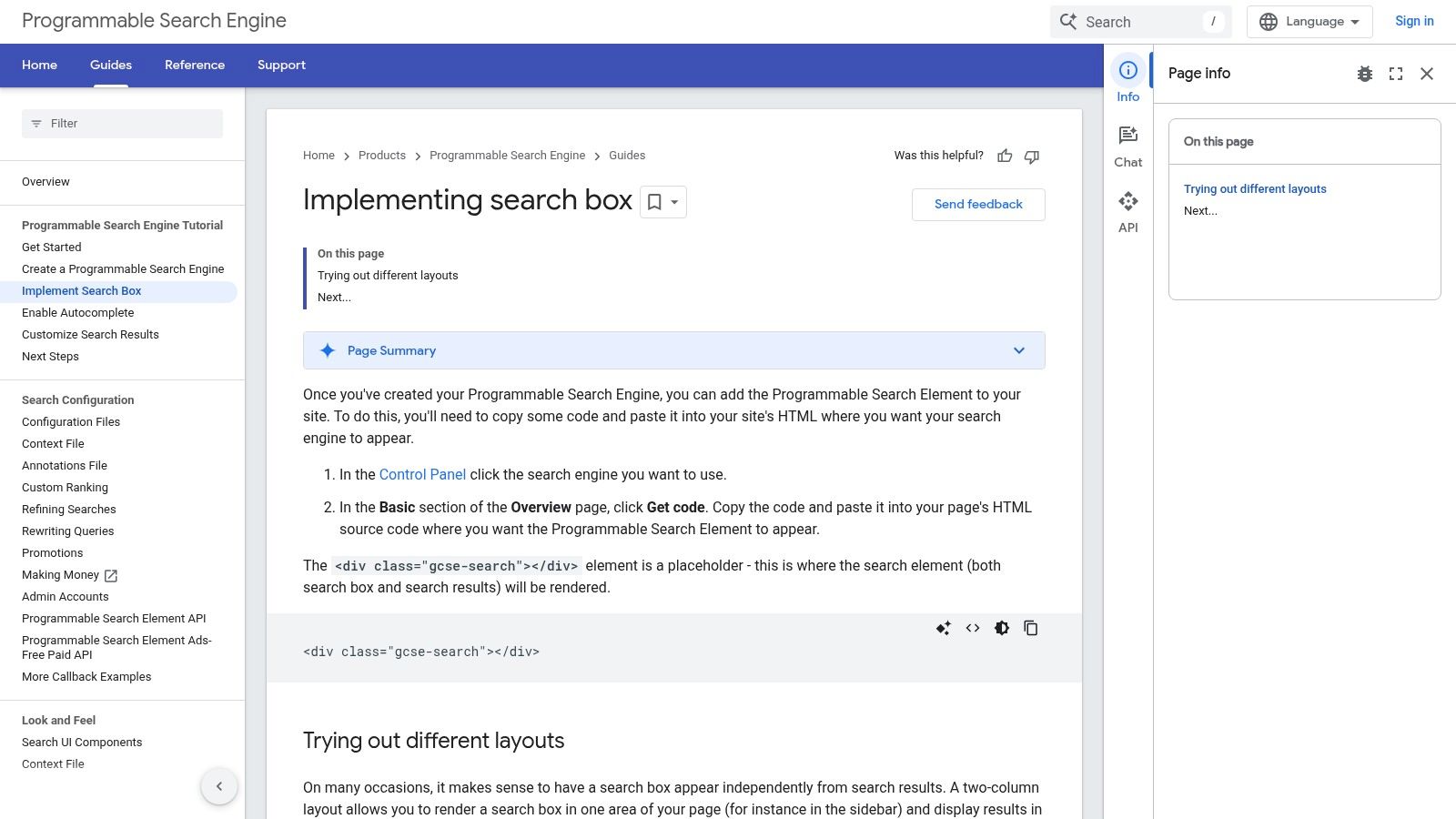
The documentation is concise, offering clear examples of how to embed the search box using a simple script and a placeholder <div> tag. It outlines different layout options, such as displaying just the search box or including the results element on the same page. This approach offers a lightweight and universally compatible method that works across most content management systems and static websites, making it a highly flexible option for custom projects.
Key Considerations
- Pricing: The code itself is free to implement, but the functionality it enables is still tied to the PSE freemium model. You will have to decide between the ad-supported free version or the paid API to remove Google Ads from your results.
- Best Use Case: Perfect for developers or technically-savvy users who need to quickly integrate a site search feature and prefer to work directly with code rather than a graphical interface. It's also ideal for custom-built websites where plugin compatibility is not a concern.
- Limitations: While implementation is straightforward, customising the widget's appearance beyond the default themes requires CSS knowledge. The process is also reliant on the standard Google crawl for indexing, meaning a delay before new content appears in search results.
Website: https://developers.google.com/custom-search/docs/tutorial/implementingsearchbox
5. Google app (Android) – official Google Search widget
For Android users, the most ubiquitous and deeply integrated option is the official Google Search widget provided by the core Google app. This isn't a tool for a website but rather a home-screen utility that places Google's search power one tap away. It offers a seamless bridge between a user's home screen and the full suite of Google services, making it one of the most widely used Google search bar widgets in the world. Its primary value lies in its convenience and native integration with the Android operating system.
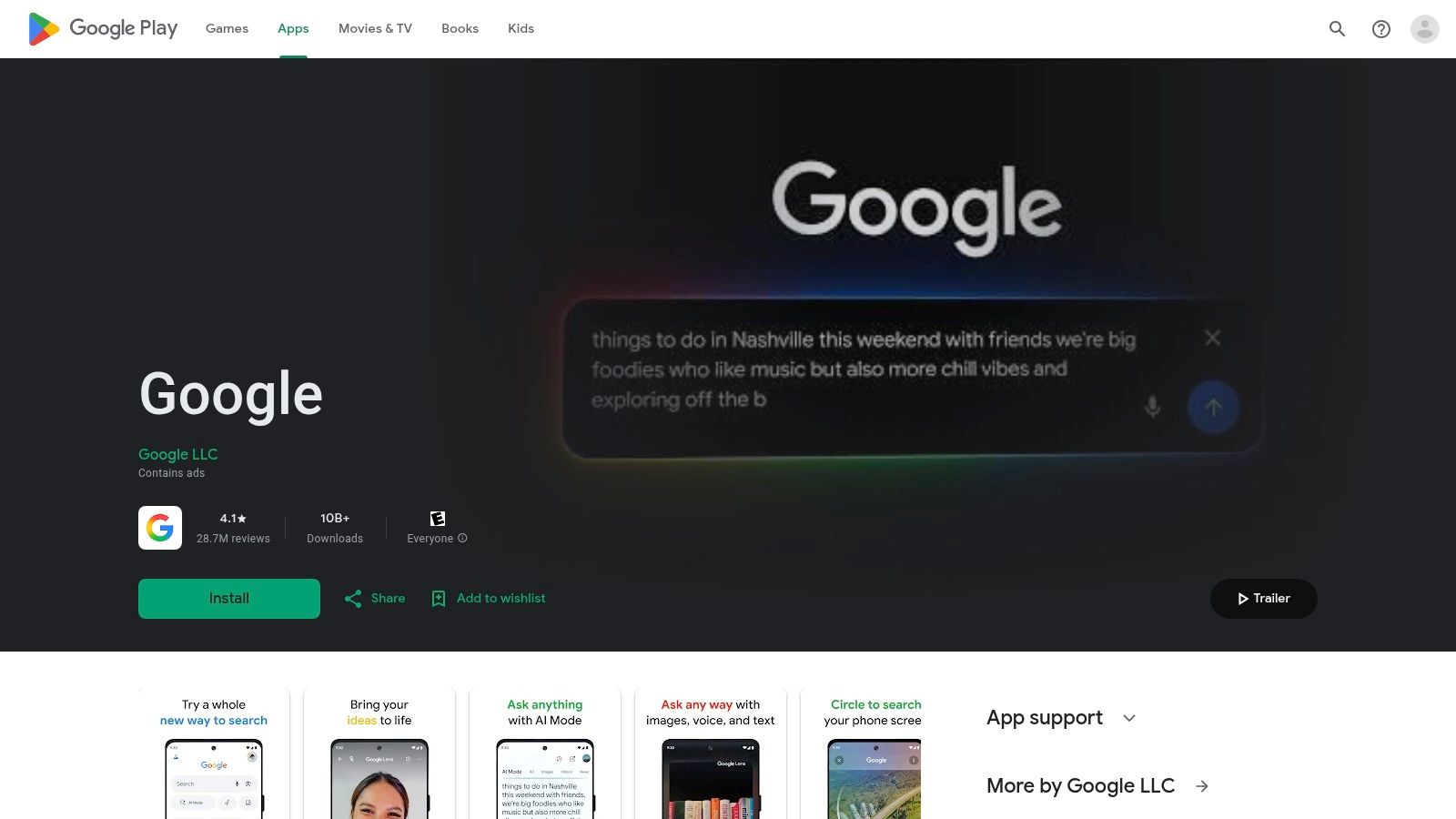
The widget itself is more than just a search field; it incorporates direct shortcuts to key features like Voice Search, Google Lens for visual searches, and an incognito mode for private queries. Users can lightly customise its colour, transparency, and shape to better match their device's theme. Its performance is tied directly to the Google app, ensuring it is consistently updated with the latest features and optimisations, providing a reliable and familiar user experience that millions depend on daily.
Key Considerations
- Pricing: The widget is completely free and comes pre-installed on most Android devices as part of the Google app.
- Best Use Case: Essential for any Android user who wants immediate access to Google Search, Lens, and Voice Assistant from their home screen without needing to open an app first. It is the default, first-party solution for mobile searching on the Android platform.
- Limitations: The widget's functionality is exclusive to the Android OS and cannot be embedded on websites. Some users have occasionally reported the widget disappearing or resetting after app or system updates, requiring it to be manually re-added to the home screen.
Website: https://play.google.com/store/apps/details?id=com.google.android.googlequicksearchbox
6. Google app (iOS) – official Google Search widget for iPhone/iPad
For iPhone and iPad users wanting the quickest access to Google, the official Google app for iOS provides a suite of native home-screen and lock-screen widgets. This isn't a tool for your website, but rather a personal productivity enhancement that brings Google's search power directly to the forefront of your device. It bypasses the need to open a browser first, offering a seamless and integrated search experience that feels native to the Apple ecosystem.
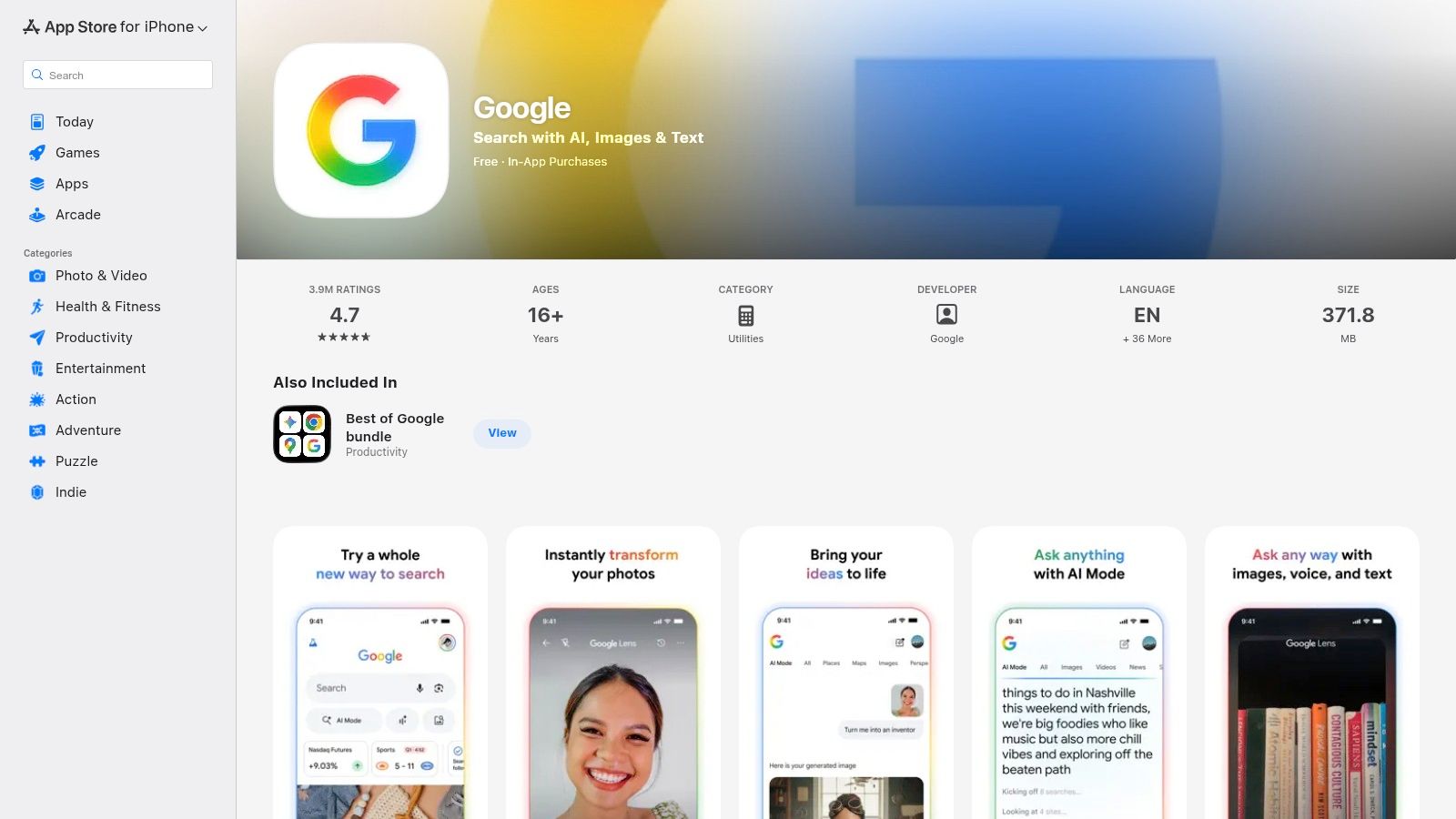
The primary appeal of these google search bar widgets lies in their convenience and polished user interface. Available in multiple sizes, they can be configured to include shortcuts for Google Lens, Voice Search, and Incognito mode, allowing for versatile and rapid interactions. When working with the official Google Search widget for iOS, a solid understanding of general iPhone application development practices is beneficial, as it helps in appreciating the integration and API usage. The widgets are actively maintained and updated through the App Store, ensuring compatibility and performance.
Key Considerations
- Pricing: The Google app and its associated widgets are completely free to download and use from the Apple App Store.
- Best Use Case: Perfect for any iPhone or iPad user who prefers Google Search over Safari's default and wants instant access from their home or lock screen without extra taps. It’s a must-have for power users who frequently use Lens or Voice Search.
- Limitations: The widgets require iOS 16 or newer to function, and feature availability can sometimes vary by region or app version. As it is not the system-default search mechanism, some workflows may still direct you through Safari.
Website: https://apps.apple.com/us/app/google/id284815942
7. WordPress plugin: WP Google Search (WebshopLogic)
For WordPress users seeking the simplest way to integrate a Google search bar widget, the WP Google Search plugin by WebshopLogic is a leading contender. This free plugin acts as a straightforward bridge between your WordPress site and your Google Programmable Search Engine (PSE). It eliminates the need to handle code snippets directly, allowing you to add the search functionality either as a sidebar widget or by using a simple shortcode anywhere in your posts or pages.
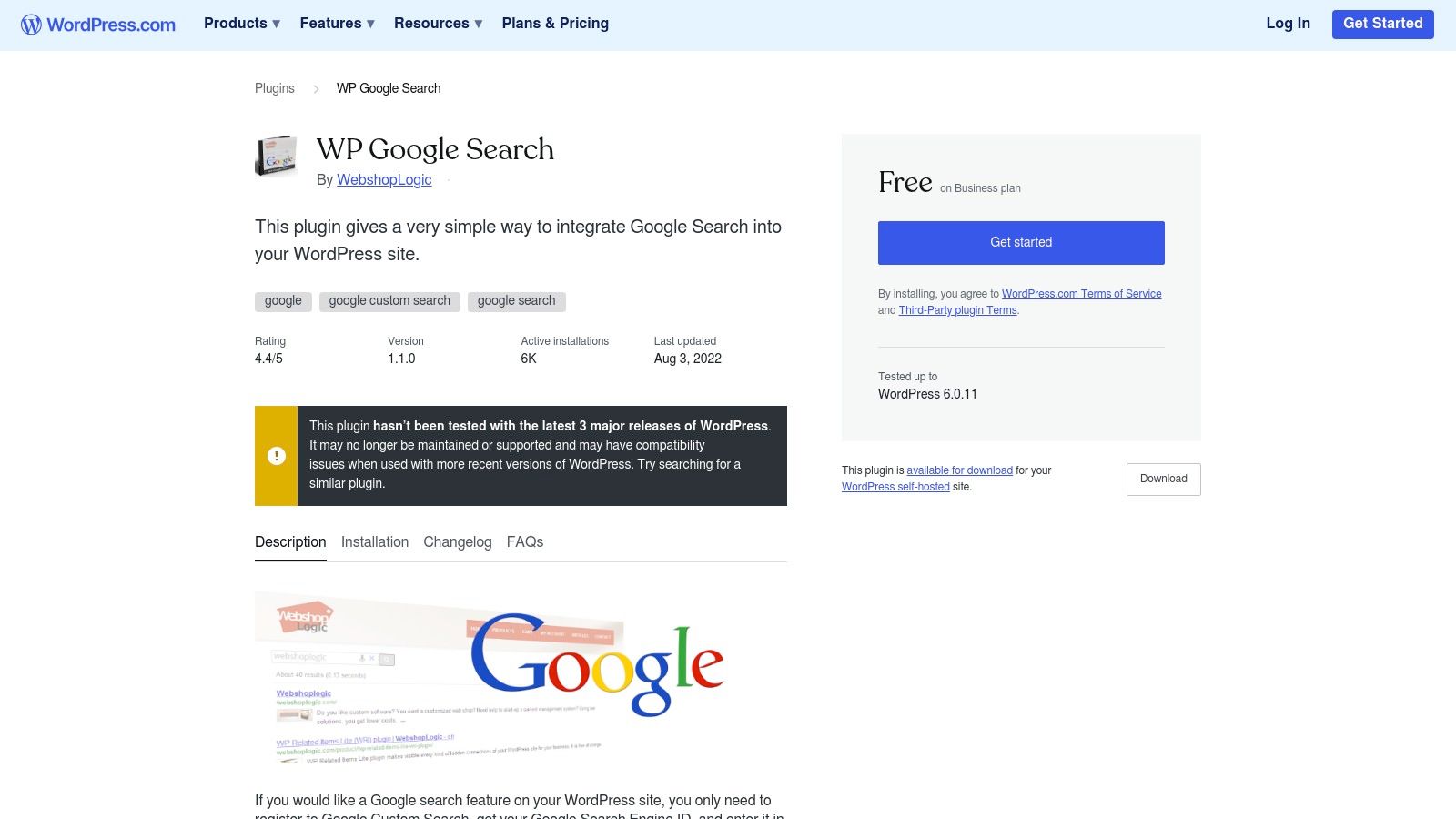
The plugin’s primary advantage is its simplicity and native WordPress integration. Once you have created your search engine in Google PSE and copied your Search Engine ID (CX), the setup within WordPress takes only a moment. You paste the ID into the plugin's settings, and you can immediately deploy the search bar. It’s an ideal, no-fuss solution for website owners who are not comfortable editing theme files but still want the power of Google's search technology. The ease of adding and removing it from widget areas makes it highly flexible; if your needs change, you can easily find information on how to delete widgets in WordPress to adjust your layout.
Key Considerations
- Pricing: The plugin itself is completely free. However, it is entirely dependent on your Google Programmable Search Engine configuration, which means you are still subject to Google’s freemium model (ad-supported or a paid, ad-free API).
- Best Use Case: Excellent for bloggers, small businesses, and community sites built on WordPress that need a reliable site search solution without any development overhead. Its compatibility with most themes makes it a versatile choice.
- Limitations: Customisation is handled almost entirely within your Google PSE dashboard, not the plugin itself. Achieving a highly bespoke look may require custom CSS to override Google's default styles.
Website: https://wordpress.com/plugins/wp-google-search
8. WordPress plugin: Search with Google (rtCamp)
For WordPress users who want to upgrade their site's search quality without altering its appearance, this open-source plugin from rtCamp offers an elegant solution. It seamlessly replaces the standard, often lacklustre, WordPress search functionality with the power of a Google Programmable Search Engine. The key benefit is that it keeps your theme’s existing search bar and results page design, simply swapping the under-the-bonnet mechanism to serve Google's more relevant, powerful results.
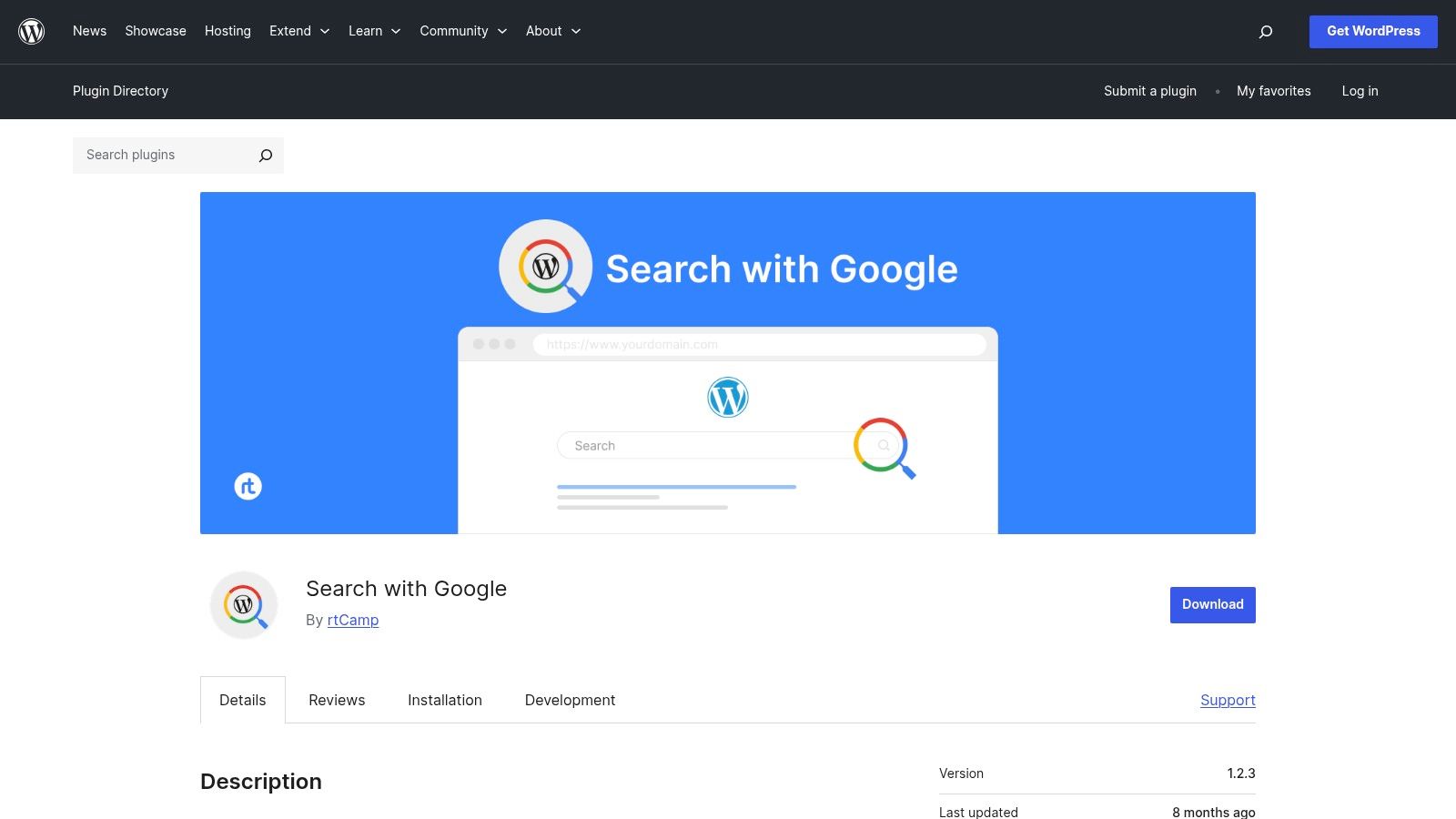
Integration is handled on the server side via the Google API, configured directly within your WordPress admin dashboard. After setting up a Programmable Search Engine, you just need to enter your API key and PSE ID into the plugin's settings. This approach is ideal for developers and site owners who prioritise user experience consistency but demand superior search accuracy. The plugin is well-maintained, ensuring compatibility with modern WordPress versions and PHP 8+.
Key Considerations
- Pricing: The plugin itself is free and open-source. However, it relies on the Google Custom Search JSON API, which may incur costs. The API provides a free daily query limit, after which pricing is $5 per 1,000 queries, making it cost-effective for most small-to-medium sites.
- Best Use Case: Perfect for established WordPress sites, especially blogs or businesses with extensive content archives, where the native search is underperforming. It allows you to offer a Google-quality search experience without redesigning any part of your user interface.
- Limitations: The setup is more technical than a simple widget embed, requiring the generation of Google API keys and a Programmable Search Engine ID. Additionally, you are reliant on Google's API for performance and are subject to its usage quotas and potential costs.
Website: https://wordpress.org/plugins/search-with-google/
9. Drupal module: Google Programmable Search Engine (google_cse)
For websites built on the Drupal content management system, the google_cse module offers a streamlined path to integrating Google's search power. Instead of manually embedding code, this module allows site administrators to replace Drupal’s native search functionality with Google Programmable Search Engine results. It’s an ideal solution for Drupal developers and site owners who want a more robust, familiar search experience for their users while keeping management within the Drupal administrative interface.
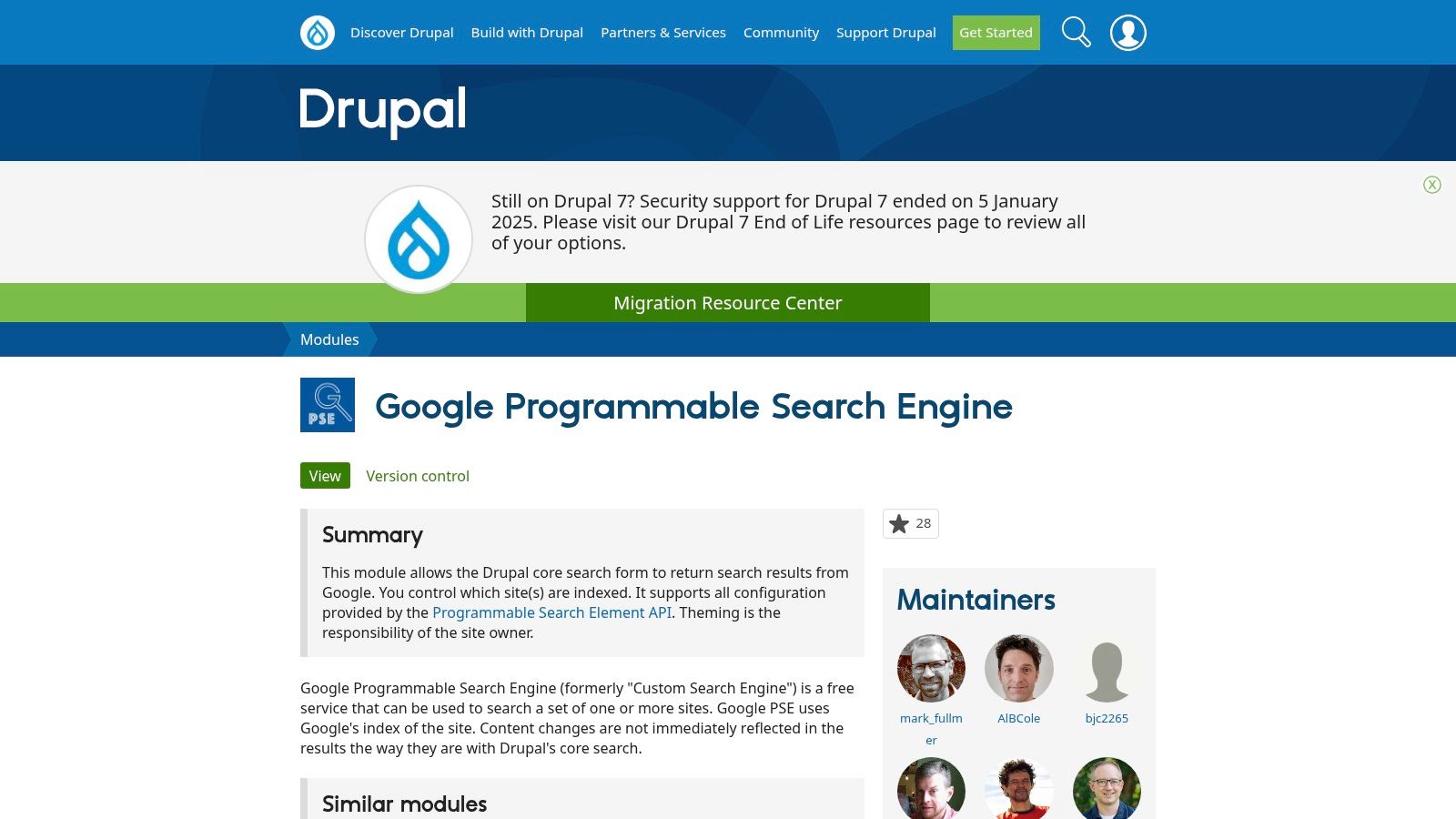
The primary advantage of this module is its native integration. It allows you to place the search bar as a standard Drupal block anywhere on your site and directs search queries to a dedicated results page within your Drupal theme. This creates a more seamless user journey compared to sending users to an external Google-hosted page. Configuration settings for your PSE ID and other options are handled directly within the Drupal backend, centralising control.
Key Considerations
- Pricing: The module itself is free and open-source, which is a standard in the Drupal community. However, it requires a Google PSE account, which operates on the same freemium model: free with ads or paid via the API to remove ads (starting at $5 per 1,000 queries).
- Best Use Case: Essential for Drupal-based sites, particularly large informational portals, university websites, or government entities that need powerful site search without disrupting the established theme and user workflow. It provides a simple way to implement a google search bar widget natively.
- Limitations: The module's maintenance and compatibility can be dependent on your specific Drupal version, requiring careful checks before installation. Advanced styling and customisation of the search results still demand developer intervention with CSS, as the module primarily handles the functional integration.
Website: https://www.drupal.org/project/google_cse
10. Joomla extension: googleSearch (CSE) component by kksou
For website administrators using the Joomla CMS, the googleSearch (CSE) component by kksou offers a native solution for integrating a Google Programmable Search Engine. This extension is designed specifically for the Joomla ecosystem, providing a module to place a search form anywhere in your template and a component to render search results directly within your site’s layout. This keeps visitors on your domain, creating a seamless user experience rather than sending them to an external Google results page.
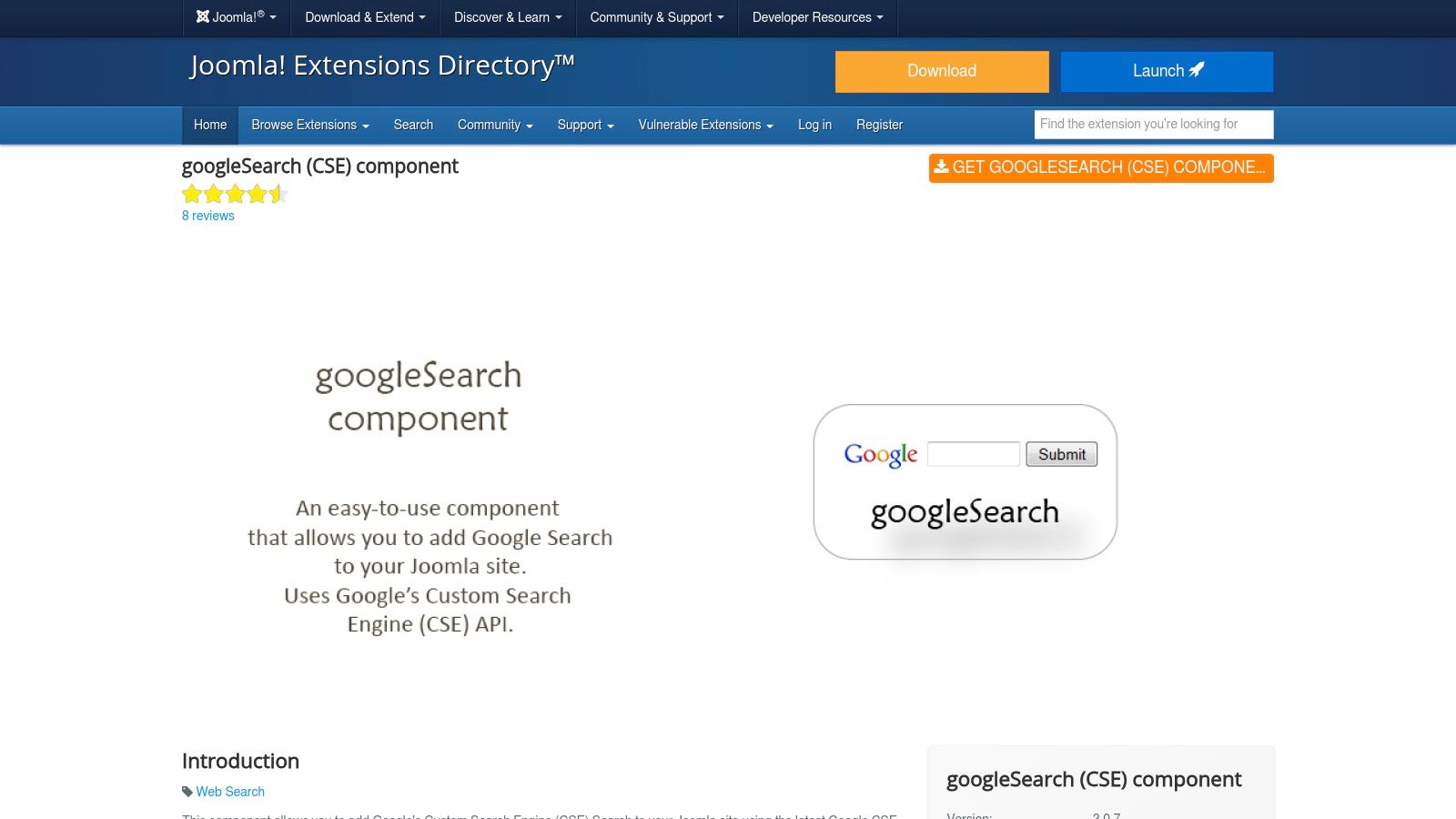
The primary advantage of this tool is its deep integration with Joomla's structure. You can use the CMS’s module management system to control the search bar's placement and appearance, ensuring it aligns perfectly with your website's design. The component handles the results page, allowing you to maintain your site's header, footer, and sidebars around the Google-powered results. This makes it one of the more cohesive google search bar widgets for the Joomla platform.
Key Considerations
- Pricing: The extension itself is free to download from the Joomla Extensions Directory. However, it relies on the Google Programmable Search Engine, which may incur costs if you opt for the ad-free API version (starting at $5 per 1,000 queries).
- Best Use Case: Excellent for Joomla-based business websites, community portals, or online magazines that need a powerful, on-site search solution without disrupting the native user experience or site architecture.
- Limitations: The extension's release history is older, so it is critical to verify its compatibility with the latest versions of Joomla before implementation. As a third-party tool, support and updates are dependent on the developer’s availability.
Website: https://extensions.joomla.org/extension/googlesearch-cse-component/
11. Chrome Web Store – “SearchBar” and similar search-bar extensions
For users wanting a search solution integrated directly into their browser rather than a website, the Chrome Web Store offers a vast library of extensions. Tools like "SearchBar" and its alternatives provide persistent google search bar widgets on every new tab or as a browser overlay. These extensions are designed for productivity, allowing users to quickly initiate a Google search with a keyboard shortcut or by highlighting text on any webpage, streamlining the research process for power users.
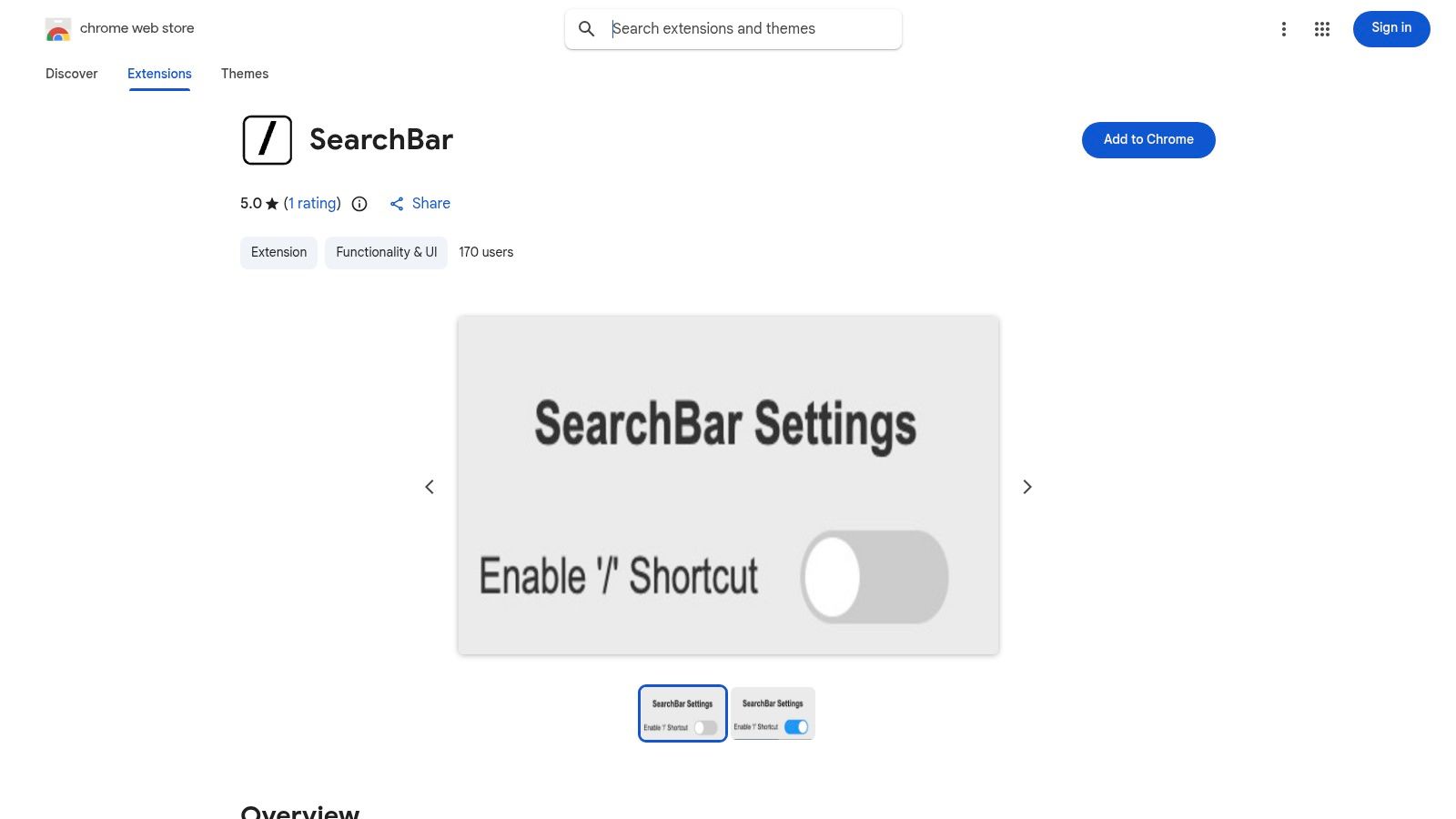
The primary appeal of these browser-level tools is their ease of installation and immediate utility. With a single click, you can add a new search interface to your browser, often with customisation options for appearance and behaviour. They function independently of any single website, making them a universal search solution for desktop users who need to access information quickly without navigating away from their current task.
Key Considerations
- Pricing: The vast majority of these search extensions are completely free to install and use, making them a highly accessible option for enhancing browser functionality.
- Best Use Case: Ideal for individual users, researchers, and marketing professionals who spend significant time browsing and require a faster way to look up terms, products, or data directly from their browser interface.
- Limitations: The quality and security of extensions can vary significantly. It is crucial to install only well-reviewed and reputable add-ons, as malicious extensions can pose a privacy risk. Functionality is also entirely dependent on the developer maintaining the extension and keeping it updated.
Website: https://chromewebstore.google.com/detail/searchbar/obkpcdbjpllljakmogbohgimhabdgdno
12. Google Support: How to add the Google widget on iPhone/iPad
While most of this list focuses on website integrations, it's crucial to acknowledge the ubiquitous mobile experience. This official Google Support page serves as an authoritative guide for end-users wanting to add one of the most common google search bar widgets to their iPhone or iPad. It provides clear, step-by-step instructions for placing the widget on both the home screen and lock screen, ensuring users have instant access to Google Search without needing to open a browser first.
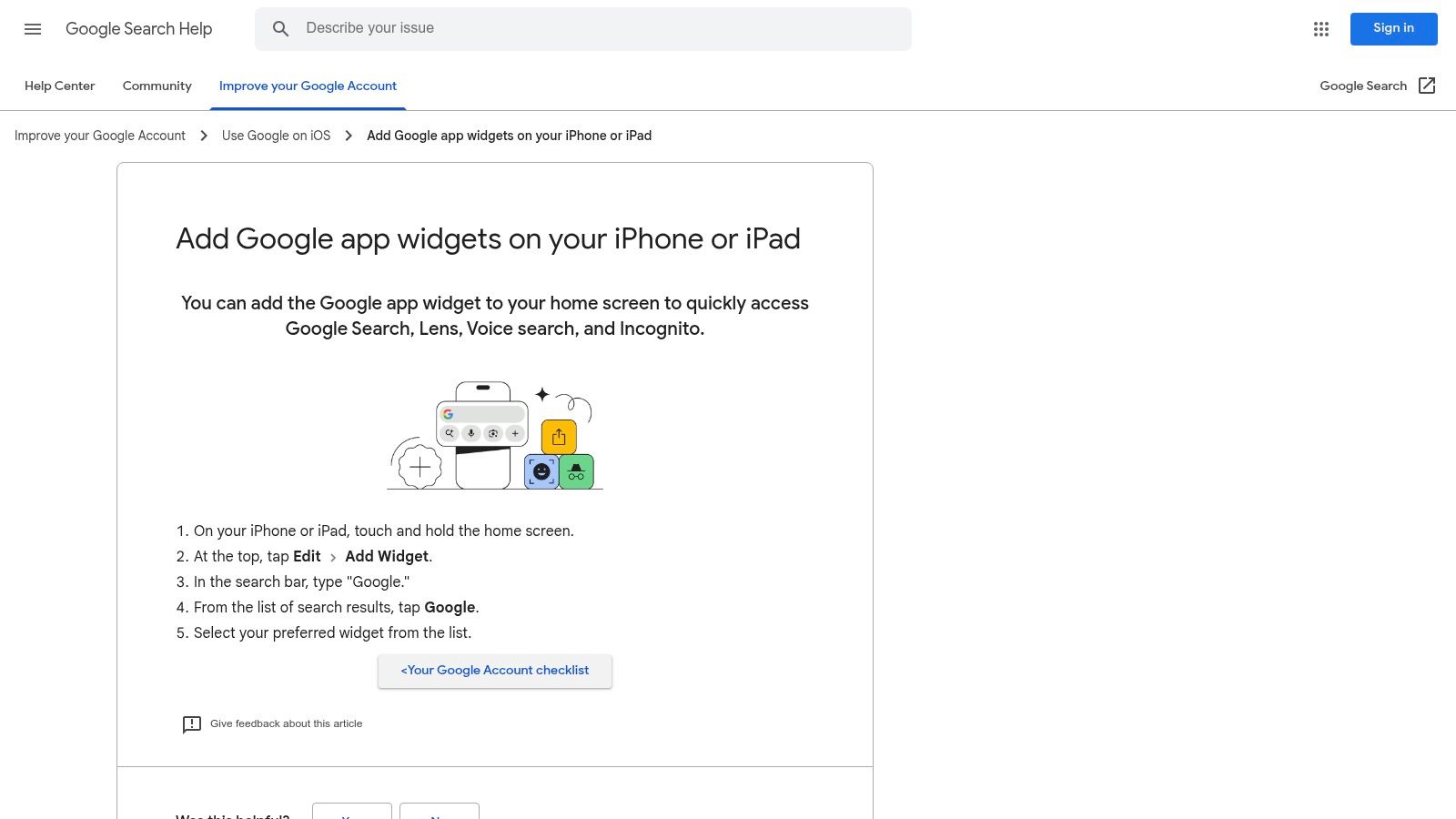
The resource is designed for non-technical users, featuring simple language and helpful visuals that walk through the entire process. It covers selecting widget sizes, troubleshooting common issues, and notes on which iOS versions support specific features. For businesses and developers, understanding this process provides insight into how their audience interacts with search on a daily basis, reinforcing the importance of a strong mobile presence and SEO strategy that captures traffic originating from these native device widgets.
Key Considerations
- Pricing: This is not a product or service but a free-to-access support resource provided by Google. The widget itself is a standard feature of the free Google app.
- Best Use Case: It's an essential resource for IT support staff assisting employees, or for any non-technical individual looking to quickly add a Google search bar to their Apple device.
- Limitations: The customisation options are dictated by Apple's iOS and are less extensive than those available on Android. Features and widget appearance can also vary depending on the user's iOS version and region.
Website: https://support.google.com/websearch/answer/16262751
Google Search Bar Widgets — 12-Item Comparison
| Tool | Core features | UX / Quality (★) | Price / Value (💰) | Target audience (👥) | Unique selling points (✨ / 🏆) |
|---|---|---|---|---|---|
| Elfsight – Grow Your Biz | No‑code embeddable widgets; customizable search‑bar UI | ★★★★☆ — Plug‑and‑play, design‑friendly | 💰 Paid tiers; trial via Toolbox | 👥 Marketers, agencies, SMBs | ✨ Instant deployment; minimal dev; 🏆 polished UI |
| Google Programmable Search Engine (PSE) – Product site | Embedable Google search; scope & theme controls; ad/paid options | ★★★★★ — Reliable Google results | 💰 Free (ad‑supported) or low‑cost ad‑free | 👥 Site owners, publishers | ✨ Google‑quality results; monetisation via AdSense; 🏆 official |
| Google Programmable Search – Developer docs | JSON API, control‑panel tutorials, best practices | ★★★★☆ — Authoritative but technical | 💰 Docs free; APIs may cost at scale | 👥 Developers, technical integrators | ✨ Canonical guidance; covers advanced integrations |
| Google Programmable Search – Implementing the search bar (code example) | One‑file embed script; layouts (box / box+results) | ★★★★☆ — Quick copy/paste solution | 💰 Free | 👥 Site builders, CMS users, non‑devs | ✨ Minimal code to get live widget fast |
| Google app (Android) – official widget | Home‑screen search widget; Voice, Lens, Incognito | ★★★★★ — Deep Android integration | 💰 Free | 👥 Android users, consumers | 🏆 First‑party integration; ✨ Lens & voice shortcuts |
| Google app (iOS) – official widget for iPhone/iPad | iOS home/lock widgets (multiple sizes); shortcuts | ★★★★☆ — Polished; requires iOS 16+ | 💰 Free | 👥 iPhone/iPad users | ✨ Native widget sizes; easy setup |
| WP Google Search (WebshopLogic) | WP widget & shortcode for PSE; theme‑compatible | ★★★★ — Easy WP integration | 💰 Free plugin + PSE (ads/costs) | 👥 WordPress site owners, marketers | ✨ No‑code WP insertion; sidebar/shortcode |
| Search with Google (rtCamp) | Server‑side PSE integration; admin API settings | ★★★★ — Keeps site UX intact | 💰 Free/open‑source; API costs possible | 👥 WP developers, publishers | ✨ Preserves site UX; actively maintained |
| Drupal module: google_cse | Replace Drupal search with PSE; block/page support | ★★★☆ — Good integration; maintenance varies | 💰 Free module; PSE costs | 👥 Drupal site owners & devs | ✨ Drupal block integration; site‑wide replacement |
| Joomla extension: googleSearch (kksou) | Module + component for inline results in Joomla | ★★★☆ — Flexible placement; check compatibility | 💰 Free/varies by extension | 👥 Joomla administrators | ✨ Inline results; template placement control |
| Chrome Web Store – “SearchBar” extensions | Browser/new‑tab search bars; shortcuts; routing options | ★★★☆ — Wide variance in quality & security | 💰 Mostly free (varies) | 👥 Desktop power users | ✨ Quick install; keyboard shortcuts for speed |
| Google Support: How to add the Google widget on iPhone/iPad | Step‑by‑step install; troubleshooting; supported versions | ★★★★★ — Clear, user‑friendly guidance | 💰 Free | 👥 Non‑technical iOS users | 🏆 Official step‑by‑step; ✨ troubleshooting tips |
Final Thoughts
Navigating the landscape of google search bar widgets can feel complex, but as we've explored, the right tool can fundamentally transform your website's user experience and operational efficiency. We've journeyed from the powerhouse customisation of Google's own Programmable Search Engine (PSE) to the plug-and-play simplicity of WordPress plugins like WP Google Search. We've also touched on native mobile widgets for Android and iOS, and even browser extensions that streamline personal workflows.
The central theme is clear: implementing a robust search function is no longer a luxury, it's an expectation. Your visitors arrive seeking information, and your primary goal is to deliver it with minimal friction. A well-placed, high-performing search bar acts as a direct conduit between user intent and valuable content, fostering engagement and building trust in your brand.
Key Takeaways and Strategic Selection
Choosing the ideal solution requires a clear understanding of your specific needs, technical resources, and business objectives. Let's distil our findings into a strategic framework to guide your decision-making process.
For Maximum Control and Scalability:
If your project demands deep customisation, integration with Google Analytics, and the ability to fine-tune search results to your precise specifications, then the Google Programmable Search Engine (PSE) is your undisputed champion. While it involves a more hands-on setup, requiring you to generate and embed code, the payoff is a search experience that is uniquely yours. It’s the preferred choice for agencies and businesses with development resources who need to control every aspect of the search index and its visual presentation.
For Simplicity and Speed on WordPress:
Small business owners and content creators using WordPress will find immense value in dedicated plugins. Tools like WP Google Search or Search with Google by rtCamp abstract away the complexity of the PSE. They provide a user-friendly interface within the WordPress dashboard, allowing you to deploy powerful Google-backed search functionality in minutes, not hours. This path is ideal when speed of implementation and ease of management are your top priorities.
For Platform-Specific Integration:
If your digital presence is built on platforms like Drupal or Joomla, leveraging dedicated modules and extensions such as google_cse or googleSearch (CSE) is the most efficient route. These tools are purpose-built to integrate seamlessly with their respective content management systems, ensuring compatibility and a smoother implementation process.
Final Considerations Before Implementation
Before you commit to a solution, remember to evaluate these critical factors:
- Performance Impact: How will the widget affect your site's loading times? Lightweight, server-side solutions are generally preferable to heavy, client-side scripts.
- User Experience (UX): Does the search bar's design align with your site's aesthetic? Is it intuitive and accessible on both desktop and mobile devices? Ensure it meets WCAG standards for accessibility.
- Maintenance Overhead: Consider the long-term commitment. A custom PSE implementation may require more ongoing maintenance than a managed WordPress plugin that receives automatic updates.
- Cost vs. Value: While many options are free, they may include Google branding. Evaluate whether the benefits of a paid, ad-free experience (like with some third-party widgets or PSE's paid tier) justify the investment for your business.
Ultimately, the best google search bar widget is the one that best serves your audience. By carefully weighing your options and aligning your choice with your strategic goals, you can implement a search solution that not only meets user expectations but also becomes a powerful asset for engagement and conversion.
If you're looking to integrate powerful tools like these but want a broader arsenal for your marketing efforts, explore The Digital Marketing Toolbox. It provides a curated suite of widgets and resources designed to enhance user engagement, capture leads, and grow your business online. Discover how our tools can complement your new site search and elevate your entire digital strategy at The Digital Marketing Toolbox.


