

Juggling multiple social media platforms can feel chaotic. Creating a consistent, high-quality stream of content requires more than just good ideas; it demands structure. This is where a robust social media planning template becomes indispensable. It’s not simply a calendar, but a strategic framework that transforms your content efforts from reactive scrambles into a well-oiled, goal-driven machine. An organised plan helps you align every post with your business objectives, save significant time on daily tasks, and maintain a cohesive brand voice across all channels.
This guide is designed to cut through the noise and help you find the perfect organisational tool for your specific needs. We have curated a list of the 12 best resources for a social media planning template, ranging from visually-driven Canva layouts for solo creators to powerful, collaborative project management systems like Asana for marketing teams. We move beyond generic descriptions to provide practical analysis, honest limitations, and clear use-case scenarios for each option. With direct links and screenshots included, you can quickly assess which platform or downloadable template will best streamline your workflow, boost your efficiency, and help you achieve measurable growth. Let's find the right fit for your strategy.
1. Etsy
Etsy is a global online marketplace that excels in offering unique, handcrafted, and digital goods from independent creators. While not a dedicated template site, its vast selection makes it an indispensable resource for finding a creative and highly specific social media planning template. You can discover designs tailored to niche industries, aesthetic preferences (like minimalist or bohemian), and specific platforms such as Instagram or TikTok.
The primary benefit of using Etsy is the sheer diversity and creativity on display. Unlike corporate template libraries, these are often designed by fellow content creators and small business owners who understand the practical needs of social media management. Most are available as instant digital downloads in common formats like Canva, Google Sheets, or printable PDFs.
Pro Tip: Always check the seller’s reviews and the number of sales before purchasing. Look for detailed product descriptions and images that show the template in use to ensure it matches your workflow.
Key Considerations:
- Best For: Solo entrepreneurs, content creators, and small businesses seeking an affordable, aesthetically pleasing, and highly customised planner.
- Pricing: Extremely competitive, with most templates ranging from £2 to £20 as a one-off purchase.
- Support: Customer support is handled by individual sellers, so response times and quality can vary.
Website: https://www.etsy.com/uk/
2. Creative Market
Creative Market is a curated online marketplace for design assets, positioning itself as a more premium alternative for sourcing a professional social media planning template. It connects talented independent designers with businesses and creators looking for high-calibre, ready-to-use digital products. The platform is known for its stringent quality control, ensuring that every template is well-designed, functional, and on-trend.
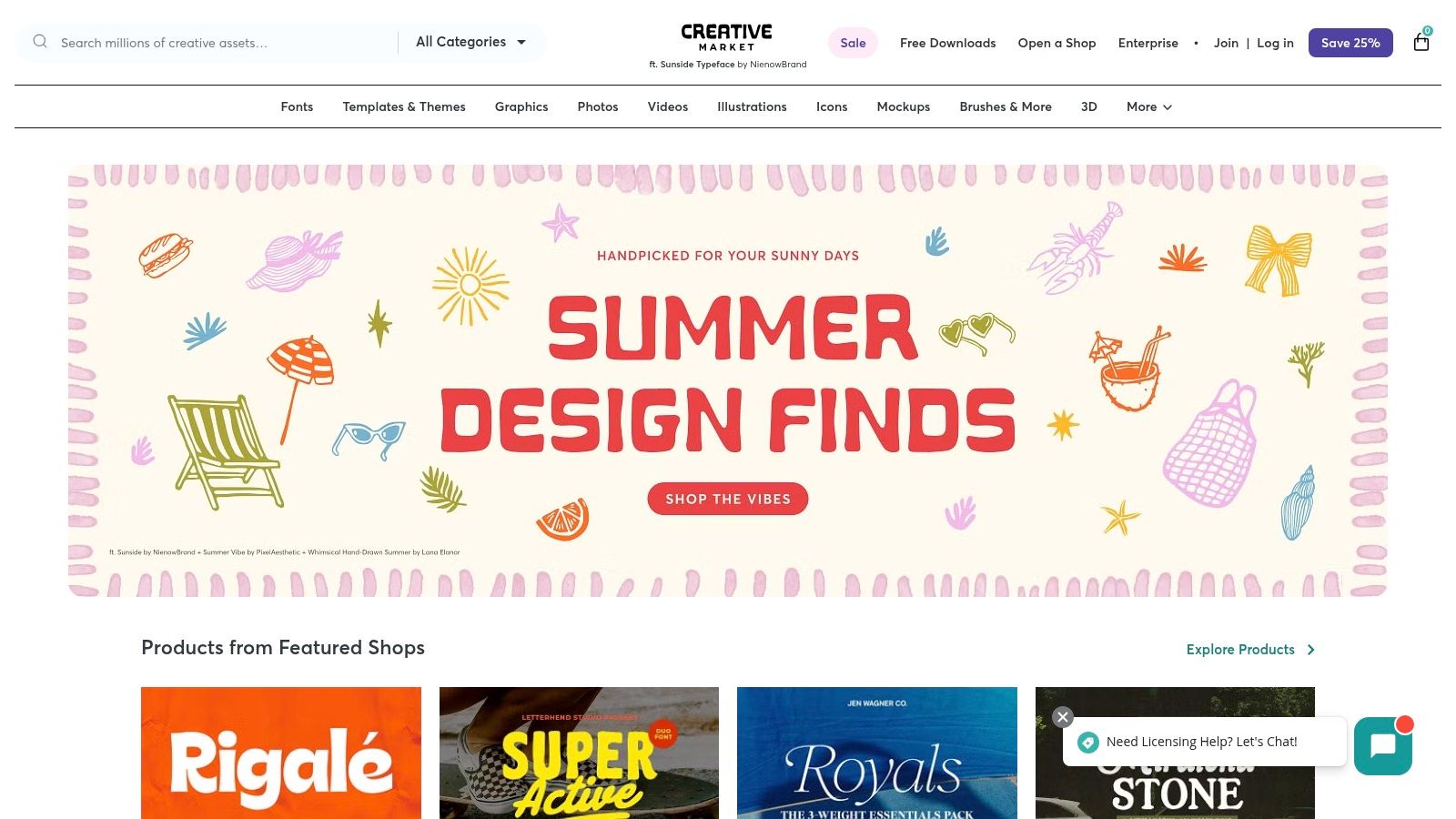
What sets Creative Market apart is its focus on professional-grade assets. The templates found here often come as comprehensive kits, including not just planners but also matching post mock-ups, story templates, and icon sets. This makes it an excellent one-stop-shop for developing a cohesive brand aesthetic across all your social channels. Most assets are instant downloads compatible with industry-standard software like Adobe Creative Suite and Canva.
Pro Tip: Sign up for Creative Market’s newsletter. They give away a selection of free premium assets every week, which occasionally includes a high-quality social media planning template or related graphics.
Key Considerations:
- Best For: Marketing professionals, agencies, and businesses who prioritise a polished, professional design and are willing to invest a bit more for quality.
- Pricing: One-off purchases typically range from £15 to £50, reflecting the higher quality and comprehensiveness of the template kits.
- Support: Handled directly by the asset creators, who are generally responsive and helpful, with a platform-level support team for overarching issues.
Website: https://creativemarket.com/
3. Canva
Canva is a powerhouse online design platform that has become synonymous with accessible graphic design. Its strength lies in its vast library of templates, making it an ideal place to find, customise, or even build a social media planning template from scratch. Its intuitive drag-and-drop interface empowers users, regardless of their design experience, to create visually appealing and functional planners.
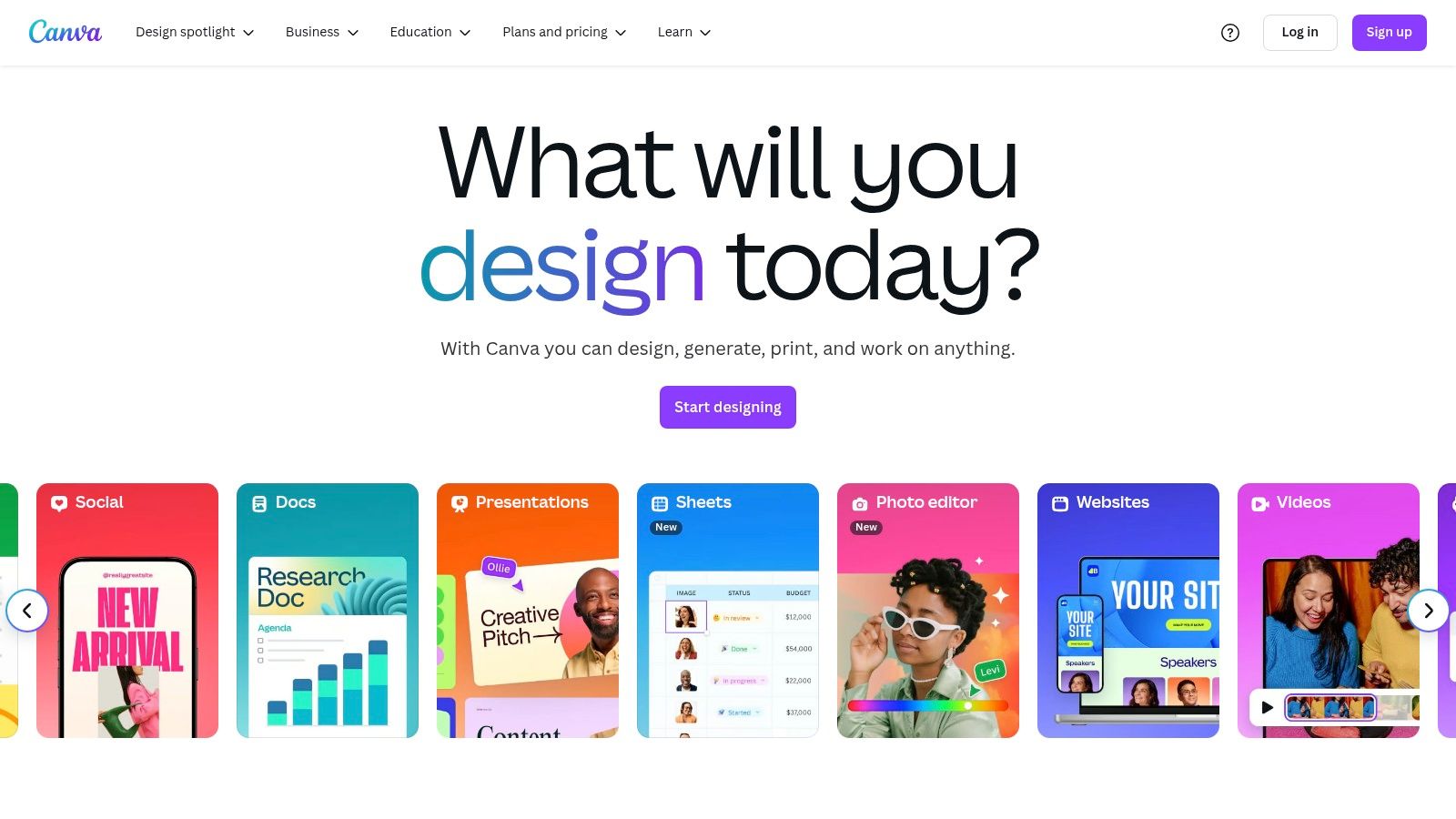
The platform stands out by integrating the planning and creation processes. You can use a Canva-based template to map out your content calendar and then, within the same ecosystem, design the corresponding graphics, videos, and stories. This seamless workflow is a significant time-saver for busy marketers and small business owners who manage multiple roles. Many templates also include sections for tracking analytics, brainstorming ideas, and organising hashtags.
Pro Tip: Use Canva's “Brand Kit” feature (available on Pro plans) to save your brand's colours, fonts, and logos. This allows you to apply your brand identity to any template with a single click, ensuring consistency across all your planning and content materials.
Key Considerations:
- Best For: Teams and individuals who want an all-in-one solution for both planning and creating social media content, with a strong emphasis on visual design.
- Pricing: A robust free version is available. Canva Pro, which unlocks premium templates and advanced features like the Content Planner, starts at £109.99 per year for one person.
- Support: Comprehensive online help centre, with email support available for Pro users.
Website: https://www.canva.com/
4. Template.net
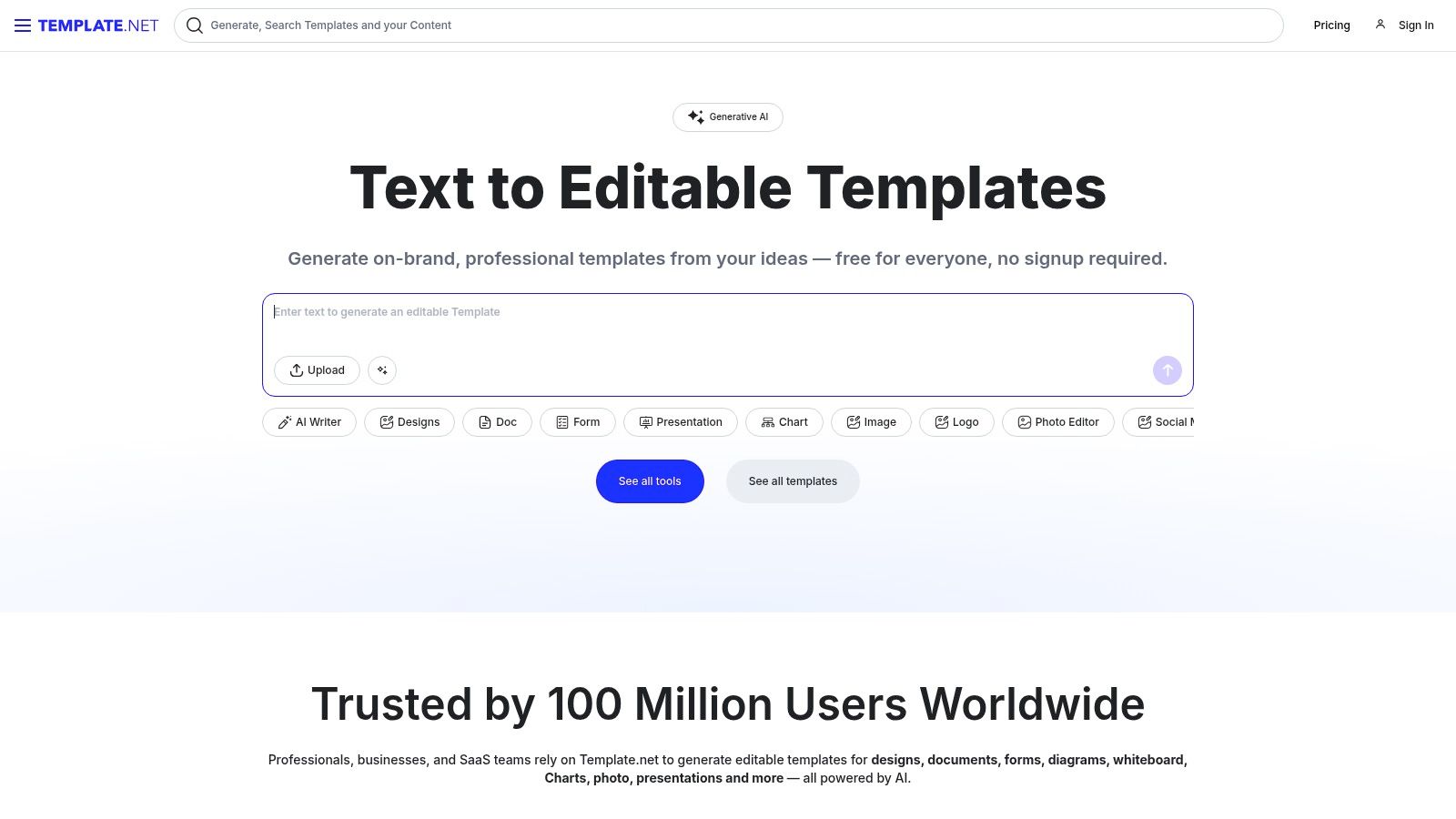
Template.net is a comprehensive library offering professionally designed, ready-made templates for a wide range of business needs, including a strong focus on social media management. It stands out for its sheer volume and the variety of file formats available, such as Illustrator, Photoshop, Word, and Google Docs. This makes it a highly practical resource for teams that use different software but need a consistent social media planning template.
The platform is organised for efficiency, with clear categories that allow you to quickly find planners for specific campaigns, platforms, or reporting periods. While it offers a substantial number of free templates, its premium subscription unlocks higher-quality designs and more advanced features, catering to both beginners on a budget and established agencies requiring polished, client-ready documents.
Pro Tip: Utilise the free templates to test the platform’s usability and file compatibility with your software. If you find the structure useful, upgrading to a premium plan for a specific project can be a cost-effective way to access more sophisticated designs.
Key Considerations:
- Best For: Marketing teams and agencies that need professionally structured planners in multiple editable formats and appreciate a mix of free and premium options.
- Pricing: Offers many free templates. Premium plans start from around £1.70 per month (billed annually) for unlimited access.
- Support: General customer support is available through a contact form and help centre, with prioritised support for premium subscribers.
Website: https://www.template.net/
5. HubSpot
HubSpot is a powerhouse in the inbound marketing world, offering an array of free, high-quality resources. Among these is its exceptional social media planning template, designed for marketers who need a professional and functional tool without the price tag. The template is typically provided as a customisable spreadsheet, often accompanied by a comprehensive guide to help you build a robust content strategy from the ground up.
What sets HubSpot apart is its educational approach. You aren’t just getting a blank calendar; you’re receiving a tool integrated with marketing best practices and expert advice. This makes it an ideal starting point for small businesses or marketers looking to structure their social media efforts more strategically. The templates are clean, easy to use, and require no advanced design skills to get started.
Pro Tip: Download the accompanying guide along with the template. It contains valuable insights on content pillars, audience engagement, and measuring ROI that can transform your social media plan into a powerful marketing asset.
Key Considerations:
- Best For: Small businesses, marketing students, and professionals needing a free, reliable, and educational planning tool to structure their marketing.
- Pricing: Completely free. Access requires providing an email address for the download.
- Support: Support is limited to the provided guides and HubSpot’s extensive online blog and knowledge base.
Website: https://blog.hubspot.com/marketing/social-media-calendar-template
6. Smartsheet
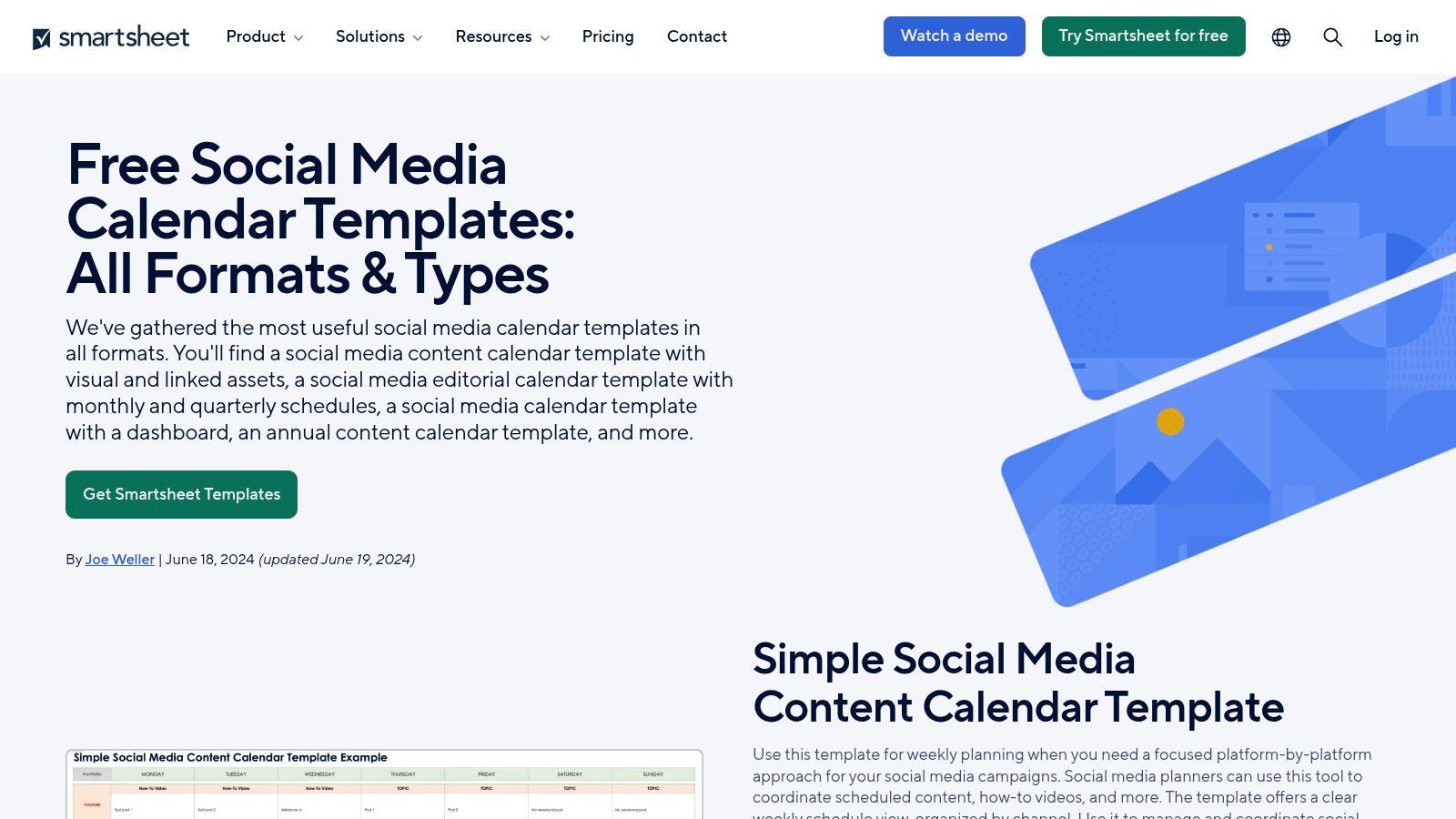
Smartsheet is a powerful project management platform that offers a collection of free, spreadsheet-based social media calendar templates. It stands out by treating social media planning as a formal project, focusing on functionality, collaboration, and scalability rather than aesthetics. This approach makes it a fantastic choice for marketing teams who need a robust system to track multiple campaigns, assign tasks, and monitor deadlines in a familiar spreadsheet-like environment.
The core advantage of a Smartsheet template is its integration with powerful project management features. It’s more than just a grid of dates; it's a dynamic workspace. You can set up automated alerts, track approval statuses, and manage content pipelines with precision. The templates are highly customisable and come with detailed instructions, making it easier for those less familiar with advanced spreadsheet functions to build a comprehensive social media planning template that fits their team's workflow.
Pro Tip: Utilise Smartsheet's conditional formatting to colour-code posts by status (e.g., draft, pending approval, scheduled). This provides an instant visual overview of your content pipeline and helps identify bottlenecks quickly.
Key Considerations:
- Best For: Marketing teams, agencies, and businesses that require a structured, collaborative, and data-driven approach to social media management.
- Pricing: The templates are free to download and use, but advanced collaboration and automation features require a paid Smartsheet subscription.
- Support: Free users have access to a comprehensive help centre and community forums, while paid plans include email and phone support.
Website: https://www.smartsheet.com/free-social-media-calendar-templates
7. Planoly
Planoly is an official partner of Instagram and Pinterest, positioning itself as a premier visual planner for these aesthetically driven platforms. It offers a powerful social media planning template through its drag-and-drop grid interface, allowing users to visualise their feed’s appearance before posting. This visual-first approach is its core strength, helping brands and creators maintain a cohesive and polished look.
The platform excels at simplifying the content workflow, from uploading media to scheduling and auto-posting. Its intuitive design means you can organise weeks of content in a single session, making it a highly efficient tool for visual storytelling. While primarily an active planner rather than a downloadable file, its structure provides an excellent framework for visual content strategy.
Pro Tip: Use the “placeholder” feature to block out future content ideas directly on your grid. This helps you visualise your entire content strategy, even before you have the final creative assets ready.
Key Considerations:
- Best For: Influencers, e-commerce brands, and businesses where Instagram and Pinterest aesthetics are critical to their marketing success.
- Pricing: A free plan is available with limited uploads. Paid plans start from $13 per month, offering more features and user accounts.
- Support: Planoly offers a dedicated help centre and email support, with response times generally being quick and helpful. You can learn more about its features here.
Website: https://www.planoly.com/
8. Trello
Trello is a highly visual and flexible project management tool that has become a favourite for building a dynamic social media planning template. It uses a Kanban-style system of boards, lists, and cards to help you map out your content workflow, from initial ideas to published posts. Its strength lies in its adaptability; you can create a simple content calendar or a complex multi-stage approval process, all within the same intuitive interface.
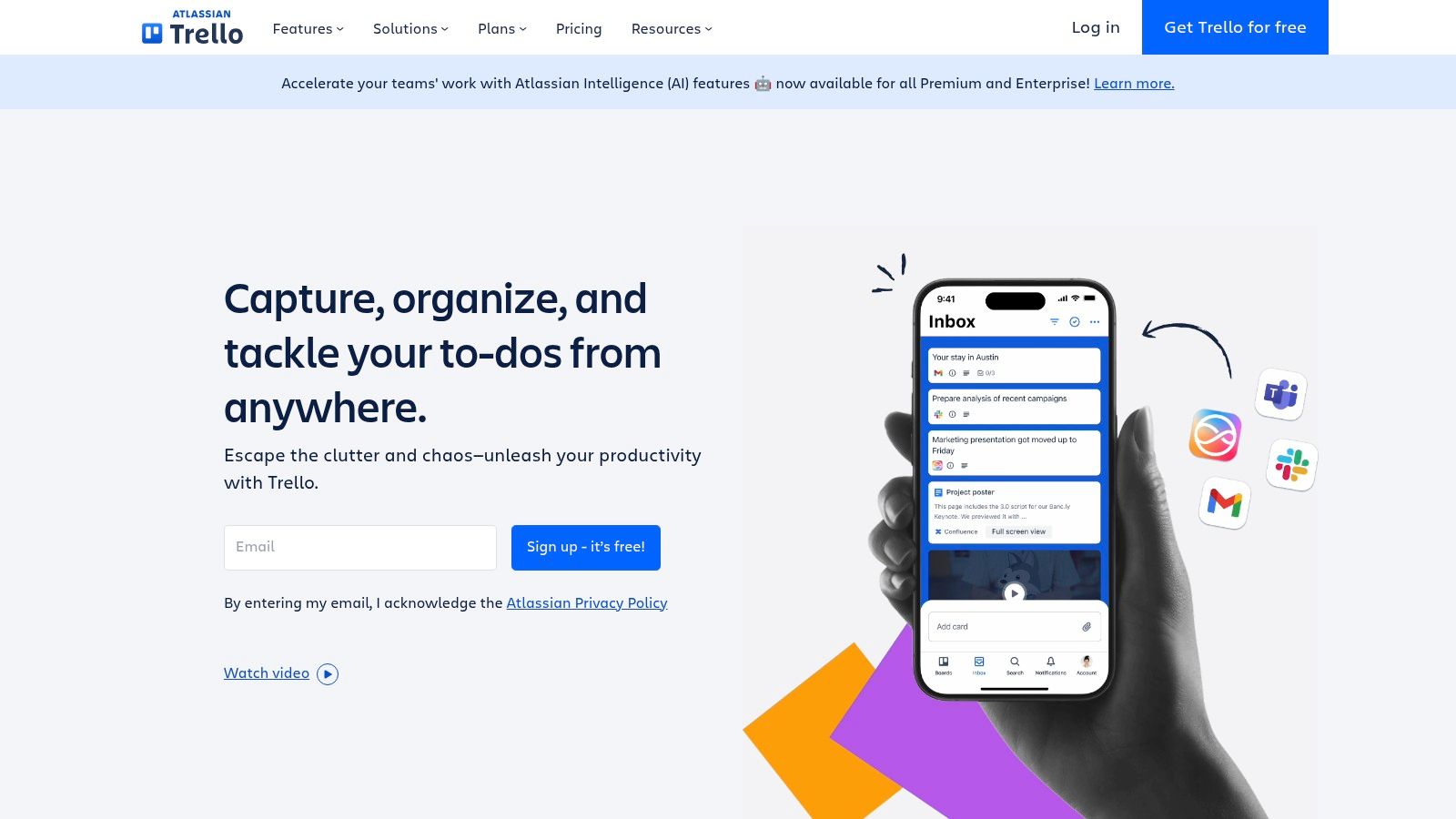
Unlike a static spreadsheet, Trello allows you to attach files, set due dates, add checklists, and collaborate with team members directly on each content card. This makes it an excellent choice for teams that need a central hub to manage their entire social media strategy. The platform also offers a library of pre-made templates specifically for social media, providing a great starting point.
Pro Tip: Use Trello’s “Butler” automation feature to handle repetitive tasks. For instance, you can automatically move a card to the “Published” list when you check off a “Post Live” item on its checklist, saving you manual effort.
Key Considerations:
- Best For: Marketing teams, agencies, and individual creators who need a collaborative and customisable visual planning system.
- Pricing: A robust free plan is available. Paid plans start at around £4 per user/month, unlocking advanced features like more integrations and automations.
- Support: Trello offers a comprehensive knowledge base and community forum, with direct support available for paid plan subscribers.
Website: https://trello.com/
9. Notion
Notion is not just a template provider but a powerful all-in-one workspace where you can build your own social media planning template from the ground up. It functions like digital Lego, allowing you to combine databases, calendars, text pages, and multimedia into a single, interconnected system. This makes it ideal for users who want to go beyond a simple spreadsheet and create a comprehensive content hub.
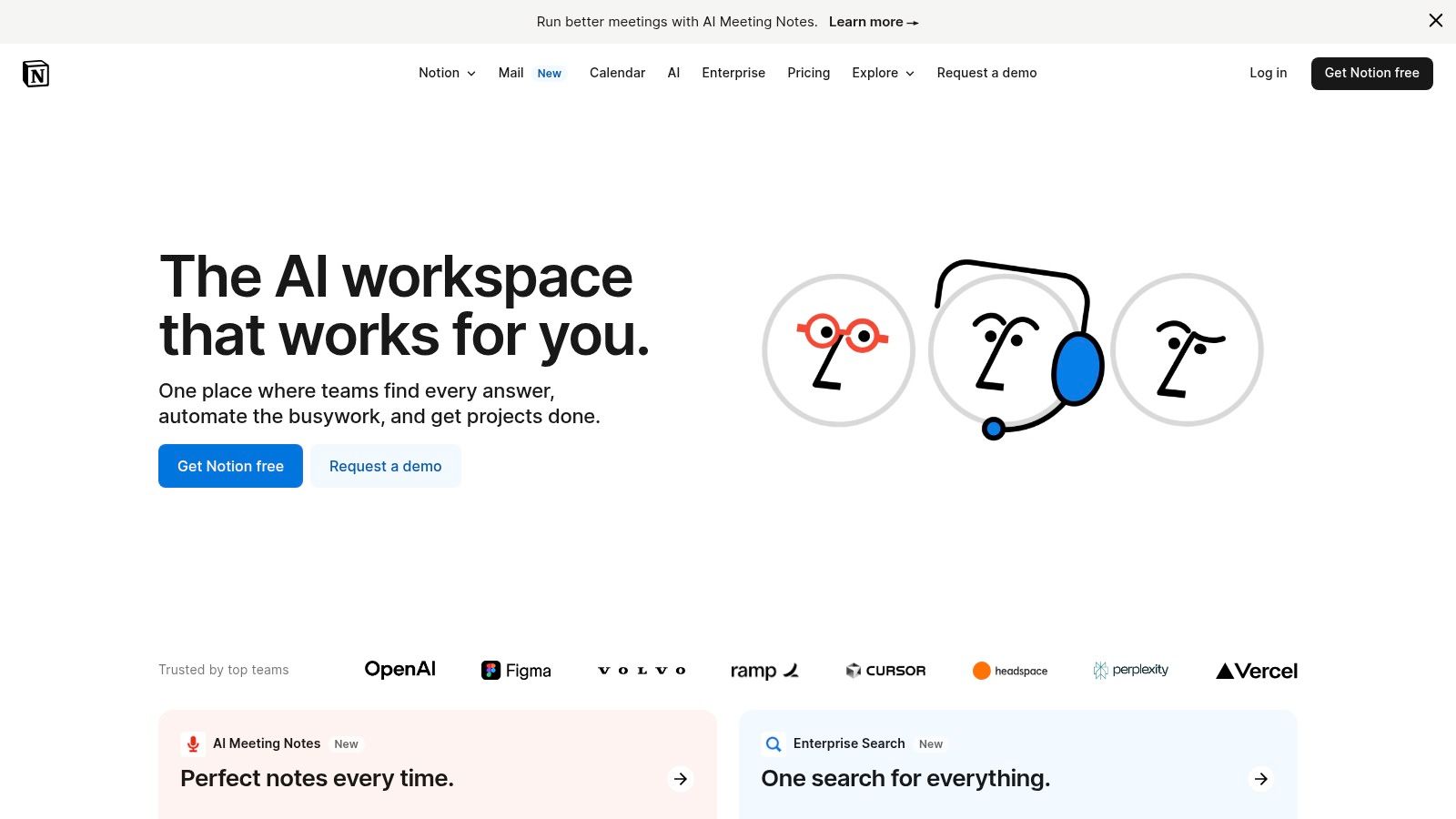
The platform’s key advantage is its unparalleled flexibility. You can start with a pre-made template from Notion’s community gallery and customise it endlessly, or build your own to perfectly match your workflow. Its rich text editing, collaboration features, and integration capabilities allow you to manage everything from initial ideas to final analytics in one place. If you're new to this kind of tool, understanding its potential can be part of a broader digital marketing strategy, as explained in this beginner's guide to digital marketing.
Pro Tip: Use Notion’s database views (like Calendar, Kanban, and Gallery) to visualise your content schedule in different ways. A Kanban board is perfect for tracking post-production stages, while a calendar provides a clear overview of your monthly plan.
Key Considerations:
- Best For: Tech-savvy marketers, teams, and individuals who want a highly customisable, all-in-one workspace to manage their entire content lifecycle.
- Pricing: A generous free plan is available for individuals. Paid plans with advanced collaboration and security features start from around £8 per user, per month.
- Support: Support is primarily through an extensive online help centre and community forums, with direct support available on paid plans.
Website: https://www.notion.so/
10. Asana
Asana is a powerhouse project management tool that has become a go-to for teams needing a robust system for organising complex workflows. While not a traditional template marketplace, it offers a highly functional and customisable social media planning template that transforms content strategy into actionable tasks. It excels at bridging the gap between planning, creation, and publication, making it ideal for teams where multiple stakeholders are involved.
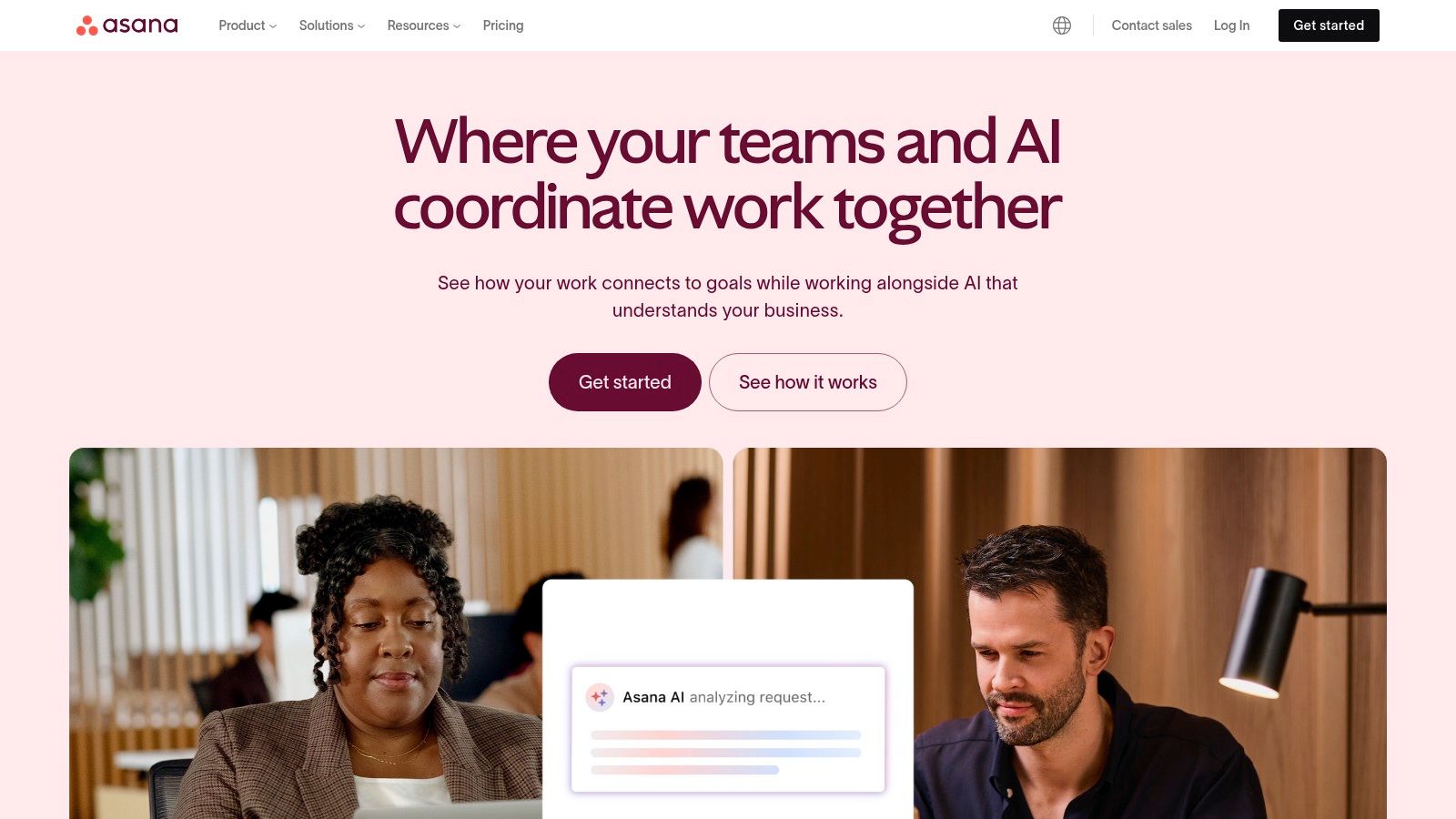
The strength of Asana lies in its collaborative features. You can assign tasks to team members, set deadlines, attach creative assets, and track progress from a high-level calendar view or a detailed list. This centralises communication and eliminates the need for endless email chains, ensuring everyone knows what needs to be done and when.
Pro Tip: Use Asana’s custom fields to add essential information to each social media post task, such as ‘Platform,' ‘Status' (e.g., Draft, Scheduled), and ‘Campaign.' This allows for powerful filtering and reporting.
Key Considerations:
- Best For: Marketing teams, agencies, and businesses managing multiple social channels or complex, multi-step content approval processes.
- Pricing: A generous free plan is available for individuals or small teams. Paid plans with advanced features start from £9.49 per user, per month.
- Support: Asana offers a comprehensive help centre, community forum, and paid support options for premium-tier customers.
Website: https://asana.com/
11. Microsoft Office Templates
For those who prefer a straightforward, no-frills approach grounded in familiar software, Microsoft's official template library is a surprisingly effective resource. It offers a selection of free, pre-formatted Excel templates designed specifically for content planning. These aren't just blank spreadsheets; they come structured with columns for dates, platforms, post copy, links, and hashtags, providing a solid foundation for a functional social media planning template.
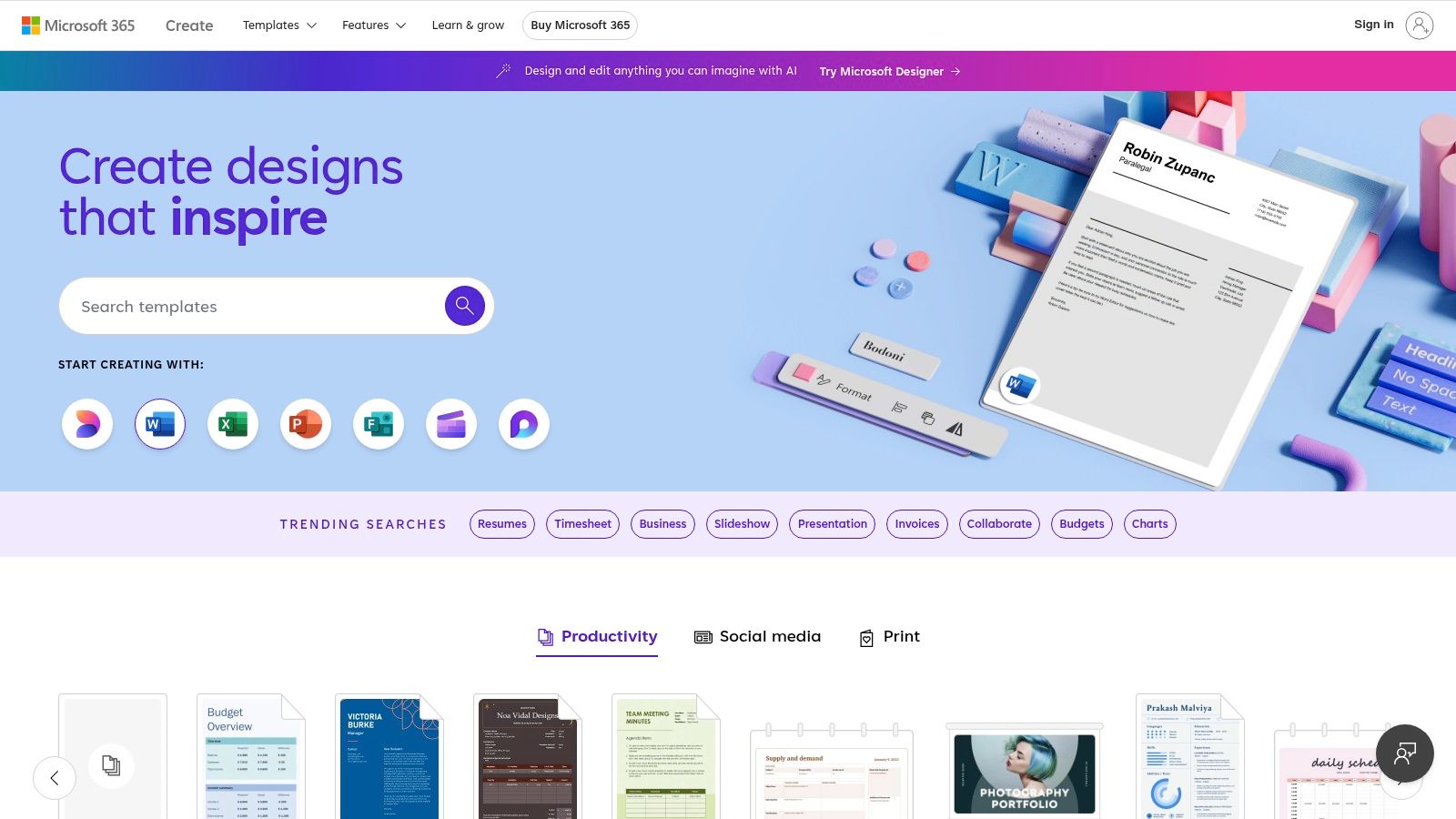
The key advantage is its integration with an application most professionals already know how to use. There is no learning curve or need to subscribe to a new service. You can download a template and start customising it immediately, adding your own branding colours, creating complex formulas for tracking metrics, or adding extra sheets for brainstorming and performance analysis. It’s a purely functional, data-driven approach to planning.
Pro Tip: Use Excel’s “Conditional Formatting” feature to automatically colour-code posts by status (e.g., green for published, amber for scheduled, red for draft). This visual cue can transform a simple spreadsheet into a powerful management dashboard.
Key Considerations:
- Best For: Marketing managers, data-driven teams, and anyone who is highly proficient with Microsoft Excel and prefers function over form.
- Pricing: Completely free to download and use, provided you have access to Microsoft Excel.
- Support: As these are free templates, direct support is not provided, but Microsoft offers extensive help documentation for Excel itself.
Website: https://templates.office.com/
12. Envato Elements
Envato Elements operates on a subscription model, offering a vast, all-you-can-eat library of digital assets. For anyone needing a professional social media planning template, it's a goldmine. Beyond planners, a single subscription grants access to stock photos, video templates, fonts, and presentation themes, making it a comprehensive toolkit for content creation. The templates are typically designed by professional graphic designers, ensuring high quality and usability.
The platform's strength lies in its incredible value for frequent users. Instead of paying per item, you get unlimited downloads, which is ideal for agencies or businesses managing multiple brands. The included commercial licence provides peace of mind, and the library is constantly updated with fresh, trend-aware content. The sheer volume can feel overwhelming, but its powerful search filters help narrow down the perfect template for your needs.
Pro Tip: Use the “Add to Collection” feature to save and organise potential templates before downloading. This helps you compare different styles and find the best fit for your project without cluttering your downloads folder.
Key Considerations:
- Best For: Marketing agencies, designers, and businesses that regularly need a wide variety of high-quality digital assets, not just planning templates.
- Pricing: Subscription-based, starting from around £25 per month for unlimited downloads.
- Support: A comprehensive help centre and email support are available for all subscribers.
Website: https://elements.envato.com/
Social Media Planning Template: Features & Platform Comparison
| Platform | Core Features & Quality ★★★★☆ | User Experience & Usability ★★★★☆ | Value Proposition 💰 | Target Audience 👥 | Unique Selling Points ✨ |
|---|---|---|---|---|---|
| Etsy | Diverse templates from multiple sellers | Instant downloads, user reviews | Competitive pricing 💰 | Marketers seeking variety 👥 | Support for independent creators ✨ |
| Creative Market | Curated, professional templates ★★★★☆ | Easy navigation, regularly updated content | Premium pricing 💰 | Professionals wanting quality 👥 | High-quality, curated designs 🏆 |
| Canva | Drag & drop, extensive template library | Intuitive, web & mobile access | Free + premium options 💰 | Beginners & teams 👥 | Collaboration features, ease of use ✨ |
| Template.net | Editable multi-format templates | User-friendly, categorized content | Free + premium options 💰 | Users needing variety & edit 👥 | Multiple editable formats ✨ |
| HubSpot | Comprehensive & customizable templates | Free, professional quality | Completely free 💰 | Cost-conscious users 👥 | Marketing guides & tutorials ✨ |
| Smartsheet | Spreadsheet-based, scalable templates | Team collaboration, detailed instructions | Free 💰 | Teams & project managers 👥 | Integration with other tools ✨ |
| Planoly | Drag & drop + auto-posting + analytics | User-friendly, mobile app | Free + premium plans 💰 | Instagram & Pinterest users 👥 | Auto-posting & visual planning 🏆 |
| Trello | Card & board system, integrations | Flexible, customizable | Free plan, subscription for advanced 💰 | Teams & workflows 👥 | Highly customizable boards ✨ |
| Notion | Rich text, multimedia, integrations | Highly customizable, multiplatform | Free + premium plans 💰 | Power users, teams 👥 | All-in-one workspace flexibility ✨ |
| Asana | Task/project tracking, collaboration | User-friendly, team-oriented | Free plan, paid advanced features 💰 | Teams managing complex tasks 👥 | Project management integration ✨ |
| Microsoft Office | Pre-formatted Excel templates | Familiar Excel interface | Free 💰 | Excel users seeking simplicity 👥 | Easy customization, cost-free ✨ |
| Envato Elements | Unlimited downloads, commercial license | Large asset library, regularly updated | Subscription-based 💰 | Frequent users & agencies 👥 | Unlimited pro assets with license 🏆 |
Choosing Your Perfect Planner: From Template to Triumph
Navigating the world of social media planning can feel overwhelming, but as we’ve explored, the right framework can transform chaos into a streamlined, strategic operation. We've journeyed through a diverse landscape of tools, from dedicated marketplaces brimming with design inspiration to powerful, integrated project management workspaces. The key takeaway is simple: there is no single, universally “best” social media planning template. The ideal solution is deeply personal, hinging entirely on your specific needs, workflow, team size, and ultimate business objectives.
To help you synthesise this information and make a confident choice, let’s recap the core categories we covered:
- Creative Marketplaces (Etsy, Creative Market, Envato Elements): These platforms are your go-to for high-quality, aesthetically pleasing designs. They are perfect for solo creators, small businesses, and agencies that prioritise a strong, consistent brand image and want a visually engaging planning experience.
- Visual-First Design Platforms (Canva, Planoly): If your strategy is heavily reliant on platforms like Instagram or Pinterest, these tools are invaluable. They combine planning with creation, offering drag-and-drop interfaces that help you visualise your feed and maintain aesthetic cohesion.
- Functional Spreadsheets (Microsoft Office, Smartsheet): For those who value function over form and need a no-cost, highly customisable solution, spreadsheets remain a powerful choice. They are endlessly adaptable, excellent for data-heavy planning, and ideal for marketers who are comfortable manipulating cells and formulas to build their perfect system.
- Integrated Workspaces (HubSpot, Trello, Asana, Notion): These tools represent the next level of organisation. They are built for process-driven teams and businesses looking to connect their social media planning to broader marketing campaigns, content calendars, and team collaboration. They centralise communication and create a single source of truth for your entire strategy.
Your Actionable Next Steps
The most crucial step you can take now is to move from analysis to action. Don’t fall into the trap of analysis paralysis, spending weeks searching for the perfect social media planning template before you’ve even defined what “perfect” means for you. Instead, start small. We highly recommend choosing one of the free or simpler options from our list – perhaps a basic template from Canva or a simple Trello board.
Use this initial template for a week or two. This trial period is not about finding your forever solution; it’s about learning your own process. You will quickly discover what you truly need. Do you crave more columns for different platforms? Do you need a dedicated space for hashtag research? Is collaboration with a designer becoming a bottleneck? The limitations of a basic template will illuminate the features you should prioritise in a more permanent tool.
Ultimately, a well-chosen social media planning template is the foundational blueprint for your social success. It’s the first, critical piece in a larger marketing ecosystem. Once your planning is organised, you can more effectively integrate scheduling tools, analytics platforms, and content creation software to build a truly formidable digital presence. The structure you implement today is the launchpad for the growth you'll achieve tomorrow.
Ready to connect your new planning template to a full suite of powerful marketing tools? At The Digital Marketing Toolbox, we curate and review the best software for analytics, scheduling, and content creation to help you build a complete, effective strategy. Explore our resources to find the next piece of your marketing puzzle.


