

Taking a proactive approach with your web submission to search engine strategy is the single fastest way to get your website on the radar. Instead of just waiting around for search engine crawlers to find you, manually submitting your site and sitemap is like knocking on the door of Google and Bing to let them know you’ve arrived.
Why Proactive Web Submission Is Non-Negotiable

Let's be honest, search engines would probably find your website eventually. The problem is, in today’s ridiculously competitive world, "eventually" just doesn't cut it. Leaving discovery to chance is a slow and unreliable way to get your content seen. It's time to take control.
When you actively submit your site through tools like Google Search Console and Bing Webmaster Tools, you put yourself in the driver's seat. This simple act can drastically cut down the time it takes for your site to be discovered and indexed, which is absolutely vital for new websites or after a big content update.
Think of it this way: you can either hope a crawler stumbles across your new digital storefront, or you can send a formal invitation directly to the most important guests.
Gain Control and Accelerate Visibility
This direct line of communication with search engines gives you far more than just a speed boost. It unlocks a treasure trove of diagnostic data you’d never get by just waiting. You can finally see your site through the eyes of a search engine, spot crawl errors, and get alerts about technical hiccups that might be tanking your rankings.
This isn't just a box-ticking exercise; it's a core part of any real SEO strategy, sitting alongside other essential activities we discuss in our beginners guide to digital marketing.
Here's what you really gain by being proactive:
- Faster Indexing: Get your brand-new site, a major redesign, or your latest blog post showing up in search results in a matter of days, not weeks or months.
- Direct Diagnostics: Instantly see performance reports, error alerts, and indexing status straight from the source. No more guesswork.
- Improved Communication: You establish a clear channel to show search engines the structure of your site with an XML sitemap.
- Enhanced SEO Health: Quickly find and fix problems like broken links or mobile usability issues before they start costing you traffic.
By manually submitting your website, you're doing more than just asking to be indexed; you're starting a conversation with search engines. This dialogue lets you provide a clear roadmap to your content and, in return, get critical feedback to improve your site’s overall health and performance.
The Commercial Case for Submission
This isn’t just a technical task—it's a commercial imperative. In the United Kingdom, search engines are the front door for most consumers. With the UK search engine industry revenue hitting around £5.4 billion, much of that driven by business investment in search marketing, you can't afford to be invisible.
Making sure your site is indexed properly is fundamental to capturing your share of that valuable audience. Proactive submission ensures you’re in the game, competing for that traffic from the moment you launch.
Here’s the rewritten section, designed to sound like an experienced human expert and meet all your requirements.
Your Pre-Submission Technical Checklist
It’s tempting to rush and tell Google about your new site the second it goes live. I’ve seen it a hundred times, and honestly, it’s a classic rookie mistake. Before you even think about hitting that submit button, you need to get your house in order. Submitting a site with technical gremlins can create a terrible first impression with search engine crawlers, leading to indexing headaches and a much slower start than you’d like.
Think of it this way: you wouldn't invite a top food critic to your restaurant on opening day if the kitchen was still a mess. It's the same deal here. A clean, technically sound website is far more likely to get a warm welcome from search engines.
Craft and Validate Your XML Sitemap
If there’s one file a search engine truly cares about, it's your XML sitemap. This isn't just a file; it's the blueprint of your website. It hands crawlers a neat, organised list of every important URL you want them to find, helping them understand your site's structure and discover pages they might otherwise miss.
Thankfully, you don't need to build this by hand. If you're using a modern CMS like WordPress, a good SEO plugin will generate and update it for you automatically. You'll usually find it at a URL like yourdomain.co.uk/sitemap.xml.
But don’t just assume it’s correct. You must validate it first. A sitemap riddled with errors is worse than having no sitemap at all. Run it through an online XML sitemap validator to catch any formatting issues or broken links. It’s a two-minute check that ensures search engines can read your map without hitting any dead ends.
Configure Your Robots.txt File
While your sitemap is an invitation, the robots.txt file is the bouncer. It’s a simple text file sitting in your site’s root directory that tells search engine crawlers where they aren't allowed to go. This is crucial for guiding them away from areas like private admin pages, user login portals, or sections with thin content that offer no real value.
For instance, you'll almost certainly want to block crawlers from your shopping cart or checkout pages. A well-configured robots.txt file stops crawlers from wasting their "crawl budget" on useless pages and keeps them focused on the quality content you actually want to rank.
Conduct a Technical Health Check
With your sitemap and robots.txt ready, it's time for a final, broader technical audit. This is where you hunt for any last-minute issues that could trip up your submission.
Before you submit your site to any search engine, running through a quick checklist can save you a world of trouble down the line. It's all about making sure your website is polished, professional, and ready for its close-up. Here’s a table summarising the essentials I always check.
Essential Pre-Submission Website Checks
| Check Item | Why It's Important | Quick Tool/Method |
|---|---|---|
| Crawl Errors | Broken internal links (404s) are dead ends for crawlers and frustrating for users. Server errors (5xx) block access entirely. | Use a website crawler tool or Google Search Console's Coverage report. |
| Mobile-Friendliness | With over 60% of searches on mobile, Google uses mobile-first indexing. A poor mobile site means poor rankings. | Google's Mobile-Friendly Test. |
| Site Speed | Slow sites lead to high bounce rates and lower rankings. Speed is a confirmed ranking factor and crucial for user experience. | Google PageSpeed Insights or GTmetrix. |
| Valid HTML | Clean, error-free code ensures search engines can interpret your content correctly without any parsing issues. | Use an online HTML validator to scan for syntax errors. |
Getting these basics right is non-negotiable. They form the foundation of a healthy website that both users and search engines will appreciate.
By taking the time to work through these checks, you're not just submitting a website; you're launching a professional, technically-sound platform. This groundwork is what sets the stage for a fast, smooth indexing process and gives you the best possible start.
How to Get Your Site on Google Search Console
Let’s start with the big one: Google. Given that Google pretty much is the UK search market, getting your site set up correctly in Google Search Console (GSC) is the first, most crucial step. Think of it less as a chore and more as opening a direct line to the most powerful search engine on the planet.
Before you can get all that juicy performance data, you first have to prove you actually own the website. Google calls this adding a "property," and it’s a necessary security check to keep your site's data private.
Picking Your Verification Method
Google gives you a couple of ways to prove you're the owner, but the two main options are Domain property or URL prefix.
The Domain property method is great because it covers everything in one go – all your subdomains (like blog.yourwebsite.co.uk) and both http and https versions. However, it requires you to add a special TXT record to your DNS settings, which can feel a bit daunting if you're not comfortable fiddling around with your domain registrar.
For a less nerve-wracking route, I usually suggest the URL prefix option. It’s more straightforward and offers several verification methods, with the HTML tag being one of the easiest. GSC simply provides a unique meta tag that you copy and paste into the <head> section of your website's homepage. Easy.
This infographic breaks down the key moments when you should be actively submitting your site.
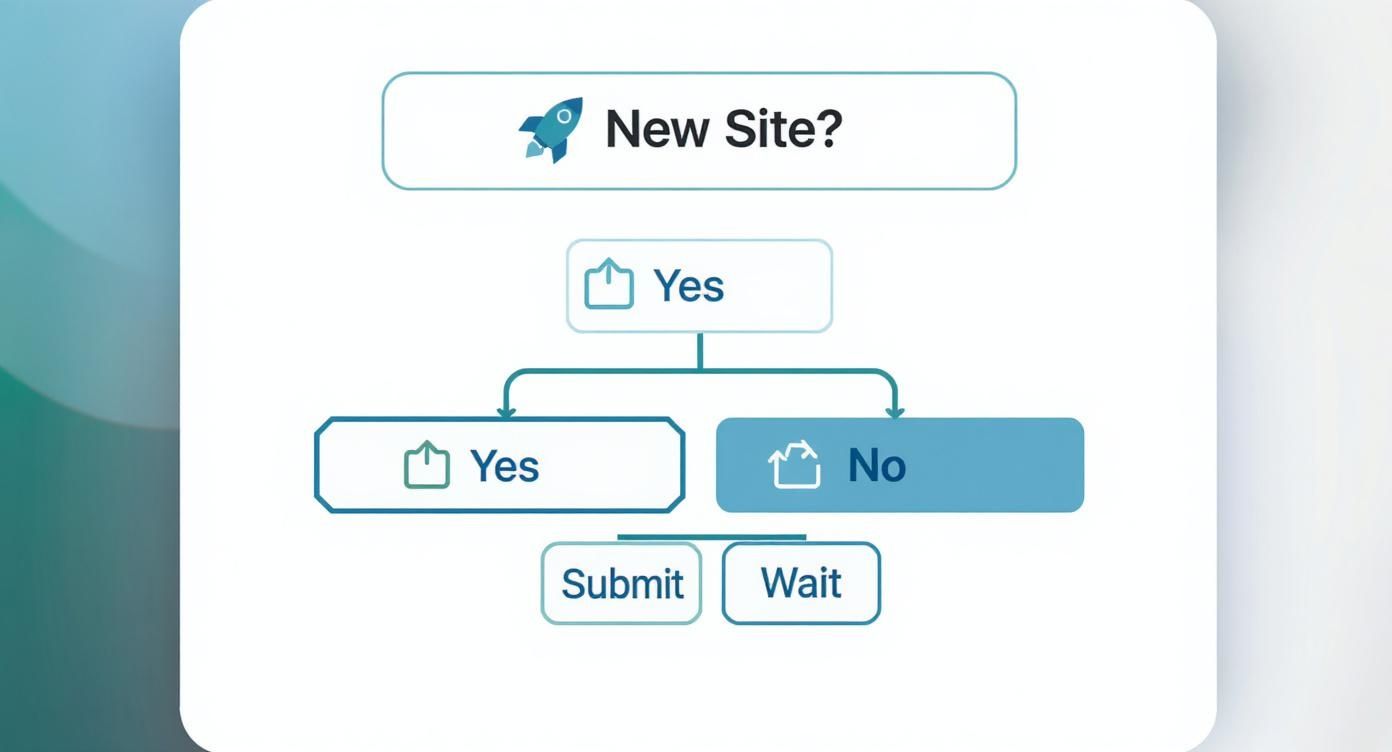
As you can see, any significant change—from a brand new site launch to a major content overhaul—is a good reason to give the search engines a nudge.
Submitting Your Sitemap
Once Google knows the site is yours, it's time for the main event: giving it your XML sitemap. This file is essentially a roadmap for Google's crawlers, pointing them to all the important pages you want them to find and index. Without it, you’re just hoping they stumble across everything.
Inside your GSC dashboard, look for the 'Sitemaps' report on the left-hand menu. You’ll find a simple field asking for your sitemap's URL. For most sites, this will be something like yourdomain.co.uk/sitemap.xml. Just pop that URL in and hit 'Submit'.
Google will then start processing it, and you can track its progress right from that same report.
You’re looking for that green 'Success' status. This is the confirmation that Google has received and understood your sitemap. If you see an error like 'Couldn't fetch', don't panic. It often means your robots.txt file is accidentally blocking access or there's a typo in the sitemap URL you submitted.
Don't just submit your site and walk away. GSC is a tool for active management, which is vital because the search world never stands still. Google holds around 93% of the UK search market, but its algorithm updates can change everything overnight.
In fact, after a recent core update, around 57% of top UK news sites saw their search visibility take a nosedive. This shows just how important it is to keep an eye on your indexing status. If you're curious, you can read more about these algorithm impacts on Press Gazette.
Submitting to Bing Webmaster Tools for Added Reach
While Google grabs all the headlines, ignoring Bing is a rookie mistake. It’s an oversight that leaves a surprising amount of traffic on the table. Think about it: Bing doesn't just power its own search engine; it's the engine behind Yahoo, DuckDuckGo, and a whole host of other Microsoft products.
This means a quick web submission to search engine tools from Bing opens up a significant audience that many of your competitors are probably overlooking.
The best part? Getting set up is incredibly simple, especially if you've already done the legwork with Google Search Console. Bing has a brilliant feature that lets you import your site directly from GSC, which is an absolute gift for busy webmasters.
The Easiest Route: Using the Google Search Console Import
If your site is already verified with Google, your job here is practically finished. Honestly, this is the method I recommend for almost everyone. It turns what could be another tedious task into just a few clicks.
When you sign up for Bing Webmaster Tools, you'll be greeted with two choices: import from GSC or add your site manually. Go ahead and choose the import option.
You'll just need to grant Bing permission to access your Google account, and it will pull in a list of all your verified websites. Pick the one you want to add, and Bing takes care of everything else. It automatically verifies you're the owner and even pulls in your sitemaps. The whole thing is over in less than a minute.
This import feature is a genuine game-changer. It means you don't have to mess around with adding meta tags to your site's code or fiddling with DNS records. It’s by far the most efficient way to get your site indexed across the entire Bing network.
Adding Your Site Manually
What if you're starting from scratch or just prefer not to link your Google account? No problem. The manual method is still perfectly straightforward. You’ll simply add your domain’s URL and then pick a way to prove you own it, very similar to how you did it with Google Search Console.
You've got a few options to choose from:
- HTML Meta Tag: This involves adding a small snippet of code into the
<head>section of your website’s homepage. - XML File: You'll download a specific file from Bing and upload it to your website's root directory.
- CNAME Record: For the more technically inclined, you can add a specific record to your domain's DNS settings.
Once you’re verified, the final step is to submit your sitemap. Just find the 'Sitemaps' section in the dashboard, paste in your sitemap URL (e.g., yourdomain.co.uk/sitemap.xml), and click 'Submit'.
Whichever method you pick, taking these few minutes to get listed on Bing is a classic low-effort, high-reward task. You broaden your digital footprint and start capturing valuable traffic from a search ecosystem that's much bigger than just Bing.com.
What to Do After You Submit Your Website

Getting your web submission to search engine platforms sorted isn’t the finish line; it’s really just the beginning of an ongoing conversation. I like to think of it less as a one-off task and more as the start of a routine to keep your site healthy and visible. Ignoring your site after you’ve submitted it is a bit like launching a new shop and never checking if the doors are actually unlocked for customers.
Your first port of call should be getting comfortable with the index coverage reports in both Google Search Console and Bing Webmaster Tools. These reports are your direct line to the search engines, telling you exactly which pages are indexed, which have warnings, and which have critical errors that are stopping them from showing up in search results at all.
Monitoring Indexing and Performance
It's absolutely vital to build a simple, repeatable routine for checking on your site’s SEO health. This doesn't need to be a massive, time-consuming job. Just set aside a few minutes once a week to pop into these reports and look for any red flags, like server errors (5xx codes) or pages that are accidentally blocked by your robots.txt file.
After submitting your website, using a good all-round SEO tool can make monitoring its indexing progress and search performance much easier. Platforms covered in articles like this SERanking review are built to track your keywords and audit technical problems, giving you insights that perfectly complement the free data from the search engines themselves.
This kind of proactive monitoring is a cornerstone of any solid marketing strategy for small business, as it ensures all your initial hard work continues to deliver results.
Using URL Inspection for Specific Pages
When you publish a new blog post or update a really important page, you don't have to sit around and wait for the next scheduled crawl. This is where Google's 'URL Inspection' tool becomes your best friend. All you have to do is paste the page's URL into the search bar at the top of Google Search Console.
The tool instantly tells you the page's current index status and, crucially, lets you request priority indexing. It’s perfect for troubleshooting issues on a single page, such as mobile usability errors or problems with your structured data (schema markup).
Think of post-submission monitoring as preventative care for your website. Spotting a small indexing issue early and fixing it in minutes is far better than discovering months later that your most important pages have vanished from search results.
The global SEO services market is absolutely booming for a reason. Agencies hold about 55% of the market share, largely by focusing on technical audits and post-submission management. This just goes to show how critical ongoing oversight is. Search engine rules are always changing, so regular checks are the only way to maintain your hard-won visibility. You can read more about the growth of the SEO services market at PR Newswire.
Common Questions About Web Submission
Even with the best plan in place, submitting your site to search engines can leave you with some nagging questions. It’s totally normal to wonder if you’ve ticked all the boxes or if things are actually working behind the scenes.
Let's clear up some of the most common queries I hear from people going through this process. Getting these answers sorted can save you a ton of stress later on.
How Long Does Indexing Take After Submission?
This is the big one, and the honest-to-goodness answer is… it depends. After you submit your sitemap, it can take anything from a few days to several weeks for search engines to get around to crawling and indexing your pages. There’s no magic button to force Google or Bing to speed things up.
That said, a well-built website with a clean sitemap and genuinely good content often gets indexed much faster. If your site is brand new and doesn't have many other websites linking to it yet, you'll need a bit of patience. The submission is just the starting gun.
My Site Still Isn't Showing Up – Why?
If a few weeks have gone by and your site is still nowhere to be found, it’s time to play detective. More often than not, the reason is surprisingly simple.
First, pop over to your WordPress dashboard and navigate to Settings > Reading. Make absolutely sure the box labelled "Discourage search engines from indexing this site" is not ticked. This single setting is a common culprit and will stop crawlers in their tracks.
Next, dive into your Google Search Console coverage report. Look for any glaring errors that might be blocking the indexing process.
I’ve seen this happen countless times: a misconfigured robots.txt file is accidentally blocking huge sections of a site. Double-check this file to make sure you haven't put up a digital 'keep out' sign on the very pages you want indexed.
Do I Need to Resubmit My Site for Updates?
Thankfully, no. You don't need to go through the whole submission process again every time you add a new blog post. Good SEO plugins automatically keep your sitemap updated, and search engines will re-crawl it on their own schedule.
However, you can give them a little nudge.
For a really important new page or a major site update, use the URL Inspection Tool in Google Search Console. Just paste the URL of the new page and click 'Request Indexing'. It’s a much more targeted and efficient way to get new content seen quickly.
Should I Pay for a Submission Service?
In a word: no. You should never pay for a website submission service. These services don't offer anything you can't do yourself for free in minutes with Google Search Console and Bing Webmaster Tools.
Worse, many of them use spammy tactics that can do more harm than good to your site's reputation. The official tools from the search engines themselves are all you'll ever need. While submitting your site is a critical first step, it’s just one part of a bigger strategy; you can learn more about the advantages of email marketing to see how different digital channels can support each other.
Ready to discover the perfect tools to manage your SEO, monitor your rankings, and grow your audience? At The Digital Marketing Toolbox, we've curated the best solutions to simplify your marketing efforts. Find, compare, and implement top-rated tools for every aspect of your strategy at https://grow-your-biz.com.


