

Boost Your Rankings: Your Guide to the Best Free Website SEO Audit Tools
Understanding your website's performance is essential in today's competitive online space. A thorough SEO audit reveals critical insights into your site's health, from technical errors and on-page optimisation gaps to mobile usability issues that could be holding you back. However, you don't need a hefty budget to start diagnosing and fixing these problems. We have organised a definitive guide to the best tools that offer a comprehensive website seo audit free of charge, empowering you to improve your search visibility without initial investment.
This guide moves beyond simple feature lists. We provide practical use cases, an honest assessment of each tool's limitations, and actionable advice to help you select the right solution for your specific needs. You will learn how to identify everything from broken links and slow page speeds to content gaps and core web vital scores. Whether you are a small business owner, a marketing professional, or a blogger, this resource will equip you to uncover hidden issues, implement effective fixes, and ultimately unlock your website's true potential in search engine results pages.
1. Google Search Console
No list of free website SEO audit tools would be complete without Google Search Console (GSC). It is the definitive source for understanding how Google itself sees and interacts with your website. While third-party tools estimate performance, GSC provides direct, unfiltered data, making it an indispensable starting point for any audit.
Practical Application & Use Cases
Think of GSC as your website's health report card from Google. Its primary value lies in diagnosing technical SEO issues straight from the source. For instance, the Index Coverage report is your first stop for identifying why certain pages aren't appearing in search results, detailing specific errors like “Crawled – currently not indexed” or server errors. The Performance report allows you to analyse which queries are driving traffic, helping you find “striking distance” keywords on page two that a content refresh could boost to page one. This is a fundamental step for anyone wanting to conduct a thorough website SEO audit free of charge. For those new to the platform, exploring a beginner's guide to Google's core tools can make the initial setup much smoother.
Pros & Cons
Pros:
- Authoritative Data: Insights come directly from Google, eliminating guesswork.
- Critical Alerts: Notifies you of manual actions, security issues, and indexing problems that could devastate your rankings.
- Completely Free: Offers enterprise-level data without any cost.
Cons:
- Google-Centric View: Data is limited to Google Search, offering no insights into Bing or other search engines.
- Steep Learning Curve: The interface and data can be overwhelming for absolute beginners.
2. Screaming Frog SEO Spider
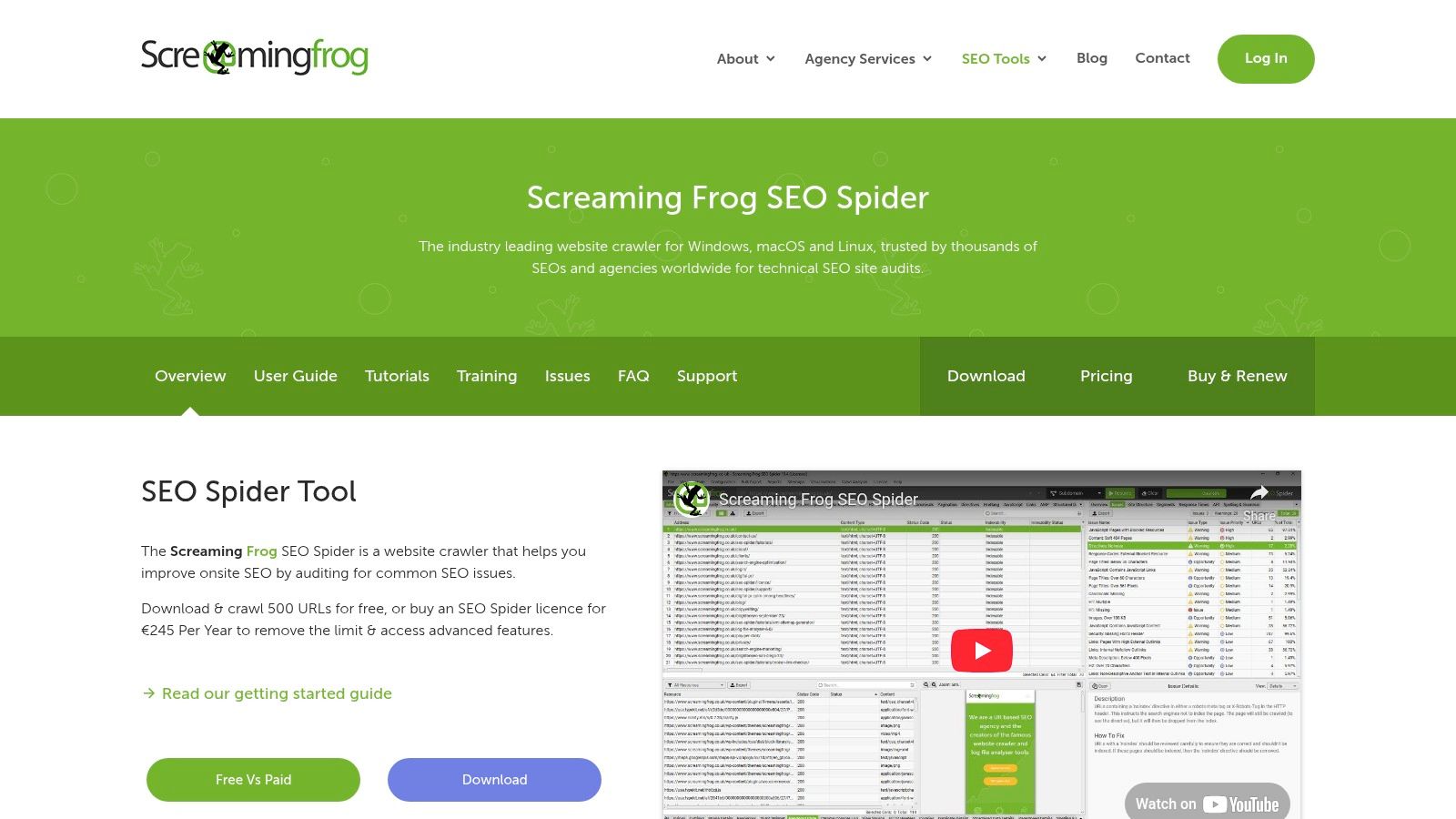
For those ready to dive deeper into the technical nuts and bolts of their site, Screaming Frog SEO Spider is an industry-standard tool. It’s a powerful and fast website crawler, installed on your desktop, that fetches data and organises it for a comprehensive technical SEO audit. While the full version is paid, its free tier offers immense value for smaller sites or for targeted auditing tasks.
Practical Application & Use Cases
Think of Screaming Frog as your personal SEO robot, meticulously scanning every page of your site. It excels at quickly identifying widespread issues. For instance, you can instantly find all 404 broken links, check for duplicate page titles and meta descriptions, or analyse redirect chains that slow down your site. A key use case is performing a content audit by sorting pages by word count to find thin content. The free version allows you to crawl up to 500 URLs, which is often sufficient for a small business to conduct a complete website SEO audit free of charge, uncovering critical errors that GSC might not flag as explicitly.
Pros & Cons
Pros:
- Comprehensive Data: Provides incredibly detailed information on almost every aspect of on-page and technical SEO.
- Real-time Analysis: Crawls your site live, giving you the most current data possible.
- Generous Free Version: The 500-URL limit is perfect for smaller websites and targeted audits.
Cons:
- Resource Intensive: As a desktop application, it can use significant computer memory and CPU on large crawls.
- Installation Required: Unlike web-based tools, it must be downloaded and installed on your computer.
3. SEOptimer
SEOptimer offers a fast and beautifully presented top-level analysis, making it an excellent tool for those who need a quick, shareable overview of a site's SEO health. Unlike the deep, granular data from Google's native tools, SEOptimer provides a broad-strokes report card covering on-page SEO, usability, performance, and social signals. It's designed for clarity and speed, generating a grade-based report in under a minute.
Practical Application & Use Cases
This tool is perfect for agencies creating initial pitch documents or for small business owners wanting a quick diagnostic without getting lost in technical jargon. The “Actionable Recommendations” are its core strength, providing a prioritised checklist of fixes. For instance, it will flag missing meta descriptions, pinpoint slow-loading image assets, and check for a sitemap.xml file. The report is organised by impact level, allowing you to tackle the most critical issues first. This makes it an ideal choice when you need a comprehensive website SEO audit free of charge to guide your initial optimisation efforts without a steep learning curve.
Pros & Cons
Pros:
- User-Friendly Interface: Generates clean, easy-to-understand reports ideal for non-technical stakeholders.
- Quick & Detailed: Provides a comprehensive yet swift analysis across multiple SEO pillars.
- Free for Basic Audits: The core audit and reporting tool is available without cost.
Cons:
- Lacks Depth: Does not offer backlink analysis or keyword tracking in its free version.
- Limited Scope: The free checks are surface-level compared to the deep data available in paid alternatives or GSC.
4. Ahrefs Webmaster Tools
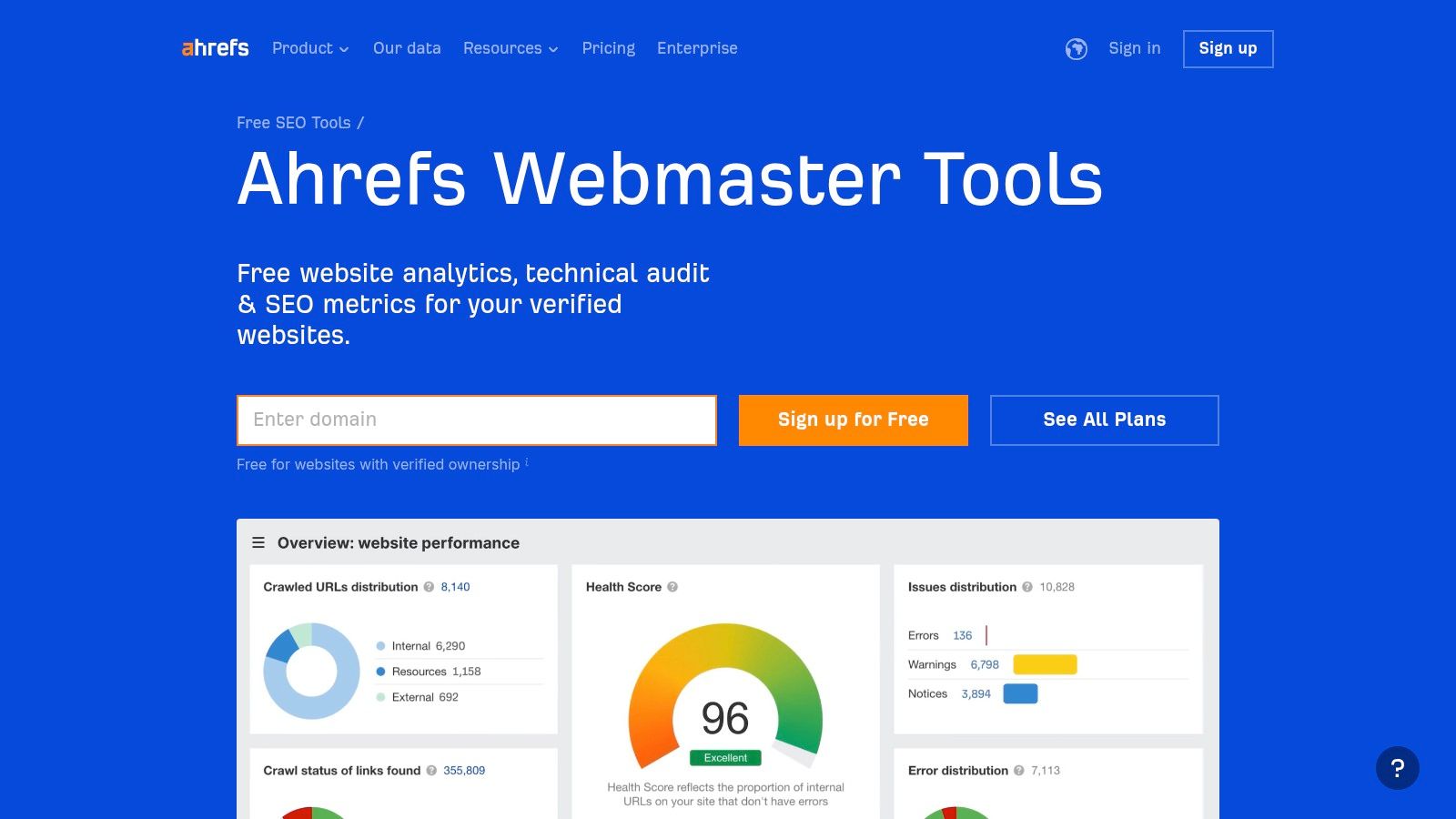
Ahrefs Webmaster Tools (AWT) brings the power of a premium SEO platform to the masses, for free. It essentially unlocks core features of the paid Ahrefs suite, like its renowned Site Audit and Site Explorer, for website owners who verify their properties. This makes it a serious contender for the most powerful website seo audit free tool available, rivalling even paid alternatives in its scope.
Practical Application & Use Cases
AWT is your go-to for a deep technical and backlink audit without opening your wallet. Its Site Audit feature crawls your entire site and categorises over 100 potential SEO issues, from broken links and slow pages to missing meta descriptions. Unlike some tools, it provides clear, actionable advice on how to fix each problem. The Site Explorer component grants access to Ahrefs' legendary backlink index, allowing you to see exactly who links to you. You can analyse your backlink profile for toxic links or discover new linking opportunities by seeing which sites link to your competitors.
Pros & Cons
Pros:
- Powerful Core Features: Provides access to Ahrefs' industry-leading site audit and backlink data, which are normally behind a significant paywall.
- Actionable Insights: Not only identifies issues but also offers clear explanations and guidance on how to resolve them.
- User-Friendly Interface: The dashboard is intuitive and well-organised, making complex data easy to digest.
Cons:
- Limited Scope: Does not include the full suite's competitive analysis, keyword research, or content explorer tools.
- Verification Required: You can only use it for websites you own and can verify, similar to Google Search Console.
5. Google PageSpeed Insights
Site speed is a confirmed ranking factor, making Google PageSpeed Insights (PSI) a crucial component of any modern SEO audit. This tool directly analyses your page's performance on mobile and desktop devices, offering a score and actionable recommendations based on Google's own standards. It provides a vital perspective on user experience, specifically how quickly users can see and interact with your content.
Practical Application & Use Cases
PSI is your go-to diagnostic tool for technical performance. Its primary function is assessing Core Web Vitals (LCP, INP, CLS), which are direct user-centric speed metrics. Use the report to pinpoint specific issues slowing you down, such as unoptimised images, render-blocking JavaScript, or slow server response times. The “Opportunities” and “Diagnostics” sections provide a clear checklist for your developer. Regularly running your key landing pages through PSI is an essential part of maintaining site health, making it a powerful resource for anyone conducting a website seo audit free of charge.
Pros & Cons
Pros:
- Authoritative Metrics: Data and recommendations come directly from Google, aligned with their ranking criteria.
- Actionable Advice: Provides specific, technical suggestions to improve page load times.
- Real-World Data: Uses “Field Data” from the Chrome User Experience Report to show how real users experience your site.
Cons:
- Narrow Focus: Solely concentrated on page speed and user experience, with no insight into other SEO areas like backlinks or content.
- Can Be Technical: Recommendations often require developer knowledge to implement correctly.
6. Ubersuggest
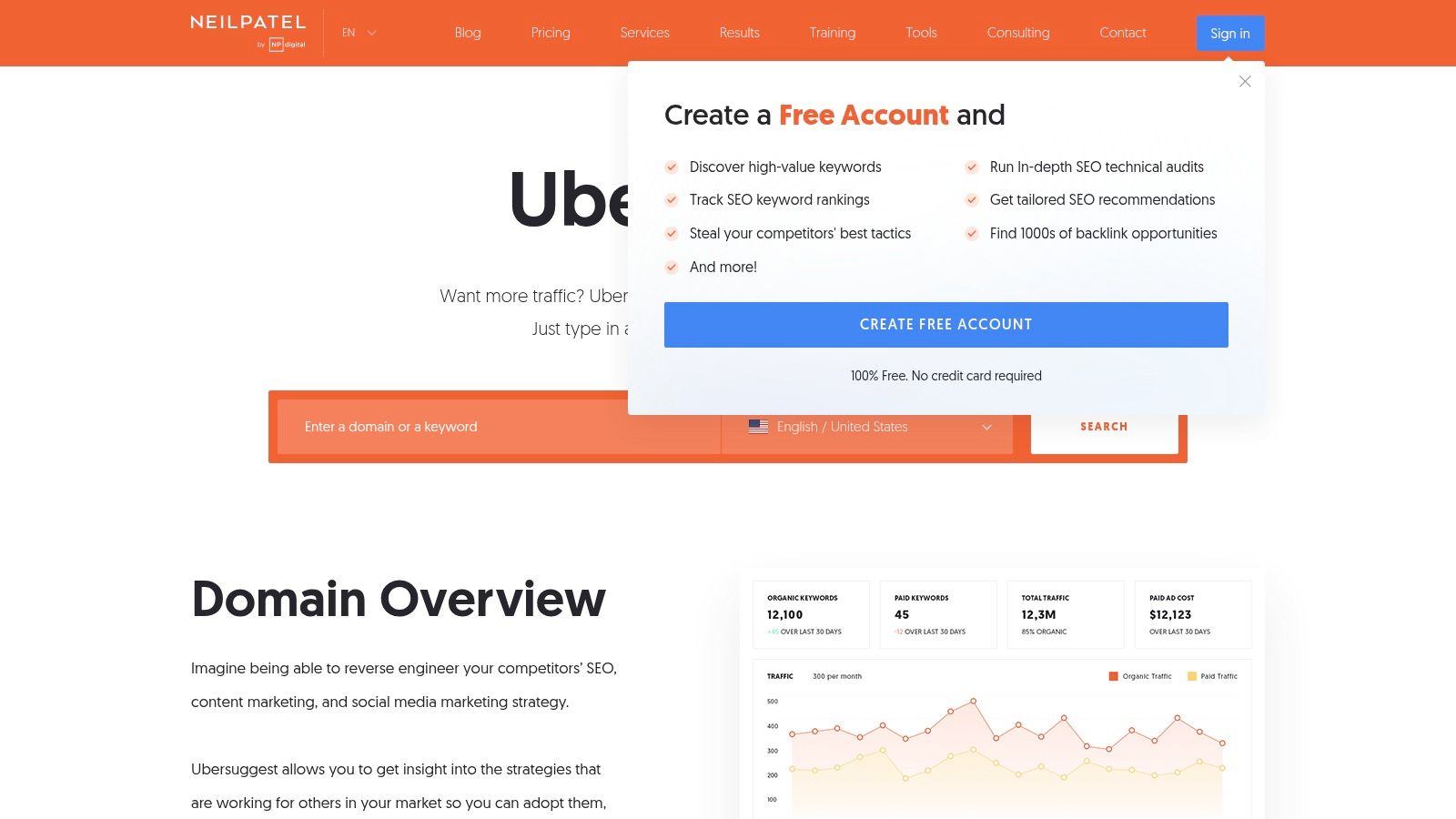
Initially known as a keyword suggestion tool, Ubersuggest has evolved into a more comprehensive, all-in-one SEO platform. While it has a robust paid version, its free offering provides a surprisingly powerful glimpse into your site's health and competitive landscape, making it a great entry point for those new to SEO. It presents data in a very visual and easy-to-understand format, demystifying complex metrics for small business owners and marketing beginners.
Practical Application & Use Cases
The standout feature for a website SEO audit free of charge is the Site Audit function. It crawls your website and provides a prioritised list of SEO issues, from critical errors like broken links to warnings about low word count pages. The Traffic Analyzer is another key area, allowing you to peek at your competitors' top pages and keywords, giving you actionable intelligence to inform your own content strategy. This insight is crucial when formulating an effective marketing strategy for a small business that needs to compete with limited resources.
Pros & Cons
Pros:
- User-Friendly Interface: One of the most intuitive and visually appealing interfaces, perfect for beginners.
- All-in-One Functionality: Combines site audits, keyword research, and competitor analysis in one place.
- Generous Free Tier: Offers daily searches and a project dashboard without requiring payment.
Cons:
- Data Limitations: The free version has daily caps on reports and the depth of data is less extensive than dedicated, premium tools.
- Aggressive Upselling: You will encounter frequent prompts to upgrade to a paid subscription.
7. SEOquake
For those who need immediate SEO metrics without leaving their current tab, SEOquake is an exceptional browser extension. It integrates directly into your browsing experience, providing an overlay on search engine results pages (SERPs) and a detailed toolbar for any page you visit. This real-time access makes it a powerful tool for quick competitive analysis and on-the-fly on-page checks, embodying the convenience needed for a fast-paced website seo audit free of complex setups.
Practical Application & Use Cases
SEOquake excels at providing instant context. The SERP Overlay is its standout feature, displaying key metrics like domain authority, backlink counts, and traffic estimates directly under each search result. This allows for rapid assessment of the competitive landscape for a given keyword. When you land on a competitor's page, you can use the extension's On-Page SEO Audit to quickly diagnose their heading structure, meta tags, and keyword density. The External/Internal Links report is also useful for understanding a page’s linking strategy at a glance, offering actionable insights without needing to run a full site crawl.
Pros & Cons
Pros:
- Instantaneous Data: Delivers real-time SEO metrics directly within the browser, saving significant time.
- Competitive Insights: The SERP overlay provides a quick, comparative view of competitors for any search query.
- Completely Free: Offers a robust set of features with no cost or usage limits.
Cons:
- Browser-Dependent: Its functionality is confined to the browser, so it cannot perform comprehensive, site-wide crawls like standalone applications.
- Potential for Clutter: The amount of data presented in the SERP overlay can feel overwhelming to some users.
8. Bing Webmaster Tools
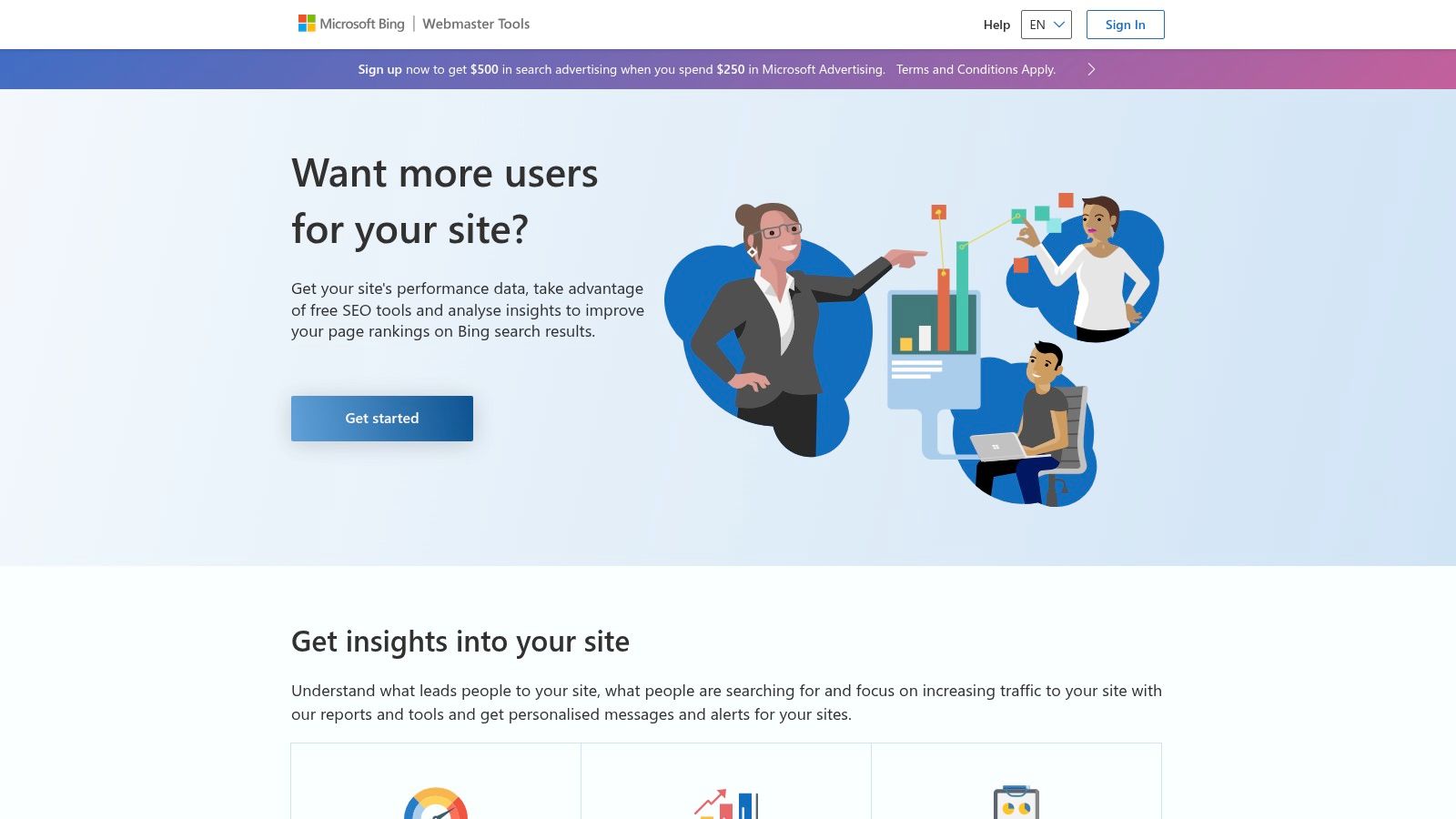
While Google commands the lion's share of search traffic, ignoring Bing means missing out on a significant user base, particularly in specific demographics and markets. Bing Webmaster Tools (BWT) is Microsoft's answer to Google Search Console, offering a surprisingly robust suite of features to help you understand and optimise your website's performance on the Bing search engine. It is an essential, often overlooked, resource for anyone looking to perform a comprehensive website SEO audit free of charge.
Practical Application & Use Cases
BWT shines with its user-friendly diagnostic tools. The Site Scan feature is a standout, crawling your site on-demand to identify common technical SEO issues like missing alt tags, slow page speeds, and heading structure problems, presenting them in an easy-to-digest report. Its Backlink tool offers a clear view of your link profile from Bing's perspective, allowing you to disavow spammy links. Furthermore, its built-in Keyword Research tool can uncover search trends and opportunities you might miss if you only focus on Google's data. Integrating these insights can be a powerful complement to your wider digital strategy, much like understanding the advantages of a strong email marketing campaign alongside your SEO efforts.
Pros & Cons
Pros:
- Excellent Diagnostic Tools: The Site Scan and SEO Reports are intuitive and provide actionable recommendations.
- Data Diversification: Offers a crucial second perspective on your site's performance beyond the Google ecosystem.
- Completely Free: Provides a full suite of powerful SEO tools without any cost.
Cons:
- Bing-Only Data: All analytics and insights are confined to the Bing search engine and its partners.
- Smaller Data Set: Due to lower market share, the volume of query and backlink data may be less extensive than GSC.
9. GTmetrix
Page speed is a critical ranking factor, and GTmetrix is a specialised tool designed to dissect every millisecond of your website's load time. It goes beyond simple speed tests by providing actionable recommendations based on Google's Core Web Vitals and its own performance scoring system. This makes it an essential component for any comprehensive audit, as slow-loading pages can severely hamper user experience and, consequently, search rankings.
Practical Application & Use Cases
GTmetrix excels at turning abstract performance data into a concrete to-do list. Its standout feature, the waterfall chart, visually breaks down every single request your site makes during loading. This allows you to pinpoint specific elements, such as oversized images, slow-loading third-party scripts, or render-blocking CSS, that are creating bottlenecks. By identifying the heaviest and slowest assets, you can prioritise your optimisation efforts effectively. Conducting a website seo audit free with GTmetrix means you can directly address technical issues that impact both search engine crawlers and real users, improving everything from bounce rates to conversion rates.
Pros & Cons
Pros:
- Detailed Diagnostics: The waterfall chart and performance recommendations offer specific, actionable advice.
- Visual Feedback: The video playback of your page load helps you experience what your users see.
- User-Friendly Reports: Presents complex data in an organised and relatively easy-to-understand format.
Cons:
- Limited Free Version: The free plan restricts test locations and monitoring frequency.
- Technical Jargon: Some recommendations may require technical expertise to implement correctly.
10. Seobility
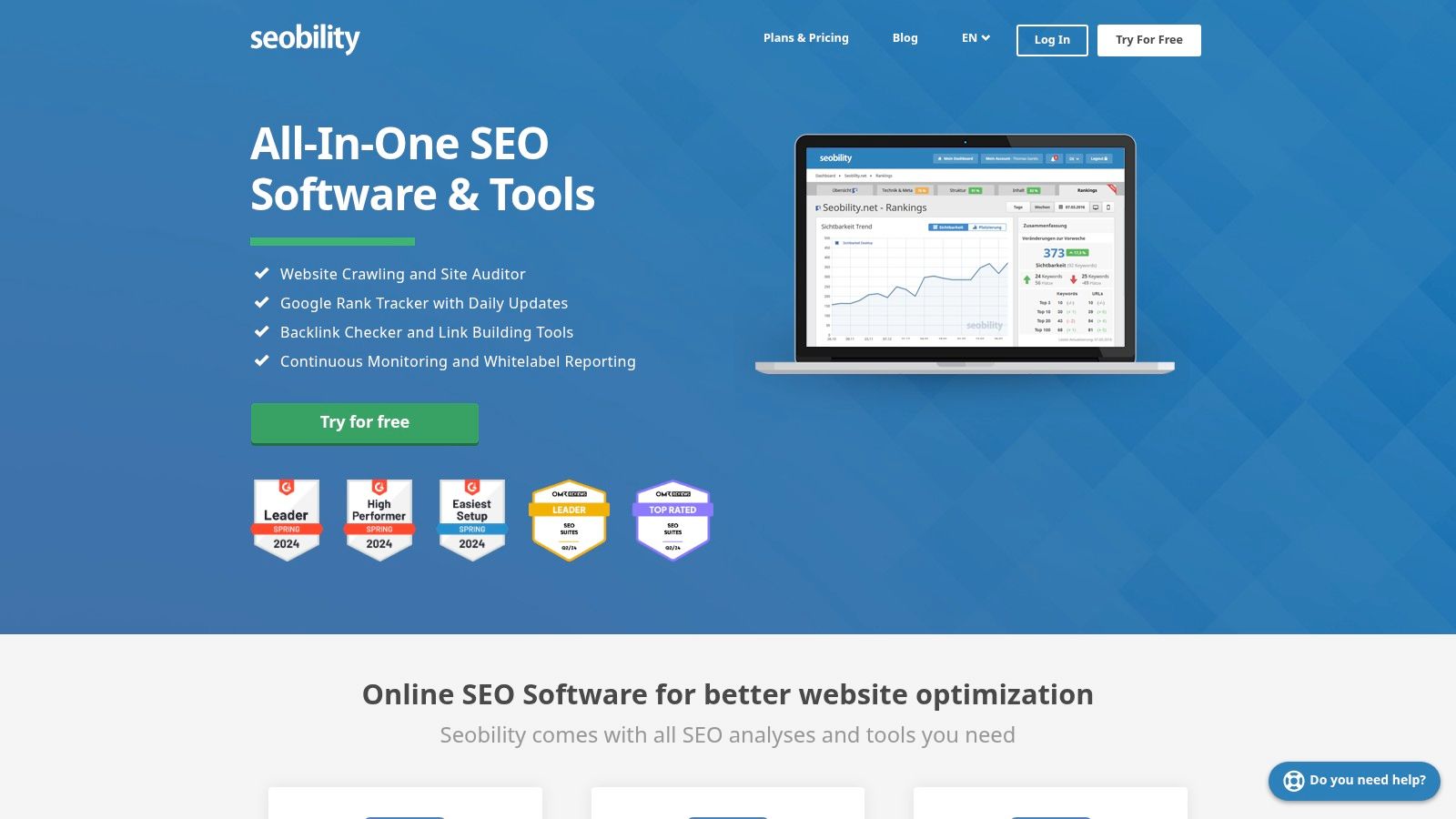
Seobility offers one of the most comprehensive free website SEO audit tools available, providing a detailed site crawl that meticulously checks your entire website for technical errors and on-page SEO issues. It goes beyond a simple homepage analysis, delivering an all-in-one dashboard that also includes rank tracking and backlink analysis, making it a powerful starting point for small businesses and solo marketers.
Practical Application & Use Cases
The core strength of Seobility lies in its actionable site audit report. After crawling your site, it provides a prioritised task list, flagging critical errors like broken links, duplicate content, and response time problems. This makes it incredibly practical for users who need clear direction on what to fix first. For instance, you can use its TF*IDF tool to analyse your content against top-ranking competitors and identify semantically related terms you might be missing. This feature is invaluable when looking to perform a thorough website SEO audit free of charge, as it helps you optimise content with data-driven insights, not just guesswork.
Pros & Cons
Pros:
- Detailed Crawling: The free plan crawls up to 1,000 pages, providing deep insights into technical and on-page issues.
- User-Friendly Dashboard: Presents complex data in an easy-to-understand format with clear, actionable recommendations.
- All-in-One Features: The free version includes basic rank tracking and backlink monitoring, offering more value than many single-purpose tools.
Cons:
- Project Limitation: The free tier is restricted to auditing a single project (one website).
- Slower Crawl Speed: Free crawls are often slower compared to the premium versions.
11. SEO Site Checkup
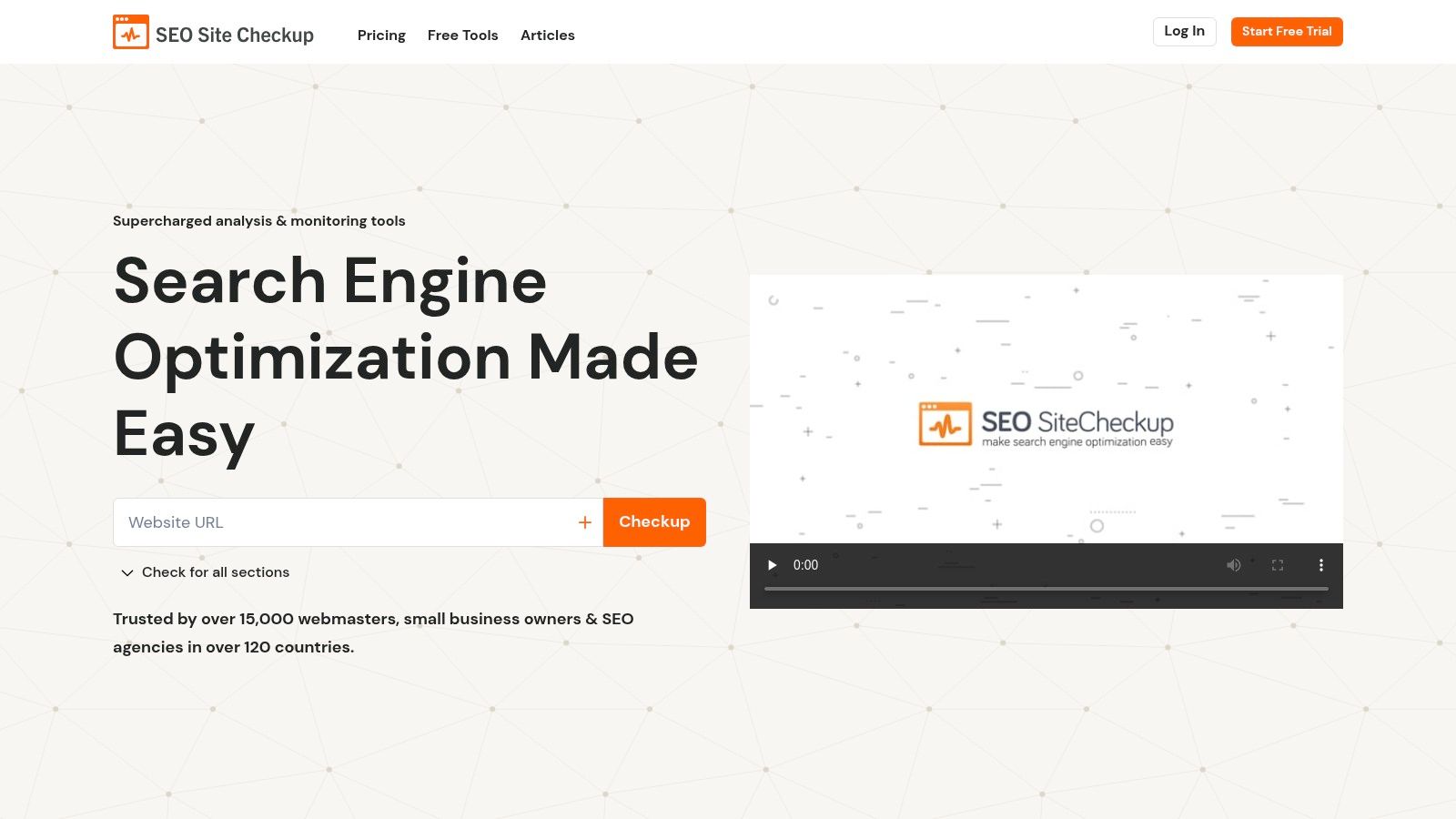
SEO Site Checkup offers a rapid, high-level overview of a website's SEO health, making it an excellent starting point for those who need a quick diagnostic. By simply entering a URL, the tool generates a single, comprehensive report that scores your site and breaks down issues into categories like common SEO problems, speed optimisations, server and security, and mobile usability. It acts as a quick checklist, highlighting immediate areas for improvement.
Practical Application & Use Cases
This tool is perfect for small business owners or marketers needing a fast, understandable snapshot of their SEO performance without diving into complex dashboards. A key use case is performing a preliminary competitive analysis; you can run a report on a competitor's site to quickly gauge their on-page strengths and weaknesses. The “Common SEO Issues” section, which checks for meta titles, descriptions, and keyword usage, provides an actionable list for immediate on-page tweaks. It’s an ideal way to perform an initial website seo audit free of charge, providing a clear roadmap of what to fix first before committing to more advanced, time-intensive tools.
Pros & Cons
Pros:
- User-Friendly Interface: Generates an easy-to-read, colour-coded report with an overall score, simplifying complex data.
- Comprehensive Scope: The free check covers over 50 different signals across technical SEO, speed, and security.
- Actionable Advice: Provides clear “how-to-fix” recommendations for each identified issue.
Cons:
- Limited Free Use: The free check is powerful but lacks the historical tracking and automated monitoring of the paid plans.
- Surface-Level Data: While broad, the analysis doesn't offer the depth of crawlers like Screaming Frog or the backlink data of Ahrefs.
12. Google Lighthouse
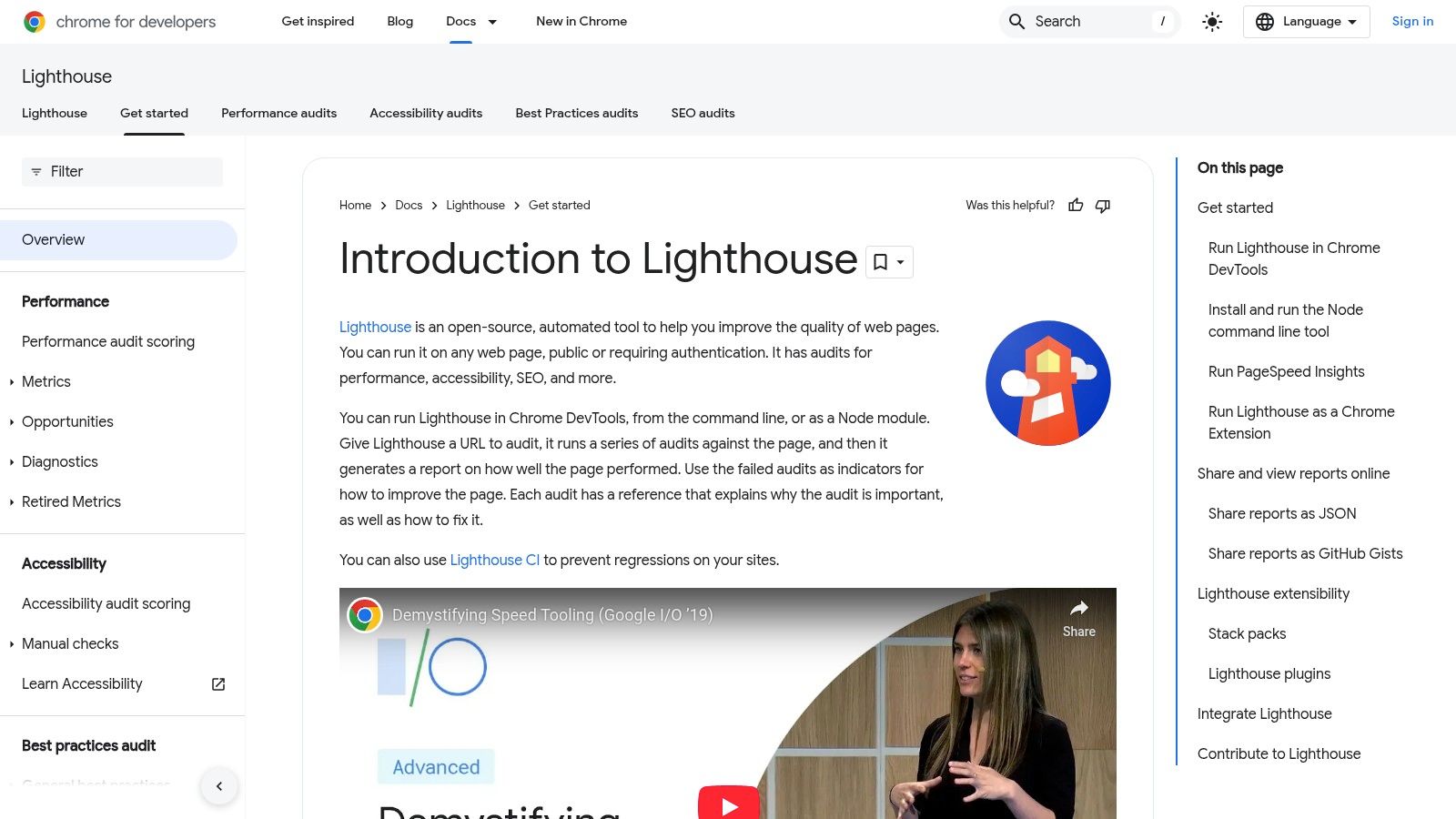
Google Lighthouse is an essential open-source, automated tool integrated directly into Chrome DevTools, designed for improving the quality of web pages. While it assesses several areas like performance and accessibility, its SEO audit provides a crucial technical baseline. It runs a series of checks against a page to ensure it adheres to fundamental search engine optimisation best practices, making it a powerful ally for any technical tune-up.
Practical Application & Use Cases
Lighthouse shines when you need a quick, page-level diagnostic. For instance, before publishing a new blog post or landing page, running a Lighthouse audit can catch simple yet critical mistakes. It will instantly flag issues like a missing meta description, non-descriptive link text, or images lacking alt attributes. This makes it an invaluable pre-launch checklist. It also checks for mobile-friendliness and ensures the page is indexable. Using it is a core step for any developer or marketer performing a website seo audit free of charge, focusing on the technical health of individual URLs.
Pros & Cons
Pros:
- Direct Integration: Easily accessible within Chrome's DevTools, requiring no additional installation.
- Actionable Reports: Provides clear scores and specific recommendations for improvement.
- Holistic View: Audits SEO alongside performance and accessibility, which are also vital ranking factors.
Cons:
- Page-Specific: It only audits one URL at a time, making it impractical for site-wide analysis.
- Basic SEO Checks: The audit covers foundational SEO but won't analyse keyword strategy or backlink profiles.
Key Features Comparison of 12 Free SEO Audit Tools
| Tool | Core Features / Highlights | User Experience & Quality ★★★★☆ | Value Proposition 💰 | Target Audience 👥 | Unique Selling Points ✨ |
|---|---|---|---|---|---|
| Google Search Console | Search traffic & index coverage reports | Direct Google insights, free ★★★★☆ | Completely free 💰 | Website owners, SEO beginners 👥 | Google's official search data 🏆 |
| Screaming Frog SEO Spider | Technical SEO crawl, broken links detection | Powerful but desktop-only ★★★★☆ | Free up to 500 URLs 💰 | SEO professionals, agencies 👥 | In-depth technical audits, GA integration ✨ |
| SEOptimer | SEO, performance & social media audit | User-friendly, quick reports ★★★☆☆ | Free with limited features 💰 | Small businesses, marketers 👥 | All-in-one SEO & usability audit ✨ |
| Ahrefs Webmaster Tools | Site audit, backlink & keyword analysis | In-depth, intuitive UI ★★★★☆ | Free core tools 💰 | SEO specialists, content marketers 👥 | Powerful backlink analysis 🏆 |
| Google PageSpeed Insights | Page speed & Core Web Vitals assessment | Detailed metrics from Google ★★★★☆ | Free 💰 | Developers, marketers 👥 | Real user field data integration 🏆 |
| Ubersuggest | SEO audit, keyword & backlink analysis | Easy to use, free tier ★★★☆☆ | Freemium model 💰 | Beginners, SMBs 👥 | Comprehensive SEO toolset by Neil Patel ✨ |
| SEOquake | On-page audit, SERP overlay | Fast browser extension ★★★☆☆ | Free 💰 | SEOs, marketers 👥 | Real-time browser data ✨ |
| Bing Webmaster Tools | SEO issues, backlink & keyword tools | Functional but less intuitive ★★★☆☆ | Free 💰 | Bing-focused site owners 👥 | Bing-specific insights ✨ |
| GTmetrix | Speed analysis, waterfall charts, videos | Detailed reports, user-friendly ★★★★☆ | Free with limits 💰 | Developers, marketers 👥 | Page load video & historical tracking ✨ |
| Seobility | SEO audit, rank & competitor analysis | Detailed, beginner-friendly ★★★☆☆ | Free entry-level 💰 | Small businesses, SEO beginners 👥 | All-in-one SEO platform with competitor insights ✨ |
| SEO Site Checkup | Technical SEO, speed, security & social checks | User-friendly reports ★★★☆☆ | Free basic tier 💰 | SMBs, marketers 👥 | Combines security & social analysis ✨ |
| Google Lighthouse | Performance, accessibility, SEO, PWA audits | Technical precision, Chrome integration ★★★★☆ | Free & open-source 💰 | Developers, advanced users 👥 | Multi-dimensional audits in one tool 🏆 |
Putting It All Together: From Audit to Action
You have now explored a comprehensive roster of twelve powerful tools, each offering a unique lens through which to conduct a website seo audit free of charge. We have moved beyond simple feature lists, delving into the practical nuances of tools like the indispensable Google Search Console for performance baselines and Screaming Frog for unparalleled technical depth. The journey from raw data to tangible improvement, however, is where the real work begins. The most crucial takeaway from this extensive guide is that a holistic SEO strategy cannot rely on a single utility. True insight emerges from synthesising information across multiple platforms.
A robust audit workflow involves layering insights. For instance, you might identify a set of underperforming pages in Google Search Console, then crawl those specific URLs with Screaming Frog to diagnose on-page issues like missing meta descriptions or thin content. Subsequently, you could run those same pages through Google PageSpeed Insights and GTmetrix to pinpoint technical performance bottlenecks that might be hampering user experience and rankings. This multi-tool approach transforms isolated data points into a connected, actionable narrative.
Creating Your Strategic Audit Plan
To avoid feeling overwhelmed by the sheer volume of data, it is vital to establish a clear, prioritised plan. Don't try to fix everything at once. Instead, categorise your findings and tackle them in a logical sequence.
- Phase 1: Critical Error Resolution: Start with the most urgent issues that directly impact indexing and user experience. This includes fixing broken links (404 errors), resolving server errors (5xx codes), and ensuring crucial pages are not blocked by your
robots.txtfile ornoindextags. Tools like Screaming Frog, Ahrefs Webmaster Tools, and Google Search Console are your primary allies here. - Phase 2: On-Page and Content Optimisation: Once your site is technically sound, focus on enhancing your content's relevance and appeal. Use insights from tools like Seobility and SEOptimer to refine title tags, meta descriptions, header structures, and internal linking. This is where you ensure your content aligns perfectly with user intent.
- Phase 3: Performance and Backlink Enhancement: With a solid technical and on-page foundation, turn your attention to speed and authority. Use PageSpeed Insights and GTmetrix to implement performance improvements. Simultaneously, leverage Ahrefs Webmaster Tools and Bing Webmaster Tools to analyse your backlink profile, identify opportunities, and disavow toxic links.
The Right Tool for the Right Job
Selecting the right tool depends entirely on your specific needs and technical comfort level. For a small business owner just starting out, a combination of Google Search Console for core vitals and SEOptimer for a guided, easy-to-understand report is an excellent starting point. A seasoned digital marketing agency, on the other hand, will find the granular, exportable data from Screaming Frog and the comprehensive backlink analysis from Ahrefs Webmaster Tools to be non-negotiable for deep-dive client audits. Remember, a website seo audit free tool is only as good as the strategy guiding its use.
An SEO audit is not a one-time fix; it is a continuous cycle of analysis, implementation, and measurement. The digital landscape is always shifting, with algorithm updates, competitor movements, and evolving user behaviour. Committing to a regular audit schedule, perhaps quarterly or bi-annually, is essential for sustained organic growth and maintaining a competitive edge.
Feeling ready to organise your new toolkit and discover even more solutions to drive growth? The Digital Marketing Toolbox is a platform designed to help you find, compare, and manage the best marketing software for your specific goals. Streamline your entire marketing stack and build your path from audit to outstanding results by exploring your options today.
Discover Your Perfect Tools on The Digital Marketing Toolbox


