
Let’s be blunt: if you are still manually embedding single videos into your website, you are burning through time you don't have.
Most small business owners know that video is the king of content, but managing it on a website can feel like a full-time job.
That’s exactly where a YouTube Feed Widget comes in. It’s not just a fancy display; it’s a powerhouse tool designed to keep visitors on your site longer, improve your SEO, and showcase your brand’s personality without the technical headache.
At Grow Your Biz, we believe in working smarter.
Why spend hours updating your site every time you drop a new video when a single widget can do the heavy lifting for you?
In this guide, we’ll dive into why your business needs a video feed and how to set it up to actually see an ROI.
Why Should You Care About Video Galleries?
The truth is, your website visitors have the attention span of a goldfish.
If they see a wall of text, they’re gone.
But if they see a sleek, organized feed of helpful videos, they stay.
This is what we call “dwell time,” and it is a massive signal to Google that your site is worth visiting.

When you use a YouTube Feed Widget, you aren't just showing a video; you're creating a destination.
Statistics show that websites with video content see an 88% increase in time spent on-page.
That’s not just a vanity metric, it’s the difference between a bounce and a conversion.
Golden Nugget: Google loves rich media. By organizing your videos into a single, optimized gallery, you make it easier for search engines to crawl your content and reward you with better rankings.
Forget the Sticker Price: What’s the Real Value?
You might think, “I can just embed a YouTube link for free.” Sure, you can.
But what happens when that video ends and YouTube suggests a competitor's video?
Or when you have ten videos and your page starts loading at the speed of a dial-up modem?
A professional YouTube Feed Widget solves these “real-world” problems by keeping your content under control, and according to Google, YouTube can drive 2.3x higher long-term ROAS than paid social:
- Automatic Syncing: Upload to YouTube, and it appears on your site instantly. No manual updates required.
- Lazy Loading: Your site stays lightning-fast because the videos only load when someone clicks them.
- Curated Content: You control exactly what is seen. No random “Up Next” videos from your competitors.
- Mobile Optimization: Your gallery will look just as good on an iPhone as it does on a 27-inch monitor.
Tailored Advice: Who Is This For?
Every business is different, so how you use your video content should be too. Let’s look at two common scenarios.
For the Local Service Provider
If you’re a plumber, a landscaper, or a fitness coach, your YouTube Feed Widget should be your “Social Proof Hub.”
Create a feed of video testimonials, “How-To” tips, and behind-the-scenes looks at your work.
It builds instant trust before you even pick up the phone.
For the Agency or Consultant
You need to establish authority.
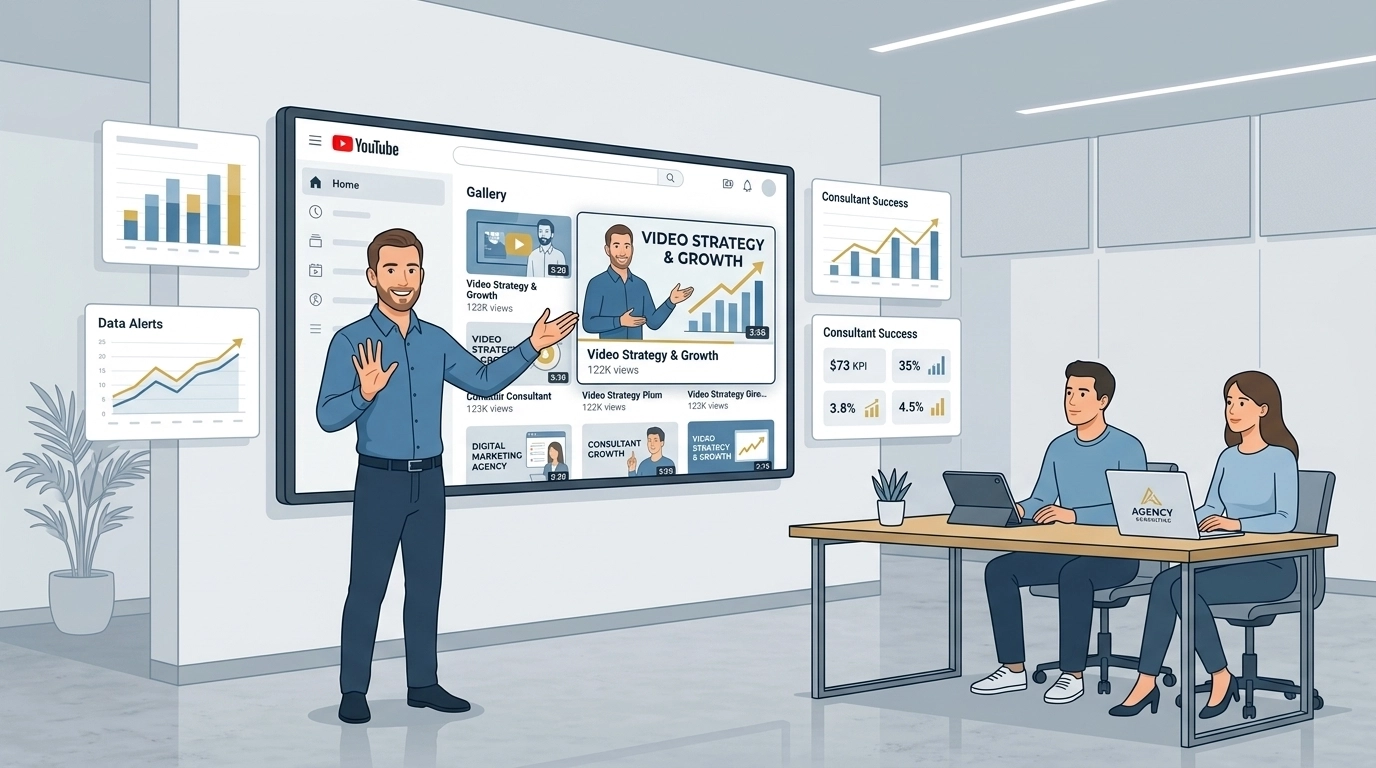
Use your feed to host webinars, client case studies, and industry deep dives.
Instead of burying these in your blog, put them in a dedicated video section on your home page or “Services” page to keep your leads engaged.
Features That Actually Matter
When choosing a tool from our business widgets library, don’t get distracted by “shiny object syndrome.” Focus on the features that impact your bottom line.
- Layout Versatility: Do you want a Grid, a Slider, or a single featured video with a playlist? The right layout depends on your page's goal.
- Custom Styling: Your widget shouldn't look like a sore thumb. It needs to match your brand colors and fonts.
- Call-to-Action (CTA) Buttons: The best galleries allow you to add buttons directly on the video player. “Book Now” or “Download Our Guide” right when the viewer is most engaged is marketing gold.

Step-by-Step: Setting Up Your YouTube Feed Widget
Setting this up shouldn't feel like building a spaceship.
If you're using the Grow Your Biz digital marketing toolbox, the process is straightforward:
- Connect Your Channel: Paste your YouTube URL or Channel ID.
- Pick Your Layout: Choose between a clean grid for multiple videos or a “Cinema Mode” for a single focus.
- Customize the Look: Adjust the colors to match your site. (We recommend using your brand’s signature highlight colors for buttons).
- Embed the Code: Copy the single line of code and paste it into your website builder (WordPress, Wix, Shopify: it works everywhere).
Is it worth the money?
If it saves you three hours of manual updates a month and increases your on-site conversions by even 5%, the ROI is a no-brainer.
The Technical Side (Without the Boredom)
We need to talk about SEO for a second.
Simply slapping a video on a page isn't enough.
A high-quality YouTube Feed Widget ensures your videos are “searchable.”
It uses schema markup: the “secret language” of search engines: to tell Google exactly what your videos are about.
This helps you show up in the “Video” tab of search results, giving you even more real estate on the SERP (Search Engine Results Page).

How It Fits Into Your Strategy
This widget is a vital part of our broader Website Widgets strategy.
To see how this fits alongside tools like Google Reviews or Instagram feeds, check out our ultimate guide to website widgets.
Combining these tools creates a “sticky” website that turns casual browsers into loyal customers.
Moment of Truth: Your website is your 24/7 salesperson. If that salesperson is standing there silent with no visual aids, they aren't going to close many deals. Adding a video gallery is like giving your salesperson a high-definition presentation deck that they can use to close more sales while you sleep.
The Verdict
So, which path are you going to take?
You can keep “flying solo” with manual embeds that slow down your site and look dated.
Or, you can step into the cockpit of a professional setup.
The truth is, your competitors are likely already using video.
The way to stand out is to present that video better than they do.
A YouTube Feed Widget is the fastest, easiest way to upgrade your site’s user experience and professional image in one go.
Ready to get started? Head over to our widgets library and see how easy it is to give your business the visual boost it deserves.


