

In a crowded online space, a visually appealing website is merely the foundation. To truly capture and retain audience attention, you need to transform your site from a static brochure into a dynamic, interactive hub. This is precisely where widgets for websites make a significant impact. These powerful, often no-code, tools are the key to unlocking higher engagement, building social proof, simplifying user journeys, and ultimately, driving conversions.
The right widgets can dramatically enhance your site's functionality without requiring a team of developers. Imagine showcasing glowing customer reviews in real-time, providing instant support via a chatbot, or capturing valuable leads with a strategically timed popup. These are not complex custom features; they are accessible additions that can be implemented swiftly to address specific business goals. While many focus on static page elements, the real gains in user retention come from creating responsive, engaging environments. To truly boost engagement with dynamic content, consider the fundamentals of creating interactive video experiences, as the principles of user interaction are universal.
This comprehensive guide is designed to help you navigate the vast market of website widgets. We will explore 12 of the best widget providers and platforms for 2025, moving beyond generic feature lists to provide a practical analysis. For each option, you will find a breakdown of its core strengths, ideal business use cases, and key differentiators. Our goal is to equip you with the insights needed to select the perfect tools to maximise your online presence and achieve tangible results. We've included direct links and screenshots to make your evaluation process as straightforward as possible.
1. Elfsight – The All-in-One Widget Toolkit
Elfsight stands out as a powerful and comprehensive solution for businesses seeking to enhance their websites without touching a single line of code. It offers an expansive library of over 80 pre-built widgets for websites, making it an exceptionally versatile choice for marketers, agencies, and small business owners alike. Instead of sourcing different tools for social feeds, customer reviews, and contact forms, Elfsight consolidates these functionalities under one roof, simplifying both management and implementation.
The platform’s core strength lies in its intuitive, no-code visual configurator. This tool empowers you to customise the design, layout, and behaviour of any widget to perfectly match your brand’s aesthetic. You can preview changes in real-time, ensuring the final result integrates seamlessly with your site before publishing. This dramatically reduces the dependency on development resources and accelerates the time it takes to deploy new, engaging features.
Key Strengths and Use Cases
Elfsight excels in providing reliable, cloud-hosted widgets that are actively maintained and updated. This means you don't have to worry about compatibility issues after a website platform update or browser changes.
- Social Proof and Trust: Embed dynamic review widgets from platforms like Google, Trustpilot, or Yelp to build credibility. Display Instagram or Facebook feeds to showcase user-generated content and boost engagement.
- Lead Generation: Deploy customisable popups, contact forms, and subscription forms to capture visitor information and grow your email list.
- Customer Support: Integrate a live chat or FAQ widget to provide instant support and reduce friction in the customer journey.
While Elfsight’s cloud-based nature means you are reliant on a third-party service, the trade-off is significant: reduced maintenance overhead and access to a continuously evolving feature set. For those looking for an efficient way to add diverse, conversion-focused widgets for websites, Elfsight is a top-tier contender.
For a deeper dive into how these tools function, you can explore this guide on what website widgets are and how to use them.
Find it here: Elfsight on Grow Your Biz
2. Elfsight
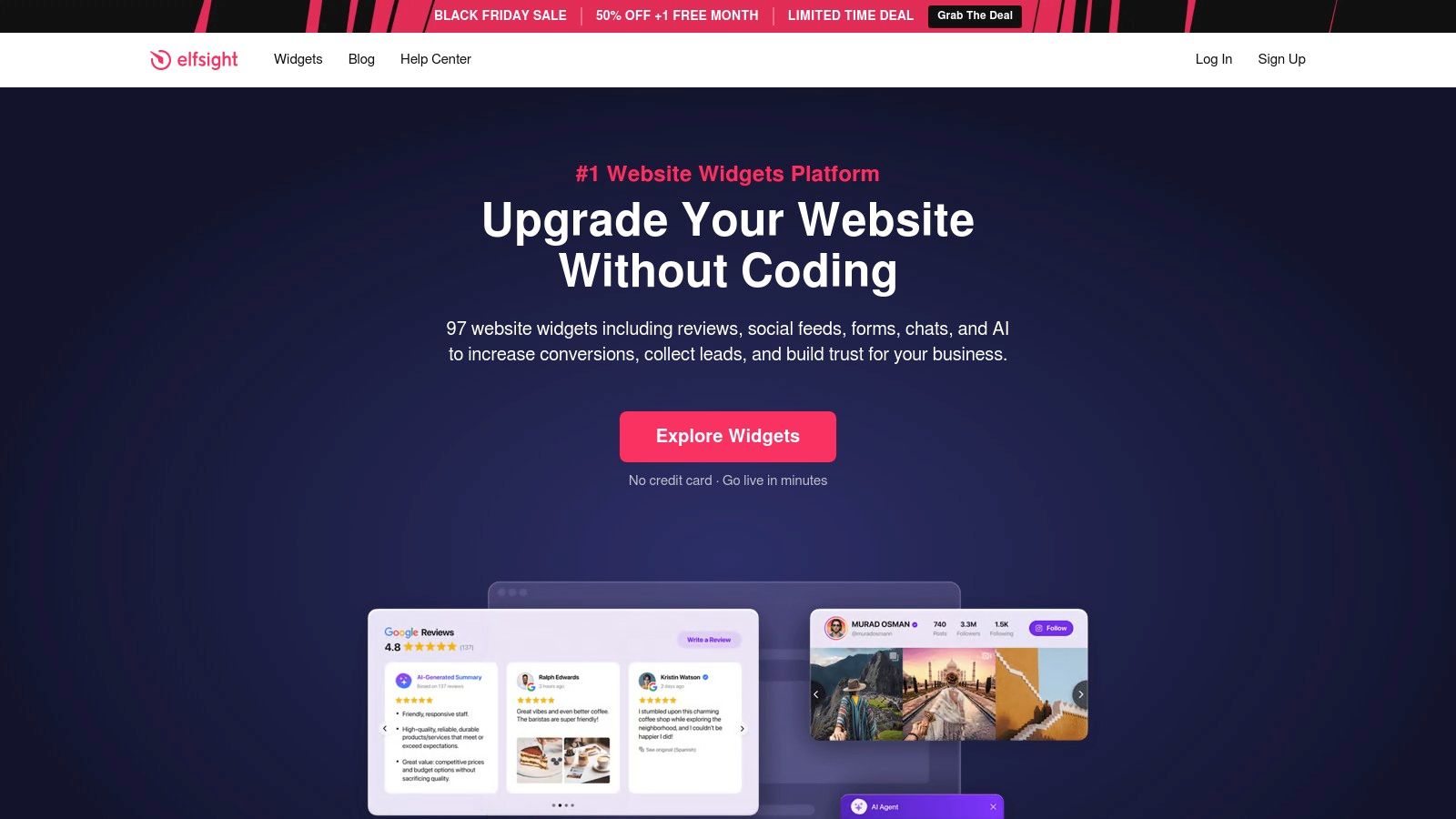
Elfsight serves as an extensive, all-in-one library for businesses needing a wide variety of no-code widgets for websites. Its key strength lies in its vast catalogue, offering over 90 different applications that cover everything from social media feeds and customer reviews to forms, galleries, and live chat functionalities. This makes it an ideal solution for small business owners or marketing professionals who need to add multiple features quickly without hiring a developer.
The platform is designed for maximum compatibility, working seamlessly with virtually any website builder or CMS, including WordPress, Shopify, Wix, and Squarespace. Implementation is straightforward: you customise your widget in Elfsight’s visual editor, then copy and paste a single line of code into your site’s HTML.
Key Features and Considerations
Elfsight's model allows you to subscribe to a single app or purchase an "All-in-One" plan, which grants access to the entire widget suite. This flexibility is cost-effective if you plan to use three or more widgets across your digital properties.
- Pricing Structure: Plans begin with a free tier (with Elfsight branding) and scale up based on the number of widgets and monthly views. Paid plans start from around £12/month for the All-Apps pack, which can be used on unlimited websites.
- Strengths: The primary advantages are its simplicity, broad widget selection, and excellent customer support, which includes free installation assistance on paid tiers.
- Limitations: A key consideration is the view limit on lower-tier plans. If your website traffic exceeds the monthly allowance, your widgets will temporarily stop displaying. Advanced customisation via CSS is also restricted to higher-priced plans.
For a fast and reliable way to add diverse functionality to your site, Elfsight is a top contender.
Website: https://elfsight.com/
3. Common Ninja
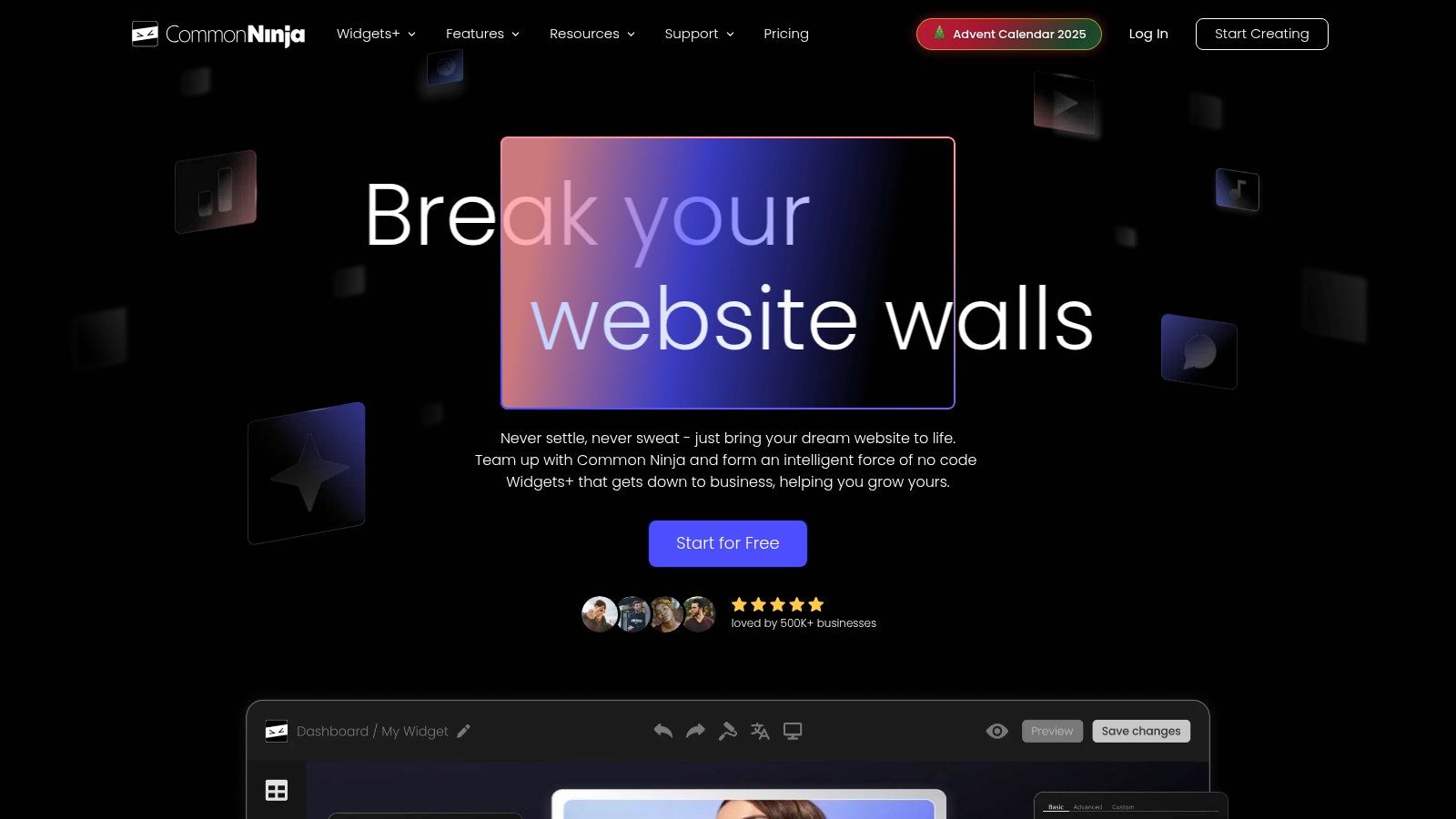
Common Ninja offers a large library of plug-and-play widgets for websites, with a strong focus on marketing and content enhancement tools. The platform features over 100 no-code applications, including unique options like pricing tables, tournament brackets, and before-and-after sliders, alongside standard offerings like forms and galleries. Its primary differentiator is a highly flexible pricing model, which allows users to pay based on the exact number of widget instances they need, rather than being locked into bundled plans.
This approach gives users fine-grained control over their spending, making it a cost-effective choice for those who only need a few specific tools. Like its competitors, implementation is simple: you customise the widget’s appearance using pre-made designer themes and then embed it onto any website builder or CMS with a snippet of code.
Key Features and Considerations
Common Ninja’s per-widget instance licensing makes it easy to scale your usage up or down without committing to a large, all-inclusive package. All paid plans come with a 3-day trial, allowing you to test the functionality before you buy.
- Pricing Structure: A free plan is available with branding and limitations. Paid plans are priced per widget, starting from around £4/month for a single widget instance with 30k monthly views. Prices scale with the number of instances and features you require.
- Strengths: The key advantage is its granular and flexible pricing, which is ideal for precise budgeting. The wide range of marketing-focused widgets also makes it a valuable resource for campaign-specific needs.
- Limitations: Advanced customisation using CSS is only available on the highest-tier plans. Additionally, some specialised widgets, like the popular Tournaments/Brackets tool, require their own separate subscription, which can add to the overall cost if you need it.
For businesses that need specific, high-quality widgets without paying for a full suite, Common Ninja provides an excellent, scalable solution.
Website: https://www.commoninja.com/
4. POWR
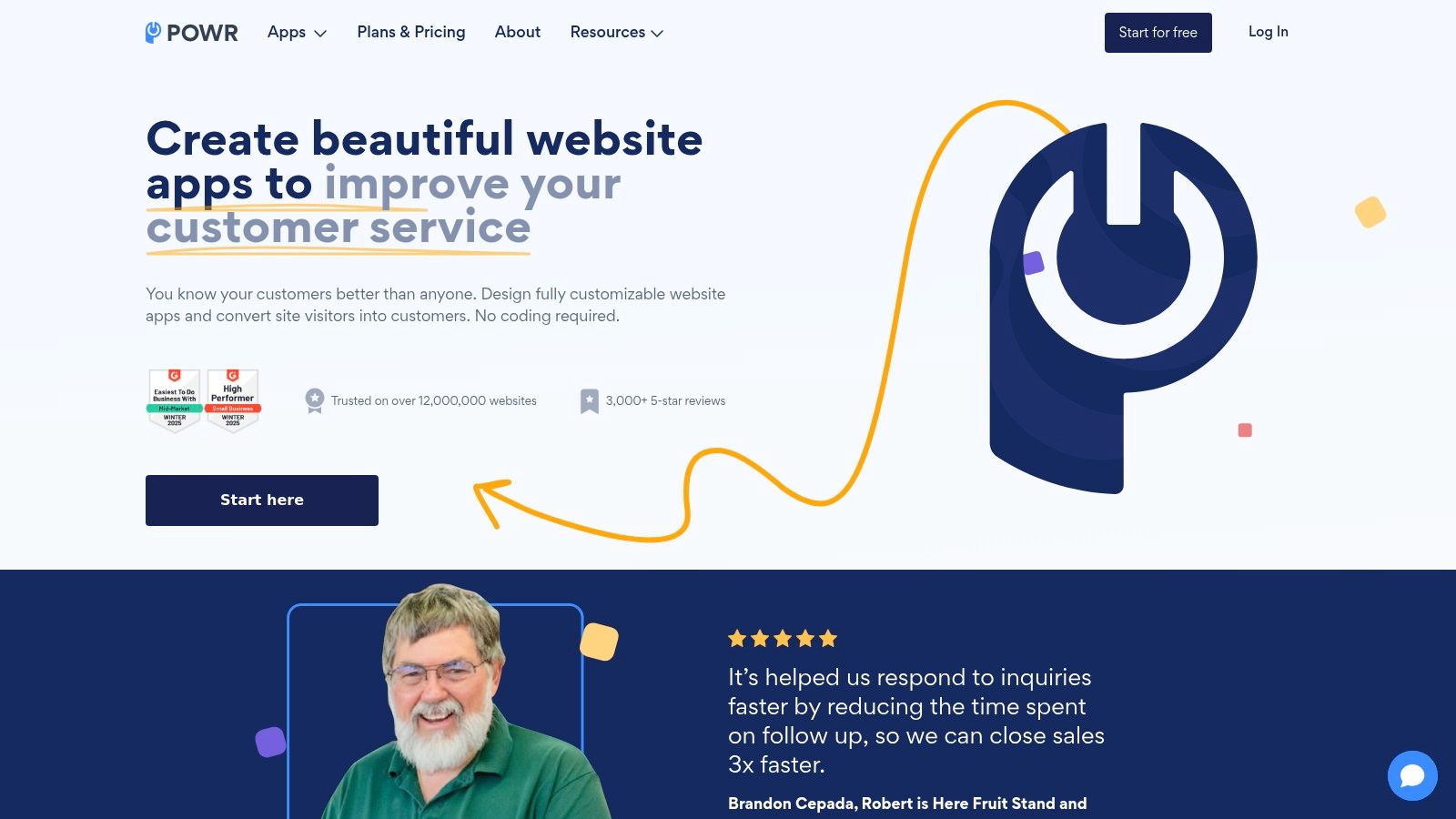
POWR is a long-standing and versatile suite of over 60 no-code widgets for websites, designed to help businesses increase leads, engage visitors, and support customers. Its extensive library covers a broad spectrum of functionalities, including customisable forms, pop-ups, social media feeds, photo galleries, and e-commerce tools like pricing tables. This comprehensive offering makes it a strong choice for website owners looking to consolidate their tools under a single, unified account.
The platform is built for wide-ranging compatibility, integrating smoothly with major website builders like Shopify, WordPress, Wix, and custom-coded sites. The setup process is designed to be user-friendly: you select an app, customise its appearance and settings within the POWR editor, and then embed the provided code snippet directly onto your webpage.
Key Features and Considerations
POWR’s pricing is flexible, offering both individual app subscriptions and bundled plans that provide access to the entire suite. This allows you to start small with a single widget and scale up as your needs grow, making it an accessible solution for businesses of all sizes.
- Pricing Structure: Each app has a free version with POWR branding. Paid plans are billed monthly or annually and scale based on usage limits or pageviews. Business plans unlock all features and provide higher capacity.
- Strengths: Its broad platform support and the ability to manage many common widget needs from one provider are significant advantages. The editor is intuitive, making customisation straightforward even for non-technical users.
- Limitations: The primary drawback is the pageview and submission caps on lower-tier plans, which can be restrictive for high-traffic sites. To access advanced features or remove branding, a paid subscription is necessary.
For a reliable, all-in-one solution that covers a vast range of website enhancements, POWR is a powerful and proven option.
Website: https://www.powr.io/
5. Getsitecontrol
Getsitecontrol specialises in conversion-focused widgets for websites, providing a powerful suite of tools designed to engage visitors and drive sales. Its core offerings centre around pop-ups, online forms, and targeted promotional bars, making it an excellent choice for e-commerce stores and marketers aiming to increase leads, reduce cart abandonment, and guide user behaviour. The platform distinguishes itself with advanced audience targeting and behavioural triggers.
The setup process is user-friendly, featuring a clean visual editor that allows you to design and launch widgets without touching a line of code. It integrates smoothly with major e-commerce platforms like Shopify and BigCommerce, as well as popular email marketing services such as Mailchimp and Klaviyo. You simply add a small code snippet to your site once to manage all your widgets from their dashboard.

Key Features and Considerations
Getsitecontrol’s real strength lies in its precise targeting capabilities, allowing you to display widgets based on traffic source, device, location, or on-site behaviour like scroll depth and time on page. This ensures your messages are highly relevant and effective.
- Pricing Structure: Plans are billed per website and start from around £22/month, with pricing tiers based on monthly widget views. All plans include access to all widget types and features like A/B testing.
- Strengths: The platform excels at e-commerce targeting, offering product-specific triggers and built-in email automation features. Its all-in-one approach for engagement tools is streamlined and easy to manage.
- Limitations: The primary drawback is that pricing is on a per-site basis, which can become costly for agencies or businesses managing multiple web properties. Additionally, email broadcast allowances are limited on lower plans, with extra sends billed separately.
For businesses focused on optimising conversions through targeted on-site messaging, Getsitecontrol is a formidable and intuitive solution.
Website: https://getsitecontrol.com/
6. SociableKIT
SociableKIT is a specialised solution for businesses that want to integrate dynamic social media content directly onto their websites. It focuses exclusively on creating embeddable social feeds, offering reliable widgets for websites that connect to platforms like Instagram, Facebook, TikTok, and even Google Reviews. Its primary strength is providing a stable, auto-syncing connection to these networks, ensuring your website always displays the latest posts, photos, or customer testimonials without manual updates.
The platform is designed for simplicity. Users select a social media source, customise the layout and design of the feed to match their brand, and then embed it on their site by copying a code snippet. This makes it an excellent choice for community managers, marketers, and business owners who need a dependable way to leverage social proof and user-generated content to enhance website engagement.

Key Features and Considerations
SociableKIT's model is built around bundled plans, which is ideal if you need to display feeds from multiple social sources. It offers extensive help-desk content and guides, making the setup process accessible even for non-technical users.
- Pricing Structure: A free plan is available, alongside a 7-day premium trial to test all features. Paid plans are bundle-based, starting from around £24/month, and offer access to multiple widgets and sources rather than single-widget subscriptions.
- Strengths: The platform excels at providing reliable, auto-updating social feeds, which is often a challenge with native embed options. Its user-friendly customisation editor and helpful support content are significant advantages.
- Limitations: The main drawback is the lack of a single-widget paid plan, meaning you must subscribe to a bundle even if you only need one feed. Advanced customisation options are often reserved for higher-tier premium plans.
For those prioritising a robust and easy-to-manage social media integration, SociableKIT is a focused and effective tool.
Website: https://www.sociablekit.com/
7. LightWidget
LightWidget specialises in one thing and does it exceptionally well: providing a fast, simple, and responsive Instagram feed widget for websites. It is the ideal choice for designers, developers, and small businesses whose primary need is to showcase their Instagram content without the overhead of a multi-purpose widget suite. Its focus on performance ensures that embedding your feed won’t slow your site down.
The platform's strength is its simplicity. You connect your Instagram account, customise the grid layout, number of columns, and image spacing, then generate a code snippet to paste into your website's HTML. The process is quick and user-friendly, making it a go-to solution for anyone needing to integrate Instagram content with minimal fuss. For those looking to explore this further, you can find detailed guidance on embedding Instagram on a website.

Key Features and Considerations
LightWidget's pricing model stands out from typical subscription services. It offers a free version with basic functionality and a one-time upgrade fee per widget for premium features like faster refresh rates and HTTPS support. This makes it a highly cost-effective solution for long-term use.
- Pricing Structure: A free version is available (updates every 24 hours). The upgraded version costs a one-time fee of around £8 ($10) per widget, which provides faster updates (every 30 minutes) and removes the branding link. An optional annual add-on for image optimisation is also available.
- Strengths: Its key advantages are affordability, ease of use, and lightweight performance. The one-time payment option is a significant benefit for users on a tight budget.
- Limitations: The widget’s scope is strictly limited to Instagram feeds, so it won’t suit those needing a broader range of functionalities. The most advanced features, like image optimisation, require an ongoing annual subscription per widget.
For a no-nonsense, budget-friendly, and performant Instagram feed widget, LightWidget is an excellent and focused tool.
Website: https://lightwidget.com/
8. WordPress.org Plugins Directory
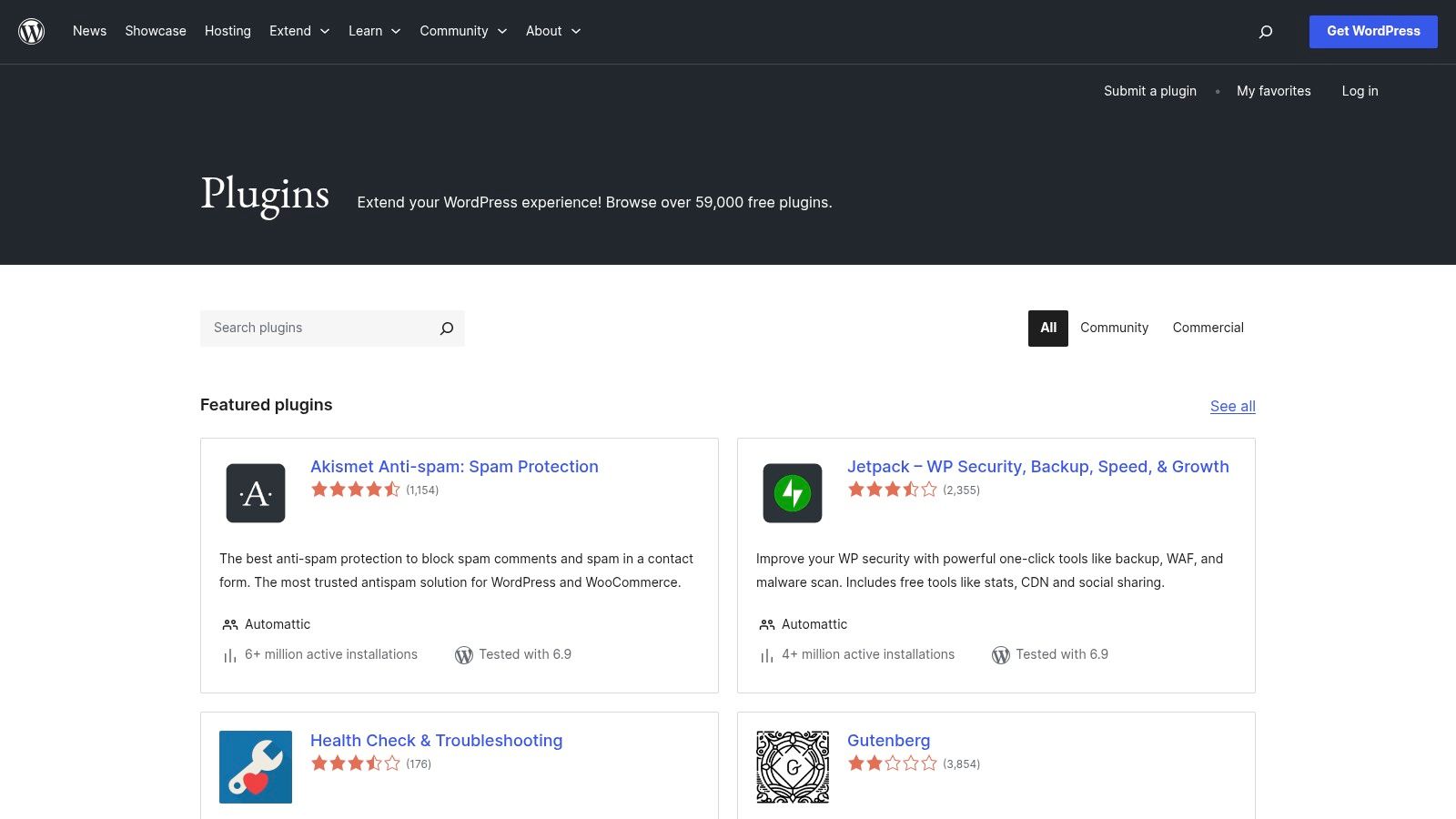
For users of the world’s most popular CMS, the official WordPress.org Plugins Directory is the ultimate resource for finding free and freemium widgets for websites. It hosts a colossal library of over 59,000 plugins, many of which are designed to add specific widget functionalities directly to your sidebars, footers, and pages. This makes it the go-to source for anyone on a self-hosted WordPress site looking for no-cost solutions.
The directory is fully integrated into the WordPress dashboard, allowing you to search, find, and install plugins in just a few clicks. Each plugin page provides vital information, including user ratings, last update date, active installation numbers, and compatibility with your version of WordPress. This transparency helps users gauge the quality and reliability of a plugin before installation.
Key Features and Considerations
While the directory offers an unparalleled selection, the quality and support can vary significantly from one plugin to another. It's crucial to check reviews and support forum activity before committing to a plugin for your site. Learning the basics of how to add widgets in WordPress can help you get the most out of this powerful ecosystem.
- Pricing Structure: The vast majority of plugins are completely free and open-source. Many operate on a freemium model, offering a free core version with optional paid upgrades for advanced features or support.
- Strengths: The biggest advantages are its cost (free), massive selection, and direct integration with WordPress. The active community forums also provide a valuable, albeit unofficial, support network.
- Limitations: The primary drawback is the inconsistency in quality. Some plugins may be outdated, poorly coded, or abandoned by their developers, potentially creating security risks. Support is also dependent on the individual plugin author.
For WordPress users, this directory is an essential, budget-friendly starting point for extending their site’s functionality.
Website: https://wordpress.org/plugins/
9. Shopify App Store
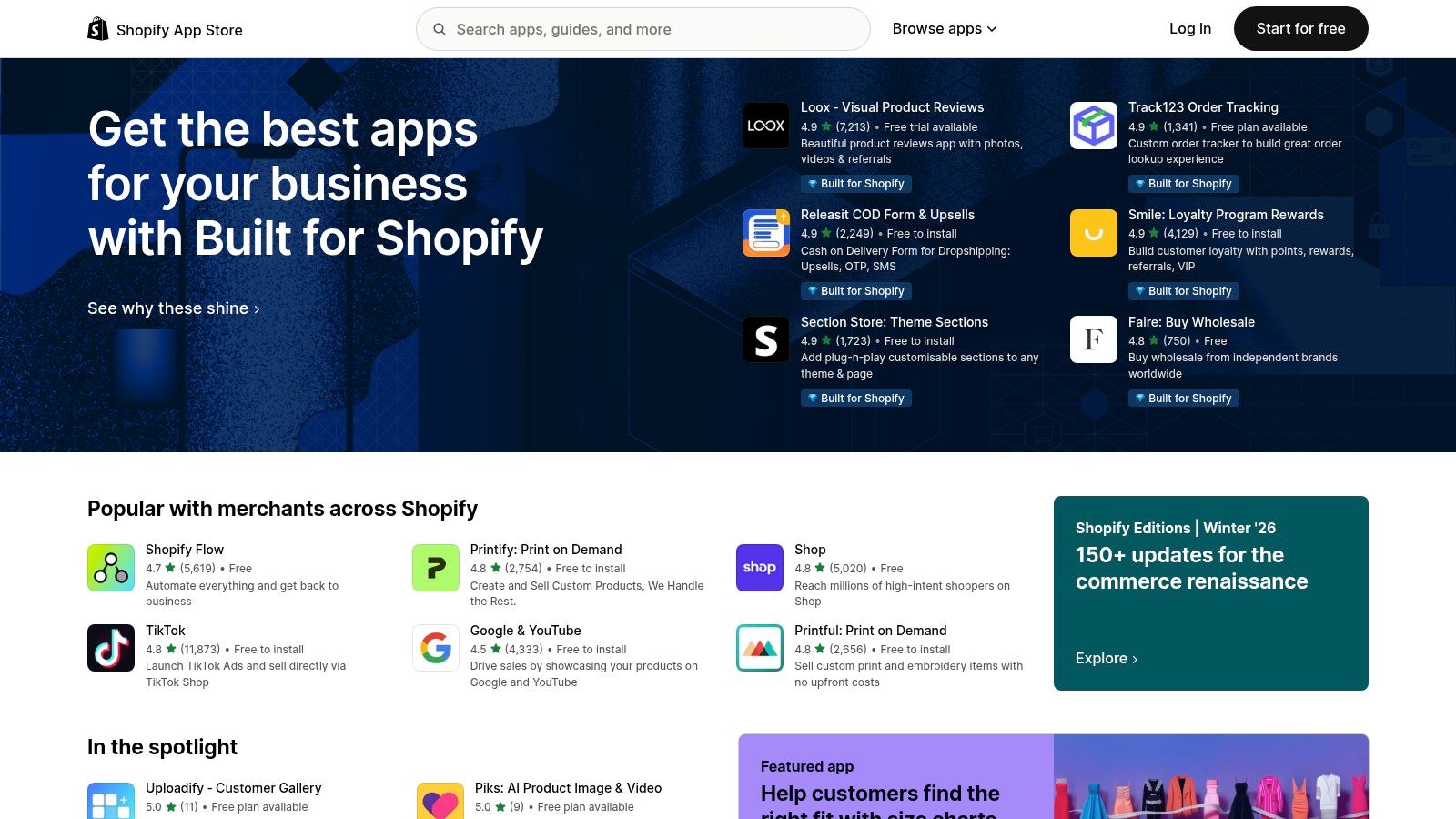
For businesses built on the Shopify platform, the official Shopify App Store is the primary hub for sourcing powerful, deeply integrated widgets for websites. While not a universal widget provider, it serves as an essential marketplace for the millions of merchants using the platform, offering over 8,000 apps designed specifically to enhance Shopify stores. These apps cover every conceivable ecommerce function, from customer reviews and live chat to advanced upselling, popups, and loyalty programmes.
The key advantage is the seamless, one-click installation process directly from the Shopify admin dashboard. Apps are built to work flawlessly with Shopify's themes, checkout process, and core functionalities. The marketplace’s robust review and rating system, combined with a "Built for Shopify" quality filter, helps merchants make informed decisions when selecting new tools to add to their online stores.
Key Features and Considerations
The App Store provides unparalleled convenience for Shopify users, eliminating compatibility concerns that can arise with third-party widget providers. Each app listing details pricing, features, and user reviews, creating a transparent selection process.
- Pricing Structure: Varies significantly by app. Many offer free plans, free trials, or freemium models, but most powerful features require a separate monthly subscription on top of your Shopify plan.
- Strengths: The deep integration with Shopify’s ecosystem is a major benefit, ensuring reliability and performance. The extensive user reviews and a strong vetting process provide a trustworthy guide for choosing high-quality apps.
- Limitations: This resource is exclusive to Shopify merchants. The cost of multiple app subscriptions can add up quickly, becoming a significant monthly expense for stores needing extensive functionality.
For any business on Shopify, its official App Store is the first and best place to find well-optimised widgets.
Website: https://apps.shopify.com/
10. Wix App Market
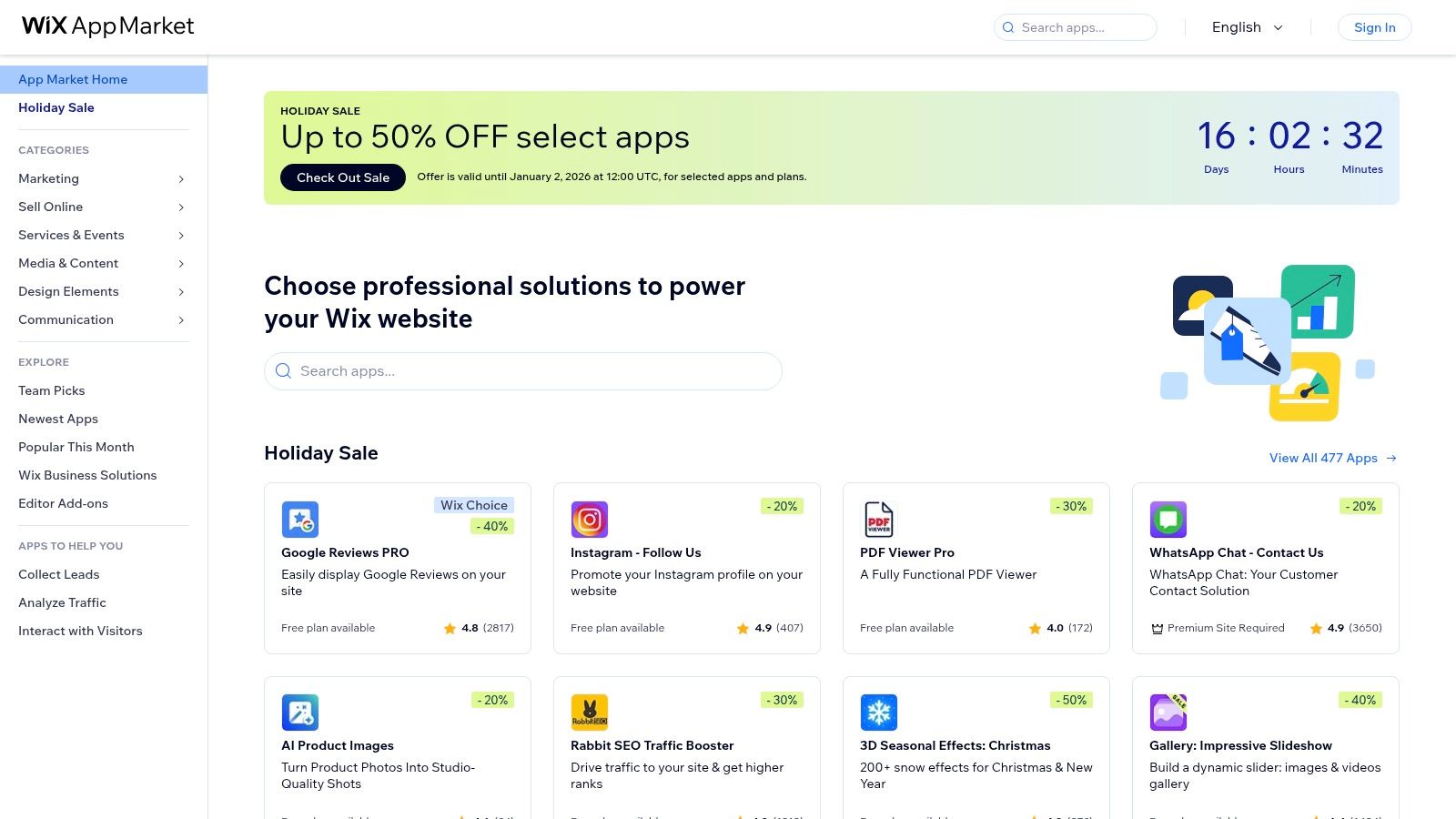
For businesses already built on the Wix platform, the Wix App Market is the most integrated source for powerful widgets for websites. It acts as an official, native marketplace featuring over 800 applications designed to expand a site's functionality. You can find everything from live chat and booking systems to advanced forms, pricing tables, and membership portals, all built specifically for the Wix ecosystem. Its key strength is the seamless installation process, allowing users to add and configure new features directly from their Wix Editor or Dashboard with just a few clicks.
This deep integration means the widgets often inherit your site's design settings, ensuring a consistent look and feel without manual coding. The apps are developed by both Wix and third-party creators, providing a wide variety of tools to enhance user engagement and streamline business operations directly within the platform you already use.
Key Features and Considerations
The Wix App Market offers a mix of free, freemium, and premium applications, giving users flexibility based on their budget and needs. All installed apps can be managed from a central "Manage Apps" area in your site's dashboard, simplifying updates and support access.
- Pricing Structure: Many apps offer a free basic version, with premium features available through monthly subscriptions. Pricing varies significantly between apps, and these costs are separate from your main Wix website plan. Wix often runs sales and promotions on popular apps.
- Strengths: The primary advantage is the effortless, one-click installation and perfect UI integration within the Wix environment. There's no need to handle code or worry about compatibility issues.
- Limitations: The most significant drawback is that these apps are exclusive to the Wix platform and cannot be used on any other website builder or CMS. Furthermore, relying on multiple premium apps can increase your monthly costs, as each may require its own separate subscription.
For Wix users, the App Market is the undisputed go-to for adding tailored and reliable functionality.
Website: https://www.wix.com/app-market
11. Squarespace Extensions
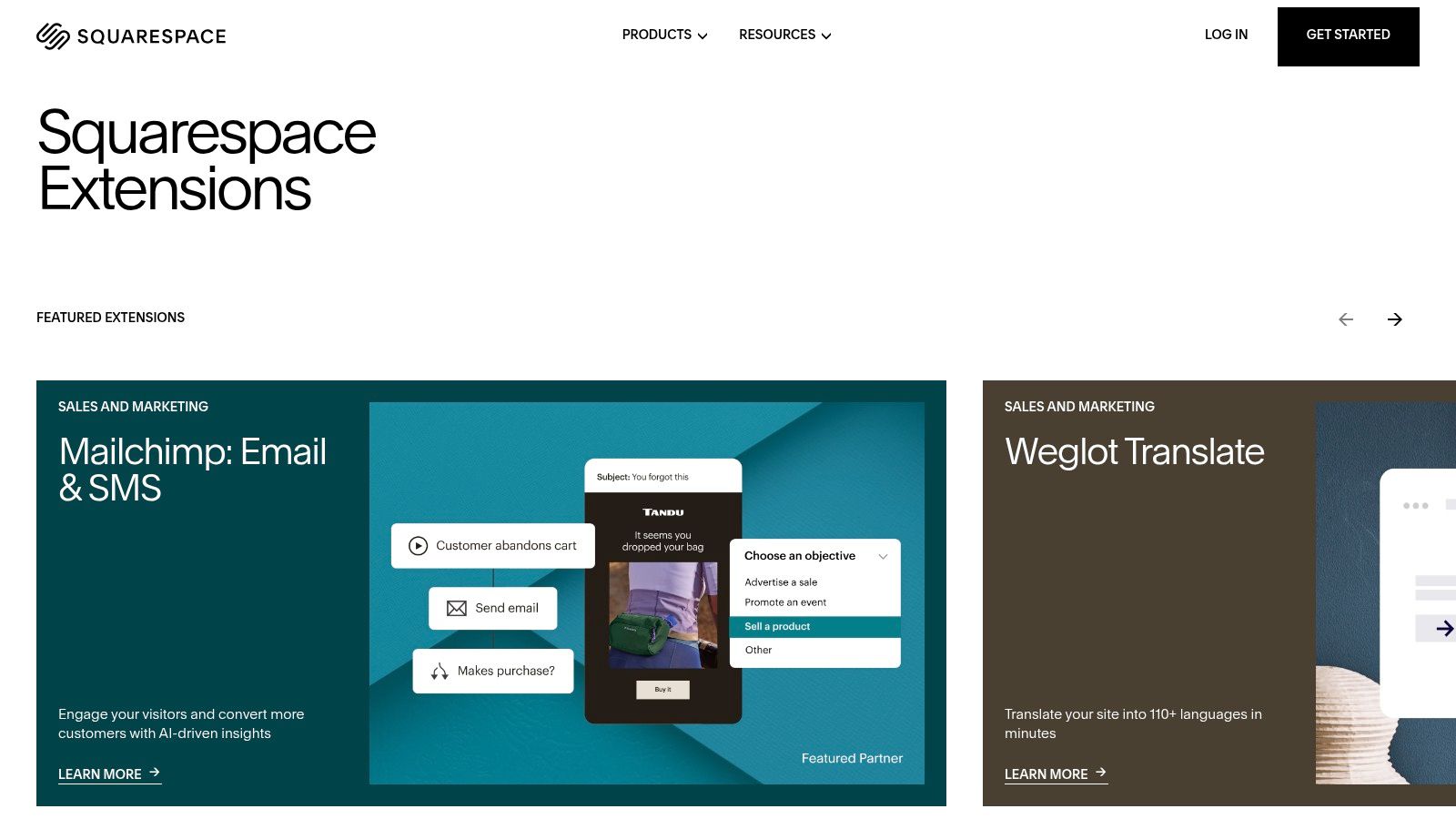
For users already embedded in the Squarespace ecosystem, Squarespace Extensions offers a curated marketplace of third-party widgets for websites designed to enhance functionality. Unlike broad widget libraries, its strength lies in providing vetted, high-quality integrations that focus primarily on commerce and operational workflows, such as shipping, accounting, marketing, and fulfilment. This makes it an essential resource for Squarespace store owners looking to scale their operations without custom development.
The platform ensures that every extension integrates seamlessly with your Squarespace site, managed directly from your website settings. This native connection removes the guesswork often associated with third-party tools, providing a reliable way to connect services like ShipStation for logistics, Mailchimp for email marketing, or Weglot for website translation.
Key Features and Considerations
The value of Squarespace Extensions is its deep integration, which simplifies connecting powerful backend tools that go beyond the platform's built-in blocks. While the catalogue is more focused, each app is selected to solve a specific business need for Squarespace users.
- Pricing Structure: While access to the marketplace is free, each extension has its own subscription fee set by the third-party developer. This means costs can add up quickly depending on how many services you connect.
- Strengths: The primary advantages are the curated, trustworthy nature of the integrations and their seamless connection to your site. It significantly improves logistics, marketing, and growth workflows for e-commerce businesses.
- Limitations: The selection is less focused on front-end UI widgets (like pop-ups or social feeds) compared to other platforms. The reliance on separate subscriptions for each extension can also increase overall monthly costs significantly.
For Squarespace users, this is the most reliable way to add powerful, commerce-focused functionality.
Website: https://www.squarespace.com/extensions/home
12. Webflow Marketplace (Apps)
For those building on the Webflow platform, the official Webflow Marketplace is the primary destination for integrated widgets for websites, referred to as "Apps". Rather than a third-party library, this is a native ecosystem of tools specifically designed to extend Webflow’s core capabilities. It offers integrations that seamlessly connect with the Webflow Designer, CMS, and Ecommerce systems, covering everything from advanced search and multilingual solutions to marketing automation.
The key advantage is the deep integration. Unlike generic embeddable widgets, these Apps often interact directly with your Webflow project's data, such as CMS items or form submissions. Installation is managed directly within your Webflow dashboard through a clear authorisation process, giving you control over what each app can access. This provides a more powerful and secure way to add complex functionality without custom code.
.png)
Key Features and Considerations
Webflow Apps are designed to feel like a natural extension of the platform, enhancing existing workflows rather than requiring you to work around them. The marketplace is categorised to help you find solutions for building, managing, or optimising your site.
- Pricing Structure: The Marketplace itself is free to browse. However, most Apps are developed by third-party SaaS companies and require their own separate subscriptions and pricing plans.
- Strengths: The primary benefits are the deep, native integrations that respect Webflow’s design-first approach, a transparent permissions model, and a rapidly expanding catalogue of high-quality tools.
- Limitations: The biggest limitation is that these Apps are exclusively for the Webflow platform. Furthermore, the reliance on external SaaS subscriptions means costs can accumulate quickly if you install multiple high-value apps.
For Webflow users, the Marketplace is the most efficient and powerful way to add advanced features.
Website: https://webflow.com/marketplace/apps
Top 12 Website Widgets Comparison
| Tool | Core features | UX / Quality | Pricing & Value | Target audience & USP |
|---|---|---|---|---|
| Elfsight – Grow Your Biz | No-code widget showcase, visual configurator, cloud-delivered widgets ✨ | ★★★★ — curated, fast evaluation | 💰 Access to vendor trials; depends on vendor plans | 👥 Marketers/agents/SMBs — ✨ quick testing & rollout 🏆 |
| Elfsight | 90+ embeddable widgets, visual editor, multi-CMS support | ★★★★ — plug-and-play reliability | 💰 Plans by views/widgets; single or all-app bundles | 👥 Agencies & SMBs — ✨ broad widget library, scales across sites |
| Common Ninja | 100+ widgets, designer themes, per-instance licensing | ★★★★ — flexible, designer-friendly | 💰 Per-widget-instance pricing; 3-day trial | 👥 Sites needing fine-grained billing — ✨ control over instances |
| POWR | 60+ apps (forms, popups, feeds), usage/pageview tiers | ★★★ — mature, stable | 💰 Usage/pageview pricing; app-specific plans; branding removal | 👥 SMBs across platforms — ✨ wide coverage from one vendor |
| Getsitecontrol | Popups, email capture, A/B testing, automations & ecommerce targeting | ★★★★ — conversion-focused, data-rich | 💰 Per-site pricing; email sends metered beyond allowances | 👥 Ecommerce stores & marketers — 🏆 conversion automations |
| SociableKIT | Social/feed widgets (IG, FB, TikTok, Google Reviews), auto-sync | ★★★★ — reliable social embeds | 💰 Bundled plans; free tier + 7-day premium trial | 👥 Social-first sites/agencies — ✨ cross-network feed reliability |
| LightWidget | Lightweight Instagram grids, lightbox, one-time license option | ★★★★ — simple & fast | 💰 Free + one-time upgrade per widget; optional annual opt | 👥 Designers & small businesses — ✨ low-cost IG-only solution |
| WordPress.org Plugins Directory | 59k+ plugins including widgets/blocks; dashboard install | ★★★–★★★★ (varies) — huge choice, mixed quality | 💰 Free / freemium; open-source | 👥 Self-hosted WordPress users — 🏆 massive catalog & community |
| Shopify App Store | 8,000+ apps for reviews, chat, upsells, search, checkout integration | ★★★★ — vetted ecommerce integrations | 💰 Many paid apps; trials shown on listings | 👥 Shopify merchants & agencies — 🏆 deep checkout/theme integration |
| Wix App Market | 800+ apps, install from Editor/Dashboard, mix free/premium | ★★★★ — seamless UI integration | 💰 Mix of free/premium; some included with Wix plans | 👥 Wix site owners — ✨ tight editor/UX fit |
| Squarespace Extensions | Curated commerce & operational integrations (shipping, translations, marketing) | ★★★★ — curated, reliable | 💰 Mostly paid extensions; subscription common | 👥 Squarespace stores — ✨ trustworthy commerce workflows |
| Webflow Marketplace (Apps) | Apps for Designer/CMS: automation, search, analytics, ecommerce | ★★★★ — design-centric, transparent permissions | 💰 Many apps require separate SaaS fees | 👥 Webflow designers & builders — ✨ fits Webflow workflows |
Activating Your Website's Full Potential
We've explored a comprehensive landscape of tools and platforms, from versatile all-in-one suites like Elfsight and POWR to the vast, integrated ecosystems of the WordPress Plugin Directory and Shopify App Store. The journey through the world of widgets for websites reveals a fundamental truth: a static website is a missed opportunity. Your digital storefront or professional hub has the potential to be a dynamic, interactive, and highly efficient engine for growth.
The power of these tools lies not just in their individual functions, whether it's a social media feed, a customer review showcase, or a lead-capture pop-up. The true transformative impact comes from strategically combining them to create a seamless and persuasive user journey. A well-placed testimonial widget builds trust, a chatbot provides instant support, and an event calendar keeps your audience engaged. Each element works in concert to enhance the user experience and guide visitors towards your desired goals.
Your Strategic Implementation Plan
To move from information to action, it’s crucial to approach widget implementation with a clear strategy. Avoid the temptation to add functionality for its own sake, which can lead to a cluttered interface and slow loading times. Instead, focus on a methodical approach.
-
Define Your Primary Goal: What is the single most important action you want visitors to take? Is it to increase sales, generate leads, reduce support queries, or grow your social media following? Your primary objective will dictate which widgets for websites you prioritise. An e-commerce site might start with a reviews widget, while a consultant may focus on a booking calendar.
-
Audit Your User Experience: Analyse your website's analytics. Where do users drop off? What are your most popular pages? Use this data to identify friction points or opportunities. A high bounce rate on a product page, for instance, could be addressed with an FAQ widget or a live chat to answer immediate questions.
-
Start Small and Measure: You don't need to implement ten new widgets overnight. Select one or two high-impact tools that directly address your primary goal. Install them, configure them to match your brand's look and feel, and then meticulously track their performance. Set up conversion goals in your analytics platform to measure their direct impact on sign-ups, sales, or other key metrics. Once you've selected your ideal interactive widgets, learning how to style your website widgets to match your brand's aesthetic is crucial for seamless integration and activating your website's full potential.
Final Considerations Before You Begin
Remember that performance is paramount. Every widget you add introduces new code to your site, which can affect its loading speed. Always test your website’s performance before and after implementing a new tool using services like Google PageSpeed Insights. Choose widgets from reputable providers known for their clean, optimised code.
Ultimately, the most effective widgets for websites are those that feel like a natural extension of your brand, providing genuine value to your visitors. They should solve a problem, answer a question, or make a process easier. By adopting this user-centric, data-driven approach, you can transform your website from a passive digital brochure into a powerful, automated tool that actively works to achieve your business objectives. The tools are ready; your website’s evolution starts now.
Ready to discover even more tools to enhance your digital presence? The Digital Marketing Toolbox is a curated directory featuring hundreds of the best software solutions, from analytics to SEO. Find the perfect tools to complement your website widgets and accelerate your growth by visiting The Digital Marketing Toolbox today.


