
In today's fast-paced market, disjointed processes and manual tasks are significant barriers to marketing success. Juggling campaigns, content, data, and deadlines without a centralised system leads to missed opportunities, team burnout, and inconsistent results. This is where dedicated marketing workflow tools become essential. They are no longer a luxury but the core engine for growth, enabling teams to automate repetitive work, collaborate seamlessly, and gain clear visibility into campaign performance. Without them, your strategy is built on shaky ground, relying on spreadsheets and email chains that are prone to error and inefficiency.
An organised workflow allows your team to focus on strategy and creativity rather than getting bogged down in administrative chaos. To initiate such an overhaul, exploring the best workflow automation tools available can provide a solid starting point for enhancing efficiency. This guide builds on that concept, focusing specifically on the marketing function to help you cut through the noise. We will analyse 12 of the best platforms designed to streamline marketing operations, from initial brief to final report.
This article is your roadmap to finding the right solution. We have categorised each tool by its core function, including:
- All-in-one automation suites
- Dedicated project and content management hubs
- Social media schedulers
- Powerful analytics platforms
Each review includes an honest assessment of its features, ideal use cases, pricing, and key integration capabilities. With direct links and screenshots, you can quickly evaluate which platform best aligns with your team’s specific needs to organise your efforts, standardise processes, and ultimately drive better marketing outcomes.
1. HubSpot Marketing Hub
HubSpot Marketing Hub stands out as a comprehensive, all-in-one platform designed to unify marketing, sales, and service activities around a central CRM. Its core strength lies in its visual workflow builder, which allows marketers to create sophisticated, multi-step automation sequences for everything from lead nurturing to internal team notifications. For businesses aiming to achieve end-to-end funnel visibility, this is a powerful tool.
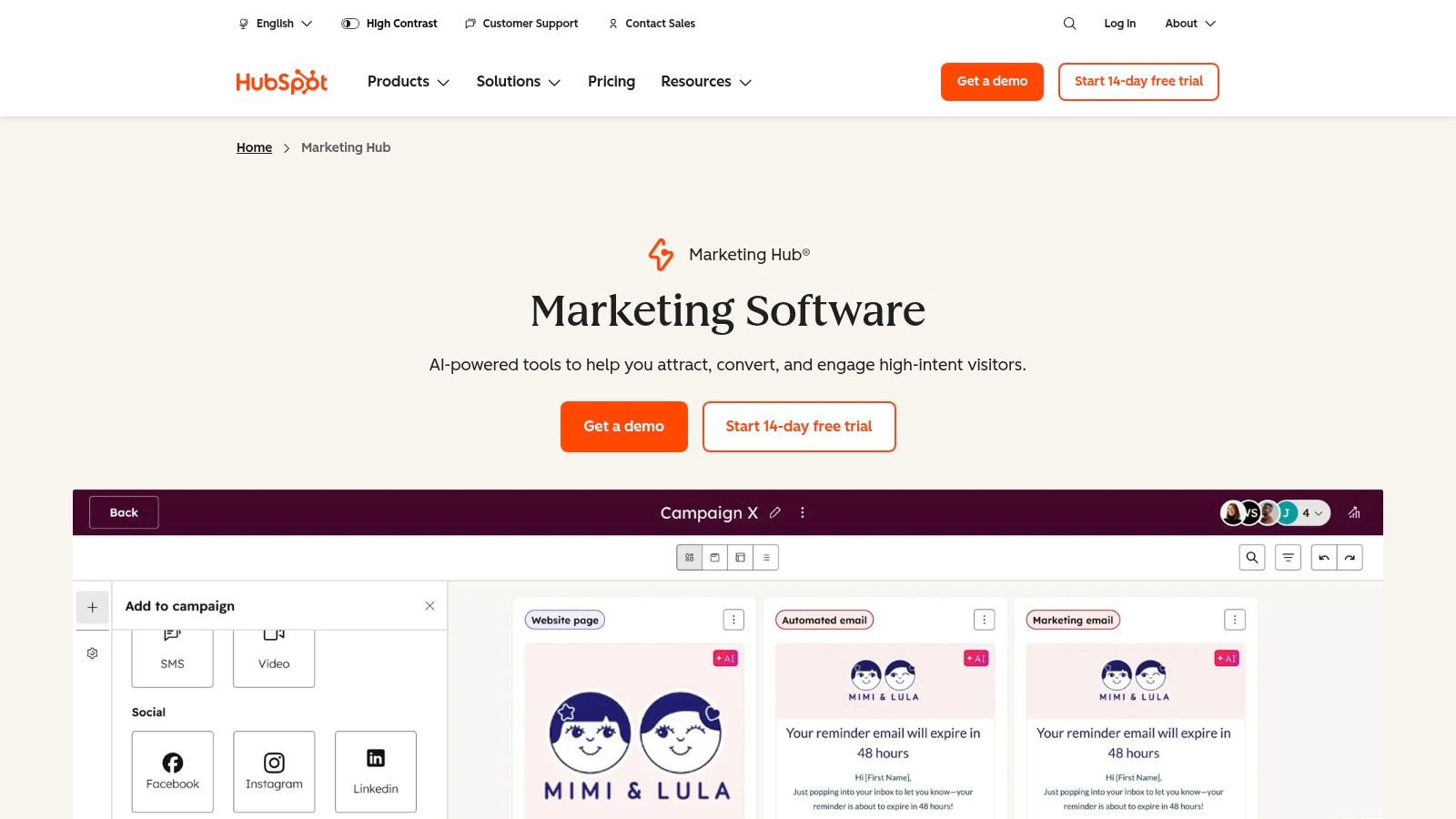
Unlike point solutions that only handle one part of the marketing process, HubSpot connects email campaigns, landing pages, ad management, and reporting directly to customer data. This integration provides clearer attribution and a more holistic view of the customer journey, making it one of the most effective marketing workflow tools available. You can learn more about how this type of marketing automation works and its potential impact on your strategy.
Key Features & Considerations
- Best For: Teams that need a single source of truth for marketing and sales data, especially those committed to inbound marketing methodologies.
- Pros: The platform’s mature onboarding and extensive template library help teams implement best practices quickly. Its broad partner ecosystem and app marketplace ensure it can connect to almost any other tool in your stack. For those leveraging these connections, understanding HubSpot's integration capabilities is crucial for a streamlined workflow.
- Cons: The cost can escalate significantly as your contact list or team size grows, particularly on advanced tiers. Additionally, some professional and enterprise plans require a paid onboarding fee.
- Pricing: A limited free plan is available. Paid tiers start at £15/month (Starter), £660/month (Professional), and £2,970/month (Enterprise), billed annually.
Website: https://www.hubspot.com/products/marketing
2. Adobe Marketo Engage
Adobe Marketo Engage is an enterprise-grade automation platform tailored for managing complex, multi-channel marketing campaigns at scale. Its primary strength lies in its ability to handle sophisticated lead and account-based marketing (ABM) strategies, allowing teams to build deeply personalised nurture programs and scoring models. For large organisations with multifaceted sales cycles, Marketo provides the depth needed to align marketing efforts directly with revenue goals.
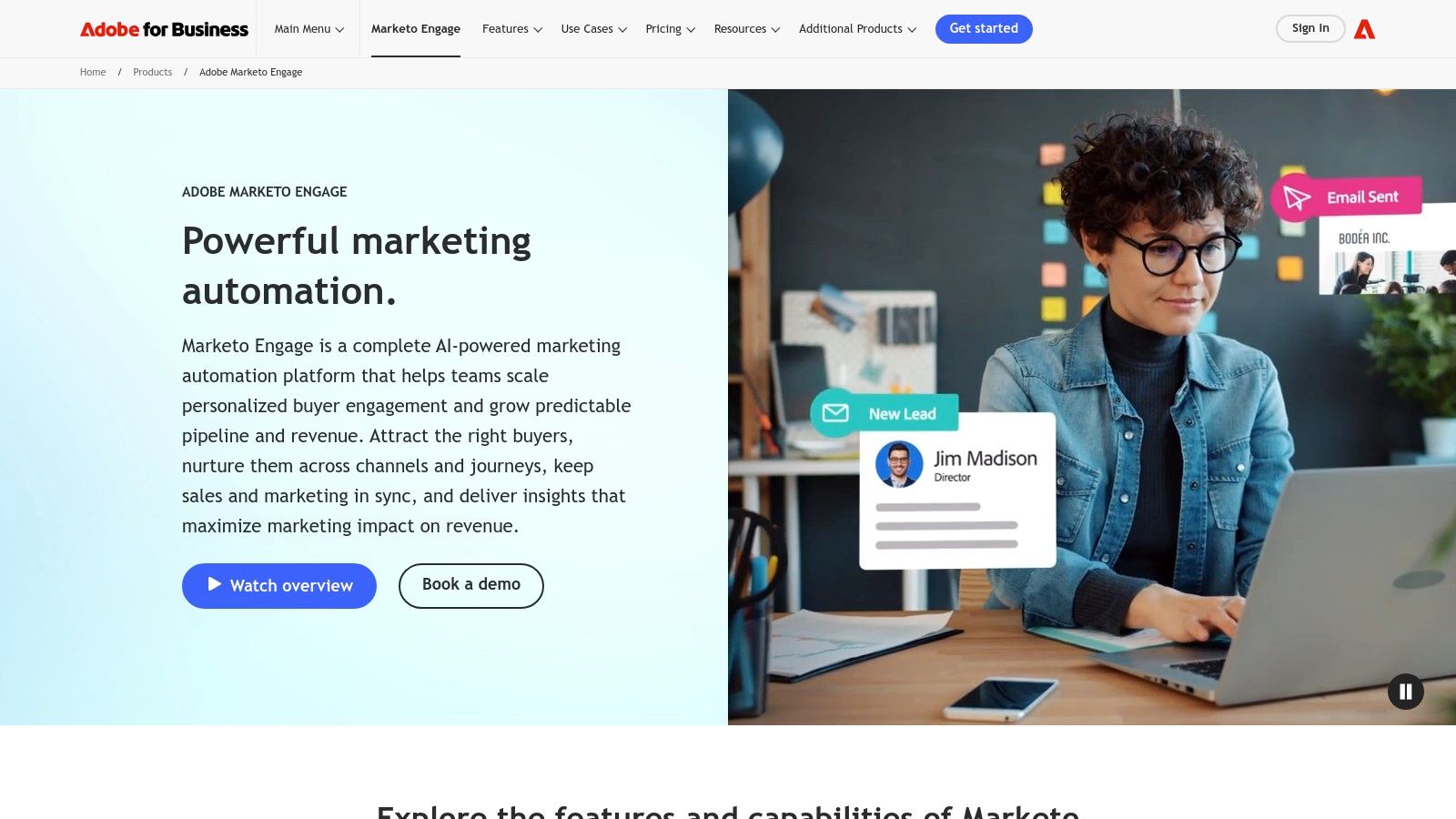
Unlike platforms focused on inbound simplicity, Marketo excels in orchestrating omnichannel journeys across email, mobile, social, and web. Its native integrations with major CRMs like Salesforce and Microsoft Dynamics create a seamless data flow, enabling advanced attribution and performance analytics. This focus on measurement and scalability makes it one of the most powerful marketing workflow tools for businesses that require granular control and robust reporting capabilities.
Key Features & Considerations
- Best For: Enterprise B2B and B2C companies with dedicated marketing operations teams that manage large-scale, data-driven campaigns.
- Pros: The platform is highly scalable, supporting intricate segmentation, governance, and complex programme logic. Its deep ecosystem of integrations and advanced analytics add-ons, like Marketo Measure, provide unparalleled performance insights.
- Cons: The platform has a steep learning curve, often requiring specialised expertise to manage effectively. Pricing is quote-only, and the procurement process can be lengthy and resource-intensive for smaller organisations.
- Pricing: Custom quote-based pricing only. Packages are typically tailored to database size, feature requirements, and add-on modules.
Website: https://business.adobe.com/products/marketo.html
3. Salesforce Marketing Cloud (including Account Engagement)
Salesforce Marketing Cloud is an enterprise-grade suite designed for sophisticated, multi-channel customer engagement. Its core power lies in Journey Builder, which orchestrates personalised customer paths across email, mobile, and advertising. For businesses already integrated into the Salesforce ecosystem, it provides unparalleled connectivity to sales and service data, making it one of the most powerful marketing workflow tools for creating a unified customer view.
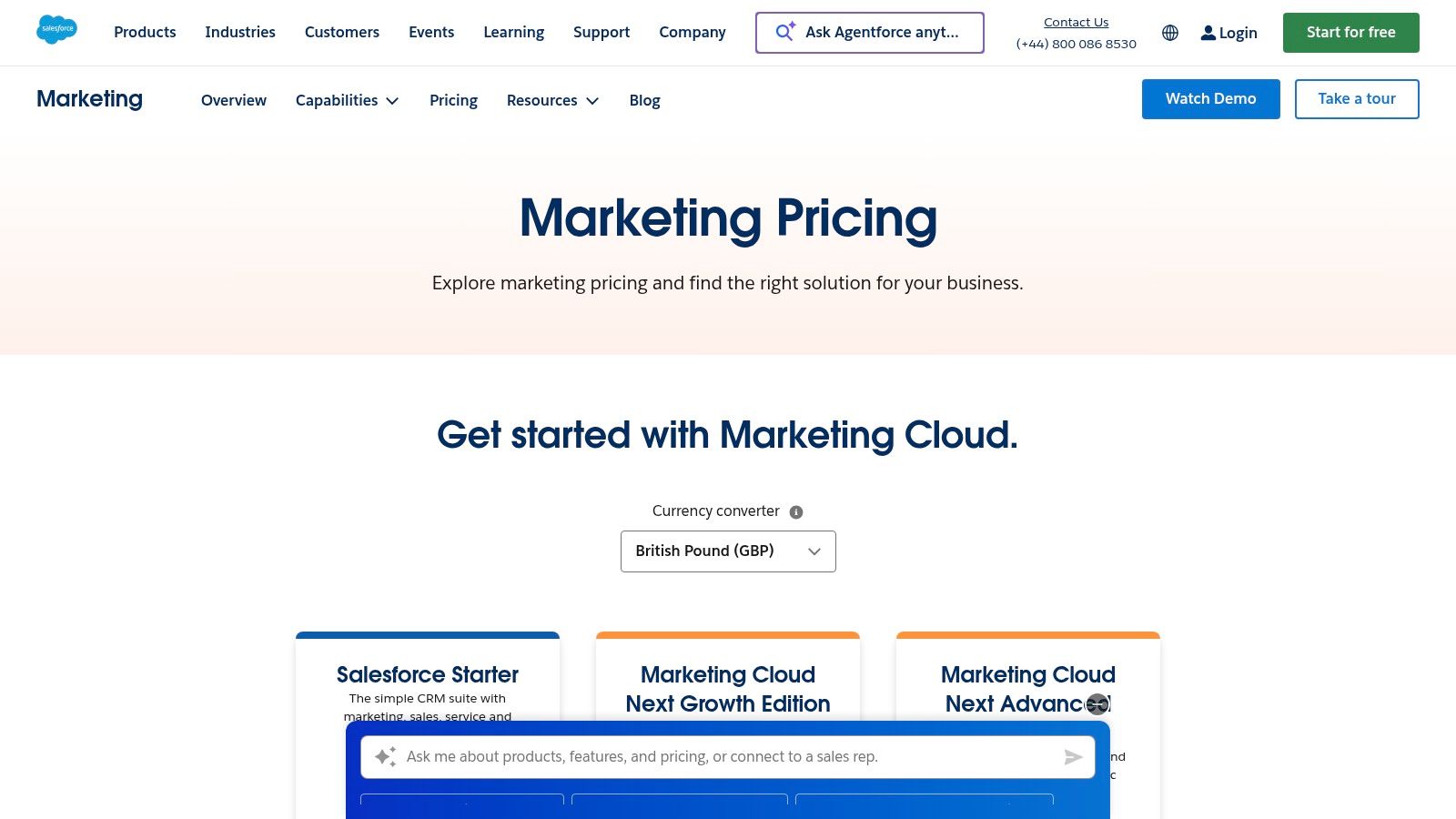
The platform is complemented by Account Engagement (formerly Pardot), which focuses specifically on B2B marketing automation. This module provides advanced lead nurturing, scoring, and analytics tailored to longer sales cycles. The deep integration with Salesforce CRM ensures that marketing efforts are directly aligned with sales activities, providing clear visibility into how campaigns influence pipeline and revenue. This tight coupling makes it an ideal choice for data-driven organisations.
Key Features & Considerations
- Best For: Enterprise-level organisations, especially those already using Salesforce CRM, that require robust security, scalability, and complex multi-channel journey orchestration.
- Pros: The native connection to Salesforce CRM is seamless, providing a single source of truth for customer data. Its enterprise-level security and permission models are ideal for large, regulated industries. The AppExchange offers extensive integration possibilities.
- Cons: The platform's complexity often necessitates specialised expertise or a certified implementation partner for initial setup and optimisation. Most editions require an annual contract, which can be a significant upfront commitment.
- Pricing: Account Engagement (Pardot) plans start at £1,000/month (Growth), £2,200/month (Plus), and £3,200/month (Advanced), billed annually. Marketing Cloud pricing is quote-based.
Website: https://www.salesforce.com/uk/marketing/pricing/
4. Mailchimp
Mailchimp is a cornerstone in email marketing, renowned for its user-friendly interface and robust automation features that cater especially well to small and medium-sized enterprises (SMEs). It excels at simplifying the process of building customer journeys, allowing marketers to create automated sequences for welcome emails, abandoned cart reminders, and re-engagement campaigns with minimal setup. Its strength lies in making sophisticated automation accessible to teams without dedicated technical resources.
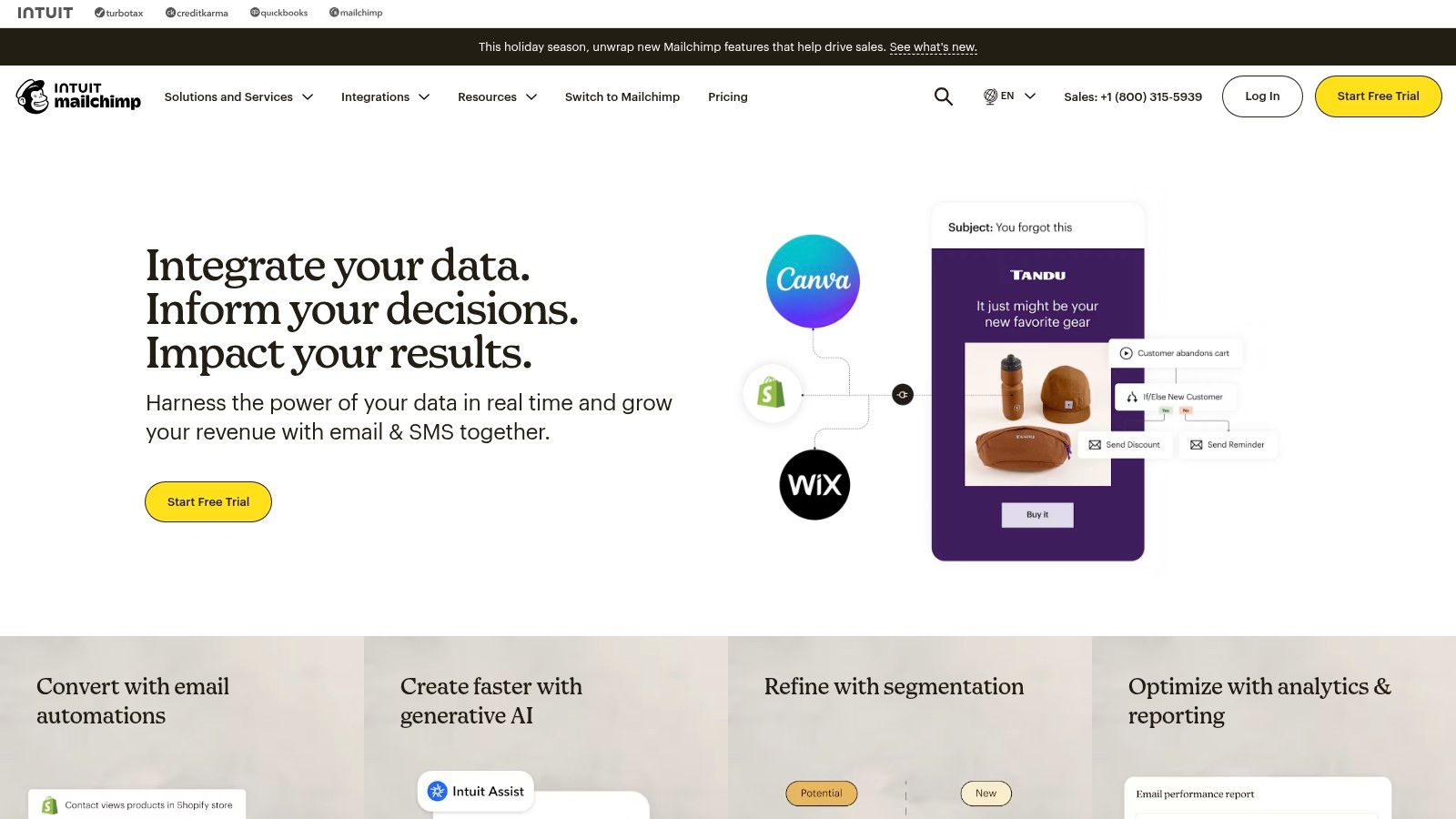
More than just an email tool, Mailchimp has evolved into a multi-channel platform incorporating landing pages, social ads, and an optional SMS add-on for UK businesses. This allows for the creation of cohesive, cross-channel marketing workflow tools within a single ecosystem. By connecting directly with major e-commerce platforms, it provides a streamlined workflow for online retailers looking to turn customer data into targeted, revenue-driving campaigns.
Key Features & Considerations
- Best For: SMEs and e-commerce businesses needing a quick-to-launch email and automation platform with an extensive template library.
- Pros: The platform is famously fast to deploy, supported by a vast library of templates and clear help documentation, particularly around plan limits and UK SMS rules. Its widespread adoption ensures excellent integration support within the UK tech ecosystem.
- Cons: Costs can become unpredictable due to overage charges if your contact list or send volume exceeds your plan's tier. Access to more advanced features like multivariate testing, comparative reporting, and sophisticated audience segmentation requires upgrading to higher-priced plans.
- Pricing: A limited free plan is available. Paid plans start with Essentials from £11.01/month, Standard from £17/month, and Premium from £305/month, with prices scaling based on contact numbers.
Website: https://mailchimp.com
5. ActiveCampaign
ActiveCampaign excels at providing powerful and granular marketing automation that rivals enterprise-level systems, but at a price point accessible to small and medium-sized businesses. Its core is a highly flexible visual workflow builder that allows for intricate, logic-based sequences using goals, split paths, and go-to actions. This makes it one of the most capable marketing workflow tools for creating truly personalised customer journeys based on behaviour, engagement, and CRM data.
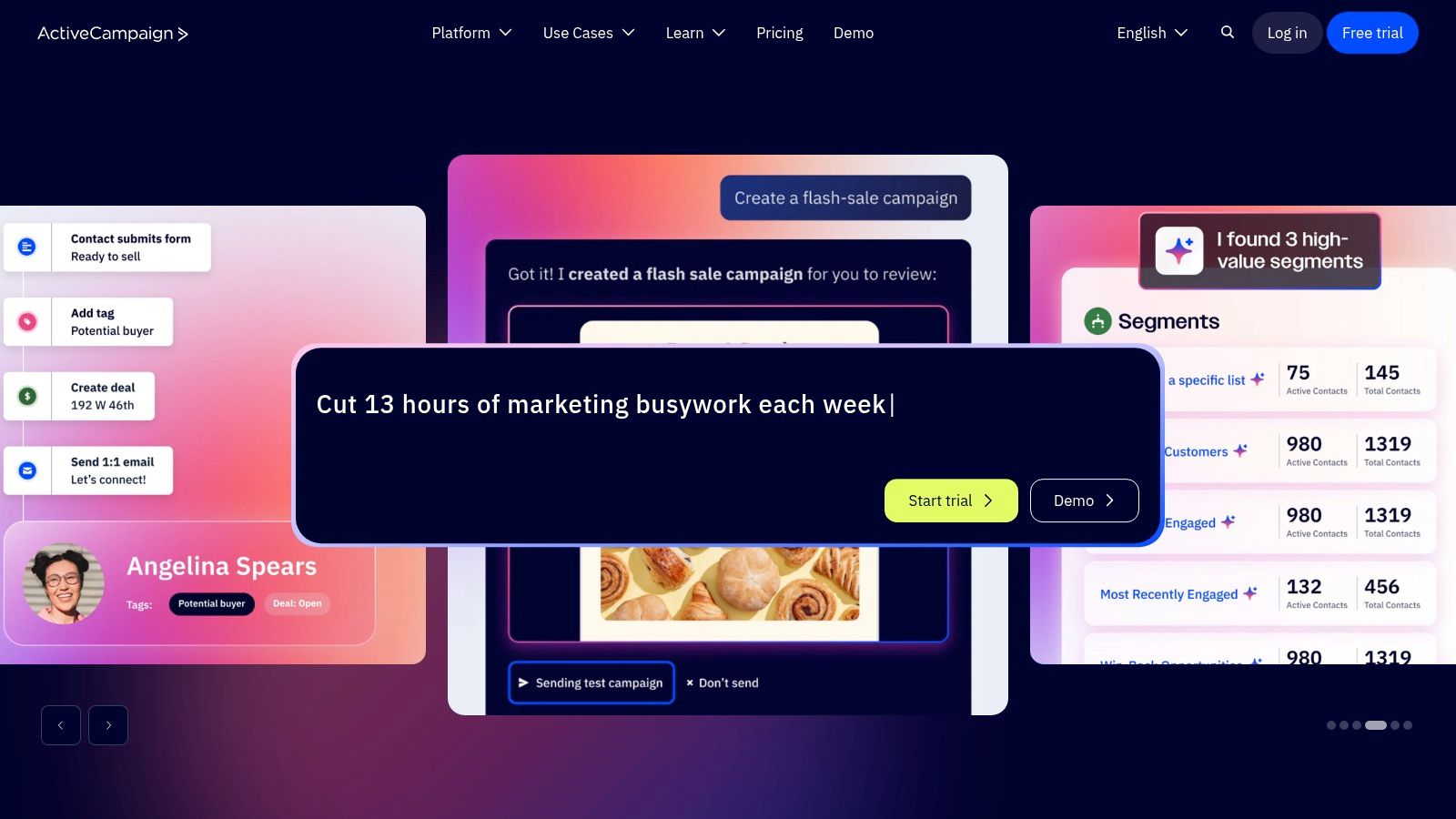
Unlike many platforms that focus solely on email, ActiveCampaign integrates its automation engine with a built-in CRM, site tracking, and multi-channel messaging including SMS and WhatsApp. This allows teams to trigger workflows from a wide range of customer actions, such as visiting a specific webpage, opening a sales deal, or abandoning a shopping cart. The platform’s ability to manage both marketing and sales processes within the same automation flow provides a unified view of the entire customer lifecycle.
Key Features & Considerations
- Best For: E-commerce businesses, agencies, and SMBs that need sophisticated automation and segmentation without the enterprise price tag.
- Pros: The platform offers exceptional value for its advanced automation capabilities. It supports GBP billing, provides free migration assistance from other platforms, and features a robust agency partner programme with discounts for resellers.
- Cons: The pricing structure can become complex as it varies by contact count, feature tiers, and optional add-ons for channels like SMS. Some advanced reporting and analytics features are reserved for higher-tier plans.
- Pricing: Plans start at £25/month (Lite), £41/month (Plus), and £129/month (Professional), billed annually for 1,000 contacts.
Website: https://www.activecampaign.com
6. Zapier
Zapier acts as the essential connective tissue for a modern martech stack, allowing marketers to automate workflows between otherwise disconnected applications without writing a single line of code. Its strength lies in its simplicity and sheer breadth of integrations. It enables you to build custom "Zaps" that trigger actions in one app based on events in another, effectively stitching together disparate marketing workflow tools into a cohesive, automated system.
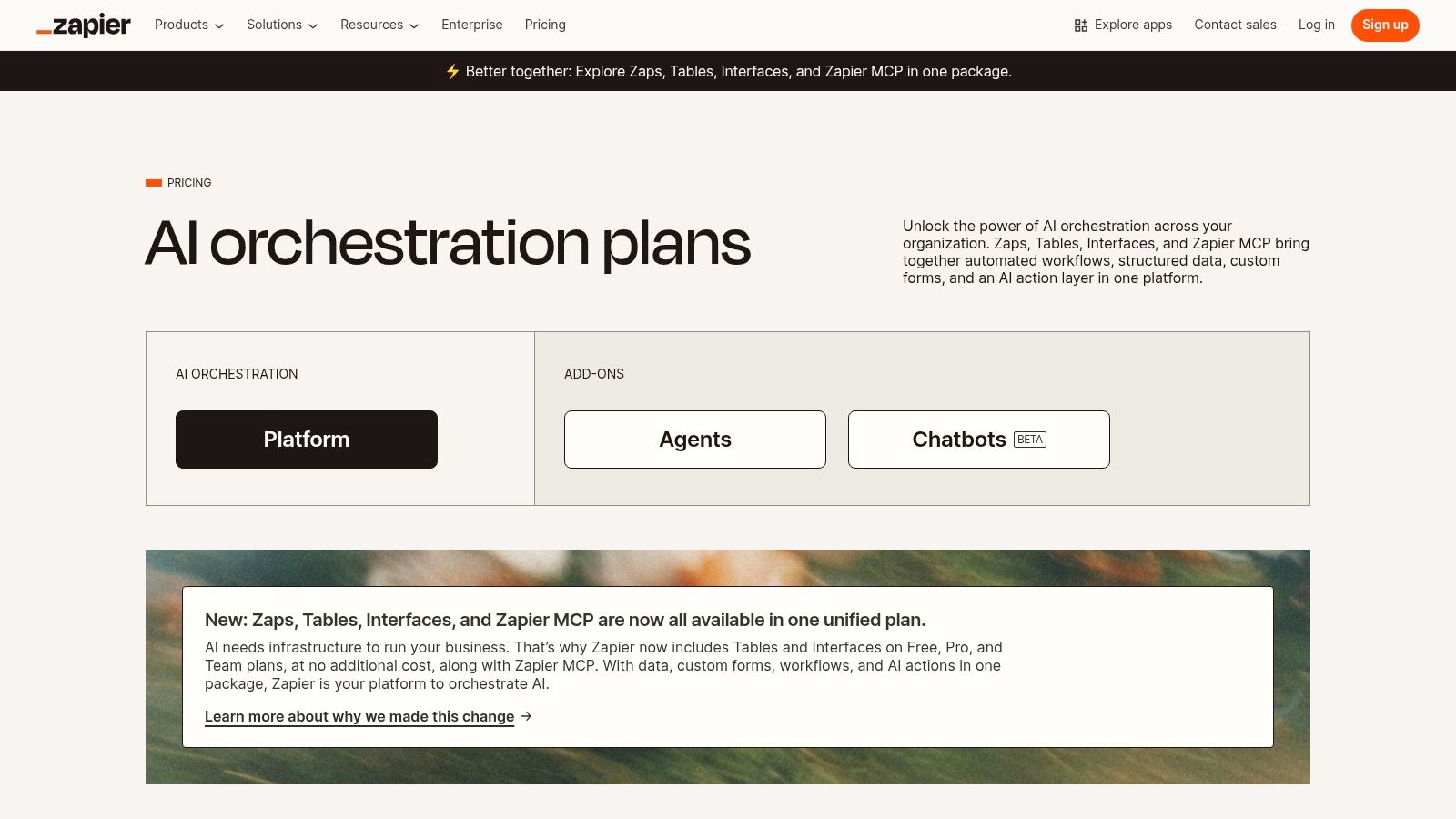
Unlike comprehensive platforms that lock you into their ecosystem, Zapier provides unparalleled flexibility to connect best-in-class tools for each specific function. For instance, a new lead from a Facebook Lead Ad can automatically be added to a Mailchimp list, create a contact in a CRM like Pipedrive, and trigger a Slack notification for the sales team. This type of rapid-fire automation is a core component of many modern marketing strategies, and you can learn more about its role in growth hacking and how it accelerates processes.
Key Features & Considerations
- Best For: Marketing teams using a diverse stack of specialised tools who need a fast and reliable way to connect them without developer resources.
- Pros: Its massive library of over 5,000 app integrations is unmatched, making it incredibly versatile. Prototyping and deploying automations can be done in minutes, dramatically speeding up workflow implementation.
- Cons: The task-based pricing model can become very expensive at high volumes, and complex, multi-step Zaps can sometimes be challenging to troubleshoot if an error occurs mid-workflow.
- Pricing: A free plan with limited tasks is available. Paid plans start at £15.99/month (Starter), £39.49/month (Professional), and £71.74/month (Team), billed annually.
Website: https://zapier.com/pricing
7. Make (formerly Integromat)
Make, formerly known as Integromat, is a powerful visual automation platform that excels at connecting disparate applications and services into complex workflows. Its core strength lies in its granular, operation-based model, which offers unparalleled control and transparency for technical marketers. Rather than abstracting the process, Make allows you to build intricate scenarios with routers, filters, and error handlers, making it ideal for API-heavy tasks and custom data transformations.
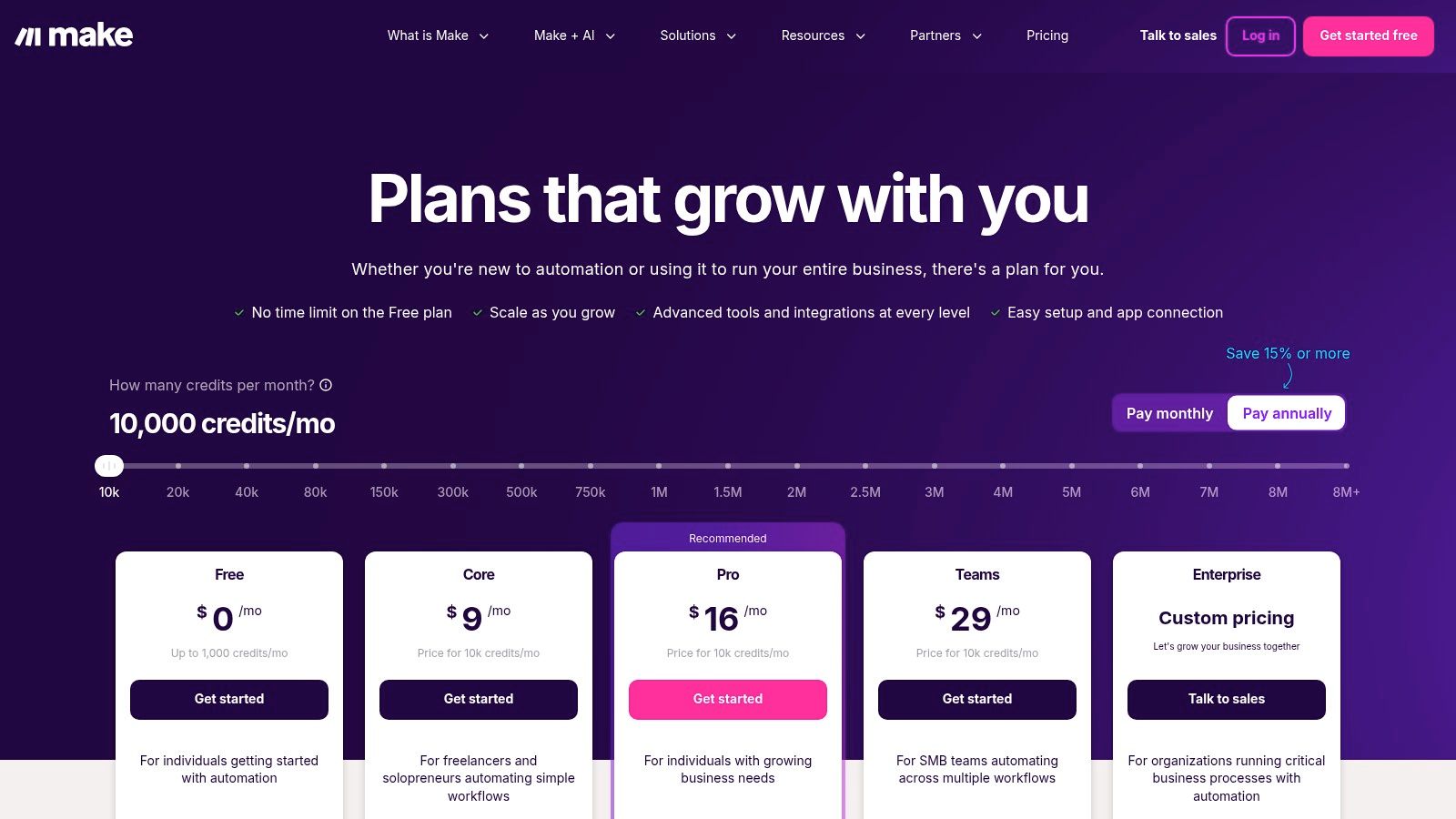
Unlike simpler iPaaS (Integration Platform as a Service) tools, Make provides detailed logs for every single operation, allowing for precise debugging when a workflow fails. This makes it one of the most robust marketing workflow tools for teams that need to build reliable, high-volume automations, such as syncing leads from multiple ad platforms into a CRM or processing survey results in real time.
Key Features & Considerations
- Best For: Marketing operations teams and technical marketers who need to build complex, multi-step API integrations and data-heavy workflows without extensive coding.
- Pros: The per-operation pricing model is often more cost-effective for high-volume tasks compared to competitor plans. Its detailed execution history and debugging tools are invaluable for troubleshooting complex automation chains.
- Cons: The platform has a slightly steeper learning curve than more user-friendly alternatives. Key features like minimum run intervals and the number of operations vary significantly between pricing tiers, requiring careful planning.
- Pricing: A free plan is available for up to 1,000 operations/month. Paid tiers are Core at $9/month, Pro at $16/month, and Teams at $29/month, with Enterprise options available.
Website: https://www.make.com/pricing
8. monday.com for Marketing
monday.com positions itself as a "Work OS," and its marketing solution is a powerful, flexible platform for managing campaigns, content, and cross-team collaboration. Its core strength is the visual and highly customisable nature of its boards, which can be adapted to almost any marketing workflow, from content calendars to event planning and campaign tracking. This makes it an ideal central hub for teams that need to coordinate complex projects with multiple stakeholders.
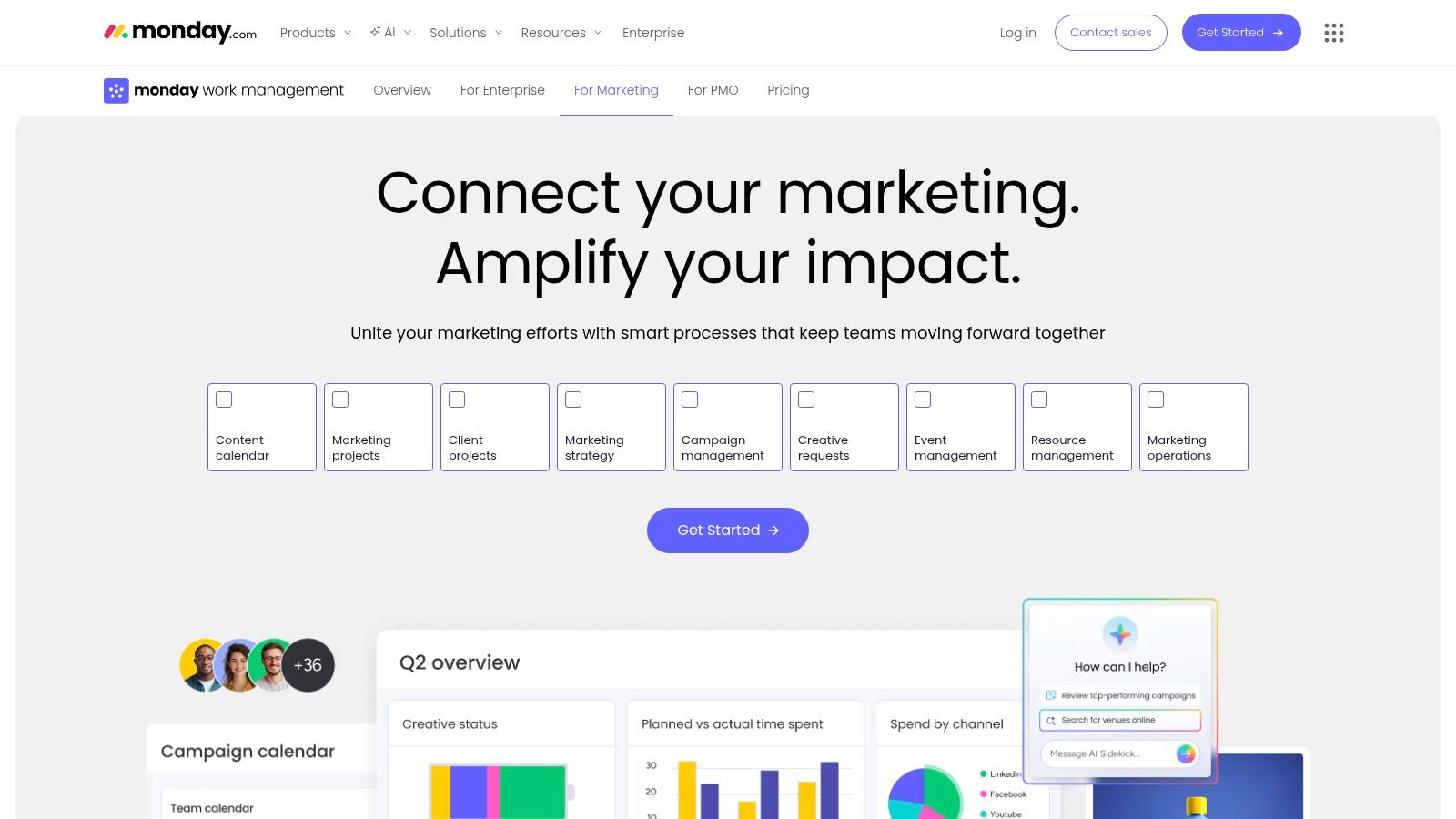
Unlike more rigid project management tools, monday.com allows teams to switch between Kanban, Gantt, and timeline views effortlessly. It also offers a dedicated add-on for email marketing, turning the platform into a more integrated campaign management system. For teams looking to centralise their planning, a strong foundation is key, and you can get started with a solid marketing campaign planning template to structure your projects effectively.
Key Features & Considerations
- Best For: Marketing and creative teams that require a highly visual and customisable tool for campaign management and cross-functional collaboration.
- Pros: The platform is incredibly flexible and easy to adopt, with over 200 templates to get started quickly. Its strong mobile apps and clear per-seat pricing make it accessible for teams of all sizes.
- Cons: The most powerful automations and integrations are reserved for higher-tier plans, which can become costly. The monday sales CRM and Campaigns add-on for email are priced separately, increasing the total investment.
- Pricing: A free plan is available for individuals. Paid plans start at £9/seat/month (Basic), £11/seat/month (Standard), and £18/seat/month (Pro), billed annually.
Website: https://monday.com/marketing
9. Asana for Marketing
Asana for Marketing excels at work orchestration, moving beyond simple task management to provide a holistic view of creative and campaign workflows. Its strength is in structuring cross-functional projects, from initial creative briefs and approvals to final campaign launch. By combining visual tools like lists, Kanban boards, and timelines with powerful automation rules, it provides clarity for complex, multi-stakeholder marketing initiatives.
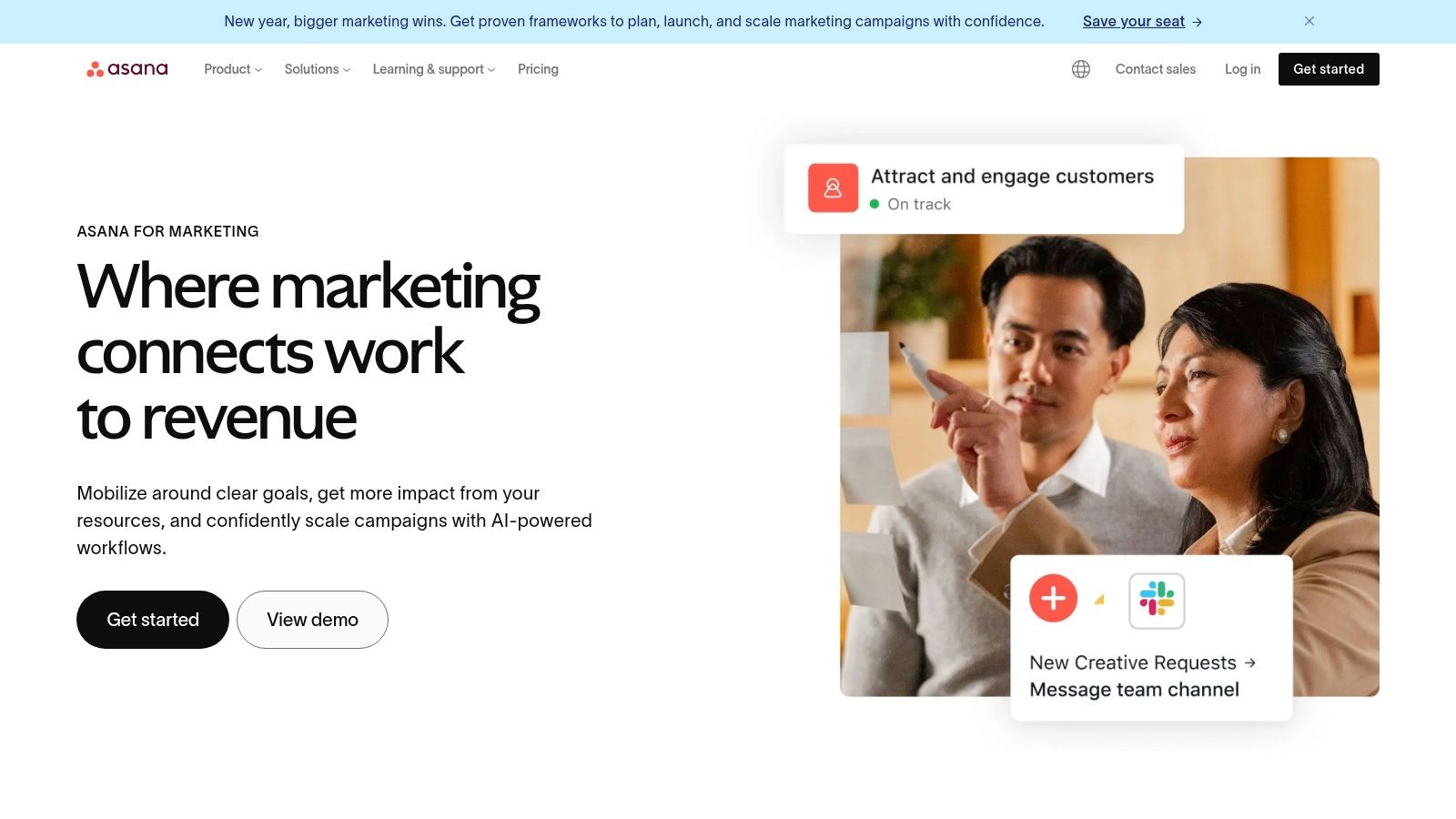
Unlike generic project management tools, Asana is tailored for marketing teams with features for proofing, structured intake forms, and portfolio management. The recent introduction of AI assistants and the 'AI Studio' further enhances its capabilities, helping teams summarise tasks, generate project briefs, and identify potential bottlenecks. This focus on both process and visibility makes it one of the most versatile marketing workflow tools for campaign execution.
Key Features & Considerations
- Best For: Marketing and creative teams that manage a high volume of projects and require strong cross-functional collaboration and visibility for leadership.
- Pros: The platform provides excellent campaign and portfolio-level visibility, making it easy for leaders to track progress against goals. Its intuitive user interface and extensive template library simplify onboarding and cross-team adoption.
- Cons: Total cost can increase due to seat minimums and plan structures. Key features like approvals, proofing, and advanced reporting are often restricted to the more expensive tiers.
- Pricing: A free Basic plan is available. Paid plans start at £9.49/user/month (Premium), £21.99/user/month (Business), and custom pricing for Enterprise, all billed annually.
Website: https://asana.com/teams/marketing
10. Airtable for Marketing
Airtable elevates the humble spreadsheet into a powerful, relational database, offering marketing teams an operational layer to manage complex workflows. It excels at organising campaigns, creative assets, and marketing requests by combining the flexibility of a database with the user-friendliness of a spreadsheet. This makes it an indispensable tool for marketing operations that need a customisable, central hub for all their activities.
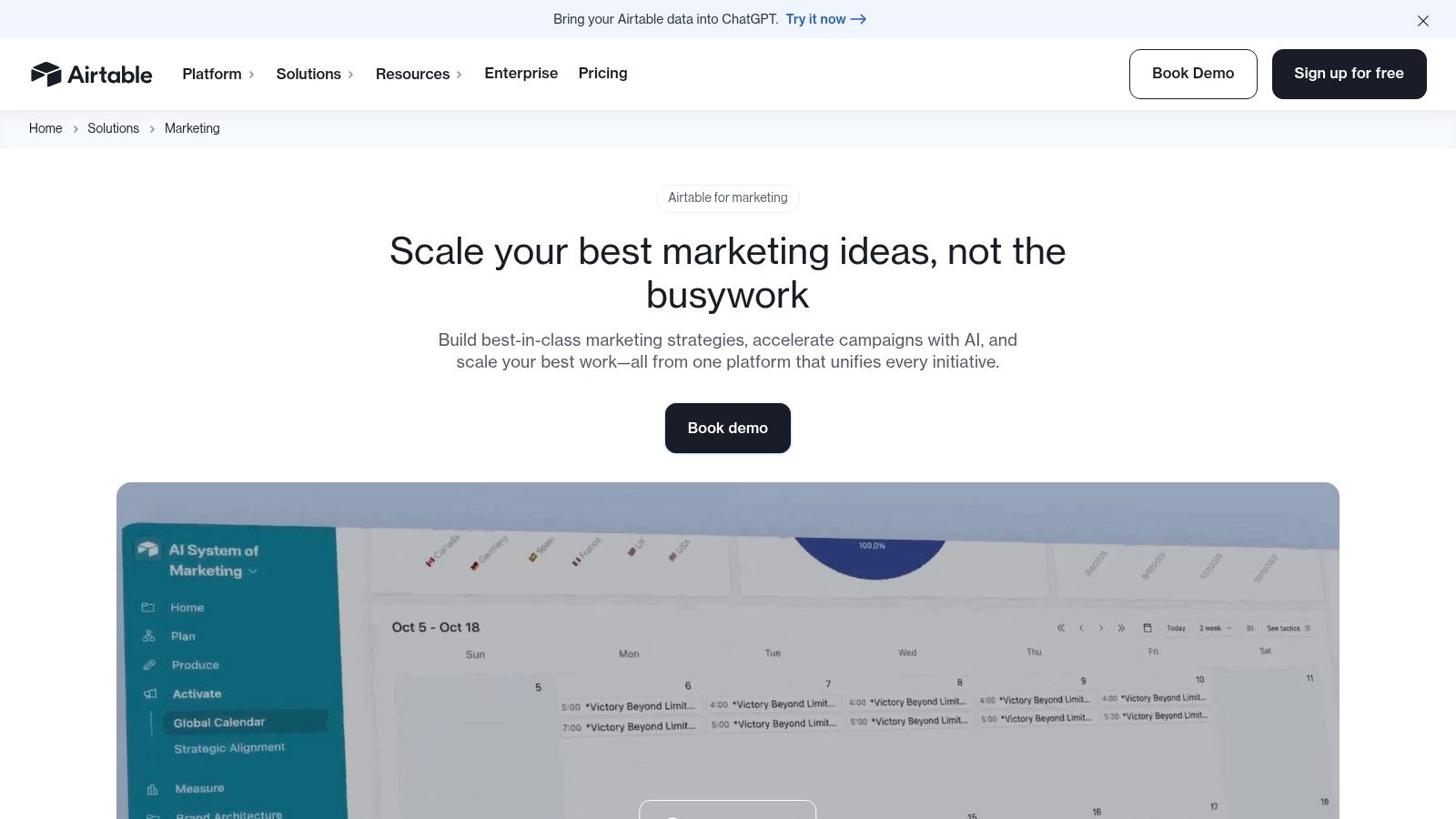
Unlike rigid project management tools, Airtable allows you to build your ideal workflow from the ground up or adapt one of its many marketing templates. Its strength lies in creating interconnected "bases" that can be viewed as calendars, Gantt charts, or Kanban boards, all powered by the same underlying data. This adaptability makes it one of the most versatile marketing workflow tools for teams that need to design their own systems.
Key Features & Considerations
- Best For: Marketing operations (MOPs) teams and managers who need to build a bespoke system for campaign planning, content calendars, and asset management.
- Pros: The platform is highly customisable to a team’s specific workflow, scaling from simple task lists to comprehensive MOPs databases. Its robust reporting and stakeholder-facing "Interfaces" provide clear visibility for the entire organisation.
- Cons: The pricing can become expensive as you add more collaborators or hit usage limits on automations and records per base. More complex setups may require a dedicated administrator to build and maintain.
- Pricing: A free plan is available with limitations. Paid plans include Team at £16/seat/month and Business at £36/seat/month, billed annually. Enterprise pricing is also available.
Website: https://airtable.com/solutions/marketing
11. Smartsheet (Marketing solution)
Smartsheet elevates the familiar spreadsheet concept into a powerful enterprise work management platform, perfectly suited for marketing teams managing complex projects and content pipelines. Its core strength is its flexibility, offering grid, Gantt, board, and calendar views that can be customised to track anything from campaign progress to creative asset production. For organisations needing robust portfolio rollups and resource controls, it provides a structured yet adaptable environment.
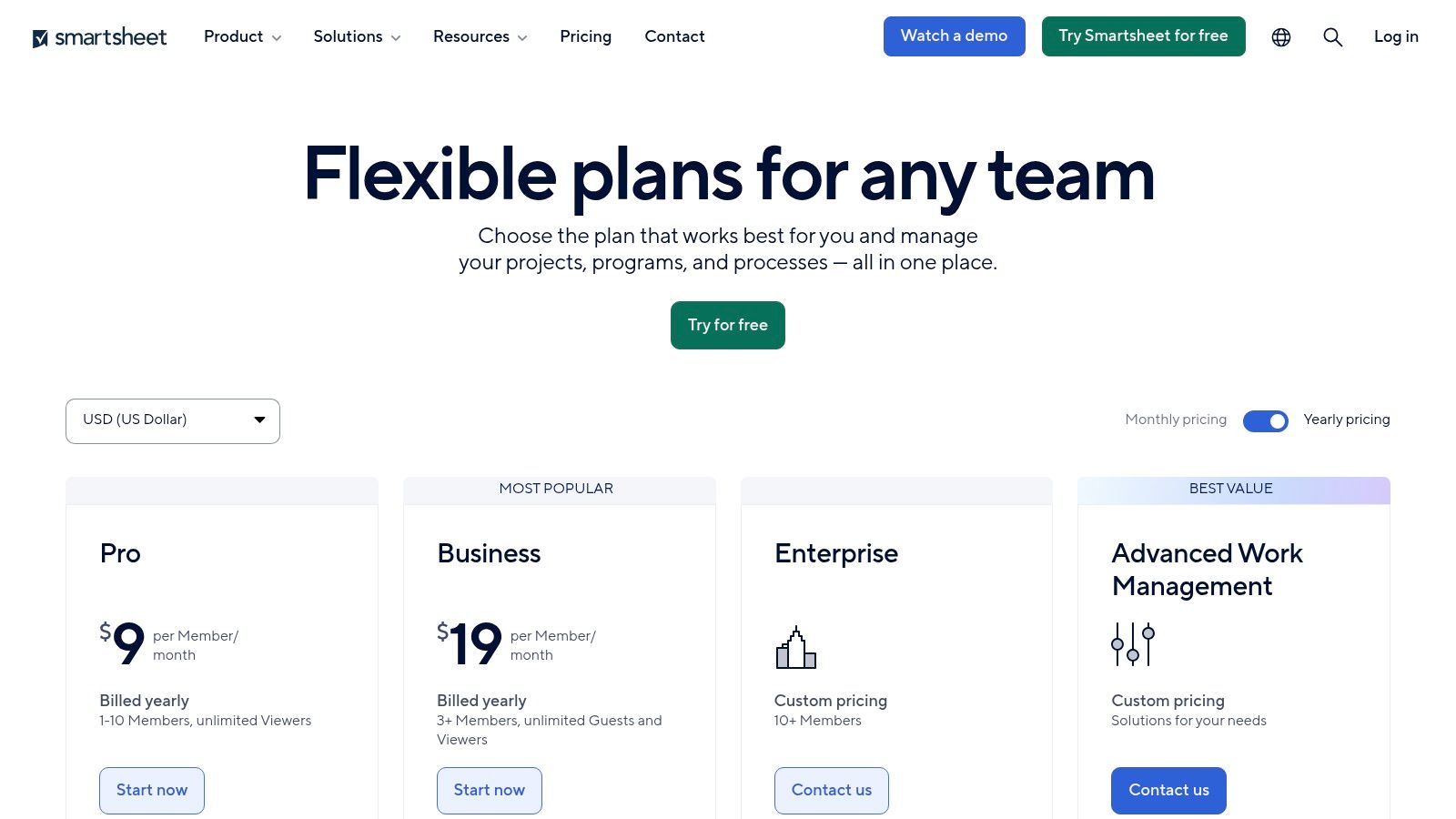
Unlike simpler project management tools, Smartsheet is built for enterprise-level governance and scale, incorporating features like automations, proofing, and forms directly into its sheets. With powerful add-ons like Brandfolder for digital asset management (DAM) and advanced resource management tools, it can become the central hub for creative operations, making it one of the most scalable marketing workflow tools for content-heavy teams.
Key Features & Considerations
- Best For: Large marketing departments and creative operations teams that require a highly configurable platform with enterprise-grade security, governance, and resource management.
- Pros: The spreadsheet-like interface feels familiar, reducing the learning curve for many users. The optional DAM and resource management add-ons create a comprehensive ecosystem for creative workflows, and its transparent multi-currency pricing is a plus for global teams.
- Cons: The total cost can increase significantly with the addition of necessary add-ons like Brandfolder or Resource Management. Its heavier governance capabilities may also necessitate a dedicated administrator to manage the platform effectively.
- Pricing: A free plan is available. Paid tiers include Pro at £7/user/month, Business at £20/user/month, and custom pricing for Enterprise, all billed annually.
Website: https://www.smartsheet.com/pricing
12. Capterra UK — Marketing Automation Category
While not a tool itself, Capterra’s UK-focused directory for marketing automation software is an indispensable resource for the research phase of building a workflow. It acts as a neutral marketplace where you can discover, filter, and compare a vast array of marketing workflow tools tailored for the UK market. Its strength lies in consolidating user reviews, feature grids, and pricing snippets into a single, searchable interface.
This platform allows marketing teams to move from a broad understanding of their needs to a curated shortlist of potential vendors. Instead of visiting dozens of individual sites, you can use its powerful filtering to narrow down options by feature, business size, and industry. For teams undertaking a procurement process, Capterra provides the initial data needed to make informed comparisons and justify technology investments.
Key Features & Considerations
- Best For: Marketing teams in the initial research and vendor shortlisting phase, particularly those needing to compare multiple marketing workflow tools available in the UK.
- Pros: The sheer volume of verified user reviews offers honest insights into the real-world performance of different platforms. The ability to create comparison grids and export shortlists is highly practical for procurement and internal presentations.
- Cons: Feature and pricing information can sometimes be outdated, so it's crucial to verify all details directly on the vendor's website. Sponsored listings can also appear higher in search results, potentially skewing initial perceptions.
- Pricing: Free to use for research and comparison.
Website: https://www.capterra.co.uk/directory/6/marketing-automation/software
12-Tool Marketing Workflow Comparison
| Product | Core features | UX / Quality (★) | Price / Value (💰) | Target audience (👥) | Unique / USP (✨ / 🏆) |
|---|---|---|---|---|---|
| HubSpot Marketing Hub | CRM-connected automation, email, ads, landing pages, app marketplace | ★★★★☆ — polished onboarding | 💰 Mid–High; contacts scale; onboarding fees | 👥 SMB → Enterprise marketing teams | ✨ End-to-end CRM + large partner ecosystem 🏆 |
| Adobe Marketo Engage | Omnichannel journeys, scoring, advanced attribution, enterprise integrations | ★★★★☆ — powerful but complex | 💰 Quote-based (enterprise) | 👥 Complex B2B/B2C programs, large enterprises | ✨ Scalable governance & deep integrations 🏆 |
| Salesforce Marketing Cloud (Account Engagement) | Journey orchestration, AI-assisted campaigns, B2B nurturing, deep CRM tie | ★★★★☆ — enterprise-grade, steep setup | 💰 Enterprise pricing; annual contracts | 👥 Orgs on Salesforce CRM; regulated industries | ✨ Native Salesforce connectivity & security 🏆 |
| Mailchimp | Email journeys, templates, landing pages, reports, optional SMS (UK) | ★★★★☆ — fast to deploy | 💰 Low→Mid; free tier; overage charges | 👥 SMEs and quick-launch marketers | ✨ Large template library; easy setup |
| ActiveCampaign | Visual automation builder, CRM pipeline, site tracking, 1,000+ integrations | ★★★★☆ — feature-rich & approachable | 💰 Good value; tiers by contacts & add-ons; GBP billing | 👥 Small→Mid agencies, growth-focused teams | ✨ Strong automation value + agency programs |
| Zapier | No-code multi-step automations, huge app library, webhooks | ★★★★☆ — very fast prototyping | 💰 Task-based; free tier; costly at scale | 👥 Marketers needing integration glue | ✨ Massive integrations; rapid deploy |
| Make (formerly Integromat) | Visual scenario builder, routers, granular logs, 3,000+ apps | ★★★★☆ — flexible, ops-focused | 💰 Credit/operation pricing; cost-effective at scale | 👥 API-heavy teams & ops engineers | ✨ Granular debugging & competitive ops pricing |
| monday.com for Marketing | Campaign templates, automations, dashboards, Campaigns email add-on | ★★★★☆ — flexible UI, templates | 💰 Per-seat; add-on pricing for Campaigns | 👥 Cross-team marketing & creative ops | ✨ Work OS with strong templates & views |
| Asana for Marketing | Briefs, calendars, approvals, portfolios, automation rules | ★★★★☆ — simple UI, good visibility | 💰 Per-seat tiers; seat minimums may apply | 👥 Campaign managers & cross-functional teams | ✨ Campaign/portfolio visibility & proofing |
| Airtable for Marketing | Relational bases, automations, interfaces, API & templates | ★★★★☆ — highly customizable | 💰 Scales with collaborators & usage | 👥 MOPs, content ops, PMs needing custom DBs | ✨ No-code relational ops layer |
| Smartsheet (Marketing) | Sheets/Gantt/board, automations, resource mgmt, DAM add-on | ★★★★☆ — spreadsheet familiarity at scale | 💰 Per-user + add-ons (DAM, Control Center) | 👥 Content-heavy enterprise marketing teams | ✨ Enterprise resource controls & DAM |
| Capterra UK — Marketing Automation | UK directory, reviews, feature grids, vendor links | ★★★☆☆ — depends on listings | 💰 Free to use for buyers | 👥 UK buyers & procurement teams | ✨ Fast shortlist + UK-focused reviews |
Choosing the Right Workflow Engine for Your Marketing Team
Navigating the expansive landscape of marketing workflow tools can feel overwhelming, but making an informed choice is a strategic imperative that directly fuels your team’s efficiency and campaign success. We have explored a range of powerful platforms, from all-in-one automation giants like HubSpot and Adobe Marketo Engage to agile project management hubs such as monday.com and Asana. The key takeaway is that there is no single "best" tool; there is only the best tool for your specific context.
The journey to finding your ideal solution begins not with product demos, but with a thorough internal audit. Before you even look at pricing tiers, you must first understand the friction points in your current operations. Where do bottlenecks consistently appear? Is it in the content creation and approval cycle, the hand-off of qualified leads to the sales team, or the cumbersome process of aggregating data for performance reports?
A Strategic Framework for Your Decision
Once you have identified your primary challenges, you can start to evaluate the marketing workflow tools we have detailed through a more strategic lens. Consider these crucial factors to guide your selection process:
- Business Size and Complexity: An enterprise with a complex B2B sales cycle will have needs far different from a small e-commerce business. Salesforce Marketing Cloud offers deep, enterprise-grade capabilities, whereas Mailchimp or ActiveCampaign provide accessible and powerful solutions perfect for SMEs.
- Core Functionality vs. Integration Power: Do you need a centralised platform that does everything, or a flexible 'glue' to connect your existing, best-in-class tools? A platform like HubSpot aims to be your single source of truth, while Zapier or Make excel at creating a custom-built, interconnected ecosystem from the apps you already love.
- Scalability and Future Growth: The tool you choose today must be able to support your ambitions for tomorrow. Evaluate not just the features you need now, but also the advanced capabilities you might grow into. Does the platform have a clear upgrade path that aligns with your business goals?
- Team Adoption and Usability: The most powerful software is useless if your team finds it too complicated to use. The intuitive, visual interfaces of platforms like Airtable or monday.com often lead to higher adoption rates. Always prioritise a tool your team will consistently and happily use.
Your Actionable Next Steps
To move from analysis to action, follow this simple implementation plan. First, map out your ideal future-state workflow on paper. What does a frictionless campaign launch look like? Then, use that map to shortlist two or three platforms from this article that most closely align with your vision.
Crucially, you must then leverage free trials or book live demos. This is a non-negotiable step. Use this trial period to replicate a real-world project or workflow, involving the team members who will use the tool daily. This hands-on experience will reveal more about a tool's suitability than any feature list ever could.
Ultimately, investing in the right marketing workflow tools is an investment in your team’s capacity to innovate and execute. By removing operational friction, you free up valuable time and cognitive energy, allowing your marketers to focus on what they do best: creating compelling campaigns that drive meaningful growth. The right platform will not just organise your tasks; it will become the engine that powers your entire marketing strategy forward.
Struggling to build the perfect tech stack? Finding the right tools is only half the battle. The Digital Marketing Toolbox is a comprehensive resource hub that helps you discover, compare, and integrate the best software for your specific needs, moving beyond individual tools to help you build a truly powerful and streamlined growth engine. Explore The Digital Marketing Toolbox to find your perfect fit.


